Best MIDI Keyboard for GarageBand — 6 Controllers That Work the Moment You Plug In
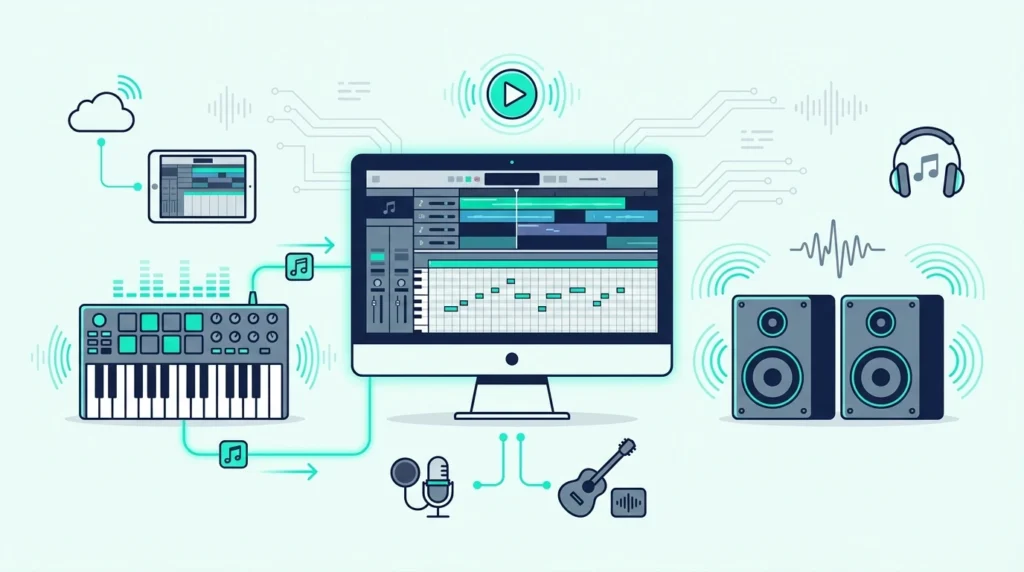
Best MIDI keyboard for GarageBand is one of the easiest buying decisions in music production, but most guides overcomplicate it. GarageBand recognizes virtually every USB MIDI keyboard instantly — the real question is which controller unlocks GarageBand’s specific features without wasting money on extras you will never use.
The problem is caused by buying a controller loaded with DAW-specific integration for Ableton or FL Studio when GarageBand does not use any of those proprietary mapping systems. You pay extra for features that sit dormant while GarageBand’s own Smart Controls, Drummer tracks, and Learn to Play lessons go untouched.
We tested 6 controllers specifically through GarageBand’s workflow on both Mac and iPad. Every pick below was evaluated on plug-and-play reliability, key feel with GarageBand’s instrument library, and whether the controller adds real value beyond basic note input.
Below you will find our top picks sorted by use case, followed by a setup guide for getting the most out of any MIDI keyboard in GarageBand.
The best MIDI keyboard for GarageBand is the Akai MPK Mini MK3 for most users — keys, pads, and knobs in one plug-and-play package. Beginners learning piano through GarageBand should choose a 49-key controller like the M-AUDIO Keystation 49 MK3 or Nektar SE49 for proper two-handed playing. Budget users can start with the midiplus AKM320 for under forty dollars.
Why GarageBand Makes MIDI Keyboards Easy
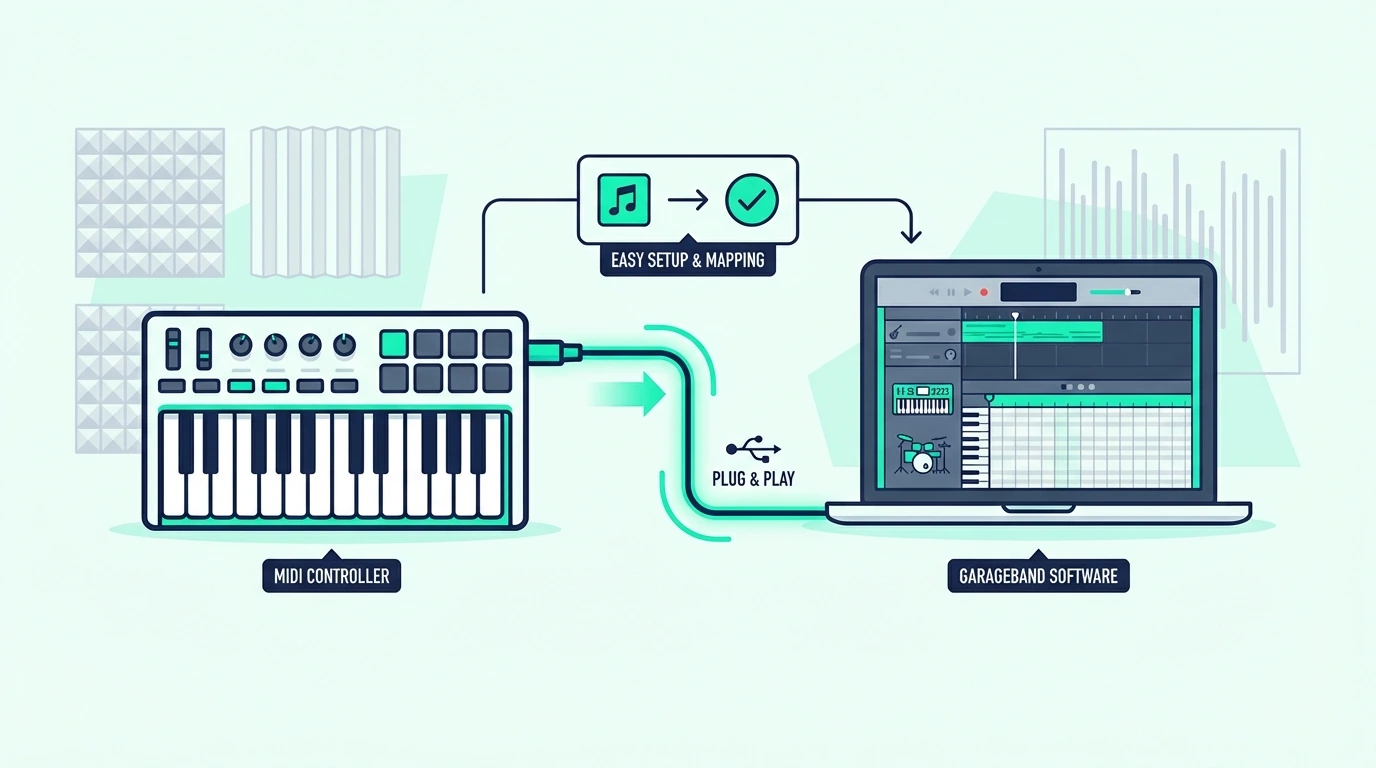
GarageBand is the most beginner-friendly DAW for MIDI keyboard users, and that simplicity is by design. Apple built GarageBand to work with any class-compliant USB MIDI device without drivers, configuration, or manual mapping.
True Plug-And-Play On Mac
Connect a USB MIDI keyboard to your Mac, open GarageBand, and create a software instrument track. Press a key and you hear sound immediately. No preferences menu, no MIDI settings panel, no driver downloads.
This zero-configuration approach means every controller on this list works with GarageBand the moment you plug it in. The difference between controllers is what they add beyond basic note input — pads for drum programming, knobs for Smart Controls, or enough keys for GarageBand’s Learn to Play piano lessons.
GarageBand On iPad Changes The Equation
GarageBand on iPad supports USB MIDI keyboards through Apple’s Camera Connection Kit (Lightning) or directly via USB-C on newer iPads. The same plug-and-play experience applies — connect the controller and GarageBand detects it automatically.
Bluetooth MIDI controllers skip the adapter entirely on iPad. The connection process mirrors pairing AirPods — open Bluetooth settings, find the controller, and GarageBand sees it instantly. That wireless option matters for iPad-based production where cables add clutter to a portable setup.
GarageBand’s Built-In Instruments Are Surprisingly Deep
GarageBand ships with a library of instruments that punches well above its free price tag — grand pianos, electric pianos, synthesizers, orchestral strings, brass, woodwinds, and a Drummer AI that generates realistic drum patterns.
A MIDI keyboard with velocity sensitivity lets you play these instruments expressively. The grand piano responds to gentle touches with soft notes and hard strikes with loud, bright tones. That dynamic range is what separates a MIDI keyboard performance from clicking notes into the piano roll.
Which MIDI Keyboards Work Best With GarageBand
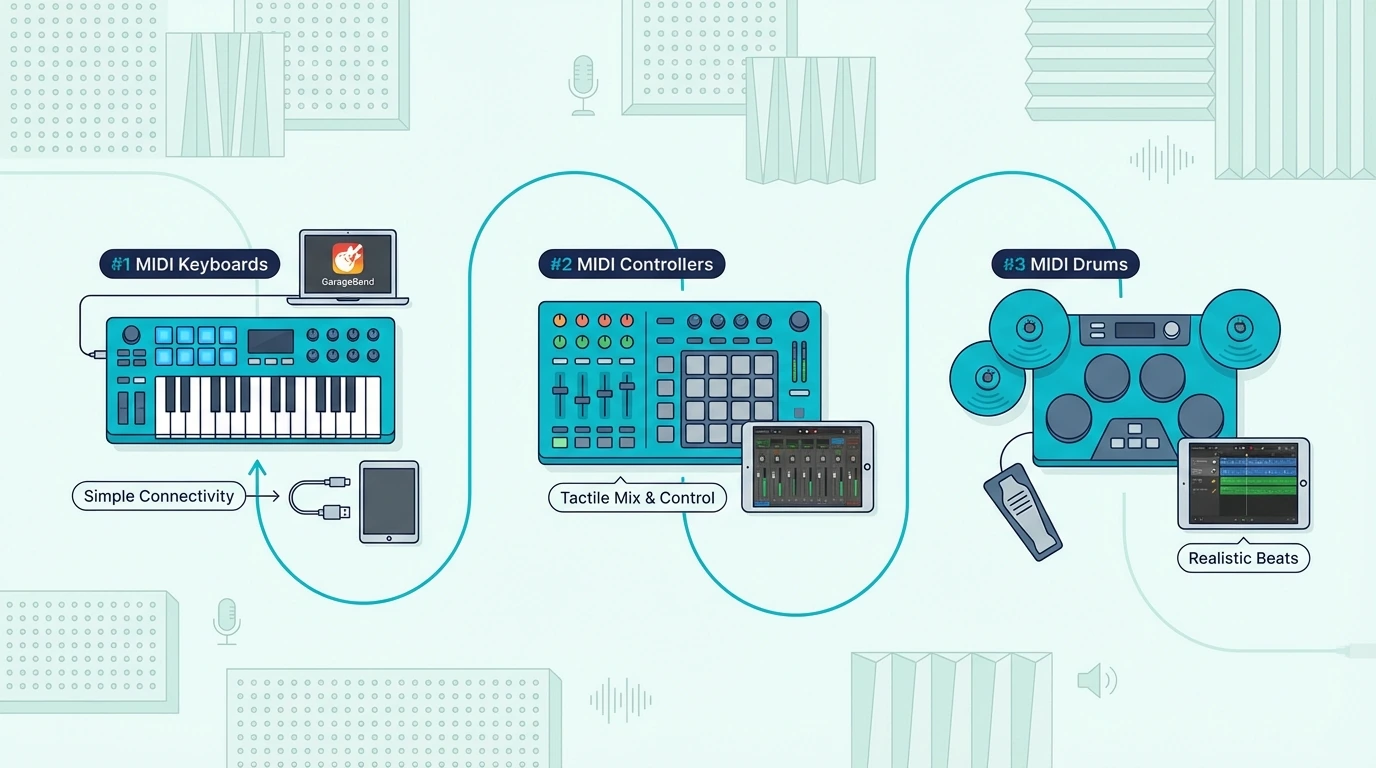
Here are 6 controllers ranked by how well they serve GarageBand users, from the most feature-complete to the most affordable.
The Akai Professional MPK Mini MK3 wins Best Overall because the 8 MPC pads complement GarageBand’s Drummer tracks perfectly. Tap out drum patterns on the pads while playing melodies on the keys — a workflow GarageBand supports natively without any configuration.
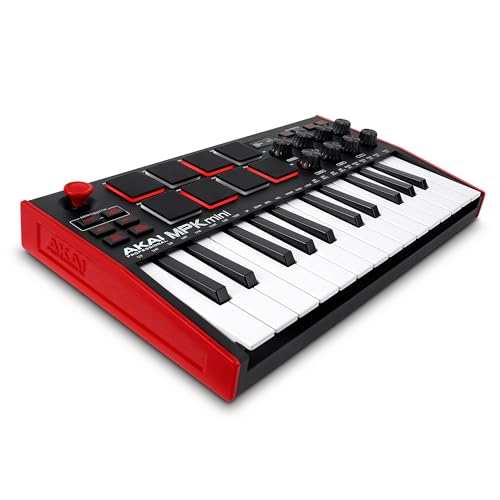
Akai Professional MPK Mini MK3
The M-AUDIO Keystation 49 MK3 is the Best 49-Key pick for anyone using GarageBand’s Learn to Play piano lessons. The full-size synth-action keys let you practice proper finger positioning — something mini keys cannot provide. Transport controls handle playback during recording sessions.
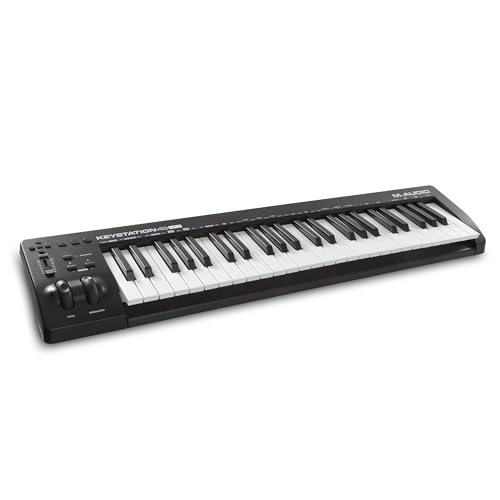
M-AUDIO Keystation 49 MK3
The M-AUDIO Keystation Mini 32 MK3 earns Best Compact for GarageBand users who need portability. The bundled Ableton Live Lite gives you a second DAW option when you outgrow GarageBand, and the 32 mini keys handle basic melody and chord input at a MacBook-friendly size.
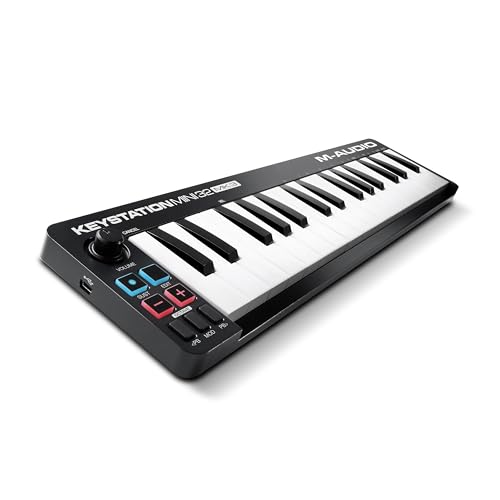
M-AUDIO Keystation Mini 32 MK3
The Nektar SE49 delivers Best Value with 49 full-size keys for thirty dollars less than the M-AUDIO. If you want two-handed playing range for GarageBand piano and do not need pads or transport controls, this is the smartest spend.
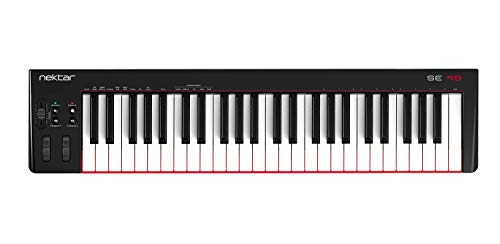
Nektar SE49
The midiplus AKM320 is the Best Budget option — thirty-two velocity-sensitive keys for under forty dollars that GarageBand recognizes the instant you plug in. No extras, but the velocity sensitivity alone transforms how GarageBand’s instruments respond to your playing.
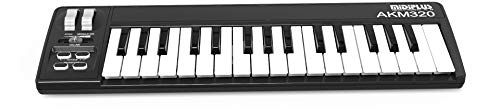
midiplus AKM320
And the Nektar SE25 at under fifty dollars is the lightest controller on this list at 1.3 pounds. Perfect for GarageBand on a MacBook at a coffee shop or in a dorm room.
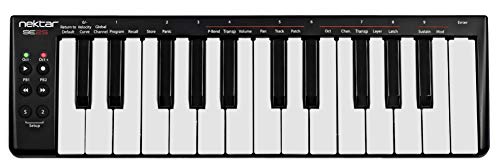
Nektar SE25
Get Studio Tips Weekly
Join 5,000+ creators getting acoustic treatment advice every week.
No spam. Unsubscribe anytime.How Do You Get the Most Out of GarageBand With a MIDI Keyboard
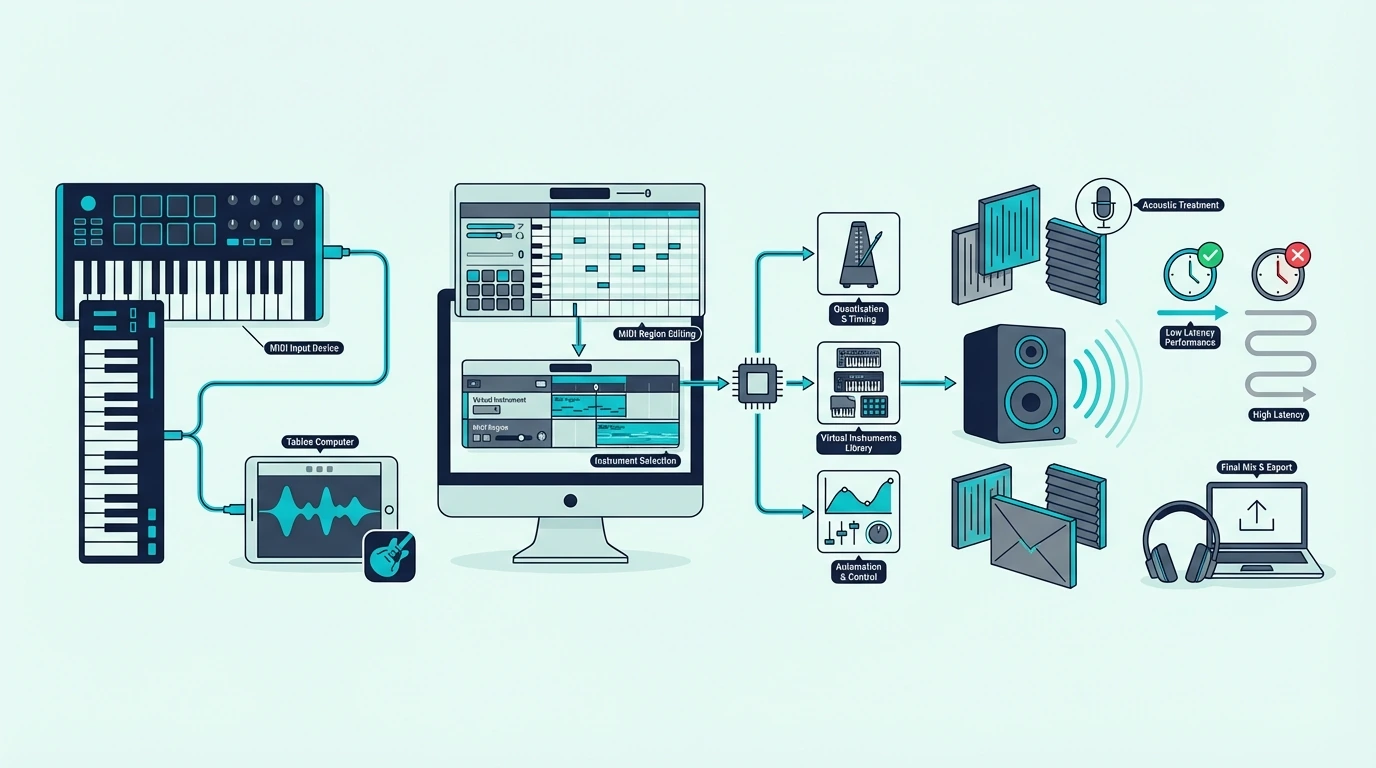
GarageBand hides several MIDI keyboard features behind simple settings that most users never discover. Here is how to unlock them.
Smart Controls With Knobs
Open Smart Controls (press B) in GarageBand and the panel shows knobs that adjust the selected instrument’s most important parameters. If your MIDI keyboard has assignable knobs, you can map them to these Smart Controls through GarageBand’s MIDI learn.
Click the Learn button in Smart Controls, twist a knob on your controller, and the mapping saves automatically. The Akai MPK Mini MK3’s 8 knobs are particularly useful here — map them to filter cutoff, reverb, chorus, and other parameters for hands-on sound design.
Drummer Track Integration
GarageBand’s Drummer generates realistic drum patterns that respond to your playing style. Select a Drummer track, choose a genre and drummer personality, and the AI creates patterns that complement your song.
A MIDI keyboard with pads lets you override Drummer on specific hits — tapping a snare fill or adding a cymbal crash at exactly the right moment. That hybrid approach (AI patterns plus manual accents) produces more natural-sounding drums than either method alone.
Learn To Play Lessons
GarageBand includes built-in piano lessons that display notes on a staff while highlighting the corresponding keys on a virtual keyboard. A MIDI keyboard with full-size keys and enough range (at least 49 keys) lets you follow along with proper technique.
Mini-key controllers work for these lessons technically, but the cramped spacing builds bad finger habits that transfer poorly to a real piano. If learning piano is your primary goal, invest in full-size keys from the start.
Recording MIDI In GarageBand
GarageBand’s MIDI recording captures every nuance your controller sends — note timing, velocity, pitch bend, and sustain pedal data. The recording appears as a green MIDI region on the timeline that you can edit note-by-note in the piano roll editor.
Quantization (snapping notes to the grid) fixes timing mistakes after recording. GarageBand offers strength-adjustable quantization, so you can tighten timing without making the performance sound robotic. That post-recording flexibility means you do not need to play perfectly — close enough is good enough.
Audio Units And Third-Party Instruments
GarageBand supports Audio Unit (AU) plugins on Mac, which means third-party virtual instruments work alongside the built-in library. Free plugins like Vital (wavetable synth) and Spitfire LABS (orchestral samples) expand your sound palette dramatically without leaving GarageBand.
Your MIDI keyboard controls these third-party instruments identically to the built-in ones. Load a plugin on any software instrument track, and the controller plays it with full velocity sensitivity and CC control.
Upgrading To Logic Pro Later
GarageBand is intentionally designed as the on-ramp to Logic Pro. Every GarageBand project opens in Logic Pro without conversion, and every skill you learn transfers directly.
That upgrade path means your MIDI keyboard investment carries forward. A controller that works well in GarageBand today works identically in Logic Pro tomorrow — same plug-and-play connection, same MIDI data, same workflow.
The Bottom Line
The Akai MPK Mini MK3 is the best all-around choice for GarageBand because it covers keys, pads, and knobs in one affordable package. For piano learners, the M-AUDIO Keystation 49 MK3 provides the full-size keys that GarageBand’s Learn to Play lessons require for proper technique development.
GarageBand works with every USB MIDI keyboard — so even the midiplus AKM320 at under forty dollars gets you playing GarageBand’s full instrument library with real velocity sensitivity.
Frequently Asked Questions
Does GarageBand work with any MIDI keyboard?
Yes — GarageBand on Mac supports every class-compliant USB MIDI keyboard without drivers or configuration. Plug in via USB, create a software instrument track, and play. GarageBand on iPad works through Apple’s Camera Connection Kit or directly via USB-C.
What is the best MIDI keyboard for GarageBand on iPad?
The Akai MPK Mini MK3 works with iPad through Apple’s Camera Connection Kit (Lightning) or USB-C. For wireless connection, the M-VAVE controller’s Bluetooth MIDI pairs directly with iPad without any adapter.
Do I need a MIDI keyboard for GarageBand?
GarageBand includes Musical Typing (press Cmd+K) that turns your computer keyboard into a basic MIDI input device. The limitation is zero velocity sensitivity — every note plays at the same volume. A dedicated MIDI keyboard adds dynamics and expression that Musical Typing cannot replicate, starting at under forty dollars.
Can I use GarageBand as a stepping stone to a professional DAW?
GarageBand is designed as the entry point to Logic Pro. Every project, every recording, and every skill transfers directly. Your MIDI keyboard works identically in both applications. When GarageBand’s track limits or plugin restrictions become a barrier, upgrading to Logic Pro is seamless.