Can You DJ Without a Controller? What Software Allows It
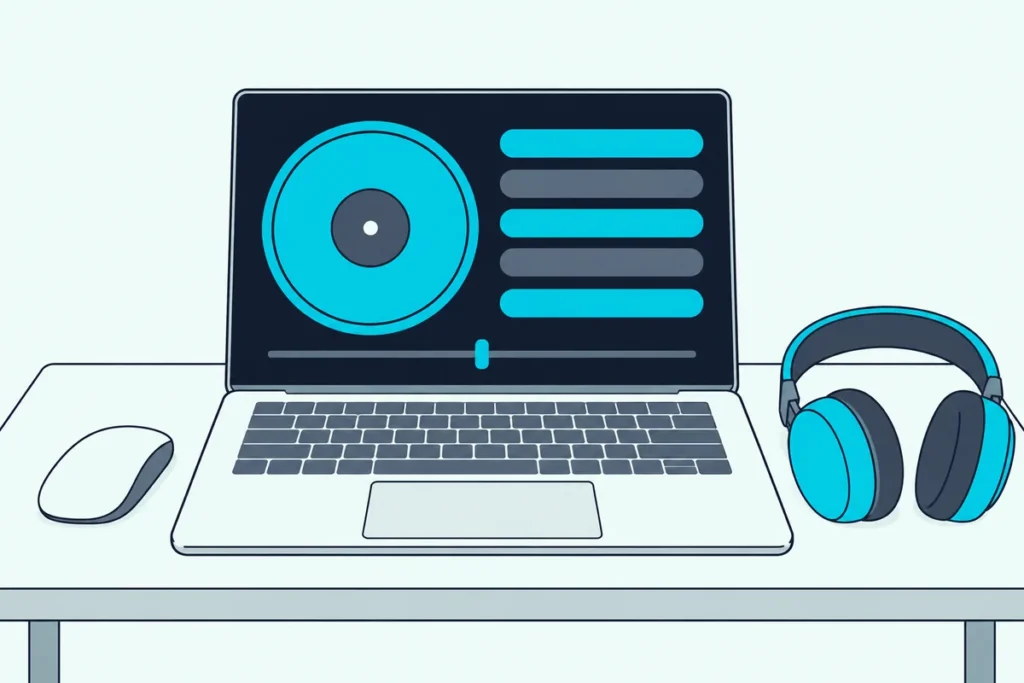
Can you DJ without a controller? Yes, because several DJ programs run from a mouse and keyboard, and some of them are free.
The catch is that without jog wheels and faders, every move becomes a click or a key press, and how much you can do depends on the software.
Once you know which programs allow it, how to drive them from the keyboard and how to cue in headphones, a laptop is enough to learn on.
Below, you’ll see which programs work, how to control them and hear the next track, and when a controller starts to earn its desk space.
Start with the programs, since each one draws the line in a different place.
Can You DJ Without a Controller?
Yes, and the programs below show where the limits sit. Three of them cost nothing to try: Serato DJ, VirtualDJ and Mixxx each let you mix with a mouse and keyboard, with different limits. rekordbox is the exception to check: its Free plan lets you mix on a computer, but controlling Performance mode from DJ equipment takes a paid plan or a Hardware Unlock device.
This table shows where each program stands, based on its maker’s own pages:
| Program | Mixing with just a laptop | Cost, per the maker |
|---|---|---|
| Serato DJ Lite and Pro | Practice Mode with two decks, and the Serato Play expansion adds EQs, effects and more decks | Practice Mode is free, and Play is paid |
| VirtualDJ | Mouse and keyboard control | Free if you aren’t using it professionally or with a controller or mixer |
| Mixxx | Keyboard, mouse or both | Free and open source |
| rekordbox | A Hardware Unlock device controls Performance mode without a paid plan | A free plan, with paid plans above it |
The table hides how different those programs are, so take them one at a time.
Which Programs Let You Mix With Just a Laptop?
Serato, the first row in that table, is the most direct about it. Its DJ Pro page says you can DJ with just your laptop in Practice Mode, a free, basic version of Serato DJ Pro, and that the Play expansion in Serato DJ Suite adds laptop-only features like EQs and more FX (Serato).
Our guide to how Serato works with just a laptop covers both modes in detail. VirtualDJ says it’s free if you aren’t using it professionally and don’t use any professional equipment like a DJ controller or a DJ mixer (VirtualDJ).
If a mixer rather than a controller is what you’d add later, the controller-versus-mixer decision has its own page.
Mixxx is free and open source for Windows, macOS and Linux, and its site says a new DJ with just a laptop can use it (Mixxx). The manual adds that it can be controlled with a keyboard, a mouse, MIDI or HID controllers, time-code records, or a mix of these.
rekordbox works the other way round. AlphaTheta says that connecting a Hardware Unlock device lets you control Performance mode without a paid plan (AlphaTheta), so check its plans page before you count on a free laptop-only setup.
Get Studio Tips Weekly
Join 5,000+ creators getting acoustic treatment advice every week.
No spam. Unsubscribe anytime.How Do You Control DJ Software With a Keyboard and Mouse?
Every program in that table answers this the same way, so learn the pattern once. The Mixxx manual describes it well: with a mouse you drag knobs and faders or roll the mouse wheel over them, and a two-finger click on a MacBook trackpad is often treated as a right click (Mixxx).
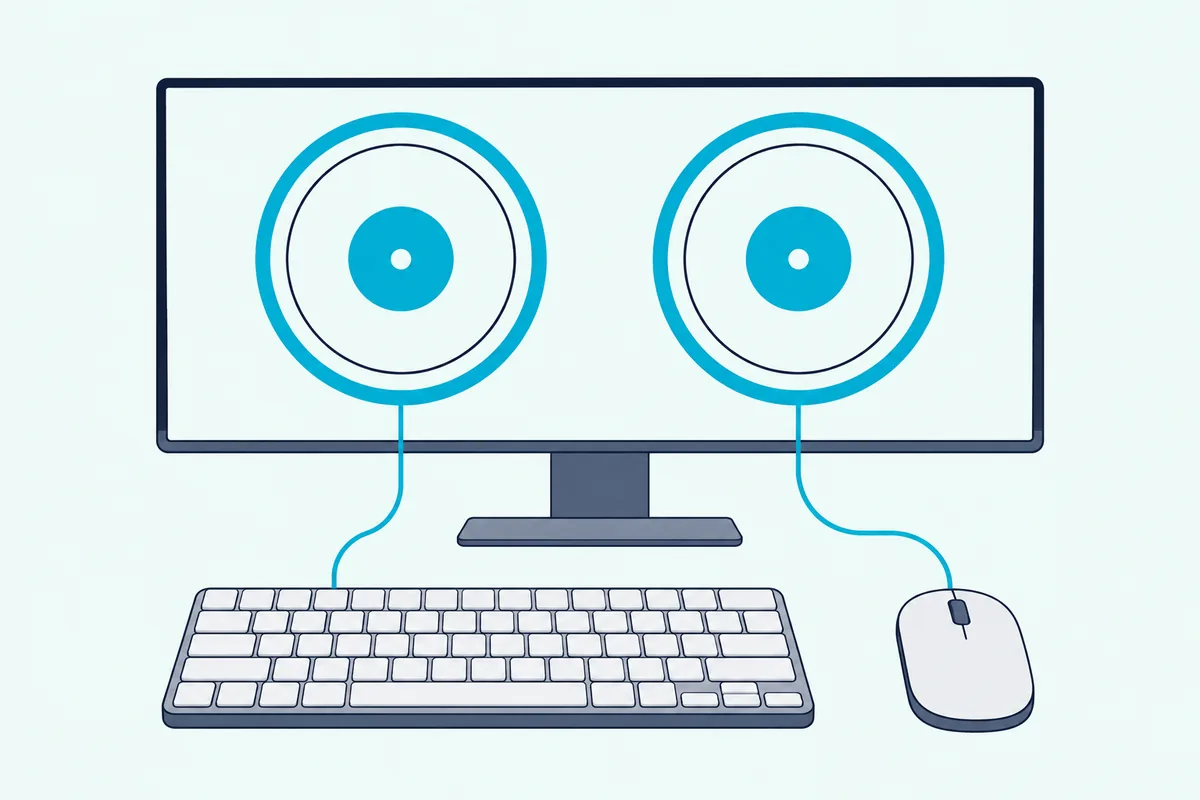
Keys do one thing a mouse can’t. The manual notes that a keyboard lets you manage things at the same time, such as starting deck 1 while stopping deck 2, and its default mapping puts deck 1 on the left half of the keyboard and deck 2 on the right.
Serato follows the same left and right split. In its shortcut list, W plays or pauses the left deck and S the right, and Shift with the left or right arrow loads the selected track (Serato).
Learn the load, play, cue and pitch keys first, and keep the mouse for the crossfader and EQ.
How Do You Hear the Next Track Without a Controller?
Keys start a track, but a DJ also needs to hear the next one before the crowd does. VirtualDJ’s manual gives two ways: send the master and headphone signals to separate sound cards, or split a single stereo output into two mono channels, which needs a Y-splitter adapter or cable (VirtualDJ).
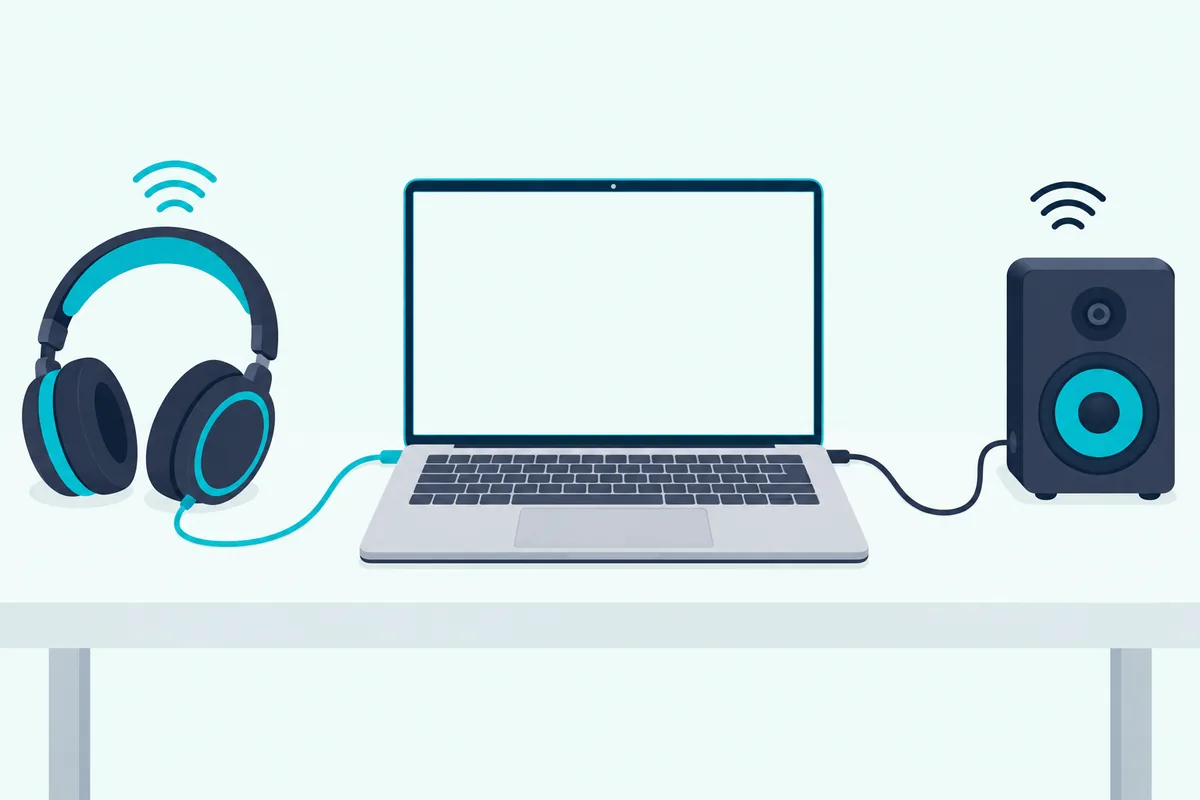
Serato’s Play expansion uses the same splitter idea. It says to plug the left mono lead into your headphones and the right into your speakers, then use each deck’s headphone cue button to pre-listen and the cue level to set the volume (Serato).
A splitter turns each side into a single mono channel, so it’s a workaround rather than a full setup. A second sound card avoids that, at the cost of more gear.
What Do You Give Up Without a Controller?
Both cueing methods work, and they show what a controller normally handles for you. With a mouse you change one control at a time, which is the limit the Mixxx manual points out, and the keyboard only removes part of it.
Some features also depend on how you connect. Serato says recording isn’t available in Practice Mode (Serato), and the Play expansion that adds it can’t be used together with connected hardware.
Serato does call Practice Mode a useful tool for preparing crates, auditioning tracks and mixes, and adding cue points (Serato). That makes a laptop a good place to prepare and learn, while a controller does the live work.
Burton Acoustix’s start-to-finish mix guide shows how that preparation, from analysis and cue points to the track order, turns into a recorded mix.
When Should You Buy a Controller Instead?
The mouse limit and the cueing workaround are the usual reasons people buy one. Our page on buying a DJ controller versus skipping it weighs that choice directly.
Buying also unlocks software. Serato says Lite stays free once you buy a supported controller, AlphaTheta says a Hardware Unlock device controls rekordbox’s Performance mode without a paid plan, and VirtualDJ sells a Home license for entry-level controllers.
If VirtualDJ is the program you pick, our guide to setting up a DJ controller with Virtual DJ explains the 10-minute limit on the free version and what the Home license changes.
If you want the smallest option, the Numark DJ2GO2 Touch sits on top of a laptop and lists Serato DJ Lite, per Numark. Our list of controllers that suit a first setup has larger ones.
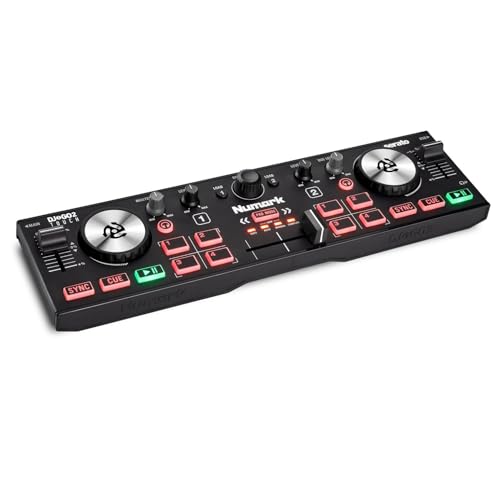
the Numark DJ2GO2 Touch
The Bottom Line
Those limits and workarounds point to one plan: pick Serato’s Practice Mode, VirtualDJ or Mixxx, learn a few keys per deck, and add a splitter cable so you can cue in headphones. Move to a controller when you want to change two things at once with your hands.
Before you download anything, check the maker’s rules for your kind of use. Home use, professional use and controller use are priced differently in several of these programs.
Frequently Asked Questions
Can you DJ on a laptop without buying software?
Yes. Serato’s Practice Mode is free, VirtualDJ says it’s free if you aren’t using it professionally or with a controller or mixer, and Mixxx is free and open source.
Is DJing without a controller good for learning?
It’s good for learning the library and the layout. Serato describes Practice Mode as a tool for preparing crates, auditioning tracks and mixes, and adding cue points.
Do you need headphones to DJ without a controller?
You need a way to cue. VirtualDJ’s manual describes sending headphones to a separate sound card or splitting one stereo output into two mono channels with a Y-splitter cable.
Does rekordbox work without a controller?
AlphaTheta says connecting a Hardware Unlock device lets you use Performance mode without a paid plan, so check its plans page before you rely on a laptop-only setup.
Can you DJ without a controller in Mixxx?
Yes. Mixxx says a new DJ with just a laptop can use it, and its manual describes keyboard and mouse control.