How To Tell If Soundbar Is Bad — Failure Signs, Quick Tests & When To Replace It
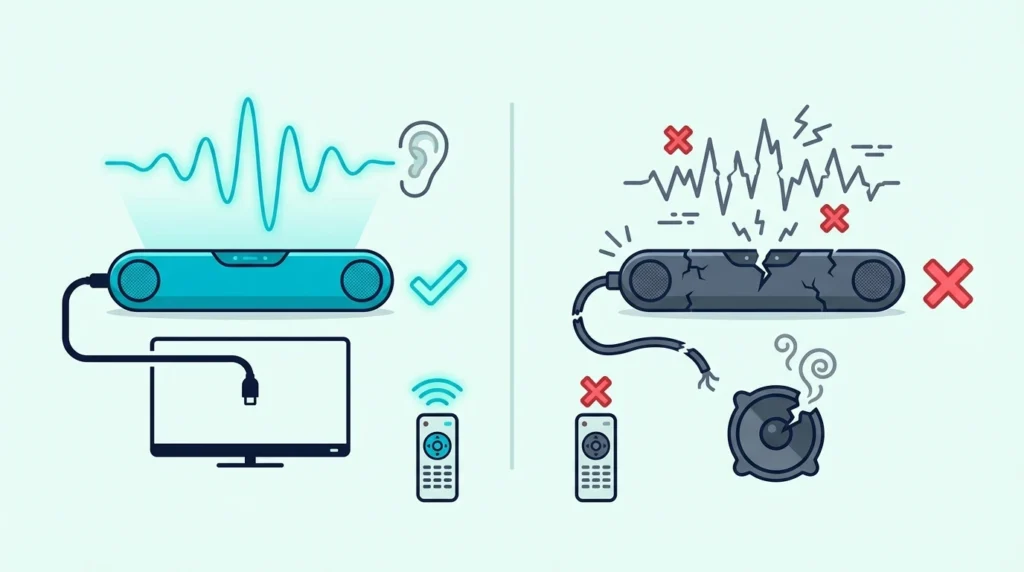
How to tell if soundbar is bad sounds simple, but a soundbar that seems dead is often dealing with the wrong input, a bad HDMI ARC handshake, or TV audio settings that make healthy hardware look broken.
The usual mess looks the same every time: no sound, random cutouts, buzzing, or a bar that powers on but refuses to play audio from the TV. That’s where people either replace a soundbar too early or keep troubleshooting for hours when the hardware is actually failing.
If yours is a Samsung, these Samsung-specific fixes are worth a pass before you decide.
Once you check power behavior, input response, alternate sources, and a fallback cable path in the right order, the answer gets much clearer. You can tell whether the real problem is the soundbar itself or the chain feeding it.
Start by checking whether the soundbar can still power on, switch inputs, and play sound from a second known-good source, because that one test separates a dead bar from a bad setup faster than anything else.
Now that the diagnostic path is clear, let’s walk through how to tell if a soundbar is bad without guessing.
To tell if a soundbar is bad, do not judge it by one failed TV setup alone. A soundbar is more likely truly failing when the same no-power, distortion, dead-controls, or repeated-dropout problem follows it across multiple inputs and sources even after you try a known-good HDMI or optical path; if it still works on another input, the issue is usually the signal chain or settings instead.
How To Tell If Soundbar Is Bad — And Why Does It Matter?
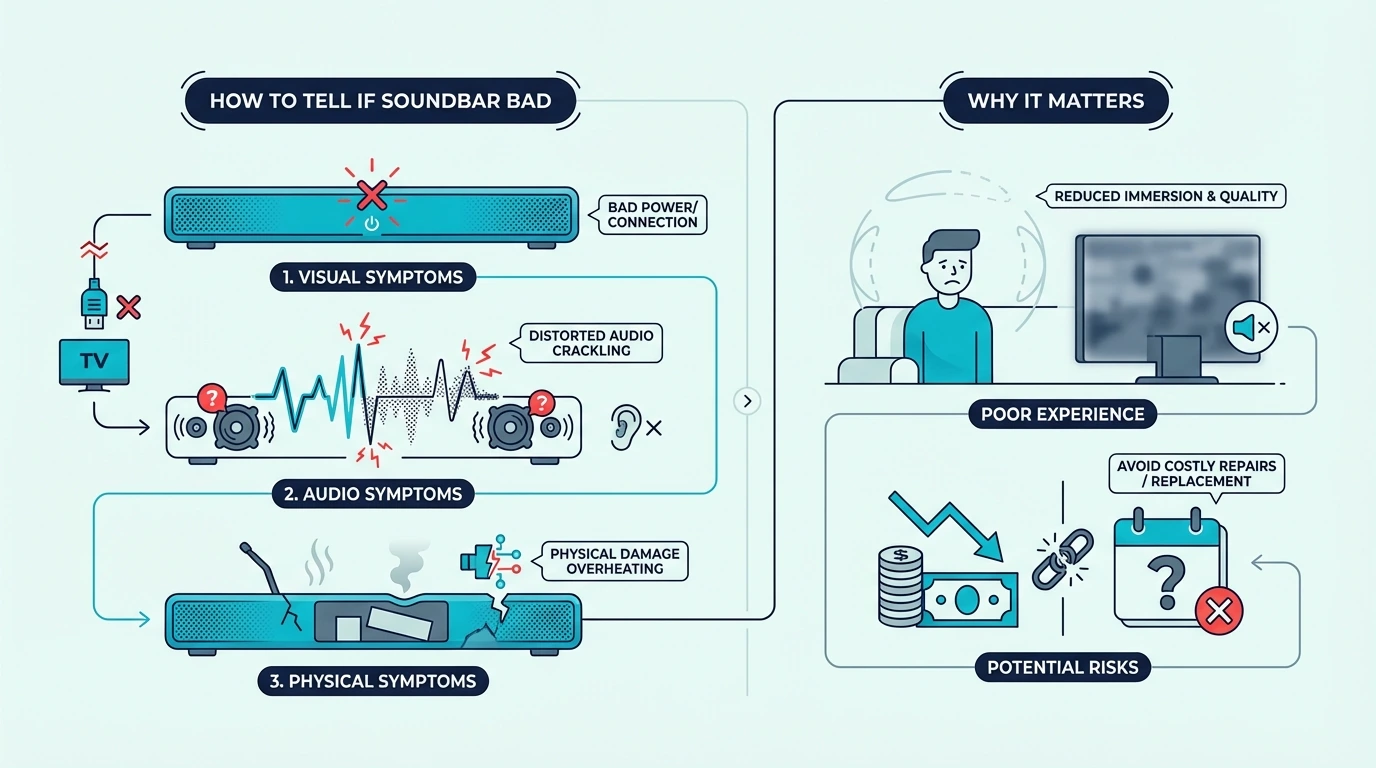
This matters because “not working” and “actually bad” are not the same thing. A soundbar can fail to play sound for reasons that have nothing to do with hardware failure.
That’s why this page is not the same as the broader soundbar hub or the replacement guidance in the best soundbar guide. Those pages help once you know whether the bar still works, while this guide is about deciding whether the bar itself is the real problem.
A soundbar usually looks worse than it is when only one source is failing. If the TV path is wrong, the HDMI ARC chain is unstable, or the soundbar is stuck on the wrong input, healthy hardware can look completely dead.
That’s also why testing with a second path matters so much. If the soundbar suddenly works with another source, another input, or another cable, the bar is usually not bad at all.
The bigger mistake is treating every silent soundbar like a replacement case. Many “dead” units are really connection problems, remote-control confusion, or TV output settings that changed after an update or power cycle.
At the same time, truly failing hardware has a pattern of its own. The symptoms tend to follow the soundbar across more than one source and keep returning even after basic setup issues are ruled out.
What Signs Usually Mean The Soundbar Itself Is Failing?
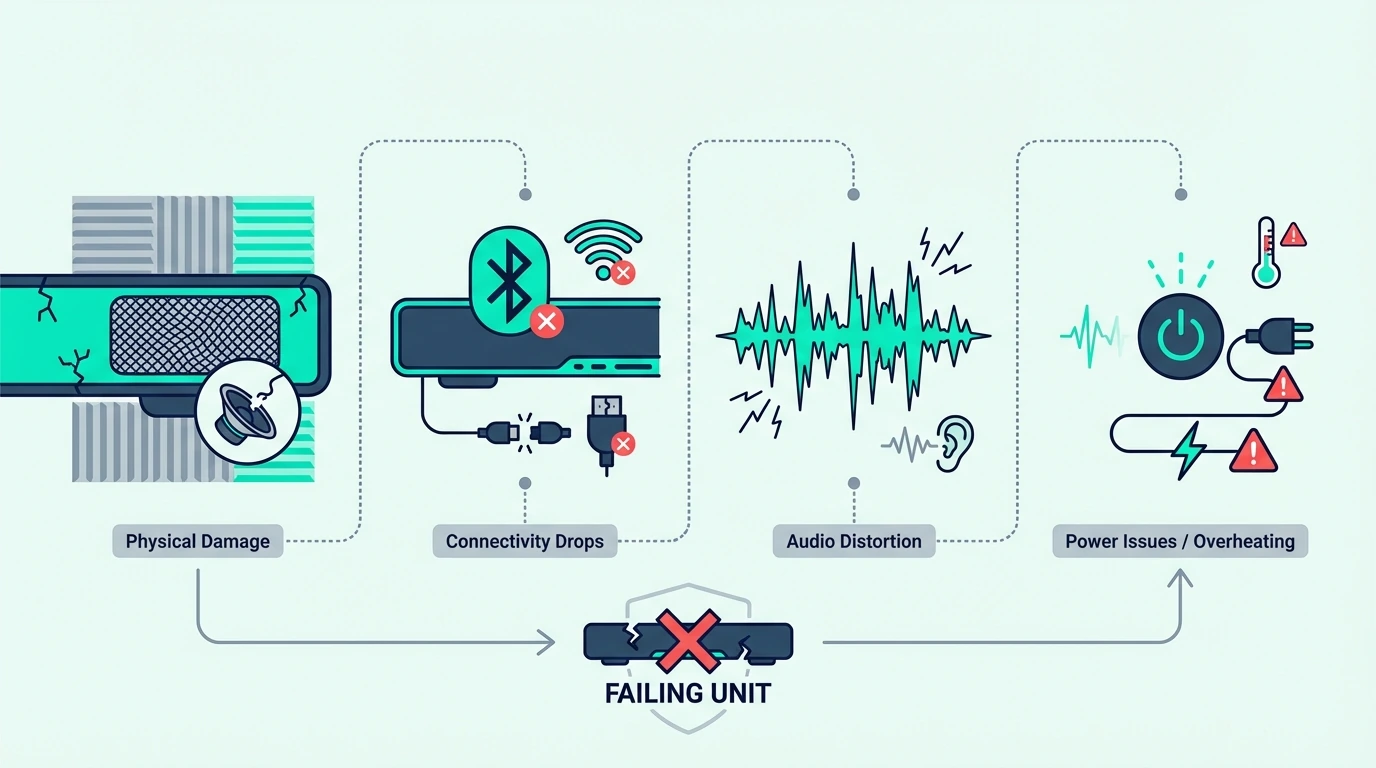
The strongest sign of a bad soundbar is consistency. If the same failure happens across different inputs, different sources, and after a clean reset, the hardware is much harder to excuse.
One major warning sign is power behavior that makes no sense after the basics are checked. If the outlet is good, the power cable is secure, and the unit still will not power on or keeps shutting off at random, the problem may be inside the bar rather than in the TV chain.
Another strong sign is distortion that stays with the soundbar no matter what source you use. If voices buzz, crackle, clip, or sound badly broken at normal volume on HDMI, optical, and Bluetooth alike, that points more toward failing hardware than a simple setup problem.
Buttons and input controls matter too. A bar that will not respond to input changes, ignores physical controls on the chassis, or shows strange lights without behaving normally is much harder to defend as a settings-only issue. On smart soundbars like Bose specifically, the blinking orange or amber LED is rarely a dead-bar signal — it usually points to Wi-Fi setup, Bose Music app notification, or firmware update, so check the app before adding the bar to the failure list.
Intermittent dropouts can be tricky, because they sometimes come from HDMI handshakes and sometimes come from the soundbar itself. The key difference is whether the dropout follows the bar across more than one path.
If the bar cuts out only on one TV over ARC, the ARC chain may be the problem. If it cuts out on every input after warm-up, during multiple sources, or even while sitting idle between signals, that is a much worse sign.
Smell and heat matter more than people think. A burnt smell, unusually hot chassis, popping noises at startup, or sound that degrades as the unit warms up can all point to an internal failure that normal setup fixes will not solve.
The opposite signs are just as useful. If the soundbar works on Bluetooth, works on optical, or plays cleanly from a phone or PC, you are usually looking at a path problem rather than a dead bar.
If it does turn out to be the bar, our guide to whether sound bars wear out covers what the makers say about heat, power surges and updates.
That kind of result also tells you whether a replacement would really solve the problem or just change the setup around it. If the soundbar still works somewhere cleanly, the next useful comparisons are the best budget soundbar roundup and the best soundbars for small rooms guide, because both help you sanity-check whether you need a new bar or just a simpler path.
Get Studio Tips Weekly
Join 5,000+ creators getting acoustic treatment advice every week.
No spam. Unsubscribe anytime.How Do You Test Whether The Soundbar Or The Signal Path Is The Problem?
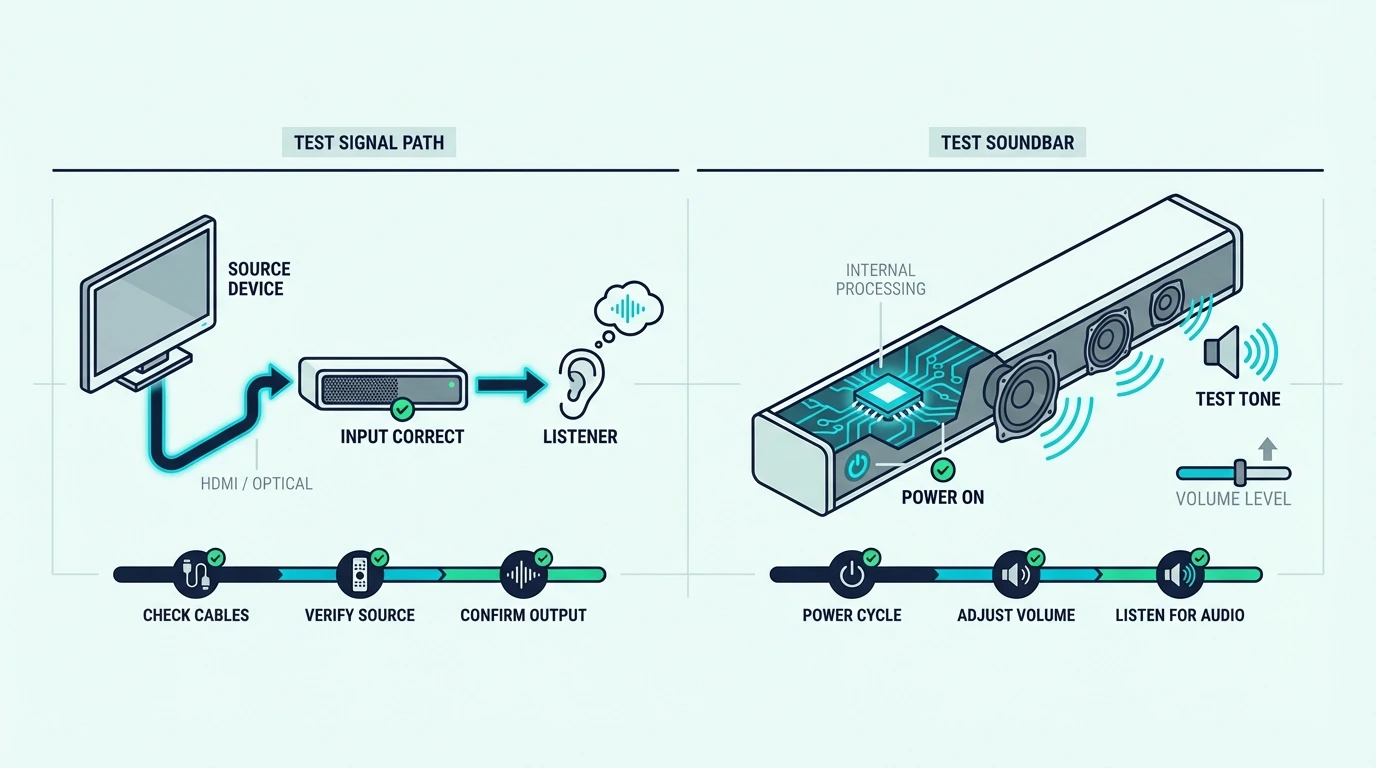
Start simple. Power the soundbar off fully, unplug it for a minute, reconnect it, and then test whether it can change inputs and respond normally before the TV enters the picture.
Next, try a second source if possible. A phone over Bluetooth, a laptop, or a different TV path can tell you very quickly whether the soundbar can still decode and play audio at all.
If you are testing HDMI, use a known-good cable instead of the oldest spare cable in the house. A reliable option like the UGREEN 8K HDMI 2.1 Cable helps you rule out whether the HDMI chain is lying to you before you blame the bar.
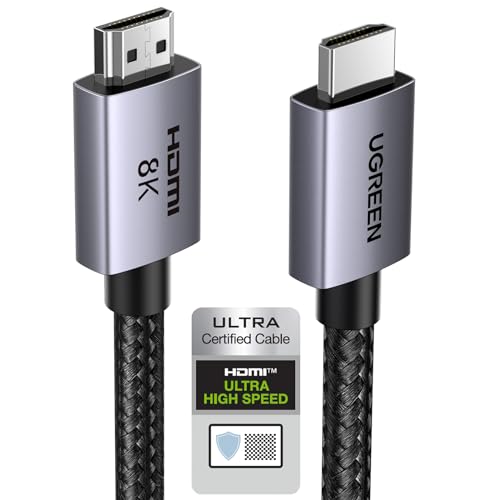
UGREEN 8K HDMI 2.1 Cable
If the setup uses TV passthrough over ARC or eARC, the test needs to be more specific. A cable like the Silkland HDMI ARC/eARC Cable is useful when the bar seems bad only in the TV-return chain and nowhere else.
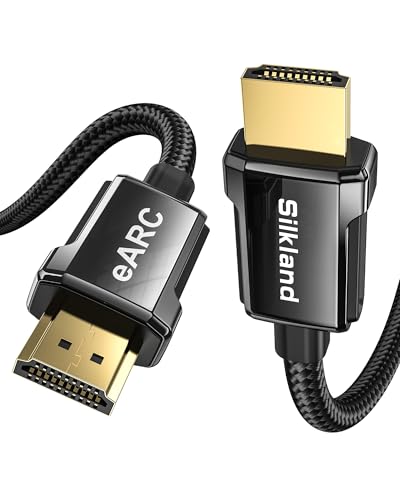
Silkland HDMI ARC/eARC Cable
If HDMI remains messy, move to optical as a clean fallback test. A simple cable like the KabelDirekt TOSLINK Optical Audio Cable helps answer a critical question: does the soundbar still play cleanly when HDMI is removed from the equation?
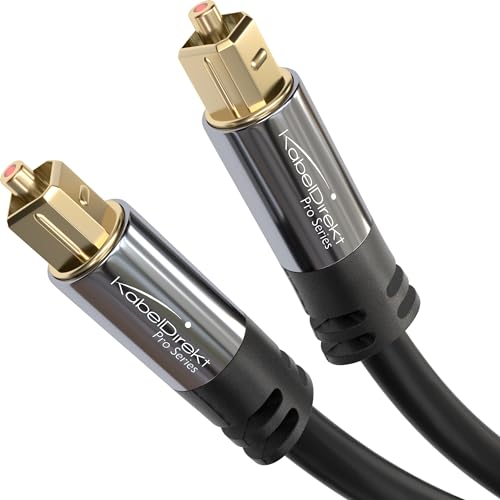
KabelDirekt TOSLINK Optical Audio Cable
That one test is often decisive. If the bar plays properly over optical after failing over ARC, the problem usually lives in the HDMI chain, the TV settings, or CEC behavior rather than inside the soundbar itself.
If the chain includes more than one HDMI run, swap both instead of just one. A two-cable test setup like the JSAUX HDMI 2.1 2-Pack makes it easier to tell whether the failure follows the bar or stays in the rest of the setup.

JSAUX HDMI 2.1 2-Pack
A second-source test from a computer can help too, especially if the TV menus are confusing or unstable. That gives you another clean path to verify whether the bar can still accept and play audio normally.
When Should You Repair, Replace, Or Stop Troubleshooting?
Stop troubleshooting and start thinking replacement when the soundbar fails the same way across multiple inputs and sources. That’s the point where more menu changes usually waste time instead of creating new information.
No power after outlet checks, repeated shutdowns, severe distortion on every path, or dead controls are the biggest red flags. If those symptoms survive resets and alternate-source tests, repair may not be worth chasing unless the bar is unusually expensive or still under warranty.
Age matters too. A soundbar that has already given years of service and now fails across multiple paths is often not worth endless testing, especially when the failure affects power stability or core audio output.
This is also where frustration creates bad decisions. Buyers sometimes replace the TV, buy extra adapters, or keep swapping settings when the simpler answer is that the bar has become unreliable and is no longer worth building around.
If the soundbar still works on at least one clean path, you probably are not at replacement stage yet. In that case, the better move is usually to fix the connection chain or simplify the setup instead of shopping immediately.
If replacement is the right call, the best next pages are the best soundbar guide, the best budget soundbar roundup if price matters, and the best soundbars for small rooms guide if you want something easier to place.
The Bottom Line
How to tell if soundbar is bad comes down to whether the failure follows the bar across multiple inputs and sources or only appears in one setup path. A bar that still works over another input is usually not dead.
The most useful tests are the boring ones: power behavior, input response, a second source, and a known-good fallback path over HDMI or optical. Once those are checked in order, it becomes much easier to decide whether you should keep troubleshooting or move on.
If you need the bigger picture after that, the broader soundbar hub is the best next place to keep going.
Frequently Asked Questions
How long should a soundbar last?
A good soundbar should usually last several years if it is not abused, overheated, or constantly fighting unstable power. If an older unit now has the same failure across multiple inputs and sources, replacement often makes more sense than extended troubleshooting.
What are common problems with soundbars?
Common problems include no sound, wrong input selection, HDMI ARC handshake issues, remote or CEC problems, Bluetooth pairing failures, and intermittent dropouts. Those are not all signs of a bad soundbar, which is why testing more than one source matters.
How to test if a sound bar is working?
Test it with a second source, a different input, and a known-good cable path. If the soundbar powers on, changes inputs, and plays audio cleanly somewhere else, the hardware is usually still working.
What causes a sound bar to stop working?
A soundbar can stop working because of internal hardware failure, power issues, overheating, bad HDMI or ARC handshakes, damaged cables, or incorrect TV audio settings. The real cause becomes much clearer when you test the same bar across more than one source and connection method.