Does an LG Soundbar Work With a Samsung TV?

Yes, an LG soundbar will work with a Samsung TV: connect them by HDMI ARC or optical, and on HDMI, switch on Anynet+ in the Samsung menu so the TV remote runs the bar.
The same is true the other way round, for a Samsung soundbar on an LG TV.
What you lose by mixing brands is a handful of matched-pair extras, like LG Sound Sync, which only work when the TV and bar share a maker.
The setting names differ too, and that’s where most mixed setups go quiet.
Below are both makers’ steps for each cable, the remote settings that make one remote enough, and what to check when there’s no sound.
Will an LG Soundbar Work With Any Samsung TV?
That shared-standard answer holds for any Samsung TV with an HDMI ARC port, an optical output or Bluetooth audio. LG’s own guide to ARC says only that the TV needs an ARC or eARC port, and notes that each TV maker uses its own setting methods and menu names (LG).
Samsung, for its part, says most of its TVs support HDMI ARC (Samsung). For the cables themselves, our breakdown of the formats HDMI and optical each carry covers the trade-offs.
Here’s how the options compare on a Samsung TV:
| Connection | What works | The Samsung setting |
|---|---|---|
| HDMI ARC or eARC | The best sound, and the Samsung remote controls the LG bar’s power and volume | Anynet+ (HDMI-CEC) on, then choose the soundbar under Sound Output |
| Optical | Good sound; volume needs the LG remote or the bar’s TV-remote setting | Sound Output set to Audio Out/Optical |
| Bluetooth | No cable, but Samsung says quality and stability trail HDMI | Sound Output, then Bluetooth Speaker List |
How to Connect an LG Soundbar to a Samsung TV With HDMI
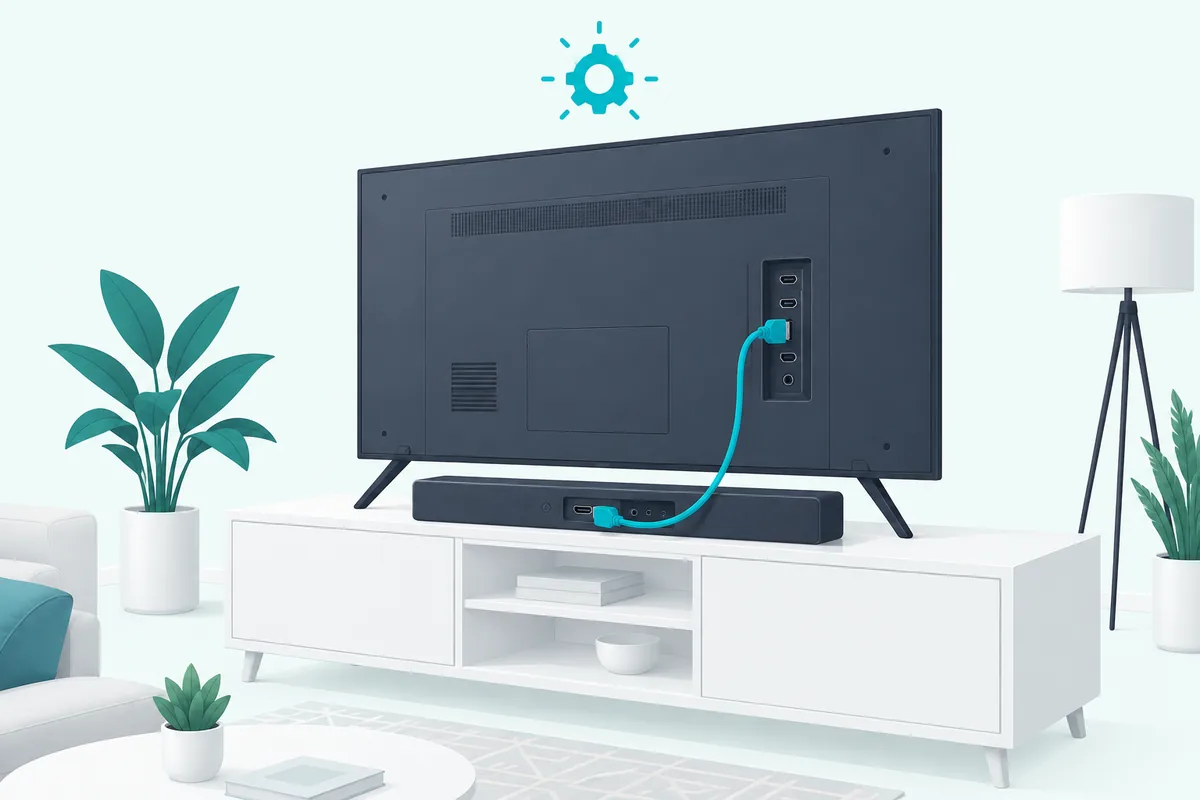
The HDMI row in that table takes one cable and two settings. LG’s steps put the cable from the soundbar’s HDMI output, labeled TV eARC/ARC, into the TV’s HDMI IN (ARC) port, and Samsung’s side needs Anynet+:
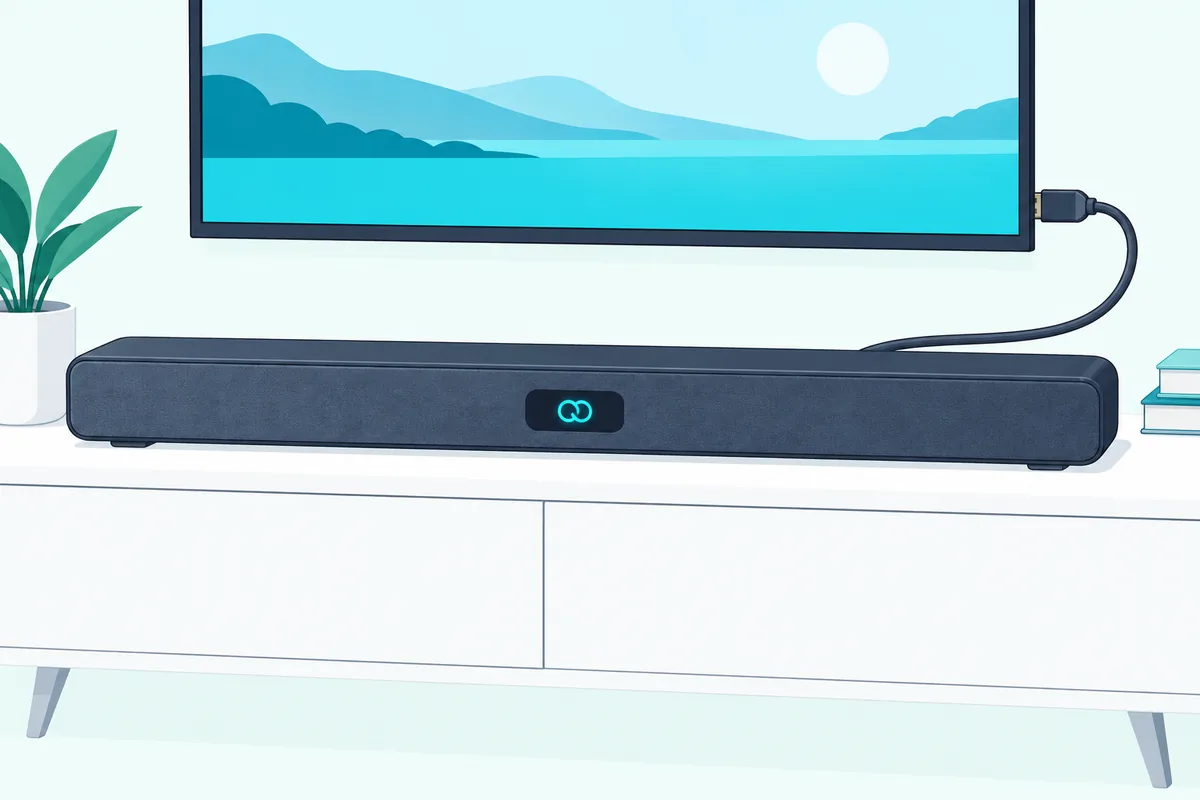
- Connect the HDMI cable from the LG bar’s TV eARC/ARC port to the Samsung TV’s port labeled ARC.
- On the soundbar, press F repeatedly until the display shows OPT/HDMI ARC.
- On the Samsung TV, turn on Anynet+ (HDMI-CEC), using the path for your TV’s year below.
- In the TV’s Sound Output menu, choose the soundbar instead of the TV’s speakers.
- Look for ARC or E-ARC on the soundbar’s display, which LG says confirms the connection.
Samsung’s menu path for Anynet+ depends on the TV’s age:
| Samsung TV | Where Anynet+ (HDMI-CEC) lives |
|---|---|
| 2017 and later | Home, Settings, General, External Device Manager, Anynet+ (HDMI-CEC) |
| 2016 | Home, Settings, System, Expert Settings, Anynet+ (HDMI-CEC) |
| 2015 and earlier | Menu, System, Anynet+ (HDMI-CEC) |
Step 3 is the one mixed setups skip. Samsung says Anynet+ comes switched on at the factory for its own soundbars, but with any other brand you have to make sure it’s on yourself.
Once it is, LG says the TV remote handles the bar’s power and volume. Samsung also asks for an HDMI cable version 1.4 or higher, plugged into the port labeled ARC on the TV or One Connect Box.
If you need a cable, the Amazon Basics HDMI 2.1 cable is well above that 1.4 minimum.
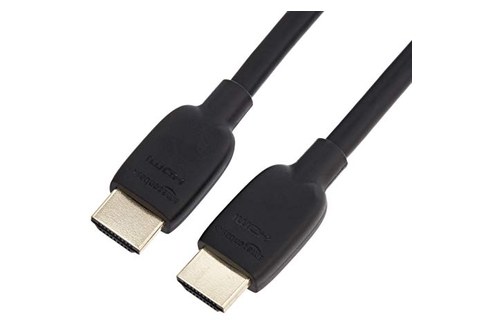
Amazon Basics HDMI 2.1 cable
Get Studio Tips Weekly
Join 5,000+ creators getting acoustic treatment advice every week.
No spam. Unsubscribe anytime.Can You Connect Them With an Optical Cable Instead?
Unlike the HDMI route above, optical skips the Anynet+ setting entirely, which makes it the simpler fallback. The manual for LG’s SH2 bar has you run the cable from the TV’s OPTICAL OUT jack to the bar’s optical input jack, then press F until the bar selects OPTICAL (LG).
LG adds two reminders: remove the protective cover from the cable’s plugs first, and set the TV to send its sound to an external speaker. On a Samsung TV, that’s Settings, Sound, Sound Output, then Audio Out/Optical (Samsung).
If you need one, the Amazon Basics Toslink optical cable is a standard cable for this connection.
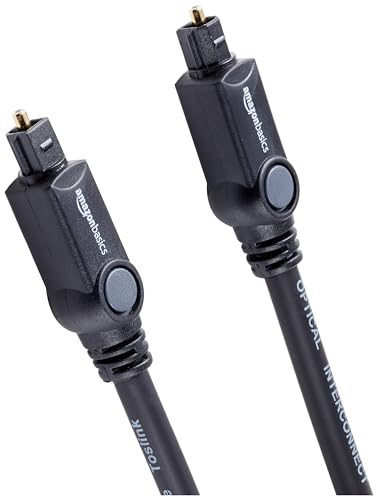
Amazon Basics Toslink optical cable
LG’s AUTO POWER feature helps here too. With it on, the SH2 switches itself on when an optical signal arrives, so the bar wakes when the TV starts playing.
Will the Samsung Remote Control an LG Soundbar?
That depends on the cable, since only HDMI carries the Anynet+ commands. Over HDMI ARC, LG says the TV remote runs the bar’s power and volume once the two are connected.
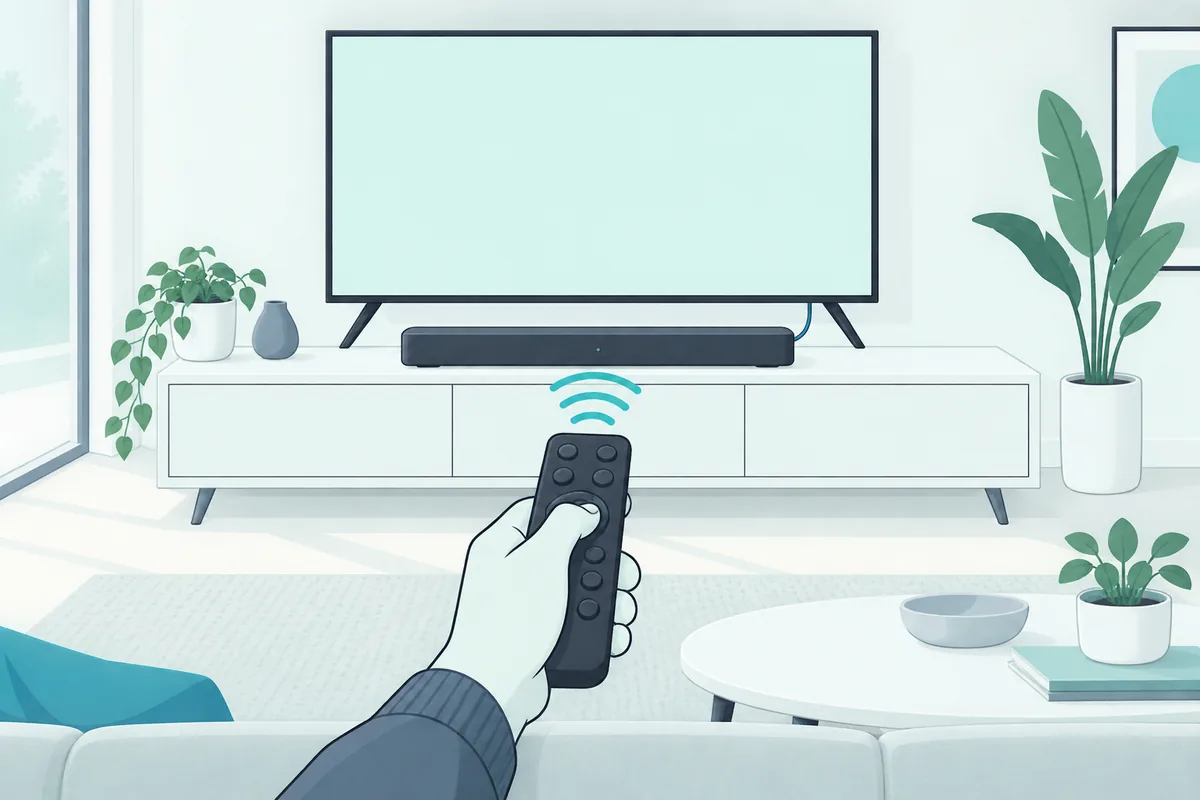
Over optical, LG’s bars have a setting that lets another brand’s TV remote adjust them. The SH2 manual says it covers volume up and down and mute, lists Samsung among the supported TV brands, and turns on when you hold DRC ON on the LG remote for about 2 seconds; holding DRC OFF turns it off again.
The button differs between LG models, so check your bar’s manual for the exact one. LG also says the TV’s sound output must be set to an external speaker, and the feature may not work well with every remote.
That last warning matters for newer Samsung remotes. Sonos lists the Samsung One Remote and F Series remote among remotes that don’t send infrared by default (Sonos), and a bar can only respond to infrared.
Does a Samsung Soundbar Work With an LG TV?
The reverse pairing works the same way, with LG’s names on the settings. Connect the Samsung bar’s HDMI OUT (TV-ARC) port to the LG TV’s ARC port, then turn on SIMPLINK, LG’s name for HDMI-CEC; Roku’s guide gives LG’s path as All Settings, General, SIMPLINK (HDMI-CEC) (Roku).
Roku notes that SIMPLINK has to be on before the LG TV will enable ARC. Then go to Sound, Sound Out, Audio Out (Optical/HDMI ARC), and set Digital Sound Out to Auto.
For optical, Samsung’s steps are to connect the TV’s OPTICAL OUT to the bar’s DIGITAL AUDIO IN (OPTICAL) and press Source until the bar shows D.IN. Samsung’s HW-A450 manual then offers an ALL-TV REMOTE mode for other brands’ infrared remotes, and LG is on its supported list (Samsung).
To turn it on, switch the bar off, then push up and hold the WOOFER button on its remote for 5 seconds, repeating until the display reads ALL-TV REMOTE. LG’s Magic Remote may not trigger it, though: Sonos lists it among remotes that don’t send infrared by default.
For LG’s own menus in more detail, our guide to connecting a soundbar to an LG TV walks through each cable.
What Do You Lose by Mixing Brands?
Those workarounds cover the basics, but a few extras only work when the TV and soundbar share a maker. LG Sound Sync is one: LG’s manual describes it as letting a compatible LG TV’s remote control the bar’s volume, over optical or a wireless link.
Samsung has its own version. The HW-A450 manual says TV-remote control over an optical cable works only with 2017 and later Samsung Smart TVs that support Bluetooth.
Neither loss affects sound quality over HDMI ARC, which is why HDMI is the connection to aim for in a mixed setup. If you’re choosing a new bar anyway, our comparison of Samsung and LG soundbars covers how each brand’s extras differ.
Why Is There No Sound From the Soundbar?
Those losses are about extras, not sound, so when a mixed pair stays silent, the fix is almost always one of these, working from the TV outward:
- The port. The cable must be in the TV’s port labeled ARC and the bar’s TV ARC port, not an ordinary HDMI input.
- The CEC setting. Anynet+ on a Samsung TV or SIMPLINK on an LG TV must be on; neither brand switches it on for the other’s soundbar.
- The TV’s output. Set the TV’s sound output to the soundbar or external speaker, not its own speakers.
- The soundbar’s input. Press F on an LG bar or Source on a Samsung bar until it matches the cable.
- Other devices. Samsung’s troubleshooting starts by unplugging set-top and streaming boxes, since some don’t fully follow the HDMI specification.
On an LG bar, the display is a quick check: LG says it shows ARC or E-ARC once the HDMI connection is working.
Frequently Asked Questions
Can a Samsung TV remote control an LG soundbar?
Yes. Over HDMI ARC with Anynet+ on, it controls power and volume; over optical, turn on the LG bar’s TV-remote setting, which LG’s manual says supports Samsung remotes.
Does an LG soundbar work with any TV?
Yes, as long as the TV has an HDMI ARC or eARC port or an optical output. LG notes that each TV maker names its settings differently.
Will I lose sound quality mixing an LG soundbar and a Samsung TV?
Not over HDMI ARC. You lose brand-matched extras like LG Sound Sync, not the sound formats the TV sends.
Do I need a special cable?
No. Samsung says any HDMI cable version 1.4 or higher works for ARC; it just has to go into the TV’s port labeled ARC.