Can You Use a Korg Minilogue as a MIDI Controller?
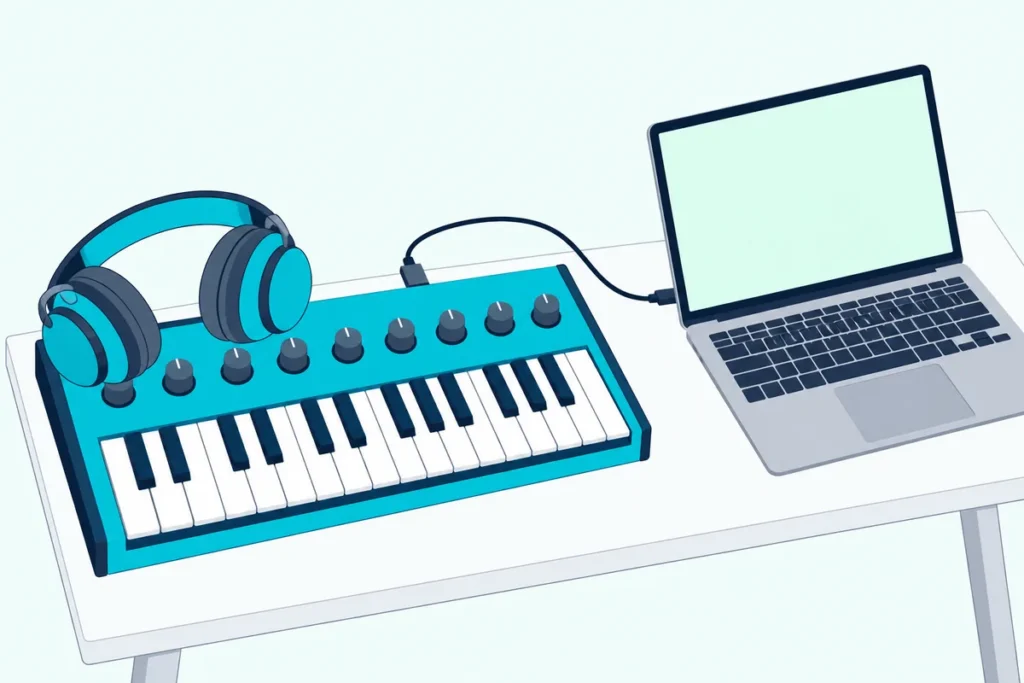
Yes, you can use a Korg minilogue as a MIDI controller: connect its USB B port to your computer, install Korg’s USB-MIDI driver, and it sends its keys to your music software as MIDI.
Korg’s manuals point to three things that decide whether it works: the driver, the MIDI channel and the Local setting.
The same steps cover the minilogue xd, with one extra setting for how it routes MIDI.
Below are the steps, what the synth actually sends, and the fixes for a minilogue your software can’t see or one that plays every note twice.
Start with the connection.
How Do You Use a Korg Minilogue as a MIDI Controller?
Six steps get it working, and the first two are the ones people skip:
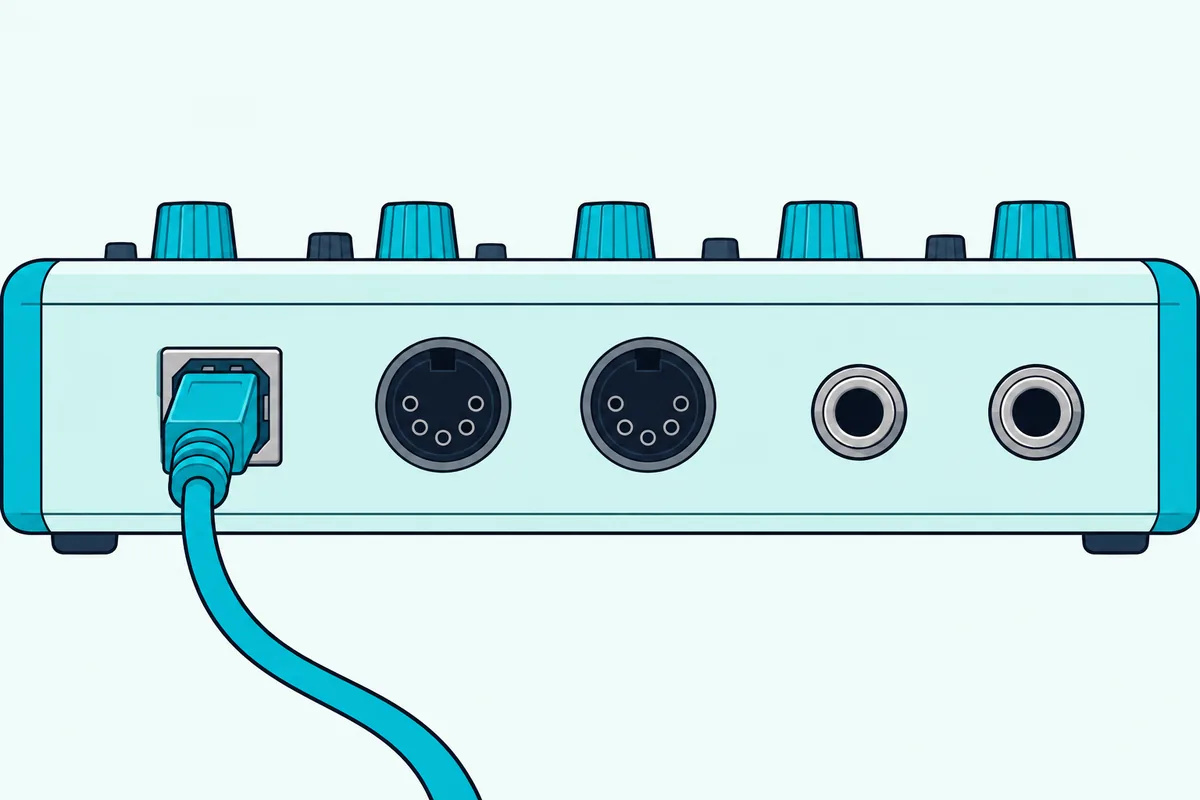
- Install the Korg USB-MIDI driver. Korg’s manual says you need it to use a USB connection, and it’s a download from Korg’s website (Korg).
- Plug a USB cable into the minilogue’s USB B connector and the other end into the computer. Korg says that connector exchanges MIDI messages with your computer.
- Set the minilogue’s MIDI channel to match your software. In Global Edit mode, Korg’s manual uses button 4, labeled MIDI Ch.
- In your music software, switch on the minilogue as a MIDI input.
- Arm a track that holds a software instrument, and play a key.
- If notes sound twice, turn Local off, as the section on double notes below explains.
Korg calls the USB connection the convenient way to link the synth to a personal computer. The 5-pin MIDI connectors are for other MIDI gear, such as a keyboard or a sound module, and our guide to choosing between a synth and a MIDI keyboard explains where each one fits.
What Does the Minilogue Send Over MIDI?
Once it’s connected, it sends notes first, and then whatever the Global Edit settings allow. The manual lists three switches that decide whether program changes, control changes and pitch bend are transmitted: MIDI Tx Prog Chg, MIDI Tx CC and MIDI Tx Pitch Bend.
That matters when knobs don’t seem to move anything in your software. If MIDI Tx CC is off, the knobs’ control change messages aren’t sent, so check it before you blame the software.
Get Studio Tips Weekly
Join 5,000+ creators getting acoustic treatment advice every week.
No spam. Unsubscribe anytime.Why Does Every Note Play Twice?
That’s the Local setting, and Korg’s manuals explain it in the same words. If your software echoes notes back to the synth, the minilogue triggers once when you play and again when the computer sends the note back.
The fix is to turn Local SW off in Global Edit mode, which breaks the direct link between the keyboard and the sound circuits. With Local off, the synth plays its own sound only when the software sends the notes back to it.
Can You Hear the Minilogue Through the Computer?
Not over USB, because that connector carries MIDI and not sound. The minilogue’s sound leaves through its OUTPUT jack, which Korg says feeds powered monitors, a mixer or a recording setup, and through the headphone jack.
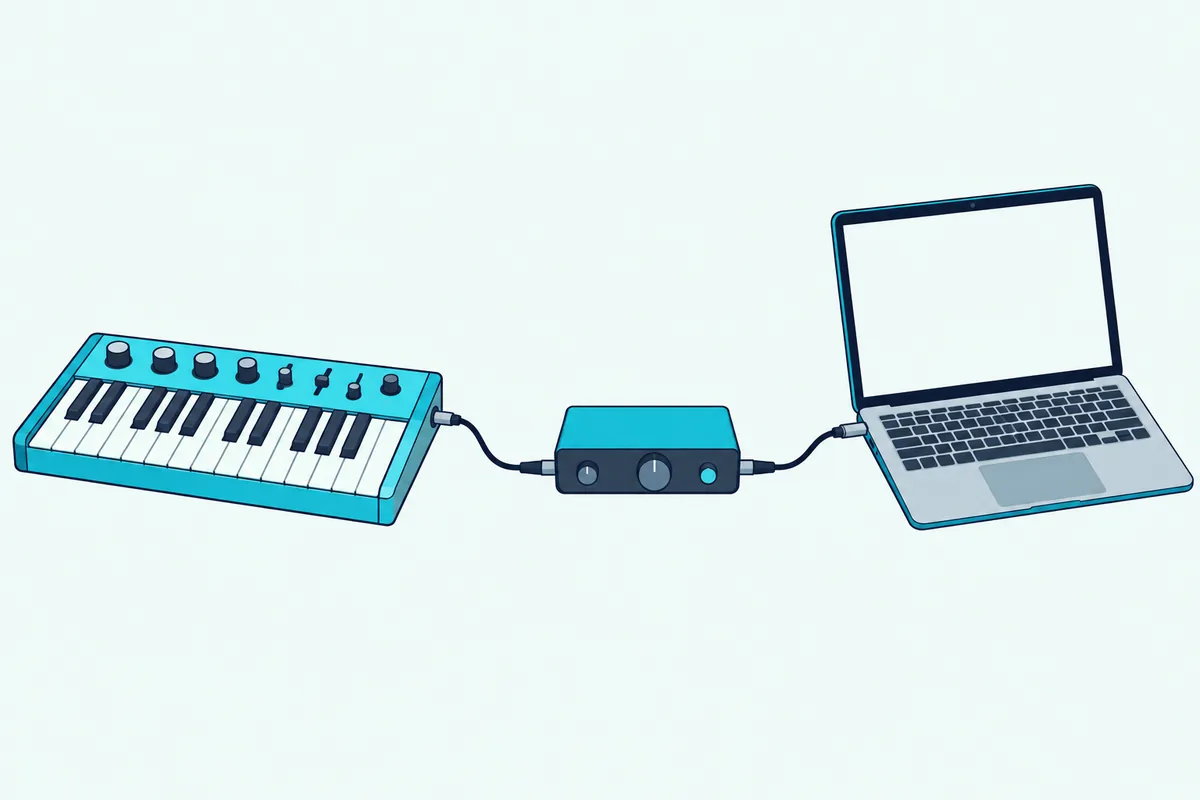
To record the synth’s own sound, you need an audio input on the computer. Our page on when you need an audio interface covers that side, and the same goes for any hardware synth.
What If Your Software Can’t See the Minilogue?
Work through the connection in order. Confirm the Korg USB-MIDI driver is installed, since Korg says a USB connection needs it, and check the cable and port.
Then confirm the MIDI channel and that your software has the minilogue’s input switched on. In Ableton Live, that means turning on Track for the port in Link, Tempo & MIDI, with the track’s monitor set to In, or to Auto with the track armed (Ableton).
On the minilogue xd, Korg adds a MIDI Route setting: if the MIDI or USB connection isn’t working, check that setting first.
Does the Minilogue xd Work the Same Way?
Almost exactly, and the MIDI Route setting from the fix above is the main difference. Its manual also says the USB B port exchanges MIDI messages with your computer, that you need Korg’s USB-MIDI driver for a USB connection, and that Local SW off stops double triggering.
That setting offers USB+MIDI or USB alone. Korg says the USB setting is the advantageous one when the USB port is your MIDI interface.
Can the Minilogue Control Other Synths?
Yes, and the 5-pin connectors mentioned earlier are how. To play or control an external MIDI tone generator, Korg says to connect the minilogue’s MIDI OUT to that device’s MIDI IN with a MIDI cable.
Frequently Asked Questions
Do you need a MIDI interface to use a minilogue with a computer?
No. The USB B connector talks to the computer directly once Korg’s driver is installed. A MIDI interface is only for connecting through the 5-pin ports.
Can a MIDI keyboard play the minilogue?
Yes. Connect the keyboard’s MIDI OUT to the minilogue’s MIDI IN, and set both to the same MIDI channel.
Does the minilogue send its knob movements as MIDI?
It can. Korg’s manual has a MIDI Tx CC setting that switches control change messages on or off, so check it if the knobs don’t reach your software.