Best Universal Remote for Soundbar Control, Sorted by Setup
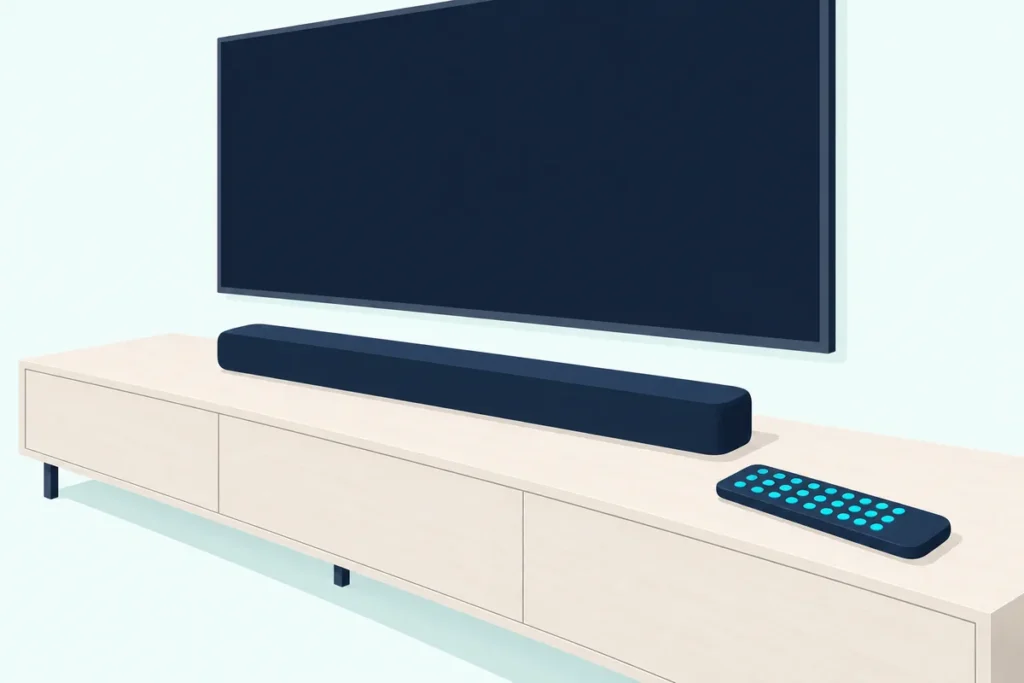
Choosing a universal remote for soundbar control comes down to one line in the maker’s paperwork: a device list or code list that actually names soundbars.
Miss that line and you can end up with a remote that runs the TV and the streaming box while the bar still needs its own clicker on the coffee table.
Get it right and one set of volume keys reaches the bar, whichever device you’re watching, with the bar’s own remote back in a drawer.
The first check takes a minute, because your TV’s remote may already run the bar over HDMI, and everything after that check assumes it can’t.
What follows is each pick and what its maker documents, how to find your bar’s code, the setup steps in each maker’s words, what no universal remote can do, and what changes with a Samsung TV and soundbar.
What Is the Best Universal Remote for Soundbar Control?
That line in the paperwork narrows the field quickly. The best universal remote for soundbar control, going by the makers’ own documents, is the GE 4-Device Backlit Universal Remote for most TV-and-bar setups, because GE’s product page names soundbars among its four devices and its volume keys can stay on the bar through master volume control.
If your bar’s brand isn’t on a code list, or you want everything run from an app, the SofaBaton X2 is the hub pick, and the Inteset INT-422 and One For All URC7935 can both learn commands from the bar’s own remote.
| Pick | Devices | How you set up the bar | Keeps volume on the bar | Learns from the bar’s remote | Backlight |
|---|---|---|---|---|---|
| GE 4-Device Backlit | 4 | Code list or auto code search | Master volume control | Not listed | Yes |
| GE 4-Device Rechargeable | 4 | Code list or auto code search | Master volume control | Not listed | Yes |
| Philips 3-Device | 3 | Code list or auto code search | Primary audio control | Not listed | Not listed |
| One For All URC7935 | 3 | Brand key or 5-digit code | Volume and mute keys go to the bar | Yes | Yes |
| Inteset INT-422 | 4 | 5-digit code or learning | Global Volume Lock | Yes | Yes |
| Sideclick for Fire TV | Clip-on keys | Learning only | Volume keys taught from the bar’s remote | Yes | Not listed |
| SofaBaton X2 | Hub and app | App search, command test or learning | Volume keys assigned in each Activity | Yes | Shown in its listing photos |
Every pick met Burton Acoustix’s rating, review and stock checks on 31 October 2026. The descriptions come from the makers’ manuals and spec pages.
| Product | Link |
|---|---|
Best for a TV and a Soundbar 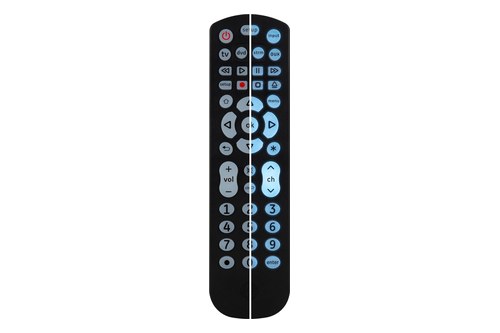 | See ratings |
Best for Skipping Batteries 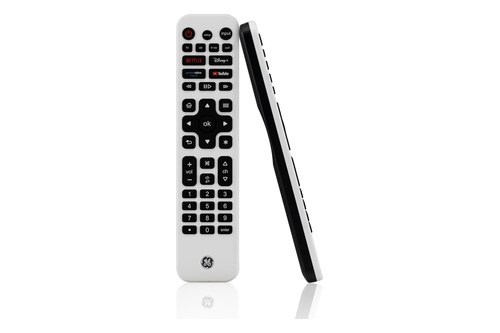 | See ratings |
Best for a TV, a Bar and One Box 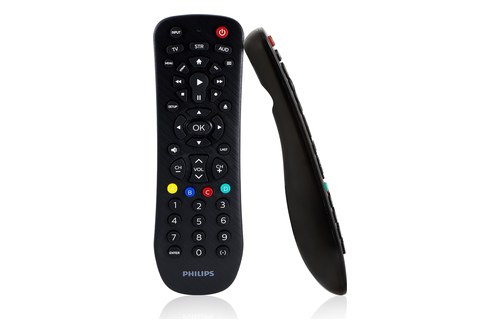 | See ratings |
Best for an Infrared Streaming Box 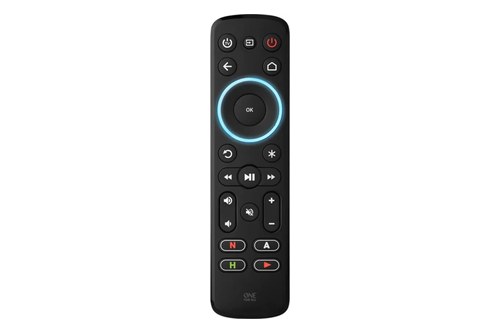 | See ratings |
Best for Learning and Macros 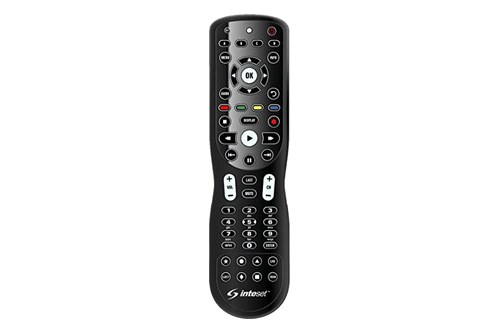 | See ratings |
Best for Keeping Your Fire TV Remote 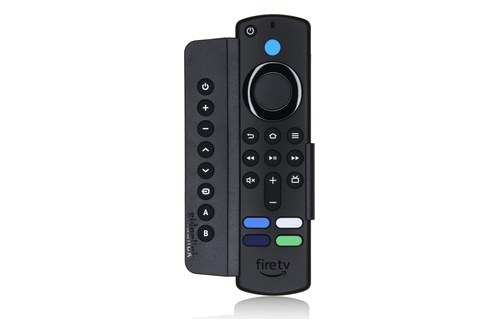 | See ratings |
Best for a Hub and App Setup 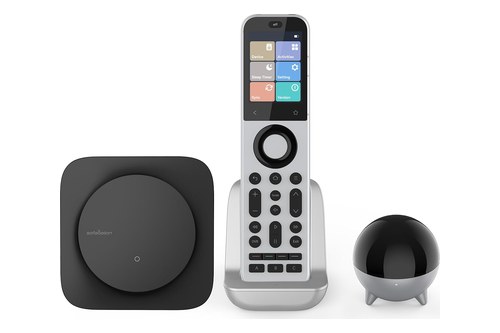 | See ratings |
Which Universal Remote Should You Buy for Your Soundbar?
The table sorts by setup, so start with what else the remote has to run. Buy a GE or Philips remote for a TV and a bar, the One For All or Inteset to learn from the bar’s remote, the Sideclick to keep a Fire TV remote and the SofaBaton X2 for a hub.
Most of these send infrared, so the sections after the picks cover how to confirm your bar takes it.
GE 4-Device Backlit Universal Remote
For a TV, a soundbar and up to two more boxes, the GE 4-Device Backlit Universal Remote is the pick.
the GE 4-Device Backlit Universal Remote
It comes preprogrammed for Samsung TVs and most Roku streaming boxes, so with those your bar is the one device that needs a code. The keypad lights with soft blue LEDs, and master volume control is what keeps the volume keys on the bar.
GE 4-Device Rechargeable Universal Remote
For the same job with no batteries to swap, GE’s 4-Device Rechargeable Universal Remote is the pick.
GE’s 4-Device Rechargeable Universal Remote
GE says the built-in battery stays powered for months on a single charge. Master volume control and full backlighting carry over from the model above, and the setup steps are the same.
Philips 3-Device Universal Remote
For a TV, a bar and one source box, the Philips 3-Device Universal Remote is the pick.
the Philips 3-Device Universal Remote
Its product page calls the volume feature primary audio control, which is the Philips name for GE’s master volume control. Jasco’s FAQ covers GE, Philips and UltraPro remotes together, so the code list and steps below apply to this one too.
One For All URC7935 Streamer Remote
For a soundbar, a TV and an infrared streaming box such as an Apple TV or a Roku box, One For All’s URC7935 Streamer Remote is the pick.
One For All’s URC7935 Streamer Remote
Most keys stay on the streaming box, and its setup guide sends volume and mute to the sound bar once you’ve set one up. The menu ring lights green when you’re controlling the audio device.
Inteset INT-422
For a bar whose brand you can’t find on a list, the Inteset INT-422 is the pick.
the Inteset INT-422
Inteset’s user guide says learning holds about 50 buttons, and its site says pressing any button lights all of them for several seconds.
Sideclick for Fire TV
For keeping your Fire TV remote and adding the bar’s volume to it, the Sideclick universal remote attachment is the pick.
the Sideclick universal remote attachment
Sideclick’s help center gives the split you’d want: power, channel and source keys taught from the TV remote, and volume keys taught from the sound bar remote. If the Fire TV remote’s own setup already runs your bar, as a Firestick remote’s soundbar steps show, you may not need this.
SofaBaton X2
For a Sonos bar on Wi-Fi, or a stack of gear behind one remote, the SofaBaton X2 is the pick.
the SofaBaton X2
Sofabaton’s comparison page puts the X1S beside it with the same four control types and the U3 with IR, Bluetooth and RF, and only the X series has Sonos on its Wi-Fi list. Its X2 manual also lets you switch on the emitter in the remote itself if the hub’s signal is blocked.
Do You Need a Universal Remote for a Soundbar at All?
Every pick above solves a problem your TV may have solved already. You may not need one, since on an HDMI ARC or eARC connection the HDMI route for a TV remote carries volume, mute and power down the cable once the TV’s CEC switch is on.
Wirecutter’s guide makes the same point about a basic TV, soundbar and streamer setup, saying a universal remote probably isn’t necessary there. Try the TV’s volume keys first, and if the bar doesn’t answer, work through the switch that wakes the bar with the TV.
A universal remote earns its place in three cases: the bar is on optical or another connection with no HDMI control, the bar’s remote is lost and the TV won’t run it, or you want a cable box and a disc player on the same keys. With one TV and one HDMI bar, a settings menu often covers it.
How Can You Tell a Universal Remote Will Control Your Soundbar?
That leaves the people who do need one, and for them the paperwork decides it. Look for your bar’s brand under a soundbar heading in the remote maker’s code list, because a device list that says only “TV” and “audio” tells you far less.
The device buttons tell you how many slots you get. Jasco says to count them, usually labeled TV, DVD, STRM, AUX, AUD, B-RAY, CBL or SAT, and an AUD or AUX button is the natural home for a bar on the remotes that have one.
Jasco’s universal remote codes page shows why the version matters. Its CL3 list has no Sound Bar category at all, CL4 lists 33 brands, CL5 lists 35 and CL6 lists 81, and the sticker in your remote’s battery compartment says which one you have.
One For All publishes its list as Codelist Sound Bar Audio Receiver, with sound bars and receivers in one list. Inteset uses a lookup by device type and then manufacturer, and Sofabaton’s app searches by brand and model.
This table counts the codes each list gives for common bar brands, which is a quick way to see whether your brand is there at all:
| Bar brand | One For All URC7935 | GE and Philips, CL6 list |
|---|---|---|
| Samsung | 5 | 3 |
| LG | 2 | 2 |
| Sony | 8 | 6 |
| VIZIO | 1 | 2 |
| Bose | 9 | 4 |
| JBL | 5 | 5 |
| Polk Audio | 1 | 3 |
| Sonos | 1 | 1 |
| Yamaha | 11 | 6 |
| Klipsch | 2 | 7 |
| Roku | 1 | 1 |
| TCL | Not on the list | 2 |
| Hisense | Not on the list | 2 |
| Onn | Not on the list | 9 |
More codes don’t mean more control, since Jasco warns that some codes may operate only a few device functions. Read the table as “is my brand there”, and the setup test below tells you the rest.
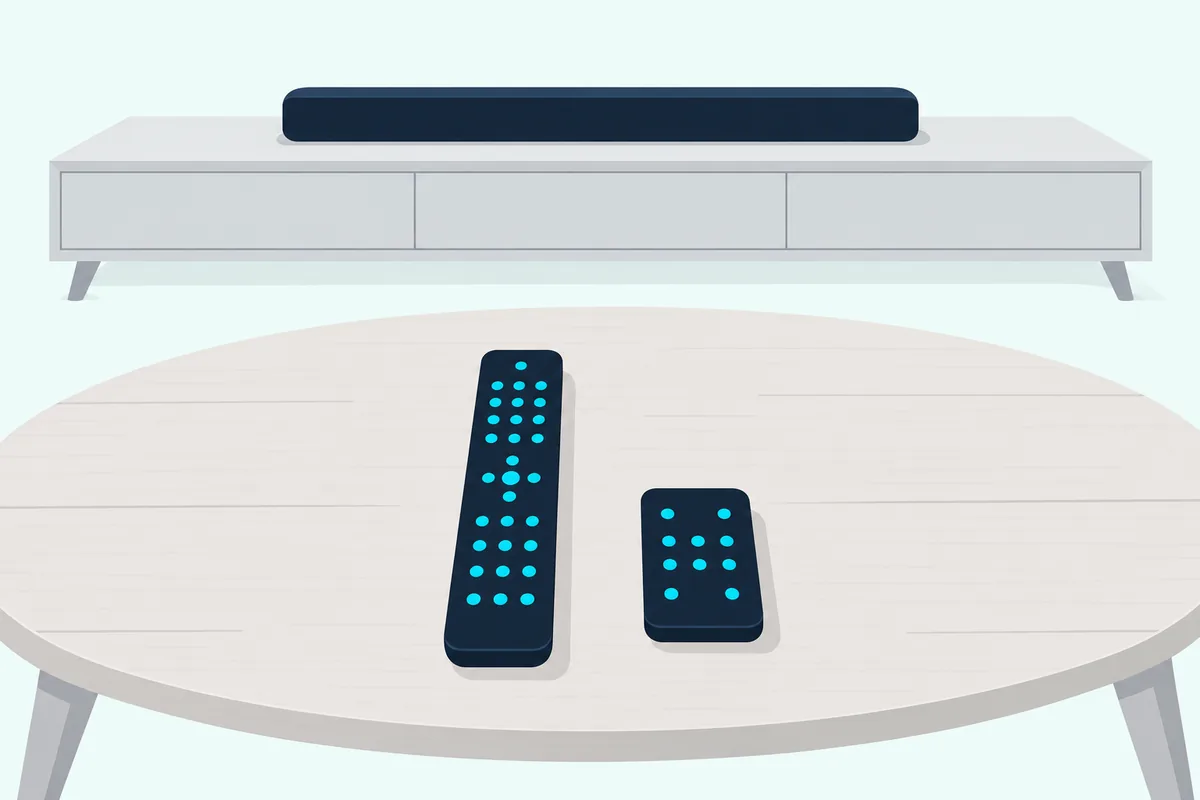
Your bar’s own remote gives you a quick test. Sofabaton suggests blocking the front of the original remote with your hand: if the device still responds, it’s being controlled over Bluetooth or RF rather than infrared.
What Can’t a Universal Remote Do for a Soundbar?
That hand test points at the biggest limit. A universal remote can’t send anything except the commands its code or its learning captured, and for most of these picks that means infrared aimed at a sensor on the bar.
HDMI-CEC is the first thing it won’t do. CEC commands travel down the HDMI cable from the TV, so the bar waking with the TV and the TV remote’s volume are TV settings, and buying a remote won’t switch them on.
Jasco’s FAQ names the second limit, partial code functionality. A code may run only some of a device’s functions, and a button your bar’s original remote never had won’t do anything on a universal remote either.
The third limit is the radio link. Jasco says the Roku Streaming Stick and Amazon Fire TV devices use RF, and its device buttons won’t work with them, while Bose’s TV Speaker help page says that speaker can’t be controlled by remotes that use RF commands.
Bluetooth is the fourth. Sofabaton says a Bluetooth device such as a speaker, with no settings menu to pair from, means its remote is not applicable, so don’t count on a bar’s Bluetooth link.
The last limit is plain aim, since Bose’s Smart Soundbar 700 help page puts its IR sensors at the far left and right ends of the bar and asks you not to block them. The X2’s hub is one way around that, because Sofabaton says it controls nearby devices without being aimed precisely.
How Do You Program a Universal Remote for a Soundbar?
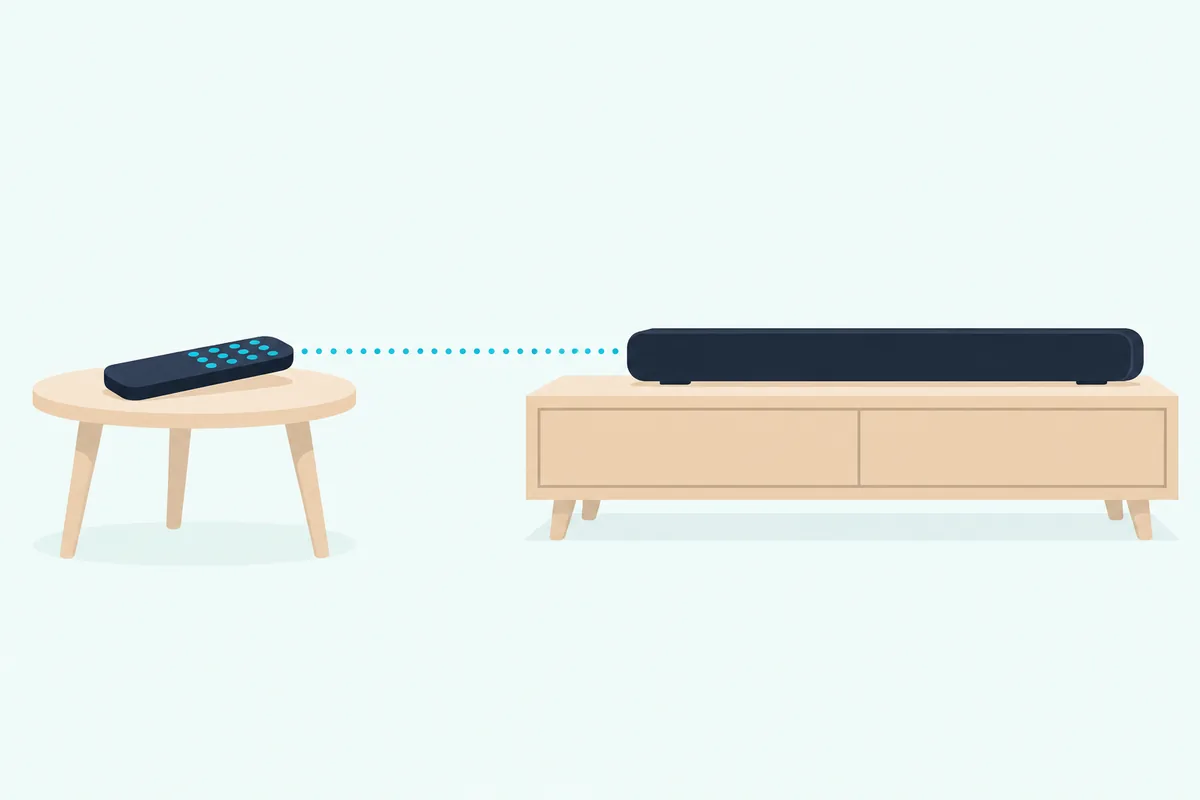
Those limits are worth knowing, but the setup itself is short, and each maker has its own version. Program a universal remote for a soundbar by choosing a device button, entering the first code for your bar’s brand and testing, then moving to the next code if a key doesn’t respond.
GE and Philips
Jasco’s steps are the same across GE and Philips remotes, starting from the code list version on the battery sticker:
- Press and hold the setup button until the remote’s red light turns on.
- Press and release the device button you’ve chosen for the bar.
- Enter the first 4-digit code for your bar’s brand, and the red light turns off.
- Point the remote at the bar and test the buttons, then repeat with the next code if they don’t work as expected.
Jasco’s FAQ says any device button can take any compatible device, so the CBL/SAT button can become the soundbar button if you don’t have a cable box. If no code works, Jasco’s auto code search sends 10 codes at a time each time you press Power, until the device turns off.
One For All URC7935
One For All’s guide has two routes, and both test with the Mute key for an audio device. For the brand-key route, turn the bar on, hold Volume Up and Volume Down until the green light blinks twice, then hold your brand’s key until the bar mutes and release it.
For the code route, make the same hold and enter the first 5-digit code on the list, then aim at the bar and press Mute. The brand keys for sound bars and receivers are below, and One For All notes the keypad may vary by retailer:
| Brand | Key to hold |
|---|---|
| Bose | TV Power |
| Denon | TV Input |
| LG | Streamer Power |
| Marantz or Philips | Back |
| Onkyo | Home |
| Panasonic | Replay |
| Pioneer | Options |
| Samsung | Rewind |
| Sony | Play/Pause |
| Yamaha | Fast Forward |
Inteset INT-422
With the bar on, Inteset’s guide has you press one of the A to D device keys, hold SET until the red light blinks twice and enter the first five-digit code. Aim at the bar and press Power, and try each code for the brand until one works.
If you’d rather learn the commands, the guide says each learned button is specific to its device, so you teach volume and mute while in the mode you set aside for the bar.
Sideclick
Sideclick has no code list. Lay it and the bar’s remote head to head about an inch apart, hold its top and bottom buttons until the light goes solid, tap the Sideclick key, then tap the matching key on the bar’s remote.
Three blinks mean the key is learned, and Sideclick says it needs an IR remote to learn from.
SofaBaton X2
In the Sofabaton app, go to Devices, Add, Infrared and search the database by brand and model, or choose to learn from the original remote if you need only a command or two. Sofabaton recommends learning for one or two commands and the database for anything more.
If the model isn’t there, you can test a few commands to match a code library. Its X2 adding-devices guide lists Sonos with Roku and Philips Hue as its Wi-Fi devices, and Sonos’s TV remote setup covers the other route for a Sonos bar.
How Do You Keep the Volume Keys on the Soundbar?
Programming the bar gets it working, but it won’t stop you pressing volume in TV mode and changing the wrong device. Turn on the remote’s volume lock, since most of these picks have a version of it under a different name.
Jasco’s FAQ says GE’s master volume control and Philips’s primary audio control let you adjust a soundbar without first switching to the audio device. Its example is exactly this one: you’re watching TV, the audio comes through a soundbar, and the volume keys just work.
On the Inteset, hold SET until the red light blinks twice, enter 9 9 3, then press the device key for the bar. The volume and mute buttons then stay on that device whatever mode you’re in, and entering 9 9 3 and pressing VOL+ takes it off.
One For All’s URC7935 moves volume and mute to the sound bar as soon as you set one up, so there’s nothing extra to turn on. The SofaBaton X2 asks during each Activity which device answers the physical volume buttons, so a “Watch TV” Activity can point them at the bar.
Which Universal Remote Works With a Samsung TV and Soundbar?
Samsung owners get a shortcut on that same setup, and sometimes don’t need a remote at all. The best universal remote for a Samsung TV and soundbar, by the makers’ documents, is a GE or Philips pick, because the TV is already preprogrammed and only the bar needs a code.
A universal remote for a Samsung soundbar has codes on both big lists. Jasco’s CL6 list gives three, 0526, 0686 and 1036, and One For All’s list gives five, led by 31263, plus the Rewind brand key, while Sofabaton’s compatibility page shows Samsung among its infrared brands.
Check what you already own first, though. Samsung’s 2025 QN90F e-Manual says the TV’s remote controls devices connected by HDMI that support Anynet+ (HDMI-CEC), so a compliant bar may need no universal remote at all.
For a bar without HDMI-CEC, the same e-Manual says the TV’s own Universal Remote can be configured for home theatres that don’t support it, under Connected Devices and Universal remote setup. That covers the Samsung Smart Remote, including the solar cell version, though Samsung says the feature may not be supported on every model or connected device.
Samsung adds one rule worth remembering. A device set up for both Anynet+ and a universal remote control answers only the universal remote control, so if the TV remote stops running the bar over Anynet+ after you’ve run that setup, look there first.
Is the Bose Soundbar Universal Remote a Universal Remote?
That Samsung rule is about the TV’s own feature, and Bose uses the same word for something else again. The Bose Soundbar Universal Remote is the remote in the box with the Smart Soundbar 700, with four programmable source buttons for a TV, cable or satellite box, game system or disc player, set up in the Bose Music app.
If you’re after a third-party remote for a Bose bar, Bose’s 700 owner’s guide says it must support IR signals and that it then controls basic functions such as power and volume. Bose’s help pages add that you try each code for Bose, because some offer more control than others, and Burton Acoustix’s Bose no-remote guide sorts the routes by bar.
What Became of the Logitech Harmony?
Bose’s remote isn’t the only name still turning up in these searches. Logitech discontinued Harmony universal remotes, as Wirecutter’s guide notes, so no card here points to one.
If you already own one, Logitech’s help article says the Harmony software defaults to your television for volume unless a receiver, mini system or sound bar is in your account. With more than one audio device, you choose which one controls the volume for each activity.
Which Pick Fits Your Soundbar Setup?
Everything above comes down to what the remote has to run besides the bar. For a universal remote for TV and soundbar alone, a TV and a bar on infrared point to the GE 4-Device Backlit, or its rechargeable sibling if you’d rather not buy batteries, and a TV, a bar and one box fit the Philips 3-Device.
An infrared streaming box points to the One For All URC7935, and a brand that isn’t on any list points to the Inteset INT-422 and its learning. A Fire TV remote you want to keep points to the Sideclick, and a mix of infrared, Bluetooth and Wi-Fi gear points to the SofaBaton X2.
Four devices not enough? GE’s 8-Device Universal Remote names soundbars too, with the same master volume control and code entry.
Check the bar’s brand on the maker’s list before you order, then run the hand test on its remote. Those two checks take a few minutes and tell you more than any feature list.
Frequently Asked Questions
Will a universal remote work on a sound bar?
Yes, if the bar takes infrared commands and the remote has a code for it or can learn from the bar’s own remote. Bose’s Smart Soundbar 700 guide says a third-party remote must support IR, and Jasco’s CL6 list names 81 sound bar brands. Not every function may come across, since some codes run only part of a device.
How do I connect a universal remote to a soundbar?
You don’t pair it. Find the bar’s code in the remote maker’s list, put the remote in setup mode, choose a device button, enter the code and test the keys. One For All tests with Mute for an audio device, and Jasco’s steps have you repeat with the next code until the buttons work.
Can a universal remote control a Bluetooth soundbar?
Only if the bar also takes infrared commands, so look for its brand on the code list first. Sofabaton says its remote isn’t applicable to a Bluetooth speaker with no settings menu to pair from. The hand test on the bar’s own remote shows which signal that remote uses.
Is a universal remote the same as a replacement soundbar remote?
No. A universal remote runs several devices from one code list, while a replacement is built for one brand, such as One For All’s TV replacement remotes, each listed for one device. A listing named for your bar’s model is built for that bar, so check its model list against yours, and for a Bose bar the 700’s owner’s guide routes replacement parts through Bose customer service.
What codes do Samsung, LG and VIZIO soundbars use on a universal remote?
On One For All’s URC7935 list, Samsung is 31263, 23463, 16426, 24632 and 41325, LG is 25435 and 41526, and VIZIO is 26321. On Jasco’s CL6 list for GE and Philips remotes, Samsung is 0526, 0686 and 1036, LG is 0696 and 1846, and VIZIO is 0666 and 1866. Check your remote’s own list, because another model or version can differ.
Can I use a phone app instead of a universal remote?
For some bars, yes, but check who makes the app. Yamaha’s Sound Bar Remote app handles volume, input and sound mode on select Yamaha bars, which is a different thing from a universal remote covering other brands. Check your bar maker’s app before buying anything.