Best Settings for the Samsung Q600B Soundbar by What You Watch
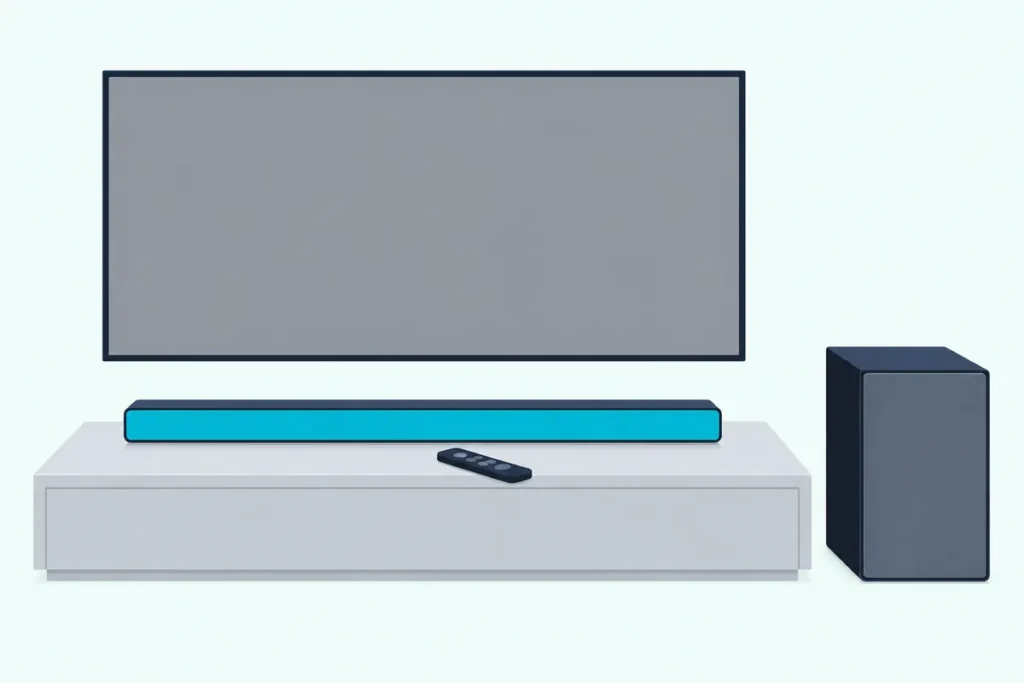
If you’re after the best settings for the Samsung Q600B soundbar, the short version is Adaptive Sound for everyday TV, every level at 0, and Dolby Digital rather than PCM from the TV over HDMI eARC or ARC.
The trouble is that those settings hide behind five remote buttons and several 5-second holds, with only the bar’s front display to show what changed.
Set them in order and the same bar gives clearer voices on the news, a wider sound field for films and a quieter mix late at night.
A table of every setting comes first, then the TV side, since the bar can only work with what it’s sent.
After that come pairings for what you watch, the woofer and EQ, the dialogue and night switches, rear speaker levels and the power settings.
What Are the Best Settings for the Samsung Q600B Soundbar?
Those five buttons hold every sound setting the bar has. For most viewing, the best settings for the Samsung Q600B soundbar are Adaptive Sound, with WOOFER, CH LEVEL and TONE CONTROL at 0, and Voice Enhance, Night Mode and DRC switched on only when a show needs them.
Each range below comes from Samsung’s HW-Q600B full manual. The right-hand column is our starting point, not Samsung’s.
| Setting | Button | Samsung’s range | Start at |
|---|---|---|---|
| Sound mode | SOUND MODE | Surround Sound, Game Pro, Adaptive Sound, Standard | Adaptive Sound |
| Subwoofer | WOOFER | -12, or -6 to +6 (default 0) | 0 |
| Center and top speakers | CH LEVEL | -6 to +6 each | 0 |
| Treble and bass | TONE CONTROL | -6 to +6 each | 0 |
| 7-band EQ | Sound Control, held about 5 seconds | -6 to +6 per band, Standard only | 0 |
| Voice Enhance, Night Mode | Sound Control | On or off | Off until needed |
| Audio Sync | Sound Control | 0 to 300 milliseconds | 0 |
| DRC for Dolby Digital | SOUND MODE, held over 5 seconds with the bar off | On or off | Off |
Only one of those zeros is Samsung’s own: the manual gives 0 as WOOFER’s default and lists no default for the channel levels, tone controls, EQ bands or Audio Sync.
What each preset does to the bar’s 3.1.2 channels is in our guide to the HW-Q600B’s four sound modes, so this page stays on the settings around them.
Which TV Settings Does the Q600B Need First?
Every row in that table works on whatever the TV sends, so the TV’s settings come first. Connect the TV’s HDMI ARC or eARC port to the bar’s HDMI TO TV (eARC/ARC) port, set the TV’s Sound Output to the soundbar, and on a Samsung TV turn on Anynet+ (HDMI-CEC) and set HDMI-eARC Mode to Auto.
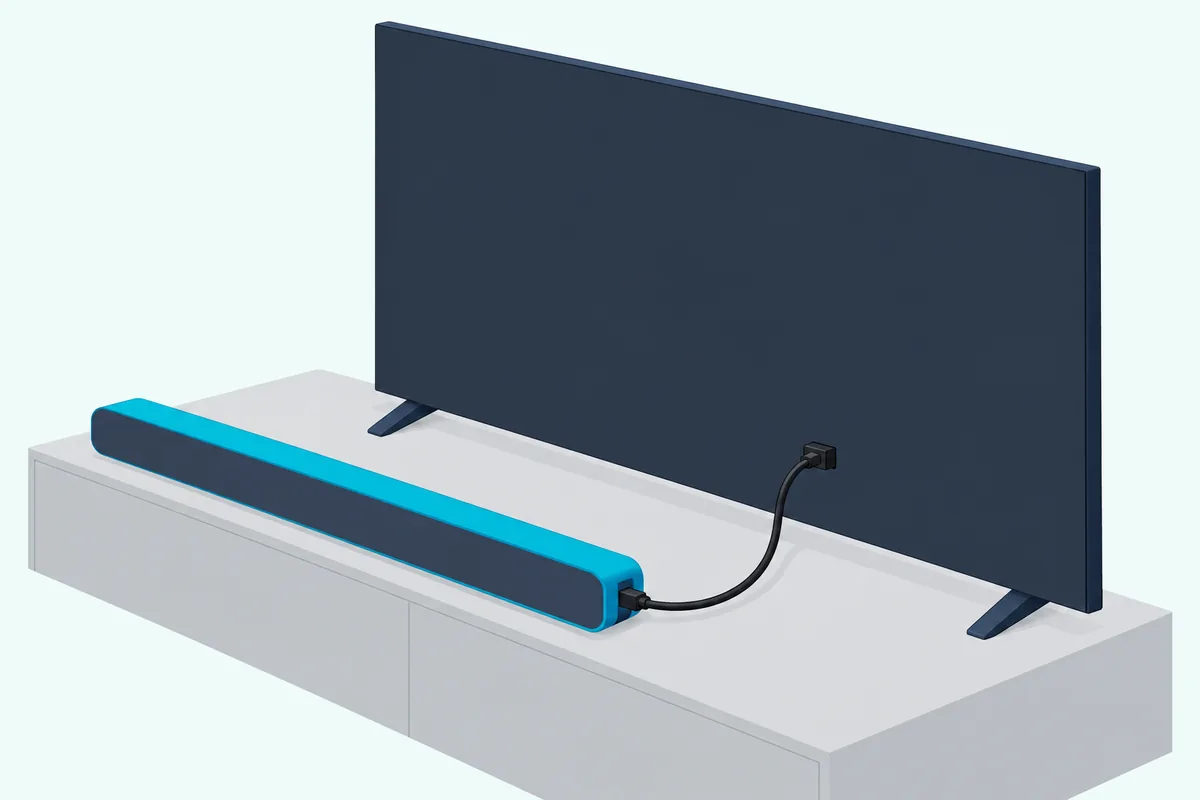
The bar’s display confirms the link, reading TV eARC when the TV’s eARC function is on and TV ARC otherwise. Samsung calls eARC’s bandwidth significantly higher, which is what carries formats such as Dolby Atmos and DTS:X, though it lists Atmos as supported over ARC too.
Next, open the TV’s Digital Output Audio Format. Samsung recommends Dolby Digital rather than PCM when a broadcast is encoded in Dolby Digital, and if the bar plays nothing over eARC or ARC, its fix is to set that output to PCM or Dolby Digital.
Samsung’s 2025 TV e-manual lists two more options: Auto, which follows what the connected soundbar supports, and, for HDMI sources over eARC, Pass-through, which outputs the audio with no processing.
If sound comes from the TV and the bar at once, set the TV speaker to External Speaker, as the Q600B manual says. On Samsung TVs that offer it, TV+Soundbar in Sound Output turns on Q-Symphony, which plays through both over HDMI or optical.
Which Settings Suit TV, Films, Music, Games and Late Nights?
With the TV sending a clean signal, the bar’s own settings can follow what’s on screen. Dialogue-heavy TV suits Adaptive Sound with Voice Enhance, films suit Surround Sound, music you know well suits Standard with the EQ, games suit Game Pro, and late nights suit Night Mode with the woofer turned down.
| What you watch | Sound mode | Settings to add |
|---|---|---|
| News, talk shows and dramas | Adaptive Sound | Voice Enhance on |
| Films without Atmos | Surround Sound | Compare Virtual on and off |
| Dolby Atmos or DTS:X films | Any of the four | None needed |
| Music | Standard | The 7-band EQ |
| Games | Game Pro | Audio Sync if lips drift |
| Late nights | Adaptive Sound | Night Mode, WOOFER down, DRC |
Samsung itself ties Game Pro to gaming, Voice Enhance to dialog in movies and TV, and Night Mode to nighttime viewing. The rest is our reading of its descriptions, such as Adaptive Sound analyzing the content in real time.
The Atmos row follows Samsung’s output table, which plays Dolby Atmos and DTS:X as 3.1.2 channels in every mode, while a 5.1 source drops to 3.1 in Standard.
How Should You Set the Woofer, Bass and Treble?
That table leaves the levels at 0, and bass is the one sound split across two buttons. Set the woofer, bass and treble at 0 first, then move WOOFER a step at a time between -6 and +6, and TONE CONTROL’s TREBLE and BASS between -6 and +6.
WOOFER’s range has one gap: below -6 it goes straight to -12. A single press of the button returns it to 0.
On the Q600B the two bass controls are separate, since the manual describes them without linking them. Samsung’s HW-Q600C manual, by contrast, says its bass setting adjusts the woofer level too.
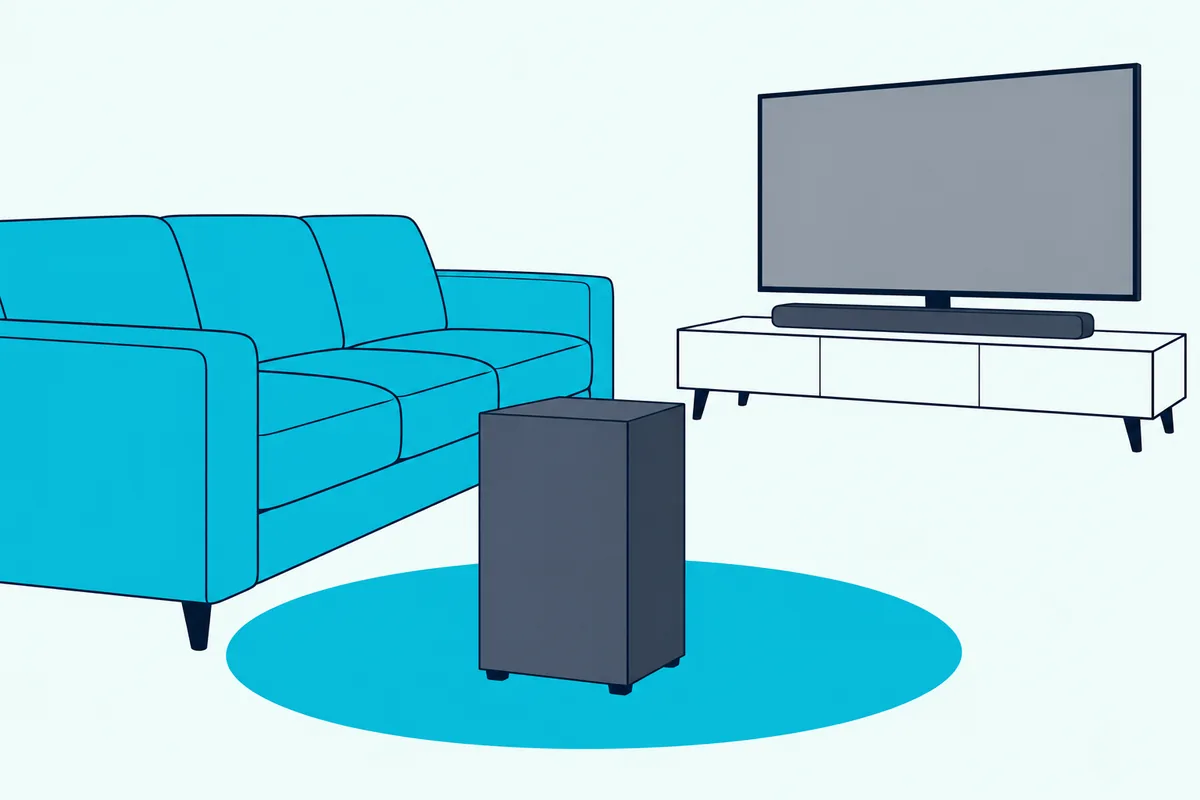
If the subwoofer still sounds weak, Samsung’s troubleshooting table points at the content first. The original volume may be low, so try the subwoofer level, then bring the subwoofer closer to you.
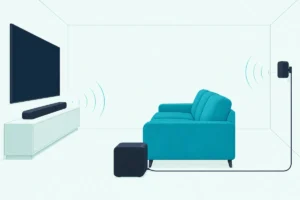
The subwoofer’s wireless link reaches about 10 m (32.8 ft), and Samsung warns that obstacles can cause problems and a steel-concrete or metal wall can stop it altogether.
Try this: play a film scene with music under the dialogue and step WOOFER down until the voices stop competing with the bass.
Is the 7-Band EQ Worth Using on the Q600B?
TONE CONTROL shapes the sound in two broad bands, and the EQ splits it into seven. It’s worth using for music, as long as you stay in Standard: hold Sound Control for about 5 seconds, pick 150 Hz, 300 Hz, 600 Hz, 1.2 kHz, 2.5 kHz, 5 kHz or 10 kHz with Left and Right, and set each between -6 and +6 with Up and Down.
Samsung’s note says to make sure the sound mode is set to Standard first. Standard plays a 2.0-channel source as 2.1 channels, so the center and top speakers sit out a tuned stereo track.
The manual gives no preset curves and doesn’t say whether your curve survives a mode change, so treat the EQ as a Standard-only setting.
Change one band by two steps, replay the same 30 seconds of a song you know, and keep the change only if it sounds the way you wanted.
Which Settings Help With Dialogue and Late Nights?
Music is where the EQ pays off, while voices and quiet hours have their own switches. For dialogue, turn on Voice Enhance, which Samsung says makes spoken dialog in movies and TV easier to hear; for late nights, turn on Night Mode, which brings the volume down but keeps the dialog clear.
Both sit under the Sound Control button, where Up or Down switches each one on or off.
DRC is the third late-night control, and Samsung describes it for Dolby Digital tracks. Hold SOUND MODE for more than 5 seconds with the bar off to switch it, and loud sound is reduced, though Samsung warns the sound may be distorted.
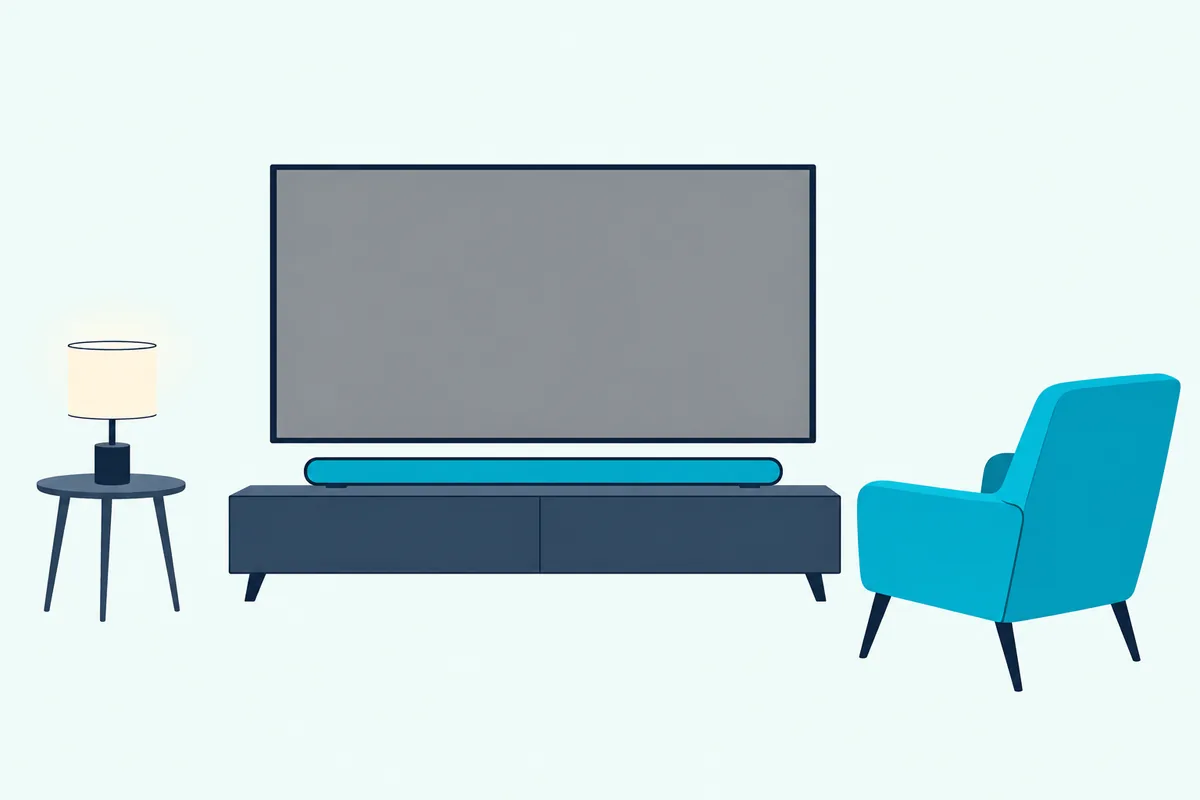
If voices still sink under the effects, press CH LEVEL, pick CENTER LEVEL and raise it a step or two. Samsung doesn’t say which channel carries dialogue, so keep the change only if voices come forward.
When lips and voices drift apart, AUDIO SYNC delays the sound by 0 to 300 milliseconds, though not in USB or Bluetooth mode. The TV’s side of that problem is in our steps for fixing a delay between the picture and the sound.
Virtual switches Dolby Virtual on or off, and Samsung doesn’t describe what it changes, so compare the same scene both ways.
What Changes When Samsung’s Rear Speakers Are Added?
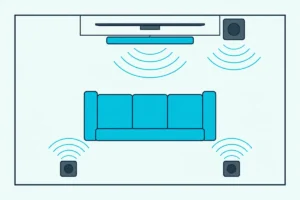
Everything so far assumes the bar and its subwoofer alone, and a rear speaker kit adds one level and one catch. With the SWA-9100S or SWA-9200S kit connected, CH LEVEL adds REAR LEVEL from -6 to +6, and the rear speakers stay silent on 2-channel sound in Standard, where Samsung’s fix is to switch to Surround Sound.
In Surround Sound, Game Pro and Adaptive Sound, stereo and 5.1 sources play as 5.1.2 channels with the kit. Standard keeps stereo at 2.1 and 5.1 at 5.1, so the rears play stereo shows only in the other three modes.
Start REAR LEVEL at 0 and raise it only if the rears sound faint from your seat. Pairing the kit, including the ID SET hold on the remote’s Up button, is in Burton Acoustix’s walk-through for Samsung rear speaker kits.
Which Power and Remote Settings Are Worth Changing?
Rear levels are the last sound setting, and the remaining holds decide when the bar wakes and which remote it obeys. Two are worth a look: Bluetooth Power, which is on by default and wakes the bar when a previously connected TV or Bluetooth device asks to connect, and the TV remote setting, which is off by default.
To turn Bluetooth Power off, hold SOUND MODE for more than 5 seconds while the bar is on. That’s the setting to change if a paired phone keeps switching the bar on.
To use your TV’s remote, switch the bar off and push WOOFER up for 5 seconds. Each hold steps from OFF-TV REMOTE, the default, to SAMSUNG-TV REMOTE and ALL-TV REMOTE for another brand’s infrared remote.
It needs the TV’s speaker set to External Speaker and won’t work with Bluetooth remotes; the full routine is in our guide to controlling a Samsung soundbar with your TV remote.
Auto Power Down switches the bar off after 18 minutes without an audio signal in D.IN, HDMI, BT or USB mode, and the manual gives no way to turn it off. If the bar stops turning on with the TV, Samsung’s explanation is that switching the bar off while watching disables power synchronization, so turn the TV off first.
Will an Update or a Reset Undo Your Settings?
Once those holds are set, the last question is what can wipe them. A USB firmware update won’t, since Samsung says all your customized user settings are maintained, but a reset will: with the bar on, holding both Volume buttons on its top for at least 5 seconds until INIT OK appears resets all the settings.
Samsung’s caution is to reset only when a reset is required. Its HW-Q600F guide also suggests writing your settings down before that model’s updates, which erase them, and the same note of your levels makes a Q600B reset quick to recover from.
Frequently Asked Questions
Can you change the Q600B’s settings without the remote?
Mostly not. The bar’s top panel has only Power, Volume and Source buttons, and the manual mentions the SmartThings app only for Tap Sound, which connects a Samsung phone over Bluetooth. A TV’s infrared remote can run the volume once you enable it, but the sound mode, levels and Sound Control settings need the supplied remote, which Samsung’s US manual lists as part AH81-15340A.
Does the Samsung Q600B have SpaceFit Sound?
Not according to its manual, which lists no SpaceFit Sound, room calibration or Wi-Fi setup. What it gives for the room is placement: keep the bar at least 3 cm (1.2 inches) from the TV’s front for optimal sound quality, since Samsung says an insufficient gap may cause acoustic problems, and mount it at least 5 cm (2 inches) below a wall-mounted TV.
Do these settings work on the Q600C and Q600F?
Largely, with a few differences. Samsung’s HW-Q600C full manual says changing the bass in TONE CONTROL also adjusts the woofer level, and the 2025 HW-Q600F user guide adds Sound Grouping and Private Rear Sound for its rear kit, with no differences between the sound modes while either is on. The Q600F’s firmware update also erases all user settings. For other models, see the best Samsung soundbar settings by model.
Why can’t you use Audio Sync or Virtual over Bluetooth?
Samsung switches both off on two inputs. The manual says Audio Sync isn’t available in USB or BT mode, and Virtual isn’t either, so a phone streaming over Bluetooth or music from a USB drive gets neither. Voice Enhance and Night Mode carry no such note.