Best Acoustic Panels for Home Office: Reduce Echo on Video Calls [2026]
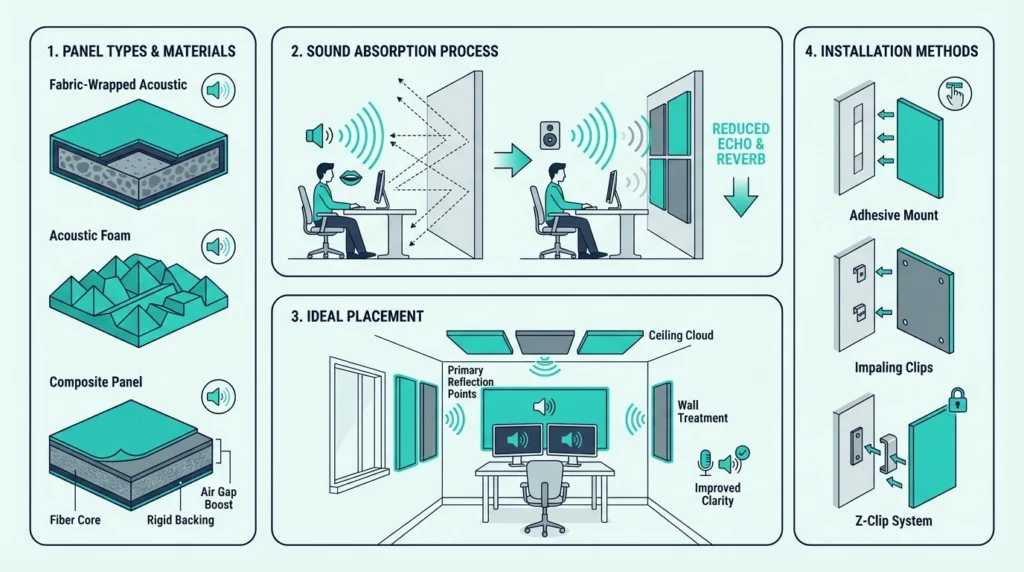
Best acoustic panels for home office setups go on the wall opposite the microphone — but only if the surfaces causing echo are treated first, not just the ones that look empty.
Most home offices have glass, painted drywall, and hard floors bouncing your voice back into the mic. The frustration is real: hollow sound, reverb tails, and colleagues asking you to repeat yourself.
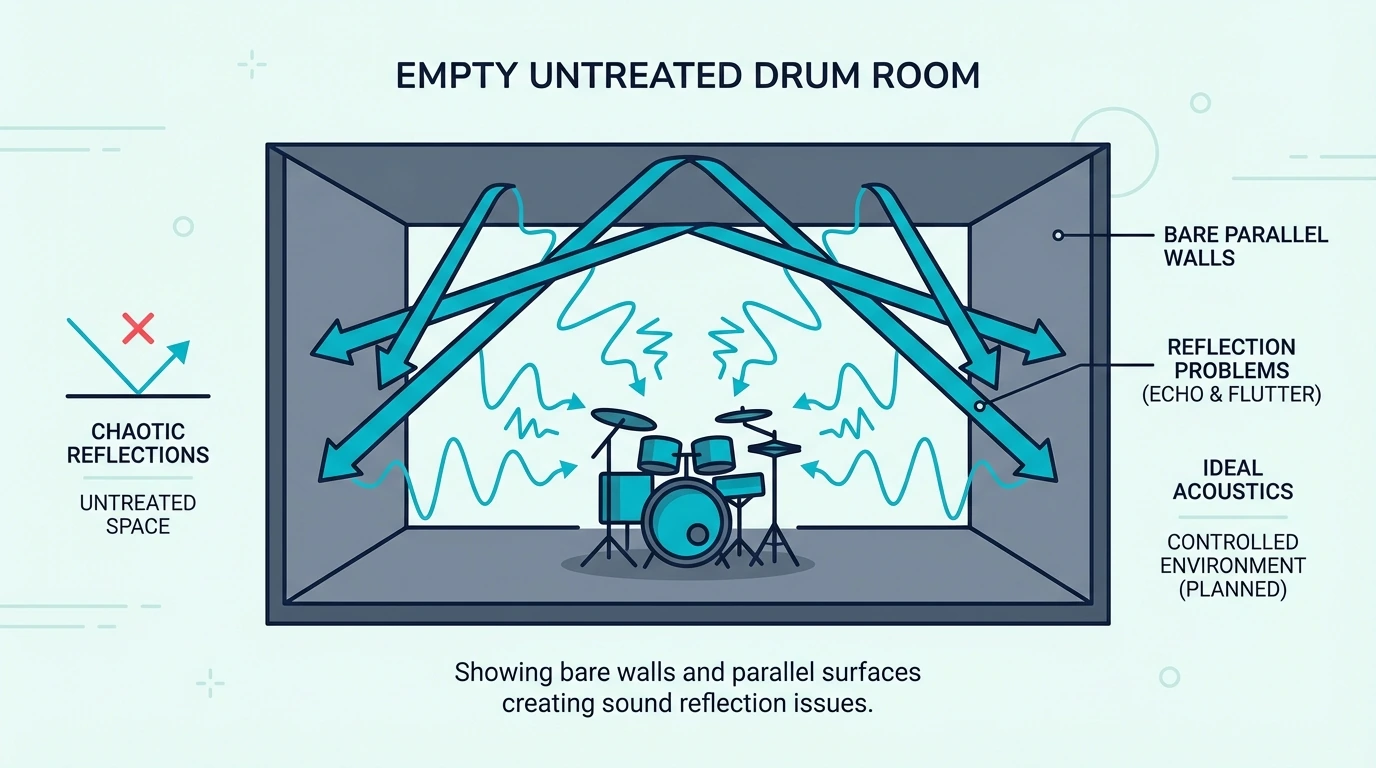
Parallel hard surfaces create flutter echo that no microphone can overcome on its own.
The right panel placement eliminates mic reflections, cleans up your recorded voice, and makes calls sound like a professional studio. Below you’ll find which panels work best, exact placement positions, and what to avoid — you’ll have a clear setup plan by the end.
Best acoustic panels for home office fix the hollow, echoey sound on Zoom calls by absorbing room reflections before they reach the mic. Treat the wall behind you first — it solves your video backdrop and audio quality in one move.
Best Acoustic Panels for Home Office
Three panels consistently perform best for work-from-home setups across voice clarity, video backdrop, and budget.
Best Overall: The UMIACOUSTICS 4-Pack with Brackets earns the top spot with its 2-inch fiberglass core and included mounting hardware. The 4.6-star rating reflects consistent performance across hundreds of home office installations.
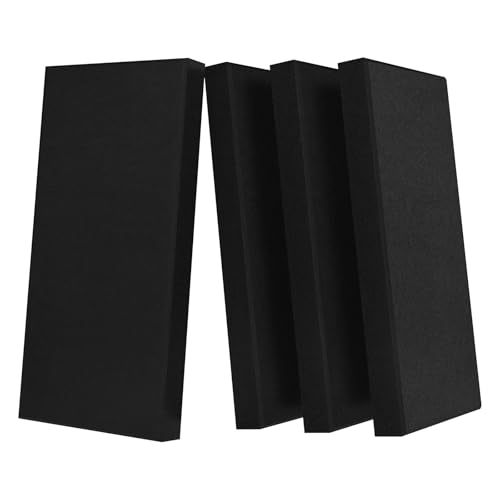
UMIACOUSTICS 4-Pack with Brackets
Best for Video Backdrop: The TONOR Dual-Layer Panels dominate the video call category with massive 47-inch coverage. Four panels create a professional backdrop that clients and colleagues notice immediately.
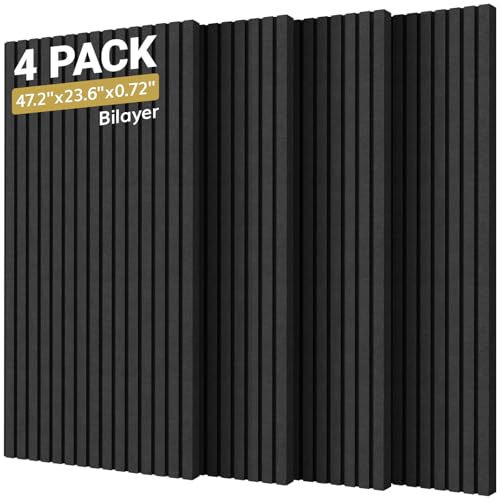
TONOR Dual-Layer Panels
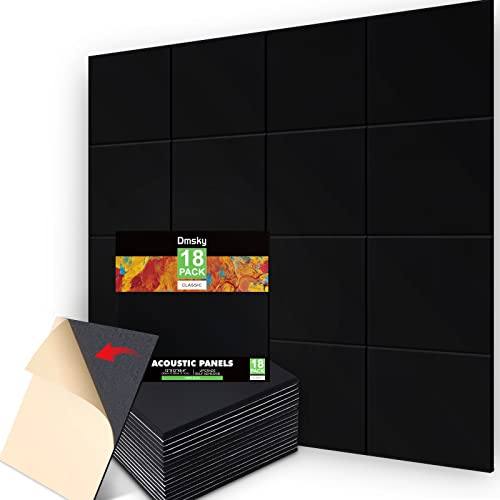
Best Budget: The 18 Pack Black Acoustic Panels prove you don’t need a big budget to sound professional. Eighteen panels for under forty dollars covers your entire camera view.
18 Pack Black Acoustic Panels
Why Home Offices Need Acoustic Panels
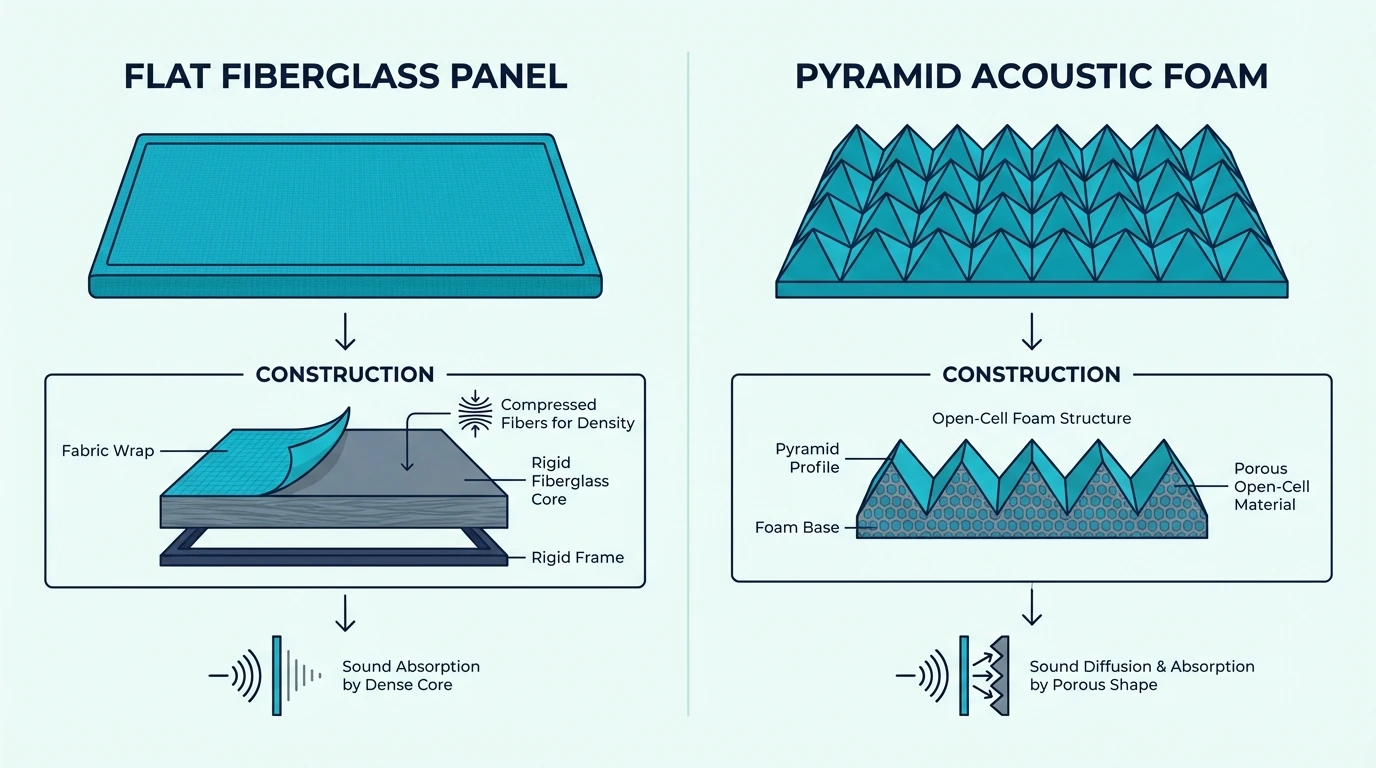
Home office acoustics affect both audio quality and how you appear on camera — the same panels solve both problems at once.
Cleaner Zoom and Teams Audio
Your laptop microphone or headset captures everything in your room, including the sound bouncing off walls, desk, and monitors. These reflections create the hollow, echoey quality that makes you sound less professional than colleagues in treated offices.
Acoustic panels absorb these reflections before they can bounce back to the mic. The result is cleaner voice capture that sounds like a dedicated office, not a spare bedroom.
Even expensive microphones can’t fix bad room acoustics. No amount of software noise reduction eliminates room echo — only physical treatment does.
The acoustic panels hub explains the physics behind absorption vs soundproofing in detail.
Professional Video Backdrop
What appears behind you on video calls matters more than most remote workers realize. Messy bookshelves distract from your message, virtual backgrounds often glitch, and blank walls look unfinished.
Acoustic panels create a clean, professional backdrop that requires zero post-processing. The consistent texture signals to clients and colleagues that you take your work environment seriously.
This visual upgrade happens automatically when you treat the wall behind you — solving audio and video problems with a single purchase. The gaming panels guide covers the same dual-purpose approach for streaming setups.
Reduced Distractions
Better audio and a cleaner backdrop help you project professionalism, but panels also affect how the room feels during the rest of your workday. Home offices rarely have the sound isolation of commercial buildings.
Kids, pets, street noise, and household sounds all compete for attention during your workday.
Panels don’t soundproof the space (nothing short of construction does), but they reduce the reverb that amplifies these distractions. A treated room feels noticeably calmer and more focused.
Get Studio Tips Weekly
Join 5,000+ creators getting acoustic treatment advice every week.
No spam. Unsubscribe anytime.Best Acoustic Panels for Video Calls
Some panels suit video backdrops better than general treatment — these prioritize large coverage and clean appearance alongside absorption.
TONOR Dual-Layer Panels
The TONOR Dual-Layer Panels set the standard for video call backdrops. Each panel spans nearly four feet, meaning four panels cover the entire background of most webcam setups with minimal visible seams.
The dual-layer construction serves both purposes: the outer fabric creates a clean visual while the inner high-density core absorbs voice frequencies. With 868 verified reviews, these have been battle-tested by thousands of remote workers.
Self-adhesive backing simplifies installation, though Command strips offer easier removal for renters.
BUBOS Large Format Panels
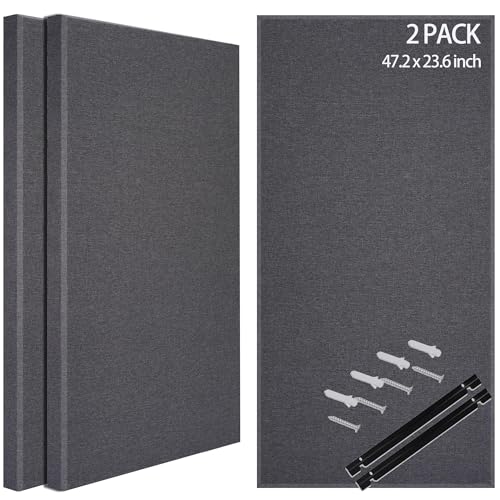
The BUBOS Fabric Acoustic Panels deliver premium aesthetics for home offices where appearance matters. The 47×24-inch dimensions fill standard webcam frames beautifully.
BUBOS Fabric Acoustic Panels
The fabric wrapping photographs well under any lighting conditions — ring lights, natural light, or overhead fixtures all show these panels flatteringly. The professional appearance justifies the premium price for client-facing roles.
Olanglab Fiberglass Panels
The Olanglab Fiberglass Panels offer genuine acoustic performance at a mid-range price. The fiberglass core puts these in a different absorption class than budget polyester panels.
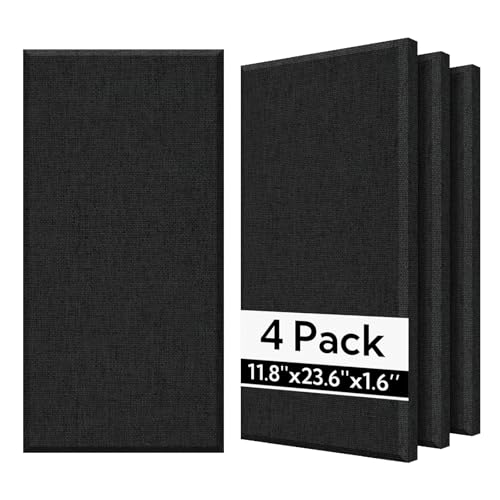
Olanglab Fiberglass Panels
Remote workers who prioritize audio quality alongside visual appeal get both from these panels. The fiberglass acoustic panels guide has a full performance breakdown by NRC tier.
Best Budget Home Office Panels
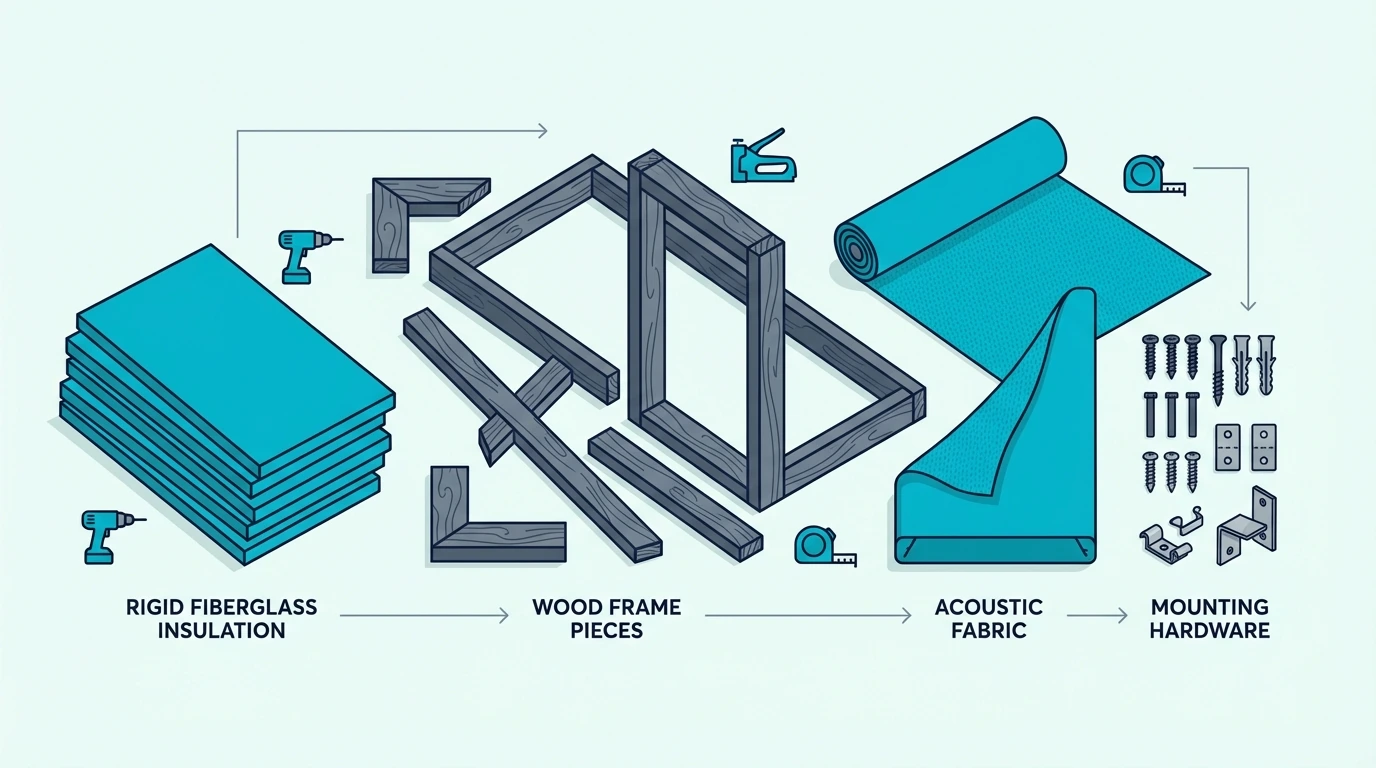
Not every remote worker needs premium panels from day one — these budget options deliver meaningful improvement for those starting to optimize their home office.
18 Pack Black Panels
The 18 Pack Black Acoustic Panels dominate the budget category with sheer quantity. Eighteen panels means you can cover your entire video backdrop wall without buying multiple packs.
The 0.4-inch thickness won’t handle low frequencies, but for voice frequencies on video calls, these panels make an audible difference. The black color creates a professional backdrop that recedes on camera.
Over 3,400 reviews confirm these work for budget-conscious remote workers.
10 Pack Large Coverage Panels
The 10 Packs Large Acoustic Panels offer the best coverage value for larger home offices. Ten panels at 47×24 inches each means massive wall coverage at a reasonable price per square foot.
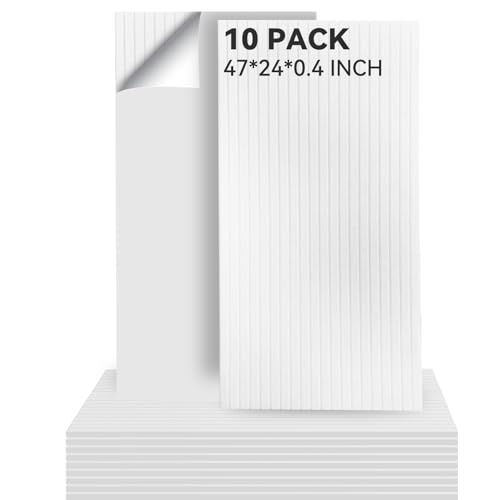
10 Packs Large Acoustic Panels
Remote workers with larger rooms or those wanting to treat multiple walls benefit from this quantity. The thinner profile works well for voice frequencies even if it won’t handle bass.
The recording studio panel guide covers the more aggressive treatment that combined office-and-studio spaces require.
Best Panels for Voice Clarity
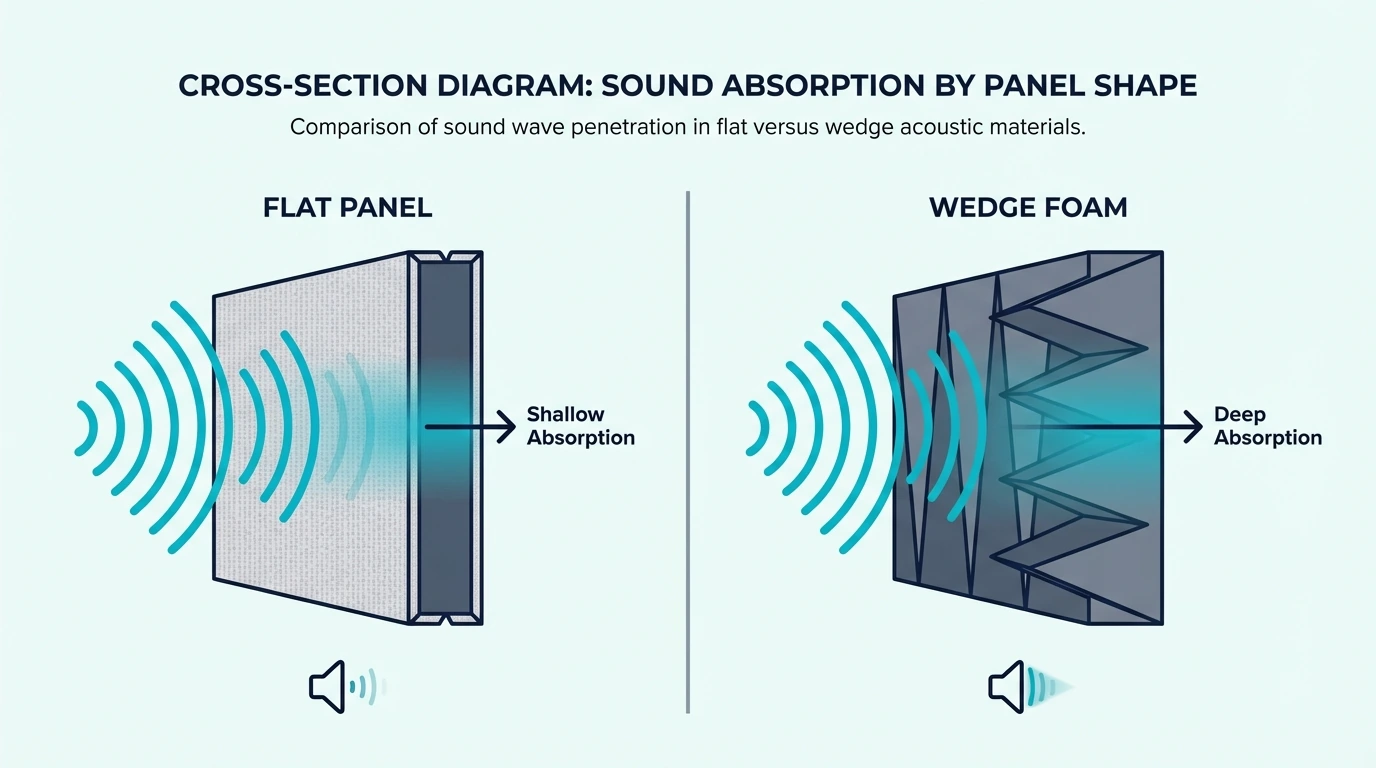
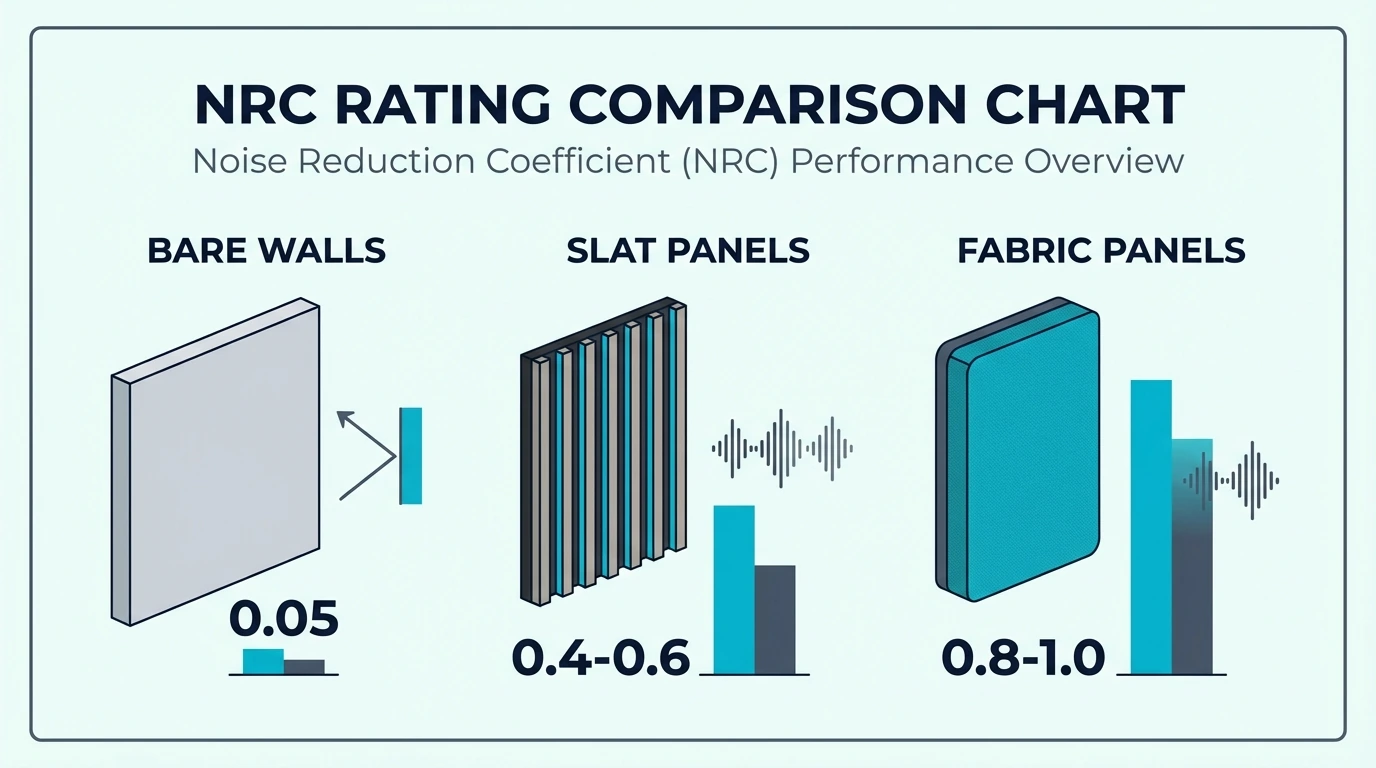
Voice clarity on calls depends on absorption in the 100-4000Hz range — these fiberglass-core panels cover that range effectively.
UMIACOUSTICS with Hanging Bracket
The UMIACOUSTICS Panels with Bracket lead the voice clarity category because of their 2-inch thickness. Voice frequencies primarily live in the 100-4000Hz range, and 2-inch panels absorb this range effectively.
The included hanging brackets mean you’re not hunting for compatible hardware. At 4.6 stars with 126 reviews, these panels have proven themselves across many home office setups.
Remote workers who spend hours on calls daily notice the audio improvement immediately. Clients and colleagues will hear the difference.
Standard Fiberglass 4-Pack
The 23.62” X 11.81” Fiberglass Panels deliver the same fiberglass core at a slightly lower price by skipping the mounting hardware. If you already have Command strips or picture hangers, this saves money without sacrificing quality.
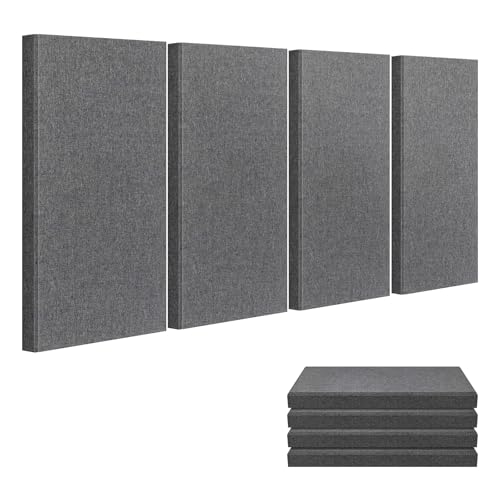
23.62” X 11.81” Fiberglass Panels
The 2-inch fiberglass absorbs voice frequencies the same way regardless of brand — physics doesn’t change based on marketing. The same absorption principles apply whether you’re in a home studio or corporate office.
UMIACOUSTICS Standard Pack
The UMIACOUSTICS Standard 4-Pack offers another solid fiberglass option. With 199 verified reviews, these panels have established themselves as a reliable choice for home office audio improvement.
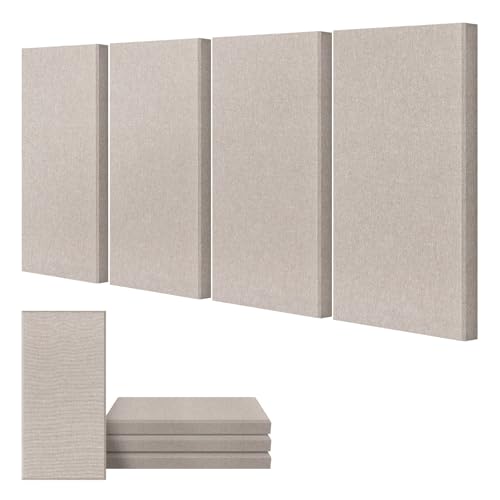
UMIACOUSTICS Standard 4-Pack
Where to Place Acoustic Panels in Home Office
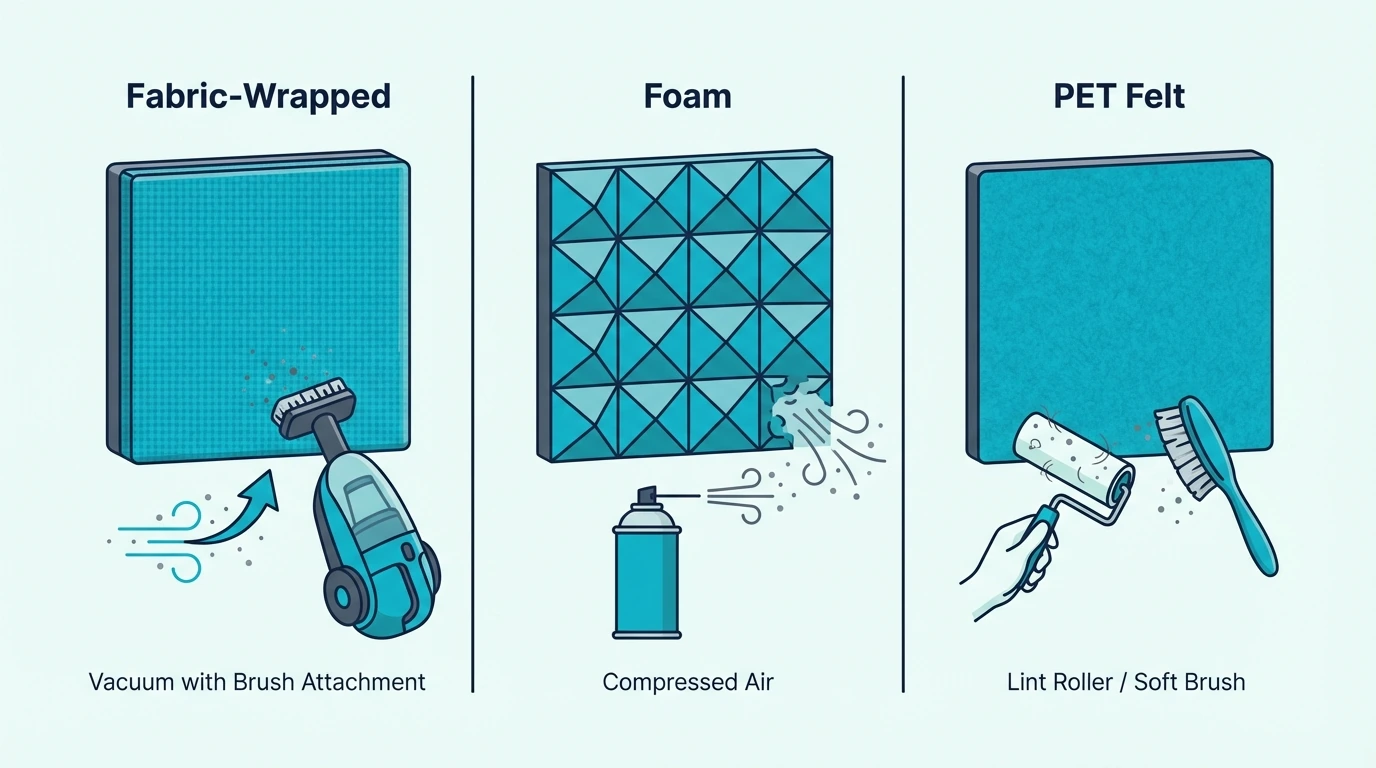
Placement determines whether panels actually improve your calls — the right spots make an immediate difference while the wrong spots change almost nothing. The bedroom panels guide covers the same mirror trick and positioning logic for smaller rooms.
Video Backdrop Wall
The wall that appears on camera is the first priority. This serves dual purposes: visual backdrop for video and acoustic treatment for sound bouncing toward the mic from behind.
Place panels to fill the webcam’s frame completely. Open your video conferencing app to check exactly what appears in the shot, then cover that area with panels.
Wall Behind Your Monitor
The second priority is treating the wall behind your monitor — the direction you face while working. Sound from your speakers (or your own voice if you don’t use headphones) bounces off this wall first.
If you’re using external speakers for calls, this placement becomes even more critical. Panels here prevent audio from bouncing back into the microphone.
Side Walls (Flutter Echo)
If the desk sits between two parallel walls, sound bounces back and forth creating “flutter echo.” This makes voices sound thin and metallic.
Treating even one side wall breaks this echo pattern. A few panels at ear height make a noticeable difference without requiring full wall coverage.
Installation Tips for Home Offices
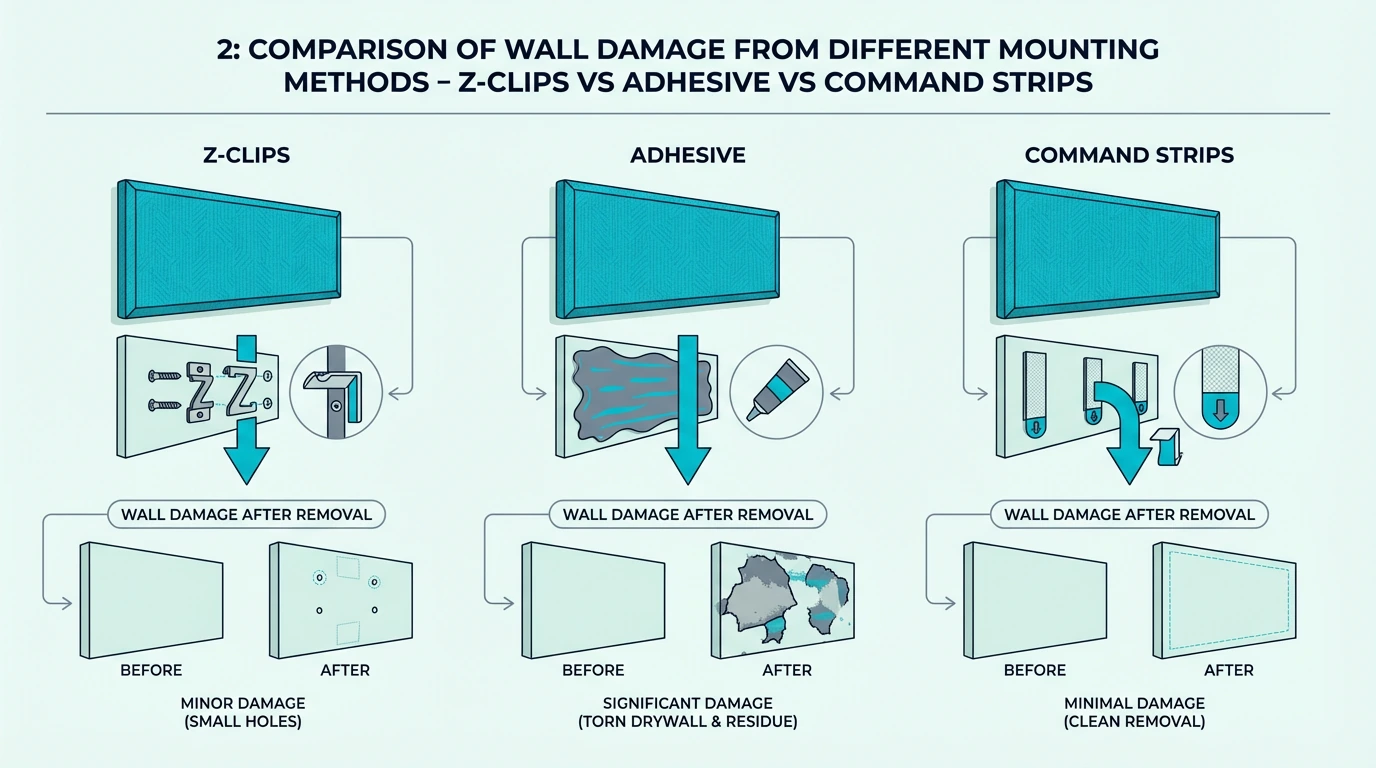
Getting panels on the wall without damaging a rental is simple with the right method — Command strips, leaning, and desk mounts each serve different situations.
Command Strip Method
3M Command strips remain the best option for renters or anyone who might move their setup. The medium or large picture hanging strips support most acoustic panels without issue.
Apply strips in an X pattern on the back of each panel for maximum hold. Let them cure for at least an hour before mounting — rushing this step leads to panels falling during important calls.
When you move, Command strips remove cleanly from both panels and walls. The streaming panels guide covers permanent mounting methods for dedicated broadcast rooms.
Leaning Panels Behind Desk
If wall mounting isn’t possible, leaning panels against the wall behind the desk works surprisingly well. The camera can’t tell whether panels are mounted or leaning.
The acoustic benefit is slightly reduced compared to wall mounting, but the visual improvement remains the same. This approach works well for temporary setups or shared spaces.
Desk-Mounted Options
Some remote workers prefer panels that attach directly to the desk or monitor. These don’t provide the same coverage as wall-mounted options, but they help with first reflections near the microphone.
This approach supplements wall treatment rather than replacing it. The panels behind you matter most for video call quality.
Conclusion
Best acoustic panels for home office depend on matching priorities and budget to the right product. The market offers legitimate options from entry-level starters to professional broadcast quality.
The UMIACOUSTICS 4-Pack with Brackets provides the best starting point for most remote workers. The 2-inch fiberglass handles voice frequencies effectively, and the included mounting hardware simplifies installation.
Start with the video backdrop wall — it solves both audio quality and professional appearance in one move. Budget-conscious remote workers can begin with the 18 Pack Black Panels and upgrade as needs grow.
The ceiling panels guide covers overhead treatment options for offices where upward reflections also need attention.
Frequently Asked Questions
Do acoustic panels actually improve Zoom audio?
Yes. Panels absorb room reflections that make your voice sound hollow and echoey on video calls.
Colleagues notice cleaner audio immediately, even if they can’t identify why you sound more professional.
Should I prioritize audio or video backdrop?
Start with the video backdrop — the wall behind you that appears on camera. This serves both visual and acoustic purposes, giving you the most improvement from your first panels.
Will cheap acoustic panels work for home office?
Budget panels work for visual backdrop and high-frequency absorption. For serious audio improvement on important calls, thicker panels (2 inches) with fiberglass cores perform noticeably better.
Panel NRC ratings help compare absorption performance across different products and price tiers.
How many panels do I need for a home office?
For a typical video call backdrop, 4-8 panels cover the camera’s view — add 2-4 more behind the monitor for a total of 6-12 panels.
Can I use acoustic panels in a rental?
Command strips mount panels without damage, and many options have self-adhesive backing that removes cleanly.
Freestanding or leaning panels work too if you can’t mount anything.
Do panel colors affect audio quality?
No — the fabric color is purely aesthetic, and a black panel absorbs the same frequencies as a white one with identical construction.