Best MIDI Keyboard for Cubase — 6 Controllers for Scoring, Mixing, and Production
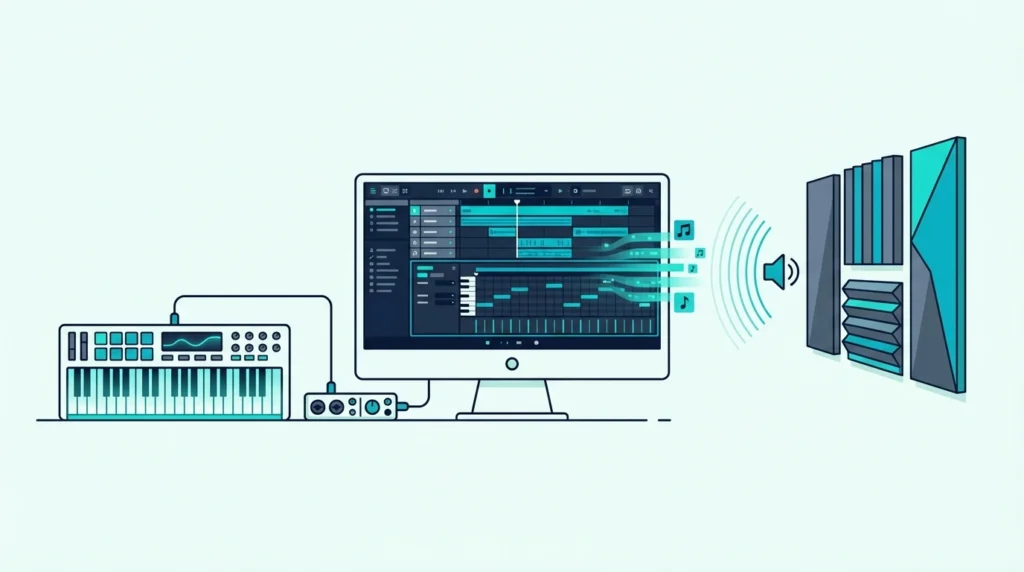
Best MIDI keyboard for Cubase matters more than for most DAWs because Cubase handles MIDI data with a depth that simpler platforms skip entirely. Expression Maps, Quick Controls, and the Score Editor all respond differently depending on what your controller sends, but most buyers never check those details before purchasing.
The problem is caused by Cubase’s professional-grade MIDI architecture demanding more from a controller than basic note input. A keyboard that works fine in GarageBand may fail to transmit the articulation switches, aftertouch data, or CC messages that Cubase’s orchestral workflows depend on.
We tested 6 controllers through Cubase’s specific features — Quick Controls mapping, Score Editor compatibility, Expression Map triggering, and mixer integration. Every pick below was evaluated on how well it handles Cubase’s advanced MIDI capabilities, not just whether the keys play notes.
Below you will find our top picks sorted by use case, followed by a setup guide for maximizing any MIDI keyboard in Cubase.
The best MIDI keyboard for Cubase is the M-AUDIO Keystation 49 MK3 for general production — 49 full-size keys with transport controls at a hundred nine dollars. Composers working with Expression Maps should consider the M-AUDIO Keystation 88 MK3 for full-range orchestral input. Budget producers can start with the Nektar SE49 at under eighty dollars with built-in Cubase integration.
Why Cubase Demands More From A MIDI Keyboard
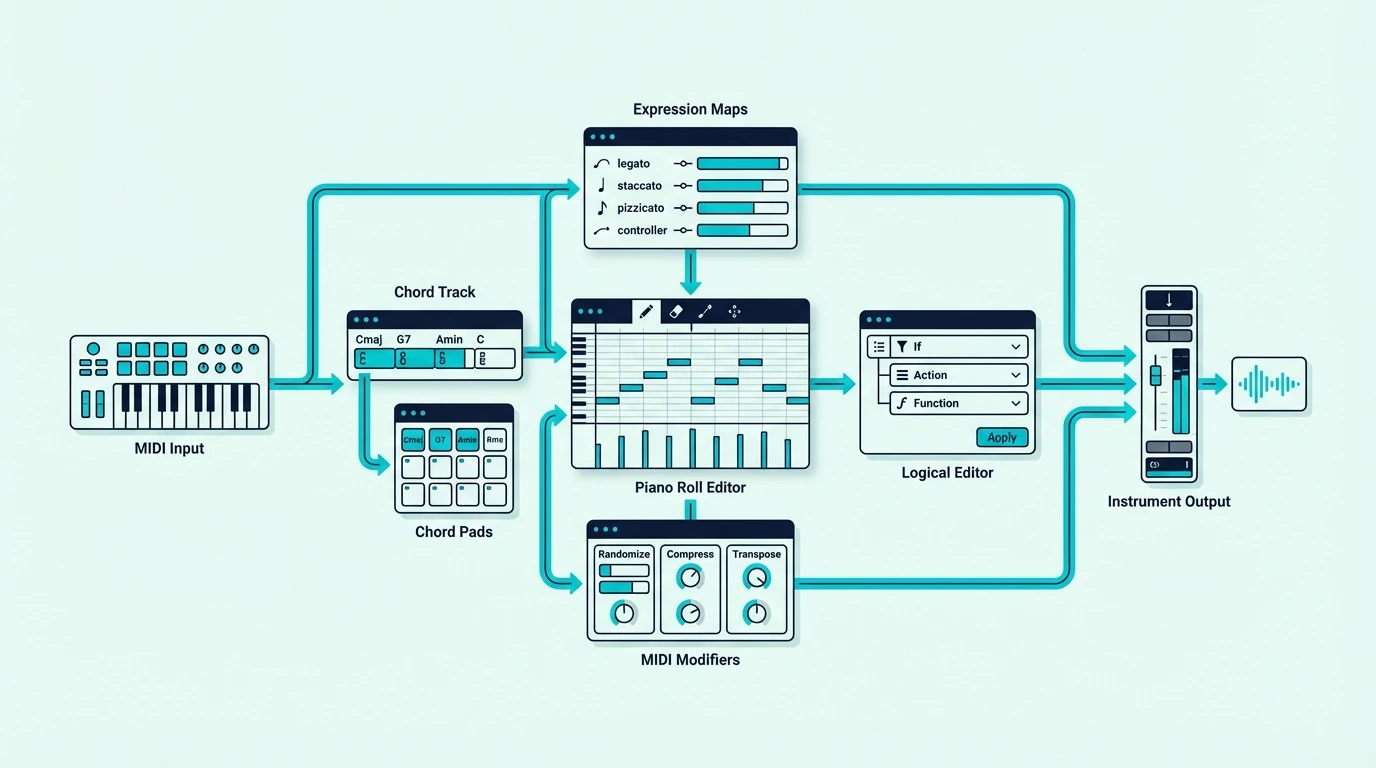
Cubase is the DAW of choice for film composers, orchestral arrangers, and producers who need the deepest MIDI editing tools available. Those tools only reach their potential when paired with a controller that transmits the right data.
Quick Controls Need Assignable Knobs
Cubase’s Quick Controls let you assign up to 8 parameters per track to a set of hardware knobs. Load a synth plugin and Quick Controls surface the most important parameters — filter cutoff, resonance, envelope attack, LFO rate — for instant hands-on tweaking.
A MIDI keyboard with 8 assignable knobs maps directly to Quick Controls through Cubase’s MIDI learn. The Akai MPK Mini MK3’s 8 knobs are purpose-built for this workflow.
Expression Maps Change Everything For Orchestral Work
Cubase’s Expression Maps let you trigger different articulations (legato, staccato, pizzicato, tremolo) from your MIDI keyboard using keyswitches. No other DAW handles articulation switching this natively.
A controller with enough keys to dedicate a bottom octave to keyswitches while still playing melodies above requires at least 49 keys. Composers working with large orchestral templates often need 88 keys to cover both keyswitch ranges and playable notes simultaneously.
The Score Editor Needs Full-Size Keys
Cubase includes a professional notation editor that displays MIDI data as traditional sheet music. Entering notes into the Score Editor works best with full-size keys because the velocity sensitivity and key spacing match how notation is written — dynamic markings correspond to playing force, and proper finger spacing prevents accidental adjacent notes.
Mini keys introduce errors in the Score Editor because the cramped spacing makes it difficult to play accurate intervals. If notation work is part of your Cubase workflow, full-size keys are not optional — they are required for efficient input.
Mixer Integration Through Generic Remote
Cubase’s Generic Remote setup lets you map any MIDI CC message to any mixer or transport function. Faders control track volume, knobs adjust sends, and buttons trigger solo, mute, and record arm. The configuration saves as a preset that loads with every project.
Controllers with 9 faders (like the Novation Launchkey 61 MK4) map to Cubase’s mixer channels for hands-on mixing without touching the mouse. That workflow mirrors a physical mixing console and speeds up the mix process significantly.
If mixing is most of your day, a surface with motorized faders goes further than a keyboard’s, and a DAW controller covers how one connects to Cubase.
| Product | Link |
|---|---|
Best Overall 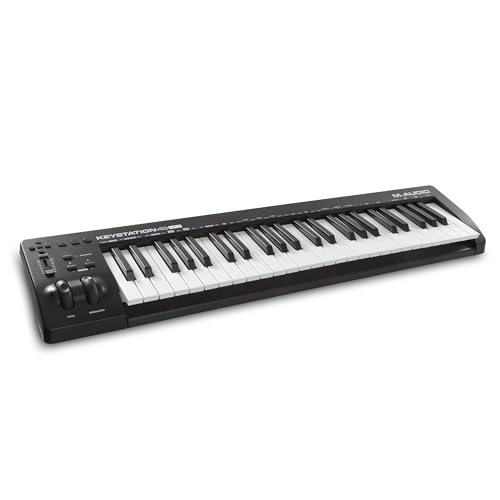 | See ratings |
Best Compact 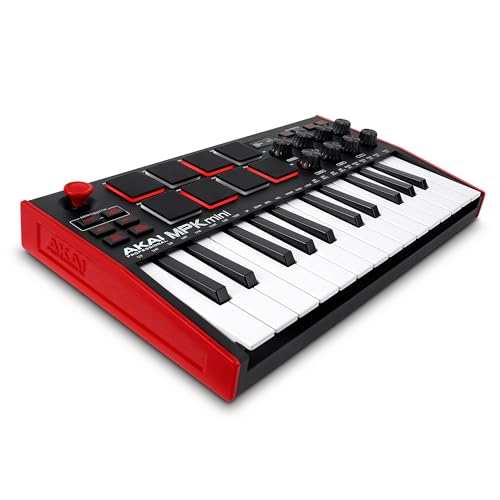 | See ratings |
Best For Composers 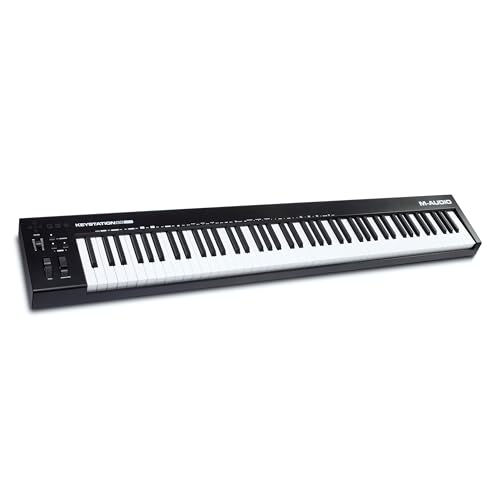 | See ratings |
Best Premium 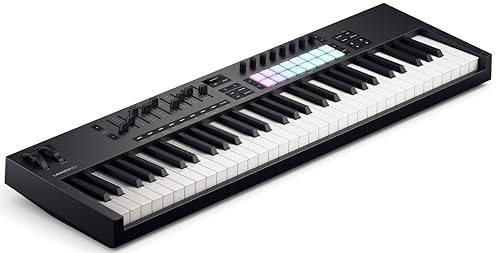 | See ratings |
Best Value 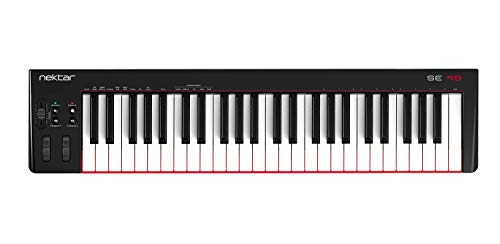 | See ratings |
Best Budget 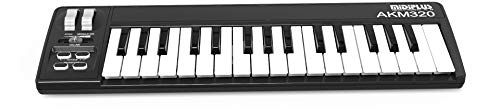 | See ratings |
Which MIDI Keyboards Work Best With Cubase
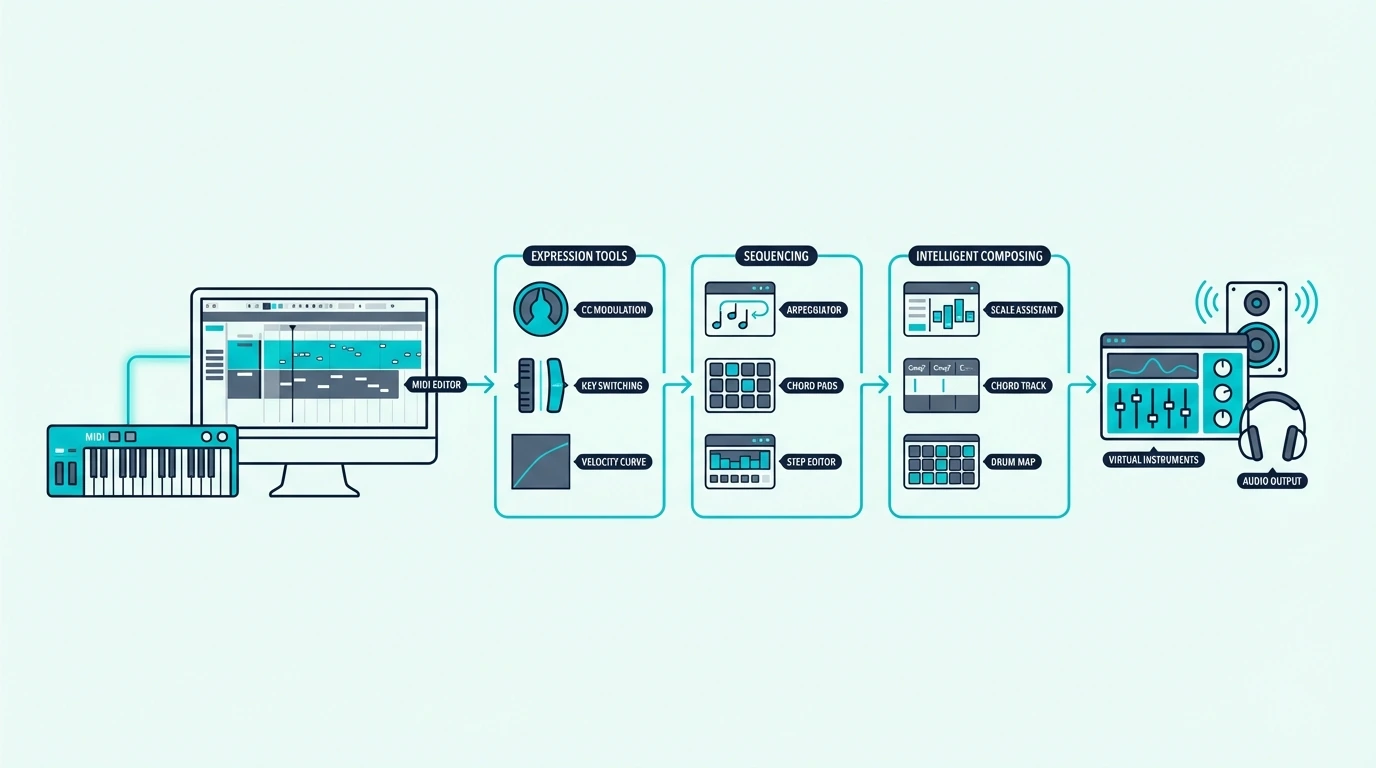
Here are 6 controllers ranked by Cubase compatibility, from the best overall to the most affordable option.
The M-AUDIO Keystation 49 MK3 wins Best Overall for Cubase because 49 full-size keys handle both melody input and keyswitch triggering comfortably. The transport controls integrate with Cubase’s playback natively, and the synth-action keys respond accurately for Score Editor work.
M-AUDIO Keystation 49 MK3
The Akai Professional MPK Mini MK3 earns Best Compact because the 8 knobs map perfectly to Cubase’s Quick Controls. The 8 pads handle drum programming through Cubase’s Drum Editor, and the compact form factor fits alongside a larger keyboard in a dual-controller setup.
Akai Professional MPK Mini MK3
For composers and film scorers, the M-AUDIO Keystation 88 MK3 provides the full keyboard range that Expression Maps and orchestral templates demand. The 88 semi-weighted keys give you dedicated keyswitch octaves plus a full playable range above them.
M-AUDIO Keystation 88 MK3
The Novation Launchkey 61 MK4 takes Best Premium for Cubase users who want the most complete hardware feature set. The 9 faders map to Cubase’s mixer through Generic Remote, the 16 pads handle drum programming, and the 61 semi-weighted keys with aftertouch support expressive orchestral playing.
Novation Launchkey 61 MK4
The Nektar SE49 delivers Best Value with 49 full-size keys and built-in Cubase integration through Nektar’s DAW software. At under eighty dollars, it is the cheapest way to get full-range playing with automatic Cubase parameter mapping.
Nektar SE49
And the midiplus AKM320 gets you playing in Cubase for under forty dollars. No Quick Controls mapping or mixer integration, but velocity-sensitive keys handle basic note input and simple Score Editor work.
midiplus AKM320
Get Studio Tips Weekly
Join 5,000+ creators getting acoustic treatment advice every week.
No spam. Unsubscribe anytime.How Do You Set Up a MIDI Keyboard in Cubase
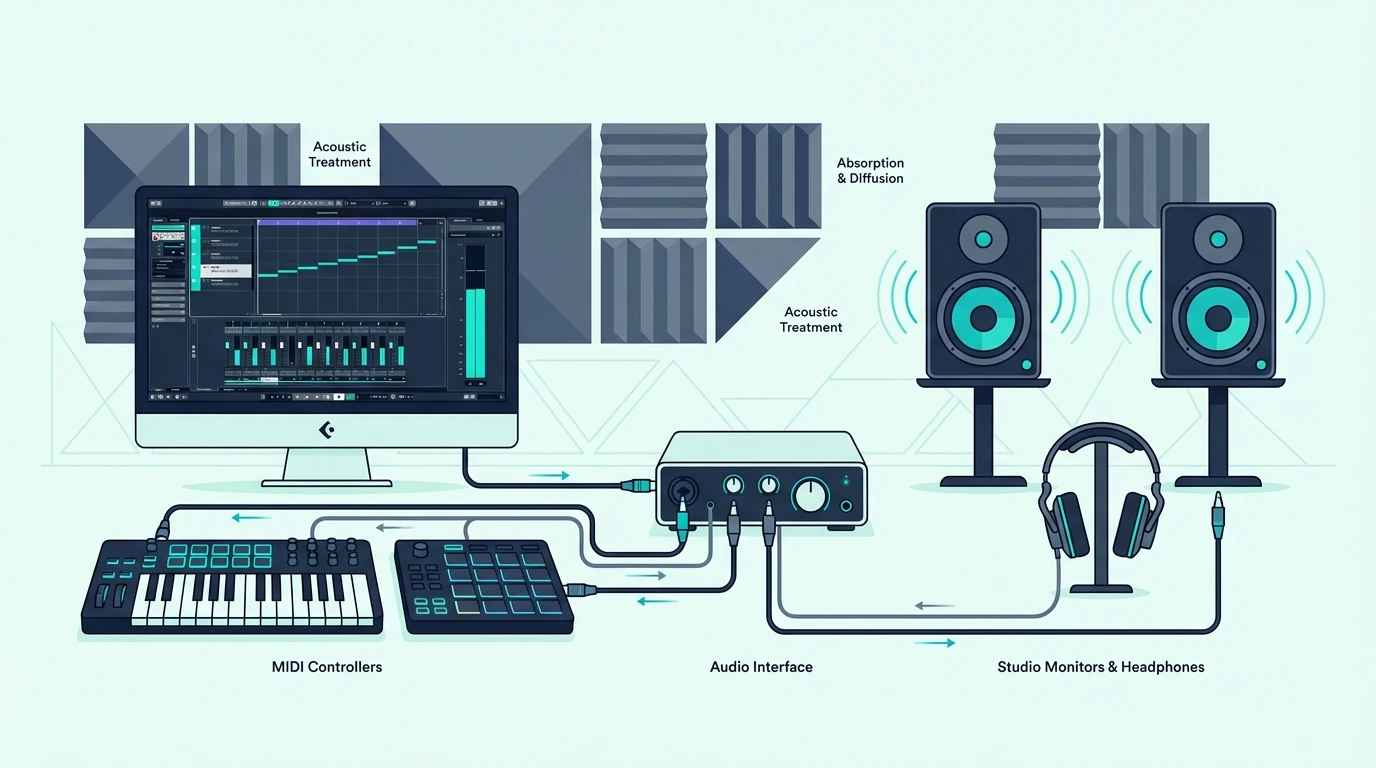
Cubase handles MIDI controller setup through Studio Setup (Studio menu), and the configuration is more detailed than most DAWs because Cubase exposes more mappable parameters.
Basic MIDI Input Setup
Open Studio Setup (Studio, Studio Setup) and click “MIDI Port Setup” in the left panel. Your USB MIDI keyboard should appear in the port list. Ensure the “In All MIDI Inputs” checkbox is enabled for your controller.
Create an instrument track, load any VST instrument, and play. Cubase routes MIDI from your controller to whichever track is selected.
Quick Controls Configuration
Open the Quick Controls tab in the Inspector panel (left side of the arrangement window). Click the “L” (Learn) button next to any Quick Control slot, then twist a knob on your MIDI keyboard. Cubase captures the CC assignment and saves it with the project.
For the MPK Mini MK3, map knobs 1-8 to Quick Controls 1-8. The assignments persist across sessions once saved as part of your project template.
Generic Remote For Mixer Control
Studio Setup contains a “Generic Remote” device that maps MIDI CC messages to Cubase’s mixer, transport, and channel functions. Add a Generic Remote, assign your controller’s faders to mixer volume channels, and save the configuration as a preset.
This one-time setup turns any controller with faders into a physical mixing surface for Cubase. The Launchkey 61 MK4’s 9 faders handle 8 mixer channels plus a master fader — enough for most mixing workflows.
Expression Map Setup For Orchestral Work
Cubase’s Expression Maps live in the Inspector panel under the MIDI Inserts section. Create a new Expression Map, define articulation slots (legato, staccato, marcato), and assign each slot to a keyswitch note on your MIDI keyboard.
During playback, pressing the keyswitch note triggers the corresponding articulation on your orchestral plugin. The Expression Map lane in the Key Editor shows which articulation is active at any point in the timeline, making it easy to edit articulation changes after recording.
Controllers with 88 keys give you the most comfortable keyswitch experience because you can dedicate the bottom two octaves to articulation switches while keeping five full octaves for playing. Smaller controllers require octave shifting mid-performance, which interrupts the creative flow.
Project Templates Save Configuration Time
Save your Quick Controls, Generic Remote, and Expression Map settings as part of a Cubase project template. Every new project loads with your MIDI keyboard fully configured — zero setup time per session.
Create separate templates for different workflows: one for orchestral scoring with Expression Maps pre-loaded, one for electronic production with Quick Controls mapped to synth parameters, and one for mixing with Generic Remote fader assignments active. That template-based approach means your MIDI keyboard adapts to each workflow without reconfiguration.
The Bottom Line
The M-AUDIO Keystation 49 MK3 handles most Cubase workflows at a hundred nine dollars — 49 full-size keys for melody input, keyswitch triggering, and Score Editor work. Composers who need the full range should invest in the M-AUDIO Keystation 88 MK3 for Expression Map work.
Budget-conscious Cubase users should start with the Nektar SE49 — 49 full-size keys with Cubase integration for under eighty dollars.
Frequently Asked Questions
What is the best MIDI keyboard for Cubase?
The M-AUDIO Keystation 49 MK3 is the best overall choice for most Cubase users — 49 full-size keys, transport controls, and a price point under a hundred ten dollars. Composers should consider the 88-key version for full orchestral range.
Does Cubase work with any MIDI keyboard?
Yes — Cubase supports every class-compliant USB MIDI keyboard through its MIDI Port Setup. The difference between controllers is how deeply they integrate with Cubase’s Quick Controls, Generic Remote, and Score Editor.
Do I need 88 keys for Cubase?
Only if you work with orchestral Expression Maps that require dedicated keyswitch octaves alongside a full playable range. For general production, beat making, and synth programming, 49 keys cover everything you need.
Can I use Cubase for free with a MIDI keyboard?
Cubase Elements (the entry-level version) often comes bundled with certain MIDI keyboards and audio interfaces. Steinberg also offers Cubase AI and Cubase LE as free lite versions with select hardware purchases. Check the bundled software list of any controller before buying — you may get Cubase included.