Best MIDI Keyboard for FL Studio — 6 Controllers Tested With Fruity Loops
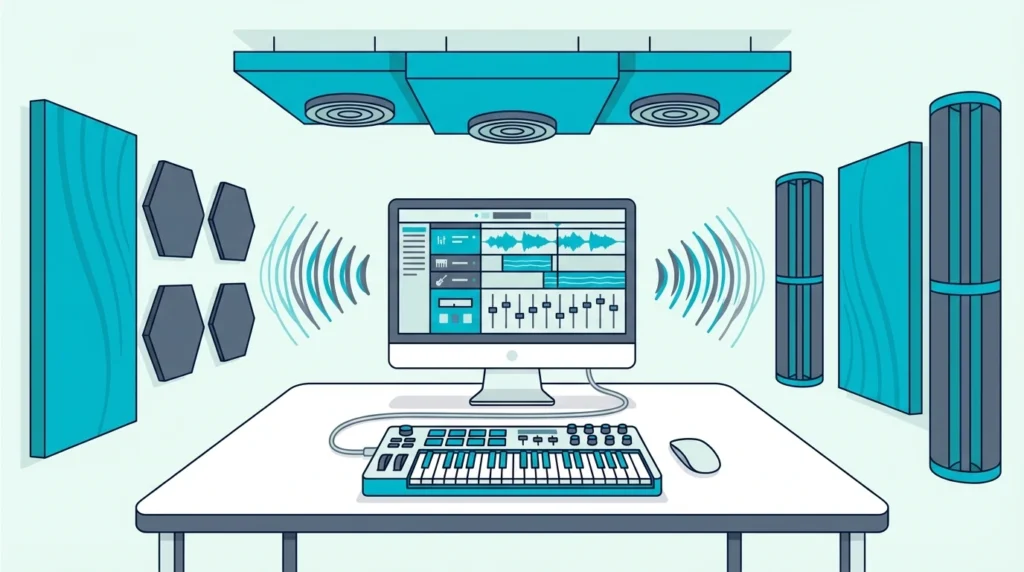
Best MIDI keyboard for FL Studio is not just about finding a good controller — it is about finding one that speaks FL Studio’s language without forcing you to manually map every knob, pad, and fader.
The problem most FL Studio producers hit is buying a generic MIDI keyboard that works but does not integrate. You plug it in, the keys play notes, and that is where the magic stops. The channel rack, mixer, and piano roll sit untouched because the controller has no idea how FL Studio organizes its workflow.
Native integration changes everything. A controller built for FL Studio maps its controls to the channel rack, mixer faders, and transport automatically — so you spend time making beats instead of configuring MIDI learn assignments.
For a controller without native support, linking a knob to any FL Studio control takes a right-click and a twist of the knob.
Below you will find 6 controllers ranked by how well they work specifically with FL Studio, from the purpose-built Novation FLkey to budget options that still get the job done.
The best MIDI keyboard for FL Studio is the Novation FLkey Mini — it is the only controller with native FL Studio integration that maps the channel rack, mixer, and piano roll automatically. If you want more keys or multi-DAW flexibility, the Akai MPK Mini MK3 and M-AUDIO Keystation 49 MK3 both work well with FL Studio through manual MIDI learn setup.
Why FL Studio Needs A Different Approach
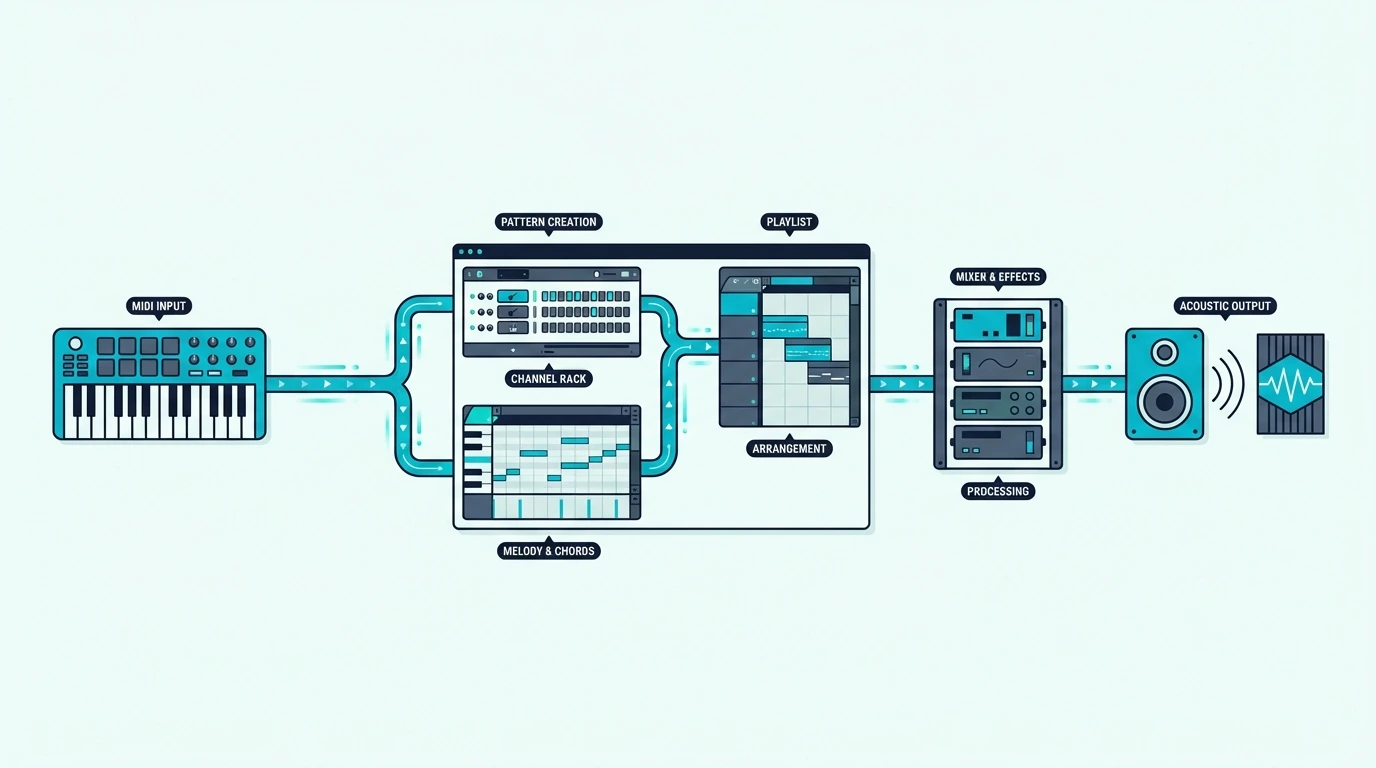
FL Studio’s workflow is fundamentally different from Ableton, Logic, or Cubase. Understanding those differences explains why some controllers excel here and others feel like they are fighting the software.
The Channel Rack Changes Everything
FL Studio organizes instruments in a channel rack — a vertical list where each row is a different sound (kick, snare, hi-hat, synth lead). Most DAWs organize by horizontal tracks. That architectural difference means a controller designed for track-based DAWs misses FL Studio’s primary navigation structure entirely.
A controller with native FL Studio integration maps its pads directly to channel rack slots. Press pad 1 and it triggers the kick. Press pad 5 and it fires the synth. That direct connection eliminates the mouse-clicking that slows down pattern creation.
Pattern-Based Production
FL Studio builds songs from patterns, not linear arrangements. You create a 4-bar drum pattern, a separate bass pattern, a separate melody pattern, then arrange them in the playlist. Controllers that understand this workflow let you switch between patterns from hardware.
Generic controllers treat FL Studio like any other DAW — they send note data and nothing else. The pattern and channel rack features that define FL Studio’s speed advantage go completely unused.
Piano Roll Integration
FL Studio’s piano roll is arguably the most powerful MIDI editor in any DAW. Ghost notes, slide notes, per-note automation, and scale highlighting make complex programming fast — but only if your controller feeds velocity and aftertouch data accurately.
Controllers with poor velocity curves compress your dynamics, making every note feel the same. The picks below all deliver usable velocity response that takes advantage of FL Studio’s expressive piano roll.
| Product | Link |
|---|---|
Best Overall 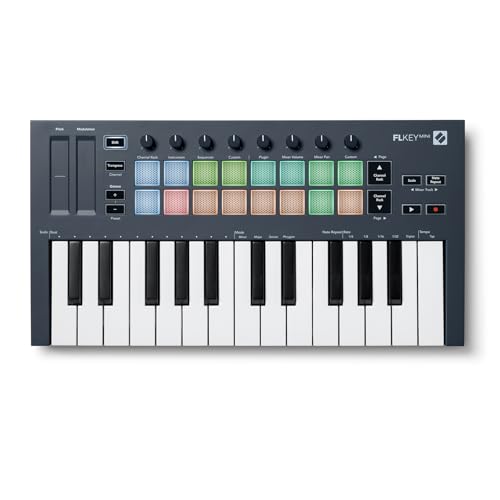 | See ratings |
Best Multi-DAW 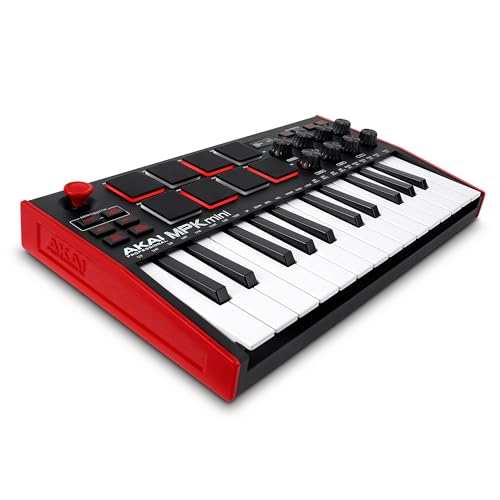 | See ratings |
Best 49-Key 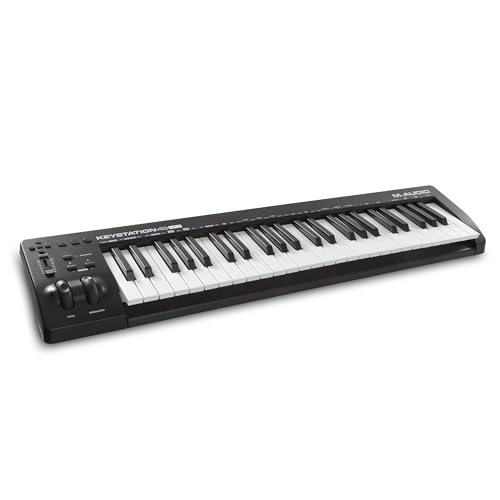 | See ratings |
Best Value 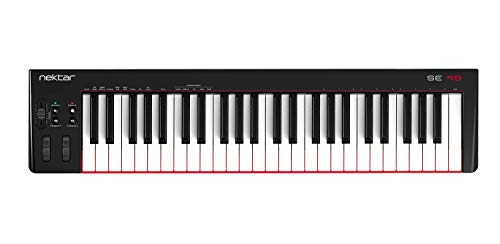 | See ratings |
Best Wireless 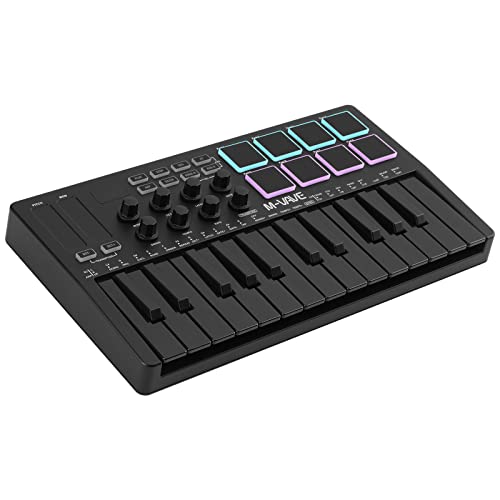 | See ratings |
Best Budget 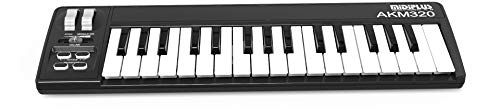 | See ratings |
Which MIDI Keyboards Work Best With FL Studio
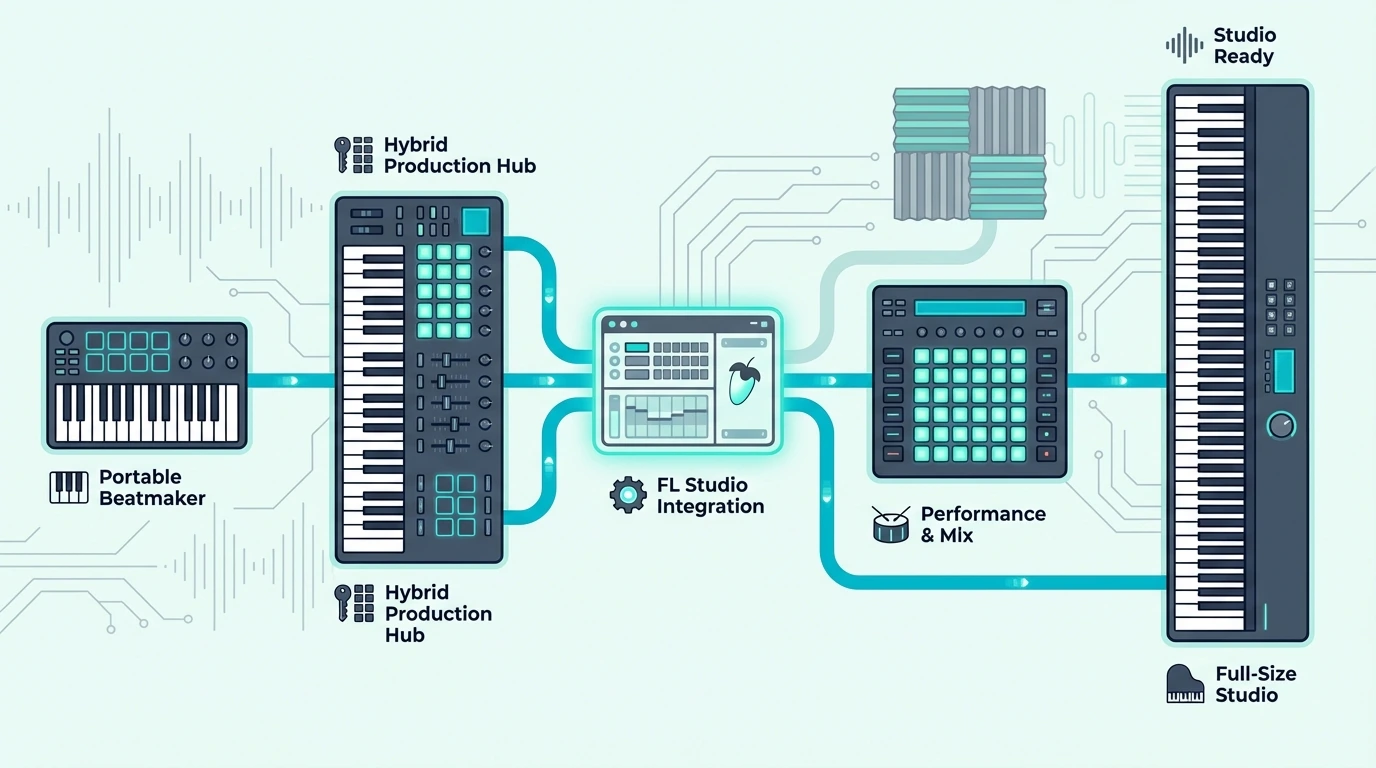
Here are 6 controllers ranked by FL Studio compatibility, from purpose-built to budget-friendly.
The Novation FLkey Mini is the only controller built specifically for FL Studio. Plug it in and the pads map to the channel rack, the knobs control the mixer, and the keys play whichever instrument is selected — zero configuration required.
Novation FLkey Mini
The Akai Professional MPK Mini MK3 costs twenty dollars less and works with every DAW — not just FL Studio. You lose native channel rack integration, but the 8 MPC-style pads and 8 knobs still map to FL Studio through MIDI learn. If you might switch DAWs later, this flexibility justifies the manual setup time.
Akai Professional MPK Mini MK3
For producers who need two-handed playing range, the M-AUDIO Keystation 49 MK3 delivers 49 synth-action keys with transport controls that work in FL Studio for play, stop, and record. The full-size keys make chord progressions and melody work significantly more comfortable than any 25-key mini controller.
M-AUDIO Keystation 49 MK3
The Nektar SE49 gives you 49 full-size keys for under eighty dollars — the cheapest way to get full-range playing in FL Studio. Nektar’s DAW integration software handles basic mapping automatically.
Nektar SE49
The M-VAVE 25 Key MIDI Controller adds Bluetooth connectivity for FL Studio Mobile on tablets and phones. USB mode works with desktop FL Studio for latency-critical recording.
M-VAVE 25 Key MIDI Controller
And the midiplus AKM320 gets you playing in FL Studio for under forty dollars. No pads or knobs, but FL Studio’s built-in FPC plugin handles drum triggering from the keyboard if you map it through MIDI learn.
midiplus AKM320
Get Studio Tips Weekly
Join 5,000+ creators getting acoustic treatment advice every week.
No spam. Unsubscribe anytime.How To Set Up Any MIDI Keyboard In FL Studio
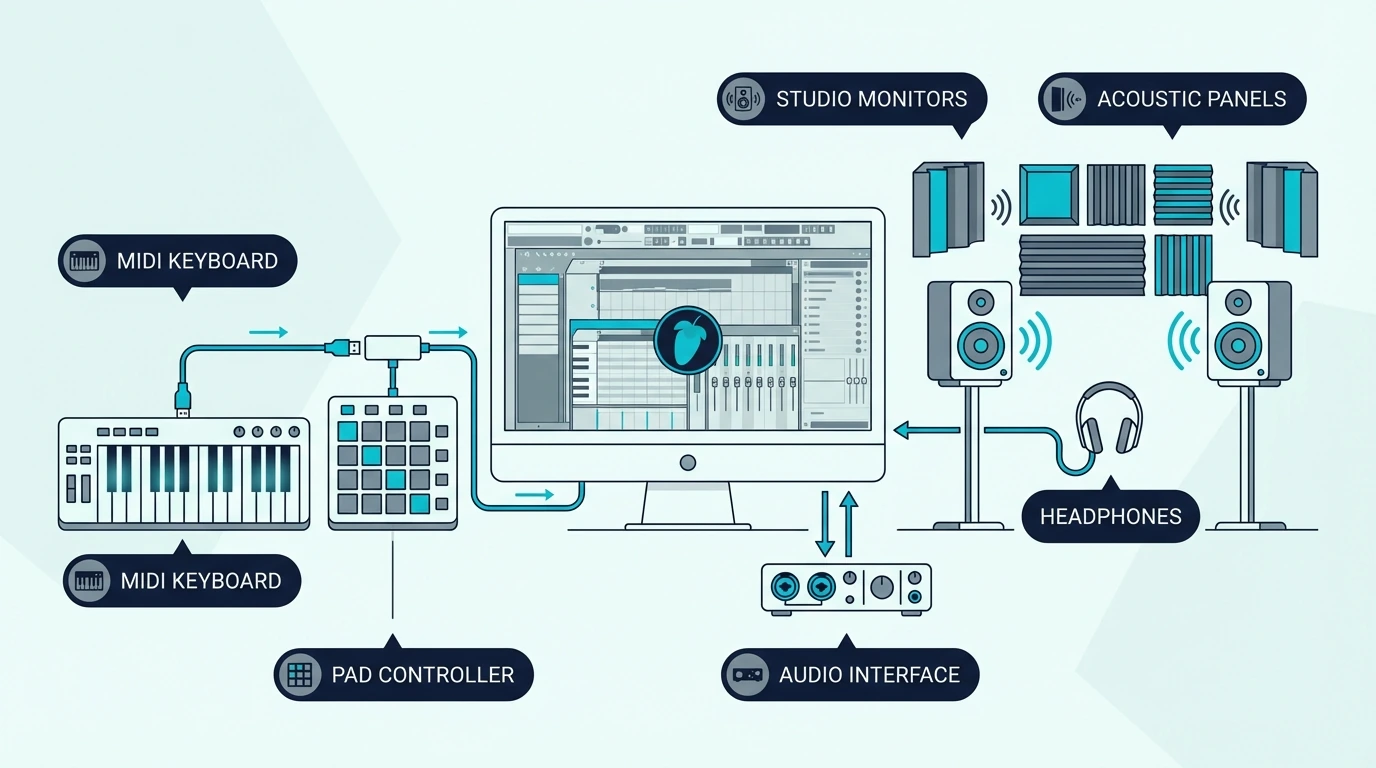
FL Studio recognizes most USB MIDI keyboards instantly, but getting the most out of your controller requires a few configuration steps.
Basic Setup (All Controllers)
Open FL Studio, go to Options, then MIDI Settings. Your controller should appear in the input list.
Click Enable on your controller’s entry and close the settings window. Select any channel in the channel rack and press a key on your controller.
If you hear sound, the basic setup is complete. FL Studio routes MIDI input to whichever channel is currently selected.
MIDI Learn For Knobs And Faders
Right-click any knob or fader in FL Studio and select “Link to controller.” Then twist the knob or move the fader on your MIDI keyboard.
FL Studio captures the MIDI CC message and creates a permanent link between your hardware control and the software parameter. This process takes about 30 seconds per knob.
For an 8-knob controller like the MPK Mini MK3, plan 4 minutes of one-time setup to map the controls you use most — typically mixer volume, pan, and a few effect sends. The mappings save with your FL Studio template, so you configure once and never touch it again.
FLkey Native Integration (Novation Only)
The Novation FLkey series skips all manual setup. Plug in via USB, and the controller automatically maps pads to the channel rack, knobs to the mixer, and transport buttons to FL Studio’s playback controls.
The integration extends to the piano roll — scale mode highlights only the notes in your chosen scale. That feature alone prevents wrong notes during live recording sessions.
No other controller manufacturer offers this level of FL Studio-specific integration. If FL Studio is your permanent DAW, the FLkey’s native mapping saves hours of configuration compared to any generic controller.
Velocity Curve Adjustment
FL Studio lets you adjust the velocity curve for any MIDI controller through the MIDI Settings panel. If your keyboard feels too sensitive or too stiff, the velocity curve slider compensates without requiring hardware changes.
Most budget MIDI keyboards benefit from a slight curve adjustment. Lowering the curve makes soft notes easier to trigger, while raising it gives you more dynamic range for expressive playing.
Multi-Controller Setups
FL Studio supports multiple MIDI controllers simultaneously. A common setup pairs a 25-key controller with pads for beat making alongside a 61-key controller for melody and chord work.
Each controller gets its own MIDI port assignment in the settings. FL Studio treats them as independent input devices, so you can play keys on one while triggering samples on the other without any conflict.
The same idea applies in other software, and our guide to using two MIDI controllers at once covers the routing in Ableton Live and Logic Pro.
The Bottom Line
The Novation FLkey Mini is the clear winner for dedicated FL Studio producers — native channel rack and mixer integration eliminates the manual mapping that every other controller requires. If you want multi-DAW flexibility alongside solid FL Studio performance, the Akai MPK Mini MK3 at ninety-nine dollars is the safer long-term investment.
Budget producers can start with the midiplus AKM320 and upgrade later when FL Studio becomes the center of their workflow.
Frequently Asked Questions
What is the best MIDI keyboard for FL Studio on a budget?
The Nektar SE49 at seventy-nine dollars gives you 49 full-size keys with DAW integration — the most key range per dollar for FL Studio producers. For even tighter budgets, the midiplus AKM320 at under forty dollars handles basic melody and chord input.
Do I need a MIDI keyboard specifically designed for FL Studio?
No — any USB MIDI keyboard works with FL Studio through the built-in MIDI learn system. The Novation FLkey series adds native integration that saves setup time, but it is a convenience feature rather than a requirement. The Akai MPK Mini MK3 works perfectly in FL Studio with a few minutes of MIDI learn configuration.
How many keys do I need for FL Studio?
Twenty-five keys handle beat making, synth programming, and one-handed melodies — the core FL Studio workflow for most producers. Upgrade to 49 keys if you play two-handed chord progressions or want to practice piano alongside production.
Can I use FL Studio Mobile with a MIDI keyboard?
Yes — FL Studio Mobile on iOS and Android supports USB and Bluetooth MIDI input. The M-VAVE controller’s Bluetooth connectivity pairs directly with FL Studio Mobile for cable-free production on tablets. USB-connected controllers work through Apple’s Camera Connection Kit (Lightning or USB-C) on iPad.