Can a MIDI Keyboard Be Used Without a Computer – The Honest Answer Most Guides Skip [2026]
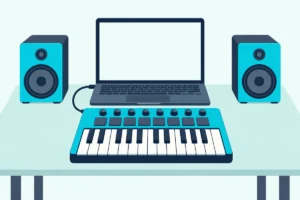
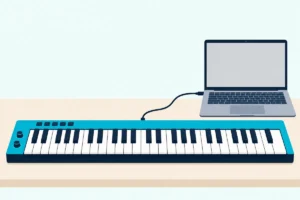
Can a MIDI keyboard be used without a computer is a question with a short answer that disappoints most beginners: a standard MIDI controller produces no sound on its own, but there are workarounds and alternative products that let you play without a laptop in the loop.
The confusion is caused by MIDI keyboards looking identical to digital pianos that do make sound. You see keys, you expect piano sounds, but a MIDI controller contains no sound engine, no speakers, and no audio output. It sends performance data to an external device that generates audio — and without that external device connected, pressing the keys produces silence.
This guide explains exactly what works without a computer, what does not work, and which products to consider if you need standalone sound capability alongside MIDI controller functionality. You will also learn about hardware sound modules, iPad-based setups, and hybrid keyboards that bridge both worlds.
Below you will find the honest breakdown of computerless MIDI options, sorted from the cheapest workaround to the most capable standalone solution.
A standard MIDI controller cannot produce sound without a computer or external sound source. To play without a computer, you need either a digital piano with built-in sounds and MIDI output, a hardware sound module connected via MIDI cable, or an iPad running a music app via USB or Bluetooth. The cheapest path to computerless playing is a digital piano like the Yamaha P71 that works standalone and doubles as a MIDI controller when connected to a computer.
A hardware synthesizer is another way to hear notes without a computer, and our page on buying a synthesizer instead of a MIDI keyboard covers what it does and doesn’t replace.
A standalone hardware looper is another computer-free option, since it sits between your MIDI gear and loops the notes, as our MIDI looper guide explains.
Why Standard MIDI Controllers Need a Computer
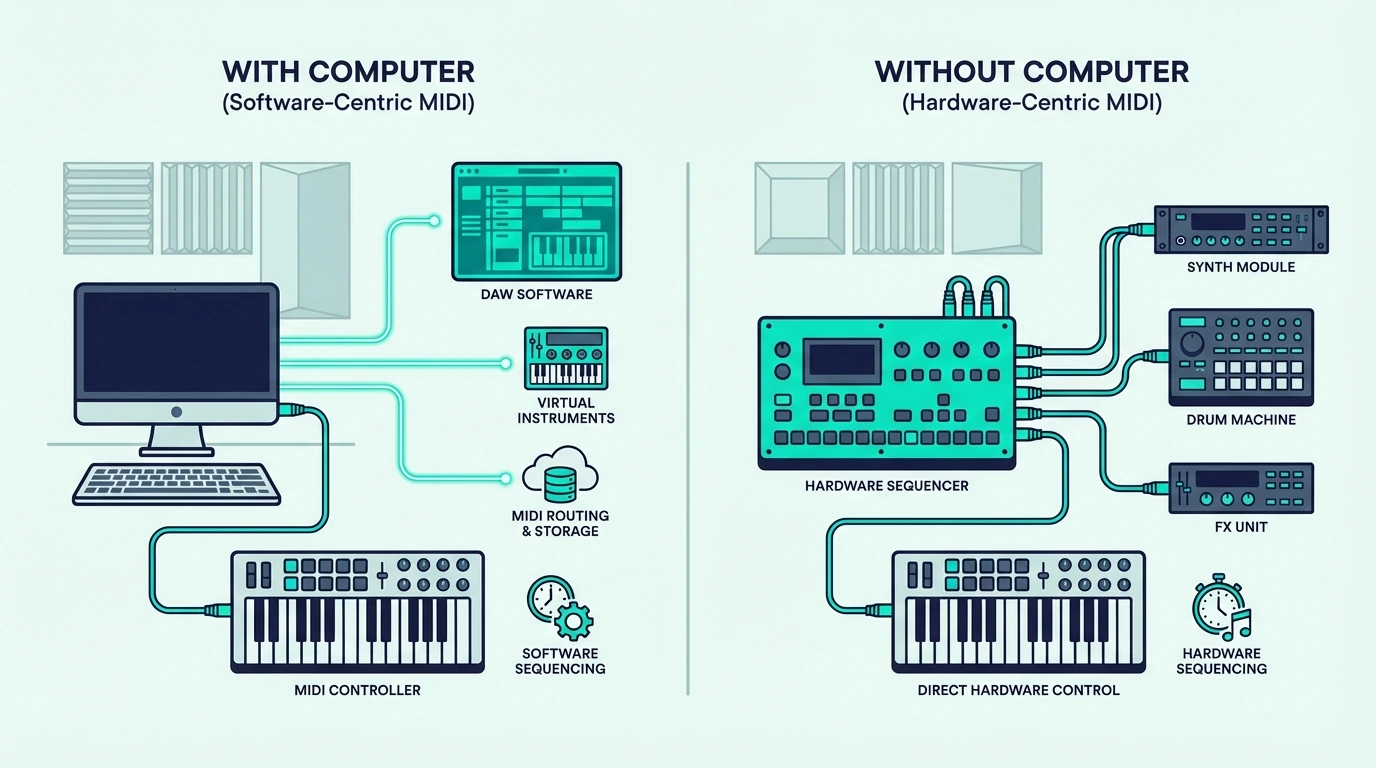
A MIDI controller is an input device — not an instrument. Understanding this distinction explains why silence greets you when you press a key without a computer connected.
MIDI Data Is Not Audio
When you press a key on a MIDI controller, the keyboard generates a digital message: “Note C4, velocity 87, channel 1.” That message contains zero audio information. No waveform, no sample, no oscillator output — just instructions that tell another device what to play.
Your computer running a DAW receives that message, routes it to a virtual instrument plugin, and the plugin generates the audio you hear through your speakers. Remove the computer from that chain and the message has nowhere to go. The controller keeps sending data into the USB cable, but nothing is listening on the other end.
The Controller Contains No Sound Engine
Digital pianos and synthesizers contain sound engines — circuits or processors that convert key presses into audio signals. MIDI controllers intentionally omit this hardware to reduce cost, weight, and complexity. The Akai Professional MPK Mini MK3 weighs under two pounds precisely because it skips the sound engine that would add weight and cost.
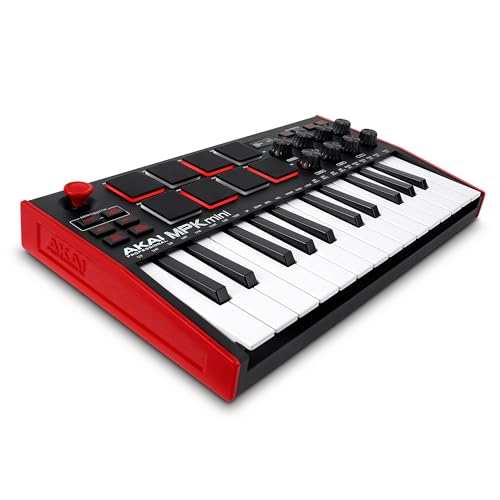
Akai Professional MPK Mini MK3
That design tradeoff gives you access to unlimited sounds through software (every virtual instrument ever made) at the expense of standalone capability. Most producers consider this a worthwhile exchange because the sound variety through software far exceeds what any built-in engine could provide.
How Can You Use a MIDI Keyboard Without a Computer
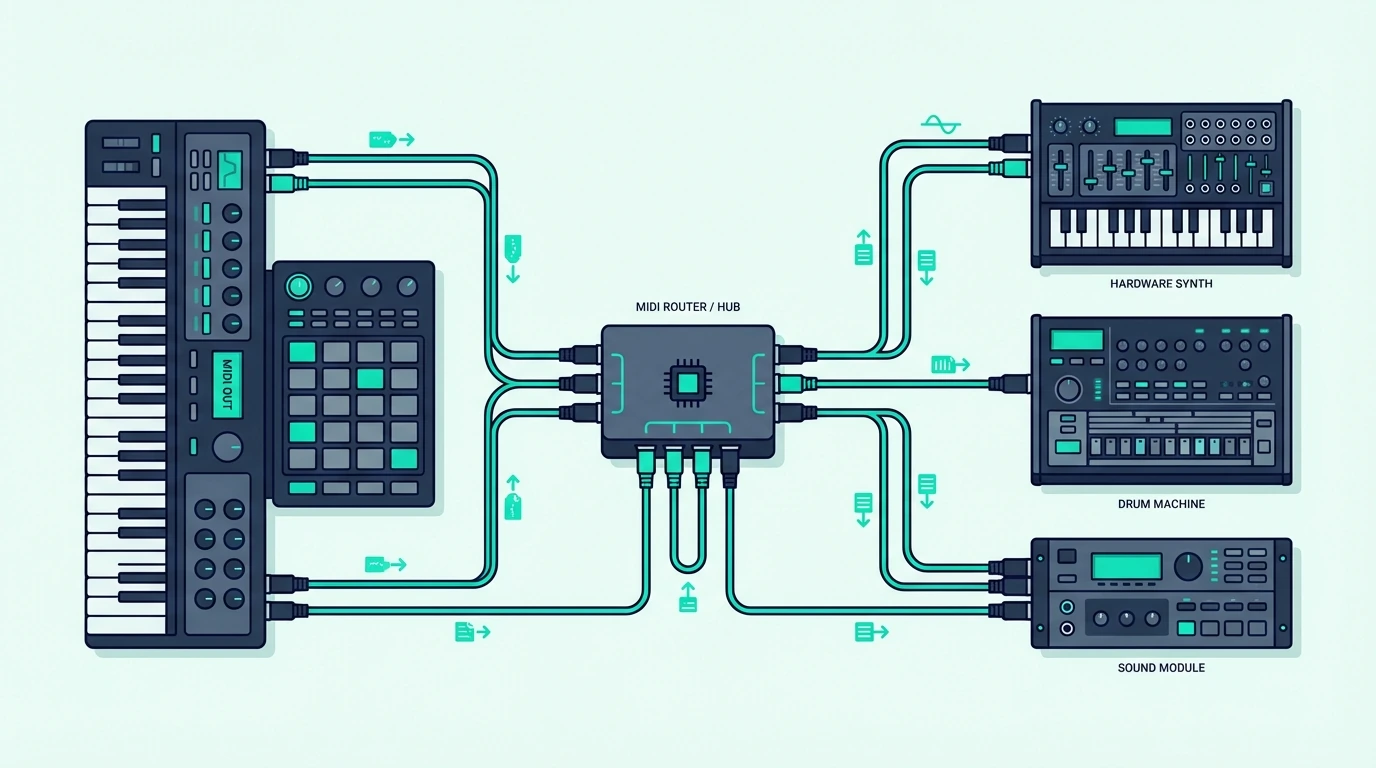
If you need to play without a computer, several options exist — each with different cost, portability, and sound quality tradeoffs.
Option 1 – Digital Piano With MIDI Output (Best Standalone Solution)
A digital piano or synthesizer with built-in sounds AND MIDI output gives you the best of both worlds. Play standalone using the built-in sounds when you want to practice or perform without a computer. Connect to a computer via USB MIDI when you want to use virtual instruments in your DAW.
Our guide to connecting a digital piano to a computer as a MIDI controller covers the cable, the driver and the setting that stops every note sounding twice.
Which one suits you depends on the room and the routine, and whether a digital piano or a MIDI keyboard fits your setup works through both.
The Yamaha P71 88-Key Weighted Digital Piano includes 10 built-in sounds (pianos, electric pianos, organs, strings) that play through built-in speakers or headphones — no computer needed. When you want DAW access, the USB MIDI output sends your performance to any software.
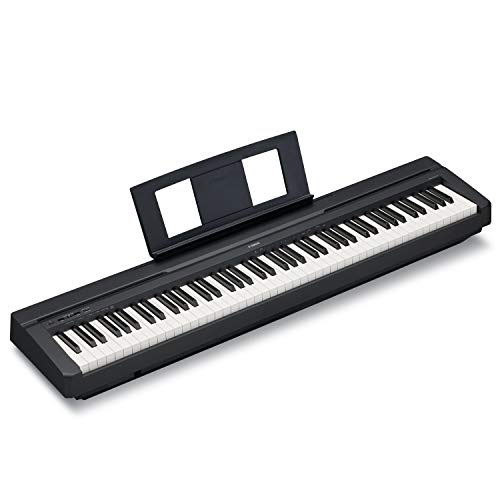
Yamaha P71 88-Key Weighted Digital Piano
A few pocket controllers carry speakers too, and controllers with built-in speakers looks at the Akai MPK mini Play MK3 beside two Casio keyboards that also send MIDI over USB.
This hybrid approach costs more than a standalone MIDI controller, but it eliminates the computer dependency entirely for practice and casual playing.
Option 2 – Hardware Sound Module
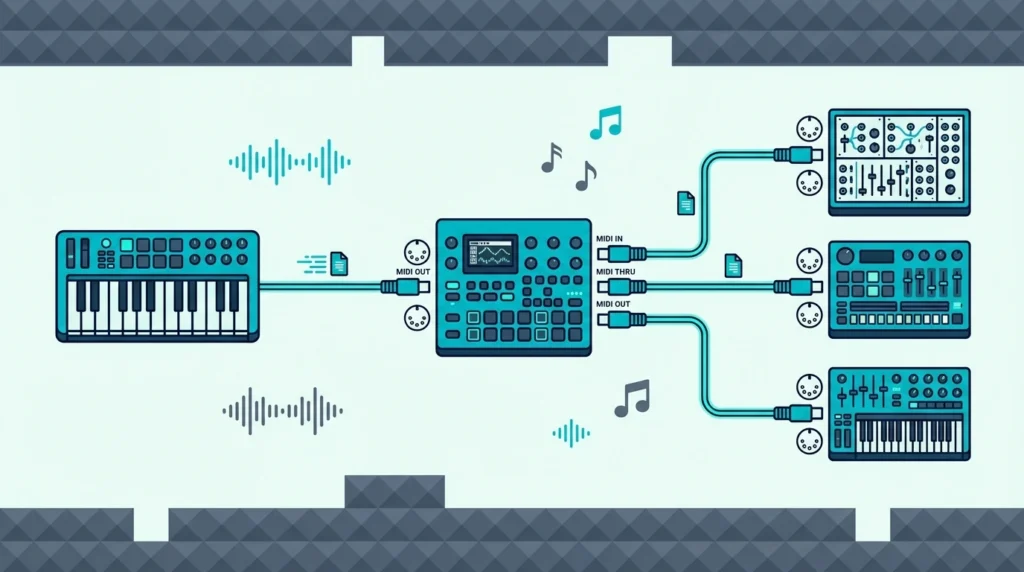
A hardware sound module is a standalone box that receives MIDI data and generates audio — essentially replacing the computer in the signal chain. Connect your MIDI controller to the sound module via 5-pin MIDI cable or USB, and the module produces sound through its audio outputs.
Two or more modules can share one keyboard through MIDI THRU or a thru box, as this wiring guide explains, and a USB host box covers a controller that has only USB.
Sound modules range from simple GM (General MIDI) units with basic piano and drum sounds to professional rack-mounted synthesizers with studio-quality presets. The cost ranges from fifty dollars for basic modules to thousands for professional units.
This option makes most sense for live performers who need reliable, computer-free sound generation on stage. Studio producers rarely use hardware sound modules because software virtual instruments offer more variety at lower cost.
Stage sets that do use a laptop have their own checklist, and how to set up a controller for a gig covers it.
Option 3 – iPad or Tablet as Sound Source
An iPad running GarageBand, Cubasis, or any MIDI-compatible music app functions as a portable sound source for your MIDI controller. Connect via USB (with Camera Connection Kit) or Bluetooth, and the iPad generates audio from its built-in speakers or through headphones.
This option costs whatever you already paid for the iPad plus zero additional dollars for GarageBand (free on every iPad). The setup is more portable than a laptop and provides touch-based controls alongside your MIDI keyboard.
For iPad-based production, Bluetooth MIDI controllers eliminate cables entirely — pair wirelessly and play through the iPad with no adapters needed.
Option 4 – Smartphone MIDI Apps
Android and iOS music apps accept MIDI input from Bluetooth controllers and USB controllers (with adapters). Load a piano app, connect your MIDI keyboard, and the phone generates sound.
Not every keyboard lists Android support, so check which keyboards and adapters work with Android before buying one for this.
The audio quality through phone speakers is limited, but headphone output sounds surprisingly usable for practice and idea capture. This is the most portable computerless MIDI option — your phone is always with you, and a compact Bluetooth MIDI controller fits in a backpack.
A phone can also do the reverse and act as the controller, and our guide to turning a phone into a MIDI controller covers Android and iPhone.
Which Products Work Without a Computer
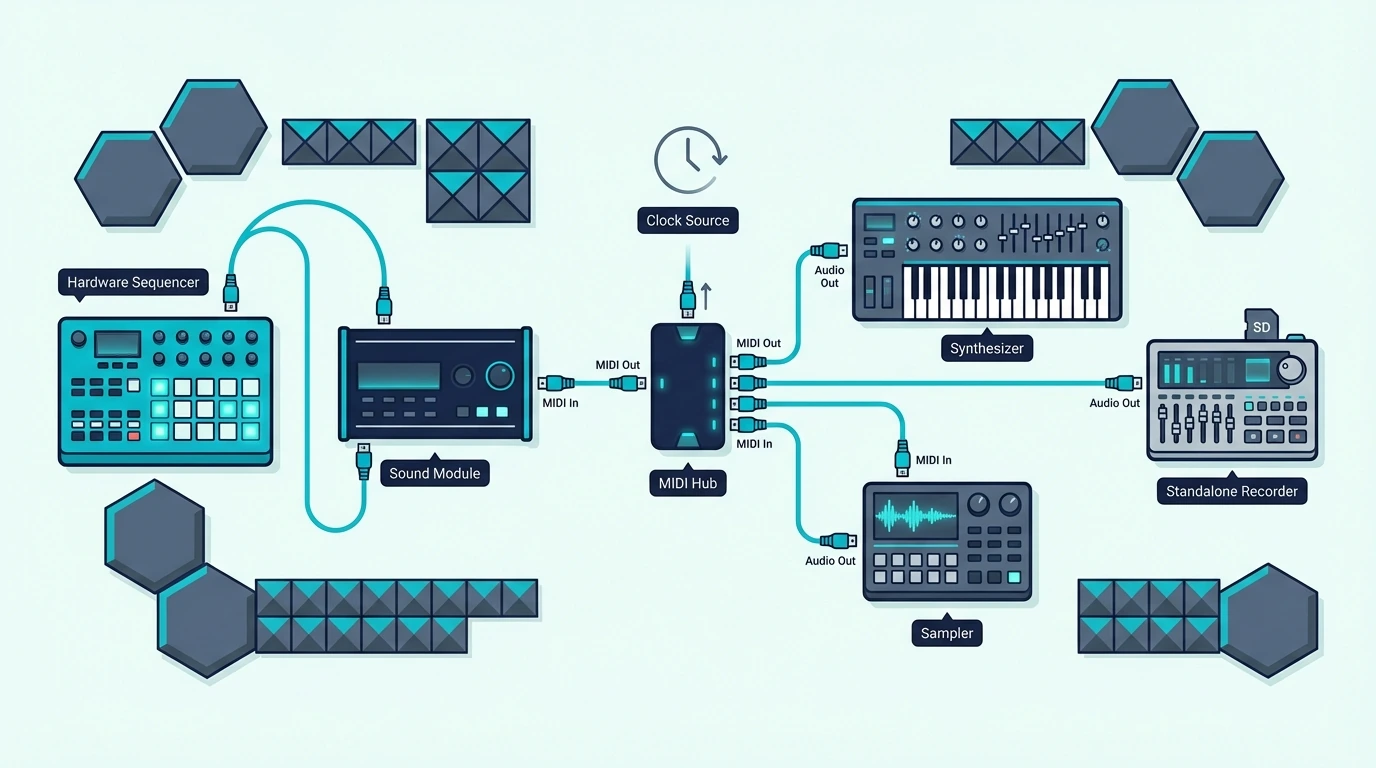
Not all keyboard-shaped instruments are MIDI-only controllers. Here is how to identify which products work standalone and which require a computer.
Products That Work Without a Computer
Digital pianos (Yamaha P-series, Casio Privia, Roland FP-series) contain built-in sounds and speakers. They work independently AND send MIDI data to a computer when connected. Look for “digital piano” or “portable piano” in the product name — these always include standalone sound capability.
Synthesizers (Korg Minilogue, Arturia MicroFreak, Roland JUNO) generate their own sounds through built-in oscillators and sound engines. They function as standalone instruments and also send MIDI to computers for recording and layering.
The Korg Minilogue can also send its keys to a computer over USB, and our minilogue MIDI setup steps cover the connection.
Whether another synth can do the same depends on its ports, and our page on which synth ports can send MIDI explains how to tell.
Workstation keyboards (Yamaha MONTAGE, Korg Kronos, Roland FANTOM) combine built-in sounds, recording capability, and MIDI controller functionality in a single unit. These are complete music production systems that work without any external hardware.
Products That Require a Computer
MIDI controllers (Akai MPK Mini, M-AUDIO Keystation, Nektar SE49, Novation Launchkey) contain no sound engine. The product name includes “MIDI controller,” “MIDI keyboard,” or “controller keyboard” — these always require an external sound source.
Pad controllers (Akai MPC pads, Novation Launchpad) send MIDI note data from pads rather than keys. They require a computer, sound module, or tablet to generate audio.
How to Check Before Buying
Look for “built-in sounds,” “onboard speakers,” or “headphone output” in the product specifications. If the listing mentions these features, the product works standalone. If the listing only mentions “USB MIDI” and “MIDI controller,” the product requires a computer.
Check whether the product includes audio outputs (headphone jack, line out, speaker out). Audio outputs mean the product generates its own sound. Products with only USB or MIDI OUT jacks are controllers that depend on external sound sources.
When You Should Choose a MIDI Controller Despite the Limitation
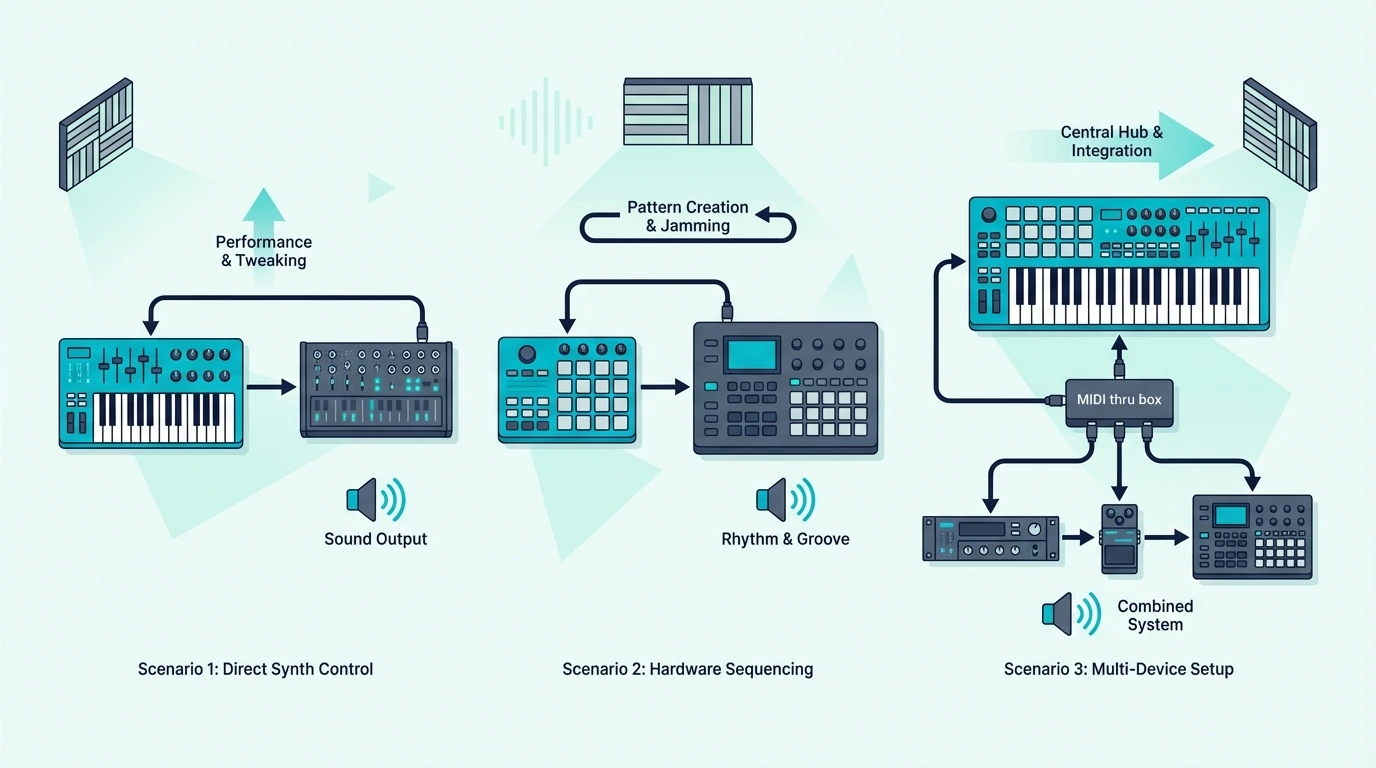
The computer dependency sounds like a dealbreaker, but for most music production workflows, a MIDI controller paired with a computer actually outperforms a standalone instrument.
Unlimited Sound Variety
A basic MIDI controller connected to a laptop gives you access to every virtual instrument ever made — thousands of pianos, synths, drums, orchestral patches, and experimental sounds. A digital piano limits you to the sounds built into it, and those never change.
The software advantage is why professional studios use MIDI controllers rather than standalone keyboards for production. The controller is cheap and simple. The sounds come from software that updates, expands, and improves continuously.
Lower Cost For Better Sound Quality
A forty-dollar MIDI controller playing a free piano plugin (Piano One, Spitfire LABS Piano) produces more realistic piano sound than a two-hundred-dollar digital piano with built-in sounds. The software piano was recorded from a concert grand with dozens of velocity layers. The cheap digital piano uses compressed samples with limited dynamic range.
That cost-to-quality ratio only works when you have a computer in the chain. Remove the computer and you need the built-in sounds, which means spending more on the keyboard hardware itself.
Portability And Simplicity
MIDI controllers weigh one to five pounds. Digital pianos with built-in sounds weigh fifteen to thirty pounds. For producers who travel between locations, the MIDI controller plus laptop combo is dramatically more portable than any standalone keyboard.
The setup time is identical — plug in USB, open DAW, play. No advantage to standalone unless you specifically need to play without any screen in front of you.
The Bottom Line
A standard MIDI controller cannot produce sound without a computer, tablet, or hardware sound module — it sends data, not audio. If you need standalone playing capability, choose a digital piano with MIDI output (like the Yamaha P71) that works independently and doubles as a MIDI controller when connected to a computer.
For most producers, the computer dependency is a feature rather than a limitation. The sound variety, quality, and flexibility of software instruments through a MIDI controller far exceeds what any standalone keyboard provides at the same price point.
Frequently Asked Questions
Can I use a MIDI keyboard just to practice piano without a computer?
Not with a standard MIDI controller — it produces no sound standalone. You need either a digital piano with built-in sounds, a tablet running a piano app, or a hardware sound module. The cheapest practice-capable option is a phone with a free piano app and a Bluetooth MIDI controller.
What is the cheapest way to play MIDI without a computer?
Connect a Bluetooth MIDI controller to your smartphone and use a free piano app (GarageBand on iPhone, Piano apps on Android). The controller pairs wirelessly, the phone generates sound through headphones, and the total additional cost beyond the controller is zero.
Should I buy a MIDI controller or a digital piano?
If you always produce with a computer, buy a MIDI controller — better value, more sound variety, lighter and cheaper. If you need standalone practice capability without any screen, buy a digital piano with MIDI output so you get both worlds.
Do any MIDI controllers have built-in speakers?
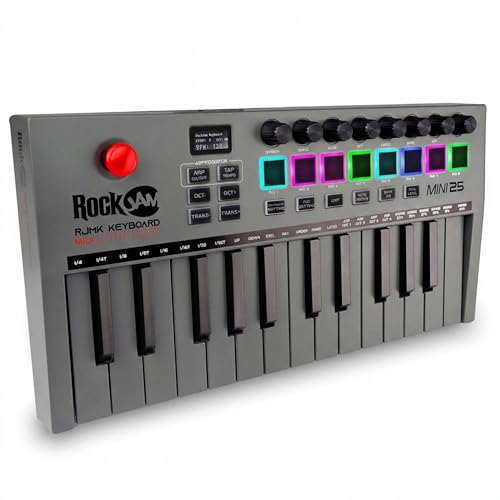
A few niche products include small built-in speakers and sound engines. The RockJam 25-Key Rechargeable MIDI Keyboard is one example — it includes built-in sounds and speakers plus a rechargeable battery for fully wireless practice. The speaker quality is limited, but it provides basic standalone sound without any external device. Most MIDI controllers in the standard lineup do not include speakers.