How to Turn On a Bose Soundbar Without the Remote (4 Ways)
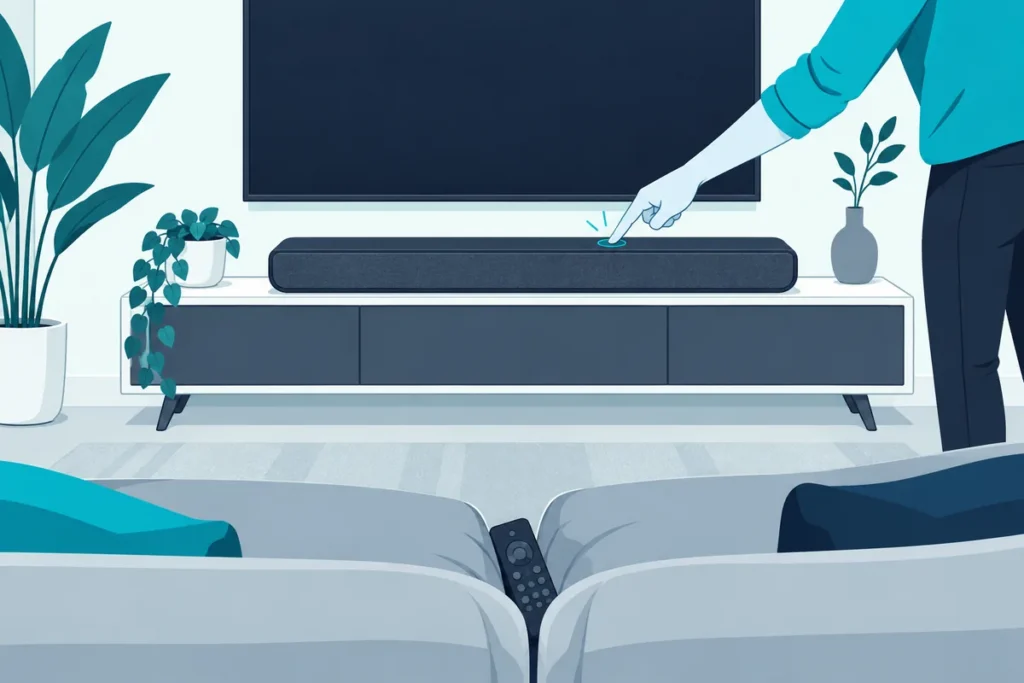
To turn on a Bose soundbar without the remote, use the Bose app’s power button, let your TV wake it over HDMI-CEC, or switch on Optical Auto-Wake so it powers up when sound arrives. The bar itself has no power button to press.
The remote has vanished into the couch, the movie’s about to start, and you run your hand along the soundbar looking for a switch. There isn’t one.
That surprises a lot of Bose owners. The two buttons on top look like they should do something, but neither turns the bar on.
So the fix is setting up another way in, ideally before the remote goes missing again.
Below you’ll find the four ways that work, which one suits your setup, and how to make a spare TV remote do the job for good.
Is There a Power Button on a Bose Soundbar?
Those two buttons on top are the reason people get stuck. On the Bose Smart Soundbar, Bose says there’s no power button: the left button mutes the voice assistant’s microphone, and the right one activates the voice assistant (Bose support).
Bose’s own answer is to use the remote or the Bose app. When the remote is gone, the app and the connections below become the only way to switch the bar on.
How Do You Turn On a Bose Soundbar Without the Remote From Your Phone?
That app route is the quickest fix while the remote is missing. Open the Bose app on your phone and tap the Power button, according to Bose’s instructions.
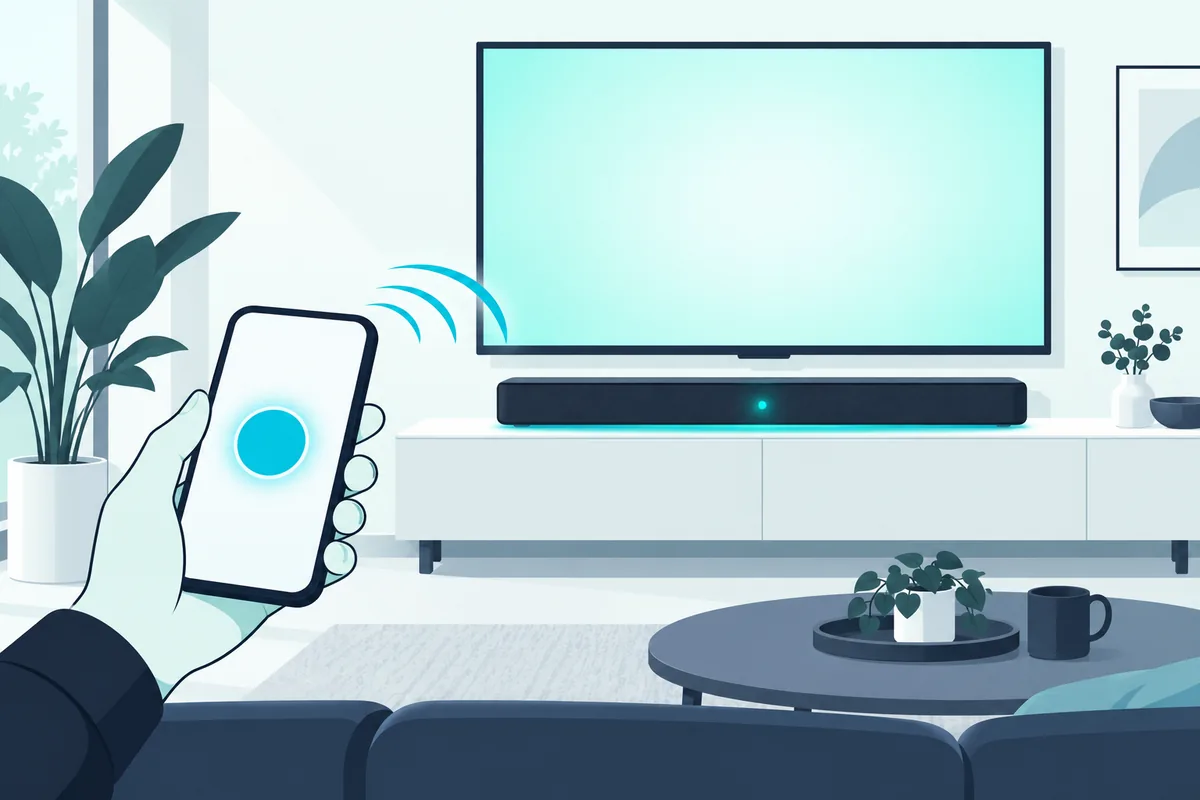
If the Power button isn’t showing, tap the product control icon in the lower-left corner. If you own more than one Bose speaker, tap the My Bose icon in the upper-left corner and pick the soundbar first.
The phone needs to be on the same Wi-Fi as the soundbar. If the bar was never set up in the app, you’ll need to add it before this works.
What the App Can Do Besides Power
That same app is a full stand-in for the remote. Bose’s instructions for the Smart Soundbar use it for power, Optical Auto-Wake and connecting Bluetooth devices, so you can run the bar from your phone until the remote turns up.
It’s also where settings live that the remote can’t reach. Setting up the bar in the app now, while everything works, saves a scramble later.
Get Studio Tips Weekly
Join 5,000+ creators getting acoustic treatment advice every week.
No spam. Unsubscribe anytime.Can Your TV Turn the Bose Soundbar On Automatically?
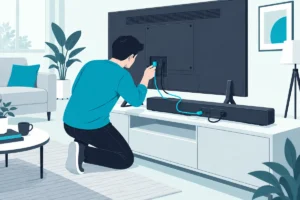
The app still means reaching for a phone, so most people end up relying on the TV instead. If the soundbar is connected over HDMI and HDMI-CEC is turned on, the TV’s remote can control the speaker’s power, volume and mute (Bose support).
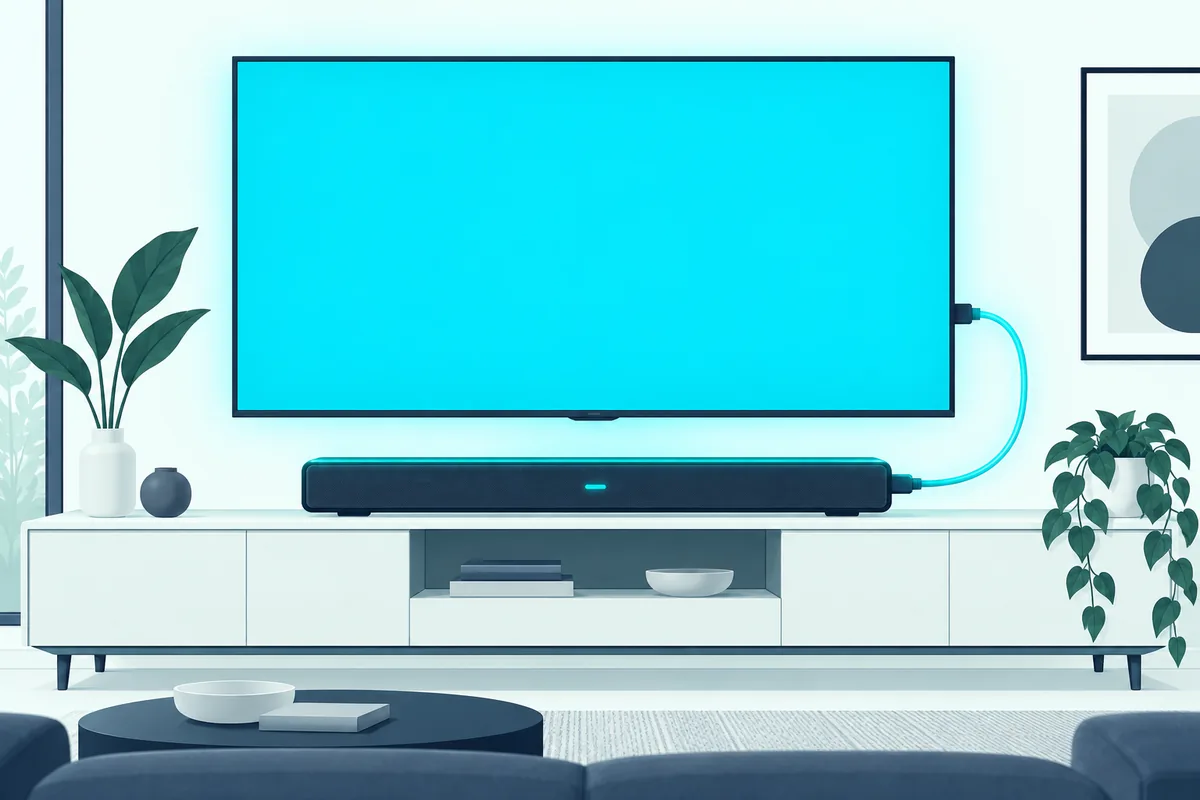
Look in the TV’s settings for HDMI-CEC. Brands name it differently, so on a Samsung it’s Anynet+, on an LG it’s SIMPLINK, and on a Sony it’s BRAVIA Sync.
Which Remotes Work Over HDMI?
That CEC link isn’t limited to the TV remote. Bose says that when your system and other devices, such as a Blu-ray player or cable box, are connected by HDMI with CEC turned on, “remotes for those devices might control volume, mute, and power” (Bose support).
The word “might” matters. Bose notes that CEC can go by a brand-specific name, so check the menus on each device, and the owner’s manual if it’s hidden.
If you haven’t wired the bar over HDMI yet, our guide to setting up HDMI ARC for a soundbar shows which port to use and which settings to change.
Any cable rated for ARC and eARC does the job, such as the Silkland 8K HDMI ARC/eARC Cable.
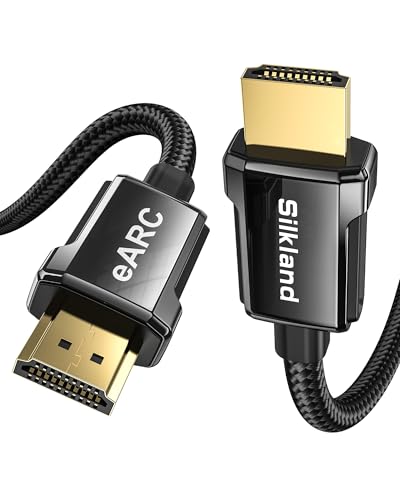
Silkland 8K HDMI ARC/eARC Cable
How Does Optical Auto-Wake Work?
That CEC link needs an HDMI connection, so bars wired with an optical cable need a different trick. With Auto-wake on, Bose says the system powers on automatically when sound arrives through the soundbar’s optical input (Bose support).
To switch it on in the Bose app, tap the Settings icon, then under Power select Optical Auto-Wake and turn the toggle on. From then on, turning on the TV wakes the bar.
It also works in reverse on the Bose TV Speaker, which powers off by itself after 20 minutes without interaction. Together, that makes the remote optional for everyday viewing.
Switching On Auto-Wake With the Remote
If the remote is only misplaced, there’s a shortcut once it turns up. On the Smart Soundbar, Bose says to press and hold the remote’s Power button for ten seconds, until a tone plays and the light bar pulses white twice.
Doing it once means you won’t need the remote for power again. The TV’s sound on the optical cable wakes the bar from then on.
CEC or Auto-Wake: Which Should You Use?
The cable decides. If the bar connects to the TV by HDMI, use HDMI-CEC, since it handles power, volume and mute together.
If the bar connects by optical, turn on Optical Auto-Wake, because CEC only works over HDMI. Auto-Wake listens for sound on the optical input, so it won’t wake a bar that’s connected by HDMI alone.
If you’re choosing a Bose bar for this kind of setup, the Bose TV Speaker connects with a single cable and ships with the optical cable Auto-Wake relies on.
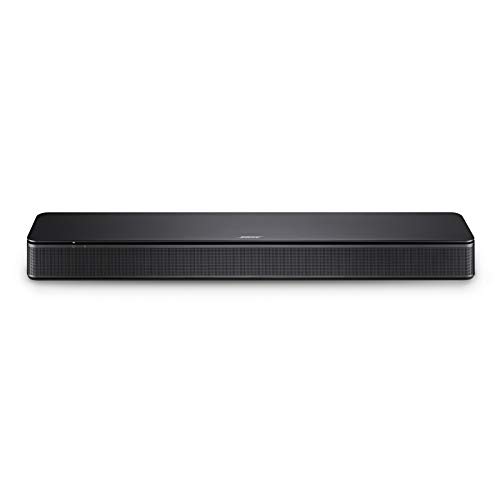
Bose TV Speaker
Can a Universal Remote or Another Remote Control It?
Auto-wake handles power, but a spare remote is handy for everything else. Bose says the speaker responds to infrared universal remotes, while remotes that use radio frequency won’t work.
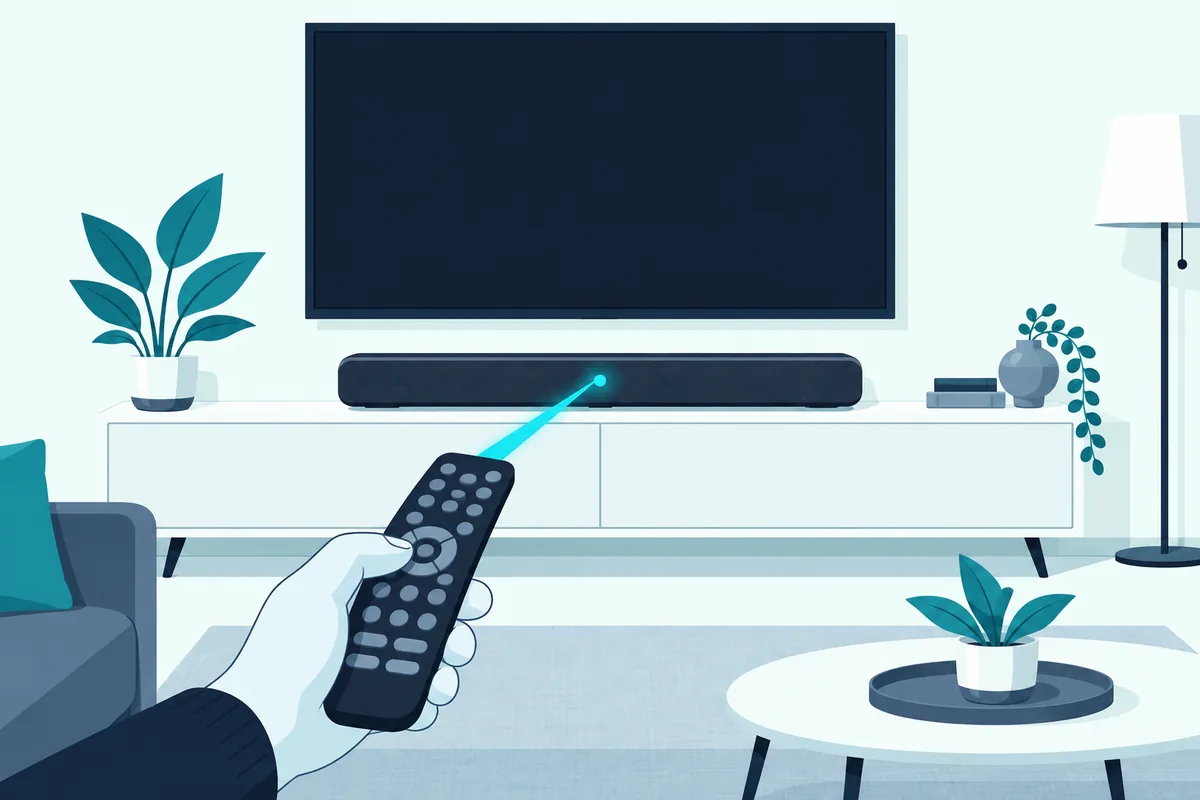
Follow the universal remote’s instructions and try each Bose code on its list until one works. Bose notes that not every universal remote will control every function.
Teach It Your TV Remote’s Volume Buttons
Some Bose speakers, including the Bose TV Speaker, can learn the volume and mute buttons of another infrared remote. You start the process from the Bose remote by holding the TV button until the speaker’s lights blink three times and glow white.
That first step needs the Bose remote, so it’s worth doing now if the remote is only misplaced. Once it’s set up, your TV remote can adjust the bar even if the Bose remote never turns up.
Bose’s full steps for the TV Speaker go like this:
- On the Bose remote, press and hold the TV button until the speaker’s TV and Bluetooth lights blink three times and then glow white. The speaker stays in programming mode while they glow white.
- Press the Volume + button on the Bose remote.
- On the remote you want to use, press and hold Volume Up until the speaker plays a tone.
- Repeat steps 2 and 3 for Volume Down, then for Mute.
If the TV light blinks amber twice and then glows white, it learned the button. If it blinks red twice, it didn’t, and Bose says that after a few failed tries the speaker can’t learn that particular remote.
Update the Firmware First
Those steps assume current firmware, and one catch applies to early units. Bose says a TV Speaker bought around the middle of 2020 may need a firmware update before it can learn another remote’s commands.
So if the lights never enter programming mode, update the speaker in the Bose app and try again.
What If the Bose Soundbar Still Won’t Turn On?
Even with the app and auto-wake in place, a bar that stays dark is a different problem. Check that the power cable is seated firmly at both ends and that the outlet works with another device.
Bose’s checklist for the Smart Soundbar adds two easy misses. If the outlet is controlled by a wall switch, make sure the switch is on, and if the bar is plugged into a power strip or surge protector, try plugging it straight into the wall (Bose support).
Try Each Control Separately
Next, Bose suggests trying the buttons on the bar, the remote and the app one at a time. If one works and another doesn’t, the bar has power and the problem is that one control.
That tells you where to look. A dead remote needs batteries or a replacement, while an app that can’t see the bar usually points to Wi-Fi.
Reset It
If you’ve tried every control and nothing responds, Bose’s last step is a reset, which it compares to rebooting a smartphone. Our guide to resetting a Bose soundbar model by model covers the button combinations for each bar.
If the lights come on but there’s no sound, that’s a connection issue rather than a power one, and Burton Acoustix’s no-sound troubleshooter walks through it. If the bar misbehaves in other ways, this reset rundown covers clearing stuck settings.
If the bar really has failed, the Bose Smart Soundbar is Bose’s current compact soundbar, controllable from the Bose app when the remote goes missing.
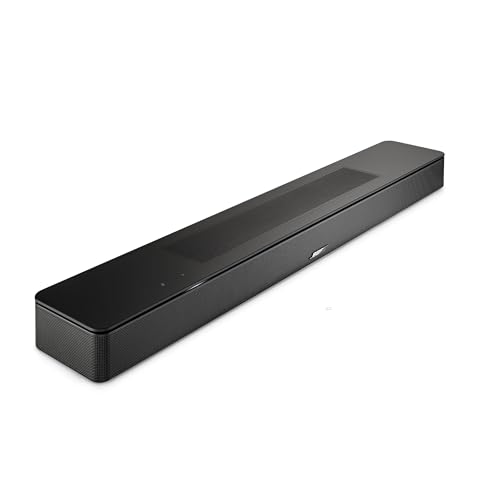
Bose Smart Soundbar
The Bose Smart Ultra Soundbar is the larger option, adding upward-firing speakers for Dolby Atmos height.
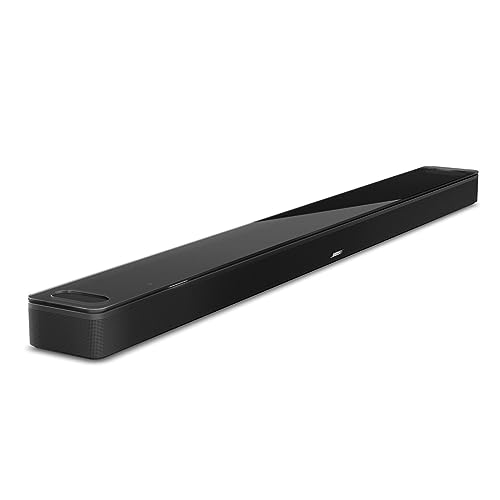
Bose Smart Ultra Soundbar
Which Method Should You Set Up First?
Those four routes suit different setups, so pick by how the bar connects to the TV. Setting up one now takes a few minutes and saves the hunt under the cushions later.
- Connected by HDMI: turn on HDMI-CEC in the TV’s settings. The TV remote then handles power, volume and mute.
- Connected by optical: turn on Optical Auto-Wake in the Bose app, so the TV’s sound wakes the bar.
- Used mostly for music: keep the Bose app set up on your phone, since it powers the bar on and off from anywhere on your Wi-Fi.
- Want one remote for everything: teach the bar your TV remote’s volume and mute buttons, or program an infrared universal remote.
Test whichever you choose once: switch the bar off, then turn on the TV and check that the bar wakes with it.
Can You Turn a Bose Soundbar Off Without the Remote?
Once it’s on, turning it off is easier. The Power button in the Bose app switches the bar off as well as on, and with HDMI-CEC on, it usually powers down along with the TV.
The Bose TV Speaker also switches itself off. Bose says it powers off automatically after 20 minutes without interaction, so leaving it alone overnight isn’t a problem.
Frequently Asked Questions
Does a Bose soundbar have a power button?
The Bose Smart Soundbar doesn’t. Its two buttons control the voice assistant’s microphone and the voice assistant, so power comes from the remote, the Bose app, HDMI-CEC or Optical Auto-Wake.
Can I use my TV remote to turn on a Bose soundbar?
Yes, if the soundbar is connected over HDMI and HDMI-CEC is turned on in the TV’s settings. The TV remote can then control the bar’s power, volume and mute.
Why won’t my Bose soundbar turn on with the TV?
Usually because the link that wakes it isn’t set up. Over HDMI, check that HDMI-CEC is turned on in the TV’s settings; over optical, turn on Optical Auto-Wake in the Bose app.
Can a radio-frequency remote control a Bose soundbar?
No. Bose says its speaker responds to infrared remotes, and remotes that use radio frequency (RF) commands won’t control it.
Does a Bose soundbar turn off by itself?
The Bose TV Speaker does. Bose says it powers off automatically after 20 minutes without interaction.
Can I replace a lost Bose soundbar remote?
Yes. Bose sells replacement remotes, and in the meantime the Bose app, HDMI-CEC or an infrared universal remote can stand in for it.