Can Alexa Connect to a Soundbar?
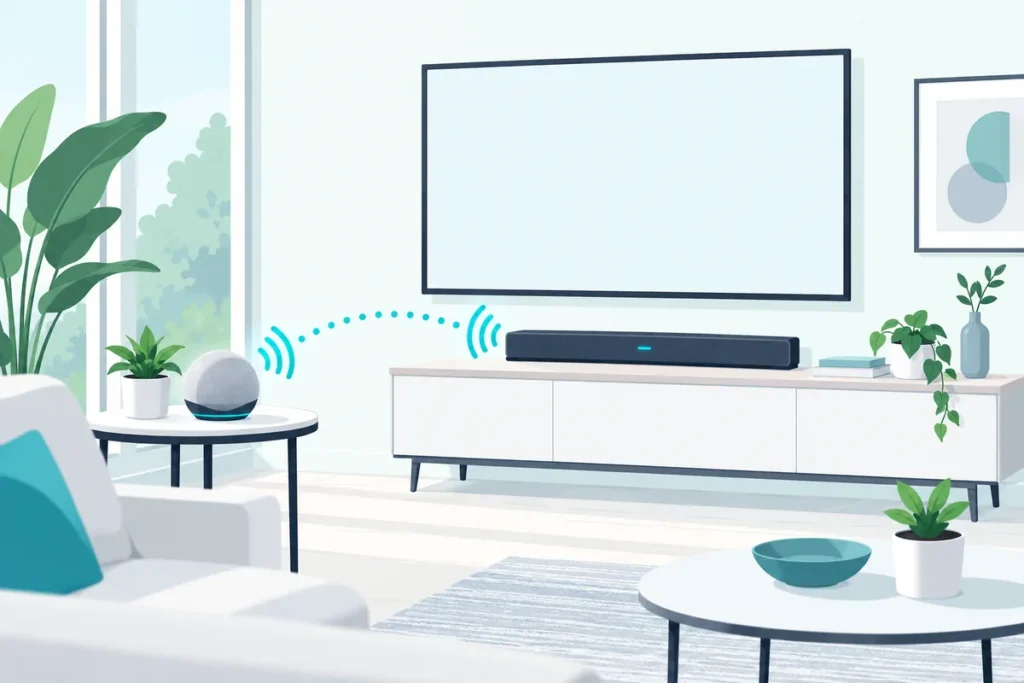
Yes, Alexa can connect to a soundbar in two ways: through an Echo paired to the soundbar over Bluetooth, or directly, on soundbars with Alexa built in.
The Bluetooth route works with almost any soundbar that accepts a phone.
The built-in route is tidier, but only some models have it, and the setup runs through each brand’s own app.
Pick the wrong one for your bar, and you end up asking an Echo to play music it has no way to send.
Below are Amazon’s and each maker’s steps for both routes, which soundbars have Alexa built in, and what to do with an LG bar.
How Can Alexa Connect to a Soundbar?
That choice comes down to whether your soundbar has Alexa inside it. Here’s how the two routes compare:
| Route | What you need | What Alexa can do |
|---|---|---|
| An Echo paired over Bluetooth | Any Echo and a soundbar with Bluetooth input | Play music and Alexa’s replies through the soundbar |
| Alexa built into the soundbar, or linked through its app | A supported model, like Samsung’s Q9, Q8, S6 and S8 series or Yamaha’s YAS-109 | Voice control of the soundbar, music, and multi-room groups |
Polk’s MagniFi Max AX sits between the two. Polk says you link it to your Alexa account in the Alexa app, then use voice commands on a nearby Echo or Alexa device to control the bar (Polk).
How Do You Pair an Echo With a Soundbar Over Bluetooth?
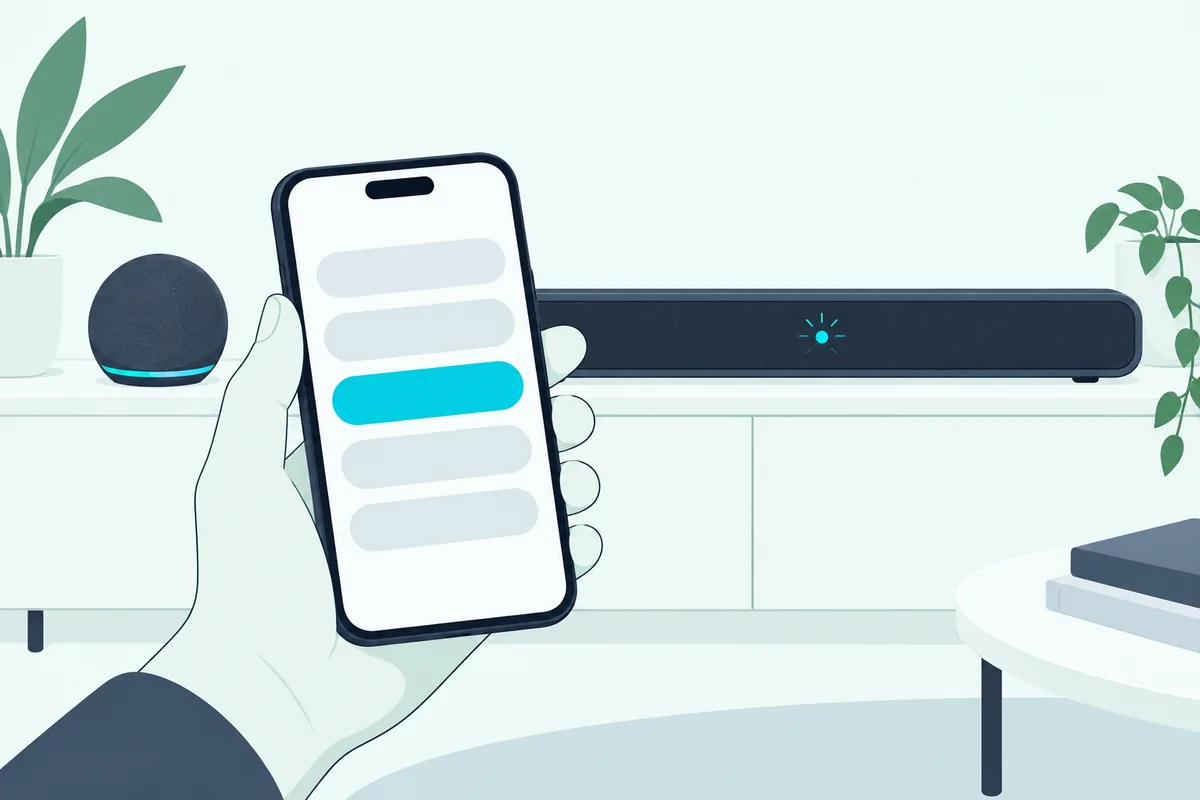
The Bluetooth route takes a minute in the Alexa app. Amazon’s help pages give these steps:
- Put the soundbar in Bluetooth pairing mode.
- Open the Alexa app and select Devices.
- Select your Echo, then Device Settings.
- Select Bluetooth Devices, then Pair A New Device, and choose the soundbar.
Next time, Amazon says you can turn the soundbar’s Bluetooth on and say “Pair Bluetooth,” and some devices reconnect automatically when they’re in range.
Each soundbar enters pairing mode its own way. On Vizio bars you hold the Bluetooth button, on Samsung bars you choose BT until the display shows BT PAIRING, and on LG’s SH2 you press F until the Bluetooth light blinks.
For more on pairing modes by brand, our guide to getting a soundbar into Bluetooth pairing mode covers the common buttons and lights.
Get Studio Tips Weekly
Join 5,000+ creators getting acoustic treatment advice every week.
No spam. Unsubscribe anytime.How Do You Set Up Alexa on a Samsung Soundbar?
Unlike the Echo route above, Samsung’s Alexa-ready bars skip the Echo entirely, with the setup done through SmartThings. Samsung’s steps are to add the soundbar in the SmartThings app, open its settings, and sign in to Amazon under Alexa Settings (Samsung):
- In SmartThings, tap Add, then Add device, then Add under Samsung devices, and choose Soundbar.
- Follow the on-screen steps to add the soundbar, then open its card.
- Tap More options, Alexa Settings, then Amazon Alexa, and Sign In.
- Sign in to your Amazon account, allow the permissions, and pick your language.
Samsung lists its Q9, Q8, S6 and S8 soundbars and the Music Frame series as supported. It adds that the feature may not be available in every country or on every model, so check your bar’s specifications first.
For the TV side of a Samsung setup, our Samsung TV setup steps cover the cables and settings.
Can Alexa Control an LG Soundbar?
LG’s answer is less direct, which is why so many LG owners search for it. LG’s list of ThinQ products that work with Alexa covers its TVs and home appliances, but not its soundbars (LG).
That leaves the Bluetooth route. Pair an Echo with the bar using Amazon’s steps above; on LG’s SH2, press F until the Bluetooth light blinks, and the bar appears in the Alexa app as LG SH2 followed by two digits (LG).
The Echo then plays music and Alexa’s answers through the LG bar. Volume and power still come from the LG remote or, with HDMI ARC, from the TV’s remote.
Which Soundbars Have Alexa Built In?
That LG gap is the exception among the big brands. These soundbars work with Alexa through their own apps:
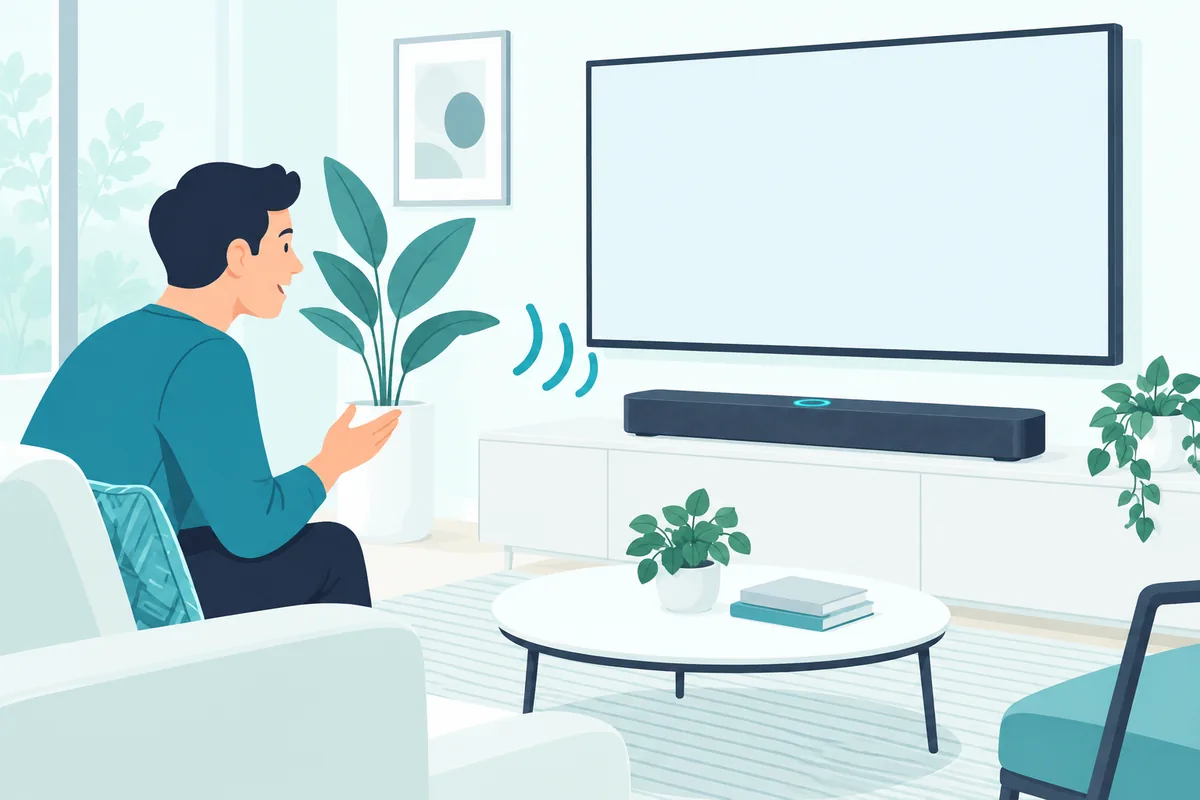
- Samsung Q9, Q8, S6 and S8 series and the Music Frame, set up through SmartThings.
- Sonos Arc Ultra, which Sonos says you can control with Amazon Alexa as well as its own app and voice control (Sonos).
- Bose Smart Soundbar, which Bose lists with built-in voice control and access to voice assistants (Bose).
- Yamaha YAS-109, where you hold the bar’s Alexa button and follow Yamaha’s Sound Bar Controller app (Yamaha).
- Polk MagniFi Max AX, linked in the Alexa app and controlled through a nearby Echo.
Models change every year, so check the spec sheet for “Alexa built-in” or “works with Alexa” before buying.
Can You Group a Soundbar With Echo Speakers?
Once a soundbar is Alexa-enabled, it can join multi-room music with your Echos. Yamaha’s guide to its YAS-109 gives the Alexa app steps: tap Devices, then the plus button, then Combine Speakers and Multi-room music, and pick the speakers for the group.
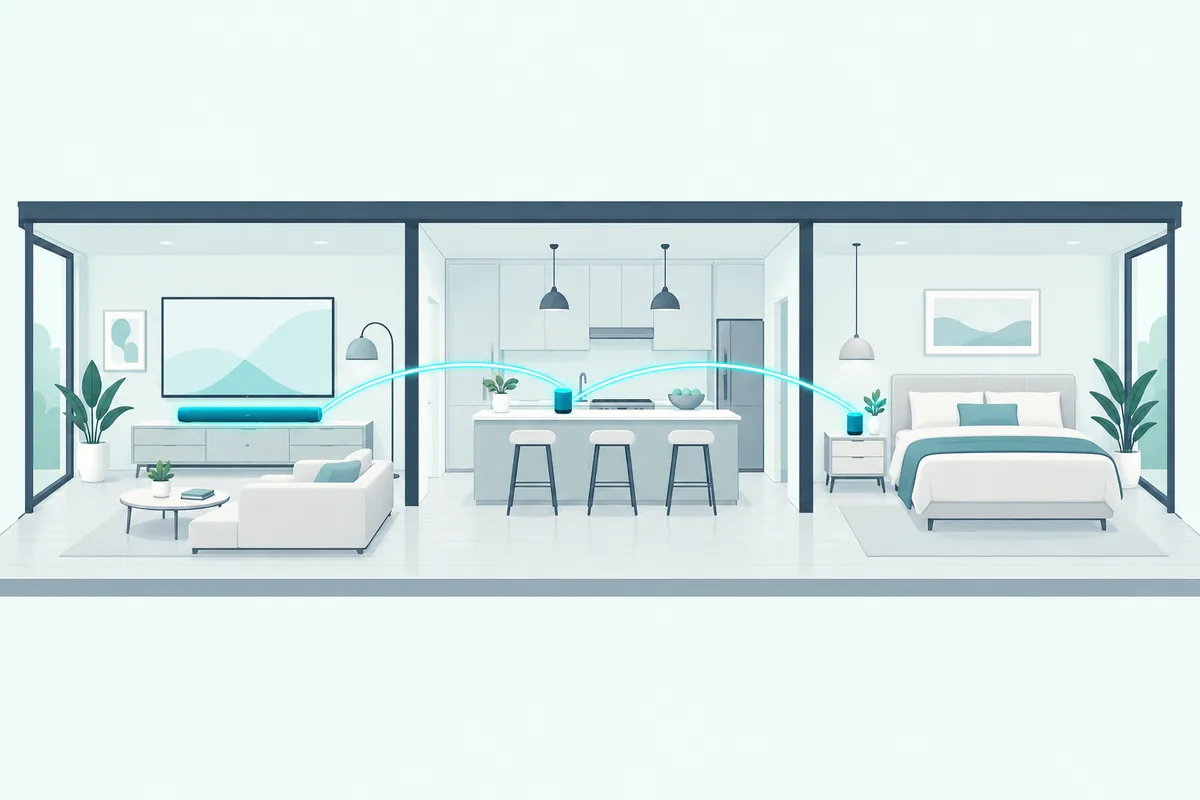
Name the group, and you can send music to it by voice, such as “Alexa, play classic rock on Party Time.” Yamaha notes you can mix makes in a group, as long as every speaker is Alexa-enabled.
A soundbar paired to an Echo over Bluetooth works differently: it plays whatever that one Echo plays, rather than joining a group itself.
Why Won’t Alexa Connect to the Soundbar?
Those setups all assume the pairing holds. When it fails, the cause is usually on the soundbar’s side of the connection, so check these in order:
- The input. The soundbar must be on its Bluetooth input; Vizio’s guide notes a paired device disconnects when you switch the bar to another input.
- Another device. Some bars pair with one Bluetooth device at a time; Polk says you can’t pair a new one until the current one disconnects.
- Distance. Amazon suggests keeping the Bluetooth device close to the Echo while pairing.
- Model support. For built-in Alexa, Samsung notes the feature depends on the country and the model.
If the Echo pairs but plays nothing, say “Pair Bluetooth” with the soundbar on, or reselect the bar under Bluetooth Devices in the Alexa app.
Frequently Asked Questions
Can I connect my Echo Dot to a soundbar?
Yes. Put the soundbar in Bluetooth pairing mode, then in the Alexa app go to Devices, your Echo, Device Settings, Bluetooth Devices and Pair A New Device.
Does an LG soundbar work with Alexa?
Not directly, since LG’s list of Alexa-ready ThinQ products doesn’t include its soundbars. Pair an Echo with the LG bar over Bluetooth instead.
Which Samsung soundbars work with Alexa?
Samsung lists its Q9, Q8, S6 and S8 series and the Music Frame, set up through the SmartThings app.
Can Alexa turn my soundbar on and off?
It depends on the model’s Alexa support, so check the maker’s app. Over a plain Bluetooth pairing, the Echo only sends sound, so power stays with the soundbar’s or TV’s remote.