How to Connect a Polk Soundbar to Your TV
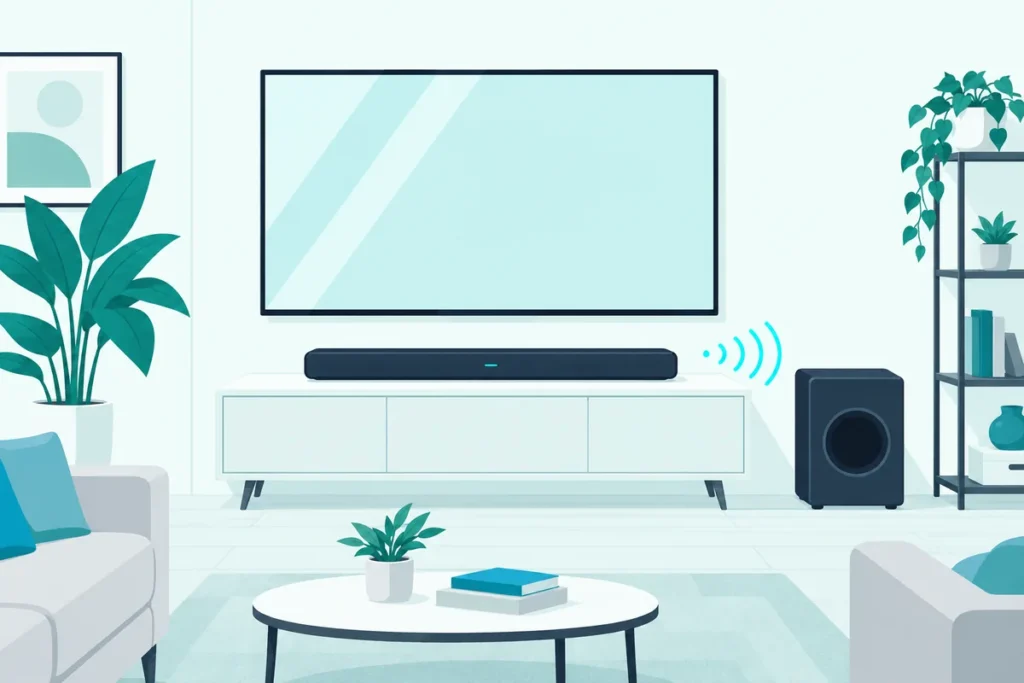
How to connect a Polk soundbar to a TV: plug the included HDMI cable into the TV’s port labeled ARC or eARC and the soundbar’s ARC port, then turn on the TV’s HDMI-CEC and ARC settings.
That port label matters more than anything else in the box.
Polk’s manual is blunt about it: use any other HDMI port on the TV, and you won’t hear TV audio at all.
Older TVs without that port can still use an optical cable, with a couple of trade-offs.
Below are Polk’s steps for each cable, how to teach the bar your TV remote, and what to check when the sound won’t come through.
Which Cable Should You Use for a Polk Soundbar?
That ARC port decides the cable. If your TV has an HDMI port labeled ARC or eARC, use HDMI; if it doesn’t, Polk’s manuals say to connect an optical cable instead (Polk).
| Your TV has | Cable to use | What you give up |
|---|---|---|
| An HDMI port labeled ARC or eARC | The included HDMI cable, ARC port to ARC port | Nothing: this is the full-featured connection |
| No ARC port | An optical cable from the TV to the soundbar | On the MagniFi Max AX, Roku TV Ready support and Dolby Atmos and DTS:X |
The Signa S2’s quick start guide notes that both HDMI (ARC) and optical support Dolby 5.1 decoding (Polk). The Atmos limit only applies to bars that decode Atmos in the first place, like the MagniFi Max AX.
If you’re shopping for one, our guide to the Polk soundbars worth buying now compares the current range.
How to Connect a Polk Soundbar to a TV With HDMI ARC
That full-featured HDMI connection takes four steps in Polk’s MagniFi Max AX manual:
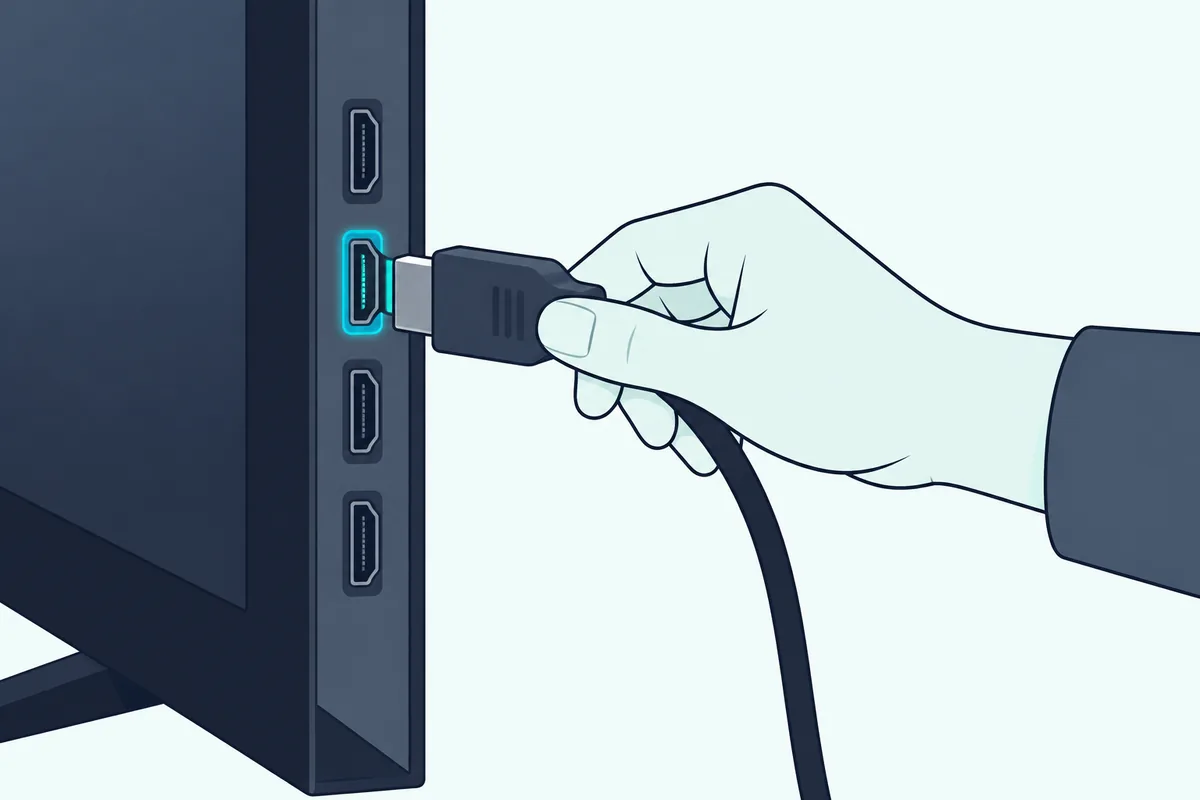
- Look for the HDMI port on your TV labeled ARC or eARC.
- Plug one end of the HDMI cable into that ARC or eARC port on the TV.
- Plug the other end into the eARC/ARC port on the soundbar.
- If you’re using a Roku TV, follow the on-screen instructions.
Polk flags the first step as the important one. Only one port on the TV carries the ARC or eARC label, and you must use that specific port.
If the included cable doesn’t reach, or has gone missing, the Amazon Basics 6-foot HDMI 2.1 cable is a straightforward replacement.
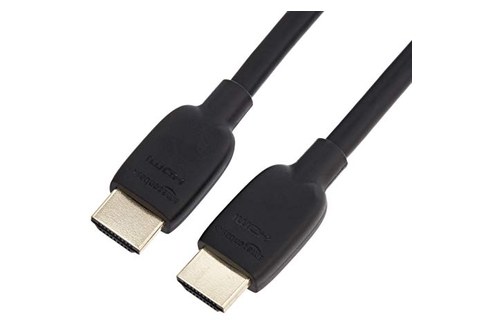
Amazon Basics 6-foot HDMI 2.1 cable
Once it’s connected, turn on HDMI-CEC and ARC in the TV’s settings and switch off the TV’s own speakers. Polk’s troubleshooting lists both as the fix when you hear an echo from the TV or soundbar.
Each TV brand hides those settings under its own name, like Anynet+ on Samsung or SIMPLINK on LG. Our guide to using HDMI ARC with a soundbar walks through what ARC does and where to switch it on.
Get Studio Tips Weekly
Join 5,000+ creators getting acoustic treatment advice every week.
No spam. Unsubscribe anytime.How Do You Connect a Polk Soundbar With an Optical Cable?
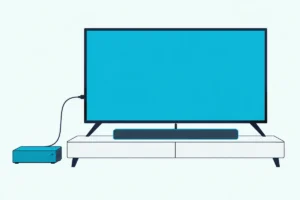
If the TV has no ARC port for the HDMI route above, Polk’s answer is optical, with the TV’s speakers switched off. Run an optical cable from the TV’s optical output to the soundbar, then turn off the TV’s internal speakers, as the MagniFi Max AX manual’s troubleshooting section describes.
If you need one, the Amazon Basics Toslink optical cable is a standard cable that fits this connection.
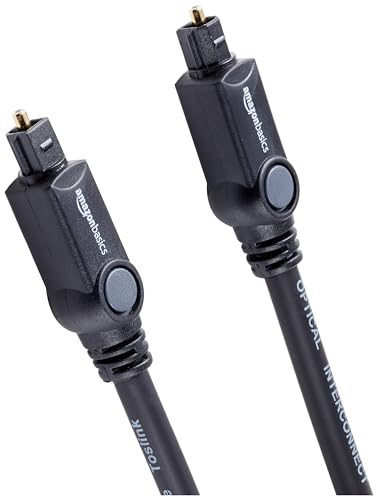
Amazon Basics Toslink optical cable
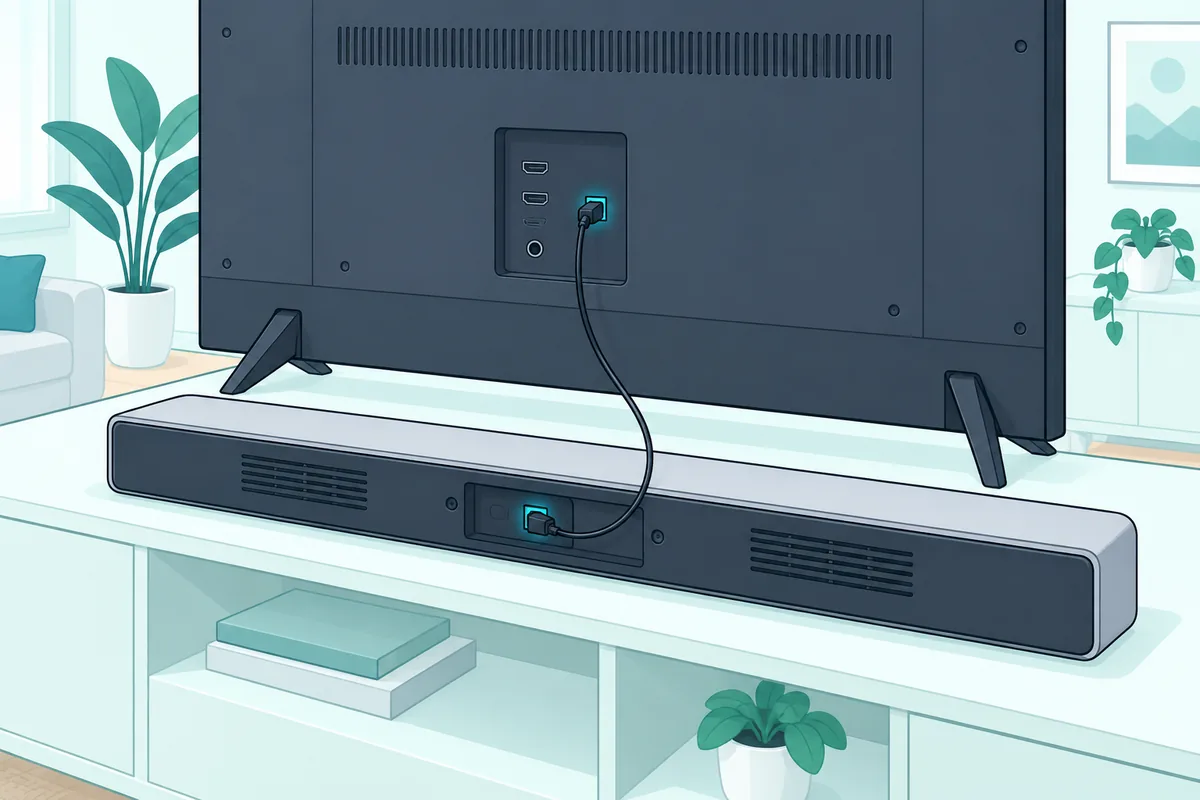
The Signa S2 guide adds a second cable for TVs without ARC. Alongside the optical cable, it connects the included HDMI cable from any available HDMI port on the TV to the soundbar’s TV ARC port.
On the MagniFi Max AX, an optical connection gives up Roku TV Ready support and the Dolby Atmos and DTS:X formats. For how the two cables compare in general, our breakdown of HDMI versus optical for soundbars covers the formats each carries.
How Do You Make the TV Remote Control a Polk Soundbar?
Either cable gets you sound, but the next job is the remote. Polk says your TV, cable or satellite remote can control the soundbar’s power, volume and mute, but depending on the TV and connection, you may need to teach the bar to respond to it.
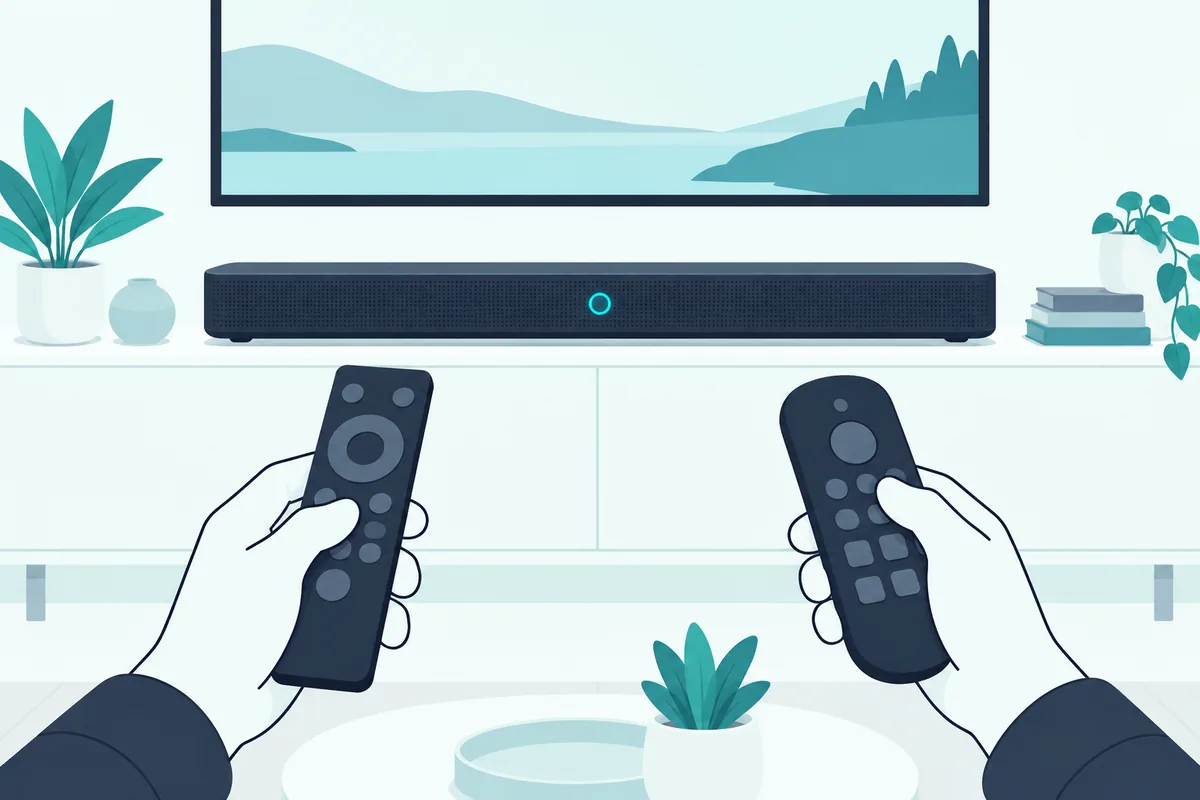
These are the MagniFi Max AX manual’s steps for teaching it:
- On the bar’s top panel, press and hold Source for about 3 seconds, until REMOTE LEARN appears; the display then shows POLK REMOTE.
- Press the Polk remote button you want the bar to learn, such as Volume Up; the display shows TV REMOTE.
- Press the matching button on your TV remote. SUCCESS means it worked; TRY AGAIN means repeat steps 2 and 3.
- Repeat for each button you want, such as Volume Down and Mute.
- Press and hold Source until EXIT appears.
For best results, Polk says to put fresh batteries in both remotes and point them at the bar’s front panel from 1 to 3 feet (30 to 90 cm) away.
To start over, hold Source for about 10 seconds. You’ll hear a two-note tone, then keep holding until a three-note tone; the bar shows IR CLEARED once the learned codes are gone.
Can You Set Up a Polk Soundbar on Wi-Fi?
Wi-Fi isn’t needed for TV sound, but Polk’s Wi-Fi bars like the MagniFi Max AX use it for streaming and updates. Polk gives three ways to connect it: the Google Home app, the Amazon Alexa app, or directly from an iPhone or iPad through AirPlay.
Polk recommends connecting the bar to the internet so it gets the latest software updates. Until setup is done, the bar broadcasts its own wireless network, named after the soundbar, which switches off once Wi-Fi setup is complete.
If you’d rather keep it offline, Polk says holding Mute and Source on the top panel for 5 seconds turns Wi-Fi off completely. The same press turns it back on.
Can You Connect a Polk Soundbar to a TV With Bluetooth?
Polk’s manual covers Bluetooth for phones and tablets rather than TVs, so for TV sound, HDMI or optical is the route it describes. To pair a phone, press the Bluetooth button on the bar or remote until BT READY TO PAIR appears, then choose the soundbar in the phone’s Bluetooth settings.
The bar shows BT CONNECTED once it’s paired. It pairs with one device at a time, so disconnect the current one before adding another; holding the Bluetooth button for 3 seconds disconnects it and puts the bar back in pairing mode.
What If the Polk Subwoofer Goes Silent?
A silent subwoofer can mean its wireless link to the bar has dropped, and each Polk bar has its own way to redo it. On the MagniFi Max AX, the subwoofer pairs automatically when powered on; if it doesn’t, Polk’s manual steps are:
- Plug in the subwoofer and make sure the soundbar is on.
- Hold the CONNECT button on the back of the soundbar for about 3 seconds, until you hear a tone.
- Hold the CONNECT button on the back of the subwoofer for about 3 seconds, until it tones too.
- Press CONNECT on the soundbar again to save the pairing.
On the Signa S2, hold the BAR SYNC button on the back of the subwoofer for 3 seconds, then hold Bluetooth and Volume Up on the soundbar together for 5 seconds. The first two lights flash while it searches and stop when they connect; if they flash together 5 times, it failed, so repeat the steps.
Each Polk model relinks its subwoofer a little differently, and our guide to syncing a Polk soundbar and subwoofer lists the steps for the Signa, MagniFi, React and Command Bar models.
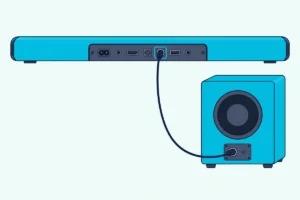
Polk says to keep the subwoofer on the same wall as the TV, as close as possible, and no more than 30 feet (10 m) from the bar. Our guide to where a soundbar’s subwoofer works best covers placement in more detail.
Why Is There No Sound From the Polk Soundbar?
When the bar stays silent after all of that, Polk’s own checklist starts with the basics. Check that the soundbar is powered on, that every cable is connected correctly, and press Volume Up on the bar’s top panel.
Then work through the causes Polk lists in its troubleshooting section:
- The wrong HDMI port. Only the TV’s port labeled ARC or eARC sends TV sound to the bar.
- CEC and ARC switched off. With an HDMI connection, check that HDMI-CEC and ARC are on in the TV’s settings.
- An echo. Turn off the TV’s internal speakers so only the soundbar plays.
- A silent subwoofer. Check that the SUB light on the back of the soundbar and the light on the subwoofer are green, then unplug the subwoofer for 30 seconds.
- A remote that won’t respond. Aim it at the front of the bar, replace the batteries, and make sure nothing blocks the TV’s infrared receiver.
Two behaviors look like faults but aren’t. Polk sets the MagniFi Max AX to power on automatically when a connected device starts and to power off after 20 minutes of inactivity; hold Power and Volume Down for 5 seconds to stop the automatic power off.
If nothing else works, a factory reset clears every setting, including Bluetooth and Wi-Fi. Our guide to resetting a Polk soundbar has the button combinations for each model.
Frequently Asked Questions
Which HDMI port do I use to connect a Polk soundbar to my TV?
The one labeled ARC or eARC. Polk says only one port carries that label, and you won’t hear TV audio through any other.
Will a Polk soundbar work with any TV?
Yes, as long as the TV has an HDMI ARC or eARC port or an optical output. On the MagniFi Max AX, Roku TV Ready features and Dolby Atmos need the HDMI connection.
Why do I hear an echo from my Polk soundbar?
The TV’s own speakers are still playing. Turn them off in the TV’s settings, and with HDMI, check that HDMI-CEC and ARC are on.
Can I control a Polk soundbar with my TV remote?
Yes. Polk says a TV remote can control the bar’s power, volume and mute, and if yours doesn’t respond, the bar can learn its buttons through REMOTE LEARN mode.