How to Pair a Sony Subwoofer to Your Soundbar
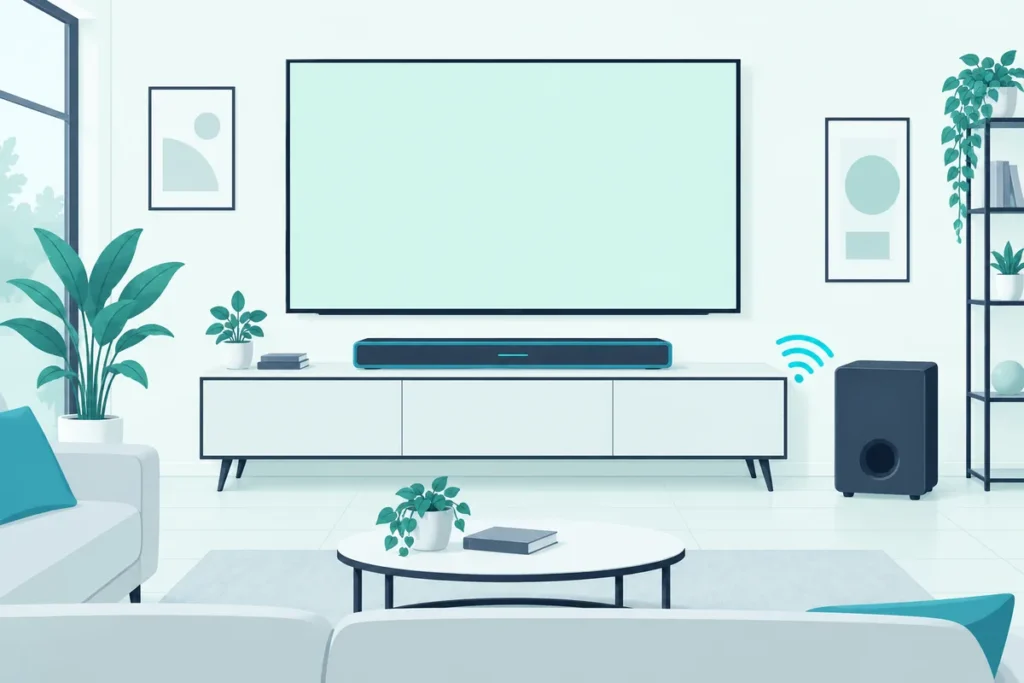
How to pair a Sony subwoofer to a soundbar: open the Sony | BRAVIA Connect app, go to Settings, then Wireless Speaker Settings, then Start Manual Link, and press LINK on the back of the subwoofer until its light turns solid white.
On most new Sony sets you won’t need to, because the bar and subwoofer link by themselves when they’re powered on.
When they don’t, the only sign is a red light on the subwoofer and a movie that suddenly sounds thin.
The exact fix depends on your model: newer bars pair through the app or a remote button sequence, while HT-A series bars use the TV’s on-screen menu.
Below are Sony’s steps for each, what every light on the subwoofer means, and how to pair one without the remote.
Which Sony Soundbar and Subwoofer Do You Have?
That model difference decides where you start, so check it before pressing anything. Sony’s current systems pair in one of two ways:
| Your system | How the subwoofer pairs |
|---|---|
| BRAVIA Theatre Bar 5 or Bar 6, with the subwoofer in the box | The BRAVIA Connect app, or a button sequence on the remote |
| HT-S2000 with an optional subwoofer | The BRAVIA Connect app |
| HT-A3000 and other HT-A series bars, with an optional subwoofer | The TV’s on-screen home menu |
The model name is on the back or underside of the soundbar. If yours isn’t listed, the same LINK button on the subwoofer is almost always part of the process, and your model’s help guide on Sony’s site has the exact menu path.
Not sure which Sony systems come with a subwoofer in the box? Our comparison of Sony’s current soundbar range lists which ones do.
How Does a Sony Subwoofer Connect Automatically?
That LINK button is the backup, because pairing is automatic in the first place. Sony’s help guide for the HT-A3000 says an optional subwoofer connects to the soundbar automatically when it’s turned on (Sony).
Bars sold with a subwoofer in the box, like the BRAVIA Theatre Bar 5, make the connection from the bar’s side. A slowly flashing white light on the subwoofer means it’s waiting for the bar, and solid white means they’re connected.
If the light is red instead, the automatic link hasn’t happened, and one of the manual methods below will fix it.
Get Studio Tips Weekly
Join 5,000+ creators getting acoustic treatment advice every week.
No spam. Unsubscribe anytime.How to Pair a Sony Subwoofer to a Soundbar With the App
Newer Sony bars put the manual pairing in the Sony | BRAVIA Connect app. For the BRAVIA Theatre Bar 5 and Bar 6, Sony’s steps are (Sony):
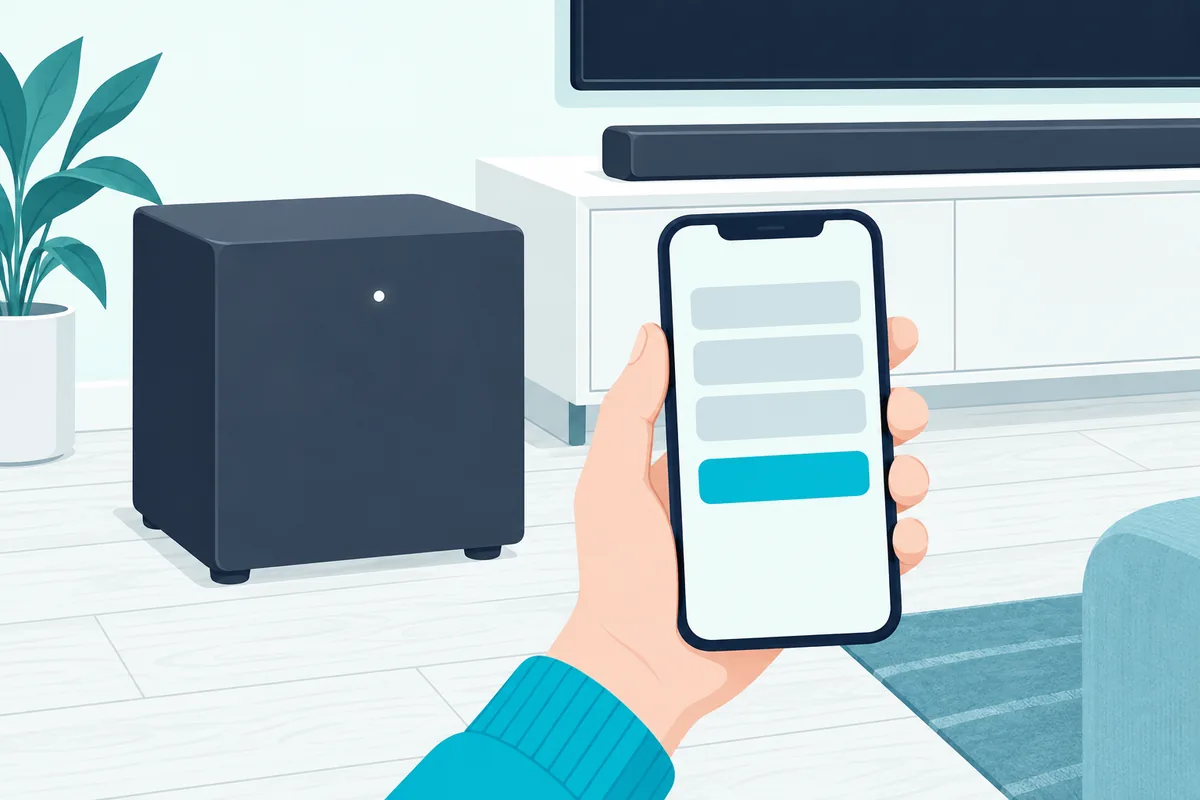
- Open the Sony | BRAVIA Connect app and go to the soundbar’s remote control screen.
- Tap Settings, then Wireless Speaker Settings, then Start Manual Link.
- Follow the app’s instructions, pressing LINK on the back of the subwoofer when it asks.
- Wait for the subwoofer’s power light to turn solid white.
On the Bar 6, Sony notes the app shows connection guidance on its own when the subwoofer isn’t linked. You can also check the link at any time under Settings, then Wireless Speaker Settings.
The HT-S2000 works the same way with its optional subwoofer. Its app menu, Wireless Speaker Connection Settings, offers an automatic link, a manual link and a connection check.
Can You Pair a Sony Subwoofer Without the App?
Yes, on the BRAVIA Theatre Bar 5 and Bar 6, the supplied remote can start the pairing instead. Sony’s button sequence:
- Press NIGHT, Mute, Mute, NIGHT on the remote, all within 5 seconds.
- Watch the soundbar’s main status light flash blue and white alternately.
- Press LINK on the back of the subwoofer. Its power light flashes twice at a time in white.
- When the connection is made, the subwoofer’s light turns solid white.
The 5-second window is the part people miss. If the bar’s light doesn’t start flashing blue and white, start the sequence again a little faster.
How Do You Pair a Sony Subwoofer Without the Remote?
With no remote, the app is the answer, since Sony’s app pairing needs only your phone and the LINK button. Install the Sony | BRAVIA Connect app, connect it to the soundbar, and use Start Manual Link as described above.
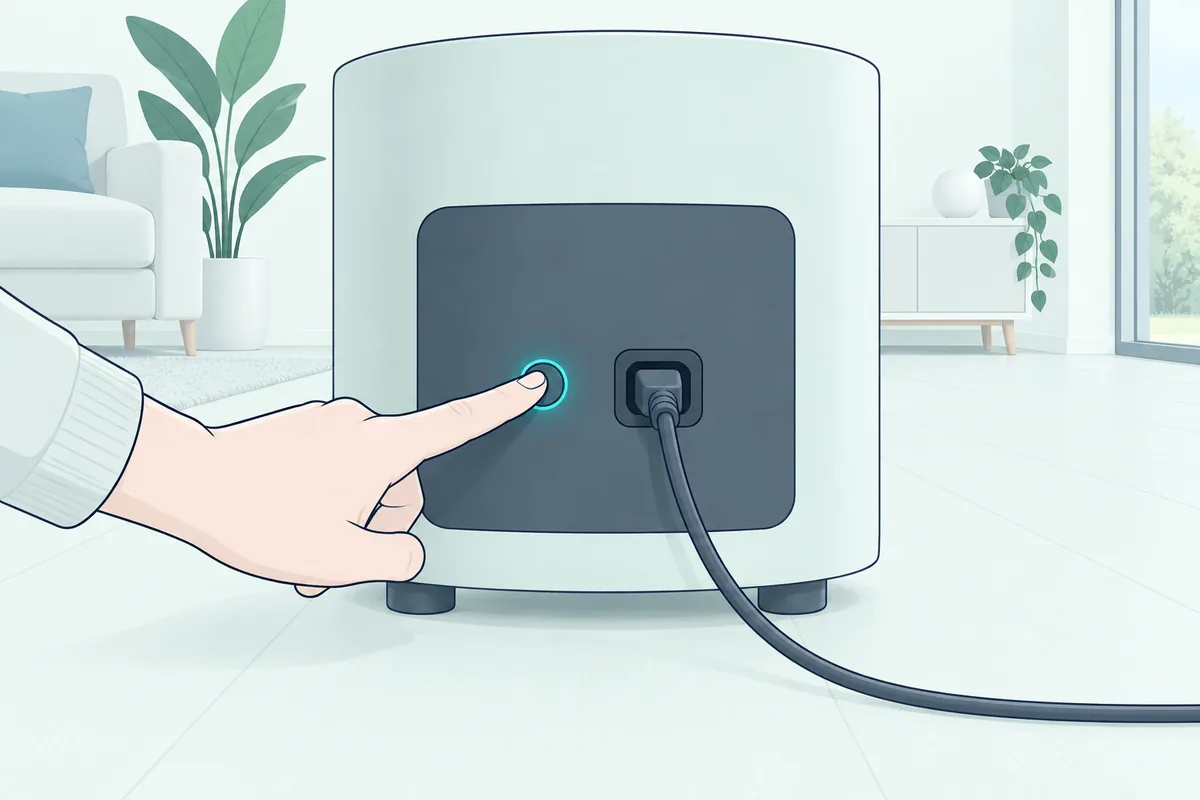
The LINK button on the subwoofer has other jobs too, depending on how long you hold it (Sony):
- A short press starts the manual link while the app is guiding you.
- More than 2 seconds turns the subwoofer on or off.
- More than 10 seconds resets the subwoofer.
So press it briefly when pairing. Holding it too long switches the subwoofer off instead, which can make a manual pairing seem to fail.
How Do You Pair an Optional Subwoofer to an HT-A Series Soundbar?
Sony’s HT-A series bars do their pairing on the TV screen instead of an app. For the HT-A3000, Sony’s help guide gives these steps:
- Update the soundbar’s software to the latest version first.
- Press HOME on the soundbar remote, then choose Setup, then Advanced Settings.
- Choose Speaker Settings, then Wireless Speaker Settings, then Start manual linking.
- Press LINK on the subwoofer. Its power light flashes twice at a time in green or white, depending on the model.
- Select Start, wait until the subwoofer shows Connected, then select Finish and press the enter button.
Once the link is made, the subwoofer’s light glows solid green or white. Sony notes that starting a manual link switches the bar’s link mode to Manual, and only speakers shown as Connected will play.
What Do the Lights on a Sony Subwoofer Mean?
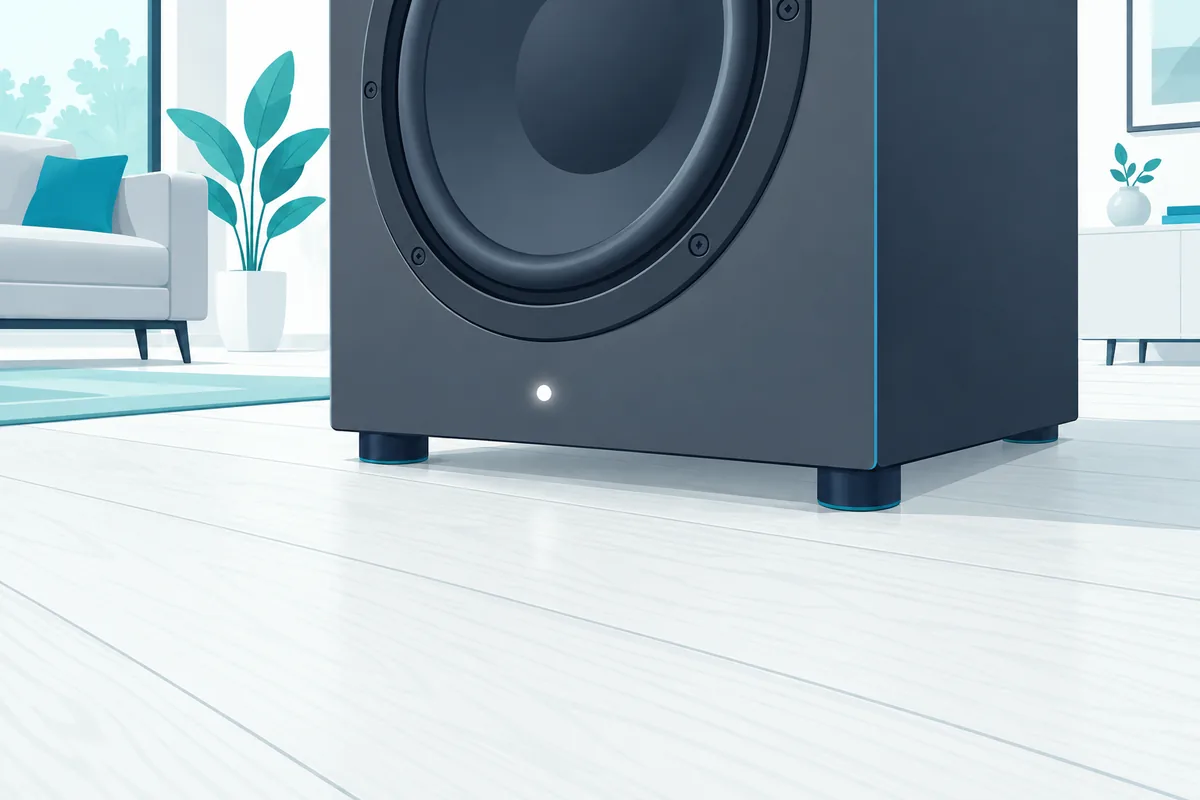
Those green, white and red lights are the subwoofer’s status report. Sony’s guide for the BRAVIA Theatre Bar 5 subwoofer lists them (Sony):
| Light | What it means |
|---|---|
| Solid white | Connected to the soundbar |
| Slow white flashing | Waiting for the soundbar to connect |
| White flashing twice at a time | Waiting for a manual link |
| Solid red | Standby |
| Off | Switched off |
| White and blue flashing | Updating or resetting |
| Red flashing | An error; follow Sony’s troubleshooting steps |
Other Sony subwoofers use the same pattern with green in place of white on some models. A solid red light alone isn’t a fault: it can simply mean the subwoofer is in standby.
Why Does a Sony Subwoofer Keep Disconnecting?
If the light keeps dropping back to red after a good pairing, start with the software. Sony’s HT-A3000 guide says to update the soundbar’s software before connecting an optional subwoofer, so check for an update first.
On the HT-S2000, the app’s Optimizing Connection Frequency setting normally picks the clearest wireless channel on its own. Sony says that if the sound drops out, turning that setting off can help (Sony).
If neither helps, reset the subwoofer by holding LINK for more than 10 seconds, then pair it again. Placement matters too: a subwoofer tucked behind furniture or far from the bar has a harder time holding the link, and our guide to placing a soundbar subwoofer well covers the better spots.
Can You Use a Different Subwoofer With a Sony Soundbar?
That pairing only works with the subwoofers Sony designed for each bar. The HT-A series and HT-S2000 take Sony’s optional wireless subwoofers, and the BRAVIA Theatre Bar 5 and Bar 6 pair with the subwoofer sold with them.
A subwoofer from another brand won’t pair wirelessly with a Sony bar. For mixing brands or wired subwoofers, our guide to pairing a soundbar with a subwoofer covers the options most brands share.
What If the Soundbar Isn’t Playing the TV at All?
Pairing the subwoofer only helps once the bar itself is playing the TV’s sound. If the whole system is silent, the TV connection is the problem, and our guide to hooking a Sony soundbar up to a TV covers HDMI, optical and the settings that make the sound switch over.
Frequently Asked Questions
Why is my Sony subwoofer light red?
A solid red light means standby, or that the subwoofer isn’t linked. Turn the soundbar on; if the light stays red, pair them manually with the app, the remote sequence or the TV menu, depending on your model.
How do I pair a Sony subwoofer without the remote?
Use the Sony | BRAVIA Connect app: Settings, then Wireless Speaker Settings, then Start Manual Link, and press LINK on the subwoofer when the app asks.
Where is the LINK button on a Sony subwoofer?
On the back of the subwoofer. A short press starts pairing, holding it for more than 2 seconds switches the subwoofer on or off, and more than 10 seconds resets it.
How do I reset a Sony subwoofer?
Press and hold LINK on the back for more than 10 seconds, then pair it with the soundbar again.
Does a Sony subwoofer need a cable to the soundbar?
No. Sony’s soundbar subwoofers connect wirelessly; each needs only its own power cord.