How to Connect a Majority Soundbar to a TV
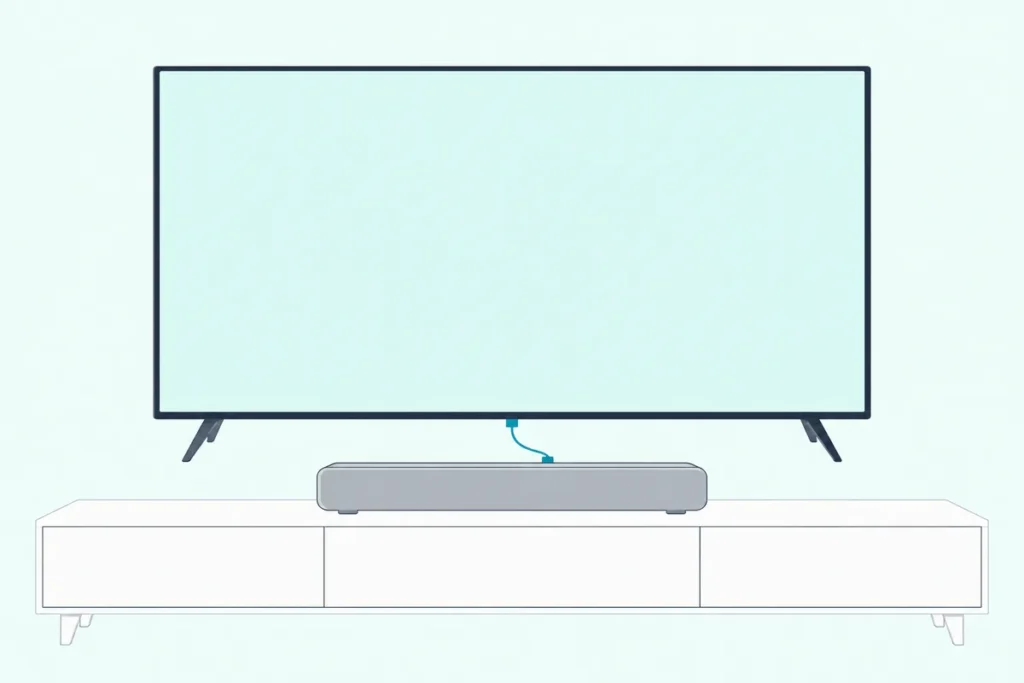
How to connect a Majority soundbar to a TV: run an HDMI ARC or optical cable from the TV to the matching port on the soundbar, press its input button until the light shows that mode, and set the TV’s audio output to PCM.
Which cable you can use depends on the model, because some Majority bars have HDMI ARC and others, like the Bowfell and Snowdon, only have optical, line-in and RCA.
Pick the wrong input and the soundbar sits silent, or hisses, while the TV keeps playing through its own speakers.
Majority’s manuals also say what each colored light means, which is the quickest way to tell whether the bar is on the input you plugged in.
Below are the connections by model, the TV settings Majority asks for, and the fixes for no sound.
Which Majority Soundbar Do You Have?
That model name decides which ports you can use, so check it on the box or the back of the bar first. These are the TV connections each model’s manual lists:
| Majority model | TV connections in its manual |
|---|---|
| Bowfell | Optical, line-in with an RCA lead, Bluetooth |
| Snowdon | Optical, RCA, line-in, Bluetooth |
| Teton | HDMI ARC, optical, RCA, AUX, Bluetooth |
| Teton Plus | HDMI ARC, optical, RCA, AUX, Bluetooth |
| Naga 40 and Naga 60 | HDMI ARC, optical, AUX, Bluetooth |
| Everest | HDMI ARC, optical, AUX, Bluetooth |
| Bowfell Axis and Halo (Dolby) | HDMI ARC or eARC, optical, AUX, Bluetooth |
If your bar isn’t a Majority, our guide to connecting a soundbar to any TV covers every brand’s steps.
If your TV has an ARC port and your bar has one too, that’s the connection to aim for. Otherwise optical is the next choice, and the manuals for the Bowfell, Snowdon, Teton Plus and Naga 40 all say the optical or HDMI cable isn’t in the box.
How to Connect a Majority Soundbar to a TV With HDMI ARC
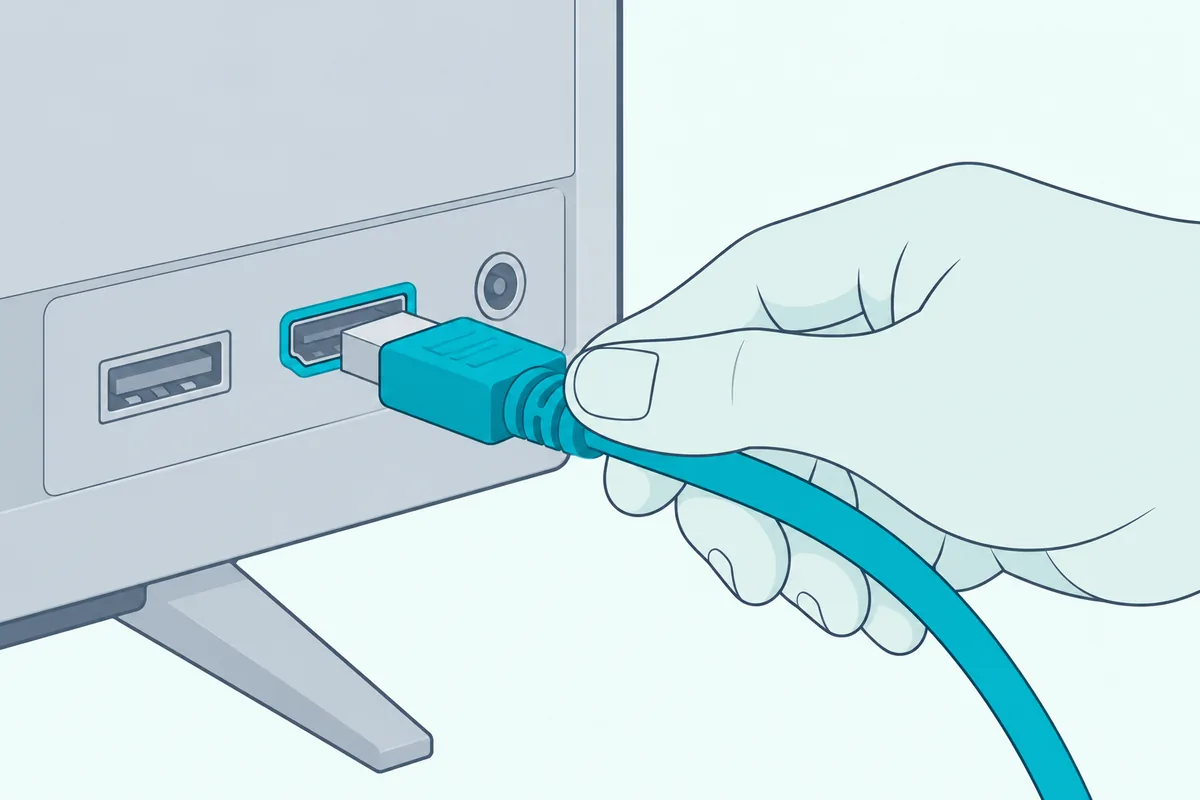
The HDMI ARC row in that table takes one cable and a few settings. Majority’s Naga 40 manual gives these steps, and the Teton Plus manual matches them:
- Switch off the soundbar and the TV.
- Plug the HDMI cable into the soundbar’s ARC port, then into the TV’s HDMI port marked ARC.
- Switch on the TV, then the soundbar.
- Press INPUT on the soundbar, or ARC/OPT on the remote, until ARC mode is selected.
- On the TV, set the sound output to HDMI ARC, set the audio format to PCM, and turn HDMI-CEC on.
The light tells you the mode is right. On the Naga 40 it turns white in ARC mode, and on the Teton and Teton Plus it turns light blue.
The Naga 40 manual recommends an HDMI cable made for ARC and says to try another cable if there’s no sound. A spare such as the Amazon Basics 6-foot HDMI 2.1 cable is a simple pick for that.
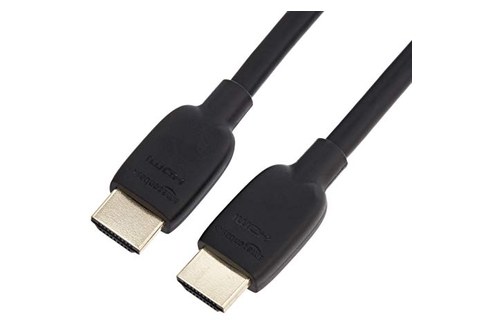
A spare such as the Amazon Basics 6-foot HDMI 2.1 cable
Majority adds a caution in the Teton manuals: digital audio doesn’t pass between every pair of brands, so if ARC stays silent, try a different type of connection.
Get Studio Tips Weekly
Join 5,000+ creators getting acoustic treatment advice every week.
No spam. Unsubscribe anytime.How Do You Connect a Majority Soundbar With an Optical Cable?
Optical is the fallback when ARC isn’t available, and every model above except ARC-less ones can use it. The Bowfell manual gives these steps, and the Snowdon and Teton manuals follow the same pattern:
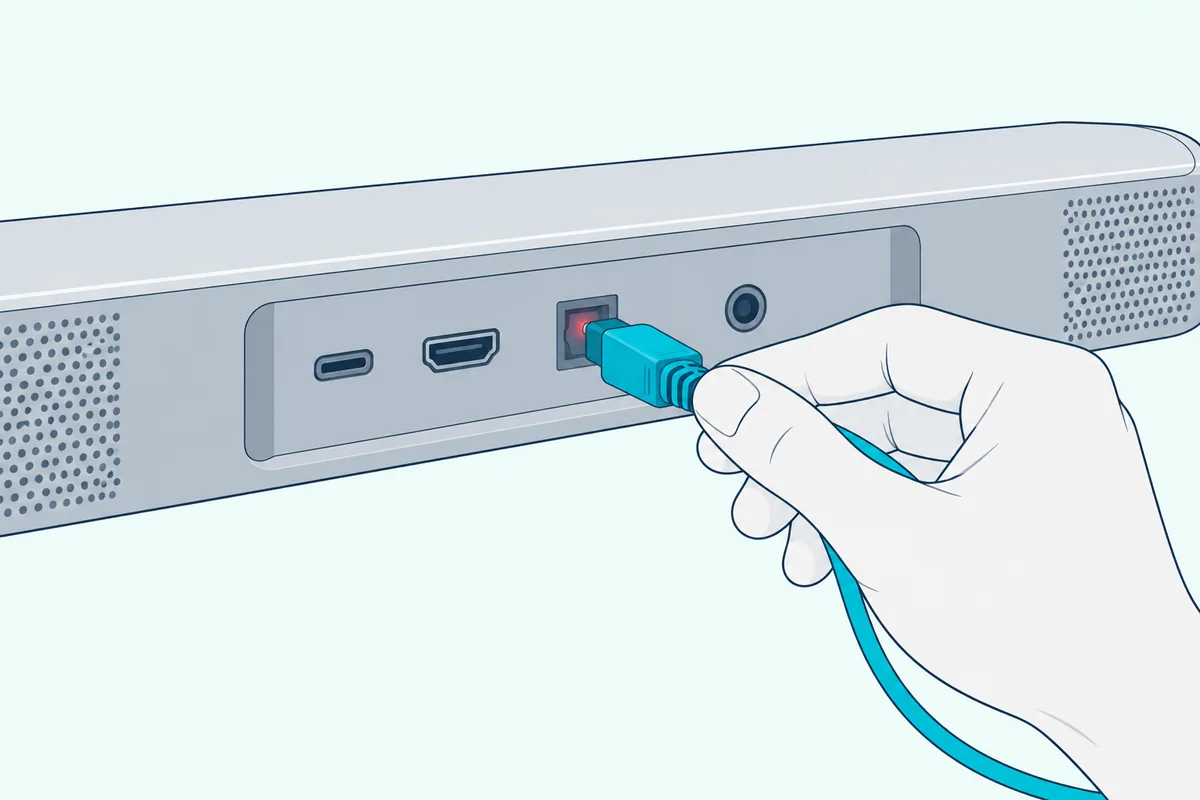
- Unplug and switch off the soundbar and the TV.
- Put one end of a digital optical cable into the soundbar’s optical port and the other into the TV’s optical output.
- Plug both back in and switch them on.
- Press MODE or INPUT until the soundbar is in optical mode.
- In the TV’s sound settings, choose Optical Audio and set the format to PCM.
The optical light is orange on the Bowfell and yellow on the Snowdon, Teton and Teton Plus. If you need a cable, the Amazon Basics Toslink optical cable is a standard one for this connection.
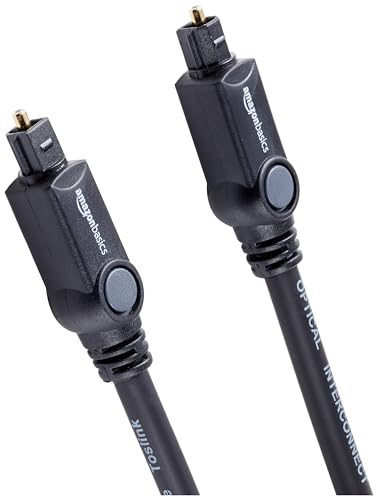
the Amazon Basics Toslink optical cable
Can You Use an RCA or 3.5 mm Cable Instead?
Yes, on the models that have those inputs, and it’s the route for older TVs with no optical port. The Bowfell manual has you connect its included 3.5 mm-to-RCA cable from the TV’s RCA output to the soundbar’s line-in port, then press MODE until the light turns green.
The Teton and Teton Plus add a separate RCA mode, shown by a white light, and an AUX mode shown by green. Majority’s Teton manual says to use the TV’s output RCA ports, and to pick another connection if the TV doesn’t have any.
That green and white pair is easy to mix up. If the soundbar is silent, check the light color before you check the cable.
Can You Connect a Majority Soundbar to a TV Over Bluetooth?
Sometimes, if the TV can send Bluetooth audio, and it’s the weakest of the options. The Bowfell manual says it can pair with any Bluetooth device, a smart TV included, and the pairing works like this:
- Press MODE until the light flashes blue.
- Choose “Majority Bowfell” in the TV’s Bluetooth list.
- Enter 0000 if the TV asks for a code.
- Wait for the beep and a steady blue light.
Majority’s FAQ adds two limits. The soundbar only receives Bluetooth audio, so it can’t send sound to headphones or extra speakers.
Samsung says Bluetooth doesn’t match HDMI for sound quality and can be less stable (Samsung). If your TV has an ARC or optical port, use one of those instead.
Keep Bluetooth for phones. Our guide to pairing a phone with any soundbar covers that side.
What TV Settings Does a Majority Soundbar Need?
Most no-sound and hissing problems trace back to one setting. Majority’s Teton FAQ says to set the TV’s audio output to PCM or 2-CH, and that the option usually lives under Sound, then Additional Settings, next to choices like Dolby Digital and DTS.
For HDMI ARC, the Naga 40 manual adds two more: set the sound output to HDMI ARC, and turn HDMI-CEC on. Our explanation of what HDMI ARC does and where to switch it on shows where each brand hides those switches.
Why Is There No Sound From a Majority Soundbar?
If the settings are right and it’s still silent, work through Majority’s own checklist. Its manuals list these, in this order:
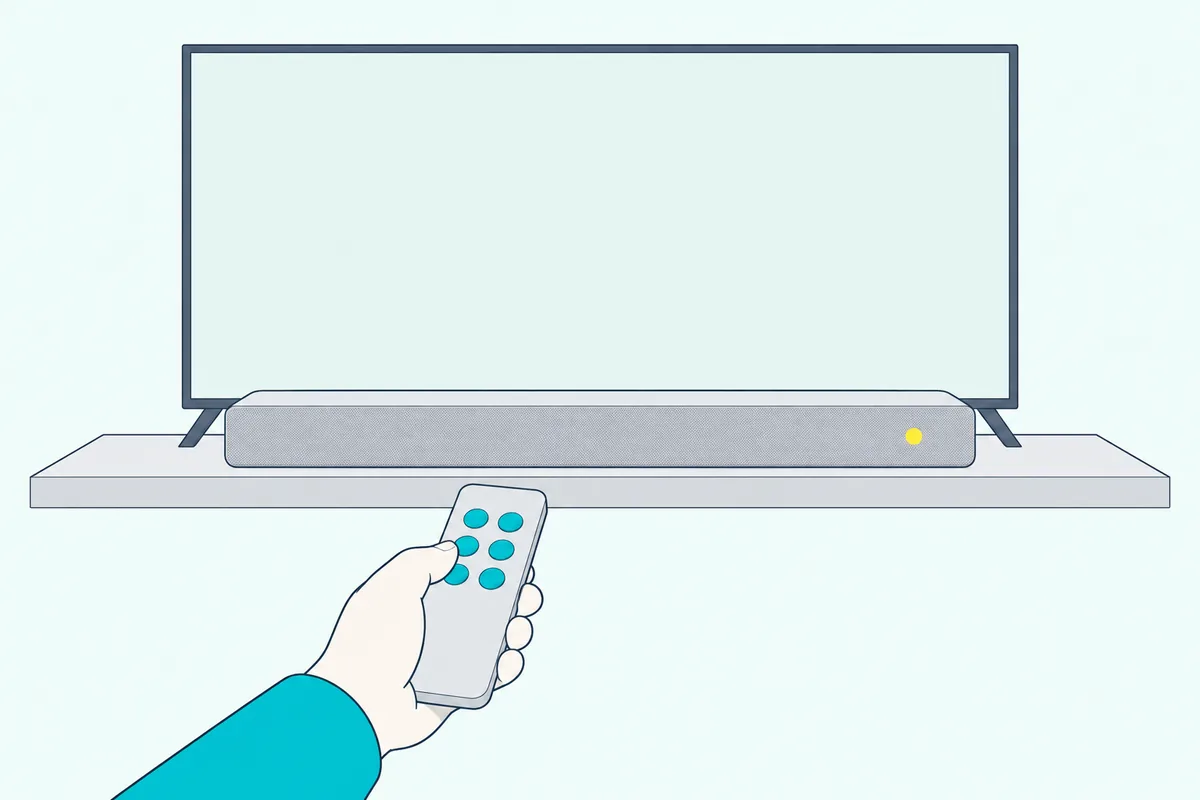
- Mute and mode. Check the unit isn’t muted, and that the mode matches the cable you used.
- The cable. Check it’s fully seated at both ends, and on ARC that it’s in the port marked ARC.
- The TV format. Set the audio format to PCM; the Bowfell and Naga 40 manuals both list it.
- CEC. On ARC, turn HDMI-CEC on, as the Naga 40 manual says.
Hissing, static or humming has its own fix in the Bowfell manual. Set the source to PCM, try a different cable or connection, and make sure no cables are crossed over each other.
If the bar seems frozen, Majority says to switch it off and unplug it, wait 2 minutes, and switch it on again. If one mode keeps failing, it says to try another, such as optical, AUX or Bluetooth.
Can You Control a Majority Soundbar With the TV Remote?
Yes, on some setups, but Majority’s guides don’t promise it. For a universal or Fire TV remote, Majority’s Bowfell and Teton FAQs give one code to try, the infrared code 01FE.
If the bar’s own remote stops working, the Bowfell manual says to check its battery and to look for anything blocking the sensor.
Why Does a Majority Soundbar Turn Off by Itself?
That’s by design, and it’s tied to the TV. The Bowfell manual says the soundbar enters standby after 180 minutes if the connected TV is switched off, and the Teton manual says the same.
So if the bar is off when you switch the TV back on, press its power button and check the mode light.
Frequently Asked Questions
Does the Majority Bowfell have HDMI ARC?
No. The Bowfell’s manual lists optical, line-in with an RCA lead, USB and Bluetooth, so an ARC cable has nowhere to go. Use the optical port if your TV has one.
What input light means the soundbar is on optical?
It depends on the model. Majority’s manuals show orange on the Bowfell and yellow on the Snowdon, Teton and Teton Plus.
What is the Bluetooth code for a Majority soundbar?
It’s 0000, according to Majority’s manuals and FAQs, if your TV or phone asks for one.
Can I connect a Majority soundbar to a TV without a cable?
Over Bluetooth, if the TV can send audio, as the Bowfell manual describes. The soundbar only receives Bluetooth audio, so it can’t send sound on to other speakers.