Can a Stream Deck Be Connected to a MIDI Controller? Both Ways
Can a Stream Deck be connected to a MIDI controller? Yes, in both directions, though each one needs a small program in the middle.
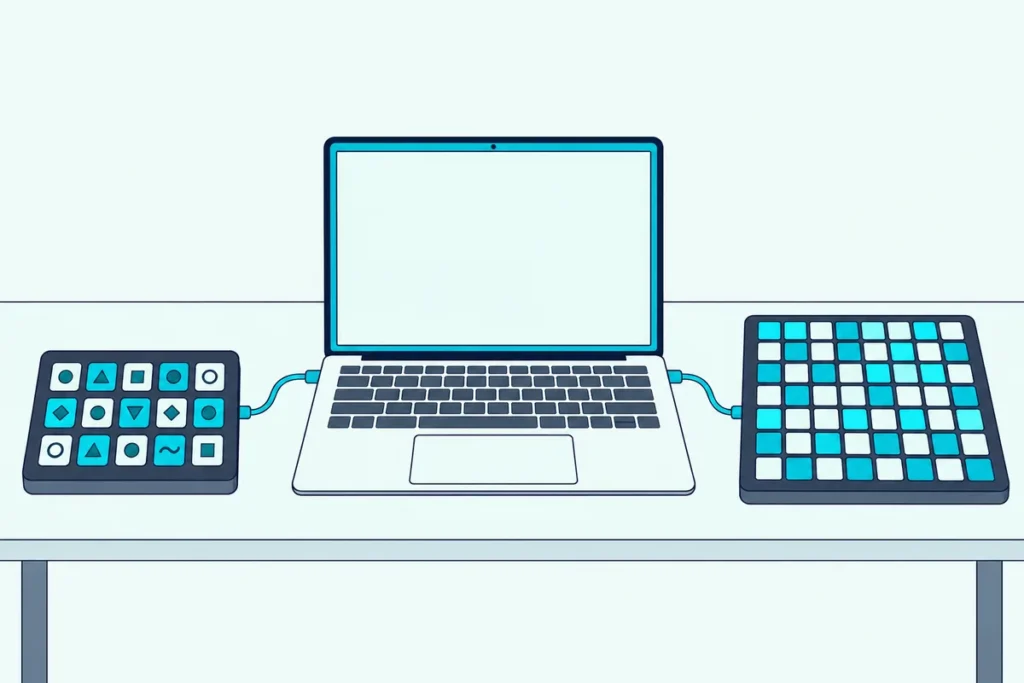
Put the two on one desk and they still ignore each other, because a Stream Deck fires actions and a MIDI controller sends notes.
A plugin can make the Stream Deck send MIDI to your music software, and translator software can make a MIDI controller’s pads trigger shortcuts the way Stream Deck keys do.
Below, you’ll see both setups step by step, what each one can’t do, and which route suits a streamer and which suits a producer.
Start with what each side needs.
Can a Stream Deck Be Connected to a MIDI Controller?
Yes, but not directly, because the two devices speak different languages. Elgato’s Stream Deck software assigns actions to keys, and a MIDI controller sends what MIDI messages carry: notes, controls and program changes.
Software in the middle turns one into the other, and the direction decides which software you need:
| You want | You add | Runs on |
|---|---|---|
| A Stream Deck that sends MIDI to a DAW or synth | The Midi plugin by Trevliga Spel and a virtual MIDI port | Windows and macOS |
| A MIDI controller that runs shortcuts and launches apps | A translator such as Bome MIDI Translator Pro, CoyoteMIDI, MidiKey2Key or midiStroke | Windows and macOS, depending on the tool |
| A MIDI controller that switches scenes in OBS | The obs-midi-mg plugin | Windows, macOS and Linux |
Most people who search this mean the first row, so it comes first.
How Do You Use a Stream Deck as a MIDI Controller?
That first row needs three things: a plugin, a virtual MIDI port and a MIDI input in your DAW. Trevliga Spel’s Midi plugin says it can interact with any MIDI-enabled device or DAW using MIDI 1.0, on Windows and macOS (Trevliga Spel).
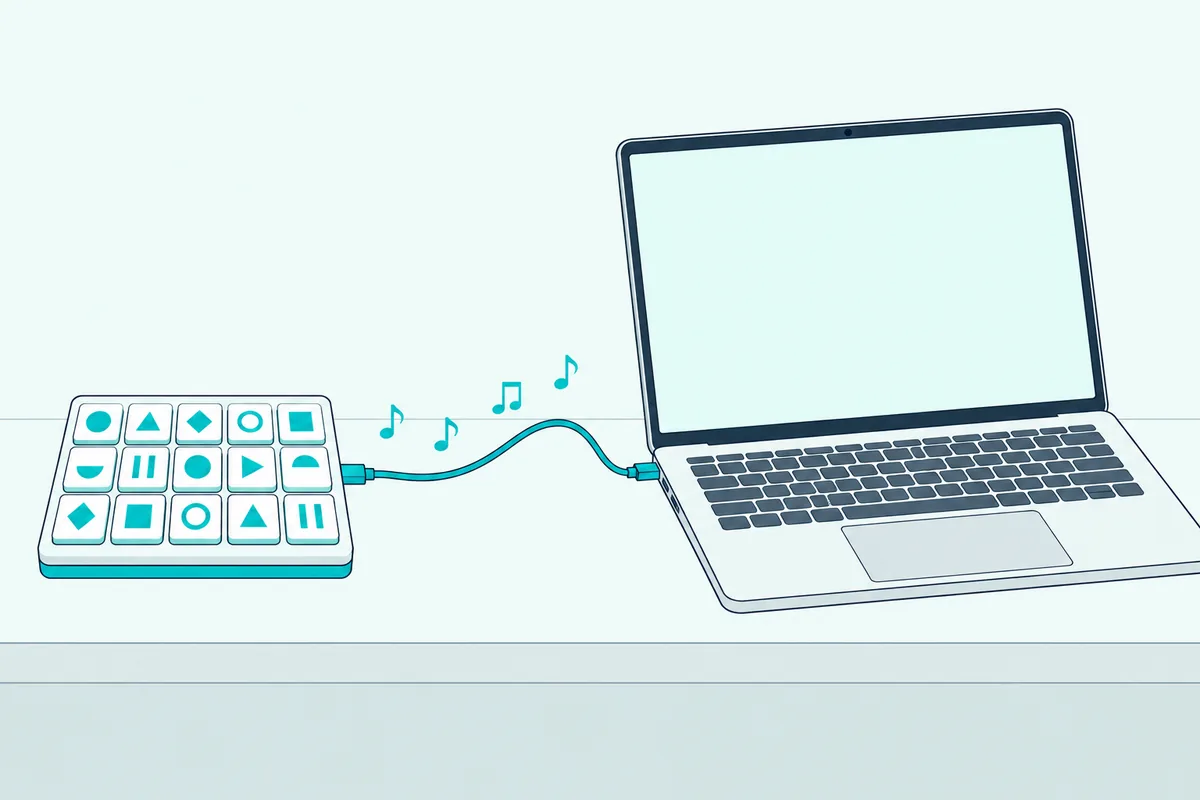
Here are the steps in order:
- Update Stream Deck. The plugin’s Marketplace listing asks for Stream Deck 6.9 or later (Elgato Marketplace).
- Create a virtual MIDI port. On a Mac, open Audio MIDI Setup, choose Window and Show MIDI Studio, double-click the IAC Driver and tick “Device is online” (Apple). On Windows, Trevliga Spel names loopMIDI, or the setup tool for the new Windows MIDI Service, for creating ports.
- Install the plugin. Open Marketplace from the Stream Deck software, choose Stream Deck and then Plugins, find the plugin, select Get and then Open in Stream Deck (Elgato).
- Add a Generic Midi button. Drag it onto a key, then pick the button type, the MIDI command and channel, and the control and values, which default to 127 for on and 0 for off (Trevliga Spel).
- Point your DAW at the port. Switch the virtual port on as a MIDI input, the same way as in our guide to turning on a MIDI port as an input, then map the messages.
The plugin’s documentation says a new button picks a port named “StreamDeck2Daw” by default when one exists, so naming your virtual port that saves a step. Push buttons that need no feedback can have their input port set to “No MIDI Input.”
Get Studio Tips Weekly
Join 5,000+ creators getting acoustic treatment advice every week.
No spam. Unsubscribe anytime.Which MIDI Messages Can a Stream Deck Send?
The Generic Midi button in that fourth step handles Control Change, NRPN, Note On/Off, Program Change, Pitch Bend and Channel Pressure, and it can act as a push, toggle, hold, latch or cycle button, or as a fader (Trevliga Spel). The plugin’s home page adds SysEx, MIDI Show Control and Mackie Control, and says it works with buttons and dials on every Stream Deck size.
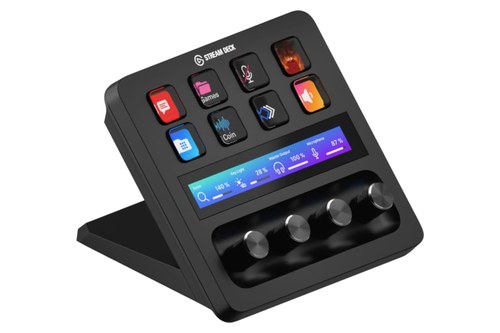
The model decides what you can do with those messages. Elgato lists 15 LCD keys on the Stream Deck MK.2, 32 on the XL, and 8 keys plus 4 dials and a touch display on the Stream Deck + (Elgato).
Keys suit notes and transport buttons, while dials suit continuous messages such as volume and pan.
If you’re buying for this, the Elgato Stream Deck MK.2 covers the keys, per Elgato’s hardware list. If you want knobs for volume and pan, the Stream Deck + adds four.
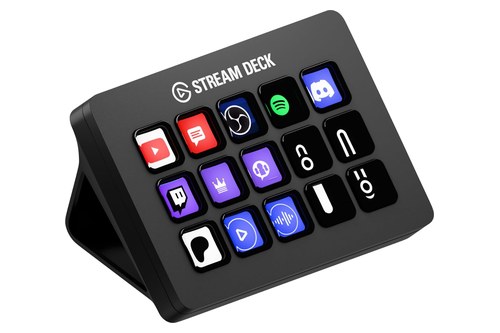
the Elgato Stream Deck MK.2
Ready-made layouts save time. SideshowFX offers packs for Ableton Live and Logic Pro that use the plugin on the Stream Deck XL or 15-key models, and its Universal MIDI Controller pack covers six DAWs plus the audio mixers in DaVinci Resolve and Premiere Pro (SideshowFX).
Check the price first: SideshowFX’s Marketplace notes say the Midi plugin began moving from free to paid on March 3, 2026, and its packs need a copy of it (Elgato Marketplace).
How Do You Use a MIDI Controller as a Stream Deck?
Now flip it around: a MIDI controller can press keys and launch programs, but only through a translator. The translator listens for one MIDI message and answers with a keystroke, a mouse click or a program launch.
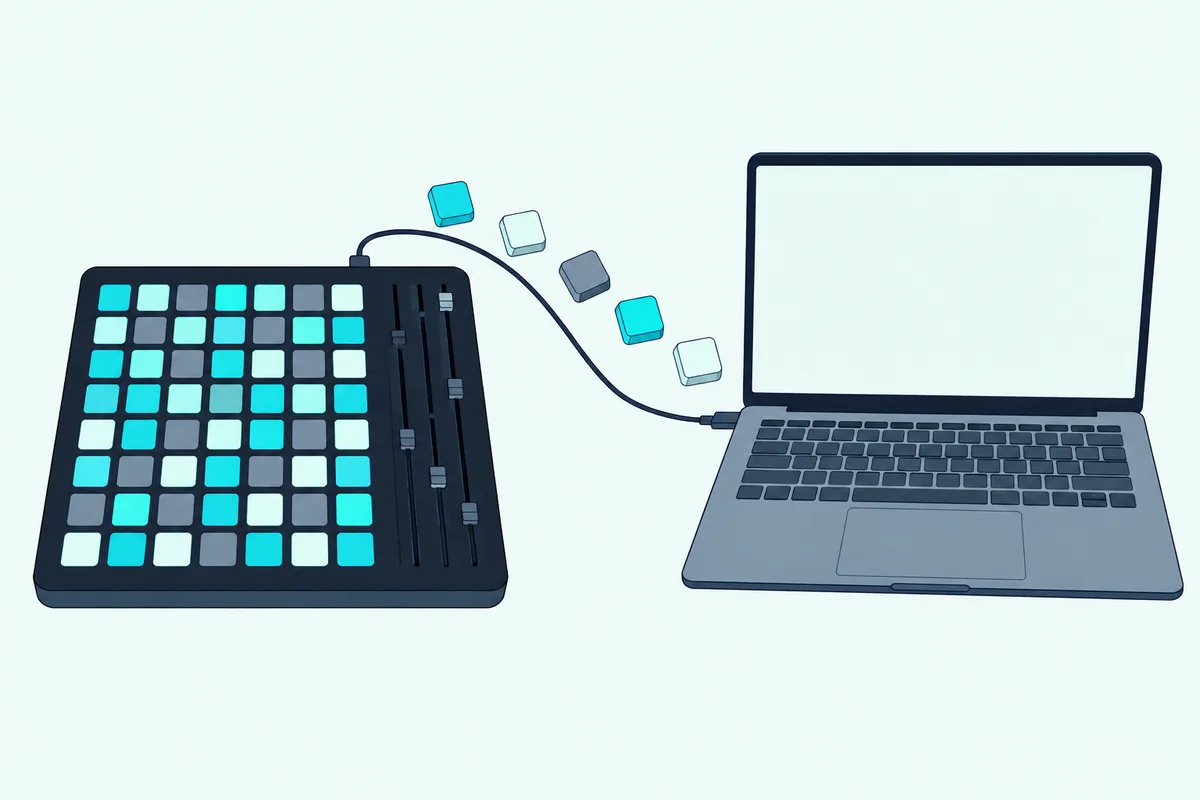
Four tools cover most setups, and they differ in system and cost:
| Tool | Runs on | Cost | What it does |
|---|---|---|---|
| Bome MIDI Translator Pro | Windows 10 and 11, macOS 11 to 26 | Paid, with a trial that runs 20 minutes at a time | Emulates keystrokes and mouse actions, and provides virtual MIDI ports |
| CoyoteMIDI | Windows and macOS | Free up to 20 translations, unlimited in Pro | Sends keystrokes, mouse clicks, MIDI messages or scripts |
| MidiKey2Key | Windows | Free | Sends key combinations and launches programs, and doubles as a MIDI monitor |
| midiStroke | macOS | Free (MIT license) | Turns note, program or CC messages into keystrokes |
The steps are the same in all of them:
- Find what each pad sends. Your controller’s editor lists the note and channel for every pad, as Guerrilla Digital found with the Akai LPD8’s editor, and MidiKey2Key doubles as a simple MIDI monitor (MidiKey2Key).
- Map a message to a shortcut. Enter the note and channel, then the key combination you want, such as Ctrl and a number (midiStroke).
- Bind that shortcut in the app. In OBS, open the Hotkeys settings and assign each combination to a scene, as Guerrilla Digital does with an Akai LPD8 (Guerrilla Digital).
- Leave the translator running. The mapping stops when the app closes, so it needs to sit in the background, and MidiKey2Key does that from the system tray.
OBS users can skip the keystroke step. The obs-midi-mg plugin lets you bind MIDI messages straight to OBS actions from Tools and then obs-midi-mg Setup, on Windows, macOS and Linux (GitHub).
For hardware, the Akai APC Mini mk2 has an 8×8 grid of 64 RGB pads, which is enough for a full set of scene and sound buttons, per Akai. Our list of the best MIDI pad controllers has other pad boards.
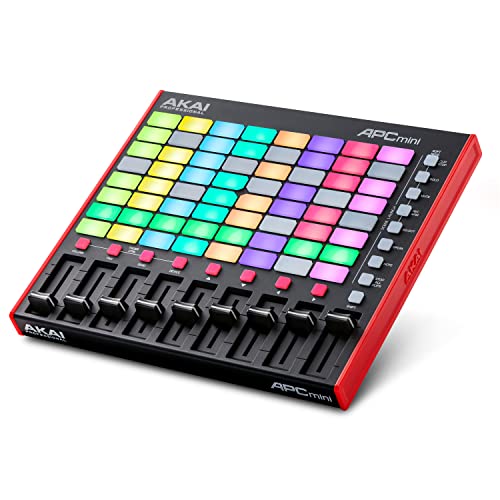
the Akai APC Mini mk2
What Can’t a MIDI Controller Do That a Stream Deck Can?
The pad grid above gives you the buttons, but not the screens. Elgato says each LCD key on a Stream Deck shows a customizable icon, label or animation, so you always know what a button does at a glance (Elgato).
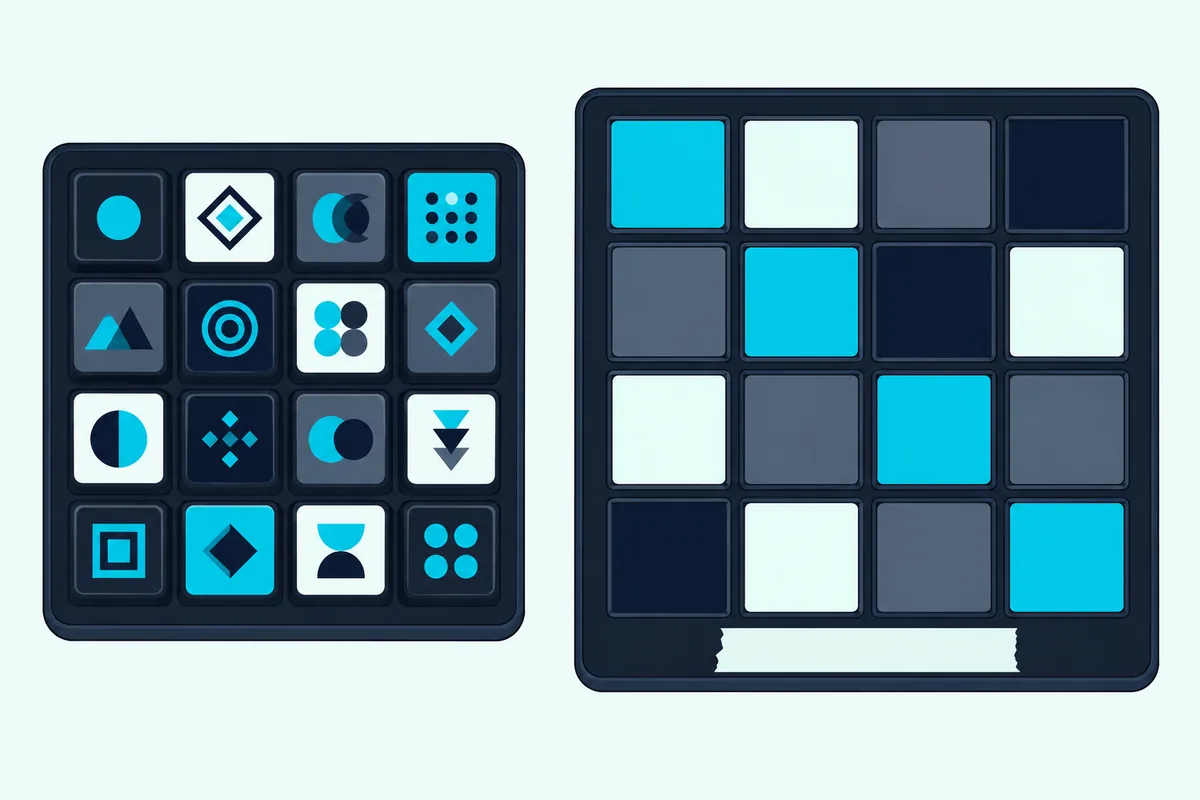
A pad has no screen, so people label them by hand, and Guerrilla Digital uses painter’s tape. Color can help, because Bome’s staff say the translator can control a controller’s LEDs if the controller supports it, and MidiKey2Key has a built-in editor for the Akai APCmini’s LEDs.
Bome’s staff also note that a translator gives only partial support of what a Stream Deck does, because it has no APIs or icon updates like Stream Deck’s (Bome forum). If you want app-specific icons that change with the state of the app, the Stream Deck is the better fit.
What Stops Either Setup From Working?
Most failures come down to a port that isn’t there or a message that reaches the wrong place. Four causes cover nearly all of them:
- The virtual port is offline. On a Mac the IAC Driver must have “Device is online” ticked, and Tobias Erichsen says loopMIDI’s virtual ports only exist while the loopMIDI application is running (Tobias Erichsen).
- Windows MIDI changes. SideshowFX says the Windows 11 update that brought MIDI V2 isn’t fully compatible with its packs and gives a workaround, and Trevliga Spel’s 4.3 notes say alternative MIDI systems bypass the MIDI Service problems.
- The DAW is listening to too much. Guerrilla Digital warns that if you use Ableton, you should limit its MIDI input so the pads that switch scenes don’t also trigger drums.
- The keystroke goes to the wrong app. Bome’s manual says emulated keystrokes always go to the currently active application (Bome), while MidiKey2Key says it sends shortcuts to the focused app or to apps that accept global key commands, like OBS (MidiKey2Key).
Should You Buy a Stream Deck or Use a MIDI Controller?
Those four failure points are the price of software in the middle, so the choice depends on what you already own. If you have a pad controller, try a free translator first, since MidiKey2Key and midiStroke cost nothing and CoyoteMIDI is free up to 20 translations.
Buy a Stream Deck when you want icons on the keys, plugins for apps such as OBS, or a DAW layout from a pack like SideshowFX’s. Keep the MIDI controller when you want faders and knobs that your DAW understands natively, since a MIDI controller sends MIDI without a plugin.
There’s a third option if you own a phone or tablet: a touch app can send MIDI to your computer, and our guide to a phone as a touch controller covers the setup.
The Bottom Line
A Stream Deck can send MIDI once you add a plugin and a virtual port, and a MIDI controller can act like a Stream Deck once you add a translator. Pick the direction that matches the gear you already own.
Then check the four failure points above, starting with whether the virtual port is online. That one accounts for more silent setups than any setting inside the DAW.
Frequently Asked Questions
Can a Stream Deck send MIDI without a plugin?
Elgato says plugins add new actions to Stream Deck (Elgato), and MIDI output comes from plugins such as Trevliga Spel’s, so plan on installing one. The plugin works on Windows and macOS.
Is the Stream Deck MIDI plugin free?
SideshowFX’s Marketplace notes say it began moving from free to paid on March 3, 2026, so check the listing for the current price before you buy a pack that needs it.
Can I use a MIDI controller for OBS scene switching?
Yes. Either bind MIDI messages to OBS actions with the obs-midi-mg plugin, or map each pad to a key combination with a translator and assign those keys to scenes in OBS.
Do these tools work on both Mac and Windows?
Mostly. Trevliga Spel’s plugin, Bome MIDI Translator Pro and CoyoteMIDI run on both, while MidiKey2Key is Windows only and midiStroke is macOS only.
What is a virtual MIDI port?
It’s a software cable between two programs on the same computer. On a Mac it’s the IAC Driver, and on Windows it’s a tool such as loopMIDI.