What Are the Sound Modes for the HW-Q600B Soundbar?

If you’re asking what are the sound modes for the HW-Q600B soundbar, Samsung’s manual lists four: Surround Sound, Game Pro, Adaptive Sound and Standard, all on the remote’s SOUND MODE button.
The trouble is that the names say little, and the choice quietly changes other things, from whether the rear speakers play to whether the equalizer works at all.
Once you know what each preset does to the bar’s 3.1.2 channels, picking one for the news, a film or a game takes a single button press.
The four modes and how to cycle through them come first, then what each one sends to the speakers and when Standard beats Adaptive.
After that come the Sound Control extras that sit beside the modes and the places where the newer Q600C and Q600F differ.
What Are the Sound Modes for the HW-Q600B Soundbar?
That SOUND MODE button holds the whole list. The sound modes for the HW-Q600B soundbar are Surround Sound, Game Pro, Adaptive Sound and Standard, and Samsung’s HW-Q600B full manual (Syndigo’s copy) describes each one in a single line.
Here’s what Samsung says each preset does:
- Surround Sound “provides a wider sound field than standard.”
- Game Pro gives “stereoscopic sound to immerse you in the action while gaming.”
- Adaptive Sound analyzes the content in real time and picks an optimal sound field for it.
- Standard “outputs the original sound.”
Think of Standard as the untouched version and the other three as different ways of spreading that audio across more speakers. Samsung’s Saudi Arabia support page dates the bar to 2022, and the same four names appear on Samsung’s 2023 HW-Q600C.
If you came here from a broader search, the full table of Samsung sound modes by model sits in our guide to Samsung soundbar settings across the Q, S and B series. This page stays on the Q600B and its two successors.
How Do You Switch Sound Modes on the Q600B?
Cycling through those four presets takes one button. Press SOUND MODE on the remote and the bar steps through Surround Sound, Game Pro, Adaptive Sound and Standard in that order, with the name shown on the front display.
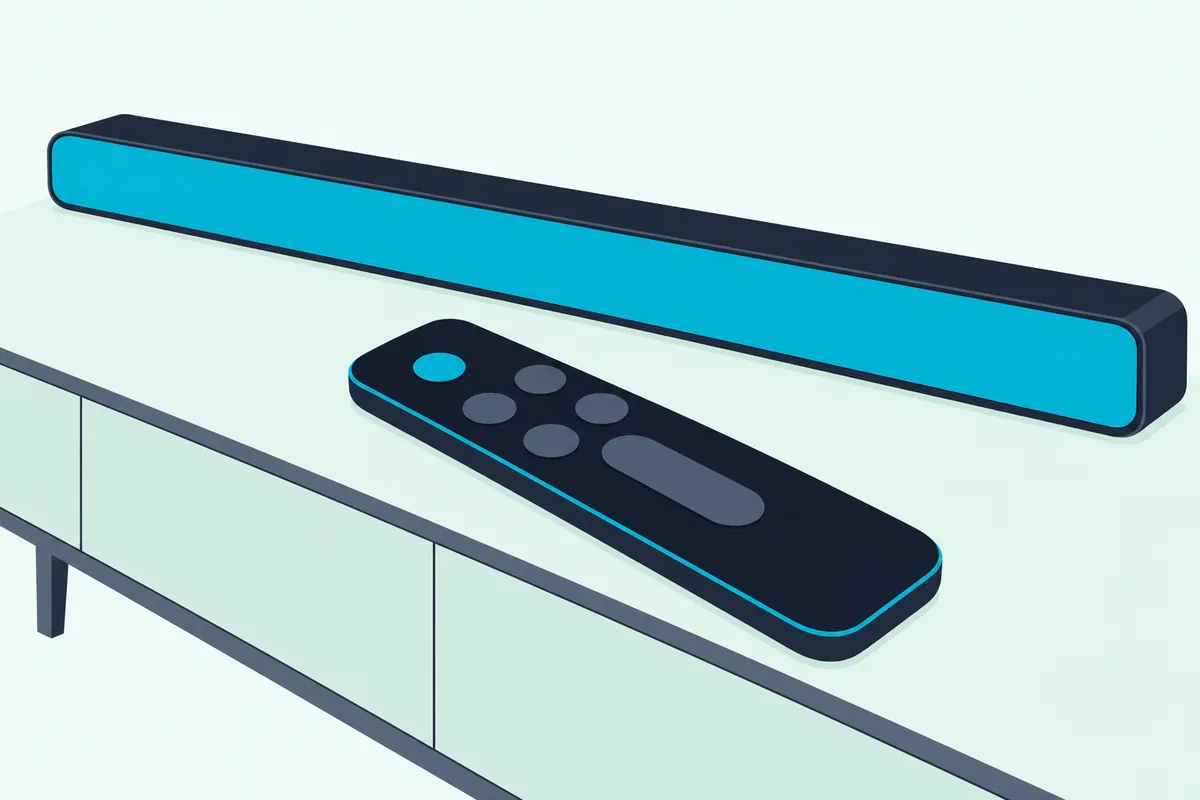
Press it again for the next one; the remote’s Info button shows the information for each mode, Samsung says.
The bar itself won’t help here. Its top panel has only three buttons, Power, Volume and Source, so without the remote the manual gives no way to change the preset.
Your TV remote won’t fill the gap either. After you hold the WOOFER button up for 5 seconds with the bar off, a Samsung or other brand’s infrared TV remote can control the bar’s volume, but the manual describes it for volume only.
What about your phone? The Q600B’s manual has no Wi-Fi section, and it uses the SmartThings app for one job: switching on Tap Sound, which pairs a Samsung phone running Android 8.1 or later over Bluetooth when you tap it on the bar.
That’s playback, not settings. Our breakdown of what the SmartThings app can and can’t do on a Q600B covers the rest of that story.
Get Studio Tips Weekly
Join 5,000+ creators getting acoustic treatment advice every week.
No spam. Unsubscribe anytime.Does Each Mode Change Which Speakers Play?
The display only shows a name, but the bigger change happens inside. Yes: Samsung’s output table shows that a plain 2.0-channel stereo source plays as 3.1.2 channels in Surround Sound, Game Pro and Adaptive Sound, but only as 2.1 channels in Standard.
| Input | Surround Sound, Game Pro or Adaptive Sound | Standard |
|---|---|---|
| 2.0 ch stereo | 3.1.2 ch (5.1.2 with rear kit) | 2.1 ch (2.1 with rear kit) |
| 5.1 ch | 3.1.2 ch (5.1.2 with rear kit) | 3.1 ch (5.1 with rear kit) |
| Dolby Atmos or DTS:X | 3.1.2 ch (5.1.2 with rear kit) | 3.1.2 ch (5.1.2 with rear kit) |
With stereo TV audio, Standard leaves the center and top (height) channels unused, while the other three presets spread the same signal across all of them.
The bottom row is the surprise. A Dolby Atmos or DTS:X track plays as 3.1.2 channels, or 5.1.2 with rear speakers, in every preset, including Standard, and the display reads DOLBY ATMOS when Atmos is active.
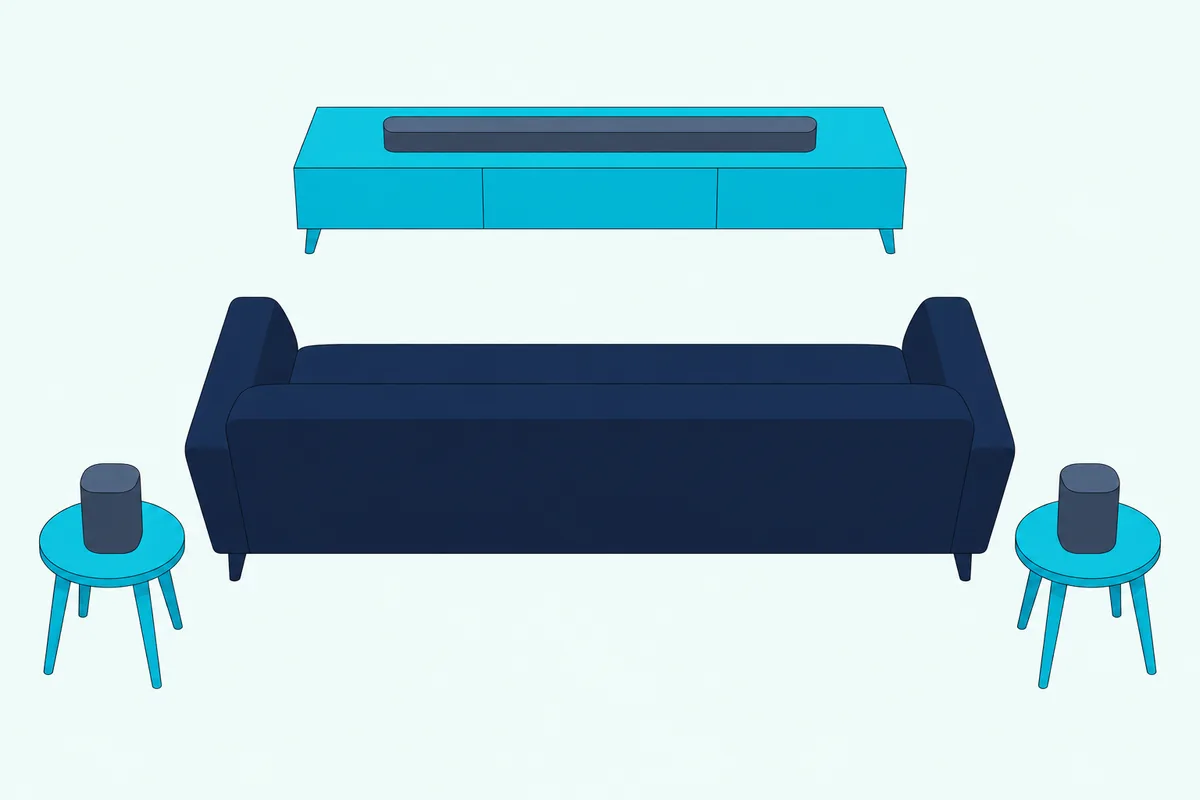
The rear speaker column needs Samsung’s optional kit; the Q600B manual names the SWA-9100S and SWA-9200S. The output power behind all those channels is 200 W in the bar (six 30 W channels and two 10 W channels), plus 160 W in the subwoofer.
Should You Use Adaptive Sound on the HW-Q600B?
That table also explains Adaptive Sound’s appeal: it uses the full 3.1.2 layout and makes its own choices. For mixed viewing it’s the sensible default to try, since Samsung says it analyzes the content in real time and “automatically provides an optimal sound field” based on what’s playing.
Picture an evening that runs from the news to a football match to a film. On Adaptive Sound you don’t touch the remote, while Surround Sound applies its wider sound field to everything, newsreader included.
Samsung doesn’t publish what Adaptive Sound changes from scene to scene or how it decides, so treat it as a preset that adjusts itself rather than one you can predict.
Try this if you’re unsure: play the same dialogue-heavy show for a minute in Adaptive Sound, then in Standard, at the same volume. Whichever keeps voices clearer in your room is the one to keep, and the remote’s Voice Enhance setting is there if neither does.
Standard versus Adaptive is also one of the questions Google lists beside this search, and the next section is where Standard earns its place.
When Is Standard the Better Choice?
That guessing is exactly what Standard avoids. Standard is the better choice when you want the soundtrack as delivered, and it’s the only preset that unlocks the 7-band equalizer, according to the manual.
To reach that equalizer, hold the Sound Control button for about 5 seconds. You then pick 150 Hz, 300 Hz, 600 Hz, 1.2 kHz, 2.5 kHz, 5 kHz or 10 kHz with Left and Right, and set each between -6 and +6 with Up and Down.
The manual’s own note says to make sure the sound mode is set to STANDARD first. It doesn’t say whether your EQ curve carries over into the other presets, so assume it belongs to Standard.
Standard has one catch, and it’s in that output table. With a rear speaker kit connected, the rears won’t play 2-channel sources in Standard, and Samsung’s fix is to switch to Surround Sound.
So if your rear speakers suddenly go quiet during a TV show, check the display before you check the cables. A stereo broadcast in Standard is the likely reason.
Which Mode Suits Movies, TV, Music and Games?
With Standard’s catches in mind, here’s the one thing Samsung ties to a kind of content. Game Pro is the one the manual links to gaming; for films, TV and music it describes what each mode does rather than naming a winner.
Working from Samsung’s own descriptions, a reasonable starting point looks like this. These pairings are our reading of the manual, not Samsung’s recommendations:
- Mixed TV viewing: Adaptive Sound, since it’s the one that reacts to the content.
- Films without Atmos: Surround Sound, for the wider sound field Samsung describes.
- Music you’ve tuned: Standard, because it’s the only preset with the 7-band EQ.
- Games: Game Pro, the only pairing Samsung states.
Atmos films are the exception, since Dolby Atmos and DTS:X tracks get the full 3.1.2 layout in any preset.
If you’re weighing the same choice on another make of soundbar, our notes on picking a sound mode on any brand’s soundbar line up Sony, LG and VIZIO presets against Samsung’s.
Which Sound Control Settings Work Alongside the Modes?
Those four presets are only half the remote. The Sound Control button cycles through Voice Enhance, Night Mode, Audio Sync and Virtual, and the manual limits none of the four to a particular sound mode.
Samsung describes them this way:
- Voice Enhance makes spoken dialog in movies and TV easier to hear.
- Night Mode turns the volume down for nighttime viewing but keeps dialog clear.
- Audio Sync delays the audio by 0 to 300 milliseconds when lips and voices drift apart.
- Virtual switches Dolby Virtual on or off.
Audio Sync and Virtual don’t work in USB or Bluetooth mode, so a phone streaming music gets neither.
Three more buttons set levels rather than effects. CH LEVEL sets the center and top (height) channels from -6 to +6, plus the rears if the kit is connected; WOOFER runs from -12 or -6 to +6, with a press returning it to 0; and TONE CONTROL sets treble and bass from -6 to +6.
The SOUND MODE button also hides two features behind a 5-second hold. Held with the bar switched off, it turns DRC (Dynamic Range Control) on or off, which reduces loud sound in Dolby Digital tracks, though Samsung warns the sound may be distorted.
Held for more than 5 seconds with the bar switched on, it changes Bluetooth Power, the setting that wakes the bar when a paired TV or phone connects.
How Do the Q600C and Q600F Differ?
Everything so far comes from the Q600B, and its successors keep most of it. The 2023 HW-Q600C has the same four sound modes in the same order, while the 2025 HW-Q600F adds a fifth, DTS Virtual:X.
The HW-Q600C full manual (Marks Electrical’s copy) changes only small things on the remote:
- Audio Sync is shortened to SYNC, with the same 0 to 300 ms range.
- Changing bass in TONE CONTROL also adjusts the woofer level.
- The Info button shows the active function or the codec.
- The display reads DTS:X when a DTS:X track plays, and the rear kit named is the SWA-9200S.
The HW-Q600F user guide (Richer Sounds’ copy) goes further. Its SOUND MODE button cycles through Surround Sound, Game Pro, Adaptive Sound, DTS Virtual:X and Standard, and Samsung calls DTS Virtual:X “immersive 3D sound from any content.”
The Q600F’s spec list also doesn’t name DTS:X. It lists DTS 5.1 and DTS Virtual:X instead, and its output table lists Dolby Atmos as the only object-based input.
Its Sound Control menu gains two rear speaker settings once the SWA-9250S kit is connected:
- Sound Grouping plays the whole mix from the bar and rears instead of surround, for large groups in a large space.
- Private Rear Sound plays only through the rear speakers, so you can listen without disturbing others.
Both come with a warning that matters for this page: with either one on, Samsung says there are no differences in sound between the sound modes. Private Rear Sound also switches off at power-off and isn’t available while Q-Symphony is on.
DRC on the Q600F covers DTS Digital tracks as well as Dolby Digital. If you’re still deciding between these generations, Burton Acoustix’s walk through Samsung’s soundbar lines lays out where the Q600 line sits against the B and S series.
None of the Samsung documents behind this page mention a Q600D, so it can’t say what changed between the 2023 Q600C and the 2025 Q600F.
Can You Put the Sound Settings Back to Default?
All those levels and toggles add up, and sometimes you’ll want a clean start. Yes: with the Q600B on, hold the Volume buttons on the top of the bar together for at least 5 seconds until INIT OK appears, and every setting resets.
Samsung warns that it resets all the settings. For the WOOFER level alone, a single press of the WOOFER button returns it to 0 without touching anything else.
Firmware updates are kinder on the Q600B and Q600C than on the Q600F. The older two keep your settings after a USB update, while the Q600F guide says an update erases all user settings and resets the subwoofer connection.
The button holds for other Samsung models are in our guide to resetting any Samsung soundbar model, including the ones that show INIT instead of INIT OK.
Frequently Asked Questions
Is there a DTS Virtual:X mode on the HW-Q600B?
No. The HW-Q600B manual lists four sound modes, Surround Sound, Game Pro, Adaptive Sound and Standard, and the Q600C has the same four. DTS Virtual:X arrives as a fifth sound mode on the 2025 HW-Q600F, which Samsung describes as “immersive 3D sound from any content.” On the Q600B, the closest built-in effect is the Virtual setting under Sound Control, which switches Dolby Virtual on or off.
Why are the rear speakers silent in Standard?
Samsung’s manual says the rear speakers won’t produce sound for 2-channel output while Standard is in use. Most music is 2-channel stereo, so the rears go quiet. Switch to Surround Sound and they play again. A 5.1-channel source plays through the rears in Standard, and Dolby Atmos or DTS:X tracks play as 5.1.2 channels with the kit in any sound mode.
Can the SmartThings app change the Q600B’s sound mode?
Not according to the HW-Q600B manual. It has no Wi-Fi section, and it uses the SmartThings app only to turn on Tap Sound, which connects a Samsung phone over Bluetooth when you tap it on the bar. Sound modes, Sound Control settings and levels are all on the supplied remote. The bar’s own buttons cover only power, volume and source.
What is Game Pro on a Samsung soundbar?
Game Pro is the gaming preset. On the HW-Q600B, Samsung describes it as “stereoscopic sound to immerse you in the action while gaming,” and its output table shows it using the same 3.1.2 channels as Surround Sound and Adaptive Sound for stereo and 5.1 sources. Samsung doesn’t publish how Game Pro’s processing differs from Surround Sound’s.
Does Night Mode change the sound mode on a Q600B?
No. Night Mode is a separate Sound Control setting with its own on and off, and the manual doesn’t tie it to any sound mode. Samsung says it’s optimized for nighttime viewing, bringing the volume down while keeping dialog clear. For Dolby Digital tracks, DRC goes further by reducing loud sound, and you switch it by holding SOUND MODE for more than 5 seconds with the bar off.