The Best Soundbar Settings for TV, Movies, Music and Late Nights
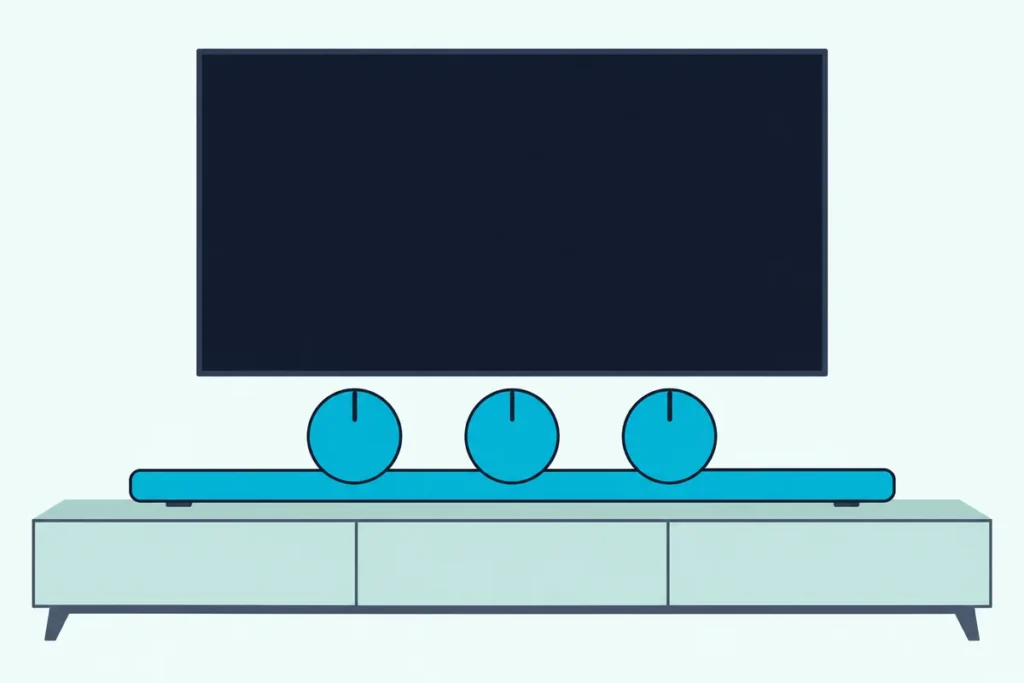
For the best soundbar settings, start in the plain mode your bar calls Standard or Direct, set bass and treble to 0, and switch on one extra feature only when it fixes something you can hear.
Out of the box, a bar may run a movie preset that makes explosions big and voices small, while the TV sends a format the bar can’t use.
A flat starting point gives you a reference, so every change after it is one you can judge by ear.
The guide covers presets, tone and EQ, dialogue, night and volume features, virtual surround, the subwoofer and room calibration, then two TV settings.
Each step names the setting the way Samsung, LG, Sony, Sonos, Bose, Vizio and Roku print it, so you can find it on your remote or app.
What Are the Best Soundbar Settings to Start With?
That reference point is the whole method. The best soundbar settings to start with are the neutral preset, tone controls at 0, every effect off, the subwoofer at 0 and the TV sending sound to the bar.
Samsung’s HW-Q990D manual says its Standard mode outputs “the original sound,” and VIZIO’s SB46514-F6 offers Direct beside Music and Movie, with Movie on by default. Samsung owners can go model by model with our best Samsung soundbar settings guide; this page stays with what every brand shares.
| Setting | Where to start | When to change it |
|---|---|---|
| Preset | Standard, Direct or the plain option | A movie, game or music night |
| Bass and treble | 0 | One step at a time, after a few minutes |
| Dialogue feature | Off | Voices get lost under music or effects |
| Night or DRC | Off | Late at night, or when quiet lines vanish |
| Auto volume | Off | Live TV with loud ads or channel jumps |
| Virtual surround or height | Off for music | Movies, if voices stay clear |
| Subwoofer level | 0 | Bass booms or barely shows up |
| Room calibration | Run it once | After the bar, furniture or speakers move |
Think of it like zeroing a kitchen scale before you weigh anything, so each row below starts from a known point.
Which Sound Mode Is Best for a Soundbar?
The first row decides most of what you hear. A plain preset is the best default for a soundbar, and an automatic one suits anyone who’d rather not switch at all.
Samsung lists four on the HW-Q990D: Standard, Surround for “a wider sound field than standard,” Game Pro, and Adaptive Sound, which analyzes the content in real time. LG’s S30A has AI Sound Pro, where “artificial intelligence selects the optimal sound settings,” next to Standard, Cinema and Game.
Sony’s BRAVIA Theatre Bar 6 uses a Sound field button that adds a surround effect instead. VIZIO’s presets are Movie, Music and Direct.
Try this: play the same five minutes of a show on the plain preset and then the automatic one. If voices hold steady in both, keep the automatic one for TV and the plain one for music.
Get Studio Tips Weekly
Join 5,000+ creators getting acoustic treatment advice every week.
No spam. Unsubscribe anytime.What Are the Best Bass and Treble Settings for a Soundbar?
Presets set the overall shape, and tone controls fine-tune it. The best bass and treble settings start at 0 and move one step at a time, since the makers’ ranges are short.
Samsung’s HW-Q990D adjusts treble and bass between -6 and +6, with two catches: tone control works in every sound mode except Standard, and changing bass also moves the woofer level. LG’s S30A runs from -6 to 6 for treble, mid and bass.
VIZIO’s SB46514-F6 shows level 0 as the two center lights on its LED strip. Sonos’s Arc guide puts bass, treble and loudness in the app.
Give each change a few minutes of a familiar scene before you judge it, and listen at your usual volume.
How Do You Set an Equalizer on a Soundbar?
Some bars go past bass and treble with a graphic equalizer. You set it by moving one frequency band at a time from its flat 0 position while the same clip plays.
Samsung’s HW-Q990D hides a 7-band EQ behind a long press: hold Sound Control for about 5 seconds, then pick 150 Hz, 300 Hz, 600 Hz, 1.2 kHz, 2.5 kHz, 5 kHz or 10 kHz and set each between -6 and +6. The manual says the bar must be in Standard for this.
Bose’s Smart Ultra Soundbar owner’s guide puts bass, treble, center, height and surround levels in the Bose app’s Settings menu. Bose’s article on soundbar performance tells owners to use those app EQ settings to suit their own taste.

Write down every band you move. If the result sounds worse after a day, you can put each one back to 0 in a minute.
Which Settings Make Dialogue Easier to Hear?
Voices are where an equalizer runs out and a dedicated feature takes over. Turn on the bar’s dialogue setting, or raise its center channel, only when lines get lost.
Samsung’s HW-Q990D has Voice enhance, which “enhances spoken dialog,” and Active Voice Amplifier, which analyzes room noise so voices stay clear. Sony’s Bar 6 has Voice mode, which “emphasizes dialog,” plus Voice Zoom with a compatible Sony TV, which changes only the voice volume.
Sonos lists Speech enhancement in the Arc’s home theater settings, and Roku’s Streambar SE puts Speech clarity in its Sound settings. VIZIO and Bose let you raise the center channel instead.
Sony adds a catch: with Dolby Speaker Virtualizer chosen and the sound field on, Voice mode is disabled. If no setting rescues the lines, a soundbar made for clearer dialogue may be the real fix.
Should Night Mode Be On or Off?
Dialogue features lift voices, and night settings pull the loud parts down around them. Keep night mode off by day and switch it on when the house is asleep, because it narrows the gap between loud and quiet.
Samsung says its version brings “the volume down but keep[s] the dialog clear.” Sonos describes Night sound as enhancing quiet sounds and reducing the intensity of loud ones, and LG’s Night Time also lowers the overall volume while raising soft sounds.
VIZIO’s version lowers bass frequencies instead, and it returns to Off when the bar powers down. Sony’s switches off with the system too, and its separate Audio DRC compresses the dynamic range so softer sounds are easier to hear.

Is Auto Volume Worth Turning On?
Night mode works within one program, and auto volume works across them. Turn it on for live TV with loud ads, and leave it off for movies and music, where the swings are part of the mix.
Roku’s Streambar SE quick start guide says Volume leveling keeps volume consistent and quiets loud commercials. Sony’s Advanced auto volume reduces changes caused by the input signal and names the louder-commercial case too.
VIZIO’s Volume Leveling is off by default. Samsung’s TV e-Manual 2025 puts Auto Volume on the TV, where it evens the level when you change channels or inputs.
Does Virtual Surround Help or Hurt?
Auto volume changes how loud the sound is, and virtual processing changes where it seems to come from. Try virtual surround with movies and turn it off for music or if voices thin out.
VIZIO’s SB46514-F6 gives three height choices: On for its height speakers, Virtual to fake height with the front speakers, and Off. Samsung’s HW-Q990D has a Virtual setting you switch with the Up/Down buttons.
Dolby’s sound bar setup guide says its Dolby Surround upmixer lets channel-based content, such as broadcast, PCM or stereo music, use a Dolby Atmos bar’s full speaker array. Same test as the presets earlier: play a dialogue scene with it on and off, and keep whichever sounds clearer.
Where the Subwoofer Level Should Sit
Virtual effects spread sound outward, and the subwoofer adds weight underneath. Start the sub level at 0 and adjust it only after the bass and treble feel right.
LG’s S30A sets its subwoofer from -15 to 6, so 0 sits near the top of that range. VIZIO warns that taking the level to its minimum turns the subwoofer off, and Samsung’s bass control moves the woofer level with it.
So adjust one or the other, not both. If bass sounds strong in one seat and weak in another, run the room calibration below before turning anything up.
Should You Run Room Calibration?
Room calibration is the setting tied to where the bar sits. Run it once after setup, and again whenever the bar, the furniture or the speakers move.
Sonos’s Arc Ultra guide says Trueplay measures how sound reflects off walls and furnishings, then tunes the speaker; Advanced tuning takes about 5 minutes with an iOS device and suits large rooms. Samsung’s SpaceFit Sound uses the bar’s microphone and works in every sound mode.
Bose’s ADAPTiQ needs about 10 minutes in a quiet room, and Bose says to run it again after adding a bass module or surround speakers, moving the bar or moving furniture. LG’s ThinQ app offers AI Room Calibration and warns the bar may play louder than expected.
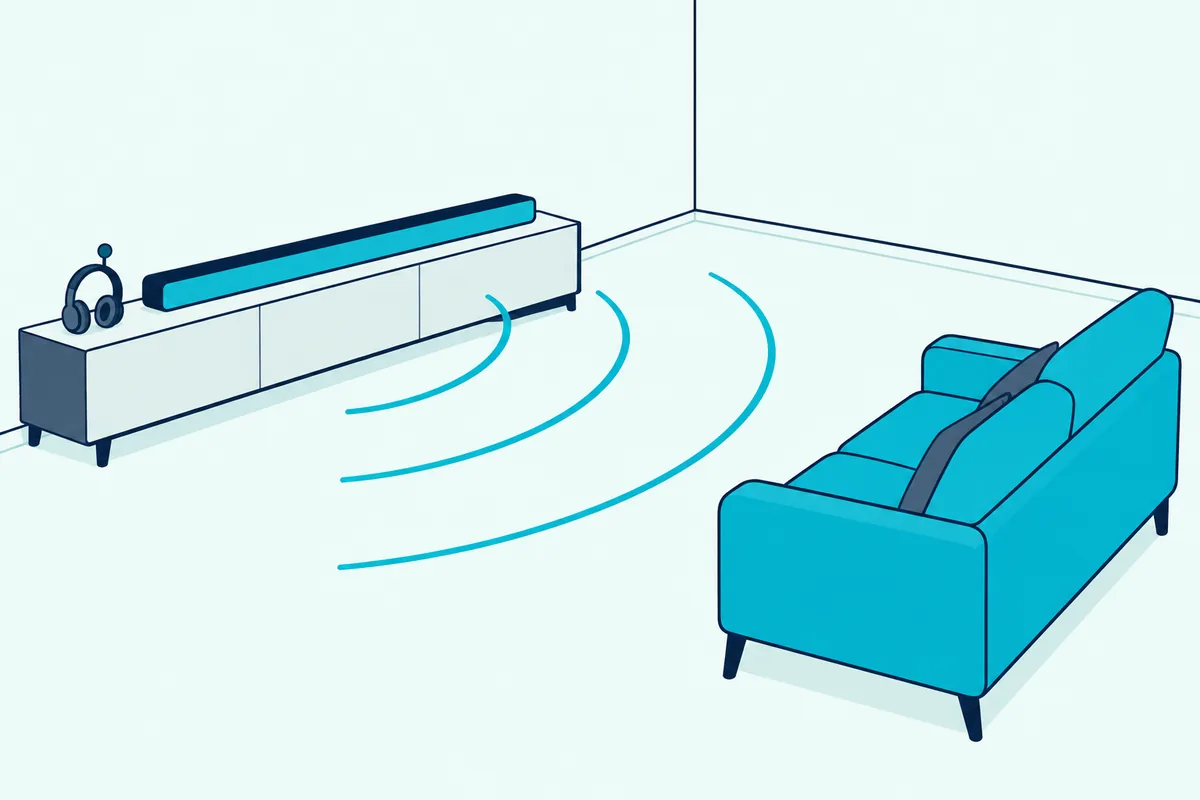
Bose’s soundbar article adds placement advice worth following first. It says to keep the bar out of recessed shelves and at least four inches from the TV.
Which TV Settings Does a Soundbar Need?
Calibration tunes the bar, but the TV decides what it receives. Set the TV’s speaker output to the soundbar, then leave its audio format on Auto or Pass-through unless the bar can’t play what arrives.
Samsung’s e-Manual calls the first setting Sound Output, LG uses Sound Out with HDMI(ARC) Device, and Sony uses Speakers set to Audio system. For format, Samsung offers Auto and Pass-through, and LG’s webOS 25 user guide lists PCM, Auto and Pass Through, warning that Pass Through may stop sound effects playing.
Sony says to set Digital audio out to PCM if the audio system can’t take Dolby Digital or DTS. Dolby asks for bitstream output on players and boxes for Atmos, noting many set-top boxes default to stereo PCM; our guide to bitstream vs PCM covers that choice.
The same menus hold the lip-sync and power-on settings, which are separate fixes. Vizio owners get the bar and TV steps for their own menus in Burton Acoustix’s Vizio sound bar walkthrough.
Frequently Asked Questions
How do I make my soundbar sound better?
Go back to a flat start: the plain preset, bass and treble at 0 and effects off. Then make one change at a time with the same clip, run room calibration if the bar has it, and check that the TV sends audio to the bar in a format it supports.
Why does my soundbar sound so bad?
One likely cause is a preset that doesn’t suit the content, such as a movie or surround setting left on for the news. A TV still set to its own speakers, or a set-top box sending stereo PCM when you expect surround, can make a good bar sound thin. Reset each setting to the starting table and add features back one by one.
Why do some soundbar settings switch themselves off?
Some are built to. VIZIO’s manual says Night Mode returns to Off when the bar powers off, and Sony’s Bar 6 guide says its night mode turns off with the system. On Samsung’s HW-Q990D, Sound Grouping and Private Rear Sound make every sound mode sound the same, so check those before deciding a preset doesn’t work.