How to Reset a Samsung Soundbar, Model by Model (2013-2025)
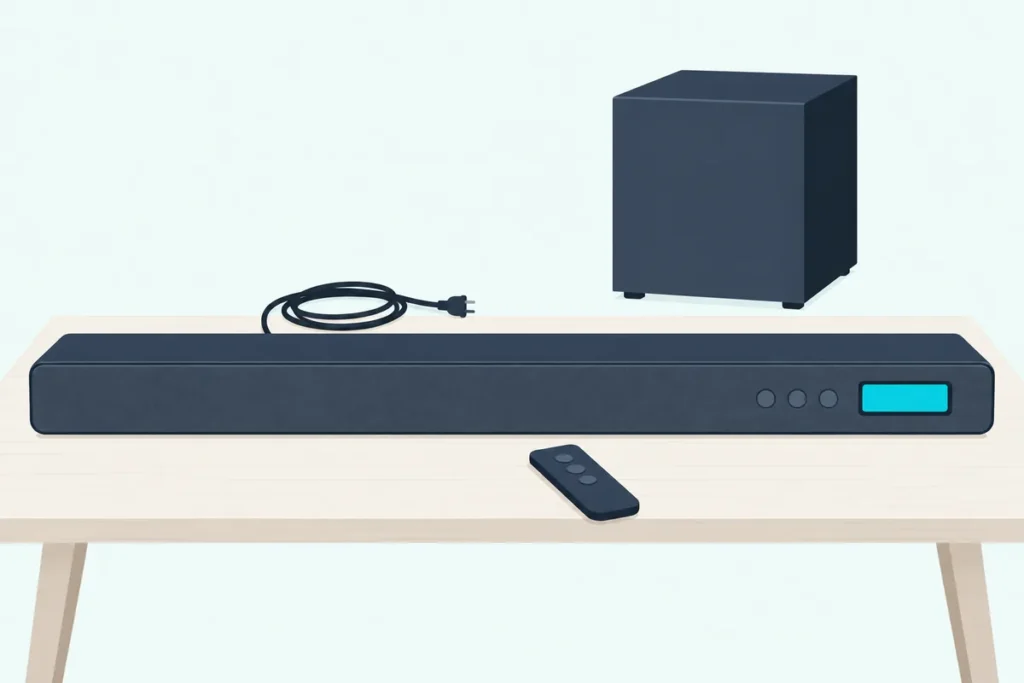
Here’s how to reset a Samsung soundbar from the current lineup: switch it on and hold the bar’s two Volume buttons together for at least 5 seconds, until INIT shows on the display or the lights run through their reset pattern.
Older bars often reset from the remote instead, and the wrong hold can backfire, because 5 seconds on the remote’s gear button opens a 7-band EQ on many models.
Match the method to your model and you’ll press the right buttons the first time, then know what the reset cleared.
The table below gives Samsung’s own reset for every series from 2013 to 2025, including the remote-only models and the bars with no display.
After it come the unplug to try first, what a reset erases, the subwoofer and rear speakers, Wi-Fi and firmware, and what to check when a reset changes nothing.
How to Reset a Samsung Soundbar With the Buttons on the Bar
That two-button hold is the reset in Samsung’s manuals for every newer bar cited here, from the HW-Q990B and HW-B550 up to the 2025 HW-Q990F and HW-B400F. It takes four steps:
- Switch the soundbar on, since Samsung’s steps for these models start with the bar on.
- Find the − and + (Volume) buttons on the bar itself, on the top panel of most models.
- Press both at the same time and hold them for at least 5 seconds.
- Let go when INIT appears (HW-Q990B, Q990C, Q990D, Q990F) or INIT OK (HW-Q600B, Q600C, Q60C), and the bar resets.
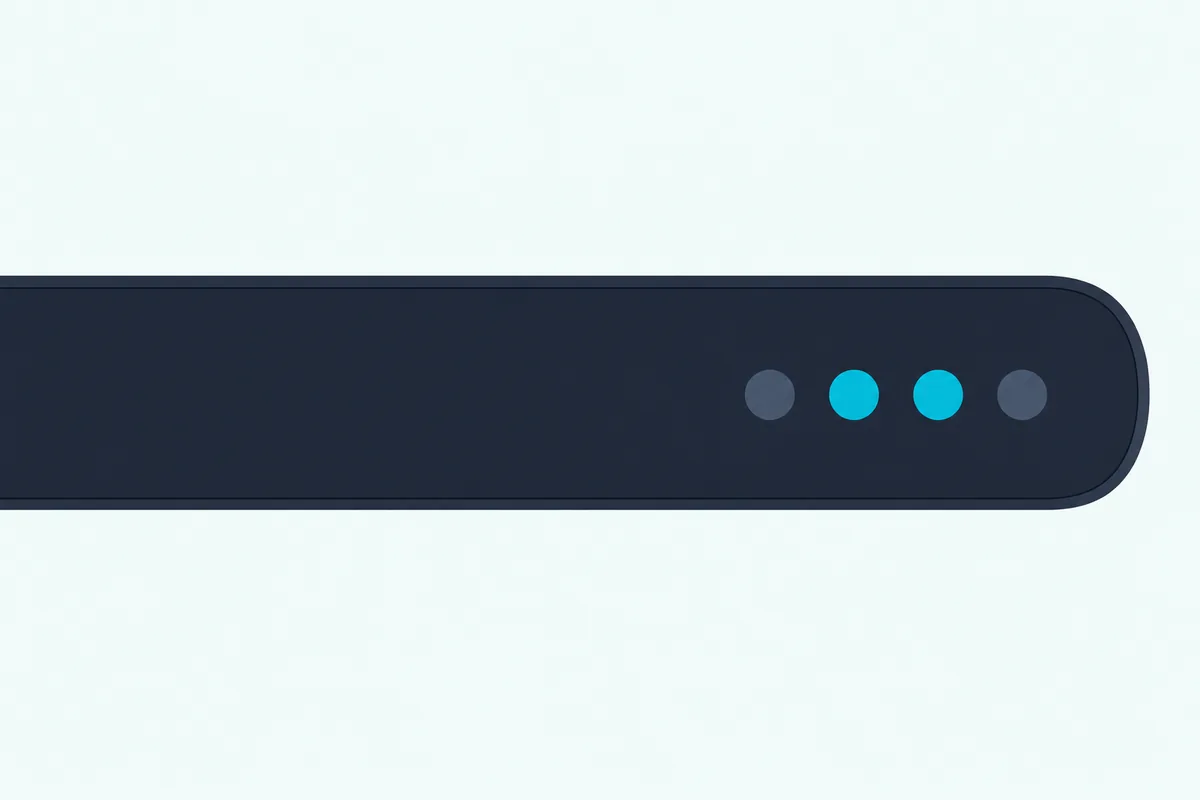
Samsung’s caution is the same in each manual: all the settings of the soundbar are reset, so do it only when a reset is required. On the HW-B550, HW-B650 and HW-Q600F, the same hold appears only as the last step of a USB firmware update, where INIT shows and the bar switches itself off.
Which Samsung Soundbar Models Reset Differently?
Those four steps cover the newer bars, but older series mix the bar’s buttons with remote holds. Samsung Germany’s reset page (in German) lists the options for each series back to 2013, and within a series the method depends on the model:
| Series (year) | Example models | How the reset starts | What confirms it |
|---|---|---|---|
| 2025 | HW-Q990F, HW-B400F | Bar on: both Volume buttons, 5 seconds or longer | INIT; on the B400F, a white light sweep, “Start the factory reset.” and three cyan blinks |
| 2024 | HW-Q990D, HW-Q800D, HW-S60D | Bar on: both Volume buttons, at least 5 seconds | INIT; on the S60D, a white sweep, three cyan blinks, then red |
| C (2023) | HW-Q990C, HW-Q600C, HW-Q995GC | Bar on: + and − on the bar | INIT or INIT OK, or three cyan blinks and “The factory reset is complete” |
| B (2022) | HW-Q995B, HW-Q610B, HW-S66B | Bar on: + and − on the bar | INIT, three cyan blinks with that message, or a red blink, then off |
| A (2021) | HW-Q950A, HW-Q600A, HW-A450 | Bar on: + and −, or the remote’s gear button | INIT, or three cyan blinks with the message |
| T (2020) | HW-Q60T, HW-T450, HW-Q950T | Bar on: + and −; or standby: Play/Pause on the remote | INIT, or three cyan blinks with the message |
| R (2019) | HW-Q60R, HW-Q70R, HW-Q90R | Standby: Play/Pause or the gear button; or bar on: + and − | INIT |
| N (2018) | HW-N450, HW-N650, HW-N950 | Standby: Play/Pause; or bar on: the gear button | INIT, or all five lights blink twice |
| M (2017) | HW-M450, HW-MS650, HW-MS750 | Standby: Play/Pause, or + and −; or bar on: + and − | INIT |
| K (2016) | HW-K450, HW-K650, HW-K950 | Standby: Play/Pause; or bar on: + and −, or the gear button | INIT |
| J (2015) | HW-J450, HW-J6500 | Standby: Play/Pause; or bar on: + and −, or the gear button | INIT, or the light blinks red |
| H (2014) | HW-H450, HW-H750 | Standby: Play/Pause, or + and −; or bar on: Return on the remote | INIT, or the light blinks red |
| F (2013) | HW-F450, HW-F750 | Standby: Stop on the remote | INIT |
Samsung Germany says to hold for a few seconds, while the English manuals give at least 5 seconds for the Volume pair and Play/Pause and 10 seconds for the gear button where it resets. Check your model code on the label on the back of the bar before you pick a row.
The manuals also settle two models some reset guides list as exceptions. The HW-Q990B uses the same two-button hold as the other bars, with no step about unplugging HDMI, and the HW-Q70R’s manual gives only a remote reset: its gear-icon Sound Control button held for more than 10 seconds.
If your bar isn’t a Samsung, the general soundbar reset process covers the other brands.
Can You Reset a Samsung Soundbar With the Remote?
That gear button is one of several remote resets, so yes, many older bars reset from the remote, and on some it’s the only reset the manual gives. The HW-T450 and HW-Q60T reset from Play/Pause held for 5 seconds with the bar in standby, after which INIT shows and the bar switches off.
The HW-C450 adds a remote reset to its top-panel hold: its gear-icon Sound Control button held for 10 seconds. Samsung’s training document on resets gives the same 10-second hold in standby for the HW-K850, HW-K950 and HW-MS650, and a 5-second press of the remote’s VOL (Mute) button for the HW-M360 and HW-M450.
Hold time and the bar’s state decide what that gear button does. Five seconds opens the 7-band EQ on the HW-C450, while a 5-second hold with the HW-B550 switched off shows its firmware versions, and Samsung US gives 6 seconds for that.
The HW-B550, Q600B, Q60C, Q600F, B400F, S60D and Q990D manuals list no remote reset in their hidden-button tables, so on those bars the reset stays on the Volume buttons, and the Q600B’s 5-second holds for Bluetooth Power and the TV remote are in the HW-Q600B’s settings, hold by hold, with the Source and Mic On/Off holds that pair a phone among the buttons on a Samsung soundbar.
How Does a Samsung Soundbar With No Display Show the Reset?
Those INIT messages need a display, and bars without one answer with lights and, on some, a voice. The HW-S60D, S61D, S800D and S700D take the same 5-second Volume hold with the bar on, then show a white light moving left to right and back, three cyan blinks and a red blink before going dark.
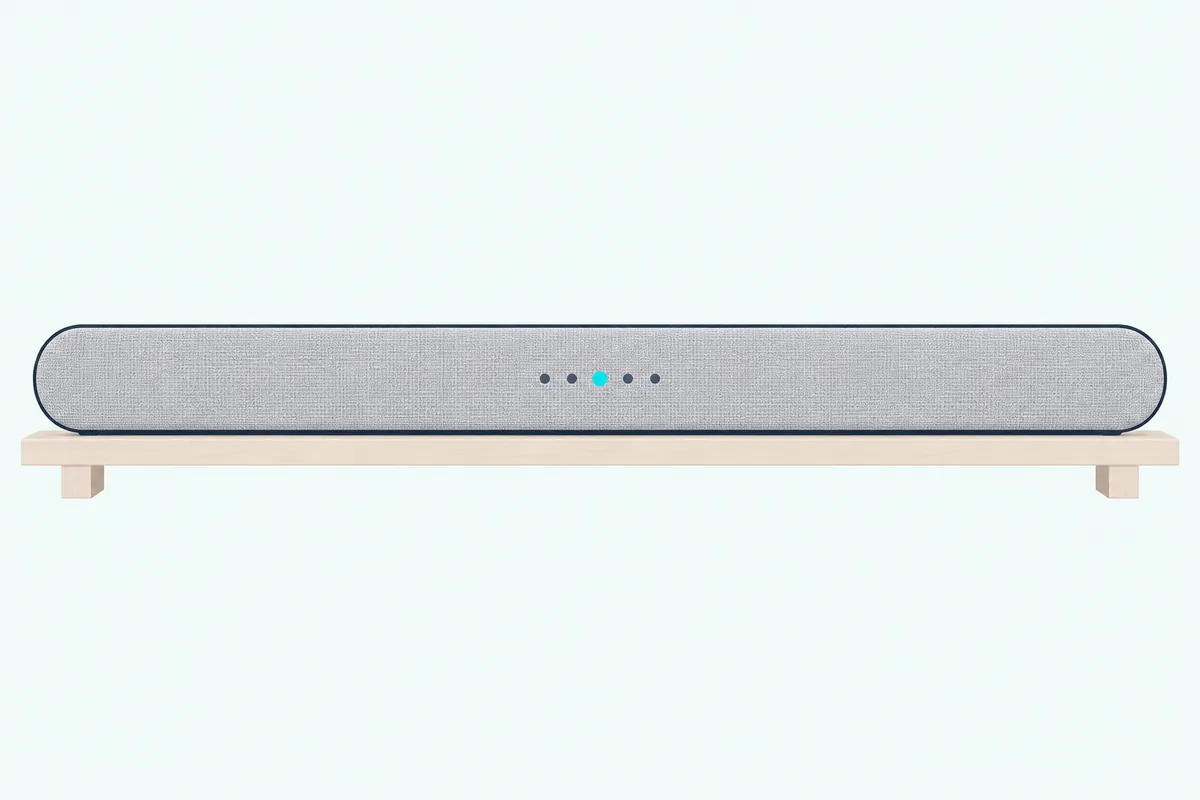
The HW-B400F talks you through it: “Start the factory reset.” plays during the white sweep, and “The factory reset is complete.” follows three cyan blinks. Samsung Germany lists the cyan blinks with that spoken line for its C, B, A and T series, all five lights blinking twice on N-series bars, and a red light on J and H bars.
Should You Reset Your Samsung Soundbar or Unplug It First?
Every one of those resets wipes the bar’s settings, so unplug it first, the reboot Samsung’s own troubleshooting lists before a reset. The 2025 HW-Q990F guide says to disconnect the power cord and connect it again when some functions aren’t working, and its no-sound list puts “Reset the soundbar and try again” last.
The manuals give no waiting time, but Samsung US does in its help page on registration problems: unplug for 30 seconds, which “resets the sound device and clears any temporary errors.” Before an app firmware update, Samsung US has you unplug the soundbar, subwoofer and rear speakers for the same 30 seconds.
Wi-Fi bars add one catch. The HW-Q990D and S800D manuals say cutting the power ends the Wi-Fi connection, so you turn the bar on and reconnect it to the internet afterward.
Keep the reset for a fault that comes back after that unplug. Samsung Germany names the cases: a bar that won’t connect to Bluetooth devices, works erratically or plays no sound at all.
What Does a Samsung Factory Reset Erase?
Once the reset runs, all the settings of the soundbar go, in the manuals’ words. Samsung’s training document spells it out for the HW-N950: Wi-Fi, Bluetooth, EQ and other user settings are cleared, but the subwoofer and rear speaker connection is not.
A USB firmware update can break the subwoofer link as well. The HW-B550, B650, C450, T450, Q60T and Q600F manuals warn that the update erases all user settings and resets the subwoofer connection too.
So expect to set these up again:
- Wi-Fi, through the SmartThings app, as the Wi-Fi section below shows
- Bluetooth, from BT PAIRING mode; our guide to connecting your phone to a soundbar covers it
- The TV link: connecting a Samsung soundbar to the TV after a reset goes through HDMI, optical, Bluetooth and Wi-Fi
- Sound modes, EQ and Sync, where the best Samsung soundbar settings by model show what each bar offers
How Do You Re-Pair the Subwoofer and Rear Speakers?
That subwoofer link is the one to watch: if the subwoofer or rear speakers stay silent after a reset or an update, link them again with the ID SET button on their backs. On the HW-Q990D, the manual has you turn the bar off, hold ID SET on the subwoofer and each surround speaker for at least 5 seconds until the blue light blinks fast, then hold Up on the remote for 5 seconds.
ID SET shows on the display, the bar turns itself on, and the LINK light goes solid blue when the link is made. The HW-B550 runs the same steps with the bar switched on, so follow your own model’s order.
Lost the remote since the reset? The remote-free ways to relink a Samsung sub start with Samsung’s 5-second unplug of the subwoofer alone.
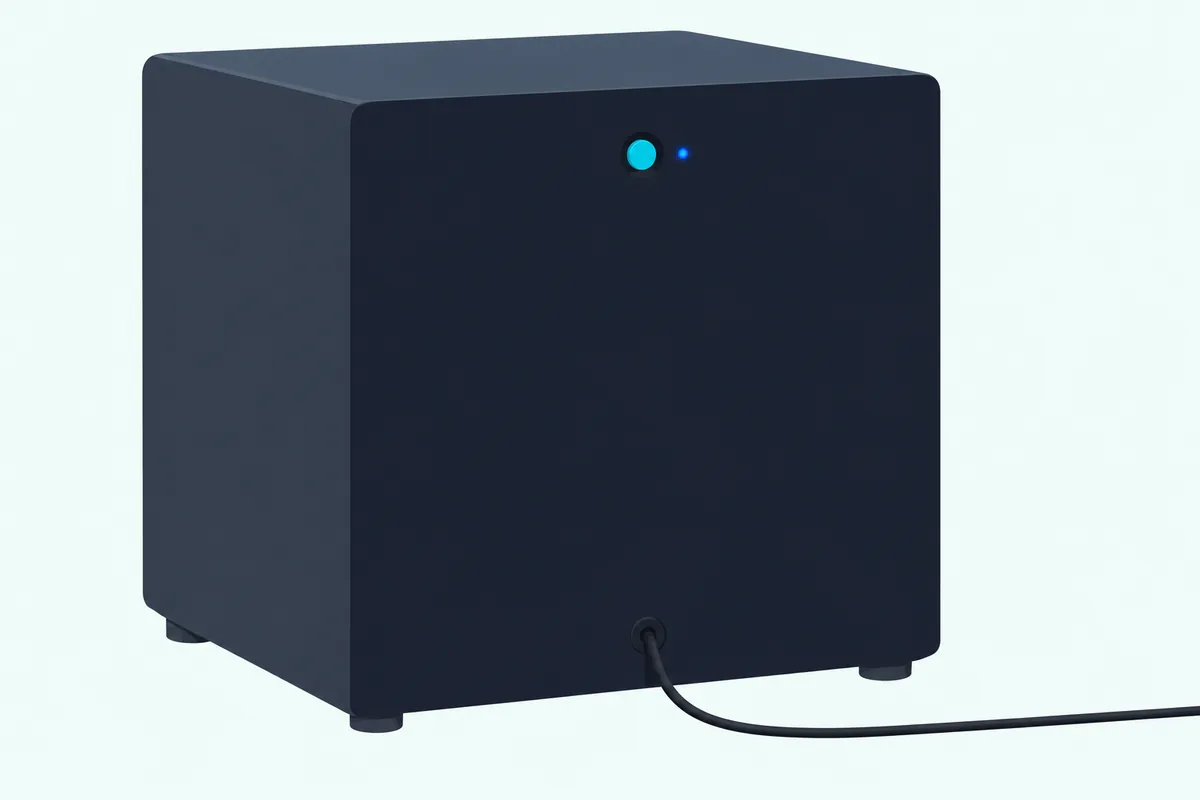
The light on the back tells you where you stand. Blinking blue means the link is recovering, so check the bar’s power cable or wait about 5 minutes; red means standby or a failed link, and red and blue blinking together means a malfunction for Samsung service.
On rear kits with a wireless receiver module, that LINK light sits on the module, and the rear kit’s own pairing steps start with the ID SET button on its back.
If the link won’t take, the HW-Q990D, Q930D, Q800D and Q700D manuals add a Tx module reset: with the bar off, hold Left on the remote for 5 seconds, then pair again. For the full pairing steps, see how to connect a Samsung subwoofer to the soundbar again.
How Do You Reset the Wi-Fi on a Samsung Soundbar?
That pairing is the speakers’ link, and Wi-Fi has its own route back. Samsung’s manuals give no separate network reset, so after a factory reset you add the bar to the SmartThings app again.
To move a working bar to a new network, the HW-Q990D and Q990F manuals use SmartThings: tap the soundbar’s card, tap the three-dot icon, then Device Settings, Network Status and Change Wi-Fi network. The HW-S60D’s manual has you delete the soundbar in the app and add it again instead.
If the bar won’t join at all, the HW-Q990D’s checklist starts with the router, says a new router means setting up the bar’s network again, and notes the bar doesn’t support Wi-Fi 6. When SmartThings can’t register it, Samsung US suggests turning on your phone’s Bluetooth, unplugging the bar for 30 seconds, removing it from the phone’s Bluetooth list and adding it again.
The checks in this Samsung soundbar WiFi setup guide are worth a try before a reset, including the 30-second CH LEVEL switch that turns a bar’s Wi-Fi off and DFS router channels.
Should You Update the Firmware Before Resetting?
That Wi-Fi link also brings firmware: the HW-Q990D and S800D update automatically while online, even when switched off, and sometimes an update is the fix Samsung reaches for first. Samsung US warns that some soundbars, including 2023 Q-Series models, may not work because of an automatic firmware update issue, and its fix is to unplug and replug the bar, then update to version 1004.0 or later.
Its Bluetooth checklist also puts a firmware update before a service request. You can run one yourself from the SmartThings app (Information, then Firmware Update, then Update Now) or from a USB drive.
Our Samsung soundbar update steps cover the app, USB and automatic routes.
Why Won’t Your Samsung Soundbar Reset?
When a hold does nothing, check three things against the table: the bar’s state, the buttons and the time. The Volume hold starts with the bar on (M and H bars also take it in standby), Play/Pause and Stop start in standby, and the gear button works with the bar on for A, N, K and J series but in standby for R series.
Hold the full time: at least 5 seconds on the Volume pair, 10 on the HW-C450’s gear button and more than 10 on the HW-Q70R’s. The HW-Q70R’s manual says the bar should be on in its text but lists the reset as a standby function in its button table, so if one state does nothing, try the other.
A remote that seems dead may only need fresh batteries, and pointing it straight at the bar helps. Samsung’s UAE help page adds a test: press a button while you look at the remote through a phone camera, and its infrared light should glow.
Samsung’s own documents disagree on the oldest bars: its training document gives the remote’s Repeat button, held about 5 seconds in standby, for F, H and J-series bars. If Stop or Play/Pause does nothing on one of those, try Repeat.
What If a Reset Doesn’t Fix Your Samsung Soundbar?
A reset that runs but changes nothing tells you the fault outlived the settings, so work through Samsung’s own order next. For no sound, the HW-Q990F guide checks the volume, sets the TV’s Sound Output to the soundbar (Home, Menu, Settings, All Settings, Sound, Sound Output, Select Soundbar), then reseats the cable and the power cord before any reset.
How HDMI ARC is meant to be set up covers what has to be on at each end of an HDMI link. The wider no-sound checklist works through the chain in order.
A subwoofer light blinking red and blue together means a malfunction, and the HW-Q990D manual sends you to Samsung’s service center for it. For faults short of that, Burton Acoustix’s Samsung soundbar troubleshooting steps cover 12 common fixes.
Frequently Asked Questions
How do I reset my Samsung soundbar without the remote?
Use the two Volume buttons on the bar. On every newer model cited here, from the HW-B550 and HW-Q990B to the 2025 HW-Q990F, that hold, with the bar on for at least 5 seconds, is the reset, and Samsung Germany lists it as an option for most older series too. The exceptions need the remote: F-series bars from 2013 reset only with Stop, and the HW-Q70R’s manual gives only its gear-button hold.
How do I do a hard reset on my Samsung soundbar?
None of the Samsung manuals cited here uses the term. They call the full wipe a reset or initialization, confirmed by the INIT message, and Samsung’s US Bluetooth help page uses “hard reset” only for the phone or TV you’re pairing, meaning removing and reinserting its battery. So for the bar itself, the hold in the table is the hard reset, and a 30-second unplug is the gentler step to try first.
How do I reset the sound sync on my Samsung soundbar?
You don’t need a full reset. Press the remote’s gear-icon Sound Control button until Sync (AUDIO SYNC on the HW-B550 and C450) appears, then use Up and Down to set the audio delay anywhere from 0 to 300 milliseconds. The HW-B550 and C450 don’t offer it in USB or Bluetooth mode, and a factory reset clears it along with every other setting.
Why won’t my Samsung soundbar connect to my phone after a reset?
The pairing has to start from scratch. Press Source on the bar or remote until the display shows BT, then WAIT, then BT PAIRING; if it stops at BT READY, hold Source on the bar until BT PAIRING appears. Samsung US also suggests removing the soundbar from your phone’s Bluetooth list and checking for a soundbar firmware update if pairing still fails.
Is there a reset button on a Samsung soundbar?
Not a separate one on any of the Samsung models cited here. The reset is the two Volume buttons held together, on the top panel of most bars, or a held remote button on older models. The HW-C450 is a hybrid: its remote’s gear-icon Sound Control button becomes the reset when you hold it for 10 seconds.