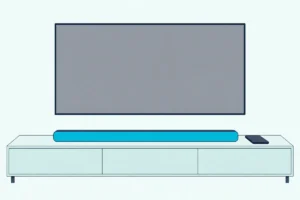
How to Connect a Soundbar to a TV Without an Optical Cable
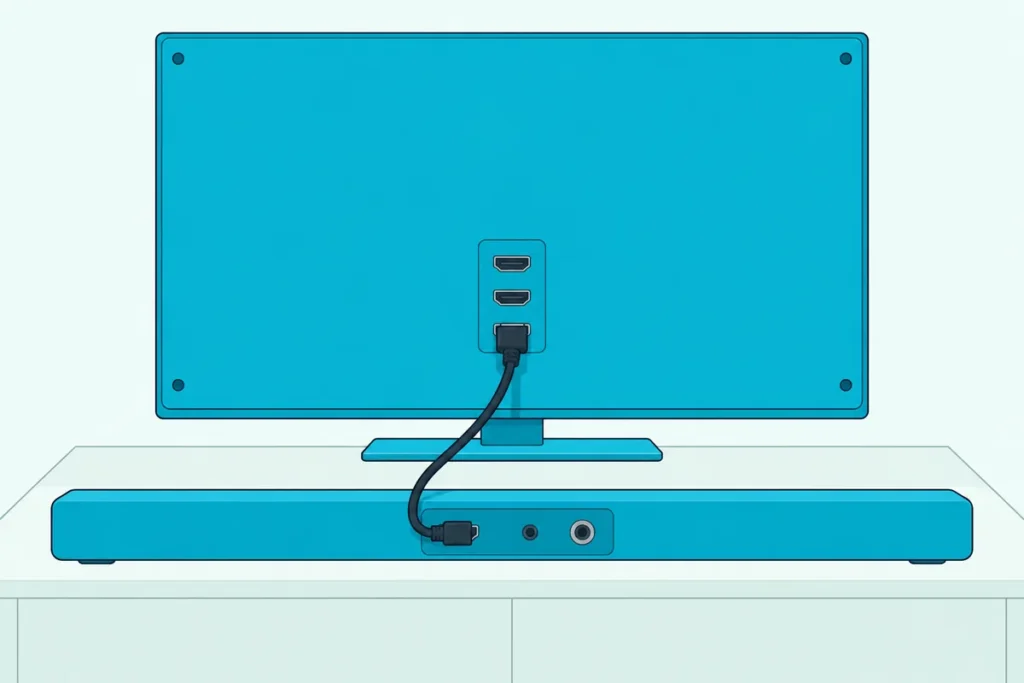
Here’s how to connect a soundbar to a TV without an optical cable: use the TV’s HDMI ARC or eARC port first, then Bluetooth, a 3.5 mm or RCA cable, or a coaxial cable.
Pick the wrong route and you can trade Dolby surround for two-channel sound, or get Bluetooth audio that trails the picture.
Taken in order, you end on the best connection your TV and bar share, and over HDMI the TV remote can still run the volume.
Start at the back of the TV, where the HDMI port you want is often labeled ARC or eARC.
The routes below follow that order, each with what it carries and the TV setting that switches it on.
How to Connect a Soundbar to a TV Without an Optical Cable, Best Route First
That ARC port carries the most, so it tops this table.
| Route | What it carries | Where to switch it on |
|---|---|---|
| HDMI eARC | Adds Dolby TrueHD, DTS-HD Master Audio, DTS:X and uncompressed Dolby Atmos | The TV’s eARC setting |
| HDMI ARC | PCM, Dolby Digital, DTS, Dolby Digital Plus and compressed Dolby Atmos | The TV’s ARC or CEC setting |
| Bluetooth | SBC or aptX on LG TVs; no Atmos on VIZIO’s SB46514-F6 | The TV’s Bluetooth list |
| 3.5 mm or RCA | Two channels | The TV’s audio out |
| Coaxial | Dolby Digital and DTS on VIZIO bars | The bar’s coaxial input |
Bose’s Smart Ultra Soundbar guide puts HDMI first too: eARC, then ARC, then the optical port this page works around.
Which HDMI Port Replaces the Optical Cable?
That top row needs one particular HDMI port. It’s the port with ARC or eARC, which HDMI Licensing says lets the TV send audio upstream over a single HDMI cable, with no separate S/PDIF connection.
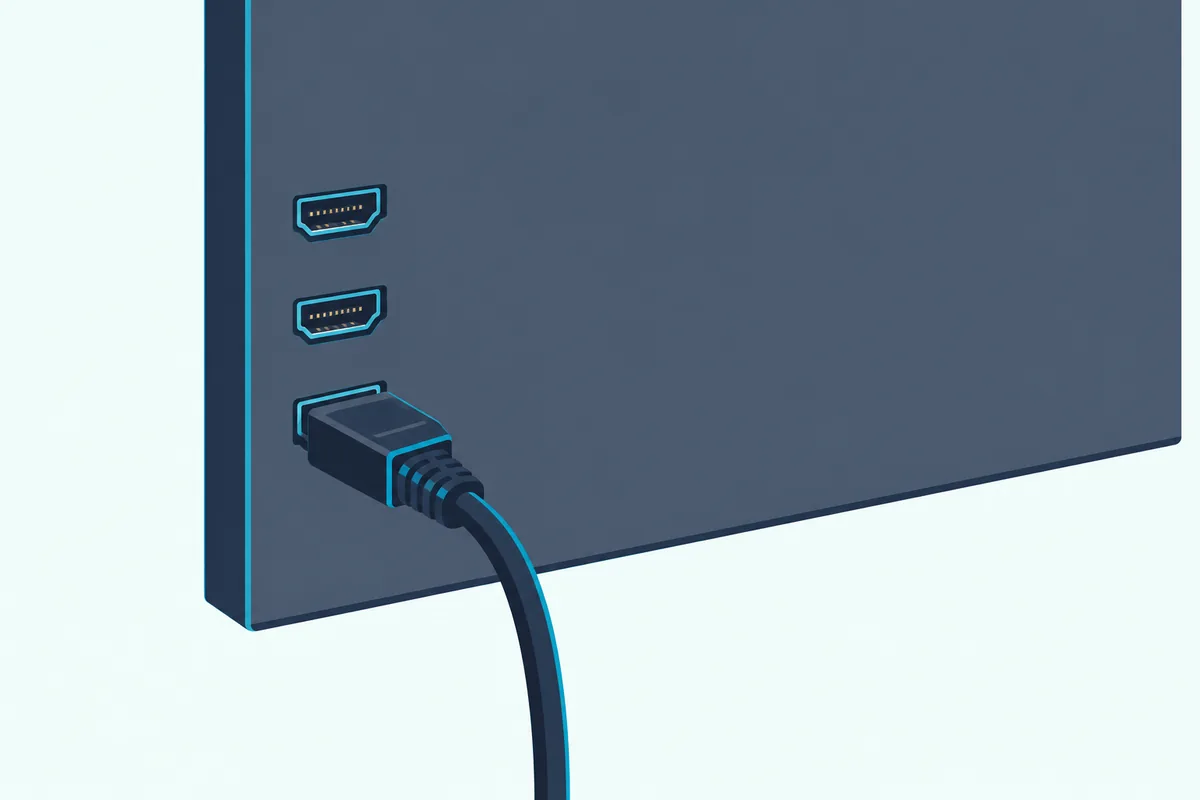
Plug the cable into that port and the bar’s ARC or eARC jack, then switch the TV over: Roku under Settings > System > Control other devices (CEC), Sony with eARC mode on Auto and Speakers on Audio system, and LG with Sound Out on HDMI(ARC) Device. Samsung’s 2025 guide adds HDMI-eARC Mode and Auto under Digital Output Audio Format.
Any HDMI cable carries ARC, HDMI Licensing says, but Roku’s surround guide asks for a High Speed cable with Ethernet or an Ultra High Speed cable for eARC. For an eARC bar, the Zeskit Maya cable is listed as certified Ultra High Speed and compatible with soundbar eARC.
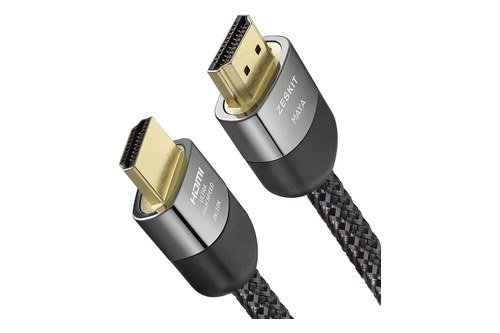
the Zeskit Maya cable
Get Studio Tips Weekly
Join 5,000+ creators getting acoustic treatment advice every week.
No spam. Unsubscribe anytime.What If Your TV’s HDMI Port Has No ARC?
That advice assumes the TV has ARC at all. Without it, going by HDMI Licensing, the HDMI ports only take sound in: before ARC, sending a TV’s own sound back to an audio system took a separate connection, typically an S/PDIF cable.
With neither ARC nor optical, our guide to connecting a soundbar over HDMI without ARC covers the workarounds, from plugging sources into the bar to an HDMI audio extractor.
Is Bluetooth Good Enough Without an Optical Port?
If HDMI is out, Bluetooth needs no port on either end. It works if the TV and bar both have it, but LG’s webOS 25 guide says the TV sends Bluetooth audio as SBC or aptX, and VIZIO’s SB46514-F6 manual lists Bluetooth among inputs without Dolby Atmos.
Sony’s BRAVIA guide adds that Bluetooth can make the sound lag the picture, with an A/V sync setting to adjust it. Samsung TVs list the bar under Sound Output > Bluetooth Speaker List, and Burton Acoustix’s TV-to-soundbar Bluetooth guide covers pairing.
When Is a 3.5 mm or RCA Cable the Better Fallback?
That lag is one reason to reach for a wire. Use one when the TV has a headphone jack or red-and-white Stereo Audio Out and the bar has an AUX input, but expect two channels: VIZIO’s V-Series manual says more than two needs the digital output.
Set the jack to feed the bar: Audio out (Fixed) or (Variable) under Headphone/Audio Out on Sony, Analog Audio Out on VIZIO, Audio Out Device under Sound Out on LG. Fixed leaves the volume to the bar’s remote, while Variable gives it to the TV remote.
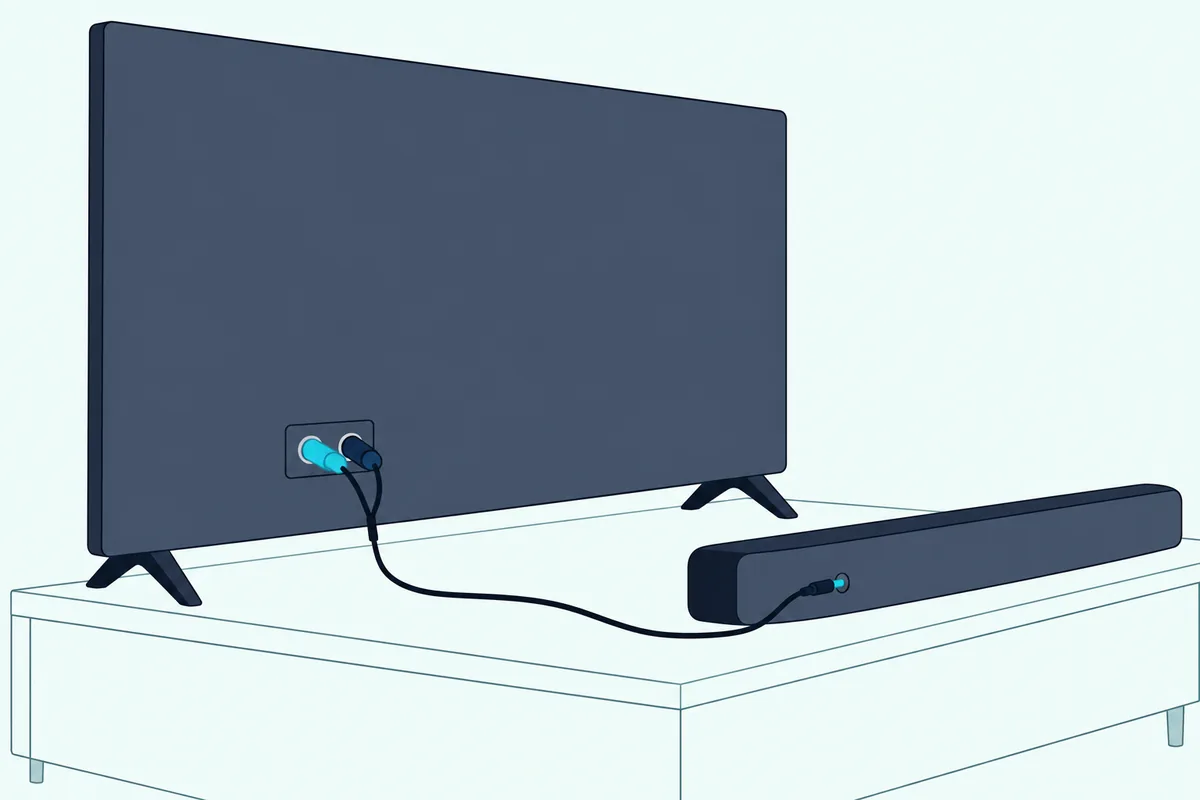
VIZIO’s SB2021n-J6 manual adds one trap: use the TV’s audio OUT, never its video input R/L. Our guide to hooking a soundbar to a TV with an AUX cable has the full steps, and RCA-brand owners have a walkthrough for their own bars.
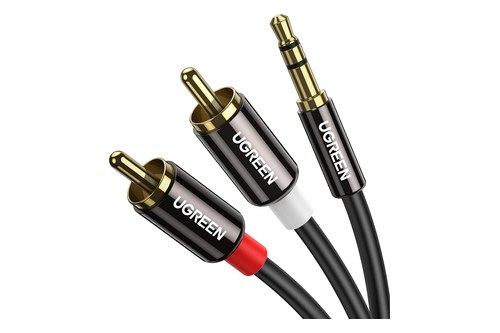
For a headphone jack, UGREEN’s braided 3.5 mm cable is listed at 6 ft; for red-and-white outputs, UGREEN’s 3.5 mm-to-RCA cable runs two RCA plugs to one 3.5 mm plug at 6.6 ft.
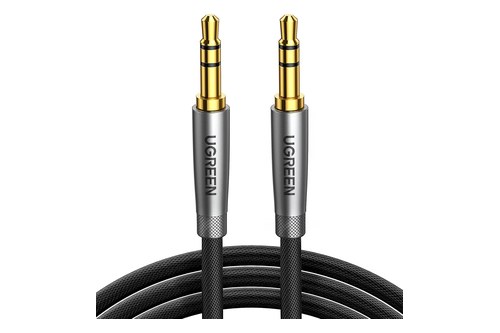
UGREEN’s braided 3.5 mm cable
Does a Coaxial Digital Output Work Instead?
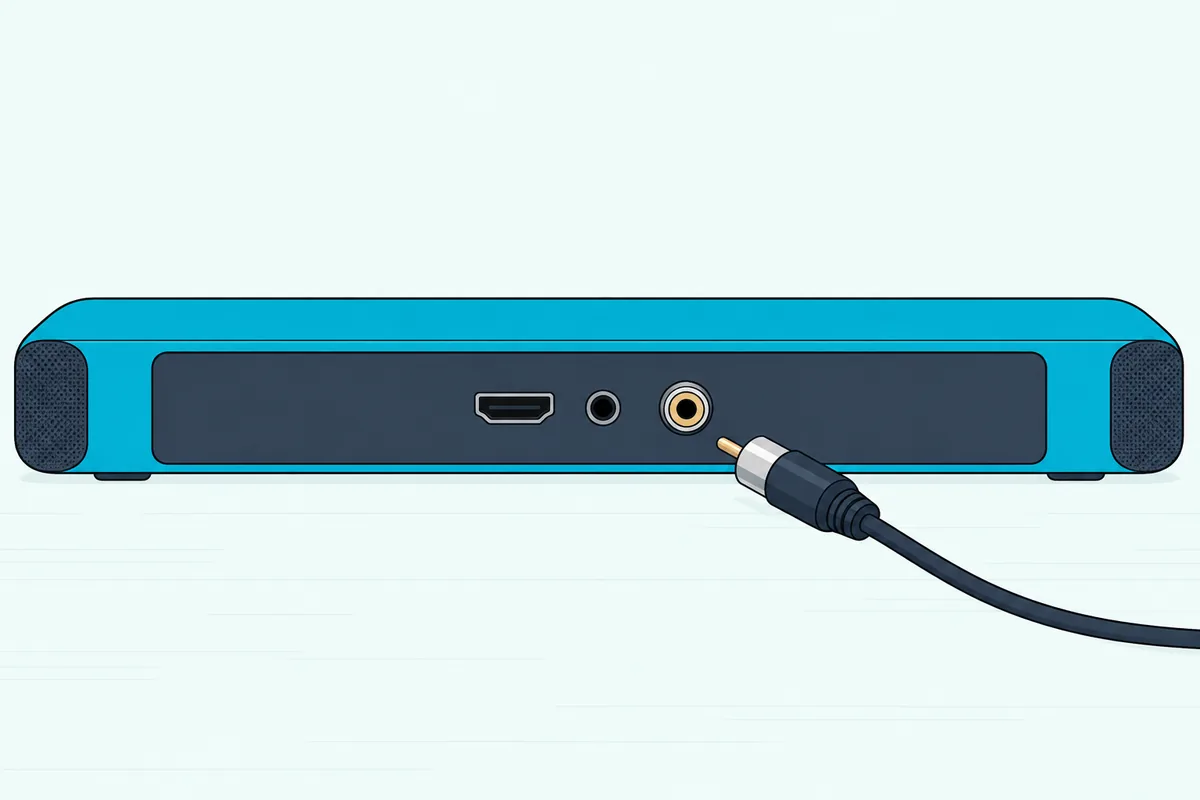
That two-channel ceiling makes one more digital jack worth checking for. A coaxial output works if the bar has a coaxial input too: Hisense’s HS214 manual joins the TV’s COAXIAL OUT socket to the bar’s COAXIAL socket.
VIZIO’s SB46514-F6 manual lists Dolby Audio and DTS on coaxial but no Atmos, and its SB3830-D0 guide rates HDMI ARC BEST and coaxial BETTER than a GOOD 3.5 mm-to-RCA cable. If the bar stays silent, Hisense and VIZIO both say to set the TV’s digital output to PCM.
When Do You Need an Audio Converter?
If the TV and bar share none of those ports, Bose documents a converter route. For its Smart Ultra Soundbar, Bose says to run the bar’s HDMI cable to a cable or satellite box and reach the TV through an audio converter and a coaxial, 3.5 mm or analog cable.
Bose names no converter model, saying only that the type depends on the TV’s audio outputs.
Frequently Asked Questions
Can I use HDMI instead of an optical cable?
Yes, if the TV and the soundbar both have ARC or eARC. Roku says ARC carries every format optical does plus Dolby Digital Plus and Dolby Atmos, and with HDMI-CEC on, a Roku TV’s remote handles volume and mute.
Do all TVs have an optical port?
No. Sony’s guide says the available terminals depend on the model, region and country, and VIZIO’s SB2021n-J6 manual notes that not all TVs have the outputs it shows, optical included. Roku says every Roku TV has a type of HDMI ARC connection and a digital audio output.
How do I connect a soundbar to an old TV?
Look on the back for any audio output, from an ARC-marked HDMI port to a red-and-white Stereo Audio Out, a headphone jack or a coaxial jack, and match it to an input on the bar. If the bar takes only digital and the TV puts out only analog, Bose’s converter route bridges the two.