How to Connect a Soundbar to a TV With HDMI Without ARC
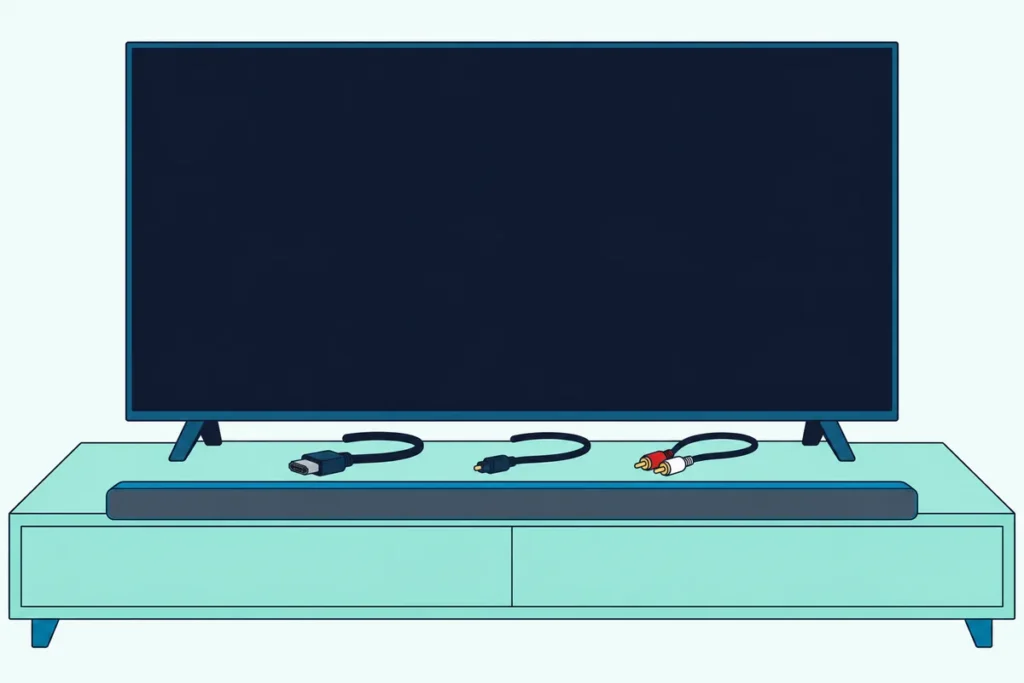
Here’s how to connect a soundbar to a TV with HDMI without ARC: plug your streaming box or console into the bar instead, or carry the TV’s own sound over optical, analog or Bluetooth.
Plug the bar into an ordinary HDMI input on the TV and you’ll hear nothing, because those ports only take picture and sound in.
Pick the right route and you can still get surround sound, without buying a cable that can’t add ARC.
The five routes below come from the makers’ own manuals, with what each costs in formats, remote control and lip sync.
Start with the one fact that rules out a plain HDMI cable, then match your TV’s ports to a route.
How to Connect a Soundbar to a TV With HDMI Without ARC, Route by Route
A TV’s regular HDMI ports can’t send sound out. HDMI Licensing Administrator says TVs have always taken sound in over HDMI, and before ARC, sending it back to an audio system took a separate connection, usually an S/PDIF cable (HDMI LA).
Sony’s HT-A3000 guide agrees: without ARC, TV sound won’t reach the bar even when it’s plugged into the TV’s HDMI IN jack (Sony). Five routes remain:
| Route | How it connects | What you lose |
|---|---|---|
| HDMI passthrough | Source to bar, bar to TV | TV apps’ sound, unless you add optical |
| Optical | TV’s optical out to the bar | Dolby Atmos and Dolby Digital Plus |
| Analog or headphone | TV’s RCA or 3.5 mm jack to the bar | Anything past two channels |
| Bluetooth | Wireless | Sync, as sound can lag the picture |
| HDMI audio extractor | Source to a box, box to TV | TV apps’ sound, plus a box to power |
If your TV has an ARC port after all, connect a soundbar to a TV through ARC instead, and our page on what the ARC label on a port changes shows how to spot one.
How Does a Soundbar With HDMI Inputs Work Without ARC?
That first row keeps full HDMI sound, because the TV never has to send anything back. Your streaming box, console or Blu-ray player plugs into the bar’s HDMI input, and the bar’s HDMI output runs to an HDMI input on the TV.
Sony says its HT-A7000 plays Dolby Atmos, Dolby TrueHD and DTS:X this way (Sony), and Samsung’s HW-Q990D manual requires a certified Ultra High Speed HDMI cable for 4K signals.
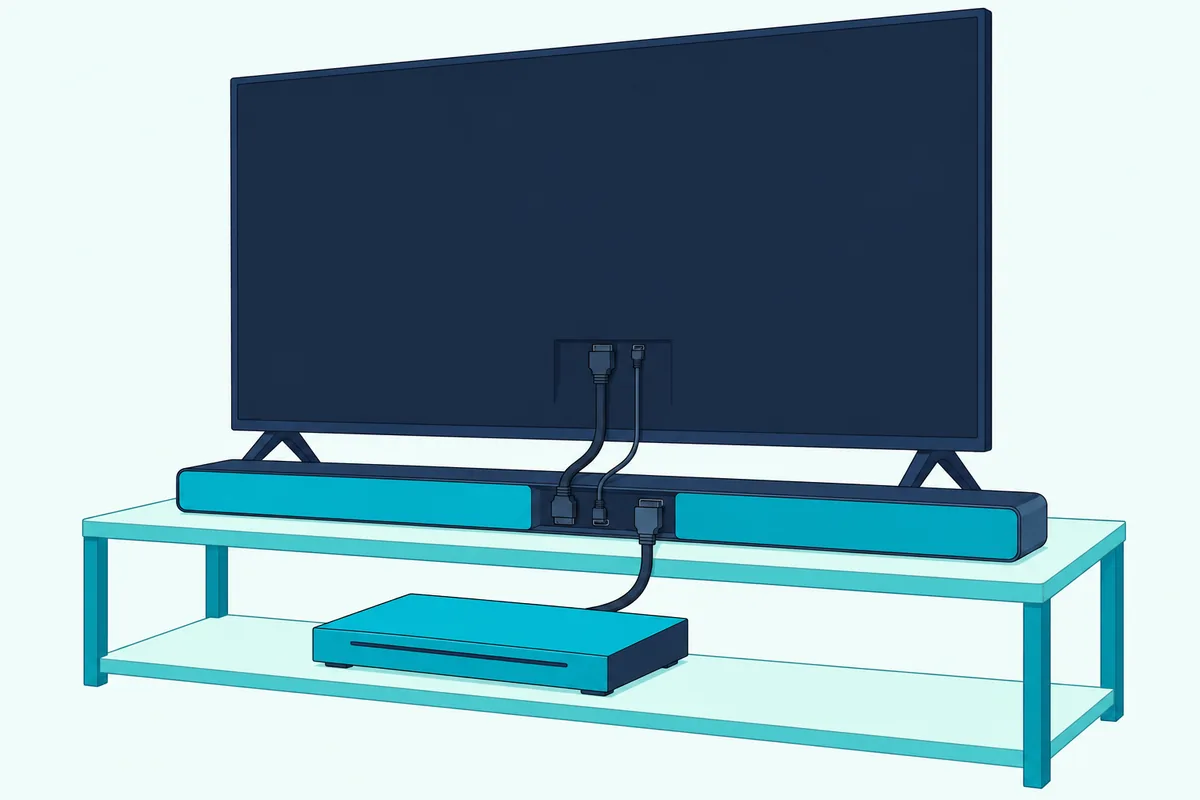
The catch is the TV’s own apps and channels, which start inside the TV, so Sony’s wiring for a TV without ARC adds an optical cable.
Sony adds that a device on its bar reaches the TV only while the bar is on, unless Standby Through is switched on.
Get Studio Tips Weekly
Join 5,000+ creators getting acoustic treatment advice every week.
No spam. Unsubscribe anytime.Is Optical the Best Way to Get TV Sound Without ARC?
That optical cable also works on its own. For sound from the TV itself it’s the route Sony gives for a TV without ARC: the TV’s optical output to the bar’s TV IN (OPT) jack.
Set the TV’s speakers to the audio system and the bar to its TV or optical input, and our steps to connect a soundbar with an optical cable give each brand’s menu path.
What optical gives up is format headroom. Roku says it carries two channels of PCM or 5.1 compressed Dolby Digital or DTS, while ARC adds Dolby Digital Plus and Dolby Atmos.
Volume is the other trade: LG says only some bars take the TV remote over optical, while Sony’s TV-remote link, Control for HDMI, needs the HDMI cable.
Sony leaves the optical cable out of the HT-A3000 box, so check yours. If it has none, Amazon Basics’ 6 ft TOSLINK cable fits the run.
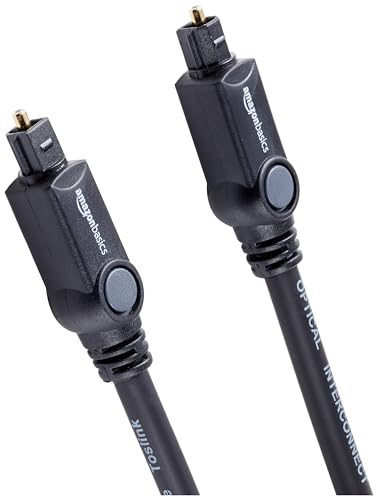
Amazon Basics’ 6 ft TOSLINK cable
What If the TV Only Has a Headphone or RCA Output?
If your TV has no optical jack, its analog output can still feed the bar. VIZIO’s 2022 V-Series manual lists its Stereo Audio Out for “an RCA device, such as sound bar” (VIZIO), and Denon’s Home Sound Bar 550 takes a TV’s analog sound through a 3.5 mm cable.

You get two channels, since VIZIO says more than two need the digital output. Set its Analog Audio Out to Fixed when the bar controls the volume, or Variable to keep the TV remote.
If the TV’s volume buttons change the bar’s level, the output is variable. For a headphone jack, LG’s webOS guide lists Audio Out Device beside Wired Headphones, to match the output to what’s plugged in.
Can Bluetooth Replace the Cable?
Both wired routes still run a cable, and Bluetooth drops it at a price. It works if the TV can send Bluetooth audio: Sony’s HT-A3000 guide asks for a TV compatible with the A2DP profile.
The price is timing. Sony’s TV guide says Bluetooth can delay the sound behind the picture, offers an A/V sync setting to adjust it and suggests a wired bar for games.
The HT-A3000’s own SYNC setting shifts the sound by 0 to 300 milliseconds, in 25-millisecond steps.
What Does an HDMI Audio Extractor Do?
If your bar has no HDMI input, an HDMI audio extractor does the passthrough job in a separate box. Monoprice’s manual for its Blackbird 4K extractor runs the source into the box, the box into the TV and the sound out of an optical or 3.5 mm jack (Monoprice).
A switch sets the format: TV follows the display, Bitstream passes the source’s audio through and 2CH sets stereo. Optical carries multichannel sound, while the 3.5 mm jack is stereo.

Like passthrough, it only hears the devices plugged into it, and it runs on its own power adapter. J-Tech Digital’s JTD18G-H5CH is one 4K extractor with both outputs.
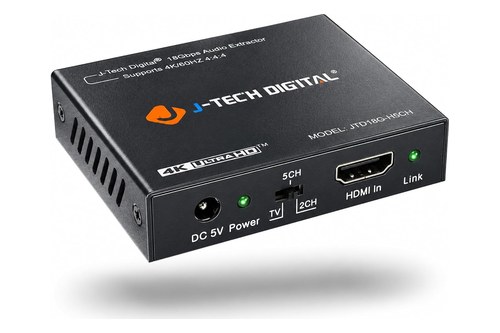
J-Tech Digital’s JTD18G-H5CH
An AV receiver also sits between sources and the TV, and Burton Acoustix’s soundbar-and-receiver guide shows which of its outputs a bar can use.
Frequently Asked Questions
Can I connect a soundbar to a normal HDMI port?
Not for TV sound. An ordinary HDMI input only receives a source’s picture and sound and sends nothing back to the bar, as Sony’s HT-A3000 guide confirms.
Will a new HDMI cable add ARC to my TV?
No. HDMI Licensing Administrator says every HDMI cable supports ARC between ARC-enabled devices and recommends that makers label ARC ports, so the feature lives in the TV’s port. If no port says ARC, check the manual.
What if my TV has no ARC and no optical output?
Use the analog or headphone output with the bar’s AUX input, pair over Bluetooth if both support it, or plug your sources into a bar with HDMI inputs or an extractor.