How to Pair a TCL Subwoofer to a Soundbar, Model by Model
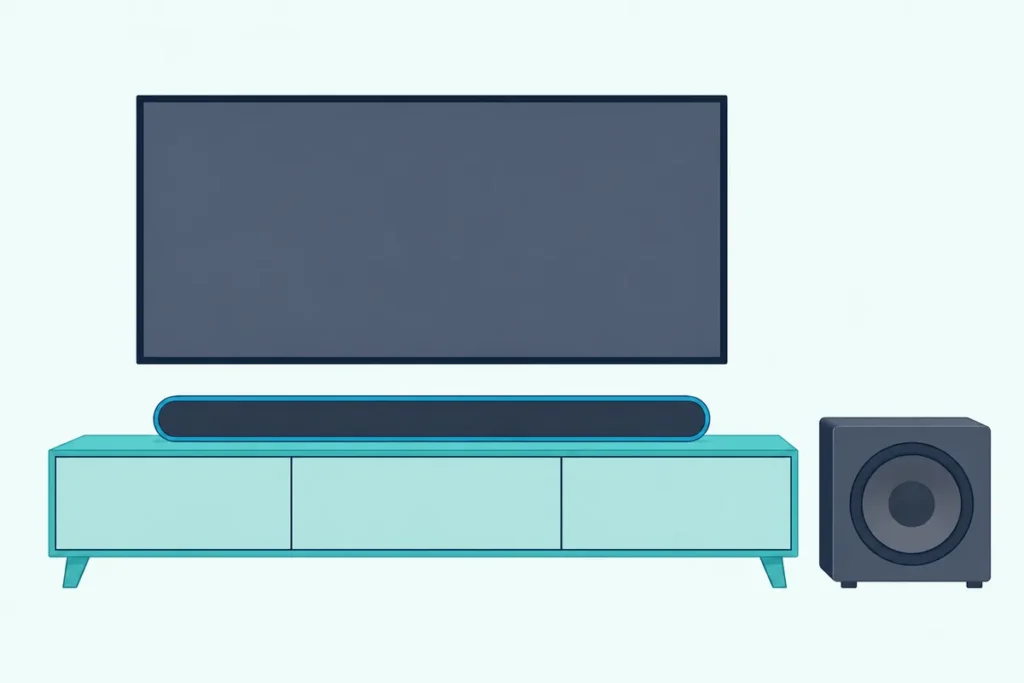
Here’s how to pair a TCL subwoofer to a soundbar: plug both in, switch the bar on, and wait a few seconds for the light on the sub to stop blinking and stay lit.
If it keeps blinking, TCL’s manuals say the pairing hasn’t worked, and the button that fixes it changes from one model to the next.
Get that one step right and you won’t need the remote, since TCL’s manuals for all five bars below pair the sub from buttons on the hardware itself.
The table below gives the sub’s button, the bar’s button and the light to wait for on the Alto 5+, Alto 7+, S522W, S55H and Q85H, plus the distance each manual allows.
Start with the automatic link, then match your bar to the table and work down the fixes if the bass still doesn’t come back.
How to Pair a TCL Subwoofer to a Soundbar Automatically
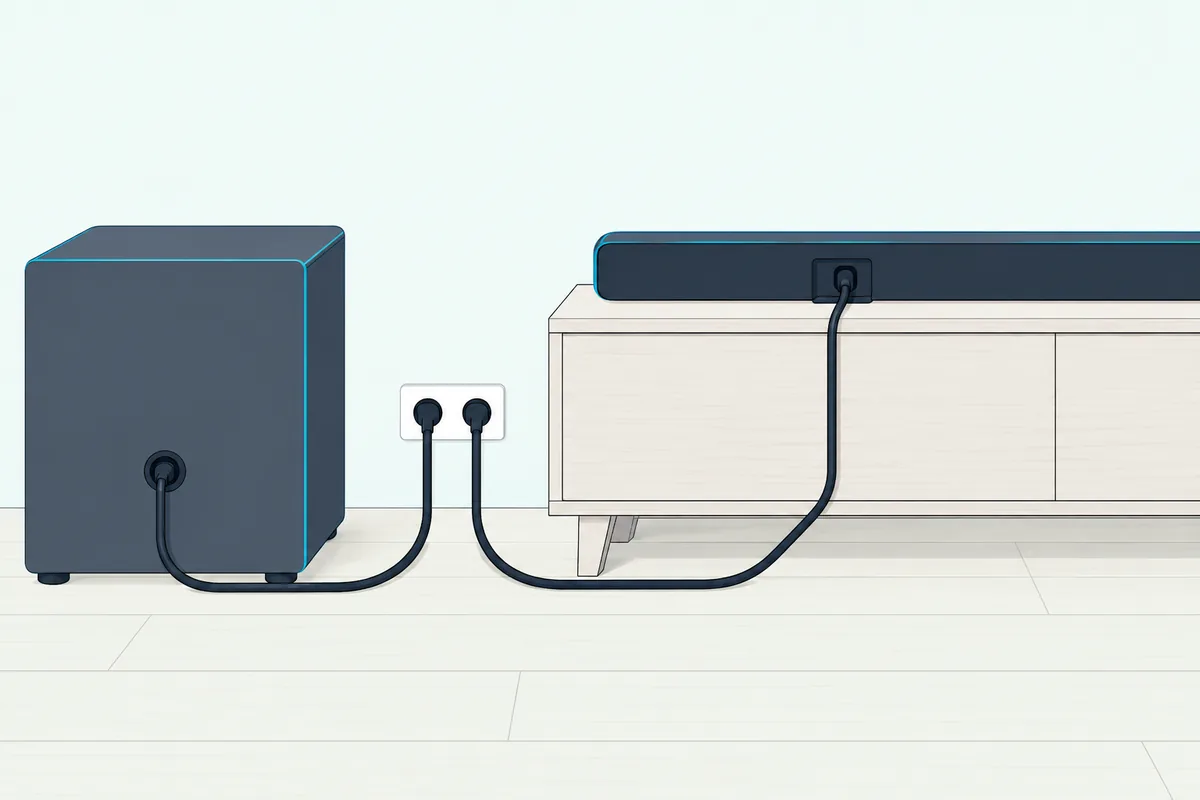
That automatic link is the first method in TCL’s support article, and it runs once both units have power and the bar is on. TCL’s support article on subwoofer pairing says the sub should switch itself on when it’s plugged in and pair with the soundbar on its own within a few seconds.
- Plug the soundbar in and turn it on.
- Plug the subwoofer in, and on the S522W or Q85H also check the sub’s own ON/OFF switch or button, which both manuals show on the sub.
- Leave the sub’s PAIR button alone for now, because the Alto 5+ and Alto 7+ manuals say not to press it during automatic pairing.
- Watch the sub’s light, which TCL’s article says turns solid, usually amber depending on the model, once the two are paired.
The Alto 5+ and 7+ manuals repeat that link for everyday use: switch the bar on from its top panel or remote, and it pairs with the subwoofer automatically. The 2024 S55H and Q85H manuals word it as pairing automatically on first use, and both turn to manual pairing “in case of a problem.”
If the bar isn’t hooked up yet, connect the TCL soundbar to the TV over HDMI ARC or optical before you judge the bass. The Alto 7+ manual’s no-sound checklist starts with that same audio cable and the source the bar is set to.
Which Buttons Pair a TCL Subwoofer by Hand?
When that light won’t settle, manual pairing has two halves, one on the sub and one on the bar, and TCL puts them in different places on different models. On three of the five subs here you hold a PAIR button until the light flashes, then use a button on the bar: the power button on the Alto 5+ and 7+, or the source button held for 10 seconds on the S55H.
| Model (manual) | On the subwoofer | On the soundbar | Paired when |
|---|---|---|---|
| Alto 5+ (TS5010, US manual, 2019) | Hold PAIR on the back until the orange light flashes quickly | Press power on the top panel or remote to switch the bar on | The orange light stays on |
| Alto 7+ (TS7010, US manual, 2019) | Hold PAIR on the back until the blue light flashes quickly | Press power on the top panel or remote to switch the bar on | The blue light stays on |
| S522W (Brazilian manual, 2022) | No pairing button: only the power input, an ON/OFF switch and a red light | Switch the bar to Bluetooth, then press the Bluetooth key on its side panel twice, quickly | The red light blinks, then stays on after 15 seconds |
| S55H (European manual, 2024) | Hold PAIR for 3 seconds until an amber light flashes above it | Hold the source button for 10 seconds until a yellow light blinks on the bar | A green light comes on for 5 seconds |
| Q85H (European manual, 2024) | Hold the ON/OFF button for 3 seconds until an amber light flashes on it | Hold the source button for 10 seconds until the display reads SETUP PAIR | The sub’s light turns solid |
Read the table one row at a time and keep its order, sub first and bar second wherever a row has both. On the Alto bars that means holding PAIR while the bar is still in standby and only then pressing power, as the Alto 7+ user manual lays it out.
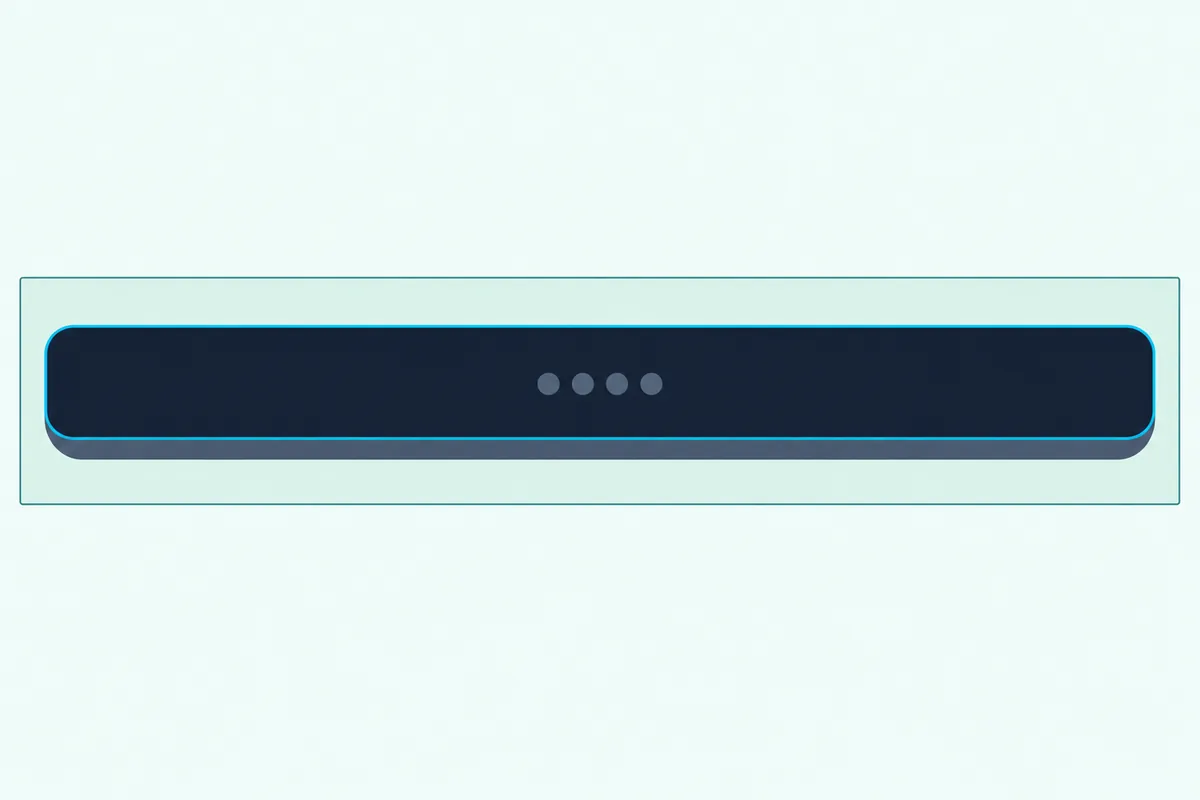
TCL’s general support article, which names no models, gives the same pattern: hold the sub’s Pair button for a few seconds until its light blinks, then press and hold a Pair or Subwoofer button on the bar or its remote. It adds that most models after 2023 don’t need that bar-side press, yet the 2024 S55H and Q85H manuals still list one, so follow your own manual where the two differ.
On the Q85H, the sub’s pairing hold goes on its ON/OFF button rather than a PAIR button. The same two holds pair its two satellite speakers, whose button is labeled PAIR.
Not every TCL sub has a pairing button, and the S522W in its Brazilian manual has none. For a sub with no button, TCL’s article says to power cycle both units, and the S522W manual moves the job to the bar’s Bluetooth key.
Check the model before you start. TCL’s model-number help says the label sits on the back or bottom of the bar after the word “Model,” and warns against mixing it up with the longer serial number.
The table above doesn’t cover the Alto 6 or S643W. On those bars, start with the sub’s PAIR button if it has one, and fall back on TCL’s power cycle if it doesn’t.
What Do the Lights on a TCL Subwoofer Mean?
Every row of that table ends with a light, so it pays to know what each color and speed is telling you. On the Alto 5+ and 7+, a slow flash means the sub is idle, a quick flash means pairing is in progress, and a solid light means it’s paired.
| Subwoofer | Light | Flashing | Solid | Off |
|---|---|---|---|---|
| Alto 5+ | Orange | Slowly: idle; quickly: pairing | Paired | Unplug the sub, reconnect after 2 minutes |
| Alto 7+ | Blue | Slowly: idle; quickly: pairing | Paired | Unplug the sub, reconnect after 2 minutes |
| S522W | Red | Slowly: standby or pairing | Paired | Unplug the sub, reconnect after 3 minutes |
| S55H | Amber | After the 3-second hold: ready to pair | Not stated; a green light shows for 5 seconds when the link is made | Not stated |
| Q85H | Amber | After the 3-second hold: ready to pair | Paired | Not stated |
On the Alto bars, think of the flash speed as a progress bar: slow is waiting, fast is trying, solid is done. The Alto 5+ user manual adds the warning sign: if the light at the back of the sub still flashes after pairing, the pairing didn’t work.
Look at which box is blinking, too. On the Alto 5+ and 7+, an orange light on the bar itself means Optical mode, and the manuals say a bar whose orange light flashes rapidly with no sound wants PCM output switched on at the TV.
TCL’s soundbar power page reads its lights the same broad way. No light points to power, flashing lights to pairing, a connection or an error, and a solid light that then goes off to an auto shutoff or a signal issue.
Why Won’t a TCL Subwoofer Pair, and What Fixes It?
A light that’s still flashing after the manual steps means the pairing didn’t take, and TCL’s fixes start with power. The Alto 5+, Alto 7+ and S522W manuals all say to unplug the subwoofer’s power cord, wait 3 minutes, plug it back in and repeat the pairing steps.
- Unplug the sub alone for 3 minutes, then run your model’s row of the table again.
- Power cycle both: TCL’s support article says to unplug the bar and the sub from the wall, wait 10 seconds, plug them back in and try again.
- Bring the sub closer, within 10 feet is best by TCL’s article, and clear anything between the two.
- Keep both away from Wi-Fi routers, microwaves and other wireless devices, which TCL names as interference.
Those two waits do different jobs. The 3-minute one restarts the sub alone after a failed manual pairing, while the 10-second one is TCL’s quick restart of both units, which its article also gives for subs that have no pairing button.
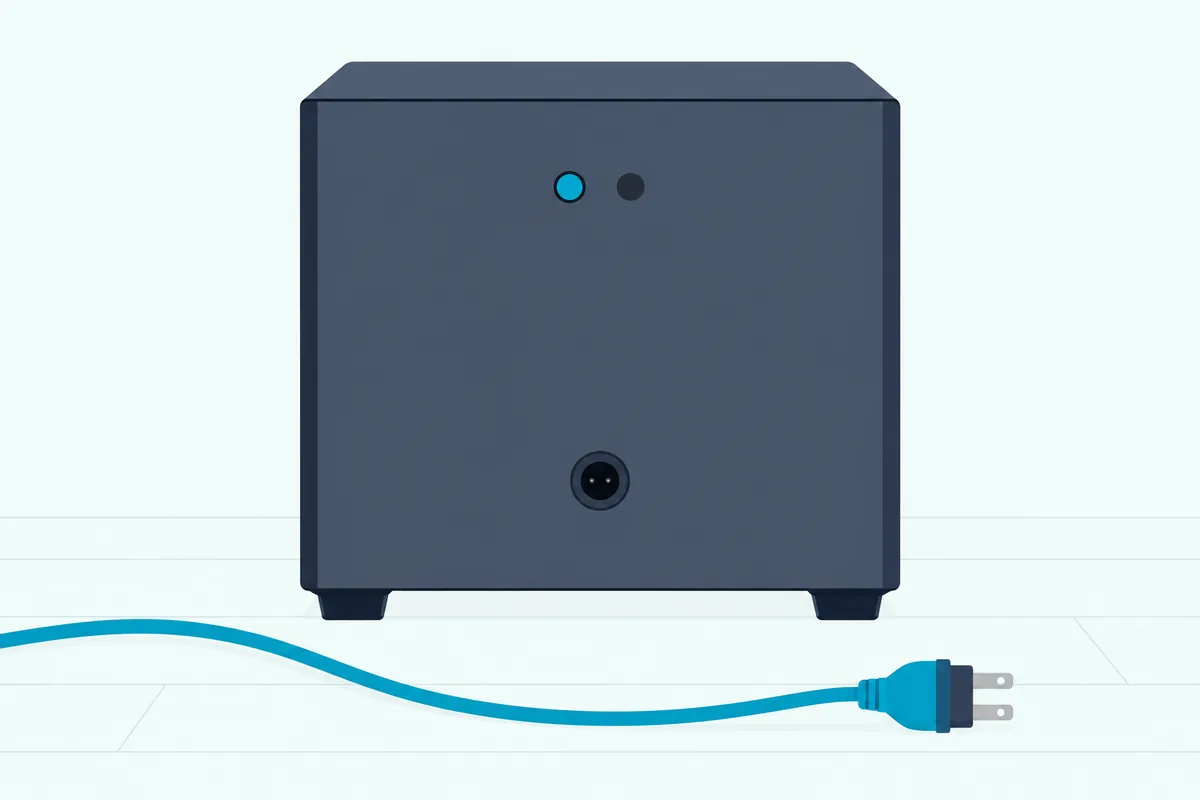
TCL’s fourth check is compatibility. Its pairing article says to make sure the subwoofer and soundbar came as a set or are confirmed to be compatible, and the section on swapping subs below shows why that matters.
How Far Can a TCL Subwoofer Sit From the Soundbar?
That 10-foot figure from TCL’s support article is the loosest distance in the table below, and some manuals ask for much less. The Alto 5+ manual wants the sub within 1 meter (3 feet) of the bar, while the Alto 7+ allows 3 meters (9.8 feet) and the S55H and Q85H manuals say less than 3 meters.
| Model | Subwoofer distance its manual gives |
|---|---|
| Alto 5+ | Within 1 meter (3 feet) |
| Alto 7+ | Within 3 meters (9.8 feet) |
| S522W | 3 meters, in its placement drawing |
| S55H | Less than 3 meters |
| Q85H | Less than 3 meters |
| Any model (TCL’s support article) | Within 10 feet is best |
The spec pages hint at why TCL names Wi-Fi routers. Every subwoofer in these five manuals lists a frequency range between 2,400 and 2,483 MHz, and the Q85H’s own 2.4GHz Wi-Fi runs from 2,412 to 2,472 MHz, the same stretch of the band.
Try this: carry the sub to within a few feet of the bar and pair it there. If it holds up close and drops out in its corner, the spot is the problem rather than the pairing.
Inside those limits, the spot in the room is up to you, and our guide on where to place the subwoofer around a soundbar covers the options. For the bar itself, TCL USA’s placement answer is ear level, and the Q85H manual suggests centered under the TV.
Why Is There No Bass When the Sub Says It’s Paired?
Even a solid light and a short distance don’t guarantee bass, because the bar’s level and source still have to be right. A solid light means the link is made, so check the bass level next: the Q85H remote has a bass key whose level you raise or lower with its up and down buttons, the S55H remote has a bass key too, and the S522W remote has Bass + and Bass – keys.
On the S522W, the bar’s white light blinks while the bass level changes and stays lit once it reaches the top or bottom. The Alto 5+ and 7+ remotes list no bass key; their sound controls are the volume and the News, Movie and Music EQ buttons.
The Alto 7+ manual’s no-sound list is quick to run: the audio cable connected, the correct source selected, the volume up and the bar not muted.
A dark light is a different problem. The Alto manuals say a sub whose light is off should be reset by unplugging it and plugging it back in after 2 minutes, and the S522W manual gives 3 minutes.
TCL’s soundbar power page adds the outlet test: plug a lamp or phone charger into the same socket to confirm it’s delivering power. On the S522W and Q85H, the sub’s own ON/OFF control is worth a look as well.
Does a Reset or Update Break the Pairing?
If none of that brings the bass back, a factory reset is the heavy option, and it raises a pairing question of its own. TCL’s manuals and support articles for these bars don’t say whether a factory reset or a software update clears the subwoofer link, so it’s safest to be ready to pair again afterwards.
The reset buttons differ by bar, and Burton Acoustix’s TCL reset guide walks through them model by model, including the Alto 9+. Once the bar restarts, let the automatic link run first, and only reach for your row of the table if the sub’s light keeps flashing.
TCL USA’s software notes for the Alto 5, 5+, 7 and 7+ say nothing about the subwoofer either. The changes they list include a mute that works from the TCL Roku TV remote and an Auto Standby setting you switch on or off by pressing and holding the volume up and volume down buttons.
Can a Different Subwoofer Pair With a TCL Soundbar?
Swapping in a different sub can look like the way out after all that, but TCL rules it out. TCL USA’s subwoofer FAQ says you currently can’t add a separate subwoofer or pair another one to any TCL sound bar model.
That fits the compatibility check in TCL’s pairing article, which wants the sub and bar to have come as a set. TCL USA gives the same answer for the Alto 5+ and 7+ by name, so for a TCL sub that won’t link, the steps above are the route back rather than a new sub.
Other makers draw the line in other places, and which brands let you add a second subwoofer sorts them one by one.
The Bottom Line
So pairing a TCL sub is mostly waiting: both plugged in, the bar switched on, and a light that goes solid within a few seconds. When it doesn’t, find your bar in the table, do the sub’s half first and the bar’s second, and unplug the sub for 3 minutes before you try again.
Keep the sub within your manual’s distance and away from the router, and read the light’s speed before anything else. TCL won’t pair a different subwoofer, so the fixes above are the way back to bass.
Frequently Asked Questions
Why is my TCL subwoofer blinking orange?
On the Alto 5+, the subwoofer’s light is orange: a slow flash means it’s idle, a quick flash means pairing is in progress, and a solid light means it’s paired. On the S55H and Q85H, an amber light flashes on the sub after you hold its pairing button for 3 seconds, which is your cue for the bar’s half, the source button held for 10 seconds. If an Alto 5+ sub is still flashing after manual pairing, its manual says the pairing failed: unplug the sub for 3 minutes and repeat the steps. Check that the orange light really is on the sub, though, because on the Alto 5+ and 7+ an orange light on the bar means Optical mode.
How do I put a TCL sound bar in pairing mode?
For the subwoofer, the bar’s half is the button in the table above: power on the Alto 5+ and 7+, the source button held for 10 seconds on the S55H and Q85H, and the Bluetooth key pressed twice on the S522W. For a phone, pairing mode is a Bluetooth setting instead. The Q85H manual has you hold the Bluetooth button on the bar or the remote until the display reads PAIRING, the S55H uses a long press of its Bluetooth button, and on the Alto 5+ and 7+ you switch to Bluetooth and, if the bar doesn’t show up, hold the remote’s play/pause key. The phone side is covered in our guide to how you connect your phone to a soundbar.
Can I pair a TCL subwoofer without the remote?
Yes, on all five models in the table above. The Alto 5+ and 7+ switch on from the power button on the bar’s top panel, the S55H and Q85H use the source button on the bar, and the S522W uses the Bluetooth key on its side panel, so none of the five needs the remote for this. TCL’s general article puts the bar’s half on a Pair or Subwoofer button on the remote or the top panel, and says most models after 2023 need no bar-side press at all. If yours has no pairing button anywhere, TCL’s answer is to power cycle the bar and the sub.
Why does the sound fall out of sync when the TCL subwoofer is on?
TCL USA’s answer for audio and video out of sync when using the subwoofer gives three things to try, one at a time. Turn the TV and the sound bar off and back on, change the channel on the TV, or change the source on the sound bar. If the bass drops out instead of lagging, go back to the light on the sub: flashing means the pairing needs redoing, and off means unplugging it for 2 to 3 minutes, depending on the manual.