How to Connect a TCL Soundbar to a TV
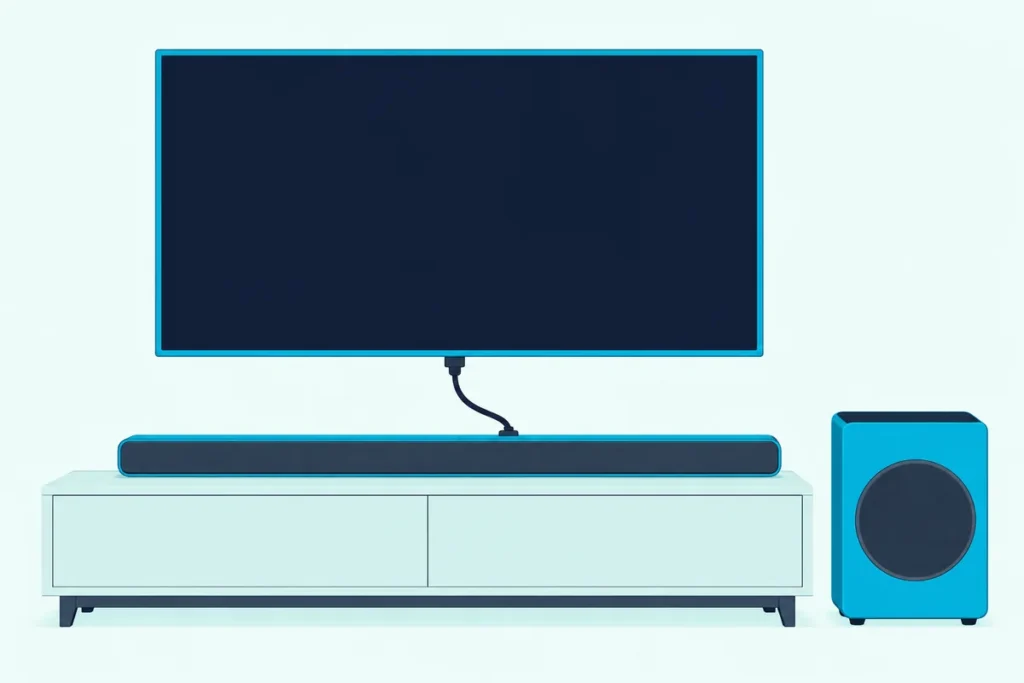
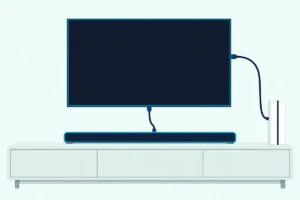
Here’s how to connect a TCL soundbar to a TV: run an HDMI cable from the bar’s HDMI ARC or eARC port to the TV’s ARC port, then switch on ARC and CEC in the TV’s menu.
Two slips leave the bar silent: a cable in an ordinary HDMI input, or a TV that still has ARC switched off, which TCL says is the default on its Roku TVs.
Get those two right and the TV remote can run the bar’s volume, and the bar’s light or display confirms the input at a glance.
Below are TCL’s steps for its Roku TVs, the menus on TCL’s Google TV models and the ports on two TCL bars whose manuals differ.
After that come the optical and AUX routes, what TCL says about Bluetooth, and the checks that bring a silent bar back.
How to Connect a TCL Soundbar to a TV
That ARC port is the whole trick, because both of TCL’s manuals start there. The Alto 7+ manual says to connect the HDMI cable to the HDMI ARC connector on the bar and the HDMI ARC connector on the TV, and the Q85H manual says the same with the bar’s HDMI (eARC) port and the TV’s HDMI (eARC/ARC) port.
Here’s the order those manuals and TCL USA’s Roku TV article give:
- Find the TV’s HDMI port labeled HDMI ARC (or eARC/ARC) and the bar’s port labeled HDMI ARC or HDMI (eARC).
- Join them with a High Speed HDMI cable that supports ARC and CEC, then connect the power cords last.
- Turn on the TV’s CEC and ARC settings (the next sections give the TCL menu paths).
- Press the bar’s source button until it shows HDMI, then play something with sound.
TCL’s manuals also say to mute the TV’s own audio, and the Q85H manual asks you to finish every other connection before plugging the bar into the wall. Think of the ARC cable as a two-way street: Roku describes one HDMI cable sending sound out to the bar while the picture keeps coming in to the TV.
Each TV brand names CEC differently. The Q85H manual lists CEC, Anynet+, SimpLink, BRAVIA Link, EasyLink and VIERA Link, and HDMI ARC menus on other TV brands walks each one.
Which Port on a TCL Soundbar Goes to the TV?
Those labels matter most on bars with more than one HDMI socket. The Q85H has two, HDMI (eARC) and HDMI IN, and its manual connects the TV to the eARC one; HDMI IN is a separate input on its source list.
The older Alto 7+ has a single HDMI ARC connector, plus an optical input, an AUX input, a USB port for music and an IR pass-through connector. Here’s how the two manuals compare:
| Detail | TCL Alto 7+ (TS7010) | TCL Q85H |
|---|---|---|
| Port for the TV | HDMI ARC | HDMI (eARC) |
| Other inputs | Optical, AUX (3.5mm), USB | Optical, HDMI IN, USB |
| Cables in the box | HDMI, optical, 3.5mm-to-3.5mm | None for audio (power cords only) |
| Source order | HDMI, USB, AUX, Bluetooth, Optical | HDMI eARC, Optical, USB, Bluetooth, HDMI IN |
| How it shows the input | Colored LED | LED display |
The table shows why a Q85H can sit silent with a perfectly good cable: plugged into HDMI IN, it isn’t the TV connection the manual describes. On the TV’s side, TCL’s Roku TV article says to locate the port labeled HDMI ARC, and TCL’s component guide calls it HDMI IN (ARC).
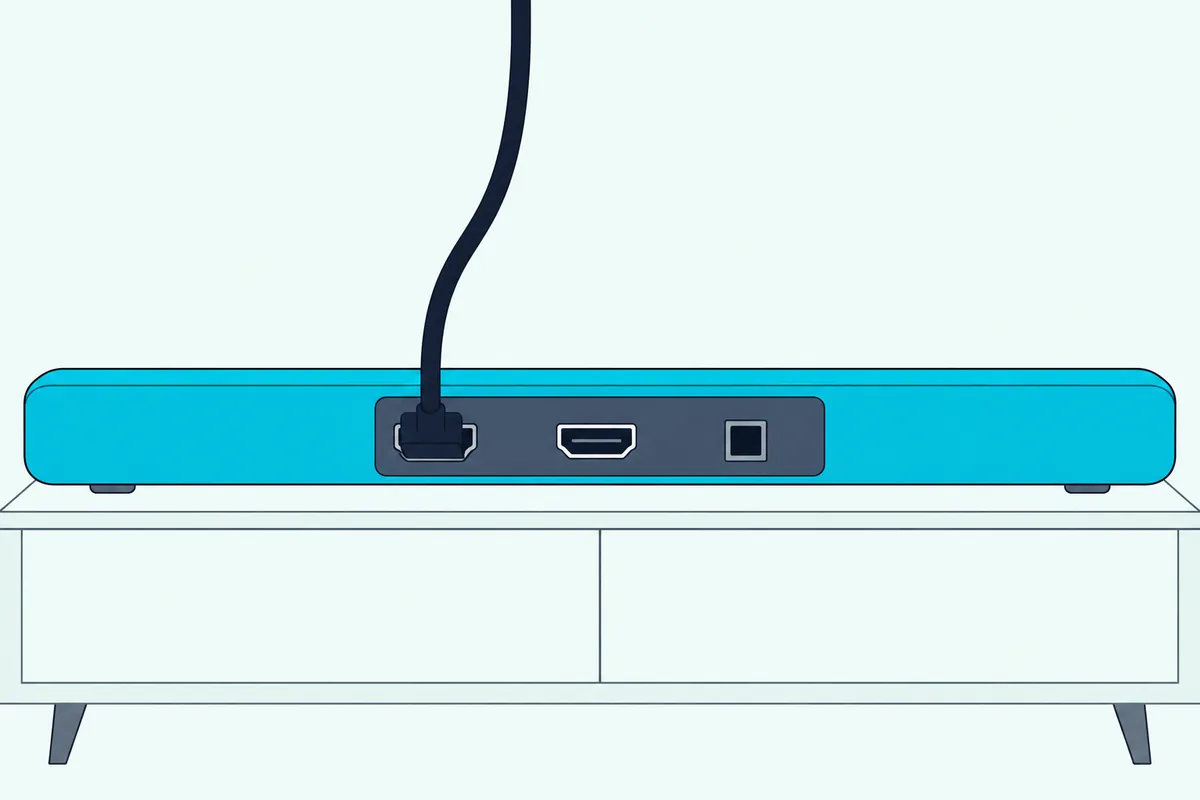
The two manuals are years apart (the Alto 7+ one is dated 2019, the Q85H one 2024), and other TCL bars may label things their own way. On both, the TV goes to the port whose label includes ARC or eARC.
Get Studio Tips Weekly
Join 5,000+ creators getting acoustic treatment advice every week.
No spam. Unsubscribe anytime.Do You Need a New HDMI Cable for a TCL Soundbar?
That box row in the table decides it. The Alto 7+ ships with an HDMI cable, an optical cable and a 3.5mm-to-3.5mm cable, while the Q85H box lists the bar, subwoofer, two satellite speakers, remote, four power cords and a wall-mount kit, with no HDMI cable.
TCL’s Roku TV article asks for a High Speed HDMI cable that supports HDMI ARC and CEC. For eARC, Roku’s surround article goes further: a High Speed HDMI Cable with Ethernet, or an Ultra High Speed HDMI cable, which includes it.
If you’re buying one for an eARC bar like the Q85H, UGREEN’s 6.6 ft Certified Ultra High Speed HDMI cable is sold as that type. Measure from the TV’s ARC port to the bar’s eARC port first, so the cable reaches without pulling on either socket.

UGREEN’s 6.6 ft Certified Ultra High Speed HDMI cable
Where Is HDMI ARC in a TCL Roku TV’s Menu?
Once the cable is in, the TV still has to be told to use it. TCL USA’s Roku TV article says HDMI ARC is disabled by default, and turning it on takes four steps:
- Press Home on the TCL Roku TV remote and open Settings.
- Select System, then Control other devices (CEC).
- Scroll down to HDMI ARC.
- Press OK to turn it on.
TCL adds that enabling HDMI ARC also turns on System audio control, which you can uncheck afterward. The same CEC menu has Search for CEC devices, which lists the CEC devices on each HDMI input, so a bar that doesn’t show up there isn’t being seen by the TV yet.
Roku’s own articles add two details. Roku’s HDMI-CEC and ARC guide, updated on 12 Oct 2026, puts the eARC option under Settings > Audio > Audio Output, so look there if your menu differs, and its surround article sets the sound format under Settings > System > Audio > S/PDIF and ARC, where Auto detect is the default.
Roku also says eARC is only on select Roku TV models. If your TV has ARC and your bar has eARC, the pair still works over ARC, just without the eARC extras, and the rest of the Roku side is in every Roku TV menu for a soundbar.
What Changes on a TCL Google TV?
TCL’s Google TV and Android TV models use Google’s menus instead of those Roku ones. Roku’s CEC guide gives the shared path for Android TV and Google TV: Settings > Inputs or External devices control, then turn on Control Other Devices (CEC), and Settings > Sound or Audio > Audio Output, then choose HDMI ARC or eARC.
The TCL TV menu pictured in TCL’s Q85H manual matches that layout. It shows External devices control (CEC) with Search for CEC devices, an HDMI 4 (eARC/ARC) input, and an Audio Output list under Display & Sound that includes ARC, Optical and Bluetooth.
The Q85H manual’s own steps for a TCL TV are just as short: connect the bar’s HDMI (eARC) port to the TV’s HDMI (eARC/ARC) port, then enable the CEC function in the TCL TV’s settings. For the menu wording on your exact TV, it points you to the TV’s user manual.
TCL’s own name for CEC is T-Link on some of its TVs, according to TCL’s remote troubleshooting guide. If a menu says T-Link rather than CEC, that’s the switch to turn on.
Some TCL TVs and TCL bars also support a feature TCL calls Tutti Choral, shown as a TV+Soundbar menu. The Q85H manual sets it at Settings > Display & Sound > Audio Output > Internal Speaker+Soundbar(HDMI) and says it works only on some TCL TV models.
Can the TCL TV Remote Control the Soundbar?
That CEC switch is what hands the bar’s volume to the TV remote. TCL USA’s remote table for its Alto bars says a TCL Roku TV remote turns the bar on and changes its volume over HDMI ARC with CEC on (Alto 7 and 7+ only), and also over AUX or optical with the standard infrared TCL Roku TV remote.
On other TV brands the same table is stricter. Over optical, the TV remote does nothing to an Alto bar, and over AUX it changes the volume only when you point it at the TV; over HDMI ARC with CEC it powers the bar on and changes its volume.
The Alto 7+ manual confirms the Roku remote part: pressing volume up on a TCL Roku TV remote turns the bar on from standby, and the volume buttons then raise or lower it. Everything else, such as sound modes, stays on the bar’s own remote.
TCL’s power guide adds that CEC (T-Link) lets the TV manage the bar’s power over HDMI ARC. If the volume still won’t respond, TCL USA’s fix is to check that the cable is in the TV’s HDMI ARC port, that CEC controls are on, and that S/PDIF and ARC is set to Auto Detect.
What If the Bar Has to Use Optical?
All of that assumes an ARC port, and some TVs or setups don’t have one free. Every TCL bar in these manuals has an optical input, and both manuals open the optical steps the same way: take the protective caps off both ends first.
Then plug one end into the bar’s optical input and the other into the TV’s optical or digital audio output. TCL’s optical troubleshooting guide adds a quick test: with the TV on, a faint red light should show at the cable’s TV end, and no light means the TV isn’t sending audio there or the cable is faulty.
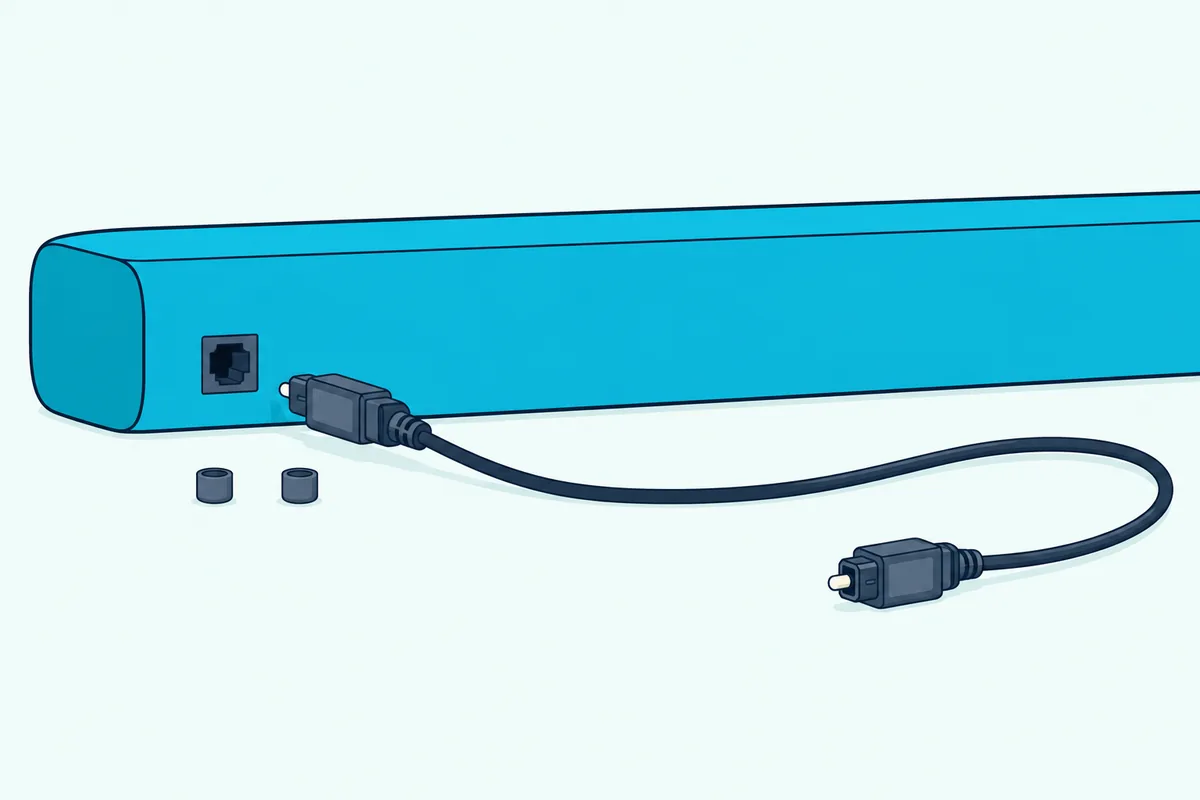
On a TCL TV, the Q85H manual’s optical steps are to press Home on the TCL TV remote, open the Audio option under Settings, and set the TV to send its sound to the speaker system. It adds that some TVs switch over on their own once the bar is connected.
Select optical on the bar with its source button. On the Alto 7+ the LED turns orange, and the manual says an orange LED flashing rapidly with no sound means the TV should be switched to PCM output.
TCL USA gives the TCL TV setting for that: in the TV’s Audio settings, set S/PDIF and ARC to PCM-Stereo. Roku adds the limit behind it: an optical (S/PDIF) link carries 2 channels of uncompressed stereo (PCM) or 5.1 channels of compressed Dolby Digital or DTS, and TCL’s manuals both point a silent optical link to the PCM setting.
Optical has a cost too. The TCL remote table above shows the TV remote can’t power or turn up an Alto bar over optical on another brand’s TV, and TCL USA’s optical fix comes down to two checks: firm connections and PCM-Stereo.
Can a TCL Soundbar Connect to a TV by Bluetooth or AUX?
That optical route isn’t the last wired option on older bars. The Alto 7+ manual connects its supplied 3.5mm-to-3.5mm cable from the bar’s AUX input to the TV’s headphone or audio output, which turns off the TV speakers, or an RCA-to-3.5mm cable (not supplied) to the TV’s audio output jacks.
Bluetooth to the TV is where TCL’s documents part ways. TCL USA’s sound bar FAQs, whose compatibility table covers only the Alto 5, 5+, 7 and 7+, say the bar doesn’t support a Bluetooth connection to the TV and that a wireless TV connection isn’t supported.
The Q85H manual pairs Bluetooth devices: hold the Bluetooth button until the display reads PAIRING, then pick TCL Q85H on the device, within about 10 meters (33 feet). The TCL TV menu in that manual lists Bluetooth as an audio output, but neither document gives steps for pairing a TV to the bar, so HDMI ARC stays the connection TCL documents.
On a TCL Android TV, TCL USA’s Bluetooth steps are Settings > Remote and Accessories > Add Accessory, with the device in pairing mode. On a TCL Roku TV, Roku’s help gives no steps for a Bluetooth soundbar, which the Roku TV page above covers.
Which Light Shows the TCL Soundbar’s Input?
Those source choices are easy to lose track of, so each bar shows which one is live. The Alto 7+ uses one colored LED, and the Q85H spells the source out on its LED display.
| Alto 7+ LED | What it means |
|---|---|
| Red | Standby |
| Purple | HDMI |
| Green | AUX |
| Blue | Bluetooth (flashing slowly: ready to pair) |
| Orange | Optical |
| White | USB |
So a bar glowing orange while the cable sits in HDMI ARC is simply on the wrong input. Press the source button on the bar or its remote until the light turns purple.
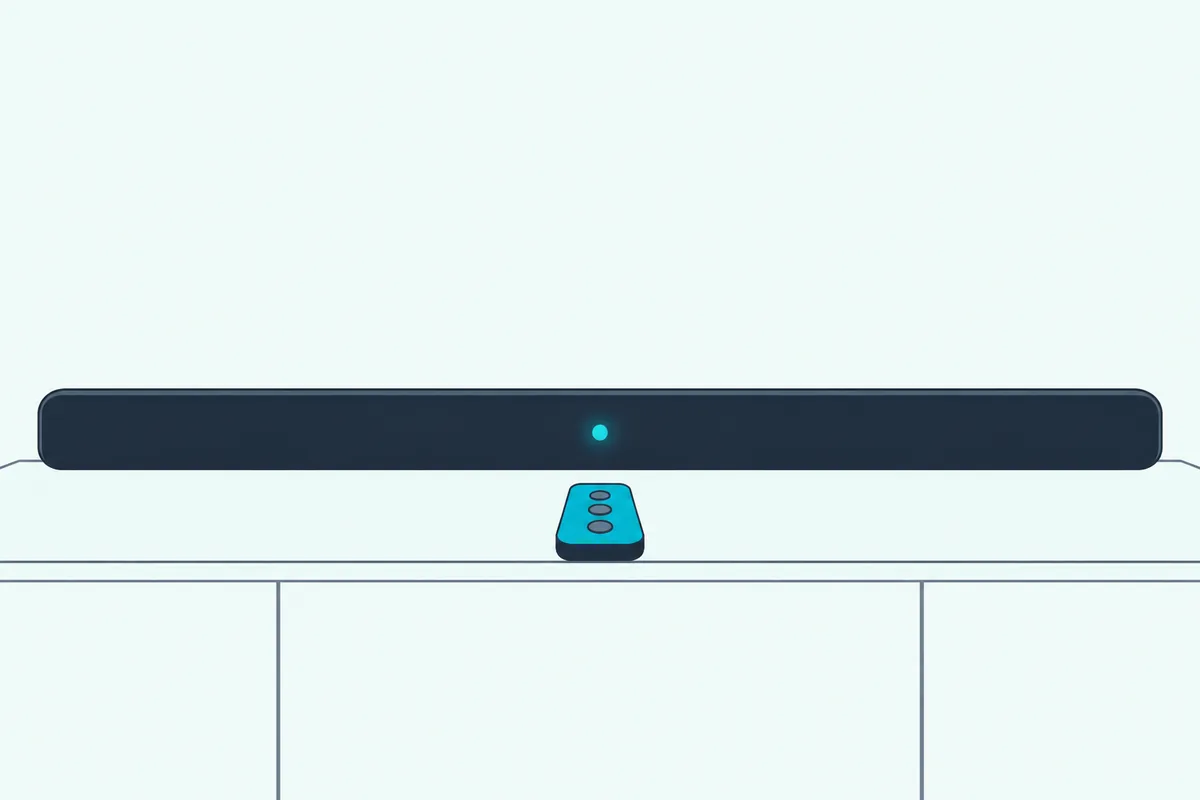
Sound-mode buttons flash the same LED. On the Alto 7+, Movie flashes it white once, Music green once and News orange once.
Why Is There No Sound From the TCL Soundbar?
That source check is the first of several. Work down this table, built from TCL’s manuals and support articles and Roku’s CEC guide:
| What you notice | What to check | Source |
|---|---|---|
| No sound over HDMI | The bar’s source is HDMI; the cable is in the TV’s ARC port, not a plain HDMI input | TCL manuals |
| Bar missing from the CEC list | HDMI ARC and CEC (T-Link) are on; run Search for CEC devices | TCL USA, TCL |
| No sound over optical | Caps off; S/PDIF and ARC set to PCM-Stereo | TCL manuals, TCL USA |
| Echo from the TV and bar | TV speakers turned off | TCL USA |
| Voices out of sync | S/PDIF and ARC set to PCM-Stereo; restart both | TCL USA |
| Subwoofer light off on an Alto 7+ | Unplug the subwoofer for 2 minutes, then reconnect | Alto 7+ manual |
For an echo, TCL USA’s steps on a TCL Roku TV are Home > Settings > Audio > TV Speakers, then uncheck TV speakers enabled. On a non-smart TCL TV, it’s Menu > Settings > Speaker, then set TV Speaker to Off.
If CEC is on and the bar still won’t respond, Roku’s restart order helps: unplug the TV and every HDMI device for about a minute, plug in the TV and turn it on, then the audio device, then everything else. TCL’s own power cycle is shorter, with both devices unplugged for about 30 seconds.
A Q85H subwoofer that stops playing can be paired again by hand. The manual says to hold the subwoofer’s button for 3 seconds until an amber light flashes, then hold the bar’s source button for 10 seconds until the display reads SETUP PAIR, and the subwoofer’s light turns solid once it’s connected.
For lip sync, TCL USA also suggests trying another app or channel and updating the bar’s software. A bar that still won’t cooperate may need factory reset steps for TCL Alto and TS bars, and on a Q85H the manual’s reset is holding three panel buttons together for 10 seconds until the display reads FACTORY RESET.
Does a TCL Soundbar Work With Any TV?
Every fix above assumes the TV has a matching port, and TCL USA’s compatibility answer is built on exactly that. It says all TCL sound bar models work with any TV that has optical (Toslink), AUX (3.5mm), RCA through an RCA-to-3.5mm cable, or HDMI ARC.
That list comes from TCL’s Alto-era FAQ, so check your own bar’s inputs: the Q85H, for example, has HDMI (eARC) and optical but no AUX jack. On a non-TCL TV, the Q85H manual gives the same two steps, connect the eARC port to the TV’s eARC/ARC port and enable CEC under that brand’s name.
If you’re still choosing a bar for a TCL TV, our soundbar picks for each TCL TV tier sorts them by the TV’s ARC or eARC port.
Frequently Asked Questions
How do I sync my TCL soundbar to my TV?
Sync it by connecting the bar’s HDMI ARC or eARC port to the TV’s ARC port and turning on HDMI ARC and CEC in the TV’s menu. On a TCL Roku TV, that’s Settings > System > Control other devices (CEC) > HDMI ARC; TCL says it’s off by default.
Does it matter which HDMI port you use for a TCL soundbar?
Yes, on both ends. The TV’s port must be the one labeled HDMI ARC (or eARC/ARC), and on a bar with two HDMI sockets, like the Q85H, the cable goes in HDMI (eARC), not HDMI IN, a separate input.
Can I connect a TCL soundbar to the TV without its remote?
Yes. Both manuals put a source button on the bar’s top panel, which cycles through HDMI, optical and the other inputs, and the Q85H manual says the TCL Home app can also run power, volume and input switching.