Best Speakers for DJ Controller: 6 Picks That Match Your Setup
Best speakers for DJ controller is a search that sounds simple — but the wrong speaker choice ruins everything your controller does right. Plugging a quality controller into laptop speakers or cheap Bluetooth units strips the bass response you need to hear your mix accurately, and every transition sounds thin and lifeless.
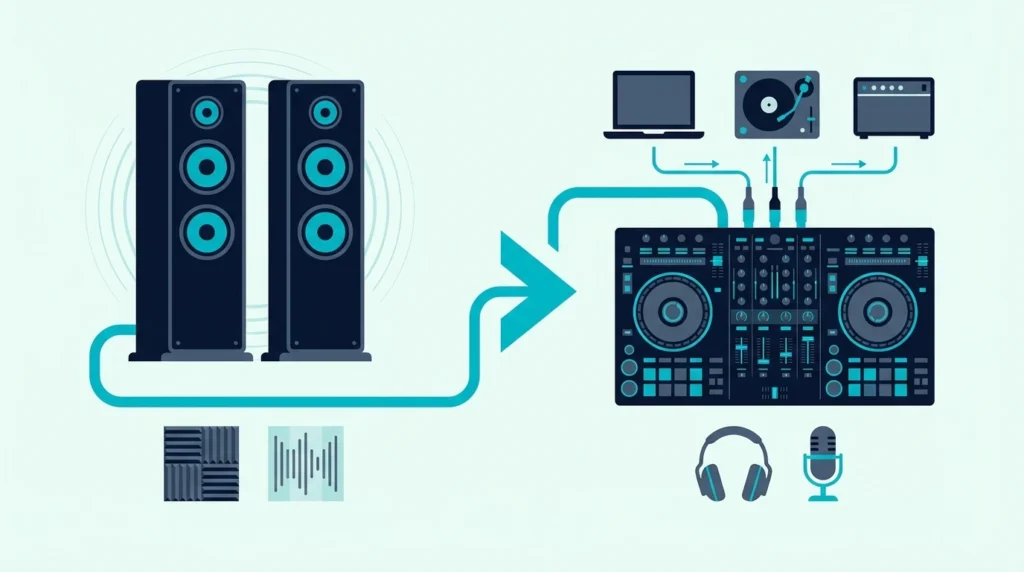
The problem is that most speaker recommendations ignore the specific output format DJ controllers use. Controllers send audio through RCA outputs (or sometimes XLR), and speakers need to accept that signal without adapters, converters, or signal loss.
That connection mismatch is caused by the gap between consumer speakers (designed for phone Bluetooth) and studio monitors (designed for audio interfaces). DJ controllers sit in the middle — they need powered speakers with direct analog inputs and enough bass response to reveal low-end mixing mistakes.
Below, you will find six speaker options ranked by how well they pair with DJ controllers — from studio monitors that reveal every EQ mistake to budget options that fill a room without breaking the bank.
To find the best speakers for your DJ controller, choose powered studio monitors with RCA or TRS inputs, flat frequency response for accurate mixing, and enough wattage for your room size. The PreSonus Eris 3.5 is the best overall choice because it delivers studio-flat sound with RCA inputs at a price that matches beginner DJ budgets.
What to Look for in DJ Controller Speakers
Powered vs Passive
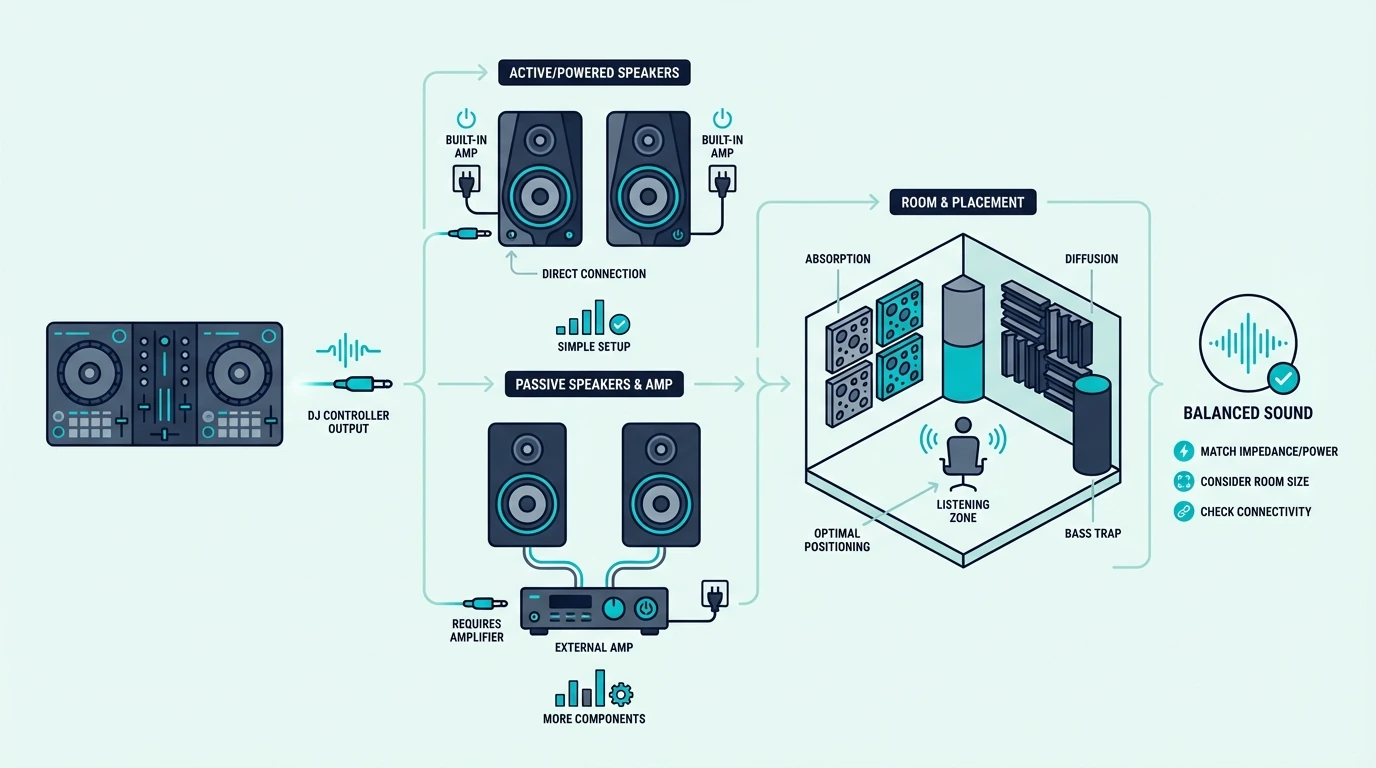
Powered speakers (also called active monitors) have built-in amplifiers. Plug in the RCA cable from your controller, connect the power cable, and they work.
No separate amp, no extra cables, no impedance matching.
Passive speakers require an external amplifier. That adds cost, complexity, and another point of failure.
For DJ controller setups, powered speakers are the standard — every product on this list is powered.
Input Compatibility
Your DJ controller outputs audio through RCA jacks (red and white connectors). The speaker you buy needs to accept that signal directly — either through RCA inputs or TRS/XLR inputs with a simple adapter cable.
Speakers that only accept Bluetooth or 3.5mm aux introduce quality loss or latency. A direct wired connection from controller to speaker preserves the full audio signal with zero delay.
If you already own a Bluetooth speaker, our Bluetooth DJ controller guide explains why Bluetooth adds delay and how an aux cable gets around it.
Flat Response vs Enhanced Bass
Studio monitors deliver flat frequency response — they reproduce audio exactly as it sounds in your mix. That accuracy reveals EQ mistakes, unbalanced bass, and muddy transitions that colored speakers would hide.
Consumer speakers boost bass and treble to make music sound “better” to casual listeners. For DJ practice, that coloring masks the problems you need to hear and fix.
The best DJ setups pair flat monitors with headphones for the most accurate mixing environment.
Room Size and Wattage
A bedroom DJ setup needs 25-50 watts total. A living room or small party space needs 50-100 watts.
Outdoor gigs and large rooms need PA speakers rated at 200 watts or more.
Overpowering a small room causes bass buildup and neighbor complaints. Underpowering a large room forces you to max out volume, which introduces distortion.
Match the wattage to your space.
| Product | Link |
|---|---|
Best Overall 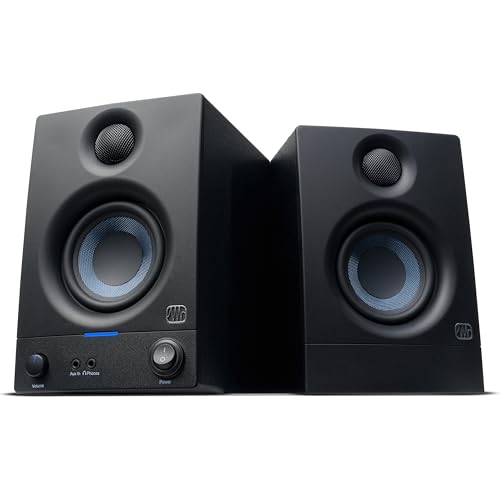 | See ratings |
Best for DJ Practice 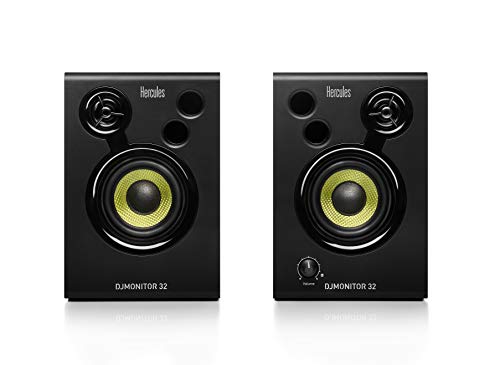 | See ratings |
Best Budget 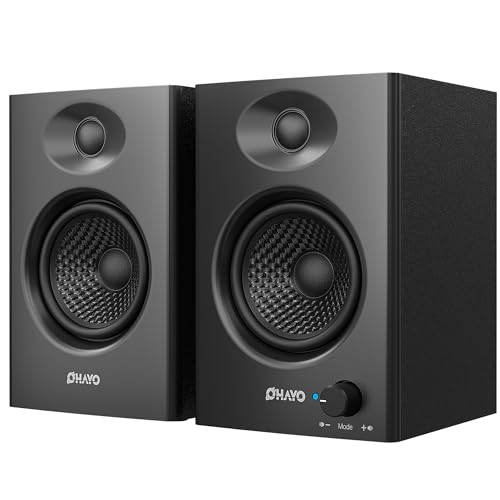 | See ratings |
Best Controller Pairing 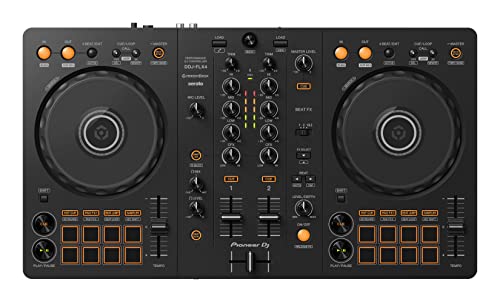 | See ratings |
Best Accessory 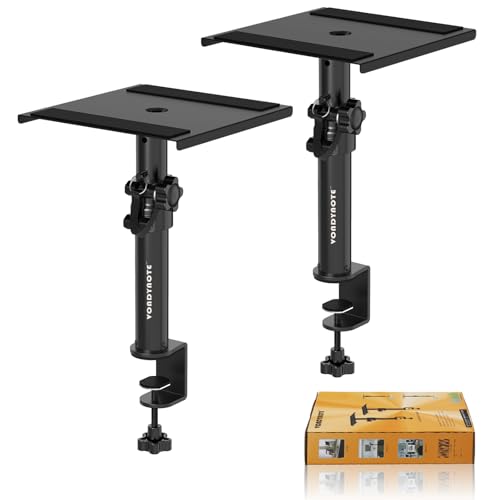 | See ratings |
Best Party Bundle 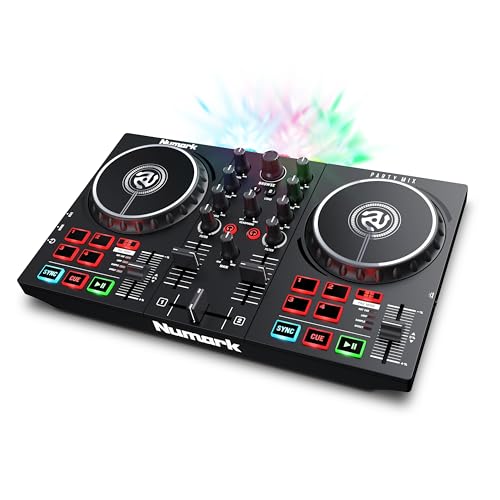 | See ratings |
Our Top 6 DJ Controller Speakers
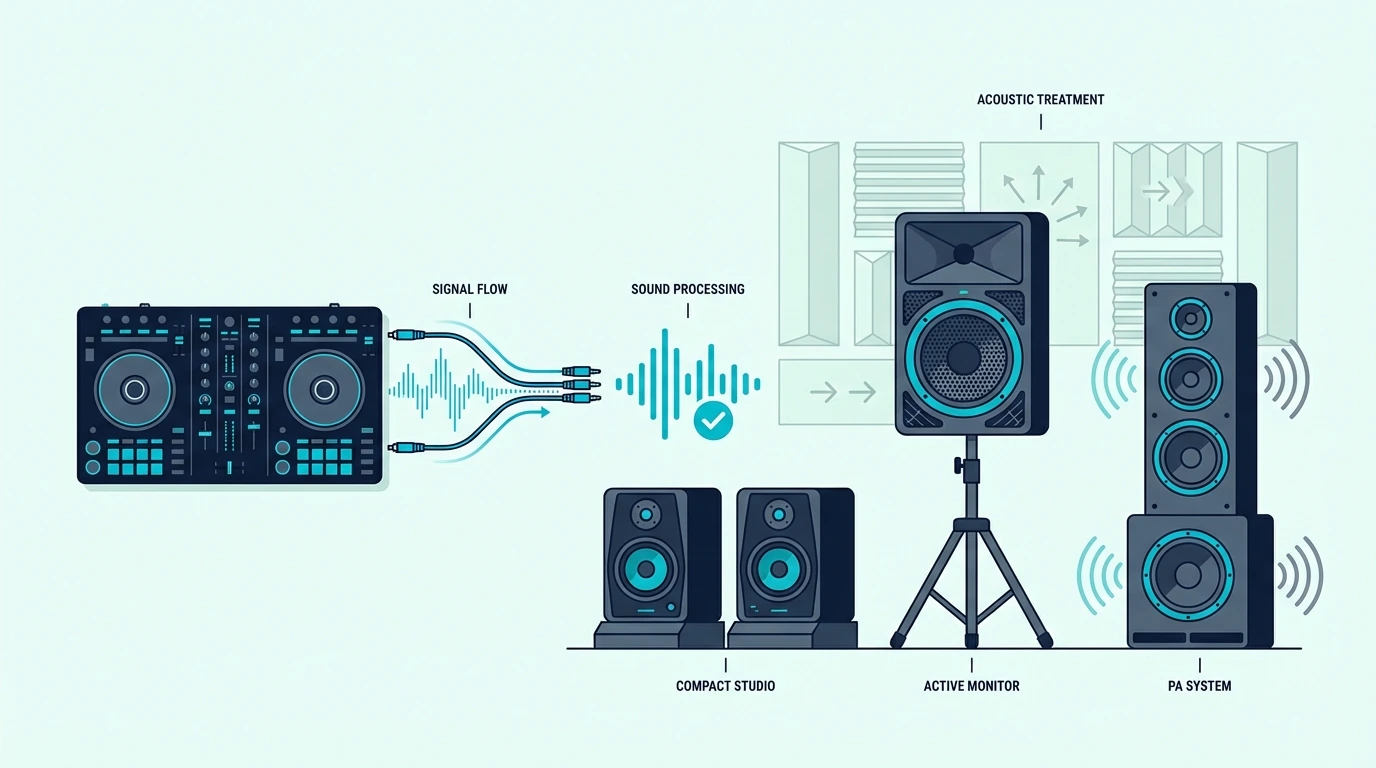
1. PreSonus Eris 3.5 — Best Overall
The PreSonus Eris 3.5 delivers studio-flat frequency response through a 3.5-inch Kevlar woofer and 1-inch silk dome tweeter. That flat response is exactly what DJ practice demands — every EQ cut, bass boost, and filter sweep reproduces accurately so you hear your mix as it truly sounds.
PreSonus Eris 3.5
Front-panel volume control and a headphone jack add convenience that most studio monitors skip. RCA, TRS, and aux inputs mean this monitor connects to any DJ controller without adapters.
At 50 watts total, the Eris 3.5 fills a bedroom or small studio without overpowering the space. For larger rooms or parties, add a subwoofer to extend the bass response below the 3.5-inch woofer’s physical limits.
PreSonus’s own Eris Sub 8BT can sit between the controller and these monitors, and how to connect a subwoofer to a DJ controller covers that wiring and its 80 Hz crossover.
2. Hercules DJMonitor 32 — Best for DJ Practice
The Hercules DJMonitor 32 is the only speaker on this list designed specifically for DJ controllers. Hercules builds these to pair with their DJControl controller line, which means the RCA input impedance and volume range are tuned for controller output levels.
Hercules DJMonitor 32
The compact 3-inch woofers fit on any desk next to your controller without dominating your workspace. At 30 watts total, they produce enough volume for bedroom practice and casual listening.
The tradeoff is output power — 15 watts per speaker will not fill a living room or handle party volumes. For dedicated DJ practice at your desk, the DJMonitor 32 is purpose-built for the job.
3. OHAYO 60W Computer Speakers — Best Budget
The OHAYO 60W Computer Speakers deliver 60 watts of total output power. Bluetooth, aux, and USB inputs give you maximum connectivity options — though the wired aux or RCA connection from your controller will always sound better than Bluetooth.
OHAYO 60W Computer Speakers
The built-in bass boost makes music sound fuller at low volumes. That boost is great for casual listening but colors your mix during practice — you will hear more bass than your audience actually gets on flat systems.
For DJs who want room-filling sound at the lowest possible price, the OHAYO speakers deliver. Pair them with the DDJ-FLX2 for a complete budget DJ setup.
4. Pioneer DJ DDJ-FLX4 — Best Controller Pairing
The Pioneer DJ DDJ-FLX4 earns a spot on this list because the controller-speaker pairing matters as much as the speaker itself. The FLX4’s RCA outputs connect directly to any powered speaker on this list, and the built-in sound card handles headphone cueing so your speakers play the main mix while your headphones preview the next track.
Pioneer DJ DDJ-FLX4
Dual Rekordbox and Serato support means the software handles all audio routing — the speaker just needs to receive the clean signal. Pair the FLX4 with the PreSonus Eris 3.5 for the most balanced beginner setup.
5. Desktop Clamp Speaker Stands — Best Accessory
The Desktop Clamp Speaker Stands solve the number one problem with desk-mounted DJ speakers — they sit at ear level instead of pointing at your chest. Angling speakers toward your ears dramatically improves stereo imaging and frequency accuracy.
Desktop Clamp Speaker Stands
Clamp mounting frees desk space for your controller. The stands hold up to 11 pounds per side, which covers every monitor on this list.
6. Numark Party Mix II — Best Party Bundle
The Numark Party Mix II’s main output is a 1/8-inch (3.5 mm) jack, so a speaker with RCA inputs needs a 3.5 mm-to-RCA cable. The built-in LED light show adds visual impact that elevates any speaker setup — plug into the OHAYO 60W speakers for a budget party-ready DJ rig.
Numark Party Mix II
It also has a 1/8-inch headphone output, so you can cue in headphones without an external audio interface. Add a powered speaker and it is a ready-made party setup.
How to Connect Speakers to Your DJ Controller
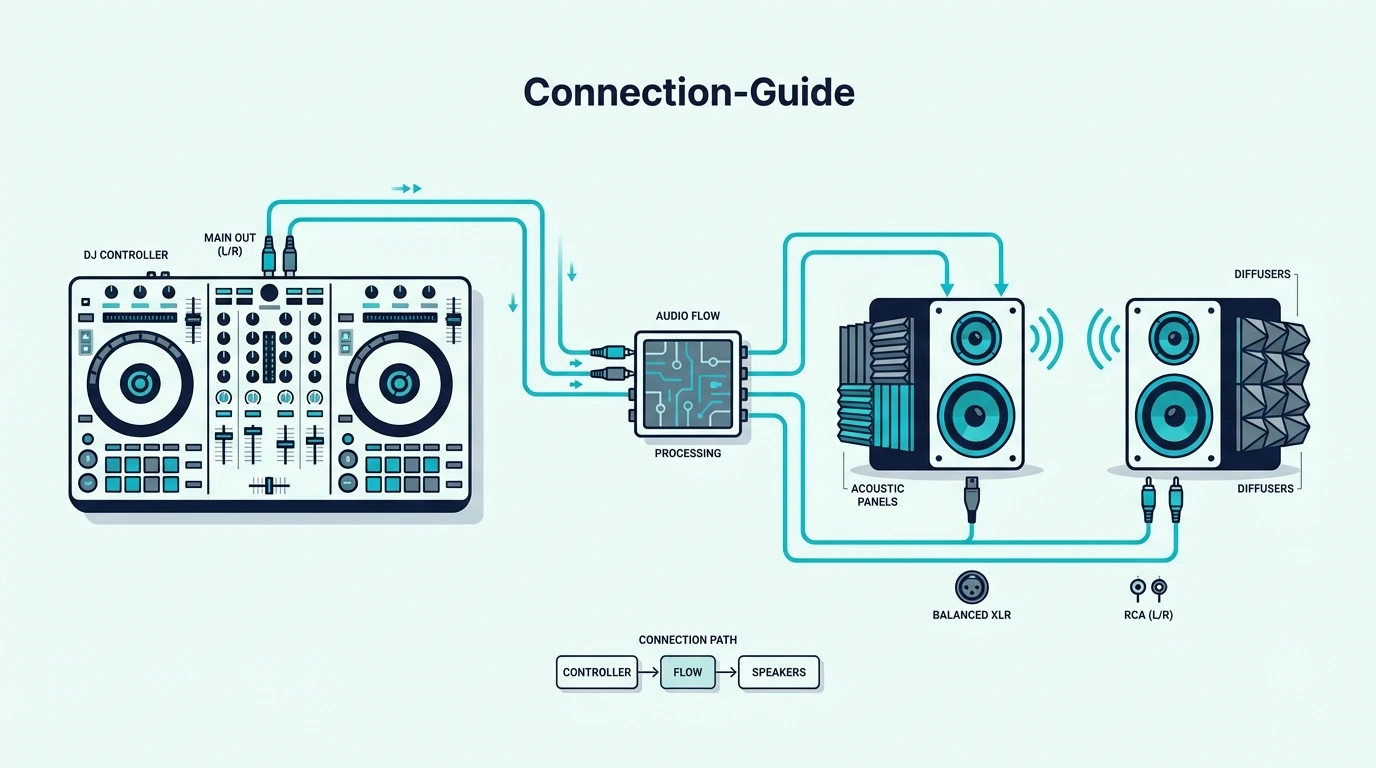
RCA to RCA (Most Common)
Most DJ controllers output through RCA jacks (red and white). Connect a standard RCA cable from the controller’s main output to the speaker’s RCA input.
One cable per channel — left (white) and right (red).
This is the simplest and most common DJ speaker connection. The signal stays analog from controller to speaker with zero conversion.
Controllers with XLR or 1/4-inch outputs need different leads, and Burton Acoustix’s port-by-port cable guide lists each one.
RCA to TRS/XLR (Studio Monitors)
Higher-end studio monitors use TRS (1/4-inch balanced) or XLR inputs instead of RCA. You need an RCA-to-TRS or RCA-to-XLR adapter cable — available for under ten dollars and introducing negligible signal loss.
The balanced connection reduces noise over longer cable runs. For desktop setups where cables are under six feet, the difference between RCA and balanced is inaudible.
Speaker Placement for DJ Mixing
Position speakers at ear level, angled inward so the tweeters point at your head. This forms a triangle between the two speakers and your listening position — the sweet spot where stereo imaging is most accurate.
Avoid placing speakers flat on a desk surface. The desk reflects sound waves upward, creating comb filtering that distorts your perception of the mix.
Isolation pads or the clamp stands mentioned above solve this with minimal cost.
The Bottom Line
The PreSonus Eris 3.5 is the best speaker for DJ controllers because flat frequency response teaches accurate mixing habits. For the tightest DJ-specific integration, the Hercules DJMonitor 32 is purpose-built for controller setups.
Your speakers are the last link in the signal chain — everything your controller and software do comes through them. Invest in the right pair, and every practice session teaches your ears something real.
Frequently Asked Questions
Can I use any speakers with a DJ controller?
Any powered speaker with an RCA or aux input works. Studio monitors give the most accurate sound for practice.
PA speakers project better for parties and gigs. Avoid laptop speakers and cheap Bluetooth units because they lack the bass response and accuracy needed to hear your mix properly.
Do I need studio monitors for DJing?
Studio monitors are recommended for practice because their flat frequency response reveals mixing mistakes that consumer speakers hide. For parties and gigs, PA speakers or powered monitors with enhanced bass work better because the audience wants impact, not clinical accuracy. Until you buy a pair, a controller’s headphone output covers practice, and this headphones-only setup guide lists four ways to do it.
How do I connect speakers to my DJ controller?
Connect an RCA cable from the controller’s main output (red and white jacks) to the speaker’s RCA input. For speakers with TRS or XLR inputs, use an RCA-to-TRS adapter cable.
The connection is the same for every controller brand.
How loud do DJ speakers need to be?
For bedroom practice, 25-50 watts total is sufficient. For living room parties, aim for 50-100 watts.
For outdoor or large venue gigs, you need PA speakers rated at 200+ watts with a subwoofer for bass extension.