Best DJ Controller for Virtual DJ — 6 Picks With Native VDJ Mapping
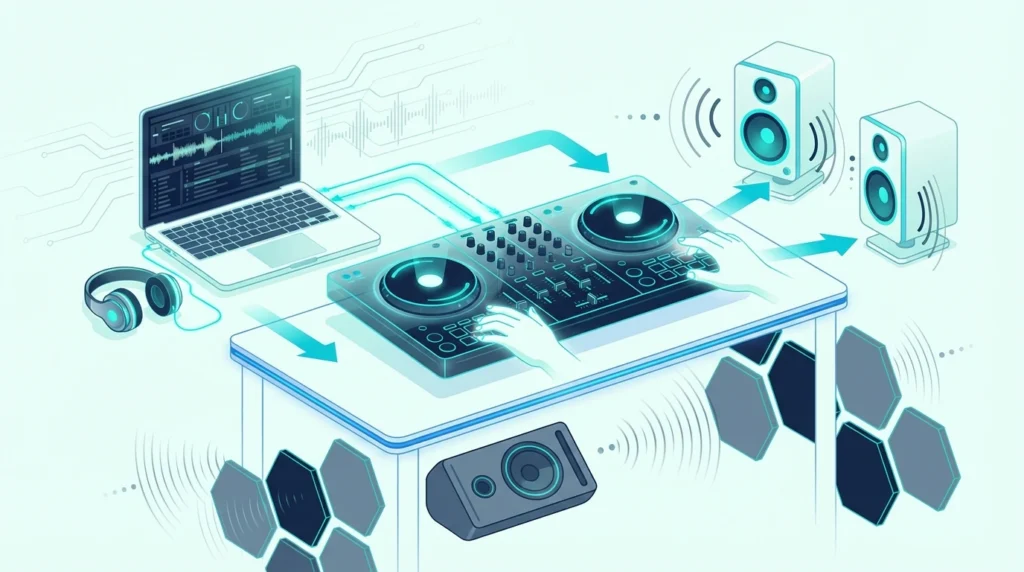
Best DJ controller for Virtual DJ narrows your options more than most buyers expect — but not because Virtual DJ is picky about hardware. The software supports nearly every MIDI controller on the market.
The real issue is that “compatible” and “natively mapped” are two very different things, and the gap between them determines whether you spend your first session mixing or troubleshooting.
A natively mapped controller works the moment you plug it in. Every knob, fader, pad, and jog wheel talks to Virtual DJ without manual MIDI assignment.
A generic “compatible” controller requires you to map each control yourself — a tedious process that beginners shouldn’t waste time on.
That mapping gap is caused by how Virtual DJ handles hardware detection. Controllers with built-in VDJ definitions load instantly.
Controllers without them dump you into the MIDI mapping editor before you hear a single beat.
Below, you will find six controllers ranked by their Virtual DJ integration quality — from plug-and-play mapped units to versatile multi-platform options — so you start mixing instead of configuring.
To find the best controller for Virtual DJ, prioritize units with native VDJ mapping (plug-and-play detection) over generic MIDI controllers that require manual setup. The Pioneer DJ DDJ-FLX4 is the best overall choice because it supports Virtual DJ natively alongside Rekordbox and Serato, giving you three platforms in one device.
Why Virtual DJ Mapping Matters
Native Mapping vs MIDI Learn
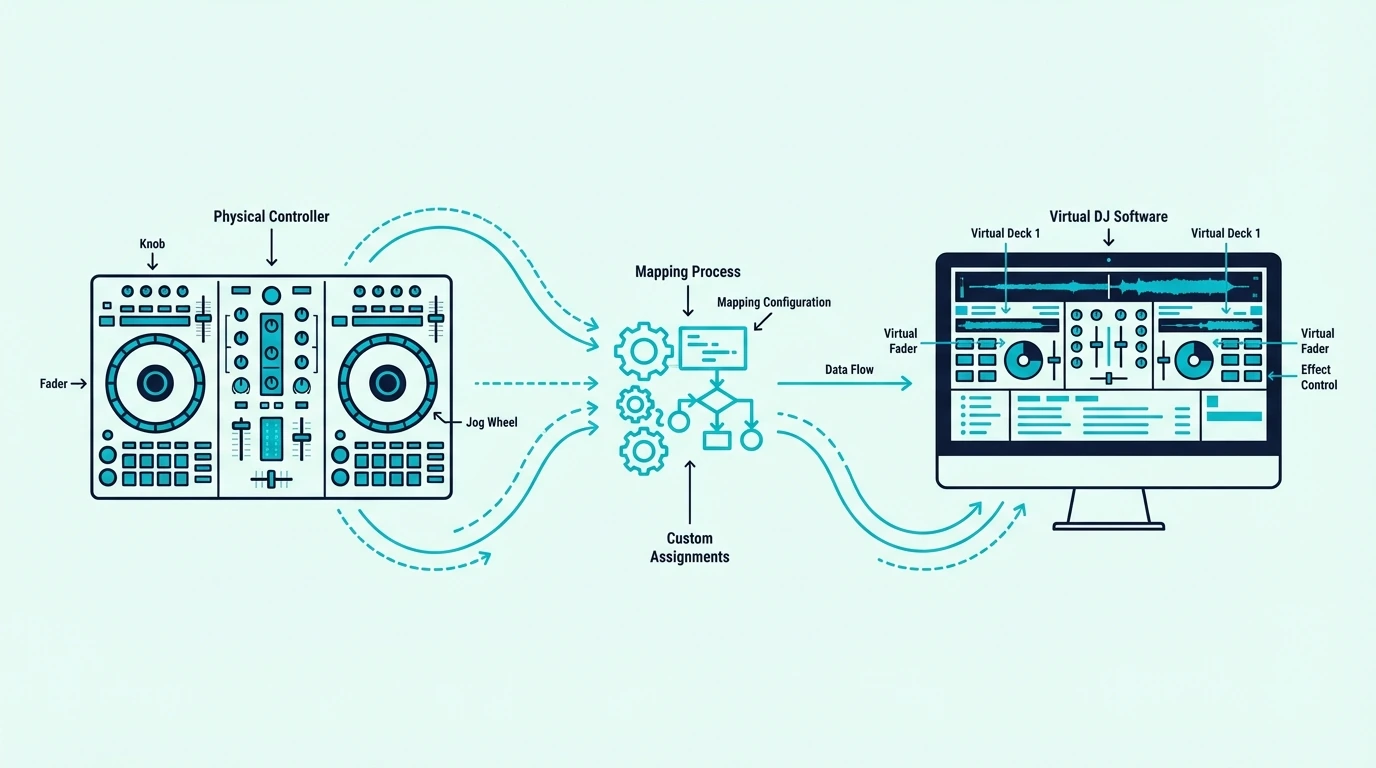
Virtual DJ maintains a database of controller definitions. When you plug in a supported controller, VDJ loads the correct mapping automatically — every knob, pad, and fader works without configuration.
Controllers outside that database still work via MIDI Learn mode, where you manually assign each physical control to a software function. That process takes 30-60 minutes and requires understanding MIDI channels, CC numbers, and note assignments.
Virtual DJ Free vs Pro
Virtual DJ is free to download and use at home, but VirtualDJ’s trial page says a USB controller only works for 10 minutes at a time until you add a license. The low-cost Home license lifts that limit for a list of entry-level controllers, while Pro works with every controller.
That 10-minute limit is the first thing to plan around, and our steps for how to connect a DJ controller to Virtual DJ show where it appears and what each license changes. Check any controller you’re considering against VirtualDJ’s Home list first, because that list decides which license you need.
The Multi-Platform Advantage
Virtual DJ’s biggest strength is hardware flexibility. Controllers designed for Serato or Rekordbox often work with VDJ through native mappings or community-created definitions.
That means a Serato controller can double as a VDJ controller with zero additional cost.
This cross-platform compatibility makes Virtual DJ the most forgiving software choice for beginners who might switch hardware later.
| Product | Link |
|---|---|
Best Overall 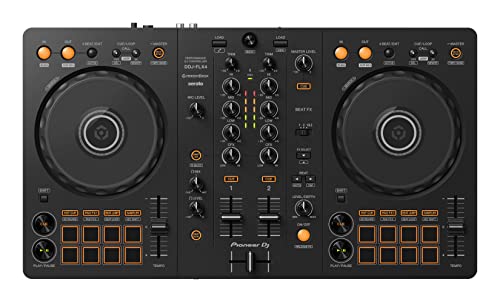 | See ratings |
Best for Virtual DJ 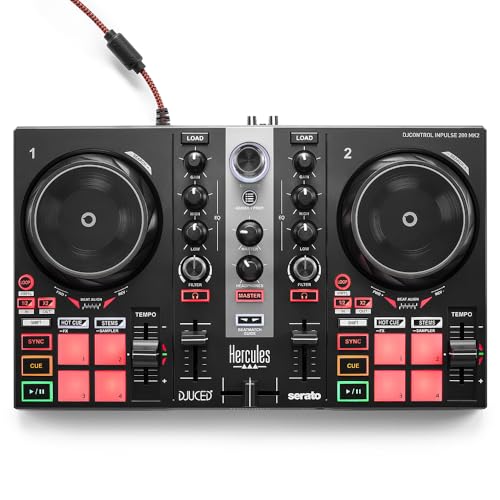 | See ratings |
Best for Parties 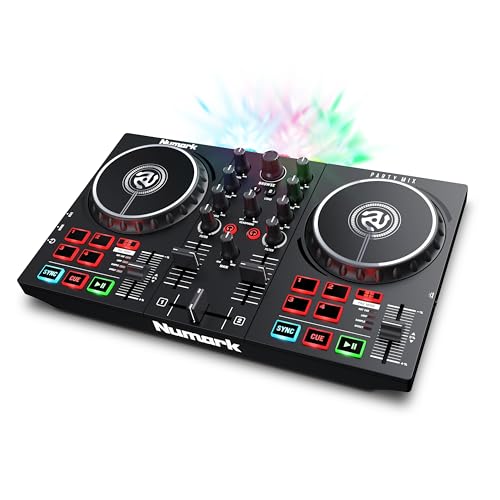 | See ratings |
Best Portable 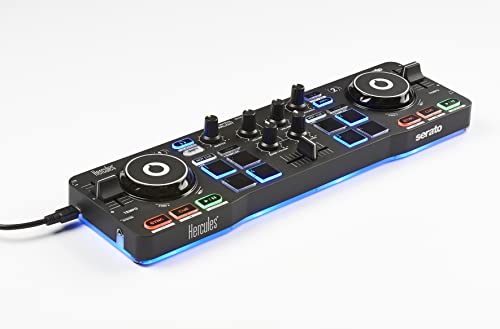 | See ratings |
Best Under 100 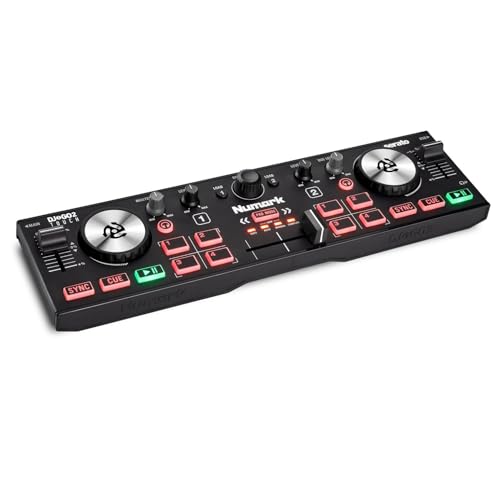 | See ratings |
Best Value 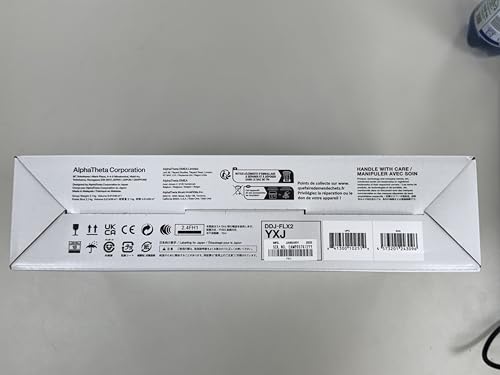 | See ratings |
Our Top 6 Virtual DJ Controllers
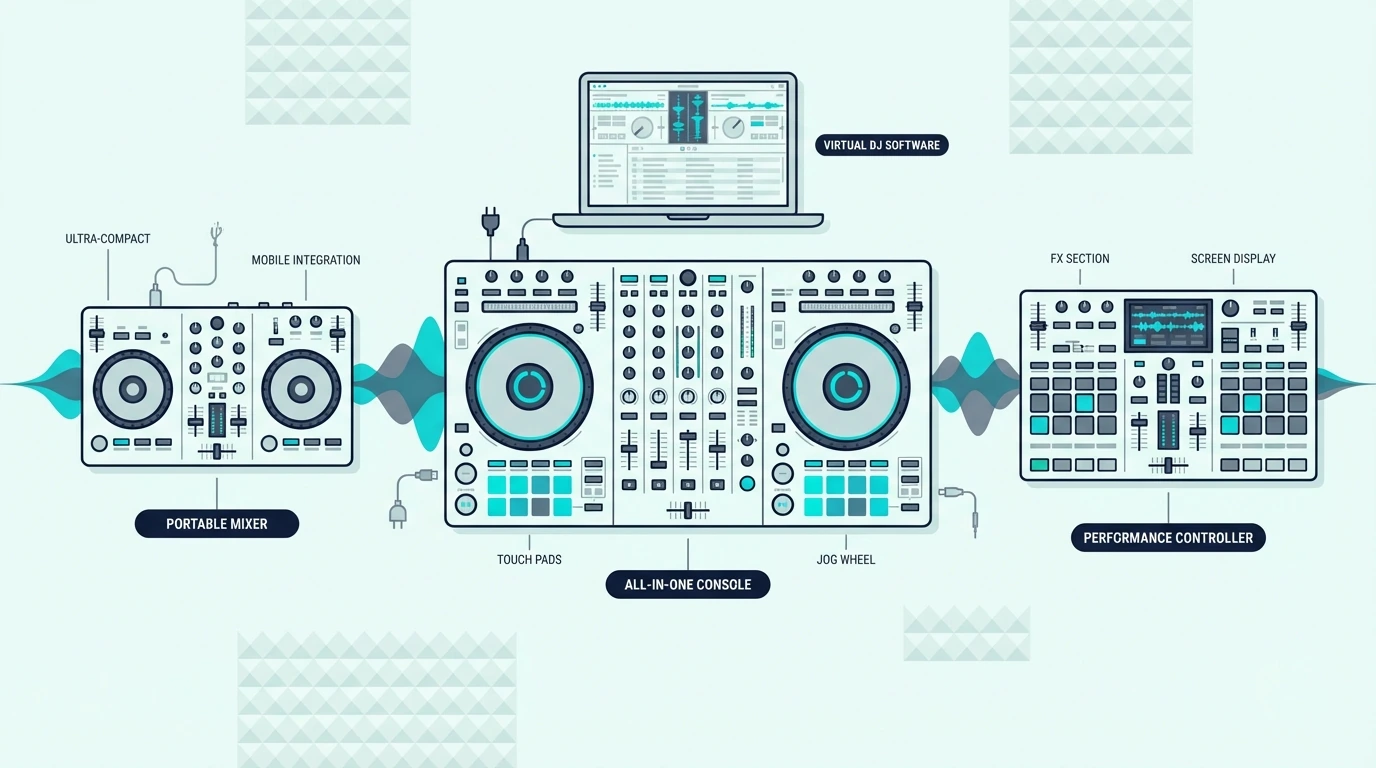
1. Pioneer DJ DDJ-FLX4 — Best Overall
The Pioneer DJ DDJ-FLX4 earns the top spot because it works natively with Virtual DJ, Rekordbox, and Serato DJ — three platforms from one controller. That triple compatibility means you can experiment with VDJ’s feature set while keeping Rekordbox for club prep.
Pioneer DJ DDJ-FLX4
The Smart Fader produces clean transitions while you learn manual EQ technique. USB-C connectivity and a built-in sound card handle headphone cueing with zero perceivable latency.
Eight performance pads per deck map to VDJ’s hot cue, loop, and sampler modes without manual configuration. The compact 2-deck layout keeps the learning curve gentle while giving you room to grow into more advanced VDJ features like stem separation and video mixing.
2. Hercules DJControl Inpulse 200 MK2 — Best for Virtual DJ
The Hercules DJControl Inpulse 200 MK2 ships with a native Virtual DJ mapping that loads automatically on first connection. Hercules co-develops VDJ definitions with the Virtual DJ team, which means every control responds exactly as expected.
Hercules DJControl Inpulse 200 MK2
Built-in light guides pulse in sync with the beat to teach transition timing. The sound card handles headphone cueing at this mid-range price point, making it the most VDJ-optimized controller under two hundred.
3. Numark Party Mix II — Best for Parties
The Numark Party Mix II works with Virtual DJ through a community MIDI mapping that covers all essential controls. The built-in LED light show syncs to your mix in real time, adding visual impact that elevates house parties.
Numark Party Mix II
The missing sound card means no headphone cueing without an external interface. For casual VDJ sessions where you cue by waveform, that tradeoff is acceptable at this price.
4. Hercules DJControl Starlight — Best Portable
The Hercules DJControl Starlight fits in a jacket pocket and includes a native VDJ mapping from Hercules. The built-in sound card provides headphone cueing — a feature the larger Numark Party Mix II skips.
Hercules DJControl Starlight
Tiny jog wheels eliminate serious scratching. For VDJ mixing on the go, the Starlight delivers more functionality per square inch than anything else at this price tier.
5. Numark DJ2GO2 Touch — Best Under 100
The Numark DJ2GO2 Touch works with Virtual DJ via MIDI mapping at the lowest price on this list. Touch-capacitive jog wheels and a built-in audio interface handle the core VDJ workflow — load, cue, match, blend.
Numark DJ2GO2 Touch
No performance pads means hot cues and loops require mouse clicks. Once you outgrow that limitation, you will know exactly which VDJ features matter for your upgrade.
The ultra-compact form factor makes the DJ2GO2 the cheapest way to test whether Virtual DJ fits your mixing style before committing to a larger investment.
6. Pioneer DJ DDJ-FLX2 — Best Value
The Pioneer DJ DDJ-FLX2 supports Virtual DJ alongside Rekordbox and Serato in a package that weighs under two pounds. Bluetooth connectivity lets you mix from your phone when a laptop is not available.
Pioneer DJ DDJ-FLX2
The FLX2 gives you the same triple-platform flexibility as the FLX4 in a smaller, lighter package. For VDJ users who also want Rekordbox for club prep, the FLX2 covers both at a mid-range price.
Get Studio Tips Weekly
Join 5,000+ creators getting acoustic treatment advice every week.
No spam. Unsubscribe anytime.Virtual DJ Tips for New Controller Owners
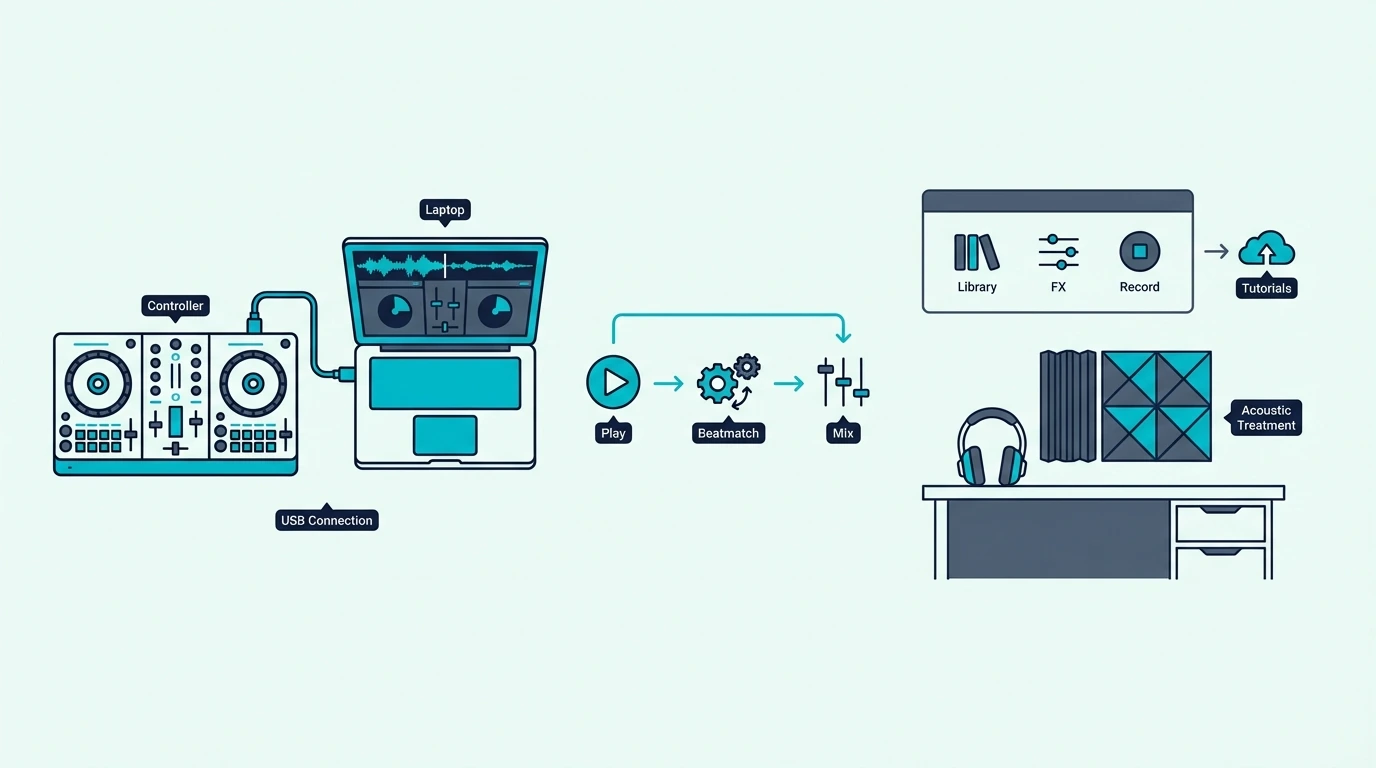
Check the VDJ Hardware Database
Virtual DJ maintains an official list of natively supported controllers at virtualdj.com/products/hardware.html. Check this list before buying — controllers with native definitions save hours of MIDI mapping.
The top-rated controllers from Pioneer, Hercules, and Numark all appear in the VDJ database. Generic no-name controllers rarely do.
Use VDJ Home to Start
The Home license is VirtualDJ’s low-cost option for learning at home with an entry-level controller, and its Home page lists the DDJ-FLX4 and DDJ-FLX2 among the controllers it covers. You do not need the Pro license to learn the fundamentals — beatmatching, EQ blending, and transition timing all work with Home.
Upgrade to Pro when you want to play public or paid events, drop VirtualDJ’s audio and video branding, or use a controller the Home license doesn’t cover. Home also lacks some advanced features, such as radio broadcast and some AI features, according to VirtualDJ’s Home page.
Map Missing Controls Manually
If your controller lacks a native VDJ definition, the MIDI Learn feature lets you assign any physical control to any VDJ function. Click the function in VDJ, move the physical control, and the mapping saves permanently.
The process is straightforward for basic controls (play, cue, crossfader) and more complex for effects and pad modes. Hercules and Pioneer controllers rarely need manual mapping — Numark and budget brands sometimes do.
Explore VDJ Stems Early
Virtual DJ pioneered real-time stem separation before Serato or Rekordbox added it. VirtualDJ’s buy page lists high-quality stem separation among Pro’s features, so check what your license includes before counting on it for mashups, acapella blends, and instrumental transitions.
Controllers with performance pads make stem control intuitive. Each pad triggers a different stem mute, letting you drop the vocals out of one track while keeping the drums from another.
The Bottom Line
The Pioneer DJ DDJ-FLX4 is the best Virtual DJ controller because triple-platform support gives you VDJ, Rekordbox, and Serato in one device. For a VDJ-optimized experience at a lower price, the Hercules DJControl Inpulse 200 MK2 ships with native VDJ mapping out of the box.
Virtual DJ works with nearly every controller — the difference is how fast you go from plugging in to mixing. Start with a natively mapped unit and let VDJ’s feature depth reveal itself as your skills develop.
Frequently Asked Questions
Does Virtual DJ work with any controller?
Virtual DJ supports most MIDI controllers through either native mapping (plug-and-play) or manual MIDI Learn configuration. Controllers from Pioneer, Hercules, Numark, and Denon have the best native VDJ support.
Is Virtual DJ free?
Yes for beginners at home without a controller or mixer, according to VirtualDJ’s price page, but a USB controller only works for 10 minutes at a time until you add a license.
The Home license is VirtualDJ’s low-cost option for entry-level controllers and keeps the branding, while Pro works with every controller and is the license for anyone earning money with the software.
Which is better — Virtual DJ or Serato?
Serato has tighter hardware integration with Pioneer and Rane controllers, while VirtualDJ says its Pro license works with every DJ controller.
For beginners on a budget, VirtualDJ’s Home license keeps the cost low but covers only entry-level controllers, so check its list before you buy.
Can I use Virtual DJ for live gigs?
Yes — Virtual DJ Pro is used by professional DJs worldwide for club, mobile, and festival performances. The Pro license is required for commercial use.
VirtualDJ says its Home license isn’t allowed at public or paid events, so keep it for practice at home.