Best DJ Controller for Scratching — 6 Picks Ranked by Jog Wheel Response
Best DJ controller for scratching depends on one thing above all else — jog wheel quality. But most controller reviews treat jog wheels as an afterthought, burying the spec that matters most behind channel counts and software bundles.
The problem is that a controller with sluggish, low-resolution jog wheels turns every chirp and flare into a muddy mess, no matter how sharp your technique is.
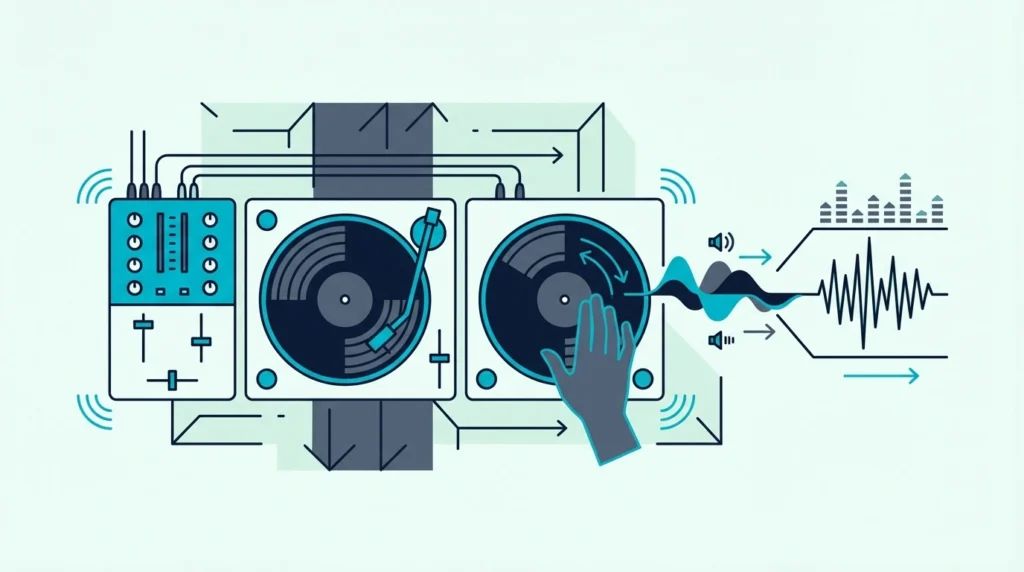
Scratching requires jog wheels that track finger movement with millisecond precision. When you drag your finger across the platter, the software must respond instantly — any latency between physical movement and audio output destroys the tight, percussive sound that defines turntablism.
That responsiveness gap is caused by differences in jog wheel resolution and the MIDI data rate each controller sends to the software. Higher-resolution wheels send more position data per rotation, which means tighter scratch tracking.
Below, you will find six controllers ranked by scratch performance — from battle-style units purpose-built for turntablism to versatile options that handle scratching alongside standard mixing.
To find the best DJ controller for scratching, prioritize large jog wheels (8 inches or more), battle-style layout (wheels above the mixer), low-latency MIDI response, and a sharp crossfader curve. The Pioneer DJ DDJ-REV1 is the best overall scratch controller because its battle-style layout and Serato-optimized mapping deliver the tightest scratch response at this price.
What Makes a Controller Good for Scratching
Jog Wheel Size and Resolution
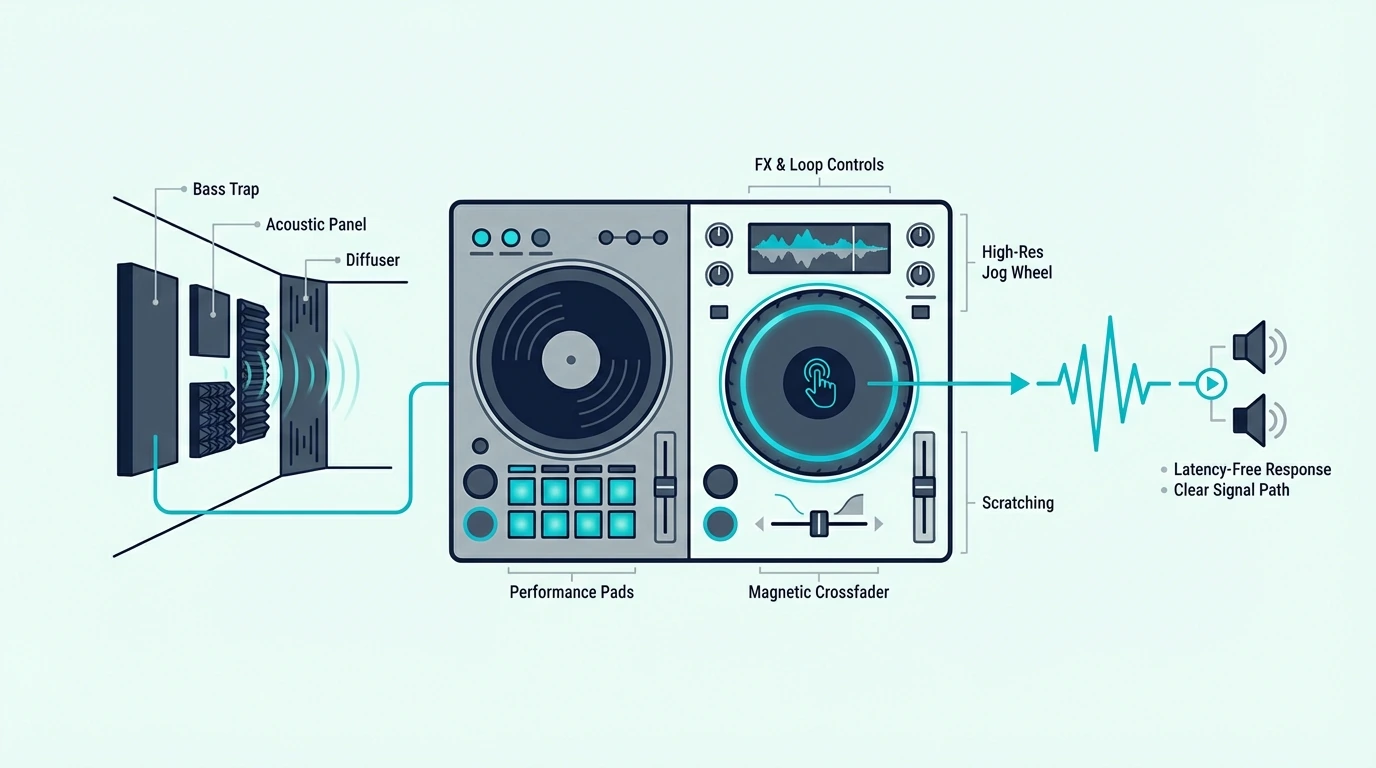
Larger jog wheels give your fingers more surface area for scratch movements. An 8-inch wheel lets you execute full baby scratches, transforms, and flares without running out of platter space mid-movement.
Resolution determines how many position updates the jog wheel sends per rotation. Higher resolution means the software tracks your finger more precisely — which translates to tighter, more defined scratch sounds.
Battle-Style vs Standard Layout
Battle-style controllers position the jog wheels above the mixer section, mirroring how turntables sit relative to a standalone mixer. This orientation gives scratch DJs a more natural hand position — wrists stay straight instead of angling downward.
Standard layout controllers place jog wheels beside the mixer. They work for scratching, but the hand positioning feels less natural for extended scratch sessions.
Crossfader Curve
A sharp crossfader curve cuts audio instantly when the fader reaches either end. Scratch DJs need this sharp cut for transform scratches, where you rapidly open and close the crossfader to create rhythmic patterns.
A smooth crossfader curve blends audio gradually — useful for mixing, but the opposite of what scratching demands. The best controllers offer adjustable crossfader curves so you can switch between scratch and blend modes.
Software Scratch Algorithms
Serato and Virtual DJ have the most refined scratch algorithms. Both platforms process jog wheel input with minimal latency and produce authentic vinyl-like scratch sounds.
In VirtualDJ, that response starts with two settings, and our guide on how to scratch on a DJ controller in Virtual DJ shows where Vinyl mode and the Scratch crossfader curve live.
Rekordbox supports scratching but prioritizes mixing features over turntablist tools.
If scratching is your primary style, Serato-compatible controllers offer the tightest integration with scratch-focused features like DVS support and performance pad scratch modes.
| Product | Link |
|---|---|
Best Overall 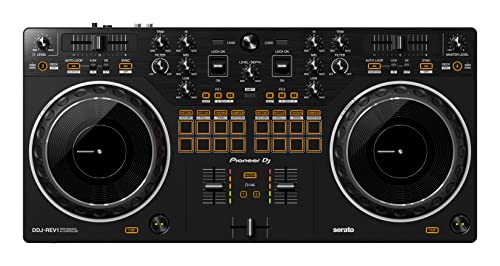 | See ratings |
Best All-Rounder 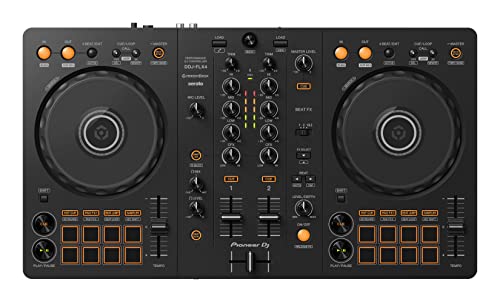 | See ratings |
Best 4-Deck Scratch 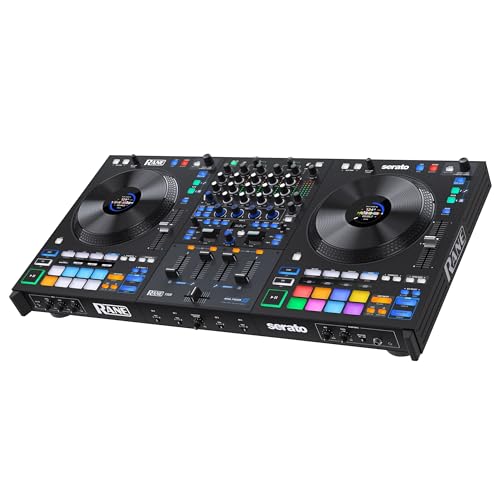 | See ratings |
Best for Learning 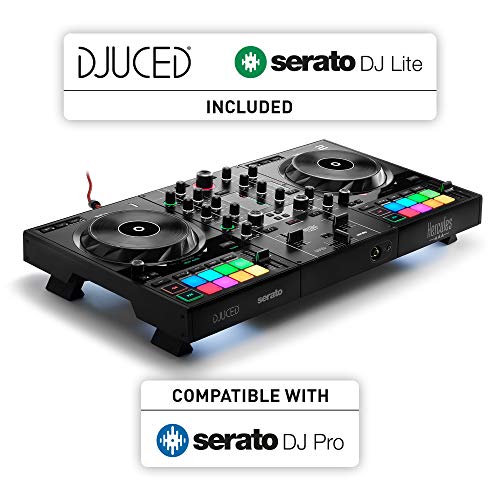 | See ratings |
Best Budget 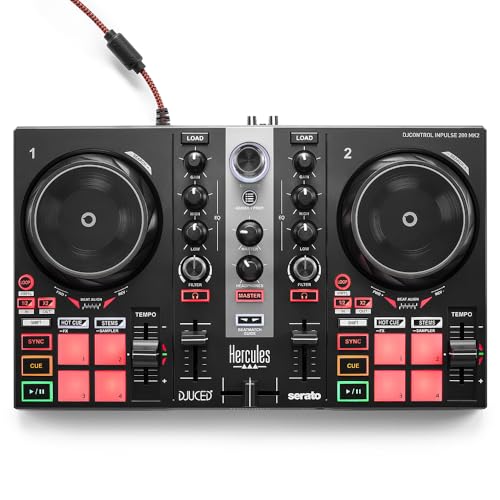 | See ratings |
Best Portable 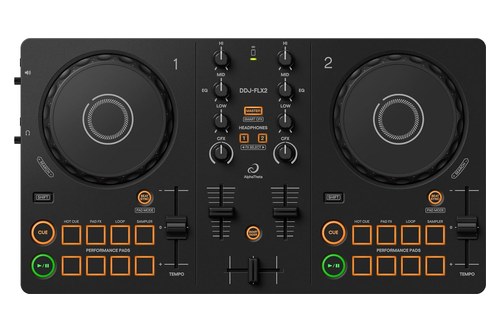 | See ratings |
Our Top 6 Scratch DJ Controllers
1. Pioneer DJ DDJ-REV1 — Best Overall
The Pioneer DJ DDJ-REV1 is the only controller on this list with a true battle-style layout — jog wheels sit above the mixer section, mirroring turntable positioning. The large jog wheels send high-resolution position data to Serato, producing tight scratch response that budget controllers cannot match.
Pioneer DJ DDJ-REV1
Lever FX are dedicated hardware toggles that trigger Serato effects with a flick. During scratch routines, your hands stay on the platters while your fingers trigger echo-outs, reverb tails, and filter sweeps — no reaching for software buttons.
The Serato-exclusive mapping means every scratch technique tracks accurately. Chirps stay crisp, flares stay clean, and transforms cut precisely where you expect them to.
2. Pioneer DJ DDJ-FLX4 — Best All-Rounder
The Pioneer DJ DDJ-FLX4 handles scratching alongside standard mixing in a versatile package. The jog wheels are responsive enough for basic scratch techniques — baby scratches, chirps, and simple transforms — though they lack the battle-style positioning that dedicated scratch DJs prefer.
Pioneer DJ DDJ-FLX4
The dual Rekordbox and Serato support means you can practice scratching on Serato (the superior scratch platform) and switch to Rekordbox for club prep. That flexibility earns it the all-rounder spot for DJs who scratch as one part of a broader mixing style.
3. RANE FOUR — Best 4-Deck Scratch
The RANE FOUR adds 4-deck capability to scratch sessions, with 8.5-inch platters and two battle-style FX paddles, per Serato’s hardware page. Load scratch samples on decks 3 and 4 while your main tracks run on decks 1 and 2 — a workflow that turntablists use for complex routine performances.
RANE FOUR
Screens in its platters show track information like BPM, track overview and duration, per Serato. That visual feedback matters during scratch routines where you need to know exactly where the sample starts without glancing at the laptop screen.
4. Hercules DJControl Inpulse 500 — Best for Learning
The Hercules DJControl Inpulse 500 has large jog wheels. Adjustable tension lets you dial in the platter resistance that matches your scratch style — lighter for fast transforms, heavier for controlled baby scratches.
Hercules DJControl Inpulse 500
The LED light guides are designed for transition timing, not scratching specifically. They teach rhythm awareness that translates to better scratch timing as your technique develops.
5. Hercules DJControl Inpulse 200 MK2 — Best Budget
The Hercules DJControl Inpulse 200 MK2 is the cheapest controller on this list with a built-in sound card and jog wheels large enough for basic scratch practice. The wheels are smaller than the Inpulse 500, which limits the range of scratch movements you can execute.
Hercules DJControl Inpulse 200 MK2
For beginners learning their first baby scratch and chirp, the 200 MK2 handles the fundamentals at a budget-friendly price. Upgrade to the REV1 or Inpulse 500 once your technique demands more platter real estate.
6. Pioneer DJ DDJ-FLX2 — Best Portable
The Pioneer DJ DDJ-FLX2 is the most portable option for scratch practice on the go. The jog wheels are the smallest on this list, which severely limits scratch range — but for maintaining muscle memory during travel, it beats not practicing at all.
Pioneer DJ DDJ-FLX2
Serato compatibility means your scratch sessions use the same software and audio engine as your main practice controller. The techniques transfer directly when you return to a full-size unit.
Scratch Technique Basics for Controller DJs
Baby Scratch
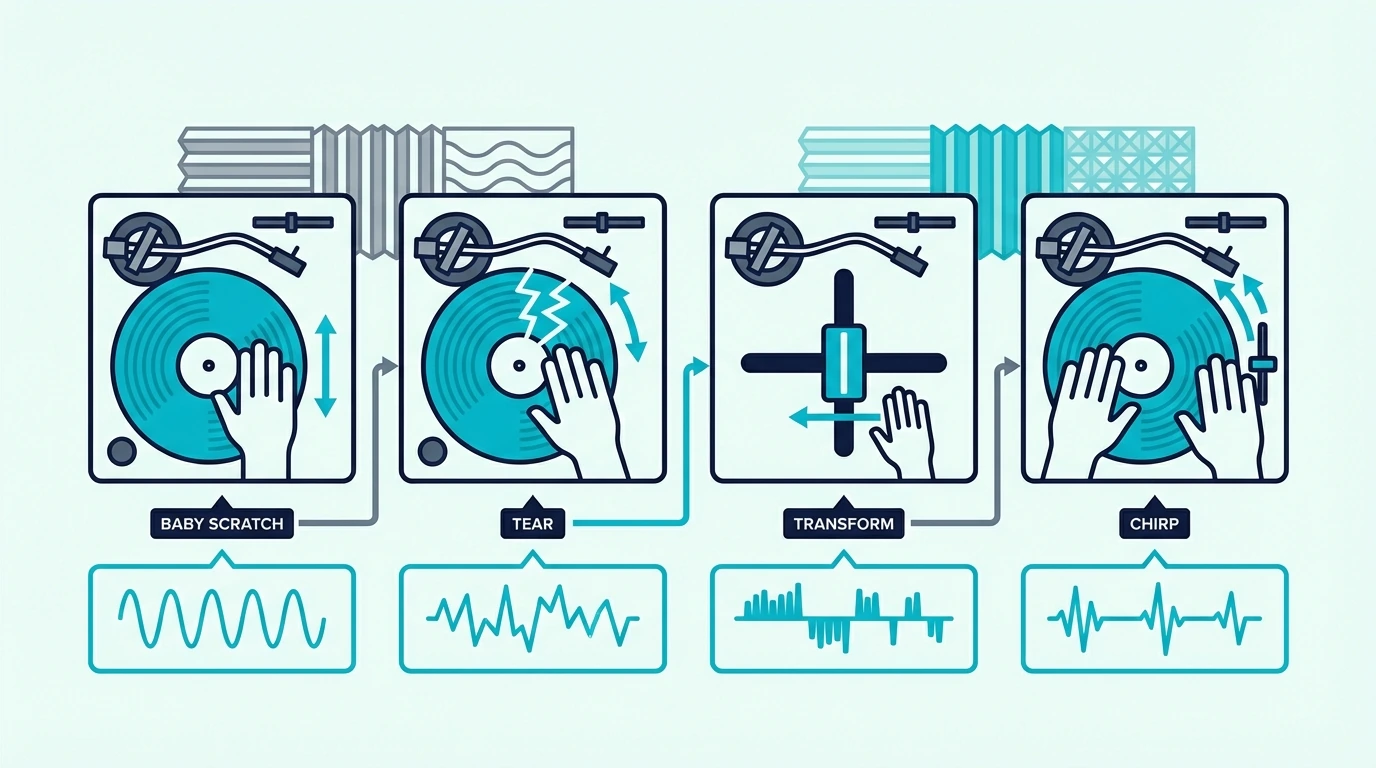
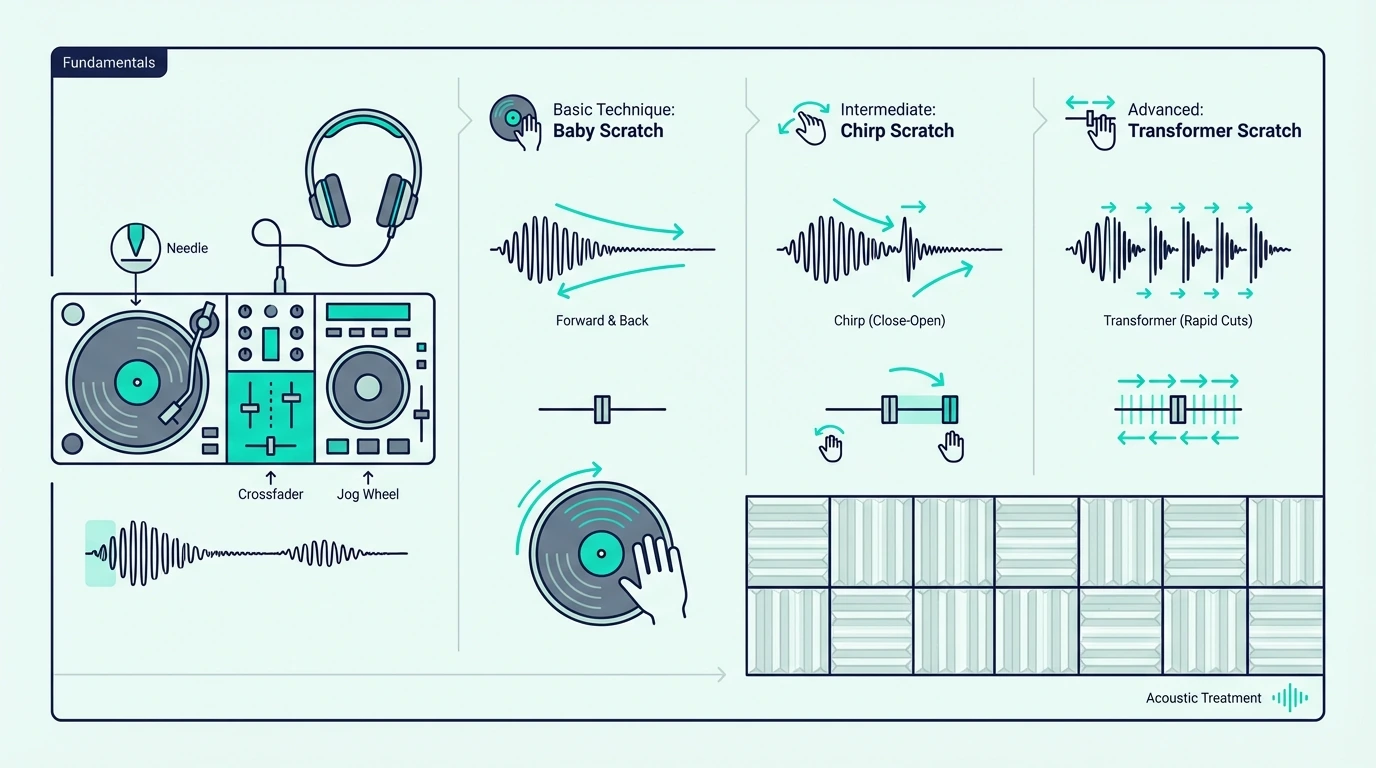
The baby scratch is the foundation of turntablism. Move the jog wheel forward and backward in a steady rhythm while the crossfader stays open.
No crossfader movement means every scratch sound plays through the speakers — which makes the baby scratch the simplest technique to learn and the hardest to perfect.
Focus on keeping the forward and backward movements equal in speed and distance. Uneven scratches sound sloppy.
Even scratches create a percussive rhythm that locks into the beat of the track playing on the other deck.
Chirp Scratch
The chirp adds crossfader movement to the baby scratch. Close the crossfader as the jog wheel changes direction — the brief silence between forward and backward movements creates a “chirp” sound that cuts each scratch into distinct rhythmic hits.
Timing the crossfader close with the direction change is the challenge. Start slow, and speed up only when the timing becomes automatic.
A clean chirp at 90 BPM is more impressive than a sloppy chirp at 140.
Transform Scratch
The transform keeps the jog wheel moving in one direction while you rapidly open and close the crossfader. The result is a stuttering, machine-gun-like pattern that transforms a single scratch movement into multiple rhythmic hits.
This technique requires a sharp crossfader curve — the fader must cut audio instantly at both ends. Controllers with adjustable crossfader curves let you dial in the sharp cut that transforms demand.
The DDJ-REV1 excels here because its crossfader is tuned for scratch performance out of the box.
The Bottom Line
The Pioneer DJ DDJ-REV1 is the best DJ controller for scratching because its battle-style layout, large jog wheels, and Serato-optimized mapping deliver the tightest scratch response at this price. For DJs who scratch as part of a broader mixing style, the DDJ-FLX4 balances scratch capability with versatile mixing features.
Scratching is a physical skill that improves with daily practice. Pick a controller with jog wheels that respond to your fingers, and dedicate 15 minutes per session to scratch drills — the muscle memory builds faster than you expect.
Frequently Asked Questions
Can you scratch on a DJ controller?
Yes — most DJ controllers with jog wheels support scratching. The quality depends on jog wheel size, resolution, and the software’s scratch algorithm.
Controllers with battle-style layouts and large platters deliver the best scratch experience.
What size jog wheels do you need for scratching?
Jog wheels of 6 inches or larger support basic scratch techniques. For serious turntablism (flares, crabs, chirps at speed), 8-inch or larger wheels provide the surface area and precision needed for clean execution.
Is Serato or Rekordbox better for scratching?
Serato is the industry standard for scratching. Its scratch algorithms are more refined, its DVS support is more mature, and most scratch-focused controllers (DDJ-REV series, Rane units) are designed around Serato integration.
Do I need a battle-style controller for scratching?
No — standard-layout controllers support scratching. A battle-style layout makes scratching more comfortable for extended sessions because the jog wheel positioning mirrors turntable placement.
It is a preference, not a requirement.