Can You Add Surround Speakers to a Soundbar? What Actually Works [2026]
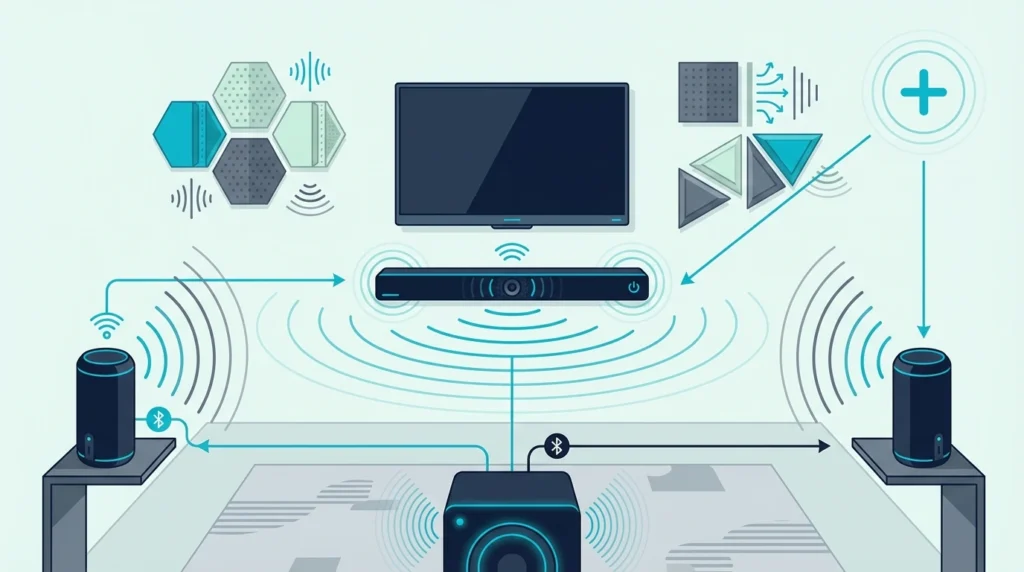
Most people searching “can I add surround speakers to my soundbar” expect a simple yes — but the answer depends entirely on your soundbar’s brand, model, and whether it supports proprietary wireless rear speakers.
The short version: you cannot pair random Bluetooth or wired speakers with a soundbar to create surround sound. Soundbars are closed systems that only accept specific companion speakers sold by the same manufacturer, because Bluetooth has too much latency for real-time surround and soundbars don’t have speaker wire outputs.
That limitation frustrates buyers who assumed their bar was expandable. Understanding which soundbars actually support added rears — and when upgrading to a system that includes them makes more sense — helps you avoid wasting money on speakers that won’t work or settling for front-only audio when you want surround.
Below, we’ll cover which bars support surround expansion, how the pairing works, and what to do when your bar doesn’t support added speakers.
You can add surround speakers to some soundbars — but only same-brand wireless rear speakers designed for your specific model. Samsung, Sony, LG, and Sonos each sell proprietary wireless surround kits that pair over WiFi (not Bluetooth) with compatible bars. You cannot use generic Bluetooth speakers, wired speakers, or a different brand’s rears. If your bar doesn’t support wireless rears, your options are upgrading to a soundbar system that includes rear speakers or switching to an AV receiver setup that accepts any speakers.
Which Soundbars Support Added Surround Speakers
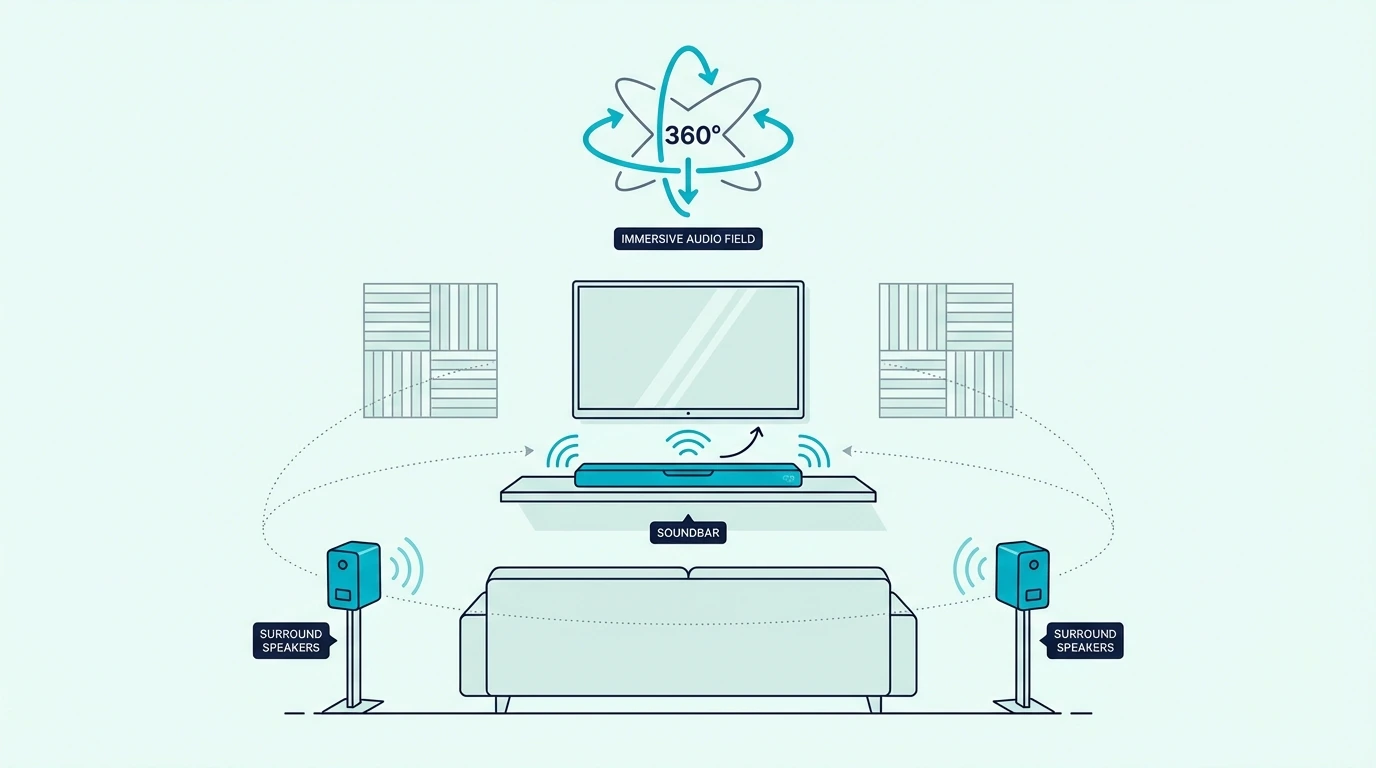
Not every soundbar can accept rear speakers. The feature depends on the manufacturer’s ecosystem and whether your specific model includes the wireless surround pairing protocol. The same ecosystem rule applies to spare subwoofers and passive speakers — most soundbars do not have a subwoofer output, pre-out, or passive speaker terminals because the expansion path is closed unless the bar was built for it, so forcing the connection can damage equipment.
Samsung Wireless Surround
Samsung soundbars from the Q-series and S-series support Samsung Wireless Surround Ready speakers. You pair Samsung rear speakers through the SmartThings app, and they connect over WiFi to sync with the bar’s audio processing.
The rear speakers must be Samsung-compatible models — typically sold as the SWA-9200S or similar wireless rear speaker kits. Third-party speakers, even Samsung Bluetooth speakers, won’t work as surround channels.
To check compatibility, open the SmartThings app, select your soundbar, and look for a “Surround” or “Rear Speaker” option in the settings. If it’s not there, your model doesn’t support added rears.
Sony Wireless Rear Speakers
Sony soundbars that support wireless rears use Sony’s S-Center or wireless surround protocol. Compatible models pair with specific Sony wireless rear speakers through the Sony app.
Like Samsung, the pairing is proprietary. You need Sony rear speakers designed for your bar’s generation — a Sony Bluetooth speaker won’t function as a surround channel.
Sony’s wireless surround speakers typically cost $100-200 per pair and connect through the bar’s settings menu. Check your model’s spec sheet for “wireless surround compatible” before purchasing.
LG and Sonos
LG soundbars with wireless surround support pair with LG’s wireless rear speaker kits through the LG Soundbar app. For large-room movie use, a current example is Amazon Fire TV Soundbar, which is a strong fit for Balanced TV and movie upgrade.
Amazon Fire TV Soundbar
Sonos uses its own WiFi-based multi-room protocol — you can add Sonos Era 100 or Era 300 speakers as surround channels to a Sonos Arc or Beam through the Sonos app. Only Sonos speakers work as rears, with no third-party options.
Why Bluetooth Speakers Don’t Work
Bluetooth has 40-200ms of audio latency depending on the codec, while surround audio requires all speakers to be synchronized within 1-2ms for the spatial effect to work. That latency gap means Bluetooth speakers play audio noticeably behind the soundbar, which destroys the surround illusion.
Soundbar manufacturers use WiFi-based or proprietary wireless protocols that operate at near-zero latency. This is why only same-brand, purpose-built rear speakers work as surround channels.
The same latency issue applies to wired connections — soundbars don’t have speaker wire terminals or RCA outputs for external speakers. The audio processing is entirely internal, with no way to route individual channels to external hardware.
What to Do When Your Soundbar Doesn’t Support Rears
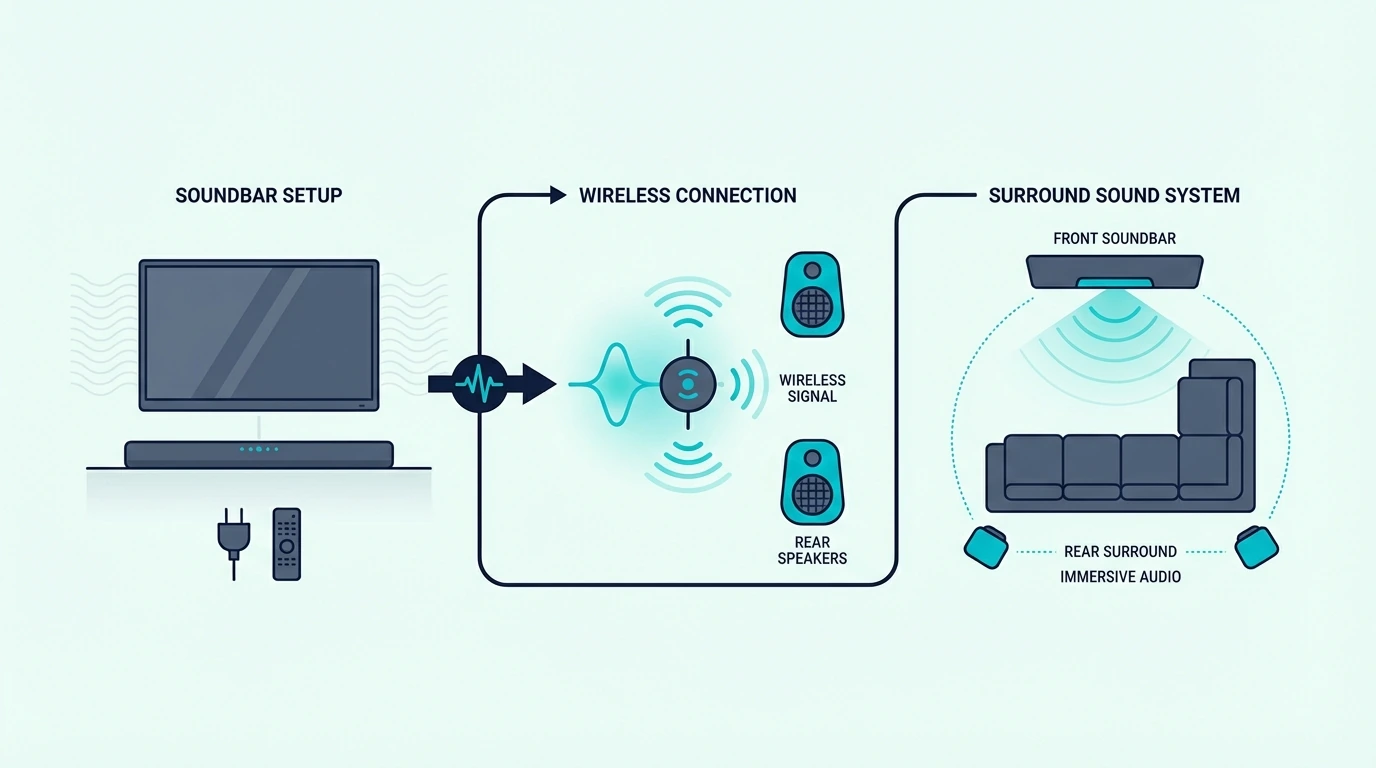
If your soundbar doesn’t have wireless surround support, you have three practical options — and none of them involve connecting random speakers to your bar. They also do not involve adding a second soundbar behind the couch, because a second bar will play late, not in true surround channels, since two soundbar systems do not share processing, timing, or channel mapping.
Option 1: Upgrade to a Soundbar with Built-In Surround
The simplest path to surround is replacing your current bar with one that either includes rear speakers or processes surround from the bar itself. For large-room movie use, a current example is Polk Audio Signa S2 Sound Bar for Smart TV with Subwoofer, which is a strong fit for TV and movies when you want fuller bass.
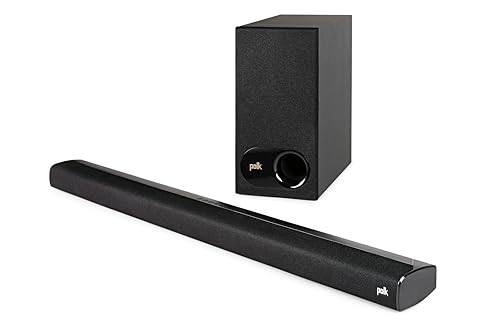
Polk Audio Signa S2 Sound Bar for Smart TV with Subwoofer
For true rear-channel audio, look for systems that include wireless rear speakers in the package. Our 2.1 vs 5.1 guide covers the difference between front-only and full surround configurations.
This is often the most cost-effective path because bundled systems are priced lower than buying a bar and matching rear speakers separately. You also avoid compatibility guesswork since everything is designed to work together out of the box.
Option 2: Switch to an AV Receiver Setup
An AV receiver accepts any speakers — bookshelf, tower, satellite, or in-ceiling — from any brand. If you want maximum flexibility to choose your own speakers and expand your system over time, a receiver-based setup is the only truly open platform.
You can start with a 2.1 setup and add surround speakers later at your own pace, mixing and matching brands and price tiers as your budget allows.
The tradeoff is complexity and cost — you need the receiver ($200-500), five speakers, a subwoofer, and cables or wireless adapters for each speaker. Our soundbar vs home theater guide covers when this switch makes sense, and our soundbar vs receiver guide breaks down the decision.
Option 3: Use Virtual Surround Processing
Many soundbars without rear speaker support still offer virtual surround modes — DTS Virtual:X, Dolby Atmos decoding, or proprietary processing that widens the soundstage from the front drivers alone. This won’t replicate physical rear speakers, but it can create a wider, more immersive sound field than pure stereo.
Virtual surround works by using psychoacoustic tricks and side-firing drivers to create the impression of sound coming from wider angles. The effectiveness depends heavily on your room — hard, reflective side walls improve the effect while soft furnishings and open spaces diminish it.
Enable your bar’s surround mode through its settings or remote. The effect varies by room — rectangular rooms with reflective side walls produce better results, and our soundbar channel guide explains what each processing mode delivers.
For the full picture on how soundbars work and where each configuration fits, start with the fundamentals. If you’re weighing whether to upgrade your soundbar or invest in a full surround system, our soundbar vs surround sound guide covers that broader question.
For connection setup, our HDMI ARC guide explains how to get surround audio from your TV to your bar. And if you’re troubleshooting an existing soundbar, our soundbar pairing guide covers wireless component connections.
Get Studio Tips Weekly
Join 5,000+ creators getting acoustic treatment advice every week.
No spam. Unsubscribe anytime.The Bottom Line
You can add surround speakers to a soundbar only if your bar supports same-brand wireless rear speakers paired through the manufacturer’s app. You cannot use Bluetooth speakers, wired speakers, or another brand’s rears — the latency and compatibility issues make it impossible.
If your bar supports wireless rears, buy the matching speaker kit from the same manufacturer. If it doesn’t, your best options are upgrading to a soundbar system that includes rears, switching to an AV receiver for full speaker flexibility, or using your bar’s virtual surround processing to get the most from what you have.
Frequently Asked Questions
Can I add surround sound to my soundbar?
Only if your soundbar model supports same-brand wireless rear speakers. Check your manufacturer’s website or app to see if your specific model has wireless surround support and which rear speakers are compatible.
If your bar doesn’t support added rears, your options are upgrading to a bar that does or switching to an AV receiver setup.
How do I add additional speakers to my soundbar?
Purchase the wireless rear speaker kit made by your soundbar’s manufacturer (Samsung, Sony, LG, or Sonos). Pair them through the manufacturer’s app — the process typically involves powering on the rear speakers and letting the app detect and sync them.
The rear speakers connect over WiFi, not Bluetooth, so they need to be on the same network as your soundbar.
Can you combine a soundbar with other speakers?
You cannot mix brands or use generic speakers with a soundbar for surround audio. Soundbars are closed ecosystems that only accept their own brand’s companion speakers.
For large-room movie use, a current example is JBL Bar 2.1 Deep Bass (MK2), which is a strong fit for TV and movies when you want fuller bass.
The exception is an AV receiver setup, which accepts any speakers from any brand. If speaker flexibility matters to you, a receiver-based system is the only option that supports mixed-brand configurations.
Can I connect Bluetooth speakers to my soundbar for surround?
No — Bluetooth has too much latency (40-200ms) for synchronized surround audio. Surround channels need to be within 1-2ms of the main bar for the spatial effect to work, which is why manufacturers use proprietary WiFi-based protocols instead.