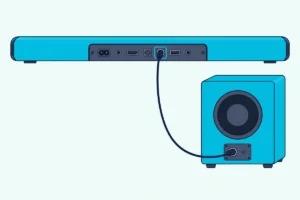
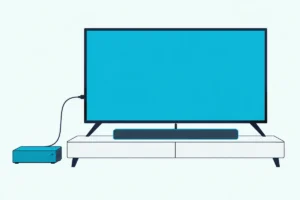
How To Fix No Sound From Soundbar Using HDMI ARC — Fast Checks That Work
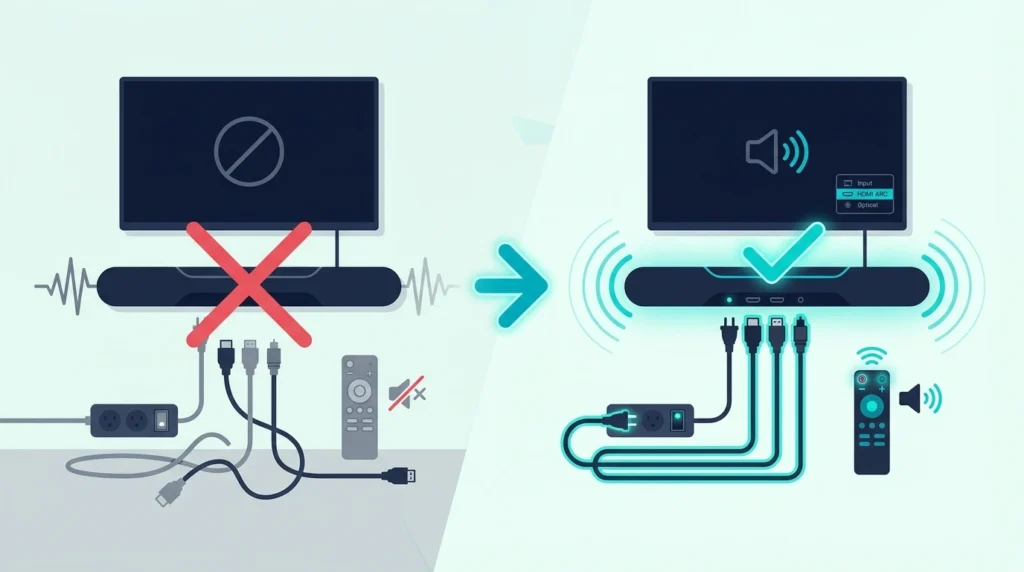
How to fix no sound from soundbar using HDMI ARC is usually straightforward, but only if you troubleshoot the signal chain in the right order instead of flipping random settings and hoping one of them sticks.
The pain is that ARC failures all look the same from the couch: the soundbar powers on, the TV picture looks normal, and yet the audio output is still stuck on internal speakers, the correct input is not selected, or the ARC audio handshake has quietly failed.
Fix the chain in the right order and the result is much better: your TV audio reaches the soundbar reliably, digital audio settings stop fighting the hardware, and you can tell whether the problem is the cable, the port, the control setup, or the bar itself.
So start by checking the ARC port, the soundbar input, and the TV audio output before you touch anything more advanced, because those first moves solve most no-sound problems faster than factory resets or menu deep-dives.
Now that the likely failure points are clear, let us walk through how to fix no sound from a soundbar using HDMI ARC step by step.
To fix no sound from a soundbar using HDMI ARC, first make sure the HDMI cable is in the actual ARC or eARC port on both devices, then set the TV audio output to the soundbar or external audio system, and finally confirm the soundbar is on the matching input. If that does not restore sound, power-cycle both devices, toggle CEC or ARC settings back on, and test with a known-good cable or optical fallback to isolate whether the failure is the handshake, the cable, or the soundbar.
Where Does Sound Get Lost in the ARC Signal Chain?
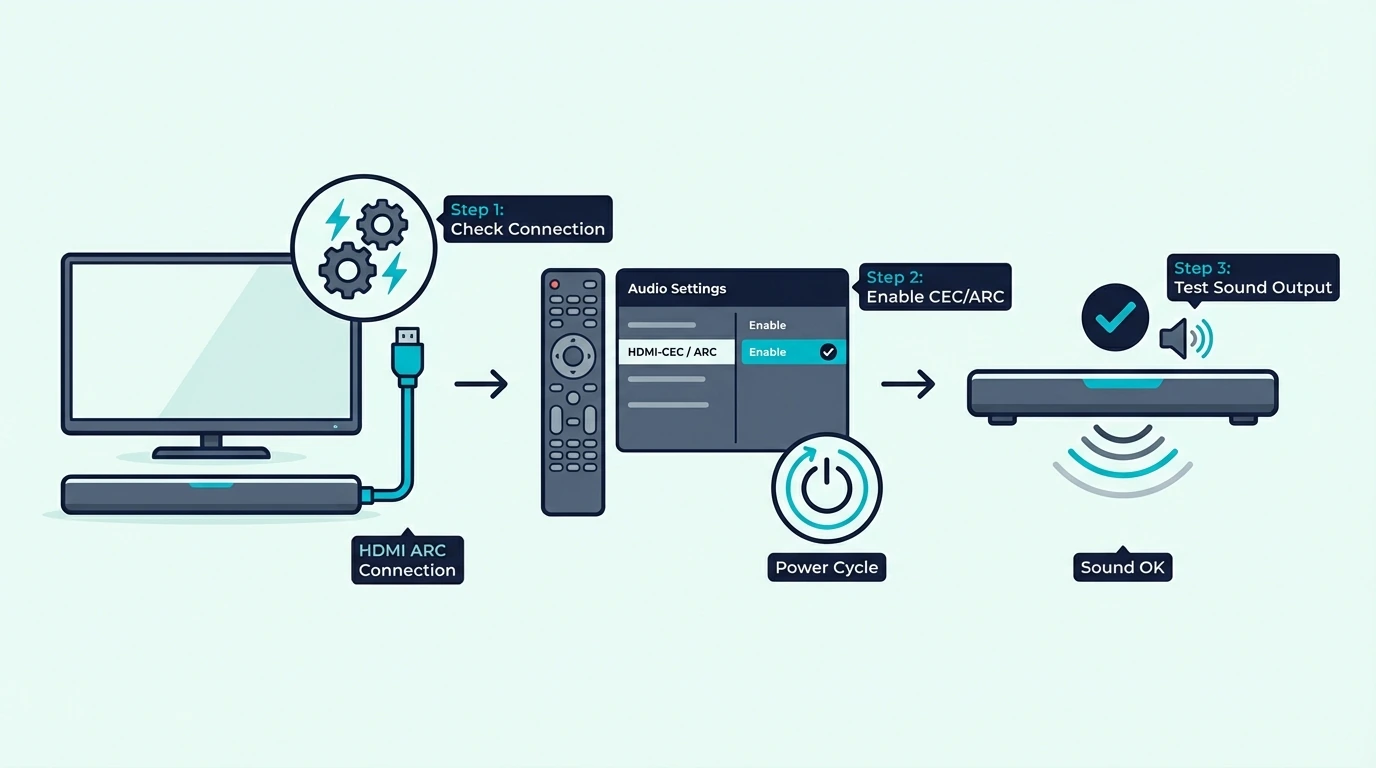
Now that the symptom is clear, the fastest way to fix it is to stop treating ARC like magic. ARC only works when the TV, the soundbar, the cable, and the control setup all agree on the same audio path.
That matters because HDMI ARC is not just a cable connection. It is a return-audio system that depends on the right port, the right audio control settings, and a clean handshake between the TV and the soundbar.
Start with the physical chain first. The TV must be connected from its labeled ARC or eARC port to the soundbar’s matching ARC port, and the soundbar must be on the correct input instead of Bluetooth, Optical, or a standard HDMI input.
Then check the TV audio output menu. If the TV audio is still set to internal speakers, TV speaker, or a default digital audio mode that does not hand sound off properly, the soundbar can sit there powered on with no real signal reaching it.
A simple troubleshooting tool like the JSAUX 8K HDMI Cable 2.1 2-Pack is useful here because it lets you rule out more than one questionable cable without guessing which part of the chain is failing.
JSAUX 8K HDMI Cable 2.1 2-Pack
That same signal-discipline mindset also shows up in our TV-to-soundbar cable guide and the broader best soundbar roundup, because ARC issues often come from setup details rather than from some mysterious hardware defect.
What Are the Three Most Common ARC Failures?
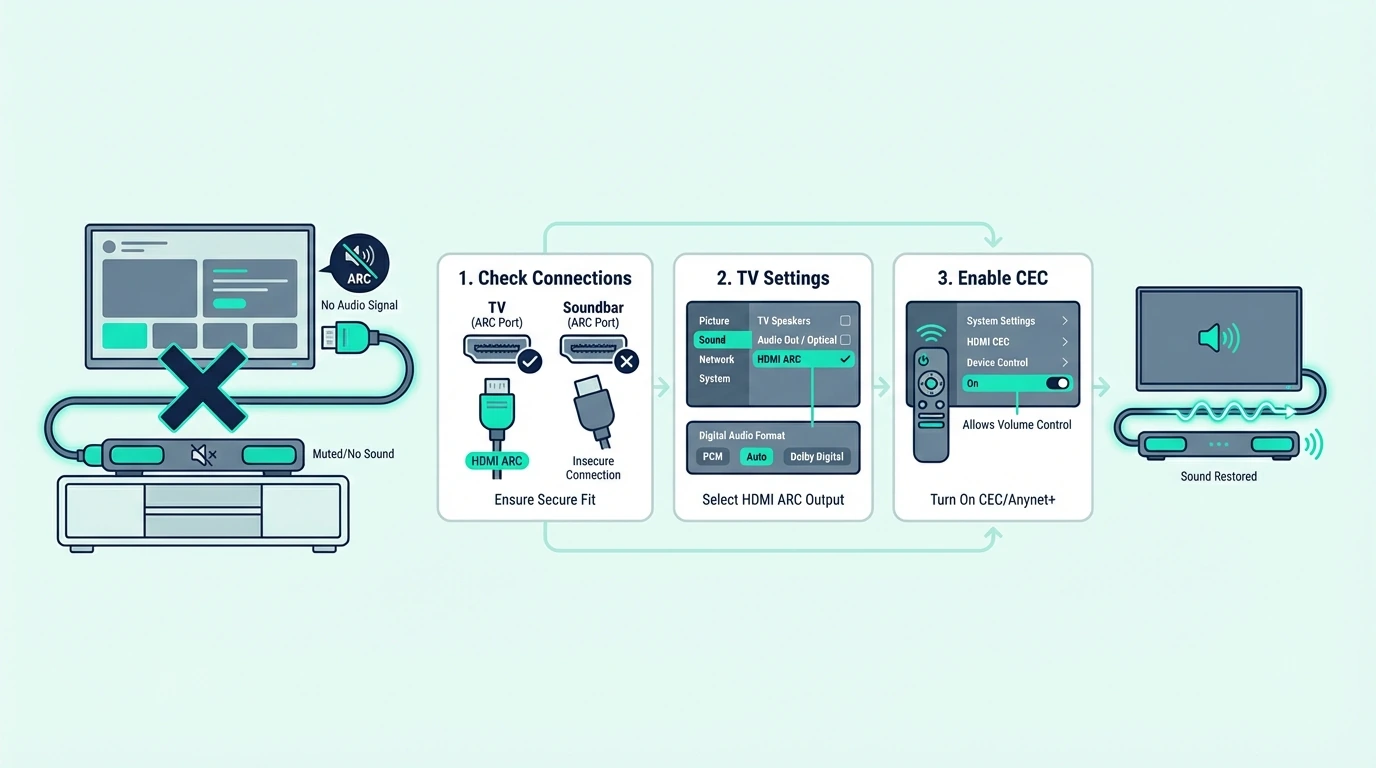
With the basic chain in place, the next question is whether ARC itself is actually active. A soundbar can look connected and still fail because ARC depends on both audio return and device control settings, not just the cable fitting in the port.
The most common causes are simple: wrong HDMI port, CEC turned off, ARC disabled in the TV audio settings, or the soundbar waiting on the wrong input. Those are boring failures, but they are exactly why this problem wastes so much time.
Correcting The HDMI ARC Input Connection
The first thing to correct is the port label. If the TV cable is plugged into a normal HDMI input instead of the ARC or eARC port, the TV can send video into devices but it will not send TV audio back to the soundbar.
Next, confirm that the soundbar is listening to the ARC input. Many bars remember the last used source, so if someone switched it to Bluetooth, Optical, or an HDMI input last night, ARC can be wired correctly and still stay silent.
After that, turn CEC back on in both places if the brand uses a different name like Simplink, Anynet+, Bravia Sync, or HDMI Control. ARC audio often rides alongside that control setup, so when CEC is disabled, audio return and volume control can both fall apart.
If the cable itself looks suspect, swap in a known-good ARC cable like the Silkland 8K HDMI ARC/eARC Cable. That is a clean way to remove cable doubt before you start blaming firmware or the soundbar.
Silkland 8K HDMI ARC/eARC Cable
This is also where brand-specific buying guides become useful, especially the best soundbars for Samsung TV guide and the best soundbars for LG TV guide, because ARC behavior often changes with TV firmware and HDMI implementation quality, not just with the bar brand. On budget brands like ONN, where button layouts can shift across the same model year, a clean factory reset followed by re-pairing the wireless subwoofer and re-doing the HDMI handshake restores ARC and sub link in one pass.
Get Studio Tips Weekly
Join 5,000+ creators getting acoustic treatment advice every week.
No spam. Unsubscribe anytime.Why Is HDMI Connected but Still Silent?
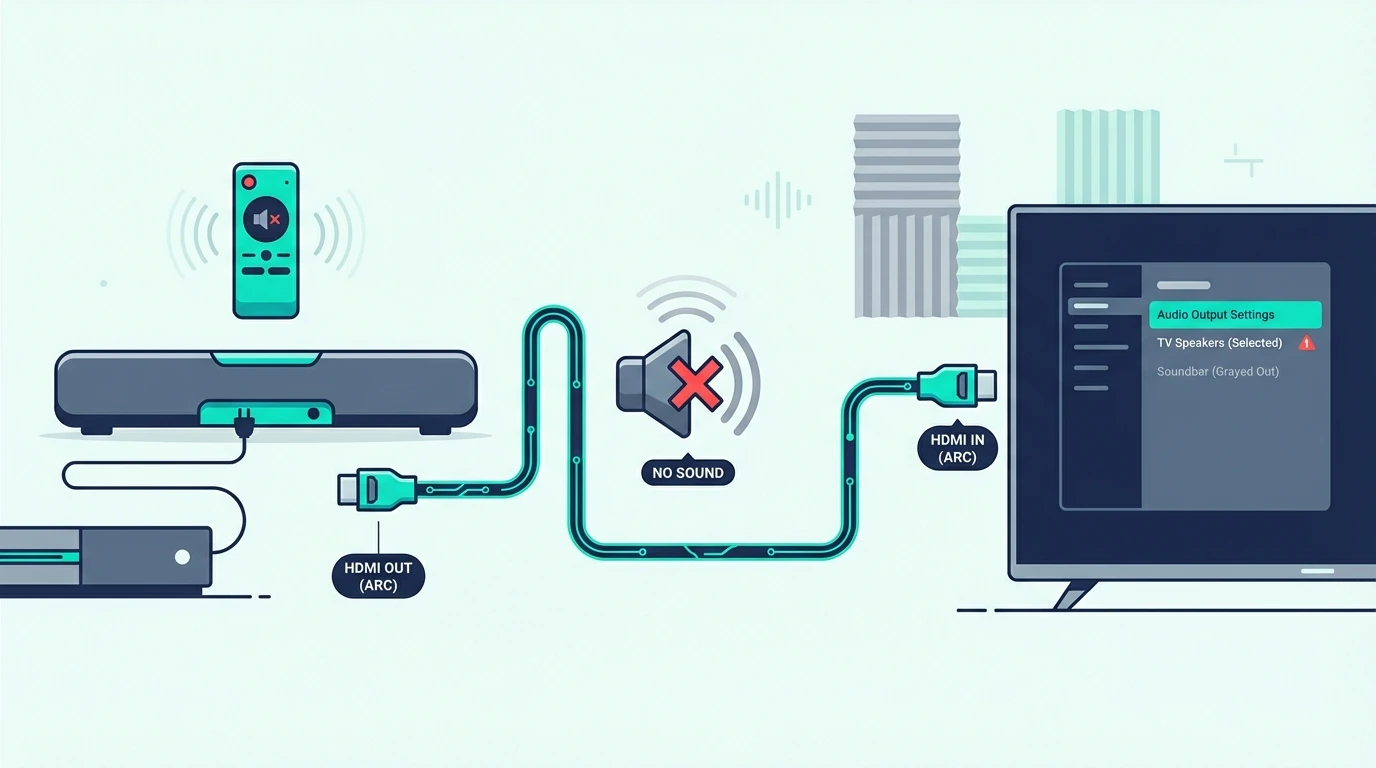
Once ARC looks physically correct, the next failure point is the audio path itself. This is where people see a connected cable and assume the soundbar should just work, even though the TV may still be sending audio somewhere else.
Start with the TV audio output menu and look for settings like External Speaker, Receiver, Audio System, or HDMI ARC. If the audio output is still locked to internal speakers, TV audio never leaves the television even though the HDMI cable is attached.
Then check the digital audio format. Some TVs behave badly when forced to PCM, while others fail when set to passthrough on bars that do not understand the chosen surround sound format, so Auto is usually the safest first test.
If you are still getting silence, isolate ARC from the rest of the chain by temporarily using optical. A fallback cable like the KabelDirekt TOSLINK Optical Audio Cable tells you something important: if optical works, the soundbar is probably fine and the real problem is ARC, CEC, or the TV’s control setup.
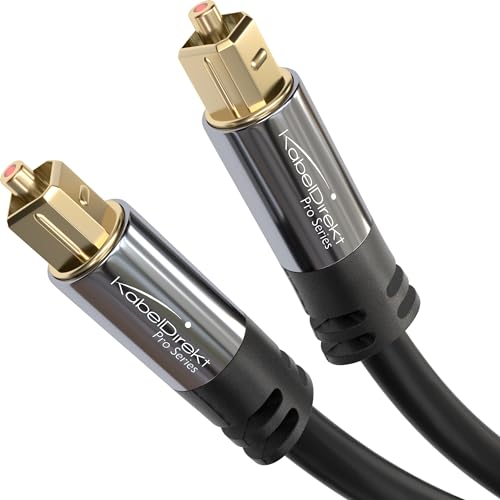
KabelDirekt TOSLINK Optical Audio Cable
That distinction matters if you are comparing whether the real issue is cheap hardware or bad settings, which is why the next useful pages are the best budget soundbar roundup and the main soundbar hub. Sometimes the bar is failing, but most of the time the audio settings are.
What LG-Specific ARC Fixes Usually Restore Sound?
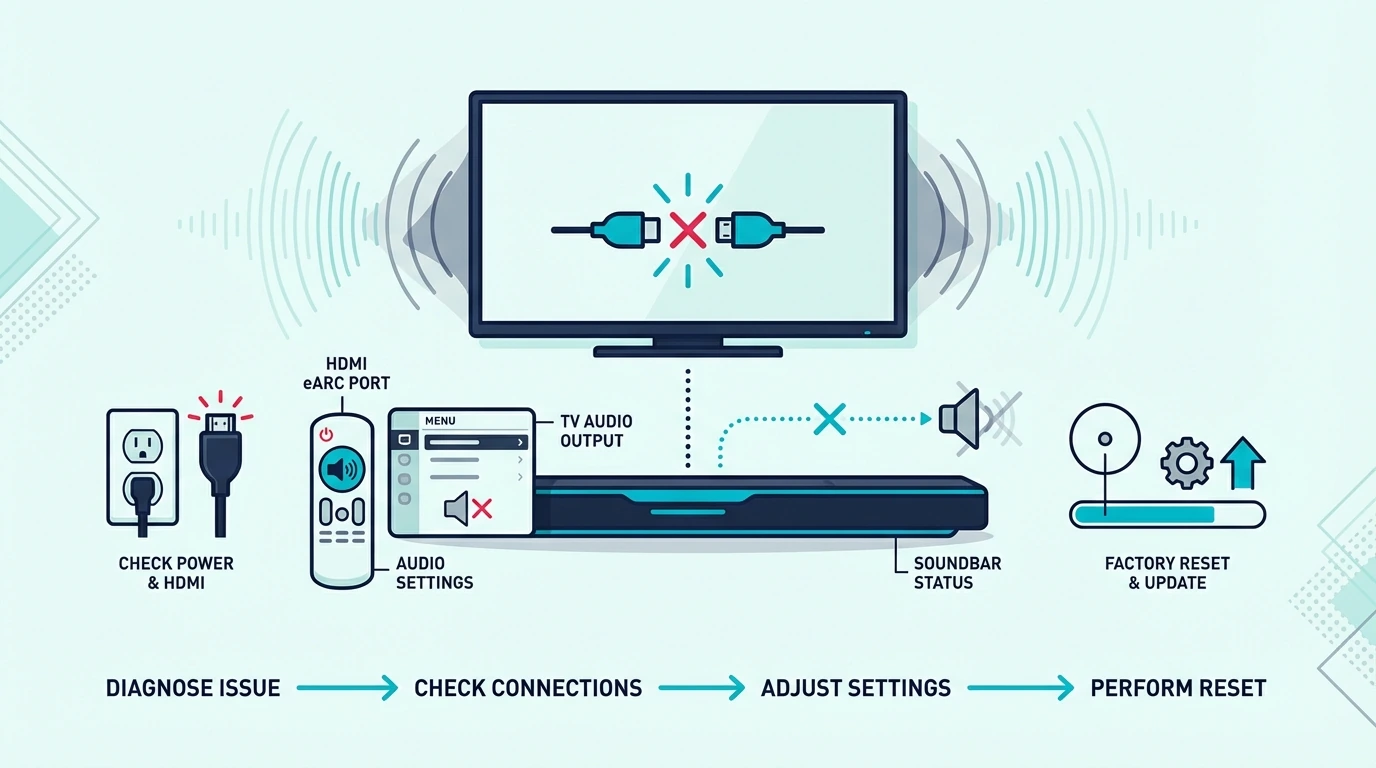
Now that the generic ARC failures are easier to spot, LG adds its own twist. ARC on LG TVs often breaks after a settings change, firmware update, or input reset that flips Simplink, eARC, or the TV audio output back to the wrong state.
The first LG check is Simplink. If Simplink is off, the TV may stop talking to the soundbar properly even though the cable is still connected and the ARC port never changed.
The second check is the sound output menu. LG sets can bounce between internal speakers, ARC, and passthrough behavior after updates, so go back into Sound Out, reselect the external audio device, and then power-cycle both the TV and the soundbar to rebuild the handshake.
If the problem started suddenly after everything used to work, replace the cable with a known-good certified lead like the UGREEN 8K HDMI 2.1 Cable. That gives you a clean baseline before you decide the TV firmware or the soundbar hardware is at fault.
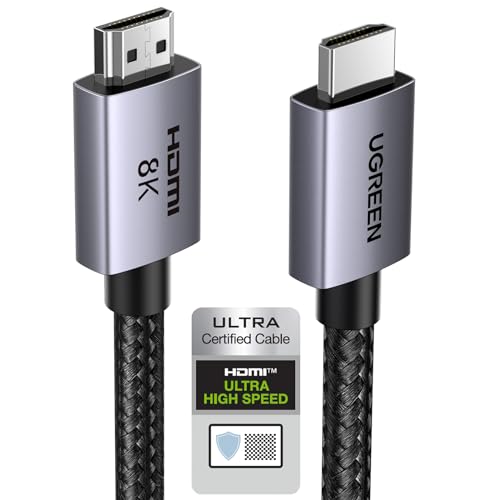
UGREEN 8K HDMI 2.1 Cable
LG-specific troubleshooting also connects naturally to the best LG soundbar guide and the best soundbars for LG TV roundup, because compatibility issues on LG usually show up around passthrough, eARC settings, and the TV’s own audio control behavior. For the full LG fault-isolation pass beyond ARC alone, the Simplink reset, eARC mode toggle, Digital Sound Out PCM test, subwoofer re-pair, and sound-mode reset sequence covers each branch when the silence is not only about ARC.
How Do You Fix a JBL Soundbar That Is Connected but Has No Sound?
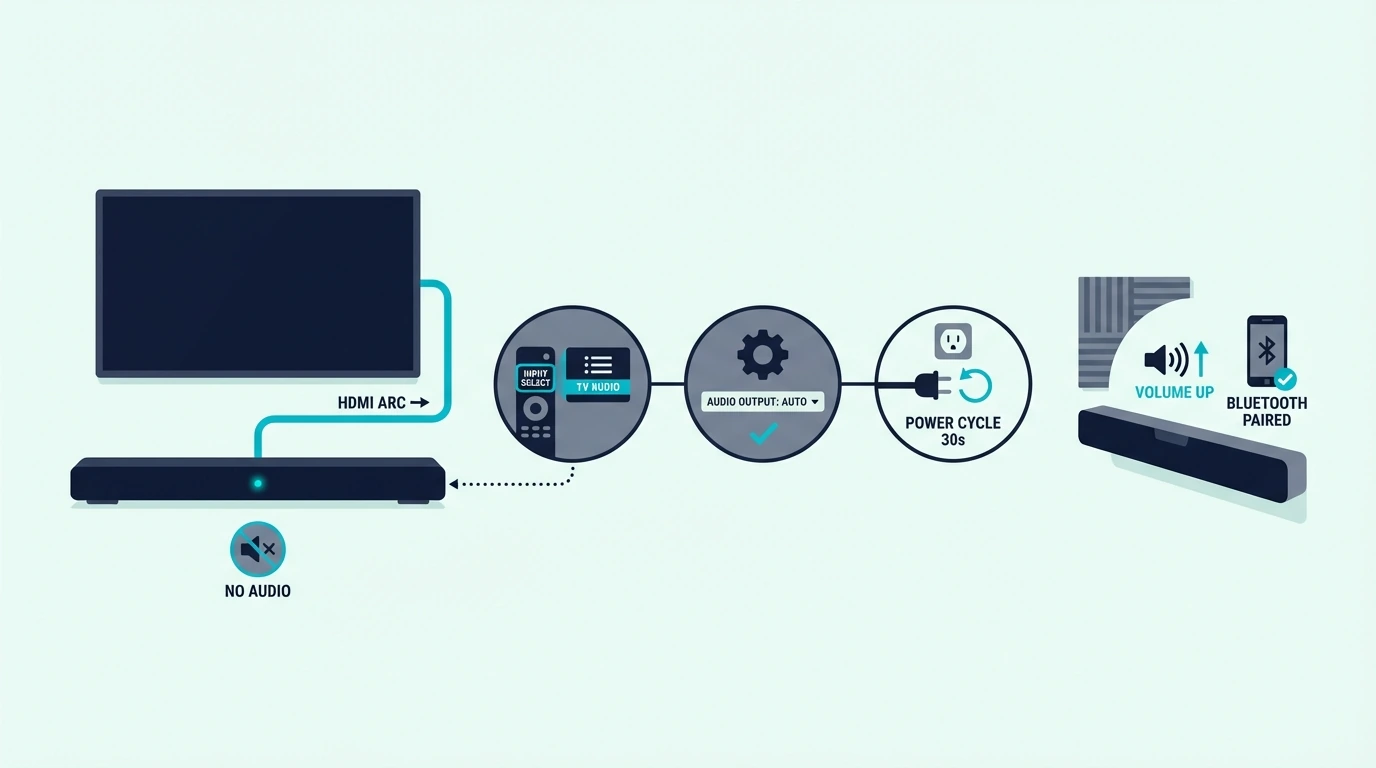
The same principles still apply on JBL, but JBL bars often confuse people because the input label and startup behavior make the problem look worse than it is. A JBL bar can appear connected, power on normally, and still be waiting on the wrong source.
Start by forcing the JBL soundbar to the actual TV input instead of assuming it switched automatically. Then recheck the TV audio output so the set is handing TV audio to ARC instead of to internal speakers or a remembered Bluetooth device.
If that does not fix it, power-cycle the TV and the JBL bar completely and then disable and re-enable HDMI control. That reset matters because a software glitch or bad auto power handshake can leave the control setup half-working, where the devices wake each other up but audio never returns.
JBL buyers also run into this after mixing older TVs with newer soundbars that support more formats than the television passes correctly. Same principle applies: the cable may be fine, but the digital audio menu or the TV’s surround sound behavior can still break the signal.
That is why this brand-specific problem is best paired with the best JBL soundbar guide and the best all-in-one soundbar roundup, because strong everyday reliability depends as much on input logic and ARC behavior as it does on raw sound quality.
The Bottom Line
How to fix no sound from soundbar using HDMI ARC comes down to sequence. Check the correct ARC port first, confirm the soundbar input second, set the TV audio output to the soundbar third, and only then move into CEC, eARC, passthrough, or firmware troubleshooting.
If you work in that order, you can usually tell whether the problem is the control setup, the cable, the TV audio settings, or the soundbar itself without wasting time on random resets. Most ARC problems are simple once you stop treating them like mysterious hardware failures.
If you want the next layer of help, compare your setup against the TV-to-soundbar cable guide, the best soundbar roundup, and the main soundbar hub so you can separate connection problems from product-quality problems. On Bose smart soundbars specifically, the blinking orange or amber LED is rarely a dead-bar signal — it usually points to Wi-Fi setup, Bose Music app notification, or firmware update, so check the app before adding the bar to the failure list.
Frequently Asked Questions
Why is there no sound on my arc?
There is usually no sound on ARC because the TV is using the wrong HDMI port, the audio output is still set to internal speakers, CEC or ARC is disabled, or the soundbar is on the wrong input. Start with those checks before assuming the cable or the soundbar is broken.
How to get sound from HDMI ARC?
To get sound from HDMI ARC, connect the TV’s ARC or eARC port to the soundbar’s ARC port, switch the TV audio output to the external audio system, and turn on CEC or HDMI control if the brand requires it. If that still fails, power-cycle both devices and test with a known-good cable.