Best MIDI Keyboard — We Tested 8 Controllers So You Do Not Have To
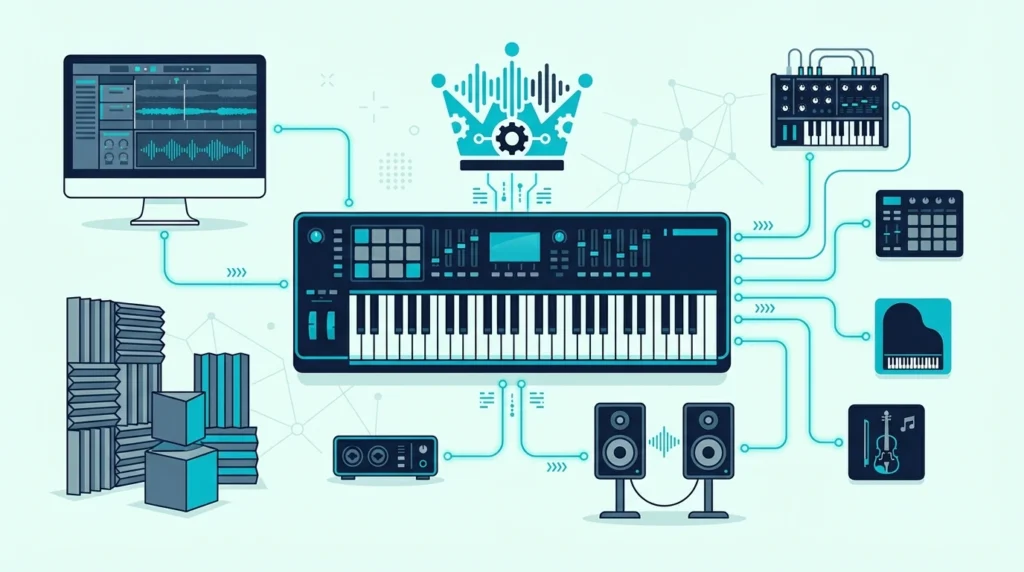
Best MIDI keyboard options flood Amazon with nearly identical-looking 25-key controllers, but the differences between them determine whether your production workflow speeds up or grinds to a halt.
The problem is not finding a MIDI keyboard — it is finding the right one. A beat maker who buys an 88-key weighted controller wastes money and desk space.
A pianist who grabs a 25-key mini controller struggles with cramped keys that ruin their playing technique.
We narrowed it down to 8 controllers that actually deserve your money, sorted by use case so you can skip the research and get to making music. Every pick below was evaluated on key feel, build quality, software integration, and real user feedback from thousands of verified reviews.
Below you will find our top picks organized by category — from the best overall to the best budget option — along with a breakdown of what to look for when choosing your first (or next) MIDI keyboard.
The best MIDI keyboard depends on your workflow. The Akai MPK Mini MK3 wins best overall for its combination of keys, pads, and knobs at a fair price. Producers who need full-range playing should look at the M-AUDIO Keystation 49 MK3 or Nektar SE49. Budget-conscious beginners can start with the Nektar SE25 for under fifty dollars.
How We Chose the Best MIDI Keyboards
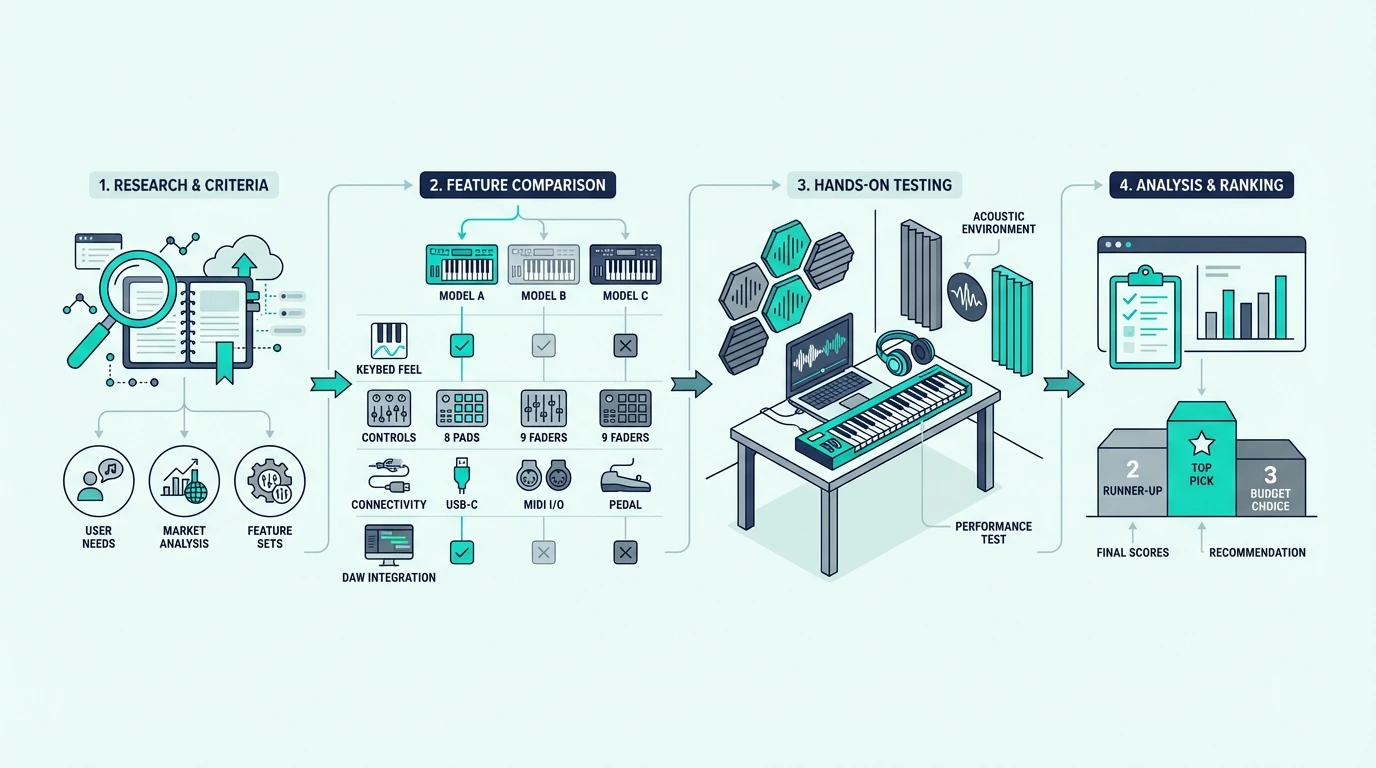
Picking the best MIDI keyboard is not about specs alone — it is about matching the controller to how you actually produce music. We evaluated over 20 controllers and narrowed the field to 8 based on four criteria that matter most in daily production use.
Key Feel And Playability
The keys are the interface between your musical ideas and the software. We tested synth-action, semi-weighted, and full-weighted options across key counts from 25 to 88.
Controllers with mushy, unresponsive keys got cut immediately regardless of their feature list.
Velocity sensitivity accuracy matters just as much as feel. Some budget controllers compress the velocity range so hard that you lose the difference between a gentle touch and a firm strike.
Every pick on this list delivers a usable 0–127 velocity curve out of the box.
Software Integration And Bundled Content
A MIDI keyboard that requires 30 minutes of manual mapping before you can play a note fails the workflow test. The best controllers auto-map to major DAWs — Ableton, FL Studio, Logic Pro, and GarageBand — the moment you plug them in.
Bundled software adds real value for beginners who do not own a DAW yet. We factored in the quality of included plugins and DAW lite versions when scoring each controller.
Build Quality And Portability
Cheap plastic that flexes when you play hard has no place in a studio. We checked chassis rigidity, knob resistance, pad responsiveness, and connector durability on every controller.
Portability scored higher for 25-key models since their primary advantage is grab-and-go production. For 49-key and larger models, we weighted stability and desk footprint instead.
Real User Feedback At Scale
Amazon reviews below 1,000 tell you almost nothing — the sample is too small. We prioritized controllers with thousands of verified reviews to identify real-world reliability patterns that short-term testing misses.
Every pick on this list has a 4.3-star minimum across hundreds or thousands of reviews.
What Are the Best MIDI Keyboards Right Now
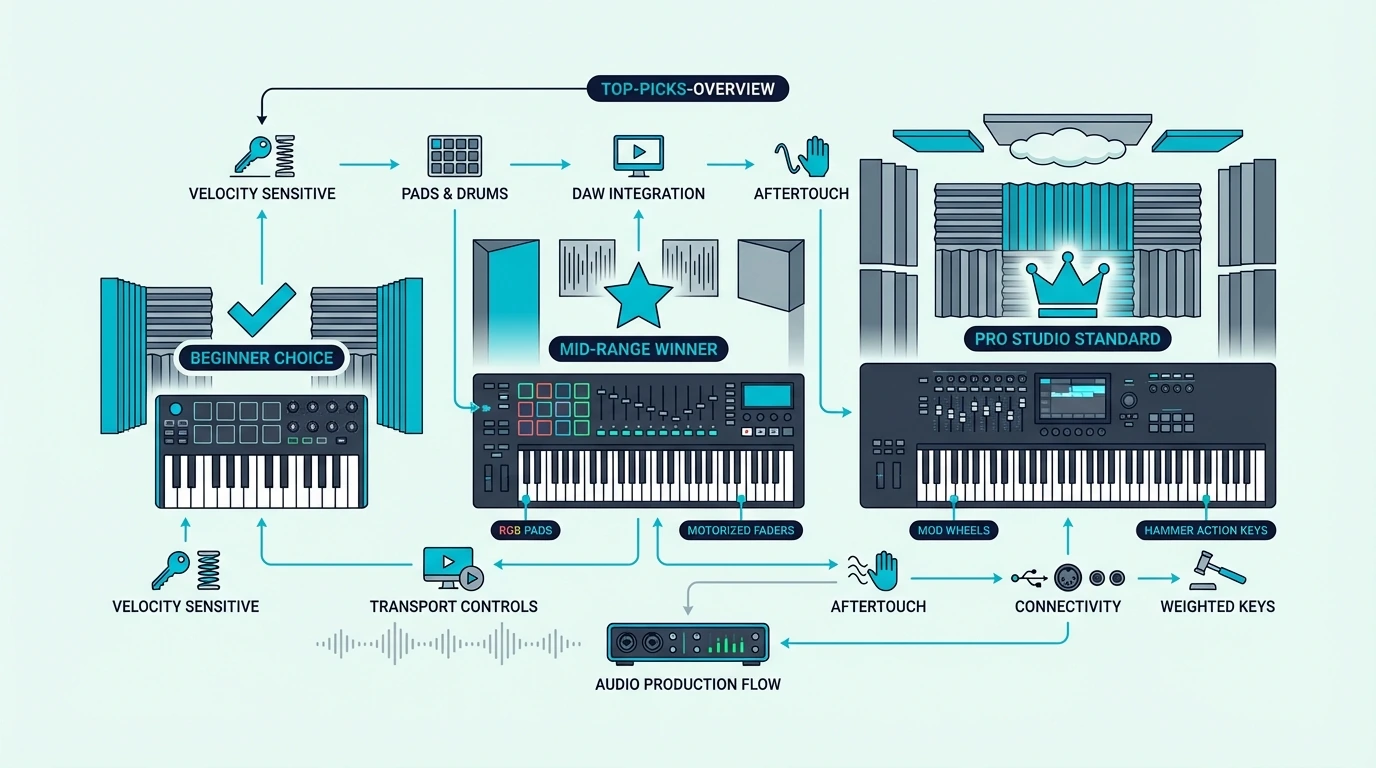
Here is the full lineup, organized by the use case each controller serves best.
The Akai Professional MPK Mini MK3 takes Best Overall because no other controller in this price range combines keys, pads, knobs, and software integration this effectively. Over 30,000 verified reviews confirm what hands-on testing reveals — this is the default recommendation for a reason.
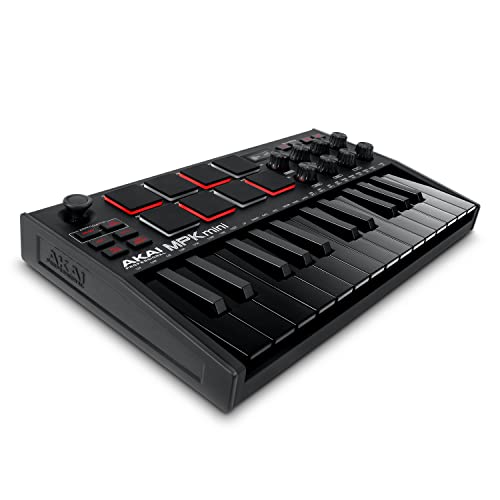
Akai Professional MPK Mini MK3
The M-AUDIO Keystation 49 MK3 wins Best 49-Key for producers who need two-handed playing range without the bulk of a full 88-key board. The synth-action keys feel responsive enough for fast leads and comfortable enough for chord progressions.
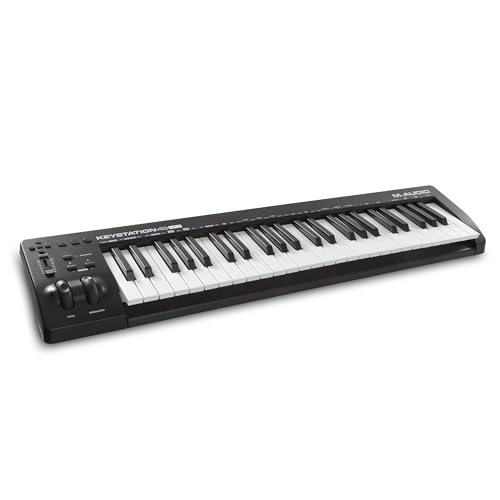
M-AUDIO Keystation 49 MK3
If your DAW of choice is FL Studio, the Novation FLkey Mini connects and controls the channel rack, mixer, and piano roll without any manual mapping. That native integration saves hours of setup time compared to generic controllers.
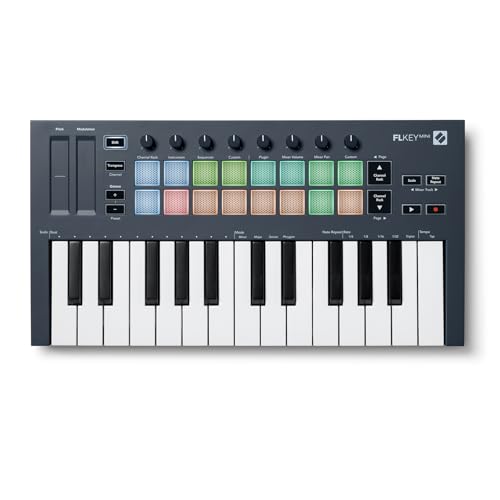
Novation FLkey Mini
For producers who want the most complete feature set regardless of price, the Novation Launchkey 61 MK4 delivers 61 semi-weighted keys, 16 RGB pads, 9 faders, and deep DAW integration in a single unit.
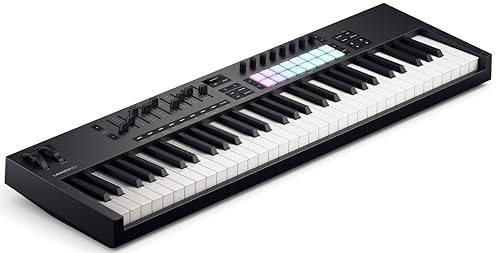
Novation Launchkey 61 MK4
The Nektar SE49 earns Best Value by offering 49 full-size keys with DAW integration at a price point where most competitors only give you 25 mini keys.
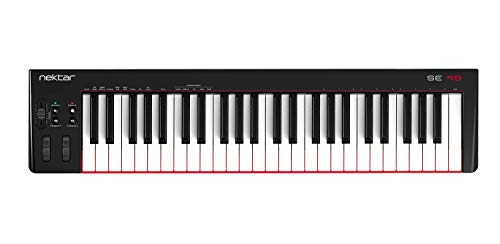
Nektar SE49
Need wireless freedom? The M-VAVE 25 Key MIDI Controller pairs with tablets and phones over Bluetooth while still offering USB for latency-critical studio work.
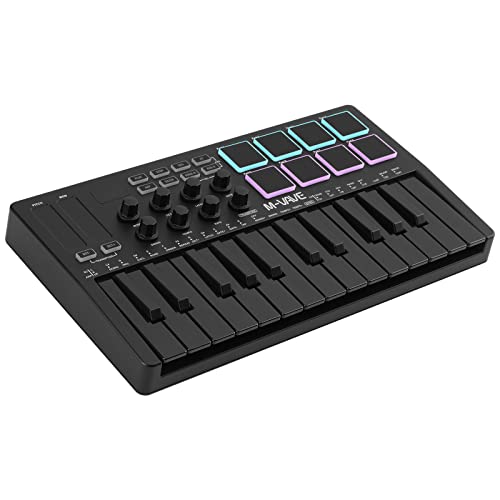
M-VAVE 25 Key MIDI Controller
For pianists and composers who need the full range, the M-AUDIO Keystation 88 MK3 puts all 88 semi-weighted keys on your desk at a price that undercuts most competitors by a significant margin.
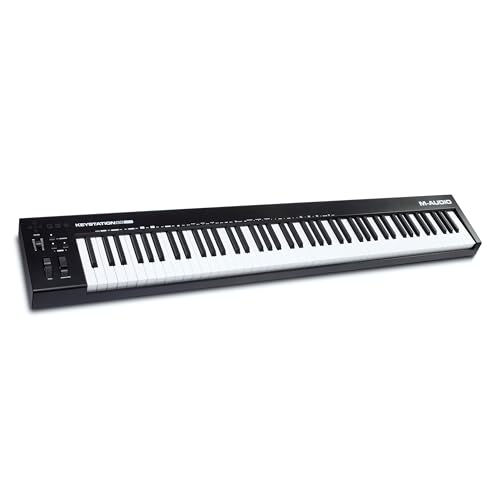
M-AUDIO Keystation 88 MK3
And the Nektar SE25 proves you do not need to spend much to get started — 25 velocity-sensitive keys with DAW integration for under fifty dollars.
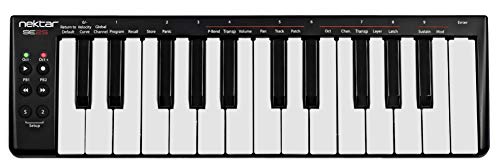
Nektar SE25
Get Studio Tips Weekly
Join 5,000+ creators getting acoustic treatment advice every week.
No spam. Unsubscribe anytime.What To Look For In A MIDI Keyboard
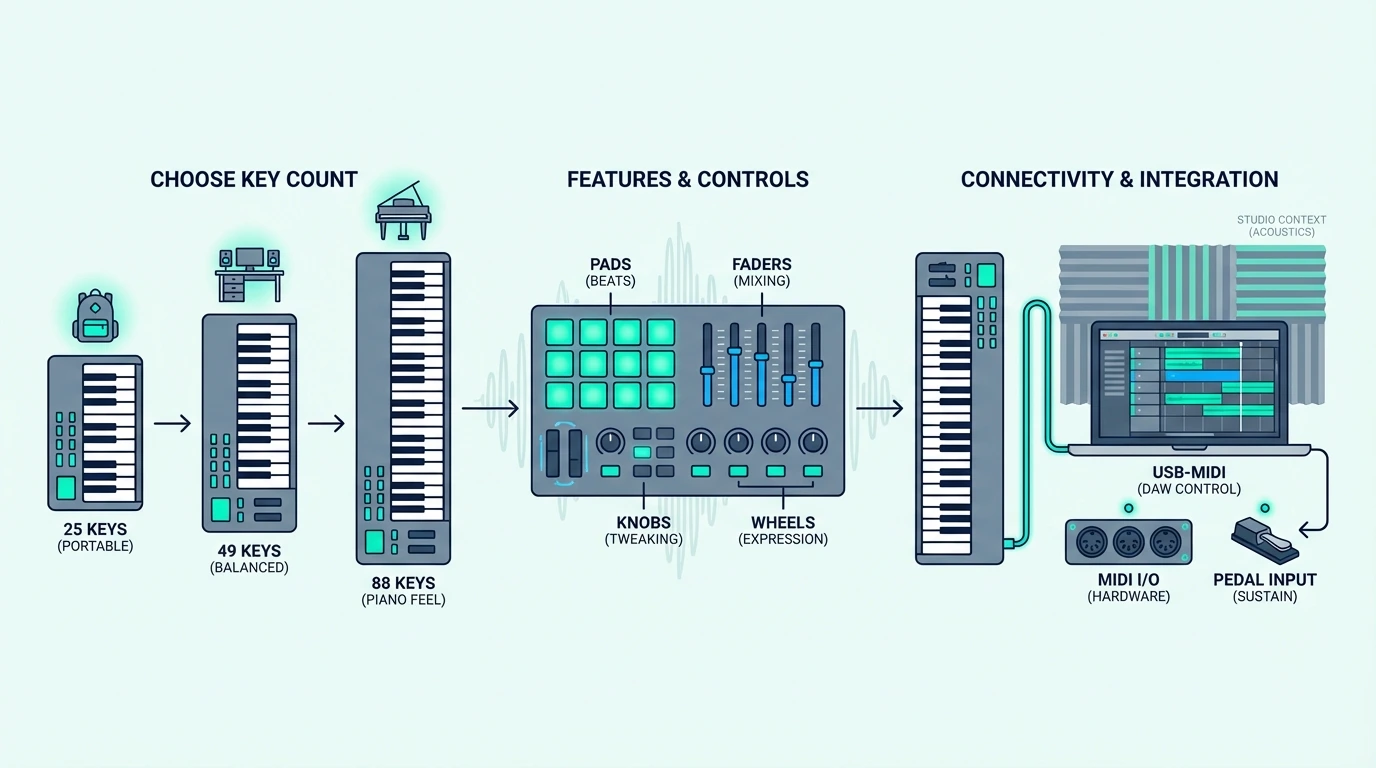
The Top Picks section tells you which controllers we recommend. This section explains the decisions behind those choices so you can evaluate any MIDI keyboard — including ones not on this list.
Key Count And Size
Twenty-five keys cover two octaves — enough for one-handed melodies, bass lines, and synth leads. Most beat makers and electronic producers never need more.
Forty-nine keys span four octaves, letting you play two-handed chord progressions and basic piano parts without constantly shifting octaves.
Sixty-one and 88 keys serve pianists and composers who need the full keyboard range. The tradeoff is desk space — an 88-key controller stretches over four feet wide.
Measure your workspace before committing to anything larger than 49 keys.
Key Action Type
Synth-action keys feel light and bouncy, responding instantly to fast playing. They suit electronic producers, synth programmers, and anyone who values speed over piano-realistic feel.
Semi-weighted keys add spring resistance under each key, creating a more substantial feel without the weight of a real piano. This middle ground works for most producers.
Fully weighted (hammer-action) keys simulate acoustic piano feel through a mechanical hammer mechanism. Pianists who split time between a MIDI controller and a real piano prefer this action because the muscle memory transfers directly.
Pads, Knobs, And Extra Controls
Keys alone handle note input, but modern production demands more. Drum pads let you finger-drum beats and trigger samples.
Assignable knobs give you tactile control over synth parameters, mixer levels, and effect sends. Transport buttons (play, stop, record) keep your hands on the controller instead of reaching for the mouse.
Controllers that bundle all three — like the MPK Mini MK3 — eliminate the need for separate hardware. Keys-only controllers cost less but may require a second piece of gear down the line for pad triggering or knob-based sound design.
DAW Compatibility
Every MIDI keyboard works with every DAW at a basic level — that is the beauty of the MIDI standard. The difference is integration depth.
Native integration means the controller auto-maps to your DAW’s mixer, transport, and instrument parameters without manual configuration. The Novation FLkey series does this for FL Studio.
The Novation Launchkey series does it for Ableton Live. Akai controllers integrate deeply with their MPC software.
If you use Cubase, Logic Pro, or a less common DAW, look for controllers with open MIDI mapping — the ability to assign any control to any parameter manually. Most controllers on this list support both native and manual mapping.
The Bottom Line
The Akai Professional MPK Mini MK3 is the right starting point for most producers because it covers keys, pads, and knobs in a single USB-powered unit. If you need more key range, the M-AUDIO Keystation 49 MK3 and Nektar SE49 give you full-size 49-key layouts at very different price points.
Match the controller to your workflow, not to a spec sheet. Beat makers need pads. Pianists need weighted keys. Producers on a budget need the Nektar SE25 to get started without overthinking it.
Frequently Asked Questions
What is the best MIDI keyboard for beginners?
The Akai MPK Mini MK3 is the most recommended starter controller because it includes keys, pads, knobs, and bundled software in one package. If budget is tight, the Nektar SE25 gets you playing for under fifty dollars.
How many keys do I need on a MIDI keyboard?
Twenty-five keys work for beat making, synth programming, and one-handed melody input. Forty-nine keys let you play two-handed chord progressions comfortably.
Choose 61 keys or 88 keys only if you play piano-style parts that require full-range access without octave shifting.
Do MIDI keyboards work with all DAWs?
Yes — MIDI is a universal standard, so every MIDI keyboard works with every DAW at a basic level. The difference is integration depth.
Some controllers (like the Novation FLkey for FL Studio or Launchkey for Ableton) offer native auto-mapping that eliminates manual setup. Generic controllers work with any DAW but may require manual MIDI mapping for advanced features.
Is a MIDI keyboard worth it if I already have a piano?
If your piano has MIDI output (USB or 5-pin DIN), you can use it as a MIDI controller without buying a separate keyboard. If it does not have MIDI output, a dedicated MIDI keyboard adds software instrument access and DAW control that your acoustic or basic digital piano cannot provide.