Which DJ Controller Works With Spotify Right Now?
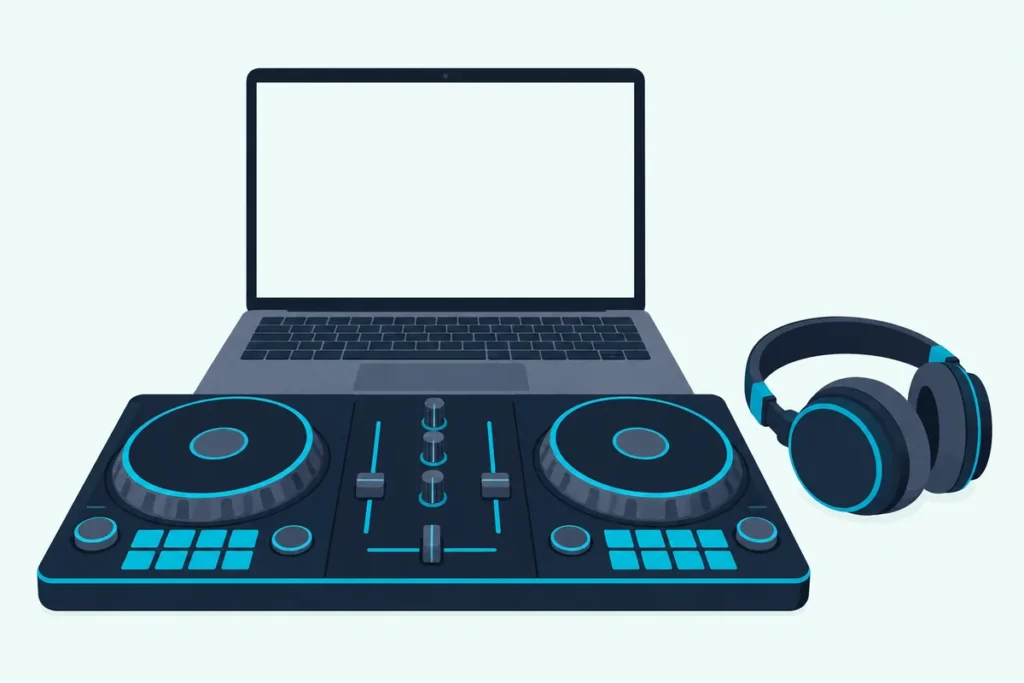
Yes, you can use a DJ controller with Spotify again: since September 2025, Spotify Premium plugs into rekordbox, Serato DJ and djay, so any controller those programs support works.
If you’ve read that Spotify and DJ gear don’t mix, you’re remembering July 2020, when Spotify stopped supporting third-party DJ apps, and plenty of advice online never got updated.
The controller never talks to Spotify itself, so the real questions are which software you pick and what that software still won’t do with a streamed track.
Below are the programs that work, the controllers that suit each one, and the limits Spotify and the software makers put on streamed tracks.
First, here’s what changed and when.
Can You Use a DJ Controller With Spotify Now?
Yes, and it’s official: Spotify announced on September 24, 2025 that Premium users can mix from their own libraries and playlists in rekordbox, Serato and djay on desktop, in 51 markets (Spotify). The U.S. is one of them.
Two updates have widened it since. Spotify’s newsroom says rekordbox and djay added iOS and Android support on December 11, 2025, and that VirtualDJ, Cross DJ and Edjing Mix joined on September 15, 2026.
That covers the software, and a controller only reaches Spotify through it, which is the next question.
Which DJ Controllers Work With Spotify?
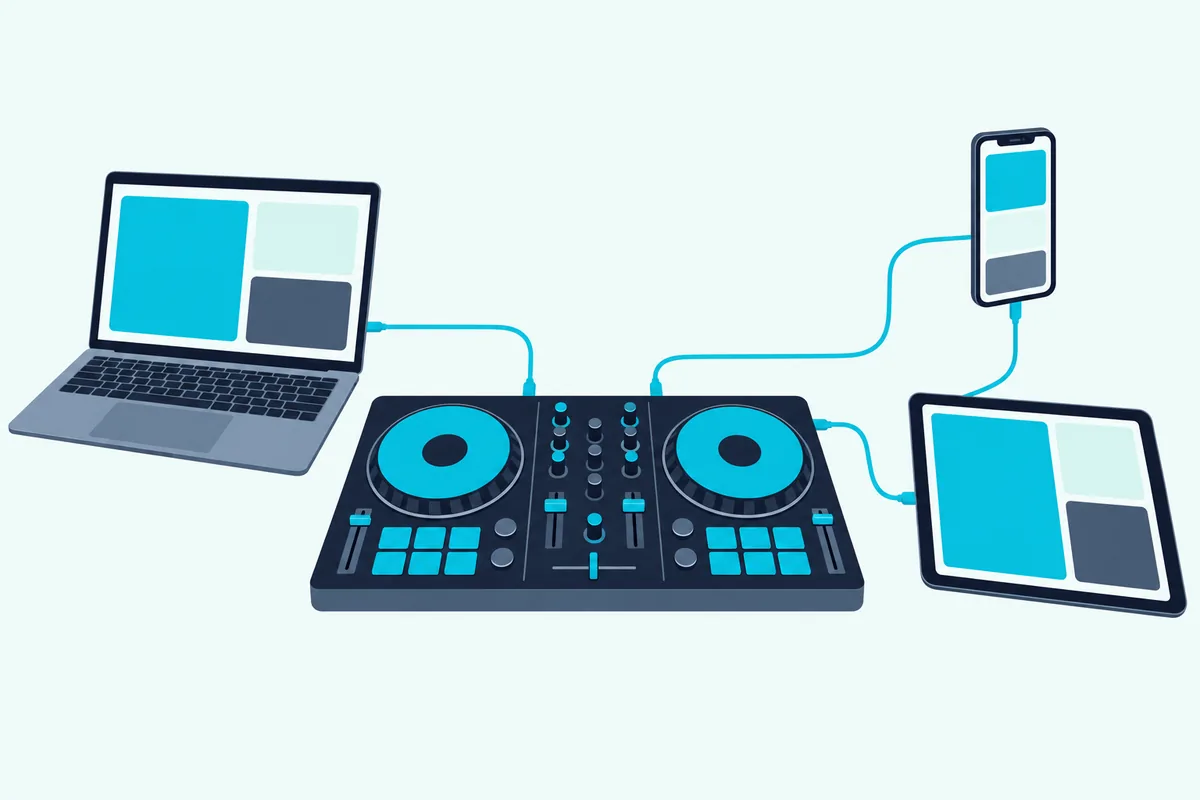
Any controller your DJ software supports, because the software logs in to Spotify and the controller just moves the faders, jog wheels and pads.
| Software | Spotify support | Controllers that suit it |
|---|---|---|
| rekordbox | Desktop, plus phones and tablets; performance mode only | AlphaTheta and Pioneer DJ controllers, such as the DDJ-FLX4 |
| Serato DJ Lite and Pro | Desktop; version 3.3.5 or later | Serato-compatible controllers, such as the Numark Mixtrack Platinum FX |
| djay | Mac, Windows, iOS and Android; version 5.6 or later | Over 100 devices, including Bluetooth controllers like the Hercules DJControl Mix |
| VirtualDJ, Cross DJ, edjing | Listed by Spotify since September 15, 2026 | Check each program’s own controller list |
The rows come from Spotify’s support page and the makers’ own guides, and the software decides which controller you can use. Traktor isn’t on Spotify’s list of supported software.
Standalone gear is a different story. Spotify’s landing page says rekordbox works with AlphaTheta and Pioneer DJ equipment in performance mode only, and rekordbox’s streaming guide lists USB Export and LINK Export as unavailable for streamed tracks, so those units work with Spotify only while connected to a laptop running rekordbox.
For controllers built around each program, our picks for the best rekordbox controllers, the best Serato controllers and the best VirtualDJ controllers are a good starting point.
Get Studio Tips Weekly
Join 5,000+ creators getting acoustic treatment advice every week.
No spam. Unsubscribe anytime.What Do You Need Besides the Controller?
Four things, and the software version is the one people miss:
- Spotify Premium. Free accounts don’t work, and Serato says non-subscribers are offered a free Premium trial when they sign in.
- A current version of your software. Spotify says to use the latest, and the makers give minimums: Serato DJ 3.3.5, djay 5.6 and rekordbox 7.2.3.
- An internet connection. Spotify says you can only play its content while you’re online.
- A supported country. The U.S. is on Spotify’s list of 51 markets.
With djay, also check the plan. Algoriddim says the free app gives full access to your Spotify Library with the mixer, effects, cue points and looping, while a djay Pro subscription unlocks Automix, hardware integration and FX add-ons (Algoriddim).
Which DJ Controller Should You Buy for Spotify?
Choose the software first, then a controller it supports. These four cover the common cases, and each claim comes from the maker’s own page.
For rekordbox, and a controller that also runs djay and Serato DJ Lite, the Pioneer DJ DDJ-FLX4 is the all-rounder. Pioneer DJ’s page lists those programs, and AlphaTheta’s mobile announcement names it as compatible with rekordbox on a phone or tablet.
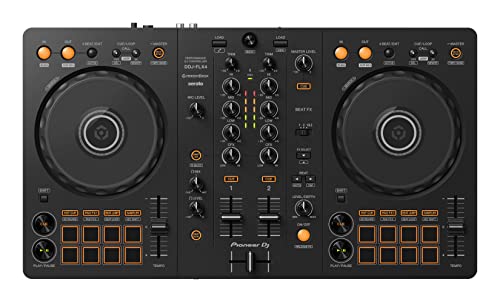
the Pioneer DJ DDJ-FLX4
For Serato, the Numark Mixtrack Platinum FX is the pick. Numark says it’s pre-mapped for Serato DJ and includes Serato DJ Lite.
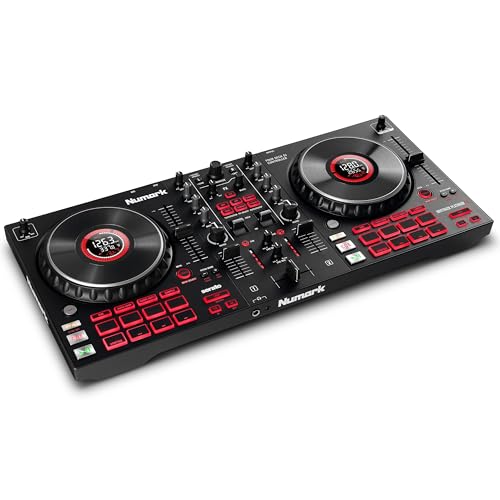
the Numark Mixtrack Platinum FX
For a phone or tablet, the Hercules DJControl Mix is built for the job. Hercules says it connects to the free djay app over Bluetooth Low Energy, and its page lists Spotify among the services you can mix.
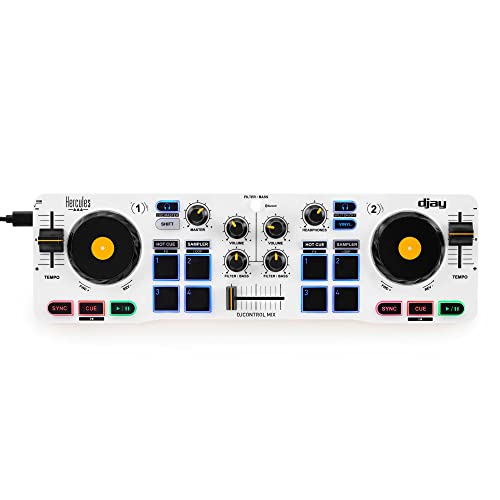
the Hercules DJControl Mix
For something that fits on top of a laptop, the Numark DJ2GO2 Touch is the smallest choice. Numark’s page lists Serato DJ Lite and djay on iOS through Apple’s Camera Connection Kit, though it doesn’t mention Spotify by name.
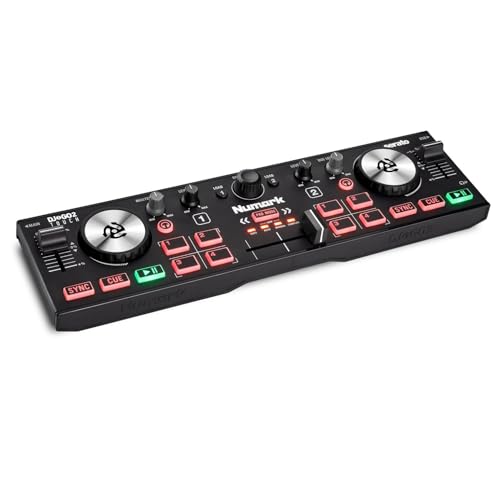
the Numark DJ2GO2 Touch
How Do You Connect Spotify to Your DJ Software?
Once the controller’s plugged in, each program has its own sign-in path:
- rekordbox: make sure Performance mode is selected, click the Spotify icon in the Media Browser, click Log in, and sign in on the page that opens in your browser (AlphaTheta).
- Serato DJ: open Setup, then Library + Display, then Music Streaming, turn on Show Streaming Services, choose Spotify and click Sign up / Login (Serato).
- djay: open the streaming service source in the music library and choose the log-in option for Spotify.
After that, pick a playlist and load tracks onto the decks. Spotify says you can mix up to four tracks at once, though Serato’s FAQ limits its software to two decks of Spotify tracks.
What Can’t You Do With Spotify Tracks in DJ Software?
That deck limit is one of several, and they differ by program. Here are the ones the makers list:
- Recording. Serato DJ Pro, rekordbox and djay all list recording as unavailable for Spotify tracks.
- Stems. Serato says stems aren’t available, and Algoriddim says Neural Mix, its stem separation, isn’t either.
- Offline play. Serato needs a live connection, and Algoriddim lists offline mode and lossless audio as unsupported.
- Exporting. rekordbox’s guide lists USB Export, LINK Export and the sampler slots as unavailable.
Some tracks may not load at all. Spotify says music availability in DJ apps varies by market and over time because of licensing, and that audiobooks, videos, albums, artist pages and DJ mixes aren’t available through DJ software.
For mixes you want to keep, our guide to recording a DJ mix covers methods that work with your own files.
Can You Play Spotify Mixes at a Party or Club?
Not for anything public, and that’s the limit that matters most to a working DJ. Spotify says the service and its music are for personal, non-commercial use only, and that public performance, including playing mixes in clubs, venues, events or livestreams, isn’t permitted (Spotify).

AlphaTheta frames it the same way, describing rekordbox use as practicing at home or playing for friends and family. If you play paid gigs, use tracks you own or a service whose terms cover DJ use, and check each service’s terms for your kind of gig.
Serato’s streaming page lists Apple Music, Beatport, SoundCloud and TIDAL alongside Spotify, and says TIDAL needs a DJ add-on (Serato).
Do You Need a Controller to Mix Spotify at All?
No, and for casual mixing you might skip one. Algoriddim says djay runs on iPhone, iPad, Mac, Android and Windows, and that its Automix builds beat-matched mixes from a Spotify playlist for you.
A controller adds hands-on control, which matters once you want to blend by ear or scratch. Our take on whether you need a DJ controller weighs the trade-off.
Frequently Asked Questions
Does Spotify work with Traktor?
Not on Spotify’s own list. Its support page names Cross DJ, djay, edjing, rekordbox, Serato and VirtualDJ, and Traktor isn’t among them.
Is Spotify’s DJ feature the same thing?
No. Spotify’s DJ is a personal music companion inside the Spotify app that plays favorites and introduces new music, per its support page. It’s separate from mixing with a controller in DJ software.
Can you use Spotify Free with DJ software?
No. Spotify’s support page says the DJ software feature is for Premium. Serato adds that non-subscribers are prompted to start a free Premium trial when they sign in.
Can CDJs or standalone DJ gear play Spotify?
Only as a laptop controller. Spotify’s page says rekordbox supports AlphaTheta and Pioneer DJ equipment in performance mode only, and rekordbox’s guide lists USB Export and LINK Export as unavailable for streamed tracks.