Can You Use Serato DJ Without a Controller? Yes, Two Ways
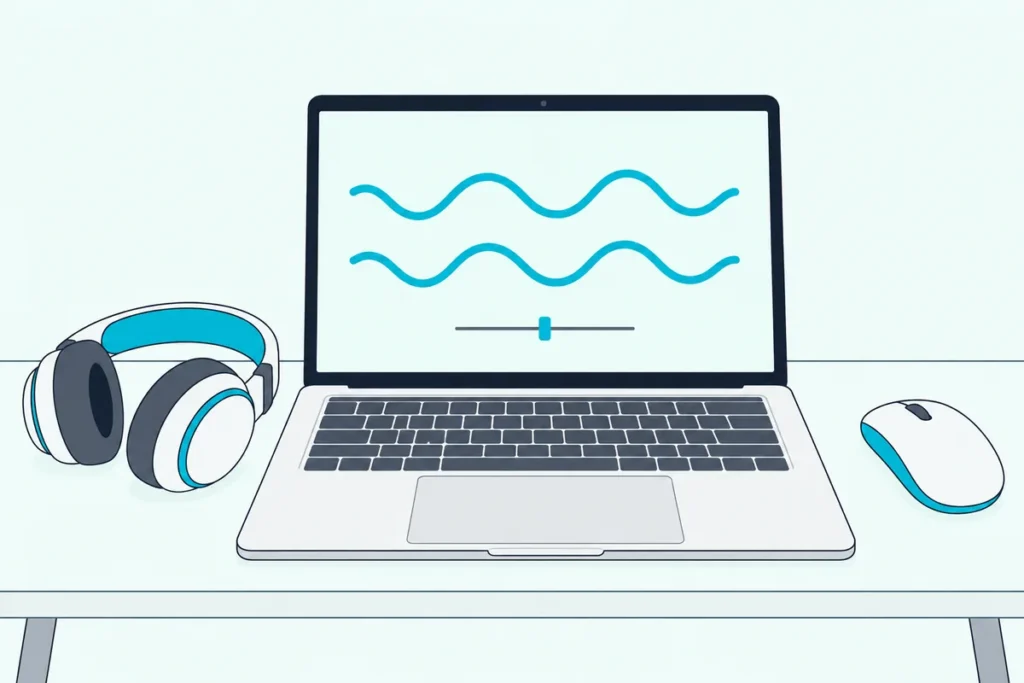
Can you use Serato DJ without a controller? Yes, and Serato builds in two ways to do it: a free Practice Mode and a paid expansion called Serato Play.
The catch is that laptop-only DJing puts a mouse and keyboard where the jog wheels would be, and the free mode covers only the basics.
Knowing which mode does what tells you whether the free one is enough or whether Play is worth paying for.
Below, you’ll see how each mode works, which keyboard shortcuts run it, and what to do when you outgrow the laptop.
Start with the free mode, since it costs nothing to try.
Can You Use Serato DJ Without a Controller?
Yes, through the two modes named above. Serato says you can use Serato DJ Lite with just your laptop, using keyboard shortcuts and your mouse (Serato), and its DJ Pro page says the same about Pro’s Practice Mode (Serato).
Here’s how the two ways compare:
| Practice Mode | Serato Play | |
|---|---|---|
| Cost | Free, in Serato DJ Lite and DJ Pro | Paid expansion, included in Serato DJ Suite |
| Decks | Two | One to four virtual decks |
| Mixer controls | Crossfader, volume faders, pitch and nudge | EQs, channel FX, crossfader and sync |
| Recording | No | Yes |
Practice Mode is the place to begin, because it needs no license and no purchase.
How Do You Start Practice Mode in Serato DJ?
That table’s first column takes a few steps and no extra gear. Serato says Practice Mode is available when no Serato DJ Lite hardware is connected, and it plays through your computer’s current default audio device (Serato).
Follow these steps:
- Download Serato DJ Lite. It’s free, with no license or subscription needed (Serato).
- Open it with nothing plugged in. With no hardware connected, Practice Mode is available.
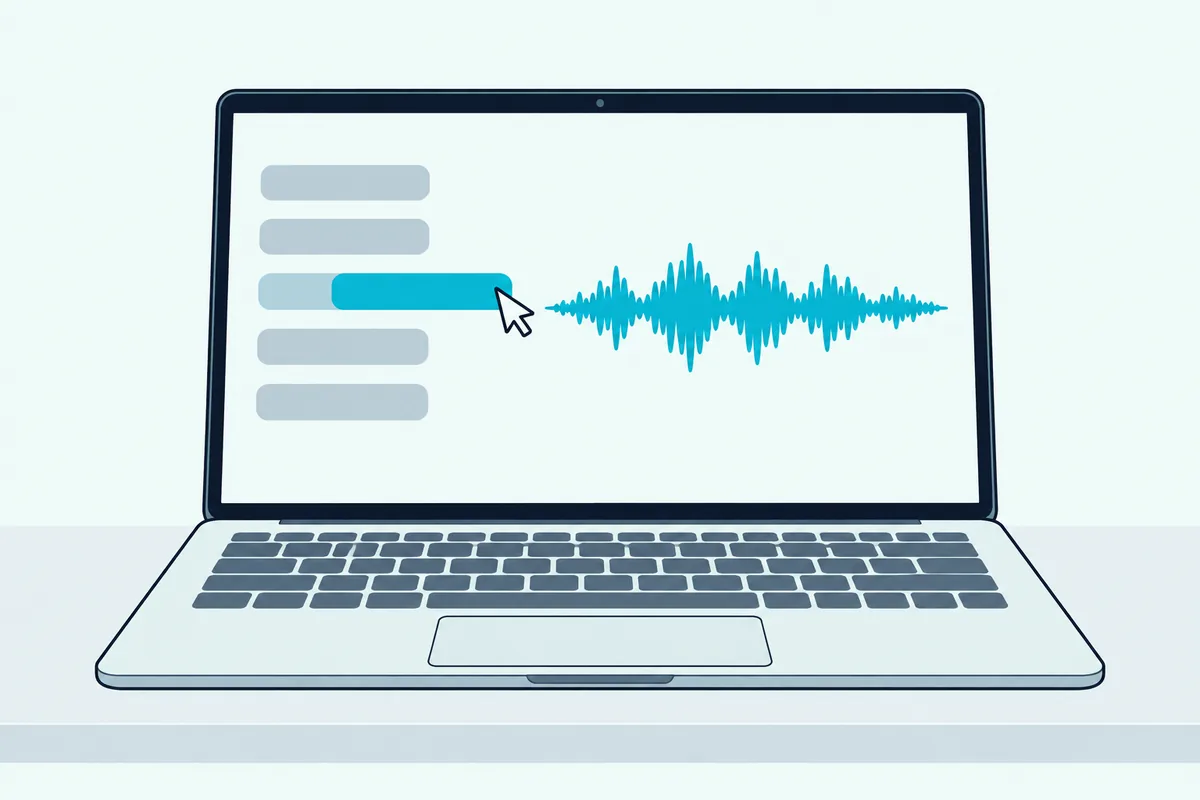
- Load a track. Drag it onto a waveform or the track display, or press Shift and the left arrow for the left deck, and Shift and the right arrow for the right deck.
- Mix with the mouse. Serato’s Practice Mode controls include a crossfader, volume faders and a BPM and pitch slider you drag with the mouse (Serato).
- Check your sound output. Practice Mode plays through your computer’s default audio device, so on Windows set the right one first (Serato). Our guide to connecting a controller to Serato DJ Pro covers the other common audio fixes.
In Serato DJ Pro, the same mode sits behind a button. Serato says you toggle between Practice Mode and the Offline Player with the buttons near the top left corner of the window.
Get Studio Tips Weekly
Join 5,000+ creators getting acoustic treatment advice every week.
No spam. Unsubscribe anytime.Which Keyboard Shortcuts Run Serato Without a Controller?
Those steps use the mouse, but the keyboard is faster once you know the keys. Serato’s shortcut list gives each deck its own set, shown here for a US keyboard (Serato):
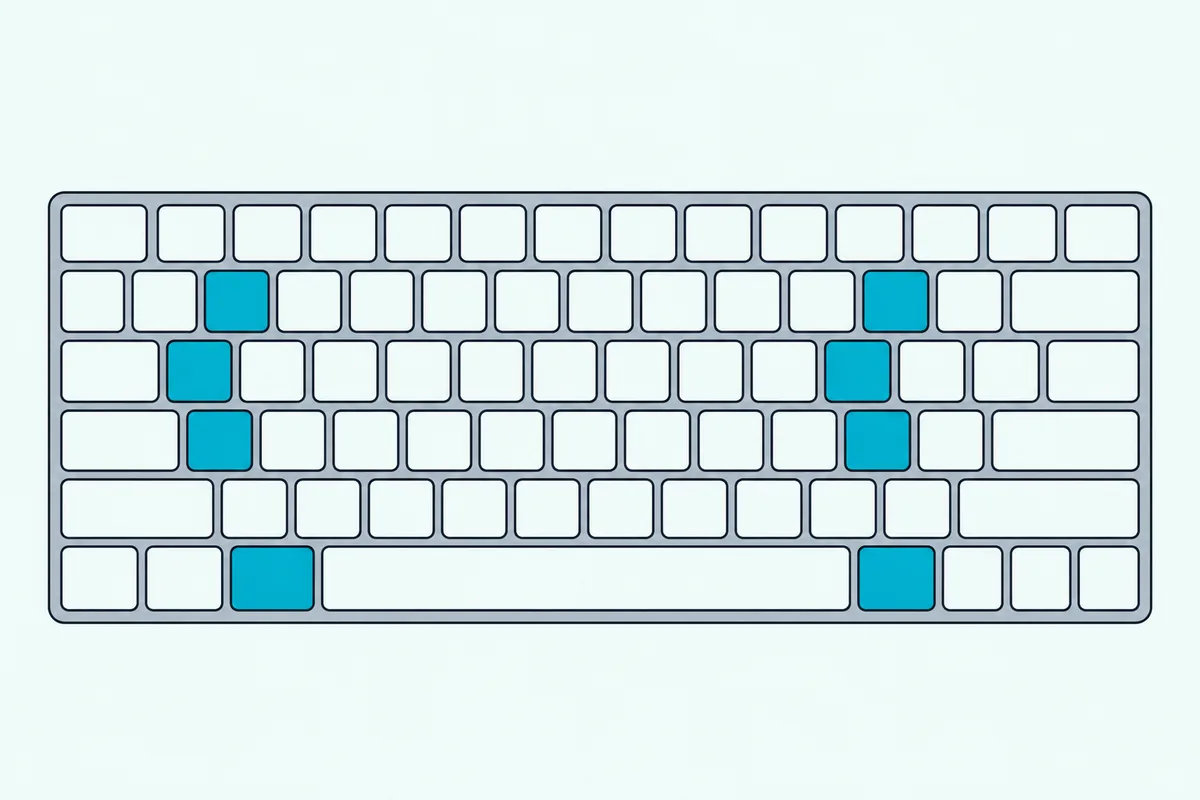
| Action | Left deck | Right deck |
|---|---|---|
| Load the selected track | Shift and left arrow | Shift and right arrow |
| Play or pause | W | S |
| Set or jump to cue points | 1 to 5 | 6 to 0 |
| Pitch down or up | E and R | D and F |
| Loop on or off | [ | ‘ |
If the “Playback Keys Use Shift” option is on in Serato’s setup screen, every playback key also needs Shift or Caps Lock. On other keyboard layouts the same key positions may be labeled differently.
What Can’t Practice Mode Do?
The table showed the limits, and Serato spells them out. Recording isn’t available in Practice Mode, per its Lite and Pro pages, and its Pro FAQ says advanced laptop-only DJing, like EQs and more FX, comes through the Play expansion (Serato).
Serato also describes Practice Mode as a tool for preparing crates, auditioning tracks and mixes, and adding cue points. That makes it a good place to learn the library and the layout, though it lacks the EQs and effects a full mix uses.
What Does Serato Play Add?
Play fills the gaps in that list. Serato calls it an expansion pack that lets you mix without connecting Serato primary hardware, using keyboard shortcuts or the mouse to adjust EQ, crossfader and filter across one to four virtual decks (Serato).
It also adds two things that matter for practice. Hotkeys and split-cue monitoring are part of it, and Serato says you can record your sets (Serato).
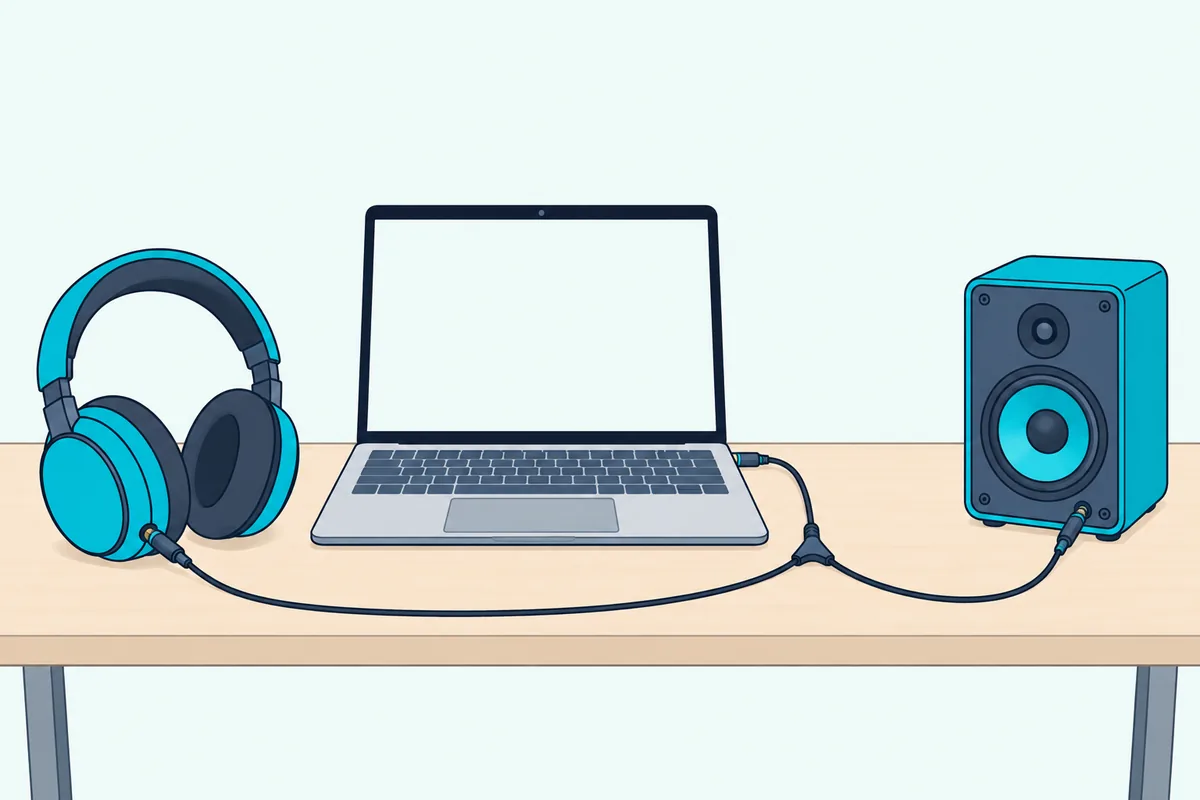
Split cue needs a splitter cable. Serato says to connect a stereo-to-two-mono splitter cable, plug the left mono lead into your headphones and the right into your speakers, then use each deck’s headphone cue button to pre-listen (Serato).
One rule to know first: Serato says Play can’t be used at the same time as connected hardware. It’s included in Serato DJ Suite (Serato), and Serato says first-time Serato DJ Pro users can start a free 14-day trial of Suite (Serato).
Does Streaming Work Without a Controller?
Play covers the mixing side, but streaming raises its own question.
Serato DJ Lite lists Apple Music, Beatport, SoundCloud, Spotify and Tidal as supported streaming services, and Serato says Play works with streaming and other expansions too (Serato). Spotify is the one with strings attached, since it limits its DJ integration to personal, non-commercial use, and our guide to DJ software that streams Spotify covers the rules.
Recording adds another limit. Serato says you can’t record while playing music from a streaming service.
When Should You Buy a Controller Instead?
Streaming rules and recording limits both ease once you have hardware, and hands-on control is the other reason to buy one. A laptop is enough for learning the library, cues and loops, while jog wheels and a real crossfader matter once you want to beatmatch by feel.
Serato says Lite stays free once you buy a supported controller, and that Play can’t run alongside one, so the two paths are alternatives. The Pioneer DJ DDJ-FLX4 is a compact place to start, and our list of starter DJ controllers worth buying has more.
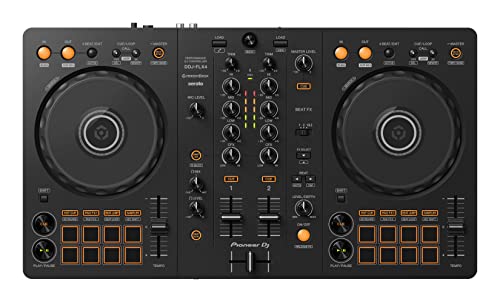
The Pioneer DJ DDJ-FLX4
The Bottom Line
You can DJ in Serato with only a laptop: start with the free Practice Mode to learn the layout and the shortcuts, and move to Serato Play if you want EQs, effects and recording without buying hardware. Buy a controller when you want hands-on control.
Whichever you choose, set your default audio device first. Practice Mode plays through it, and a wrong device is a common reason for silence.
Frequently Asked Questions
Do I need a Serato license to DJ with just my laptop?
No. Serato says you can DJ with just your laptop in Practice Mode, which it calls a free, basic version of Serato DJ Pro that doesn’t require DJ hardware.
Can I record a mix in Practice Mode?
No. Serato lists playing in Practice Mode among the cases where recording isn’t available, and the Play expansion is the laptop-only way to record.
Can I use Serato Play with a controller?
No. Serato says Play can’t be used in combination with connected hardware, so it’s for laptop-only DJing.
How do I switch between Practice Mode and the Offline Player?
In Serato DJ Pro, click the matching buttons near the top left corner of the window (Serato).
Is Serato DJ Lite really free?
Yes. Serato says Lite needs no license or subscription, and it comes with Practice Mode so you can start mixing without any hardware.