How to Program a Soundbar to a TV Remote
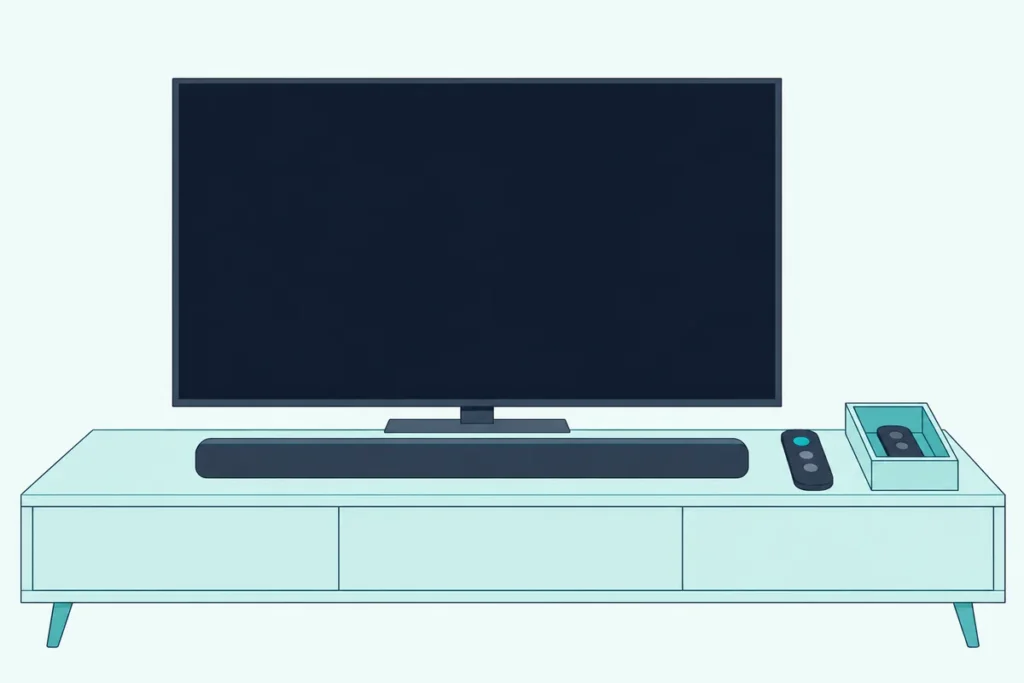
The answer to how to program a soundbar to a TV remote depends on one cable: over HDMI ARC the TV remote usually takes over by itself, while over optical you teach the bar the remote’s buttons.
Get it wrong and you’re back to two remotes, nudging the TV’s volume while the bar stays stuck at the same level.
Get it right and one remote handles volume and mute, and on an HDMI hookup usually power too.
This guide gives each maker’s setting, from Samsung’s All-TV Remote mode to VIZIO’s learning menu, Polk’s preset and Bose’s program mode, plus the TV-side and universal remote options.
It starts with the quick check that tells you which route your setup takes, then walks through the steps for each.
How to Program a Soundbar to a TV Remote in Four Steps
That quick check is the cable between the TV and the bar. Sonos puts the split plainly: a Sonos bar on HDMI ARC needs no setup for the TV remote, while one on an optical cable needs the remote set up by hand (Sonos).
Here’s the order that works for most setups:
- Send the TV’s sound to the bar. Samsung’s and LG’s bar manuals both ask for the TV’s audio output to be set to an external speaker first.
- On HDMI ARC, turn on CEC at both ends. Yamaha calls it HDMI Control, Sony calls it Control for HDMI, and TVs use names like Anynet+ and SIMPLINK.
- On optical, switch on the bar’s TV remote mode. Bars from several makers follow some TV brands’ remotes without any teaching.
- If that fails, use IR learning. The bar records your TV remote’s buttons one at a time.
Step 1 matters more than it looks. If the TV still plays through its own speakers, the remote keeps adjusting the TV and the bar never gets a say.
Does the HDMI Route Need Any Programming?
Step 2 is usually the whole job, because HDMI-CEC carries the TV remote’s commands down the HDMI cable. JBL’s Bar 500 MK2 manual lists what a CEC-capable TV remote then runs: volume up and down, mute, and power on and standby.
Yamaha’s SR-B20A manual says its HDMI Control setting is on by default, and you toggle it by holding the TV button for at least five seconds with the bar off. Sony’s Bar 6 guide says its Control for HDMI switches on by itself when BRAVIA Sync is on at a Sony TV.
So on HDMI you’re flipping switches, not programming anything. Getting the bar to wake and sleep with the TV is its own topic, since each TV maker hides its CEC power options in a different menu: see making a soundbar turn on with the TV.
Get Studio Tips Weekly
Join 5,000+ creators getting acoustic treatment advice every week.
No spam. Unsubscribe anytime.Which Soundbars Follow a TV Remote Without Learning?
The optical route starts with a preset mode, because several makers build other TVs’ remote codes into the bar. Here’s what each maker’s manual says:
| Soundbar | Setting | How to switch it | TV remotes it follows |
|---|---|---|---|
| Samsung (HW-Q990D, HW-B400F) | Off-TV, Samsung-TV or All-TV Remote | Bar off, push the remote’s WOOFER button up and hold 5 seconds; repeat to change mode | Samsung, VIZIO, LG, Sony, Sharp, Philips, Panasonic, Toshiba, Hisense, RCA |
| LG (S95QR, SC9S) | TV REMOTE | Settings button on the bar’s remote, then Left/Right and Up/Down to ON | LG, Panasonic, Philips, Samsung, Sharp, Sony, Toshiba, Vizio |
| VIZIO (V51x-J6) | VZtvRmt | SETUP menu, or hold Power and Volume Up together for 5 seconds | VIZIO TV remotes, with Volume Up turning the bar on |
| Polk (Signa S4) | Remote control preset | Preset at the factory | Major TV makers’ remotes |
Samsung’s default is Off-TV Remote, so a new bar ignores a TV remote until you change the mode. It works with IR remotes only, not with remotes that pair over Bluetooth.
LG adds two catches. You can’t use an LG TV’s Magic Remote this way, and the function may not work properly while the TV’s SIMPLINK or Sound Sync is on, or when the bar and TV are joined by HDMI.
Samsung’s US help covers the simplest pair. A Samsung TV remote controls a Samsung bar’s volume and mute by default, and if it doesn’t, Samsung says to hold the WOOFER button up until ON – TV REMOTE shows.
How Do You Teach a Soundbar Your TV Remote’s Buttons?
If your TV’s brand isn’t in that table, IR learning is the fallback. Think of it as the bar taking dictation: you tell it which job comes next, press the matching button on the TV remote, and it writes that infrared code down.
VIZIO’s V51x-J6 manual gives the clearest version (VIZIO):
- Turn off your TV speakers.
- Press SETUP on the bar’s remote and go to Prg Remote.
- Choose Learn Vol -, press OK, then press Volume Down on the TV remote.
- Repeat for Learn Vol + and Learn Mute, pointing both remotes at the front of the bar.
All of the bar’s lights blink twice when a button is learned. The bar’s Reset All removes every programmed IR remote, one of the catches in our VIZIO soundbar remote pairing walkthrough.
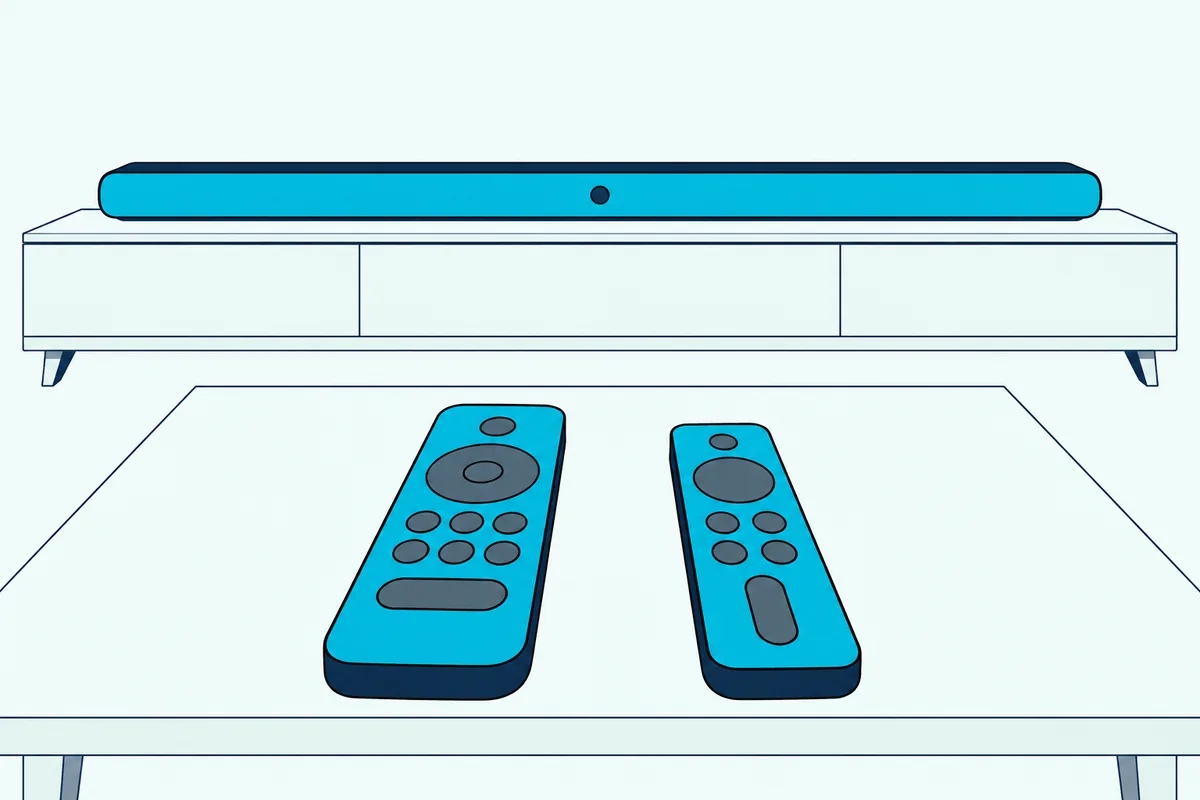
Polk’s Signa S4 learns in pairs (Polk). Hold the bar’s button for 3 seconds until a white light runs back and forth, press Volume Up on the Polk remote, then on the TV remote, and three green blinks mean it worked.
Hold the same button for 3 seconds again to finish. Polk warns that a few rare code formats can’t be learned, and a 10-second hold deletes everything learned.
JBL’s Bar 500 MK2 learns four buttons. Hold the two bar buttons the manual shows until LEARNING appears, then press POWER, VOL+, VOL- or MUTE on the TV remote as each word shows.
Bose’s TV Speaker calls it program mode. Hold the TV button on the speaker remote until the lights blink 3 times and glow white, press Volume Up on that remote, then hold Volume Up on the TV remote for 2 seconds until the TV light blinks amber twice.
Repeat that for Volume Down and Mute. Bose says a cable or satellite box remote can be taught the same way, as long as it sends IR.
Sonos runs it from the app: Settings, the room with the home theater product, then Remote Control Setup. Sonos allows one programmed remote at a time.
How Do You Control a Soundbar With a TV Remote Over an Optical Cable?
Every method in the last two sections works over optical. Sonos’s TV requirements page notes that an optical hookup gives up CEC control, so the TV remote has to reach the bar by infrared, with the bar’s TV remote mode or learning switched on.
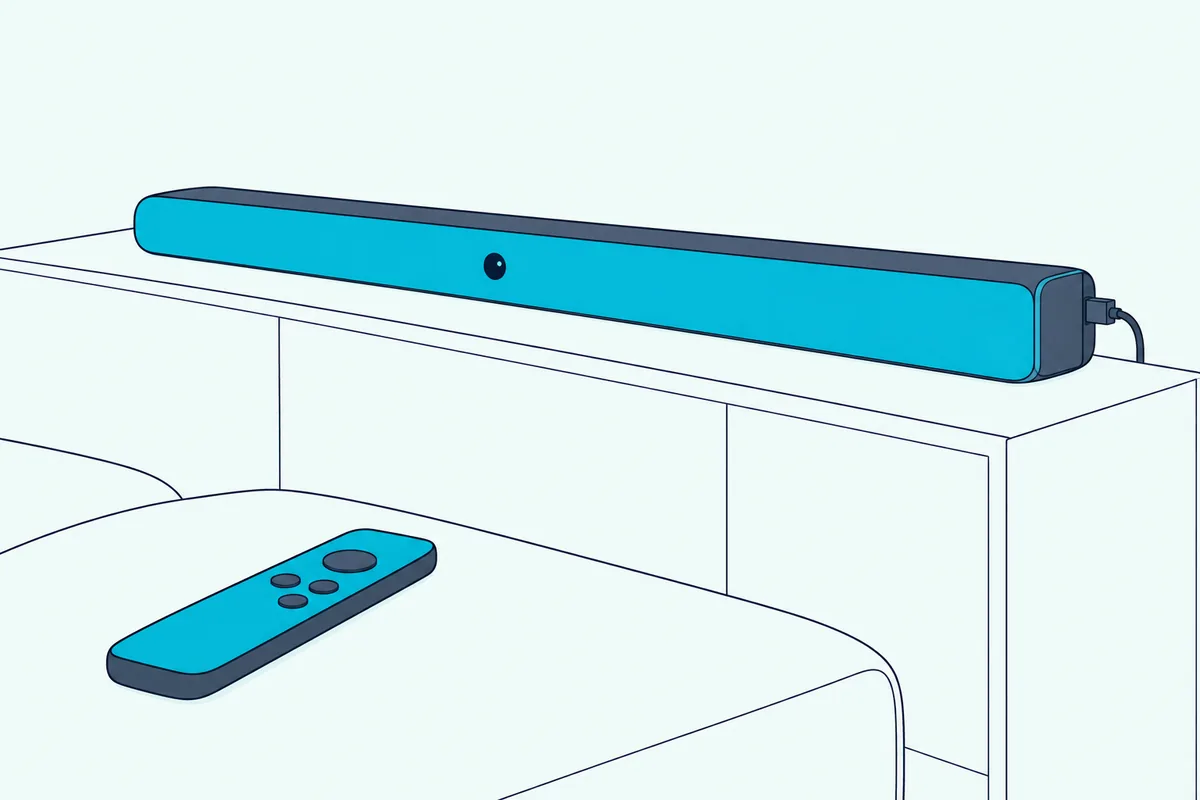
Sonos’s IR troubleshooting page says the same about its own bars. IR remotes are what control its home theater products on optical, such as the Ray and Playbar.
A Samsung TV and Samsung bar are the shortcut. Samsung’s US help says the TV remote runs the bar’s volume and mute over optical, with Auto Power Link handling power.
If the TV’s own volume still moves, go back to step 1 and set its audio output to the optical or external speaker option.
Can the TV’s Own Remote Be Set Up for a Soundbar?
Everything so far has been set on the soundbar, but some TVs and streamers can do the work from their side. Samsung’s Canada help lists sound systems among the devices its Universal Remote controls, through Home, Left, Connected Devices, Universal Remote Setup, then the Home Theater device type.
Samsung says only devices connected by HDMI work with it. LG’s webOS 2025 guide has a similar Universal Control under General > External Devices > Universal Control Settings, built around the Magic Remote.
Google’s TV Streamer and Chromecast Voice Remotes can take over a soundbar too (Google). Open Settings, then Remotes & Accessories, then Set up remote buttons, add the bar by type and brand, and test while pointing the remote at it.
Roku and Fire TV remotes have their own steps, in our guides to running a soundbar from a Roku remote and the Firestick remote and soundbar sound.
Can You Program a Universal Remote to a Soundbar?
A universal remote is the answer when neither the bar nor the TV can learn the other. The ones worth buying list soundbar brands in their setup steps, not just TVs.
One For All’s URC7935 Streamer Remote is one. Its setup guide lets the mute and level keys be assigned to a sound bar or AV receiver, with Bose, LG, Sony, Yamaha and Panasonic among the sound bar brands.
If that’s your situation, One For All’s URC7935 Streamer Remote covers the bar, the TV and a streaming box. To set the bar, hold Volume Up and Volume Down until the green light blinks twice, then hold your brand’s key until the bar mutes.
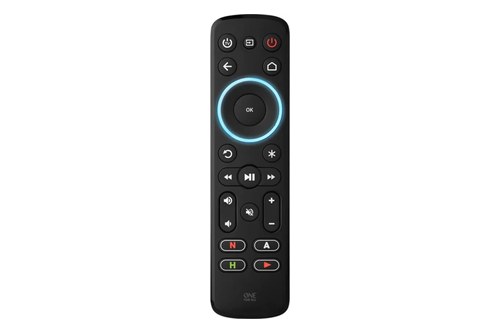
One For All’s URC7935 Streamer Remote
DirecTV’s remotes have their own codes and menus, covered in our guide to the DirecTV remote and your soundbar.
Why Won’t the TV Remote Control the Soundbar?
Most failures come back to the cable route or the infrared path. Work through these in order, because the first ones take seconds:
- Check the TV’s audio output. Samsung and LG both want it on the external speaker.
- Check the remote type. Samsung’s bars need an IR remote, not a Bluetooth one, and LG’s TV REMOTE mode won’t take a Magic Remote.
- Clear the line of sight. Sonos says IR remotes reach about 15 to 20 feet, and sunlight, a plasma TV or other IR gadgets can interfere.
- Replace the batteries. Sonos lists weak batteries as a reason a bar won’t recognize the remote.

On LG, switch off SIMPLINK or Sound Sync while using the bar’s TV REMOTE mode. LG’s manuals say either one can stop it working properly.
If the bar now answers but the TV doesn’t, the bar may be covering the TV’s sensor. Sony’s HT-A3000 has an IR-Repeater setting under Setup > Advanced Settings > System Settings that passes the signal on, and Sony says to use it only when the TV truly can’t hear its remote.
Frequently Asked Questions
How do I get my TV remote to control my Polk soundbar?
Polk’s Signa S4 has a preset for major TV makers’ remotes, so try the TV’s buttons first with its audio output set to the bar. If nothing happens, use learning: hold the bar’s button for 3 seconds, press Volume Up on the Polk remote, then on the TV remote, and wait for three green blinks. Repeat for the other buttons.
Can I program a universal remote to a soundbar?
Yes, if the remote lists soundbars in its setup. One For All’s URC7935 assigns its mute and level keys to a sound bar with a brand key and a mute test. Bose’s TV Speaker can also learn a cable or satellite box remote, as long as it sends IR.
How do I get my TV to recognize the soundbar?
On HDMI, turn on CEC at the TV and the bar, then choose the bar as the sound output: Samsung’s help picks the soundbar under Sound Output, and LG’s S60T manual sets the TV’s speaker to HDMI ARC. Over optical there’s no CEC link, so set the TV’s output to optical or an external speaker and let the bar’s TV remote mode do the rest.
Will the TV remote turn the soundbar on and off?
Over HDMI with CEC on, usually yes, since JBL’s manual lists power alongside the other buttons. Over optical it depends on the bar: VIZIO’s VZtvRmt lets a VIZIO TV remote’s Volume Up turn the bar on, JBL’s learning can record the POWER button, and Samsung bars follow the TV with Auto Power Link.