Does the SmartThings App Work With a Samsung Soundbar?

The answer to “does the SmartThings app work with a Samsung soundbar?” is yes on Samsung’s Wi-Fi models, where it sets up, controls and updates the bar, but barely on Bluetooth-only bars like the Q600B.
That’s why a Q600B owner can scan for it in the app and never see it: its manual has no Wi-Fi section, and SmartThings only switches on a phone feature called Tap Sound.
Once you know which side of that line your model sits on, you’ll know whether to keep trying the app or rely on Bluetooth and a USB stick.
The model table comes first, then what the app does on each kind of bar, Samsung’s steps for adding one and the fixes when the app can’t find it.
After that come the newer Samsung Sound app, the Chromebook question and a short FAQ.
Which Samsung Soundbars Work With the SmartThings App?
That line between models comes straight from Samsung’s manuals. The bars whose manuals have a Connecting via Wi-Fi section are the ones fully compatible with SmartThings, and most of those manuals say the SmartThings app is required to connect the bar to a phone over Wi-Fi.
| Model (year where Samsung’s page gives one) | Wi-Fi in the manual | What the manual uses SmartThings for |
|---|---|---|
| HW-Q990F, Q930F, Q800F (2025) | Yes | Registering, settings, Wi-Fi changes, Group Play, SmartThings Hub, AirPlay, Tap Sound |
| HW-Q990D (2024) | Yes | Registering, Wi-Fi changes, Group Play, SmartThings Hub, AirPlay, Tap Sound |
| HW-Q930D, Q800D, Q700D | Yes | Registering, Wi-Fi changes, Group Play, AirPlay, Tap Sound |
| HW-S60D, S61D (2024) and S800D, S700D | Yes | Registering (delete and re-add to change Wi-Fi), Group Play, AirPlay, Tap Sound |
| HW-Q990C (2023) | Yes | Registering, SmartThings Hub, AirPlay, Tap Sound |
| HW-Q930C, Q800C, Q700C | Yes | Registering, AirPlay, Tap Sound |
| HW-Q990B | Yes | Registering, Tap Sound |
| HW-Q950A (2021) and Q70R | Yes | Registering through a NETWORK button, Alexa (plus Tap Sound on the Q950A) |
| HW-Q600B, Q600C (2023), Q60C | No | Only switching on Tap Sound on a Samsung phone |
| HW-B650, B550, B400F (2025), C450, Q60T | No | Not mentioned at all |
So the split isn’t the Q badge: the Q600B and Q60C carry it and still have no Wi-Fi. For the wider differences between the series, see Burton Acoustix’s Samsung lineup comparison.
A quick check at the bar works too: press Source and watch the display. On the HW-Q990D, Wi-Fi is one of the stops between HDMI 2 and BT, while the Q600B’s manual lists no Wi-Fi source at all.
Does the SmartThings App Work With a Samsung Soundbar Like the Q600B?
The bottom rows of that table are what this question is really about. Not as a connected device: Samsung’s HW-Q600B manual has no Wi-Fi section, and the only SmartThings step it gives is turning on Tap View, Tap Sound on a Samsung phone.
If you searched for a “Q6000B”, the bar you most likely mean is the HW-Q600B, which Samsung’s support page calls a 3.1.2ch Q-Series Soundbar. Its manual, and the Q600C and Q60C manuals, use SmartThings for that one feature.
Here’s how Tap Sound works on those bars, step by step from the Q600B manual:
- In SmartThings on your phone, find the Tap View, Tap Sound setting and turn it on.
- Tap the wide upper part of the soundbar lightly with the phone.
- Choose Start now in the message that appears, and the phone sets up a Bluetooth link to the bar.
- Play audio on the phone and it comes out of the soundbar.
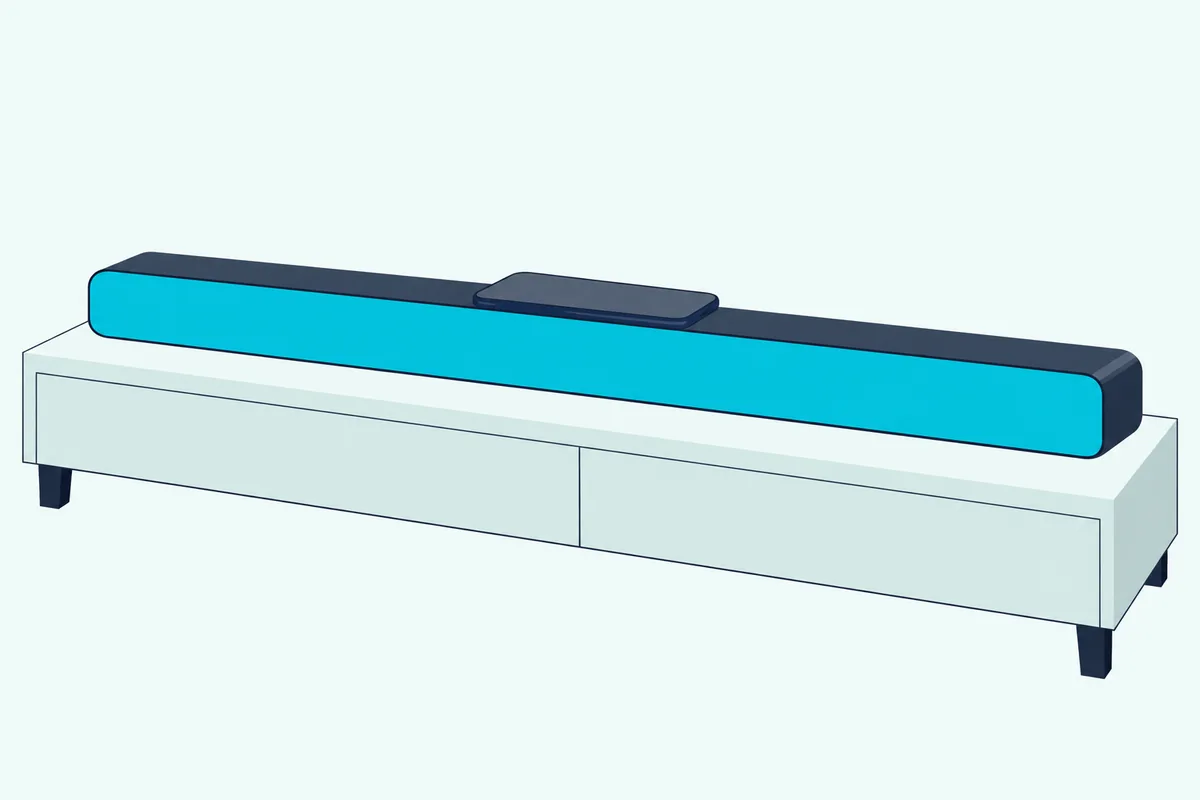
The fine print matters. Samsung says Tap Sound works only with Samsung phones on Android 8.1 or later and not in power-saving mode, and it recommends a phone case and warns that a sharp corner can scratch the bar or the phone.
So an iPhone owner with a Q600B gets nothing from SmartThings that the manual describes, and even a Galaxy owner only gets a faster way to start Bluetooth. Plain pairing a Samsung soundbar over Bluetooth does the same job from any phone, and the Q600B accepts one Samsung TV or two Bluetooth devices at a time.
Samsung’s Q600B manual doesn’t describe adding the bar to SmartThings as a device at all. That’s a gap in the manual, not a confirmed block, but it means none of the Wi-Fi features below apply to it.
What the Q600B does without the app is still useful. Q-Symphony, which plays sound through a Samsung TV’s speakers and the soundbar together, runs over the HDMI or optical cable and shows up as TV+Soundbar in the TV’s Sound Output menu.
Firmware is the other job people expect the app to do. The Q600B’s Samsung support page lists an Upgrade File (USB type), version 1014.0, dated 27 October 2022, so updates go in from a USB drive.
Get Studio Tips Weekly
Join 5,000+ creators getting acoustic treatment advice every week.
No spam. Unsubscribe anytime.What Can SmartThings Do Once a Wi-Fi Soundbar Is Added?
Those Wi-Fi rows at the top of the table are where the app earns its place. Samsung’s 2025 manual for the Q990F, Q930F and Q800F says that once the bar is registered, SmartThings shows a settings menu with Volume, Sound Mode and Advanced Sound Settings, so your phone works as a second remote.
That beats stepping through settings one by one on the remote. For which Samsung sound settings are worth changing, the settings guide walks through each mode.
The same manual lets a second person control the bar from their own phone through the app’s Share control of devices option. Think of the registered bar as a shared household device rather than a gadget tied to one phone.
SmartThings’ Google Play listing adds routines and automated notifications about device status for everything in the app.
Firmware is the next big job. Samsung’s US page says a bar on Wi-Fi can receive updates through SmartThings: unplug the soundbar, subwoofer and rear speakers for 30 seconds, then open the bar in the app and tap the three vertical dots, Information, Firmware Update and Update Now.
That’s the USB stick you skip, compared with the Q600B in the last section. Samsung’s US page gives the USB route as the alternative, and the full steps are in this guide to updating Samsung soundbar firmware from a USB stick.
The newer manuals add four more app-only features:
| Feature | What the manual says | Which manuals |
|---|---|---|
| Change Wi-Fi network | Device settings, Network status, Change Wi-Fi network, from the bar’s card (the S60D and S800D delete and re-add the bar instead) | Q990F, Q990D, Q930D |
| Group Play | Groups audio devices on one 5 GHz network; up to 4 devices on the Q990D; no TV sound | Q990D, Q990F, Q930D, S60D, S800D |
| SmartThings Hub | Lets the bar act as a hub for bulbs, plugs and sensors | Q990C, Q990D, Q990F |
| AirPlay | The bar must be registered in SmartThings and its terms agreed first | Q990F and every C and D generation Wi-Fi manual above |
Group Play has a date limit too: the Q990D manual says it works on Samsung Sound devices with Wi-Fi released in 2024 or later. If you unplug a bar used as a SmartThings Hub, Samsung warns the bulbs or plugs connected through it may drop off and need reconnecting.
AirPlay is the one that catches iPhone owners out. The Q990F manual says that if the bar is missing from the AirPlay list, check you’ve agreed to the SmartThings terms, that the bar hasn’t been deleted from the app and that it’s on the same Wi-Fi as the Apple device, with iOS 13.4 or later.
How Do You Add a Samsung Soundbar to SmartThings?
All of those features start with one registration. Samsung’s help page sets four conditions first: SmartThings installed, a Samsung account signed in, the phone and soundbar on the same Wi-Fi network, and the same Samsung account on the phone and the soundbar.
For the phone itself, the SmartThings listing on Apple’s App Store asks for iOS 17.0 or later as of 24 October 2026. Samsung’s help page gives Android 8.0 or later (and still lists iOS 12.0), and the SmartThings listing on Google Play adds 3 GB of memory and says some features may be limited on non-Samsung phones.
- Turn the soundbar on and open SmartThings; when the pop-up offers the bar, tap Add Now.
- No pop-up? Tap Add (the + icon), then By device and AV, and choose Samsung as the brand.
- Choose a location and a room for the soundbar.
- Wait while the app finishes registering the bar.
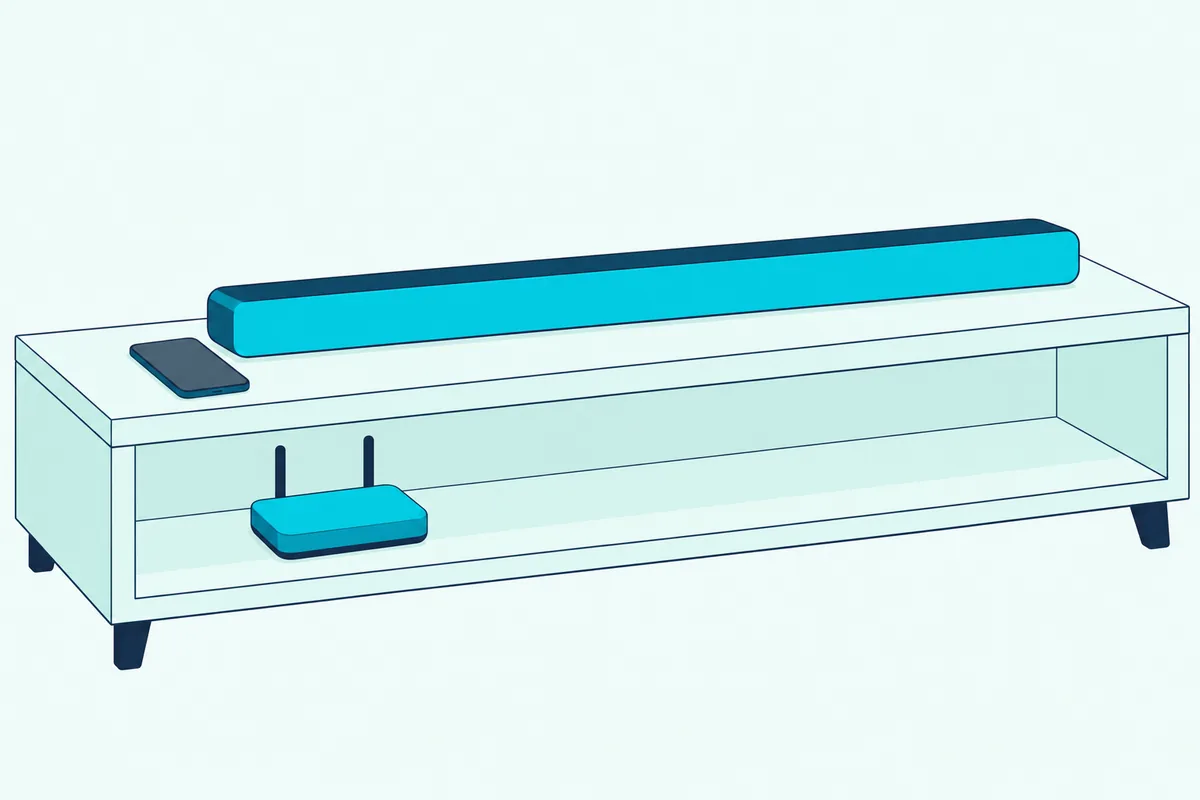
Samsung’s US setup page adds one step before the app: press Source on the remote or the bar until it shows Wi-Fi mode. The 2025 Q990F manual adds a shortcut, letting you register the bar by scanning the QR code on the soundbar.
Some older bars do it differently. The Q950A and Q70R have a NETWORK button on the bar that their manuals describe as the way to connect to Wi-Fi through the SmartThings app.
Why Can’t SmartThings Find or Connect to Your Soundbar?
Those steps assume the app can see the bar, and that’s where attempts stall. The first check is the table: if your model’s manual has no Wi-Fi section, no Samsung manual gives it a SmartThings route, so use Bluetooth and the cables instead.
On a Wi-Fi bar, Samsung’s US troubleshooting page starts with your phone’s Bluetooth, which it calls essential for successful registration:
- On your phone, open Settings and make sure Bluetooth is switched on.
- Unplug the soundbar for 30 seconds, then plug it back in to clear temporary errors.
- Remove the bar from your phone’s Bluetooth list (Unpair on Android, Forget This Device on an iPhone).
- Open SmartThings and add the soundbar again.
The 2025 Q990F manual has its own route for a bar the app can’t find. Pair the phone with the soundbar over Bluetooth, tap Connected Devices in SmartThings, slide left to the soundbar’s card and tap Register device to Samsung account.
If both fail, a few settings are worth ruling out. On the B, C, D and F generation Wi-Fi bars, holding CH LEVEL on the remote for 30 seconds switches the bar’s Wi-Fi off or on, and the bar restarts each time.
The HW-Q990D’s checklist adds that the bar doesn’t support Wi-Fi 6, and that a new router means setting up the bar’s network again. A phone on a separate guest network, or signed in to a different Samsung account, fails the same-network, same-account conditions from the last section.
Here’s a quick test before you reset anything: open the soundbar in your phone’s Bluetooth settings. If it’s listed there, Samsung’s step 3 says to remove it, and that one change is cheaper to try than a reset.
If the whole app seems stuck rather than one bar, Samsung’s US page points to the SmartThings platform status for wider outages. Keep a reset for last, because Samsung’s manuals warn it returns every setting to default, so plan on adding the bar to the app again afterwards.
Is the Samsung Sound App Replacing SmartThings for Soundbars?
If SmartThings still won’t cooperate, Samsung now has a second app. Not for most bars yet: Samsung’s US troubleshooting page says Samsung Sound currently supports 2026 products and the HW-LS60D Music Frame, with 2023 to 2025 soundbars planned for later updates.
The Samsung Sound listing on Google Play calls it the official app for setting up and controlling Samsung Wi-Fi speakers and soundbars. Its supported list (May 2026 update) names the 2026 H models, including the HW-Q99H, Q90H, Q93H, Q8H, QS9H and Q6*H soundbars, plus the 2024 HW-Q99D once its firmware is updated.
So a Q990D owner with current firmware can use either app, while a Q600B owner has neither, since Samsung Sound is described as an app for Wi-Fi speakers and soundbars. Samsung’s US page says its four not-found fixes apply in either app.
Nothing in Samsung’s listings says it’s discontinuing SmartThings for soundbars. Google Play shows the SmartThings app updated on 12 October 2026, and the Samsung Sound listing on Apple’s App Store records a 1 October update that added a notice about Samsung Sound app integration into SmartThings.
That notice’s text isn’t on the listing, so what the integration means is still open. Until Samsung says more, SmartThings stays the app every Wi-Fi manual on this page tells you to use.
Can You Use the SmartThings App on a Chromebook With a Samsung Soundbar?
That leaves one more device people try: the laptop. Neither app’s store listing mentions Chromebooks, and Samsung’s soundbar manuals tell you to install SmartThings on a mobile device, a smartphone or tablet.
The Google Play listing describes SmartThings as a way to control smart home devices from phones and Wear OS watches, and warns that some mobile devices may not be supported. The App Store listing names iPhone, iPad, Apple Vision and Apple Watch, with no laptop of any kind.
Samsung’s setup also leans on phone hardware. The troubleshooting steps need Bluetooth on the phone, the 2025 manual’s shortcut scans a QR code on the bar, and Tap Sound means physically tapping the soundbar with a Samsung phone.
So treat a Chromebook as unsupported for setup, since Samsung documents none of it there. Register the bar from a phone or tablet; once it’s online, Samsung’s manuals say it updates its software automatically, even while it’s off.
Frequently Asked Questions
Do you need SmartThings to use a Samsung soundbar?
No. Every bar in the table plays sound over a cable or Bluetooth and works from its own remote, and none of that needs the app.
You do need SmartThings for the Wi-Fi features on Wi-Fi models: registering the bar, AirPlay, Group Play, SmartThings Hub and the app-based firmware update. Samsung’s manuals also say a bar connected to the internet updates its software automatically, even while it’s turned off.
How do you update a Q600B without the SmartThings app?
Use a USB drive. Samsung’s Q600B support page lists the firmware as an Upgrade File (USB type), version 1014.0, dated 27 October 2022.
The manual’s steps are to unzip the download, copy the .bin file to the top level of the USB drive, plug it into the bar while it’s off, then turn the bar on and pick the USB source. The display reads UPDATE and the job can take up to 3 minutes; when the latest version is already installed, no update runs.
Does SmartThings work with a Samsung soundbar on an iPhone?
Yes, on the Wi-Fi models. The App Store listing asks for iOS 17.0 or later, and registering the bar in SmartThings is what switches on AirPlay on the Q990D, Q990F and S60D.
Tap Sound is the exception: Samsung limits it to Samsung phones on Android 8.1 or later, so iPhone owners can’t use it on any bar, including the Q600B.
Can two phones control the same Samsung soundbar in SmartThings?
Yes. Samsung’s 2025 Q990F manual says another person can use Share control of devices in the SmartThings menu on their own phone to control the registered soundbar.