How to Connect Bluetooth on a Samsung Soundbar (Phone or TV)
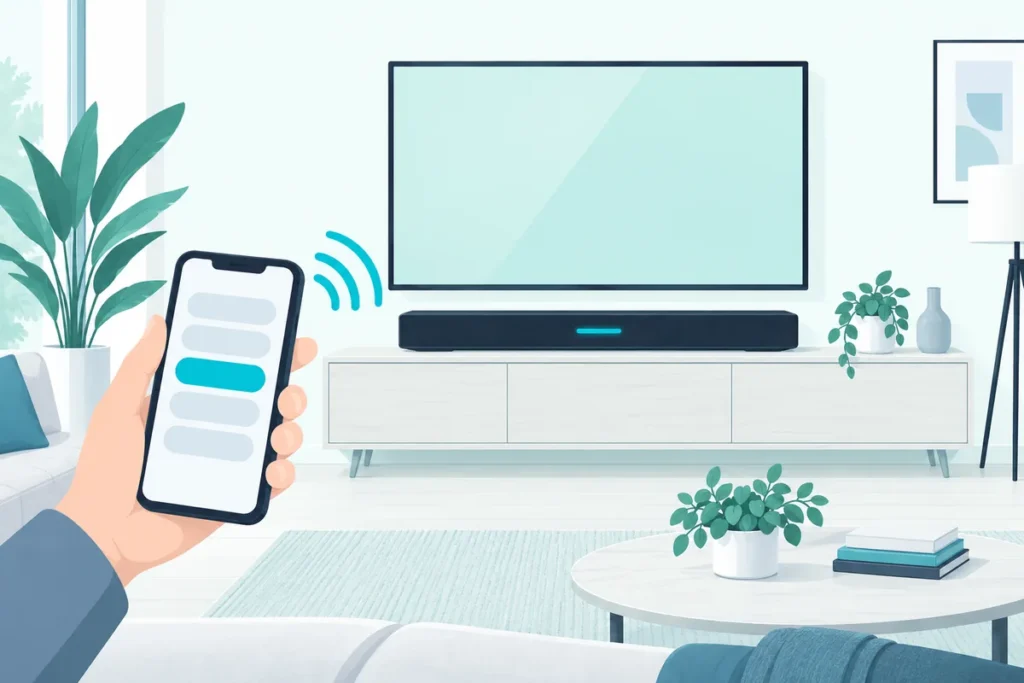
How to connect Bluetooth on a Samsung soundbar: switch the soundbar to Bluetooth with the Pair or Source button until its display reads BT PAIRING, then choose the soundbar in your phone’s or TV’s Bluetooth list.
If the display stops at BT READY instead, hold the Source button on the soundbar itself until it changes to BT PAIRING, Samsung says. The HW-Q990D is the exception: its manual has you hold the Mic On/Off button on the top panel for more than 5 seconds.
Below are Samsung’s steps for phones and Samsung TVs, what to do when the soundbar won’t show up, and the one kind of device a Samsung soundbar can’t pair with.
How Do You Put a Samsung Soundbar in Bluetooth Pairing Mode?
That BT PAIRING screen is the whole trick, and there are two ways to reach it. Samsung’s setup guide says to press the Pair button on the soundbar’s remote, which switches the source to Bluetooth and shows “BT” on the display (Samsung).
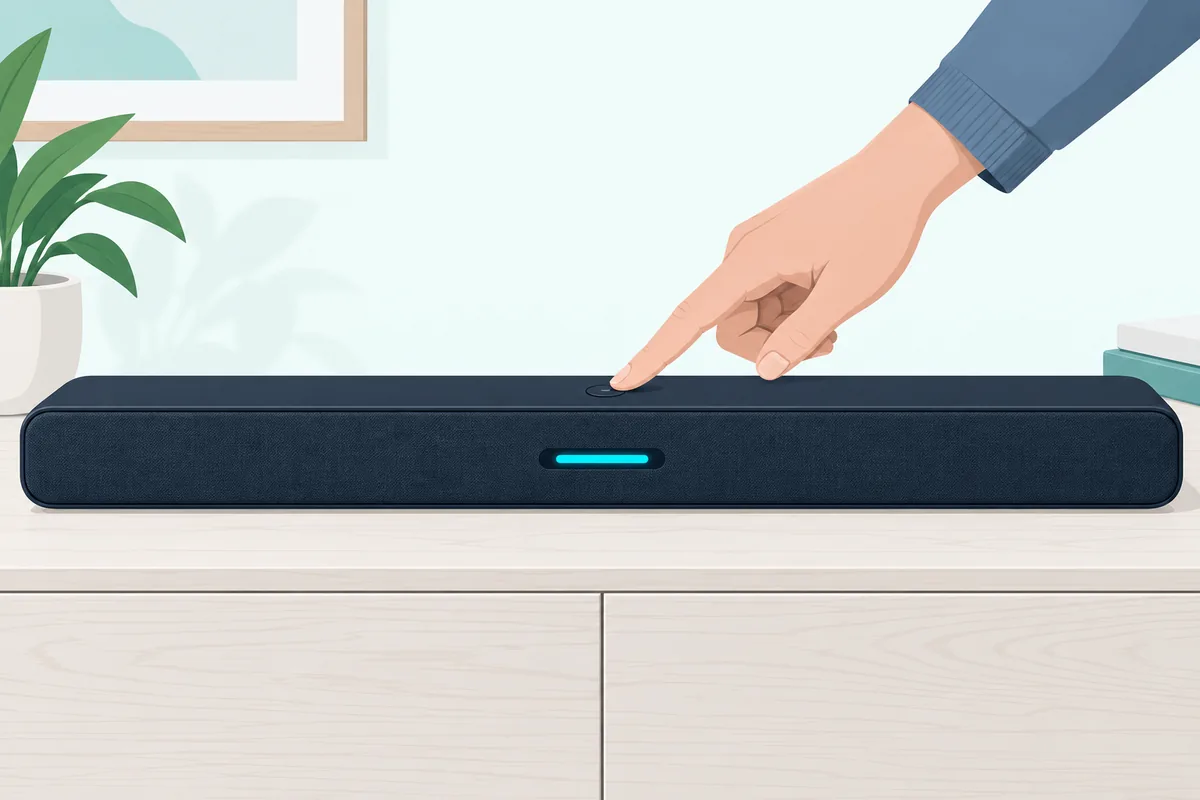
Without the remote, press the Source button on the soundbar until the display says “BT,” the first of the model-by-model holds that put a Samsung soundbar in pairing mode without the remote. After a few seconds it changes to “BT Pairing,” and the soundbar starts looking for a device to connect to.
Samsung’s troubleshooting page describes the same sequence on the display: BT, then WAIT, then BT PAIRING (Samsung). If it shows BT READY and stays there, press and hold Source on the soundbar until BT PAIRING appears.
So the steps are:
- Press Pair on the remote, or press Source on the soundbar until the display reads BT.
- Wait a few seconds for BT PAIRING.
- If you see BT READY instead, hold Source on the soundbar until BT PAIRING appears.
How to Connect Bluetooth on a Samsung Soundbar From a Phone
Once the soundbar shows BT PAIRING, the rest happens on the phone. Samsung’s own steps for a Galaxy phone are to open Settings, tap Connections, then Bluetooth, and select the soundbar from the list of available devices (Samsung).
On an iPhone, Apple’s steps are similar: go to Settings, tap Bluetooth and turn it on, then tap the soundbar’s name when it appears under the list of devices (Apple). Apple notes you might need to enter a PIN or passcode, which is where Sony’s 0000 goes when you connect an iPhone to a Sony soundbar.
After that, anything you play on the phone comes out of the soundbar. Samsung’s example uses Spotify: play a song, tap the Devices icon next to its title, and pick the soundbar under “Select a device.”
If the soundbar isn’t in the phone’s list, check that it still says BT PAIRING rather than BT READY. Our walkthrough of connecting any phone to a soundbar covers the phone-side settings that most often get in the way.
How Do You Connect a Samsung Soundbar to a Samsung TV With Bluetooth?
For a Samsung TV, put the soundbar in BT PAIRING first, then pair from the TV. Samsung’s setup guide gives two routes: open Source on the TV, select Connection Guide, then Audio Device and Bluetooth, and follow the on-screen steps.

The other route is through the settings. Go to Settings, then Sound, then Sound Output, and select Bluetooth Speaker List or Bluetooth Audio Device, depending on your TV model, then choose the soundbar.
If the soundbar’s name doesn’t appear in the TV’s list, Samsung says to select Cancel and try again, and that it may take one or two tries. Once it pairs, a pop-up on the TV confirms the Bluetooth speaker is connected (Samsung).
Not sure the TV has Bluetooth at all? Samsung says a TV that came with a Smart Remote supports Bluetooth, since that’s how the remote pairs, and that any TV showing Bluetooth Speaker List under Sound Output supports it (Samsung).
For a TV without Bluetooth, Samsung suggests a Bluetooth adapter, which plugs into a 3.5 mm or red and white AUX audio port. For a non-Samsung TV, the TV’s own Bluetooth audio menu does the same job as the steps above.
Can a Samsung Soundbar Connect to Bluetooth Headphones?
No, and this catches a lot of people out. Samsung says its soundbars only pair with a Bluetooth device that plays audio, like a TV, tablet or phone, and can’t pair with other Bluetooth speakers, headphones or soundbars.
So the soundbar is always the thing receiving sound. If you want to listen on headphones late at night, pair the headphones with the TV instead, and switch back to the soundbar when you’re done.
The same rule explains a common dead end: two soundbars can’t be joined over Bluetooth. Samsung’s Wi-Fi setup through the SmartThings app is the route it gives for multiple connections, as the last section below explains.
Why Won’t My Samsung Soundbar Connect to Bluetooth?
When pairing fails, Samsung says it’s usually because the steps weren’t followed correctly, or because a device needs a reset or an update, or isn’t compatible. Its troubleshooting steps, in order, are:
- Check pairing mode. The soundbar should read BT PAIRING, not BT READY; hold Source on the soundbar if it doesn’t.
- Check the other device. Your phone or TV has to be searching for Bluetooth devices too, and each device does that differently.
- Update the soundbar. Samsung suggests checking for a firmware update, then trying again.
- Reset the device you’re pairing. Samsung’s advice is a hard reset where possible, or at least turning it off and on again.
- Try other devices. If other phones pair with the soundbar, the soundbar doesn’t need service; the problem is the device you started with.
- Request service. If nothing ever pairs, Samsung says to contact its Support Center.
For a TV that has paired before, Samsung’s TV support page adds two quick fixes. Unplug the soundbar’s power cord and plug it back in, or delete every speaker from the TV’s Bluetooth speaker list, then search and pair again.
If the soundbar itself seems stuck, a reset can clear it, and our guide to resetting a Samsung soundbar covers the button combinations by model. For problems beyond Bluetooth, our Samsung soundbar troubleshooting checklist works through the other common faults.
Why Is Sound Coming From Both the TV and the Soundbar?
Sometimes the Bluetooth link works too well, and the TV keeps playing through its own speakers as well. Samsung’s fix is in the TV’s settings: open Settings, select Accessibility under General, and turn off Multi-output Audio.
After that, the sound plays only through the soundbar. If you do want both, turning Multi-output Audio back on brings the TV’s speakers in again.
Is Bluetooth the Best Way to Connect a Samsung Soundbar?
For convenience, yes; for sound, no. Samsung says Bluetooth doesn’t give the same sound quality as HDMI, and that the connection can drop or become unstable if something disrupts it, like a power outage or other electrical devices.
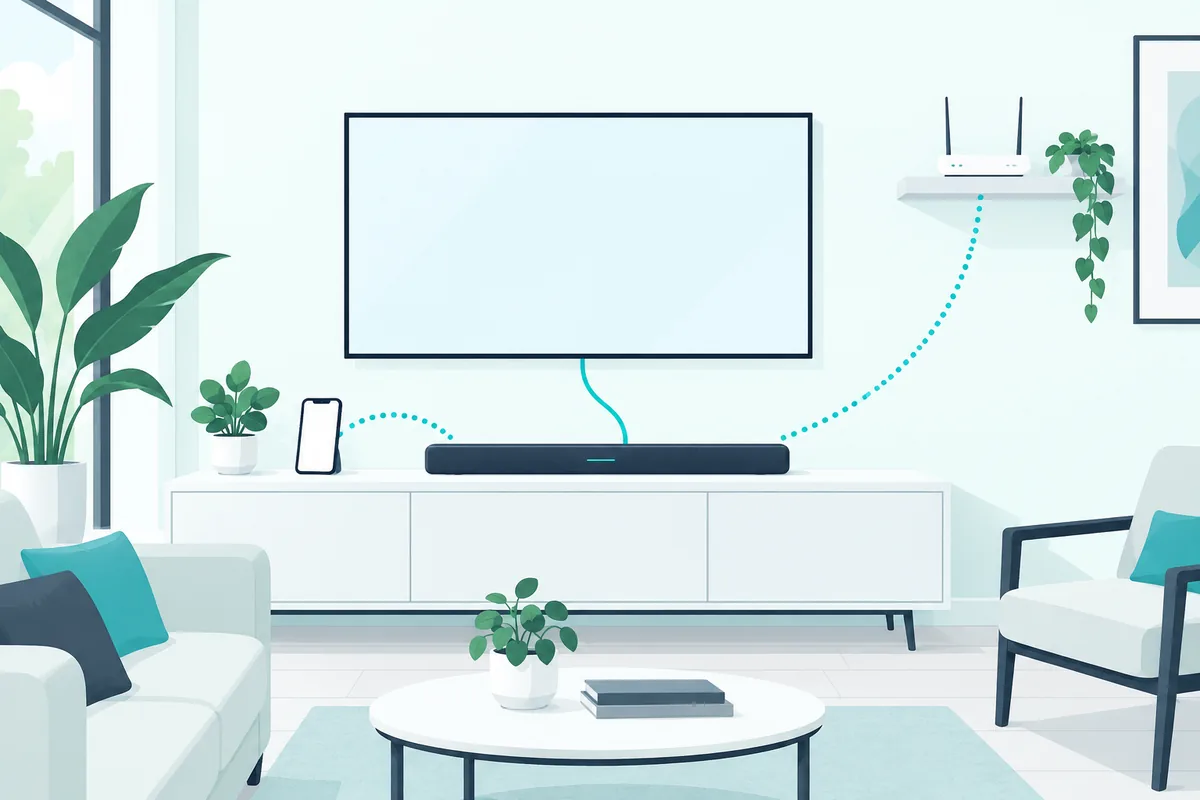
HDMI is Samsung’s pick for the best audio, because the cable carries sound digitally, and HDMI ARC lets the TV’s own apps play through the soundbar. Wi-Fi through the SmartThings app is its other wireless option, with a wider range than Bluetooth and room for multiple connections on the same network.
That Wi-Fi option needs a bar with Wi-Fi, though, and this Samsung soundbar SmartThings compatibility guide shows why a Q600B gets only Tap Sound from the app.
So a sensible setup is HDMI or optical for the TV, and Bluetooth for your phone’s music. Our comparison of Bluetooth and optical for a soundbar explains the sound-quality difference in more detail.
On an LG TV, the TV side of that pairing runs through Sound Out’s Use Wireless Speaker menu, and the steps for pairing a Samsung soundbar with an LG TV over Bluetooth cover both sides.
Frequently Asked Questions
How do I put my Samsung soundbar in pairing mode without the remote?
Press the Source button on the soundbar until the display reads BT, then wait for BT PAIRING. If it says BT READY, hold Source until BT PAIRING appears.
Why does my Samsung soundbar say BT READY?
BT READY means Bluetooth is selected but the soundbar isn’t looking for a new device. Samsung says to press and hold Source on the soundbar until it shows BT PAIRING.
Can I connect my iPhone to a Samsung soundbar?
Yes. Put the soundbar in BT PAIRING, then on the iPhone go to Settings, tap Bluetooth, and tap the soundbar’s name when it appears.
Does my Samsung TV have Bluetooth?
If it came with a Smart Remote, yes. Otherwise, check Settings, then Sound, then Sound Output; if Bluetooth Speaker List appears, the TV supports Bluetooth.
Can I pair Bluetooth headphones with a Samsung soundbar?
No. Samsung says its soundbars pair only with devices that play audio, like a TV, tablet or phone, not with headphones, speakers or other soundbars.