How to Connect a Samsung Soundbar to a Comcast Remote
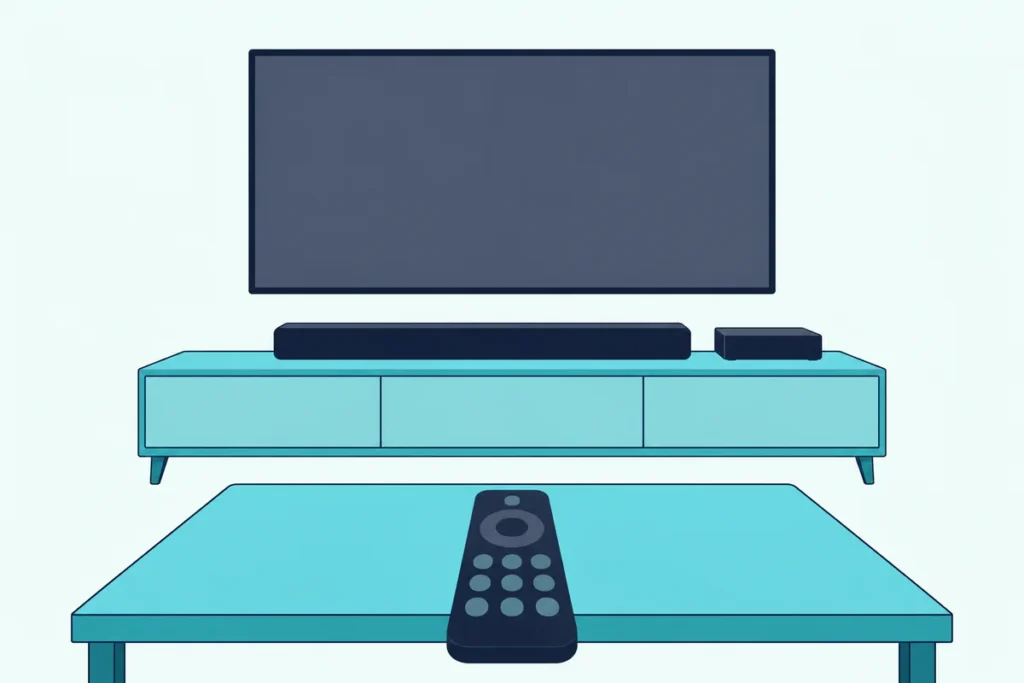
Here’s how to connect a Samsung soundbar to a Comcast remote: aim the Xfinity Voice Remote at the TV Box, say “Program remote,” and answer Yes when setup asks to control your audio receiver, then type Samsung.
Skip that audio question and the volume keys only talk to the TV, so the bar can stay stuck at one level however often you press.
Add the bar as audio equipment and one remote runs the cable box, the TV’s power and the soundbar’s volume.
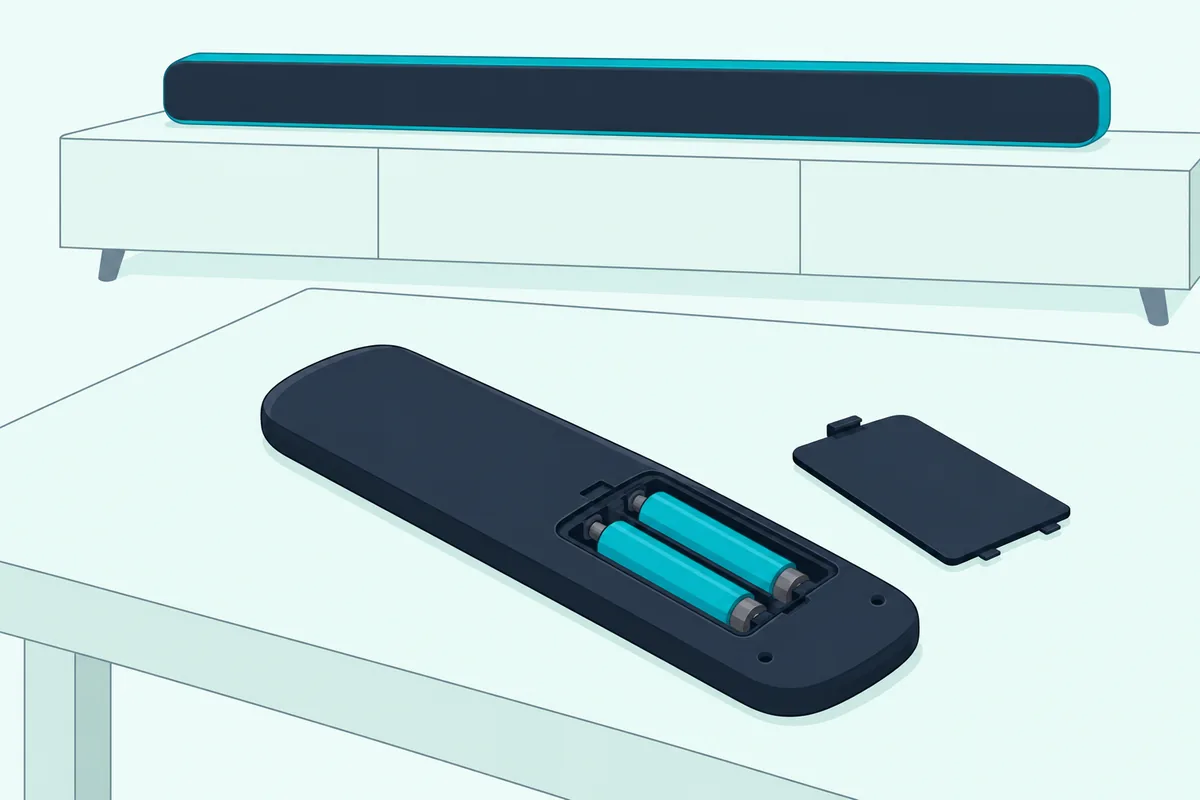
The fallback buttons depend on your remote, so check whether it’s an XR16, XR15, XR11 or an older XR2 or XR5 under the battery cover.
After that come the cable layouts that change who answers the volume button, and the fixes for when the bar still won’t respond.
How to Connect a Samsung Soundbar to a Comcast Remote in Four Steps
Those four steps come from Comcast’s own remote setup guide, written for X1, Xumo Stream Box and Flex boxes. It says the same remote can control your TV and a sound system such as a sound bar:
- Link it to the TV Box. Aim the Voice Remote at the box, press the Microphone button, say “Program remote” and follow the on-screen steps.
- Add the TV. Select Yes at “Do you want to use your remote to control your TV power and volume?”, type the TV’s brand and test the volume.
- Add the soundbar. Select Yes at “Do you want to control your audio receiver using your remote?”, type Samsung and select OK at “Ready to pair.”
- Test it. Change the volume; select It Works! if the bar responds, or It Doesn’t Work to try again.
Step 3 is the one people skip, because the question says receiver, not soundbar. Comcast’s Voice Remote overview says the VOL buttons work once the remote holds a valid TV or AV receiver code, and only the audio step gives it one for the bar.
Already set the remote up? Nakamichi’s Xfinity page puts the same two questions in the box’s menu under Settings, Remote Settings, TV and Volume Control, so they can be answered there too (Nakamichi).
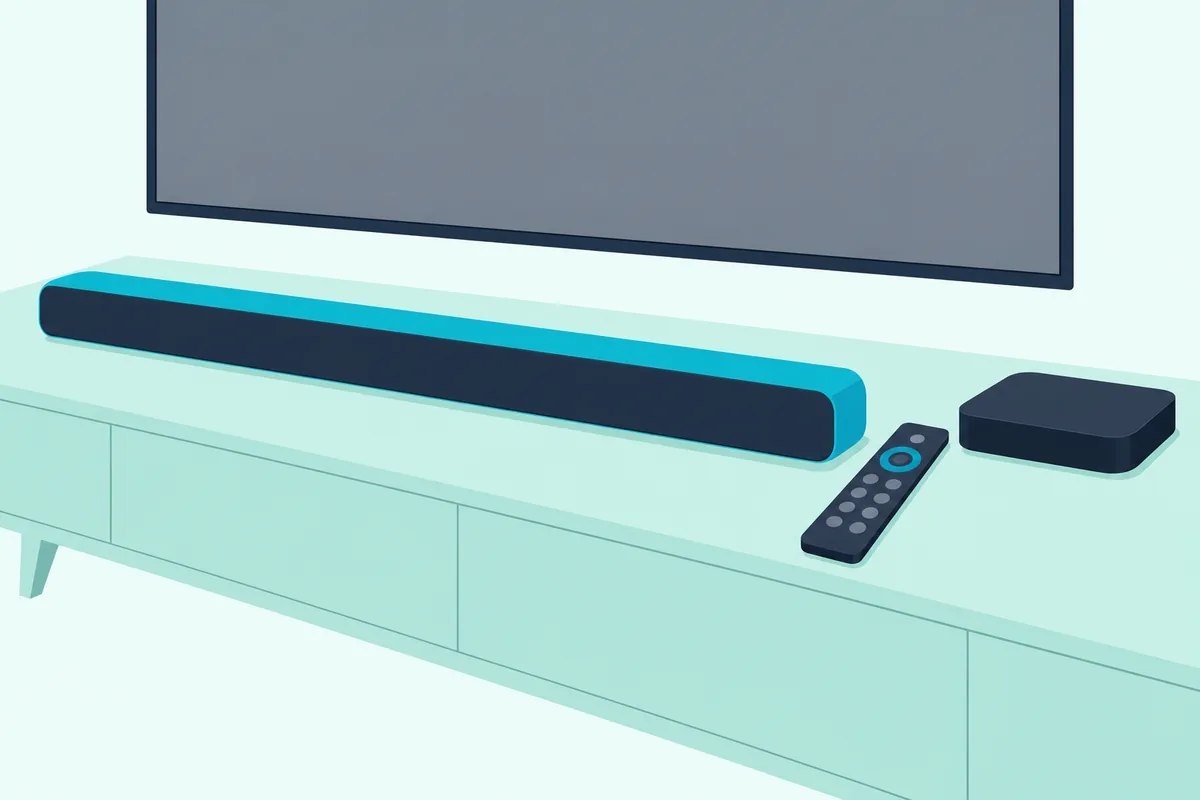
Where the box plugs in matters too, and hooking an Xfinity box up to a soundbar walks through each layout.
Which Comcast Remote Do You Have?
That voice route works on every Voice Remote, but the fallback buttons differ by model. Comcast says to remove the battery cover to see the model number, then match it here:
| Remote | How to tell | Setup without voice |
|---|---|---|
| XR16 | No Setup button, no number buttons | None: say “Program remote” at the TV Box |
| XR15 | Number buttons, no Setup button | Hold xfinity and Info (i) for 5 seconds, then enter the 3-digit number on screen |
| XR11 | Setup button | Hold Setup until the light turns from red to green, then enter a code |
| XR2, XR5 | Older remotes with a model number starting “XR” | The online lookup tool |
The XR15 has a second route for a five-digit code: hold xfinity and Mute for 5 seconds until the light turns green, then type it. Two green blinks mean it took, and red then green means it didn’t.
Without an X1, Xumo or Flex box, Comcast sends you to separate steps for a legacy TV Box. For XR2, XR5 and XR11 remotes, its reset section says the lookup tool below sets them up again.
Get Studio Tips Weekly
Join 5,000+ creators getting acoustic treatment advice every week.
No spam. Unsubscribe anytime.How Do You Find the Samsung Code for a Comcast Remote?
Those five-digit numbers come from Comcast’s online Remote Code Lookup tool, which it says connects the remote to a TV or a sound system. Choose your remote, select Continue and follow the steps it gives for your bar.
The setup guide prints no Samsung soundbar code. Lists on other sites aren’t Comcast’s, so treat the lookup tool, or simply typing Samsung during “Program remote,” as the source.
Comcast’s own fallback for a missing brand is written for TVs. On an XR15 you type the first number, aim at the device, press Power, and if it switches off you check that Volume and Mute work, otherwise you try the next one.
Should the Remote Talk to the TV or the Soundbar?
Whichever setting you end up with decides where the volume press goes. Add the bar as audio equipment and the remote sends its commands to the bar itself, which is the route both the setup guide and the Voice Remote overview describe.
Set up only the TV and the press lands on the TV. A Samsung bar on the TV’s HDMI ARC port with Anynet+ (HDMI-CEC) on can follow the TV’s volume, but Samsung’s TV user guide says Anynet+ is set up and operated with the Samsung remote control, so Samsung doesn’t promise a cable remote will work that way (Samsung TV user guide, AVB’s copy).
Samsung bars also have a TV remote mode that reads infrared remotes. The HW-Q800F manual lists Samsung, VIZIO, LG, Sony, Sharp, PHILIPS, PANASONIC, TOSHIBA, Hisense and RCA, and says Bluetooth remotes that need pairing aren’t supported (HW-Q800F manual, Abt’s copy).
That list names TV makers, not cable remotes, so Samsung doesn’t say whether the mode follows a Comcast remote. The modes and their defaults by year are in Samsung’s own TV remote modes for its soundbars.
Does It Matter Whether the Cable Box Plugs Into the TV or the Soundbar?
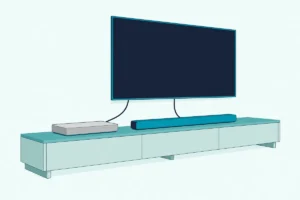
That HDMI ARC route also depends on where the box’s HDMI cable goes. Samsung’s guides show three layouts, and each changes what the remote can reach.
Box into the TV, TV’s ARC port to the bar. This is the Anynet+ layout. The HW-Q800F troubleshooting adds that set-top boxes on the TV can stop the bar’s ARC link, so test with only the bar connected.
Box into the bar’s HDMI input. On bars with one, such as the HW-Q990F, Q930F and Q800F, press Source to pick HDMI, and the bar’s HDMI TO TV (eARC/ARC) port carries the picture on. Samsung’s no-sound tips add that with a set-top box connected to the bar, you adjust the volume on each device.
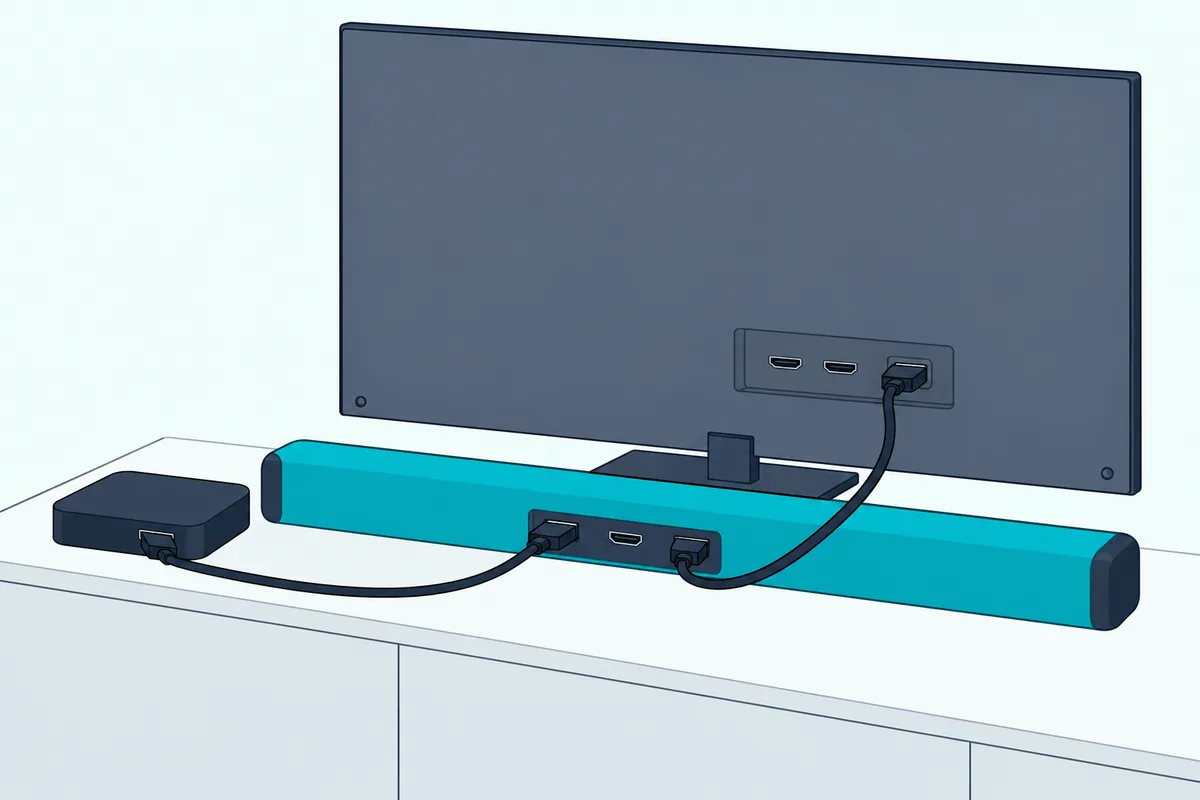
Box’s optical output into the bar. Select D.IN on the bar. Samsung’s TV guide says Anynet+ devices must connect by HDMI, so on optical the audio step from the top is the only route.
Why Won’t the Comcast Remote Control the Samsung Soundbar?
Most of these trace back to the four setup steps. Work through them in order:
- Volume moves the TV, not the bar. The audio step was skipped. Run Settings, Remote Settings, TV and Volume Control again and say Yes to the audio receiver question.
- The brand doesn’t respond. Select It Doesn’t Work to try again, or look the bar up in the online lookup tool.
- The remote only runs the cable box. It’s linked to the box alone, so add the TV and the bar too.
- The bar ignores the remote. Samsung’s guides say bring the remote closer and point it straight at the bar, then replace the batteries.
If setup still fails, Comcast says a factory reset resolves most issues. On an XR15, hold A and D for 3 seconds until the light turns green, press 9-8-1 and wait for three blue blinks; on an XR11, hold Setup and press 9-8-1.
The XR16 reset is different: hold Info and Home for about 5 seconds until the light blinks, then press Power, Last and Volume Down. Then say “Program remote” again, since the reset erases the link to the TV Box.
Homes with more than one box need the right remote too. Comcast says a remote linked to one TV Box works only with that box until it’s reset.
If the bar drops its HDMI link after an update, Nakamichi tells owners of its bars to unplug the power for 2 minutes. Samsung’s own advice is to disconnect the power cord and connect it again.
Frequently Asked Questions
What is the Samsung code for a Comcast remote?
Comcast’s setup guide doesn’t print one. Type Samsung at the audio step of “Program remote,” or look up your remote and bar in the online Remote Code Lookup tool. On an XR15, two green blinks after the number mean it took.
Can an Xfinity remote turn a Samsung soundbar on and off?
Sometimes. Comcast says some versions of the Voice Remote can be set up to control an audio device’s power, and the XR16’s Power button turns the TV or audio device on or off once linked. Over HDMI ARC with Anynet+, Samsung’s US help says the bar should turn on and off with the TV.
How do I put my Xfinity remote into pairing mode?
On an XR15, hold xfinity and Info (i) for 5 seconds until the light turns from red to green, then enter the 3-digit number on screen. An XR11 uses its Setup button; an XR16 only takes the spoken “Program remote” at the TV Box.
Does the same setup work with a Bose or VIZIO soundbar?
Yes, the four steps are the same; type your bar’s brand at the audio step instead of Samsung. If the brand isn’t listed, try the online lookup tool, and see teaching a soundbar a remote’s buttons for bars that learn.