How to Control a Samsung Soundbar With a TV Remote

Here’s how to control a Samsung soundbar with a TV remote: connect it to the TV’s HDMI ARC or eARC port, turn on HDMI-CEC (Anynet+ on a Samsung TV), and the TV remote’s volume keys take over.
Miss one setting and you’re stuck with two remotes, watching the TV’s volume bar move while the soundbar stays exactly where it was.
Get it right and one remote handles volume and mute, and on HDMI the bar powers on and off with the TV as well.
Samsung also gives each bar an infrared TV remote mode for optical hookups and other brands’ remotes, and its default flipped from on in 2019 and 2020 bars to off from 2021’s HW-A450 to 2025’s HW-Q990F.
So start with the four steps below, then find your TV brand and your bar’s model year in the sections after them.
How to Control a Samsung Soundbar With a TV Remote in Four Steps
Those four steps follow Samsung’s own US and Canada help pages. Both say a Samsung TV remote can change the bar’s volume and mute it over HDMI ARC or optical, once the TV’s sound output points at the bar.
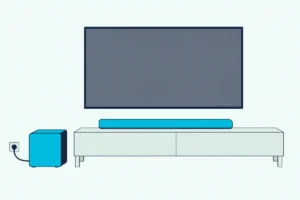
- Connect the cable. Run HDMI between the bar’s port marked ARC or eARC and the TV’s matching port, or use optical if the TV has no ARC port.
- Send the TV’s sound to the bar. On a Samsung TV, open Settings, then Sound, then Sound Output, and pick your soundbar.
- Turn on HDMI-CEC. On a Samsung TV that’s Anynet+ (HDMI-CEC); other brands’ names are further down.
- Press volume on the TV remote. If the bar doesn’t answer, switch on its TV remote mode.
Step 2 is the one people skip. Samsung’s bar guides make External Speaker a condition of the TV remote mode, so while the TV plays through its own speakers, the remote keeps adjusting the TV.
What Does Anynet+ Let the Samsung TV Remote Do?
That third step does most of the work on HDMI. Samsung’s Canada help describes Anynet+ as HDMI-CEC that lets the TV remote run HDMI-connected devices, soundbar volume included, and turn them on with the TV.
Samsung says it’s usually on already; here’s where to check:
| Samsung TV | Where Anynet+ (HDMI-CEC) sits |
|---|---|
| 2021 and older | Settings, General, External Device Manager |
| 2022 and newer (Samsung Canada) | Settings, All Settings, Connection, External Device Manager |
| 2025 and 2026 e-Manuals | Settings, All Settings, General & Privacy, External Device Manager |
In all three it sits under External Device Manager, so look for that. Samsung’s TV e-Manual (AVB’s copy of the 2026 edition) adds that linking can take up to 2 minutes, and that some HDMI cables may not support Anynet+.
Once the link is up, the HW-Q990F guide says “TV ARC” appears on the bar’s display and the TV remote’s volume buttons set the bar’s volume. For eARC, Samsung’s example path is Sound, Expert Settings, HDMI-eARC Mode set to Auto.
Older bars carry their own switch too. The 2019 HW-Q70R toggles its Anynet+ when you hold the remote’s Right button for 5 seconds, and it ships with it on.
Anynet+ also carries the power link: the e-Manual says a bar on the eARC port won’t turn on and off with the TV when Anynet+ is off. Other TV brands’ power settings are in getting the bar to power up with any TV.
If your bar is on optical and the TV has an ARC port, the move is worth making, since the 2025 e-Manual sends a speaker whose volume won’t adjust to the HDMI (eARC/ARC) port with Anynet+ on. The HW-B400F guide lists its HDMI cable as not supplied, and the HW-S60D guide recommends one certified by HDMI.org.
If you need one, UGREEN’s 6.6 ft Certified Ultra High Speed HDMI cable is rated 48 Gbps in its listing.

UGREEN’s 6.6 ft Certified Ultra High Speed HDMI cable
Get Studio Tips Weekly
Join 5,000+ creators getting acoustic treatment advice every week.
No spam. Unsubscribe anytime.Which TV Remote Mode Does Your Samsung Soundbar Need?
That HDMI link can’t help on an optical cable, so the bar reads the TV remote’s infrared signal itself. Samsung calls it the TV remote control function, and its default and button depend on the bar’s year:
| Bar | Default | How to change it |
|---|---|---|
| HW-K450 (2016) | Not stated | Bar on, hold SOUND for more than 5 seconds until ON – TV REMOTE shows |
| HW-Q70R (2019), HW-Q60T (2020) | SAMSUNG-TV REMOTE | Bar off, push WOOFER up and hold 5 seconds; steps to OFF, then ALL-TV REMOTE |
| HW-A450 (2021), HW-B550, HW-Q990D, HW-S60D, HW-B400F, HW-Q990F, HW-Q800F | OFF-TV REMOTE | Bar off, push WOOFER (Woofer Level on the Q990F) up and hold 5 seconds; steps to SAMSUNG-TV, then ALL-TV REMOTE |
So a bar from 2021 on ignores a TV remote’s infrared signal out of the box. Choose SAMSUNG-TV REMOTE for a Samsung TV’s remote and ALL-TV REMOTE for VIZIO, LG, Sony, Sharp, Philips, Panasonic, Toshiba, Hisense or RCA (HW-Q800F manual, Abt’s copy).
The HW-S60D and HW-B400F have no display, so their LED blinks once: red for Off-TV Remote, cyan for Samsung-TV Remote, blue for All-TV Remote (HW-S60D guide, Syndigo’s copy). The guides from 2021 on say the mode takes infrared remotes only, not Bluetooth remotes that need pairing.
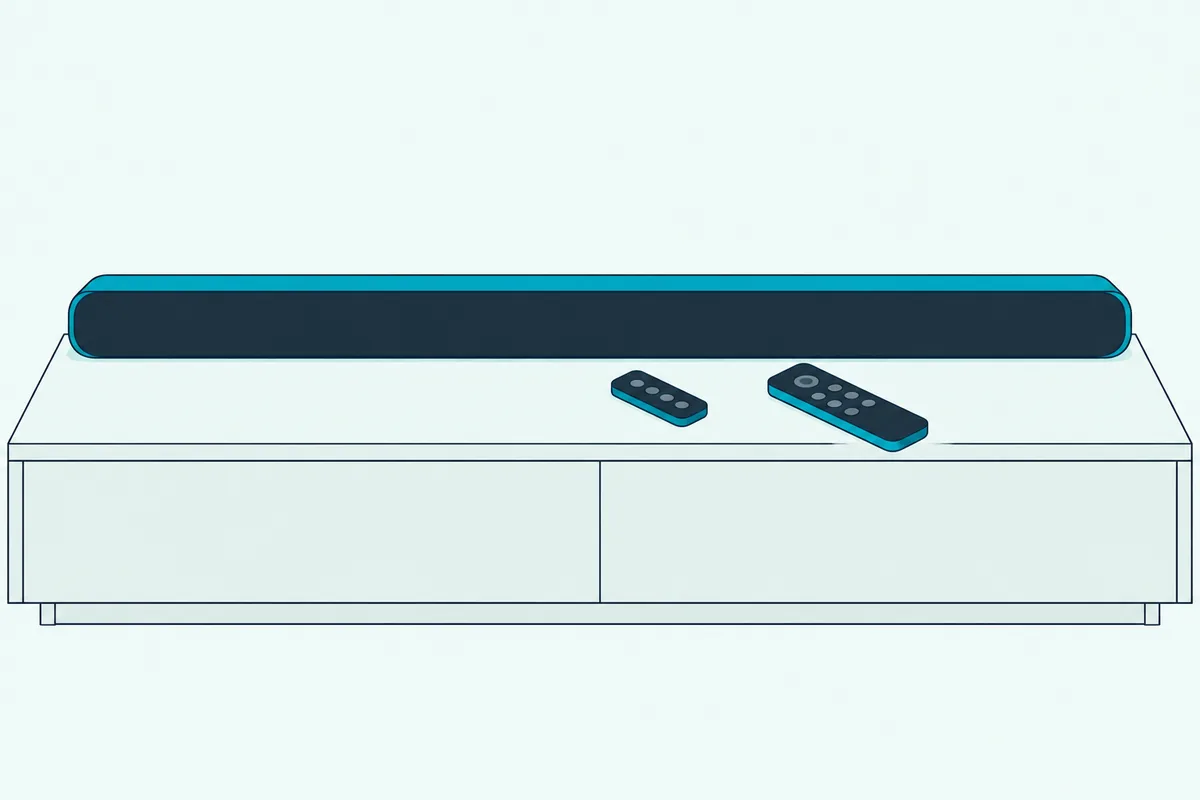
Samsung’s help pages say to hold WOOFER with the bar on until ON – TV REMOTE appears, which matches no row exactly. Go by your own model’s manual PDF from Samsung’s download center, since the button and the bar’s power state both changed.
The 2016 HW-K450 shows how narrow the route can be: it passes only the volume buttons and one other key, and isn’t available in TV ARC or HDMI mode. If your TV’s brand isn’t on Samsung’s list, teaching any soundbar a TV remote’s buttons covers bars that learn a remote.
Can a Samsung TV Remote Control the Soundbar Over Optical or Bluetooth?
That infrared mode is one answer for optical, but Samsung TVs have another. The HW-B550, HW-A450, HW-Q60T and HW-Q70R guides say 2017 and later Samsung Smart TVs that support Bluetooth can control the bar over optical, with the TV menu adjusting the sound field and settings as well as volume and mute.
The e-Manual is more cautious: over optical, volume control may not be possible, depending on the device. Then the bar’s SAMSUNG-TV REMOTE mode is the fallback, and the Samsung TV’s optical output settings cover that side.
Power works differently on optical. Samsung’s US help says Auto Power Link turns the bar on and off with the TV, works only over optical and is on by default; hold the remote’s Left button to switch it.
The HW-Q990F guide adds a trap. Turn the bar off first while watching TV and Auto Power Link turns off too, so power off the TV instead.
Bluetooth is the thinnest case. The e-Manual says a Samsung soundbar on Bluetooth turns on and off with the TV, depending on the model, but the newer bar guides don’t say whether the TV remote’s volume reaches it.
How Do You Use an LG, Sony, VIZIO or Roku TV Remote With a Samsung Soundbar?
The two routes from above work on other brands’ TVs too; only the names change. Over HDMI ARC, turn on the TV’s HDMI-CEC setting, which Roku’s guide names brand by brand (Roku); the LG, Sony and VIZIO paths are from their own guides:
| TV | CEC name | Where to find it |
|---|---|---|
| LG | SIMPLINK (HDMI-CEC) | All Settings, General, External Devices, HDMI Settings |
| Sony | BRAVIA Sync | Settings, Channels & Inputs, External inputs, BRAVIA Sync settings |
| VIZIO | CEC | Menu, System, CEC, set to Enable |
| Roku TV | Control other devices (CEC) | Settings, System, then check 1-touch play |
| Fire TV | HDMI-CEC Devices | Settings, Display & Sound |
| Google TV | Control Other Devices (CEC) | Settings, Inputs or External devices control |
VIZIO says CEC lets its TV remote run a connected device’s power, volume and mute. LG’s guide adds that SIMPLINK works only with devices carrying the SIMPLINK logo, so the LG TV menus for a Samsung bar cover what to try when the link won’t hold.

Over optical, or when CEC won’t take, set the bar to ALL-TV REMOTE. The infrared-only rule still applies, so a remote that pairs with the TV over Bluetooth isn’t covered.
Can a Samsung TV Remote Control Another Brand’s Soundbar?
That works in reverse too. Anynet+ handles a bar that supports HDMI-CEC, and Samsung’s e-Manual says the TV’s Universal Remote covers home theaters that don’t.
From the Home screen, press Left, open Connected Devices, then Universal Remote Setup, select Start and choose Home Theater. Samsung’s Canada help says only HDMI-connected devices are supported, and that a brand missing from the list means the TV’s code library doesn’t have it, though software updates can add device codes.
Sonos shows the same menu doing optical duty: its guide says a Samsung One Remote doesn’t send infrared by default until you add the Sonos bar as a Home Theater System with Optical as the input (Sonos).
One e-Manual rule saves a lot of head-scratching. A device set up for both Anynet+ and the Universal Remote answers only the Universal Remote.
What Can the TV Remote Change on a Samsung Soundbar?
Volume and mute are the core of it in Samsung’s help pages and guides, plus power through Anynet+ or Auto Power Link. The 2017-and-later Bluetooth link over optical adds the sound field and other settings in the TV menu.
The e-Manual sets two limits. External speakers may not be controlled with the Samsung Smart Remote, and some sound menus aren’t supported while an external speaker is on.
For the rest, use the bar’s remote or the SmartThings app, which the HW-Q990F guide says adjusts volume, sound mode and advanced sound settings. The bar remote’s hidden buttons explained in the HW-S60D guide matter too: WOOFER pushed up switches the TV remote mode, and Up runs ID SET.
Why Won’t the Samsung TV Remote Control the Soundbar?
Those four steps are also where most failures start. Work through these in order:
- Sound Output isn’t the soundbar. Set it again in Settings, Sound, Sound Output.
- Anynet+ is off, or the cable is in the wrong port. The HW-Q990F guide names both, and says the link won’t work if the HDMI cable doesn’t support ARC.
- Another HDMI device is in the way. Samsung says set-top boxes and game consoles can block the link, so test with only the soundbar connected.
- The TV is still linking. The e-Manual says the remote won’t work while the TV shows its Anynet+ connecting message, and to restart the TV after plugging or unplugging HDMI.
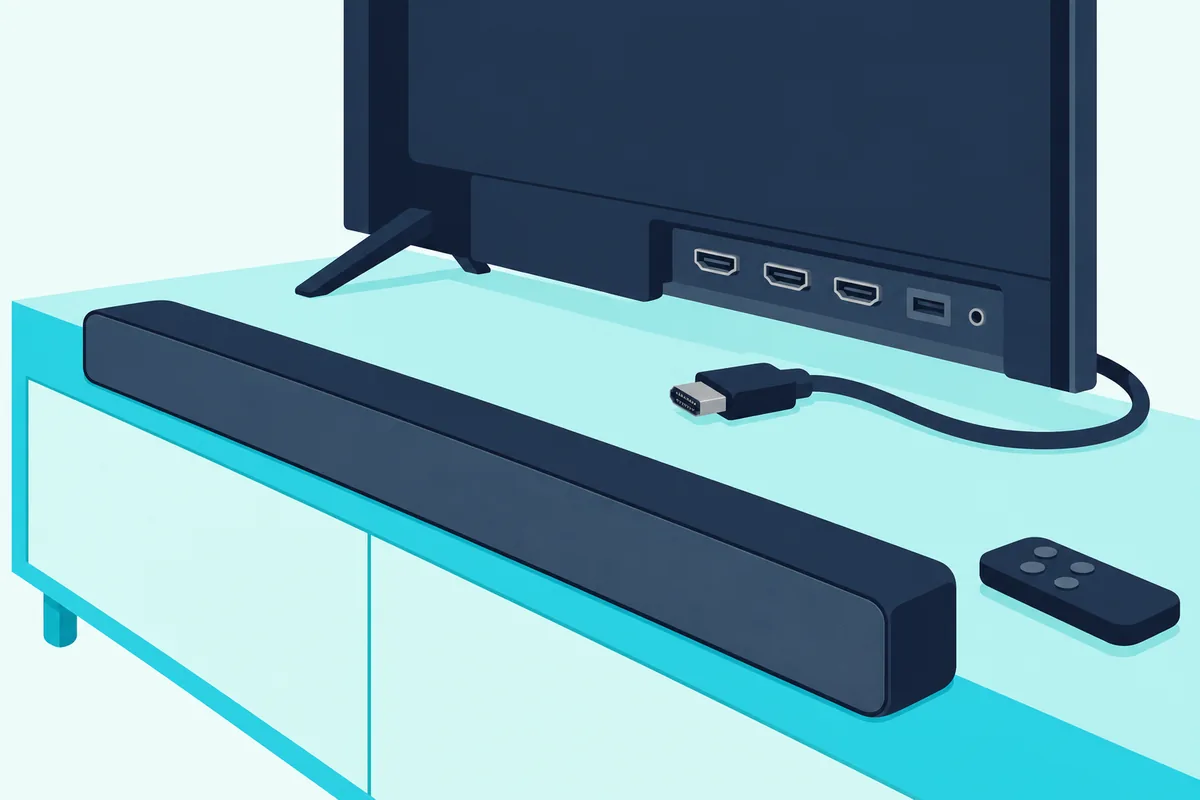
On optical, check that the bar isn’t still on OFF-TV REMOTE, the default from 2021 on, and that the TV remote is infrared rather than one that pairs.
If the remote in your hand is an Xfinity one rather than the TV’s, Burton Acoustix’s Samsung soundbar and Comcast remote guide has it pair with the bar as audio equipment instead.
If nothing responds, the factory reset steps for each bar are in Burton Acoustix’s model-by-model reset guide. If the bar’s own remote is lost, Samsung’s US help points you to Samsung Parts, where you enter the bar’s model to find the right one.
Frequently Asked Questions
Can I use my Samsung TV remote for my soundbar?
Yes, for volume and mute at least. A Samsung bar on HDMI ARC answers through Anynet+, and on optical through the SAMSUNG-TV REMOTE mode, which bars from 2021 on ship switched off. Another brand’s bar works through Anynet+ if it supports HDMI-CEC, or through the TV’s Universal Remote Setup as a Home Theater if its brand is listed.
Why can’t I control my soundbar volume with my TV remote?
Samsung’s fixes start with two settings: the TV’s sound output and HDMI-CEC. Samsung’s e-Manual points to the HDMI (eARC/ARC) port with Anynet+ on. On optical, set the bar’s TV remote mode, which takes infrared remotes only.
How do I get my Samsung soundbar to turn on with the TV?
Over HDMI, Anynet+ links the power, and Samsung’s US help says the bar should then turn on and off with the TV. Over optical, Auto Power Link does it, on by default and switched by holding Left on the remote.
Is there a Samsung soundbar remote app?
Samsung’s guides name SmartThings. The HW-Q990F guide says that once the bar is registered, the app adjusts volume, sound mode and advanced sound settings.