How to Connect JBL 5.1 Soundbar to Subwoofer, Bar by Bar
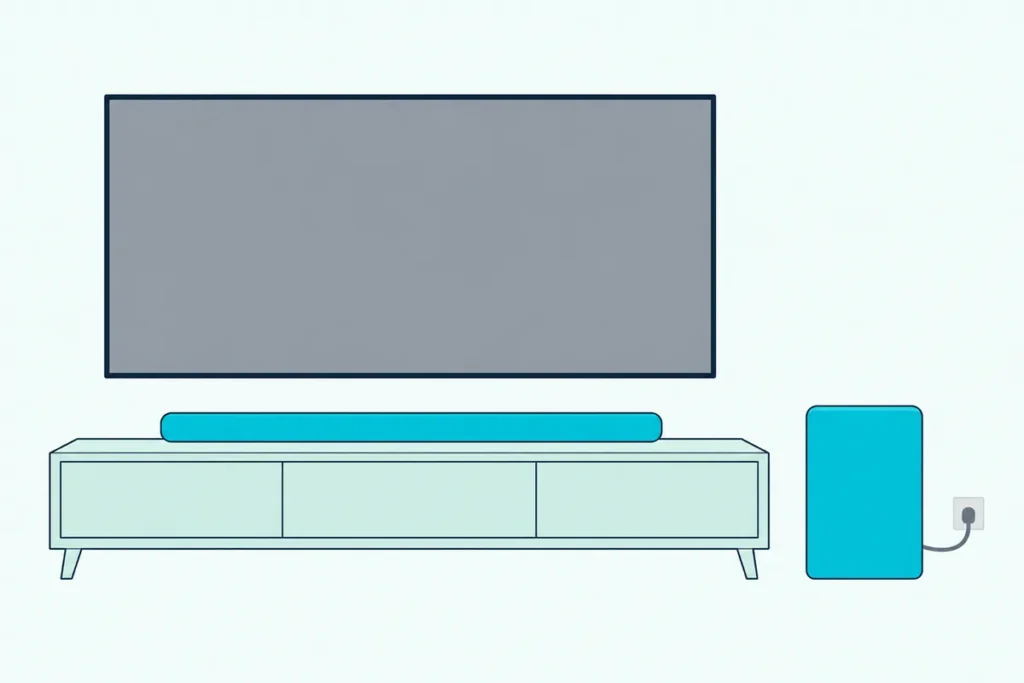
Learning how to connect JBL 5.1 soundbar to subwoofer units again takes two moves, a button on the sub and a short sequence on the remote, and the sequence depends on your bar’s age.
When the wireless link drops, the sub’s light blinks slowly, the bar sounds thin, and the steps you find online often belong to a different JBL generation.
Match the steps to your bar and the light turns solid white after a few presses, with the bar’s display confirming the sub is back.
The first move is reading the words on your bar’s display and the key names on your remote, since JBL’s manuals describe three different re-pair sequences since 2017.
Below, you’ll find each sequence by model, what the sub’s light is telling you, how far apart the two can sit, and what to check when the bass still won’t come back.
How to Connect JBL 5.1 Soundbar to Subwoofer?
Plug both in, switch the bar on and give it a moment. JBL pairs the soundbar and subwoofer at the factory, and its manuals say the two connect automatically after power-on, with the sub’s light turning solid white.
When that doesn’t happen, you re-pair them by hand. On the JBL Bar 5.1 Surround, JBL’s owner’s manual (Flixmedia’s copy) gives these steps:
- Plug the soundbar and the subwoofer into power, then switch the bar on.
- On the back of the subwoofer, press and hold the pairing button until the light flashes white quickly.
- On the remote, hold BASS for more than five seconds, then press the volume minus (-) key.
- Watch the display: PAIRING means the sub is ready, and CONNECTED means it’s linked.
The manual adds a time limit. If pairing isn’t finished within three minutes, the sub leaves pairing mode and its light drops from a fast white flash to a slow one, so start again at step 2.
That sequence covers the Bar 5.1 Surround, the newer bar with no detachable speakers. If you’re still deciding between JBL’s surround bars, our JBL 5.1 and 9.1 comparison covers what each box includes.
Which JBL Bars Use Which Pairing Sequence?
That BASS-and-minus routine is only one of three. JBL’s 2017 bars pair with DIM DISPLAY plus BASS+ and BASS-, its 2019 and 2020 bars hold BASS for five seconds and press minus, and the Bar 500MK2 and Bar 1000 hold BASS for three seconds and press minus.
Here’s how the owner’s manuals line up:
| Bar (manual year) | Button on the sub | Remote sequence | What the display says |
|---|---|---|---|
| Bar 2.1, Bar 3.1, Bar 5.1 (2017) | Press CONNECT | Hold DIM DISPLAY 5 seconds, then BASS+, then BASS- | PAIRING, then DONE |
| Bar 2.1 Deep Bass (2019) | Hold until the light flashes white | Hold BASS until SUBWOOFER SPK shows, then press – | SUBWOOFER CONNECTED |
| Bar 5.1 Surround (2019), Bar 9.1 (2020) | Hold until it flashes white fast | Hold BASS over 5 seconds, then press – | PAIRING, then CONNECTED |
| Bar 500MK2, Bar 1000 | Hold until it flashes white fast | Hold BASS over 3 seconds, then press – | SUB PAIRING, then SUB PAIRED |
Read the table by the remote in your hand, not by the name on the box. The 2017 manuals give the remote separate BASS+ and BASS- keys, while the 5.1 Surround’s remote has one BASS key you press repeatedly to step through levels.
Three bigger bars aren’t in the table. We couldn’t read JBL’s own manuals for the Bar 700, 800 and 1300 for this guide, and the Bar 1300X quick start guide says only that the bar pairs with its detachable speakers and subwoofer automatically when they’re powered on.
Get Studio Tips Weekly
Join 5,000+ creators getting acoustic treatment advice every week.
No spam. Unsubscribe anytime.How Do You Re-Pair the Sub on the 2017 Bar 2.1, 3.1 and 5.1?
The top row of that table works differently from the rest. Press CONNECT on the subwoofer, then hold DIM DISPLAY on the remote for five seconds and tap BASS+ and then BASS-.
JBL’s 2017 manuals for the Bar 2.1, Bar 3.1 and the Bar 5.1 with detachable speakers (Flixmedia’s copy of JBL’s manual) print the same four steps:
- Turn on the soundbar and the subwoofer. A slowly blinking light on the sub means the connection is lost.
- Press the CONNECT button on the subwoofer. Its light blinks quickly to show pairing mode.
- Hold DIM DISPLAY on the remote for 5 seconds, then press BASS+ and BASS- in that order. The display shows PAIRING.
- Look for DONE on the display and a lit sub light. If the light goes back to a slow blink, pairing failed, so repeat the steps.
Think of DIM DISPLAY as a shift key here. Held for five seconds, it turns the two bass keys into a pairing command instead of a level change.
These older manuals also tie the fix to one symptom. Their troubleshooting line for no sound from the wireless subwoofer says to check for a solid white light, and if it’s blinking, to pair the sub by hand.
How Do You Re-Pair the Sub on the Bar 500MK2, Bar 1000 and Newer Bars?
JBL’s newer bars kept the shape of the 5.1 Surround routine but shortened the remote step. Hold the pairing button on the sub’s back panel until the light flashes white fast, then hold BASS on the remote for more than three seconds and press minus.
The display then reads SUB PAIRING while the sub is ready and SUB PAIRED once it’s connected. The drawing in the Bar 1000 owner’s manual (AVB Portal’s copy) marks five seconds on the sub’s button and three seconds on the remote’s BASS key.
The Bar 500MK2 adds one wrinkle. Abt’s copy of JBL’s Bar 500MK2 manual shows two remote versions, one for the Americas and one for other regions, and the pairing step names the bass key by both labels.
The timeout behaves differently too. On the 500MK2 and Bar 1000, a sub that isn’t paired within three minutes goes to standby and its light turns off; press the sub’s button again to return to pairing mode.
What Do the Lights on a JBL Subwoofer Mean?
Every one of those sequences leans on the sub’s light. On the 2019 and later bars, solid white means connected, fast flashing white means pairing mode, slow flashing white means reconnecting or leaving pairing mode, and solid amber means standby.
| Sub light | Bar 5.1 Surround, Bar 9.1 | Bar 500MK2, Bar 1000 | 2017 Bar 2.1, 3.1, 5.1 |
|---|---|---|---|
| Solid white | Connected | Connected | Connected |
| Fast flashing white | Pairing mode | Pairing mode | Pairing mode (after CONNECT) |
| Slow flashing white | Reconnecting or leaving pairing mode | Reconnecting (the 500MK2 says regular flashing) | Connection lost |
| Solid amber | Standby | Standby | Not listed |
| Off | Not listed | Timed out of pairing and went to standby | Not listed |
Amber isn’t an error. The 5.1 Surround manual says the bar switches to standby after more than 10 minutes without activity, the sub follows it and turns solid amber, and switching the bar on connects the sub again.
Slow flashing white is the light to act on. The 2017 manuals call it a lost connection, and on newer bars it means the sub is trying to reconnect, so give it a minute before you run the re-pair steps above.
The Bar 2.1 Deep Bass reads a little differently. Its manual says the sub’s light goes from flashing white to solid amber when it gives up on pairing after three minutes.
How Far Can a JBL Subwoofer Be From the Soundbar?
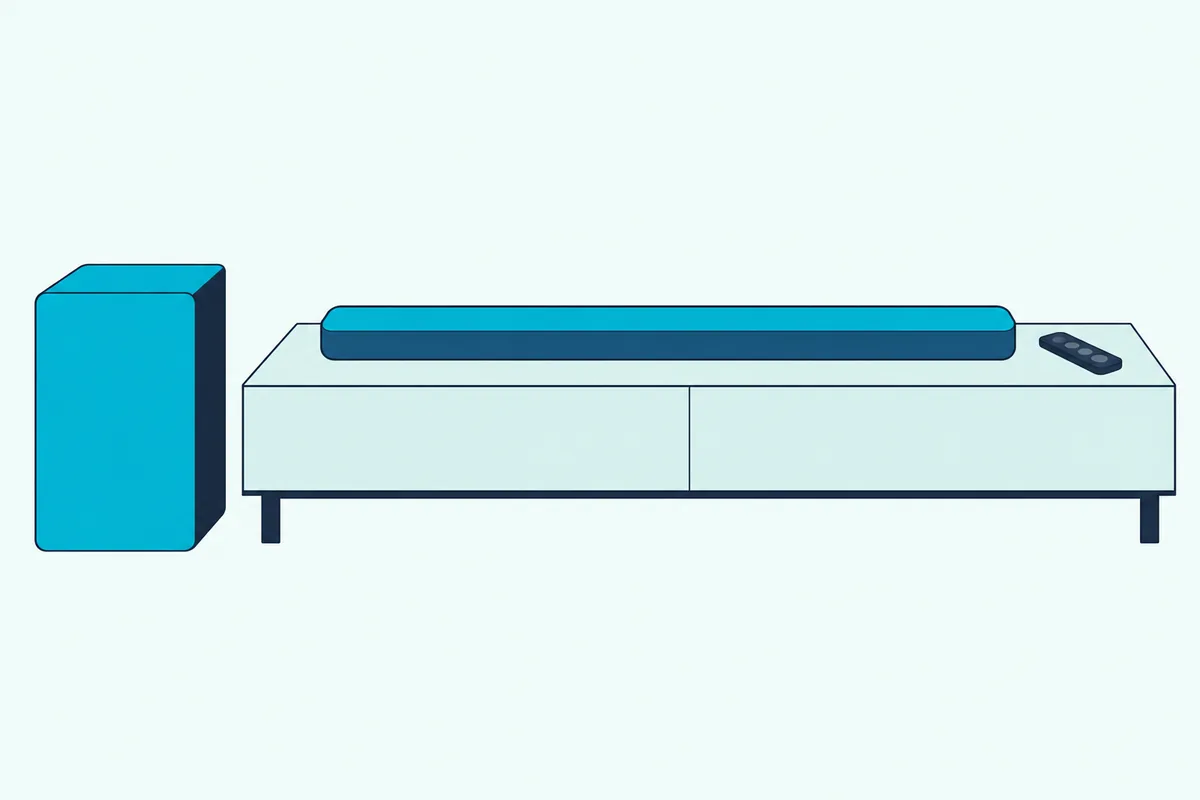
A sub that keeps sliding back to a slow flash may simply be too far away. The manuals for the Bar 2.1 Deep Bass (Flixmedia’s copy) and the Bar 5.1 Surround keep the subwoofer less than 20 ft (6 m) from the soundbar, at least 3 ft (1 m) from it and 4 inches (10 cm) from the wall.
The newer manuals draw the same band. The Bar 500MK2, Bar 1000 and Bar 1300X placement drawings mark 1 to 6 m (3 to 20 ft) between the bar and the sub, and the Bar 1000’s drawing keeps the sub more than 10 cm (4 inches) off the wall.
Try this before you re-pair anything: run a tape measure from the end of the soundbar to the sub. Anything between 3 and 20 feet is inside JBL’s drawings, and the manuals add one more rule, which is to put nothing on top of the soundbar or subwoofer.
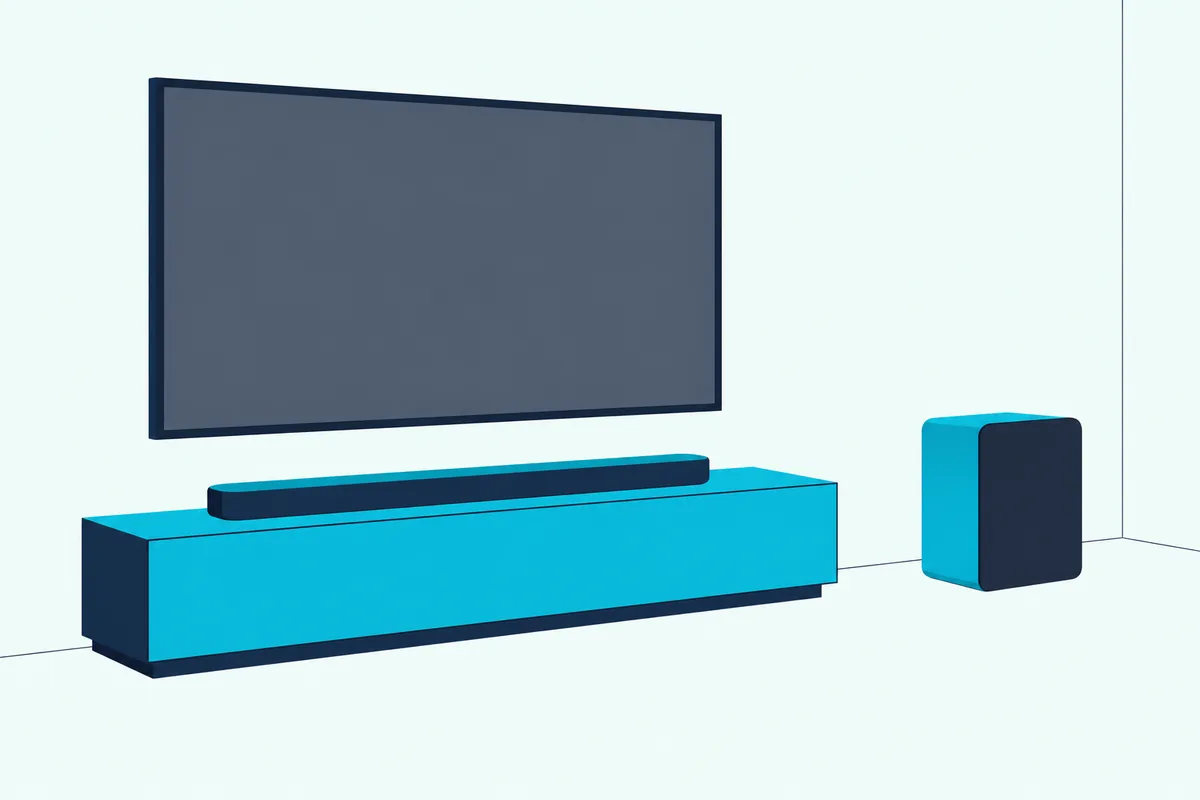
Inside that band, the spot is about sound rather than signal. For that side of it, see where a subwoofer sounds best in the room.
How Do the Detachable Speakers on the 5.1 and 9.1 Reconnect?
The detachable speakers on JBL’s surround bars keep their own wireless link, separate from the sub’s. On the 2017 Bar 5.1, switch the bar on and press RECONNECT on each surround speaker; on the Bar 9.1 and Bar 1000, dock the speakers on the bar or press their connect button.
Their lights tell you which problem you have. The 2017 Bar 5.1 manual lists solid white for connected, slow blinking white for lost connection, fast blinking white for searching, solid red for charging and blinking red for low battery.
Battery is the usual suspect with these speakers. The 2017 Bar 5.1 manual gives each speaker 10 hours of playtime and a charge in under 3 hours, charging when they’re docked and the system is in standby, with a USB port underneath as a second option.
The Bar 1000 needs about 3.5 hours to charge an empty pair and asks for more than 3 hours before first use. It shows REAR SPKR LOW BATT when the battery runs low and DOCK REAR SPKR once it’s out.
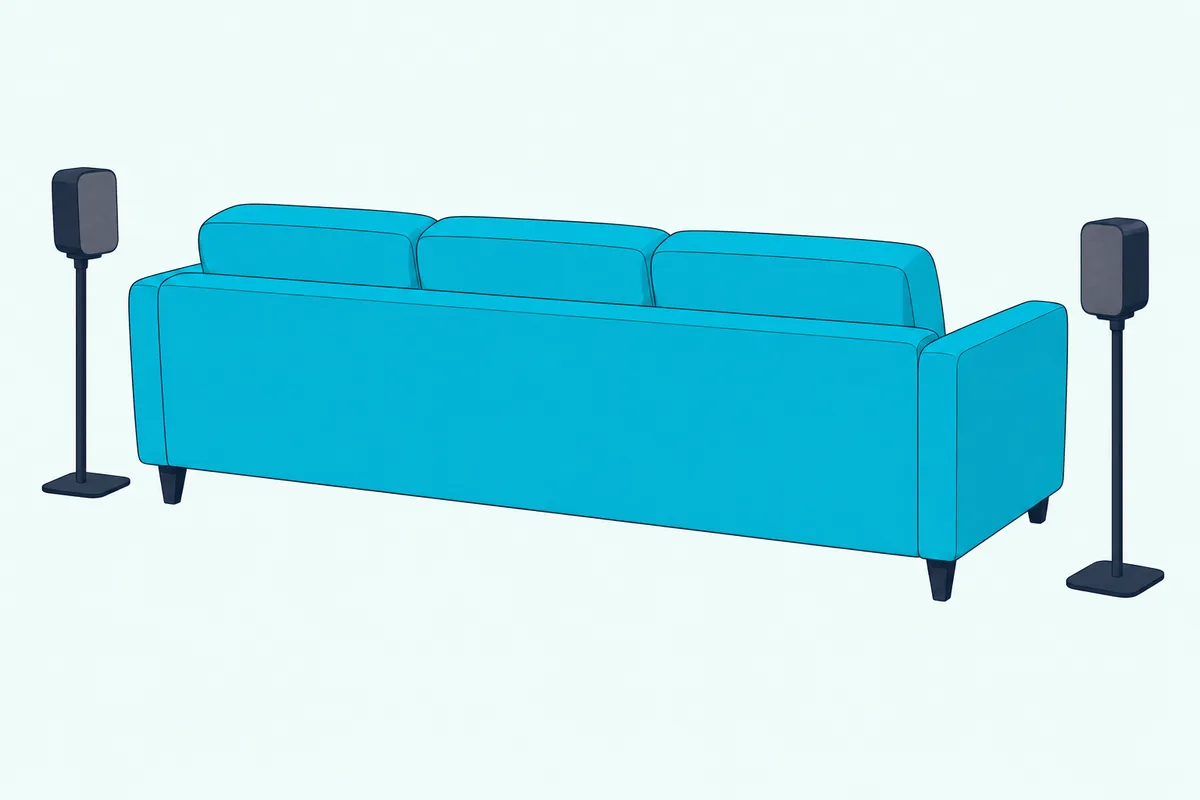
The Bar 9.1 manual adds a catch: when the detachable speakers run flat, the bar turns off Wi-Fi and Bluetooth and goes into an energy-saving mode. So a blinking red surround is a battery job, not a subwoofer one, and charging it comes before any re-pair.
Why Won’t My JBL Soundbar Pair With the Subwoofer?
With lights, batteries and distance covered, a sub that still won’t pair usually comes down to sequence or timing. Work through the checks the manuals point to: the right sequence for your bar, the remote step while the sub is still in pairing mode, and a sub within 20 feet.
Run these in order:
- Power: both units plugged in with the supplied cords, since the manuals say to use those only.
- Sequence: the row in the table above that matches your remote’s keys.
- Timing: start the remote step while the sub’s light is still flashing fast, inside the three-minute window.
- Distance: between 3 and 20 feet from the bar, with nothing stacked on top.
If the 2017 sequence fails, its manual simply says to repeat the steps. On the newer bars, a light that went dark means the sub timed out into standby, so press its button again before trying the remote.
A factory reset is the bigger hammer, and it clears all your personal settings. The 5.1 Surround and Deep Bass manuals reset by holding the power and source buttons on the bar for more than 10 seconds, and the Bar 1000 holds three buttons on the bar for more than 5 seconds.
Lost pairing after a reset? JBL’s manuals don’t say whether a reset clears the sub’s link, so if the light stays on a slow white flash afterward, run your bar’s re-pair sequence like any other dropped connection.
Why Is There No Bass After the Sub Connects?
Pairing is only half the job, and a solid white light with little bass usually points to a setting. Check the bass level first: on the Bar 5.1 Surround and Bar 9.1, pressing BASS steps through levels 1 to 5 with 3 as the default, the 2017 bars use BASS+ and BASS-, and the Deep Bass offers low, middle or high.
The sound modes sit beside that control. In the 5.1 Surround manual, Smart mode applies EQ settings and JBL Surround Sound, and Standard mode applies the preset EQ settings; for how that switch works on another JBL bar, see switching Smart mode on a JBL Bar 5.0.
Then test with the right material. A movie scene with a big explosion or a track with a deep bass line will tell you more in ten seconds than a talk show will in ten minutes.
Can You Connect a Different Subwoofer to a JBL Soundbar?
The JBL manuals read for this guide don’t support it. Each one describes only the subwoofer that ships in the box, paired at the factory, and none lists a subwoofer output among the bar’s connections.
That’s a gap in the documents, not a proven no. For what other brands allow and how wired subs connect where a bar has the jack, see which soundbars accept an add-on subwoofer.
The Bottom Line
Start with the remote in your hand. DIM DISPLAY plus BASS+ and BASS- means a 2017 bar, a five-second BASS hold plus minus covers the Bar 5.1 Surround, 9.1 and Deep Bass, and a three-second hold covers the Bar 500MK2 and Bar 1000.
Read the light before and after. Fast white is waiting, solid white is done, amber is standby, and if the link keeps dropping, measure the gap and keep it between 3 and 20 feet.
Frequently Asked Questions
How do I pair a JBL subwoofer to the soundbar without the remote?
None of the JBL owner’s manuals read for this guide gives a way. Every documented re-pair sequence, from the 2017 DIM DISPLAY routine to the Bar 1000’s three-second BASS hold, finishes with a key on the remote.
The sub’s own button only puts it into pairing mode; the bar still needs the remote command. If your remote is missing, get it or a replacement before you start, since the manuals don’t describe a button route on the bar itself.
Why is my JBL subwoofer blinking white?
A slow white blink means the sub has lost the bar or is trying to reconnect. The 2017 manuals call it a lost connection and send you to the manual pairing steps, and newer manuals list it as reconnecting or leaving pairing mode.
A fast white blink is different: the sub is in pairing mode and waiting for the bar’s remote sequence.
Do JBL soundbars and subwoofers pair automatically?
Yes, in every manual read here. JBL pairs the two at the factory, and they connect on their own when both are powered on, with the sub’s light turning solid white.
You only need the manual steps when that link drops, which JBL’s newer manuals describe as some special cases.
How long does a JBL subwoofer stay in pairing mode?
Three minutes, according to the Bar 5.1 Surround, Deep Bass, 9.1, 500MK2 and Bar 1000 manuals. After that, the 5.1 Surround and 9.1 subs drop to a slow white flash, the Deep Bass turns solid amber, and the 500MK2 and Bar 1000 subs go to standby with the light off.
Is the JBL Bar 5.1 Surround the same as the JBL Bar 5.1?
No. JBL’s 2017 Bar 5.1 manual describes two detachable wireless surround speakers and the DIM DISPLAY pairing sequence, while the 2019 Bar 5.1 Surround manual describes a soundbar and subwoofer that re-pair with a five-second BASS hold and the minus key.