Can Alexa Connect to a Samsung Soundbar? It Depends on the Model

Can Alexa connect to a Samsung soundbar? Yes, three ways: Alexa built into some Wi-Fi models, an Echo running a Wi-Fi bar linked to your Amazon account, or an Echo playing through a Samsung bar over Bluetooth.
The catch is that Samsung’s support changes with the model, the year and the country, so a bar can work with SmartThings and still list no Alexa.
Pick the route your bar supports, and Alexa can set its volume, play music and, on some models, switch inputs or turn the sound off.
The model table below sorts what Samsung’s manuals and pages say, from the 2019 HW-Q70R to the 2025 Q990F.
After it come the setup steps, the commands Samsung lists and the fixes for a bar Alexa can’t find.
How Can Alexa Connect to a Samsung Soundbar?
Those three routes ask different things of you. Built-in Alexa and the Echo route both need a Wi-Fi bar, while Bluetooth needs only an Echo and a bar with Bluetooth:
| Route | What you need | What Alexa does |
|---|---|---|
| Alexa built in | A bar with built-in Alexa, SmartThings and an Amazon account | Answers at the bar: volume, Amazon Music, weather, timers |
| An Echo running the bar | A Wi-Fi bar, an Echo and your Amazon account linked through SmartThings | Volume, mute, music and, on some bars, audio on and off |
| An Echo over Bluetooth | A Samsung bar with Bluetooth, and an Echo | Plays the Echo’s sound through the bar |
Both Wi-Fi routes start with the bar online: the HW-Q950A manual says an Amazon account is required to connect the soundbar over the network, and the HW-Q70R manual first has you confirm it’s on Wi-Fi.
If yours isn’t, begin with connecting your Samsung soundbar to WiFi. A bar with no Wi-Fi, like the HW-Q600B, whose manual has no Wi-Fi section, is left with Bluetooth.
Which Samsung Soundbars Have Alexa Built In?
That first route depends on the model. In the Samsung documents read for this guide, the HW-Q950A manual, Samsung UK’s HW-Q990B page and Samsung Australia’s HW-Q990F page describe Alexa built in:
| Soundbar | What Samsung’s documents say |
|---|---|
| HW-Q70R (2019) | Controlled from an Echo through the “Samsung Wireless Audio” skill |
| HW-Q950A (2021) | Built-in Alexa, plus control from an Echo |
| HW-Q990B (2022) | “Alexa Built-in” in Samsung UK’s support page title |
| HW-S60D, S61D, S800D, S700D (2024) | Alexa among the services a network connection enables |
| HW-Q990F, Q930F, Q800F (2025) | The same services list; Samsung Australia’s Q990F spec table says Alexa: Yes |
| HW-Q700D (New Zealand), Q800F (Philippines) | Alexa: No in the spec table |
Read the last row as a warning about region. The Q950A manual says the feature may not be supported depending on the model or geographical area, and New Zealand’s Q700D page mentions built-in Alexa above a spec table that says no.
Some newer manuals, including the 2024 HW-Q990D’s and Samsung’s 2026 H-series user guide, never mention Alexa. The Samsung Sound app covers 2026 bars and the Q990D, and its App Store listing says Alexa login now works on more models, listed in the app’s settings.
Get Studio Tips Weekly
Join 5,000+ creators getting acoustic treatment advice every week.
No spam. Unsubscribe anytime.How Do You Set Up Alexa Built Into a Samsung Soundbar?
That table tells you whether your bar has Alexa inside, and if it does, setup runs through SmartThings, not the Alexa app. The HW-Q950A manual gives three steps:
- Install the SmartThings app and open it, with the bar on your network.
- Enter your Alexa account as the app instructs, and sign in.
- Say “Alexa,” or hold the Multi Function button on top of the bar for 3 seconds and speak while holding it.
Samsung’s examples include “Alexa, turn up the volume” and “Alexa, set a timer for 10 minutes,” and the manual says only some languages are supported.
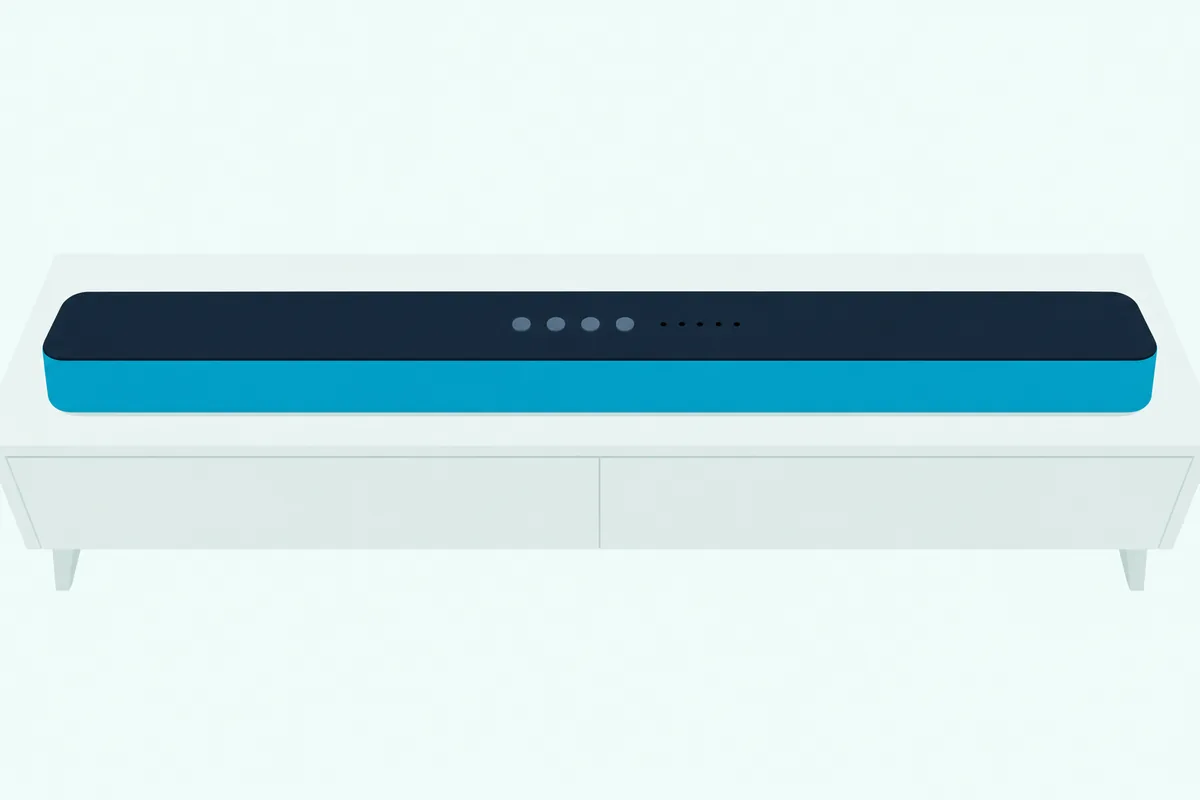
Think of it as two sign-ins: the bar joins SmartThings, then your Amazon account joins the bar.
Can an Echo Control a Samsung Soundbar Without Built-In Alexa?
If your bar isn’t among those built-in models, an Echo is the next route. Yes, on Wi-Fi bars whose manuals describe it, and the HW-Q70R manual sets it up in four steps:
- Check that the bar is on Wi-Fi.
- In SmartThings, rename the bar to something Alexa recognizes, such as Living Room, with no special characters.
- In the Alexa app, search Skills for “Samsung Wireless Audio” and select Enable.
- Say “Alexa, discover devices.”
Then end each command with the bar’s name, as in “Alexa, volume up on Living room.” The Q950A links the Echo by signing in to Alexa in SmartThings instead.
Samsung asks for “an Amazon Echo product” without naming one. If you don’t own an Echo yet, Amazon’s Echo Dot (newest model) is Amazon’s own Alexa speaker.
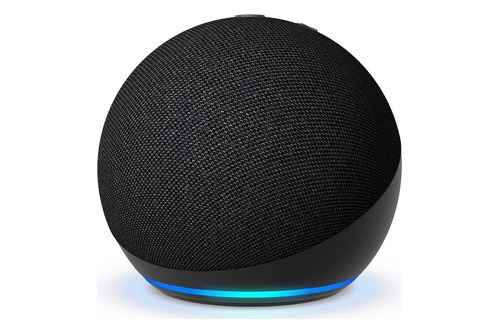
Amazon’s Echo Dot (newest model)
How Do You Pair an Echo With a Samsung Soundbar Over Bluetooth?
Bars without Wi-Fi miss both routes above, which leaves Bluetooth. On the bar’s side, Samsung’s HW-Q990D user guide gives two ways into “BT PAIRING” mode:
- Press PAIR on the bar’s remote.
- Or press Multi Function on top of the bar to choose BT, then, at “BT READY,” hold the Mic On/Off button for more than 5 seconds.
The 2019 Q70R holds its Source button instead, and putting a Samsung soundbar in Bluetooth pairing mode covers more models. Keep the Echo within 3.28 feet (1 meter), then pair it with Burton Acoustix’s Echo-to-soundbar pairing steps.
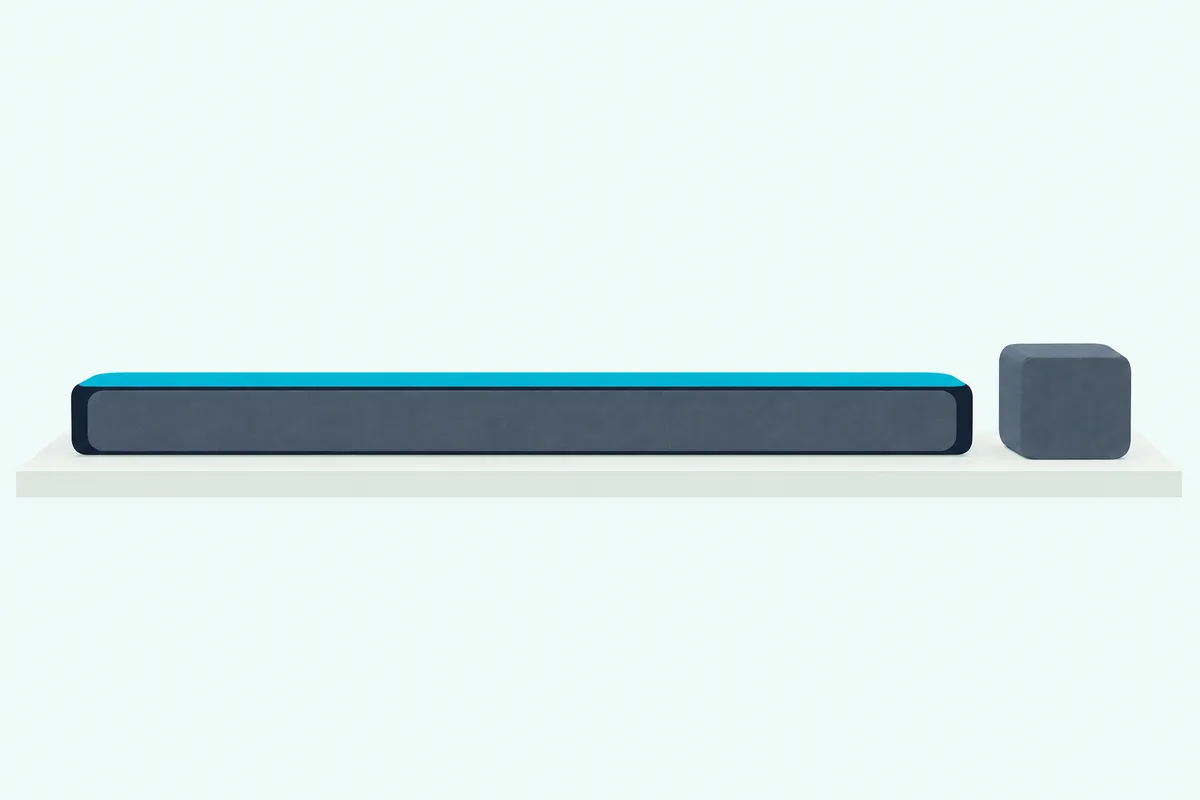
The same guide says connecting a paired Bluetooth device turns the bar on if it’s off, and the bar switches itself off after 18 minutes in the Ready state.
What Can Alexa Control on a Samsung Soundbar?
Each of those routes hands Alexa different controls. Samsung’s manuals list volume and music on both Wi-Fi routes, with audio on and off and input switching only among the Echo commands:
| What you ask for | Alexa built in (Q950A) | An Echo (Q70R, Q950A) |
|---|---|---|
| Volume | Up and down | Up, a set level such as 5, or mute |
| Music | Amazon Music, next song, stop, “what is this song?” | A radio station, next song, stop |
| Audio on and off | Not listed | On (Q70R) and off |
| Input | Not listed | Switch to Bluetooth (Q70R) |
| News, weather and timers | Yes | No |
That last row is Samsung’s limit: the Echo service on the bar covers music only. Over Bluetooth, the bar plays what the Echo sends, so turn the Echo’s volume up too, as the Q990D guide advises.
None of these lists mentions sound modes or EQ, which the Samsung Sound app’s listing puts in the app instead.
Why Can’t Alexa Find Your Samsung Soundbar?
When those commands go nowhere, Samsung’s documents point to five causes. Alexa can’t find a Samsung soundbar that’s offline, has a name it can’t say, lacks the skill or failed the sign-in, and can’t hear you through one with its microphone off:
| Check | What Samsung says |
|---|---|
| Is the bar on Wi-Fi? | Both Wi-Fi routes need it (Q70R, Q950A) |
| Can Alexa say its name? | Rename it in SmartThings; names with special characters may not be recognized (Q70R) |
| Is the skill on? | Enable Samsung Wireless Audio, then say “Alexa, discover devices” (Q70R) |
| Does the Alexa log-in keep coming back? | Samsung US blames a communication error between SmartThings and the Alexa server |
| Is the bar’s light solid red? | The microphone is off, so turn it on (Q950A, Q990D) |
Placement matters too: the Q950A manual wants the microphone at the front of the stand for voice recognition and warns that too small a gap from the TV can cause problems, while the Q990D guide asks for at least 2 cm.
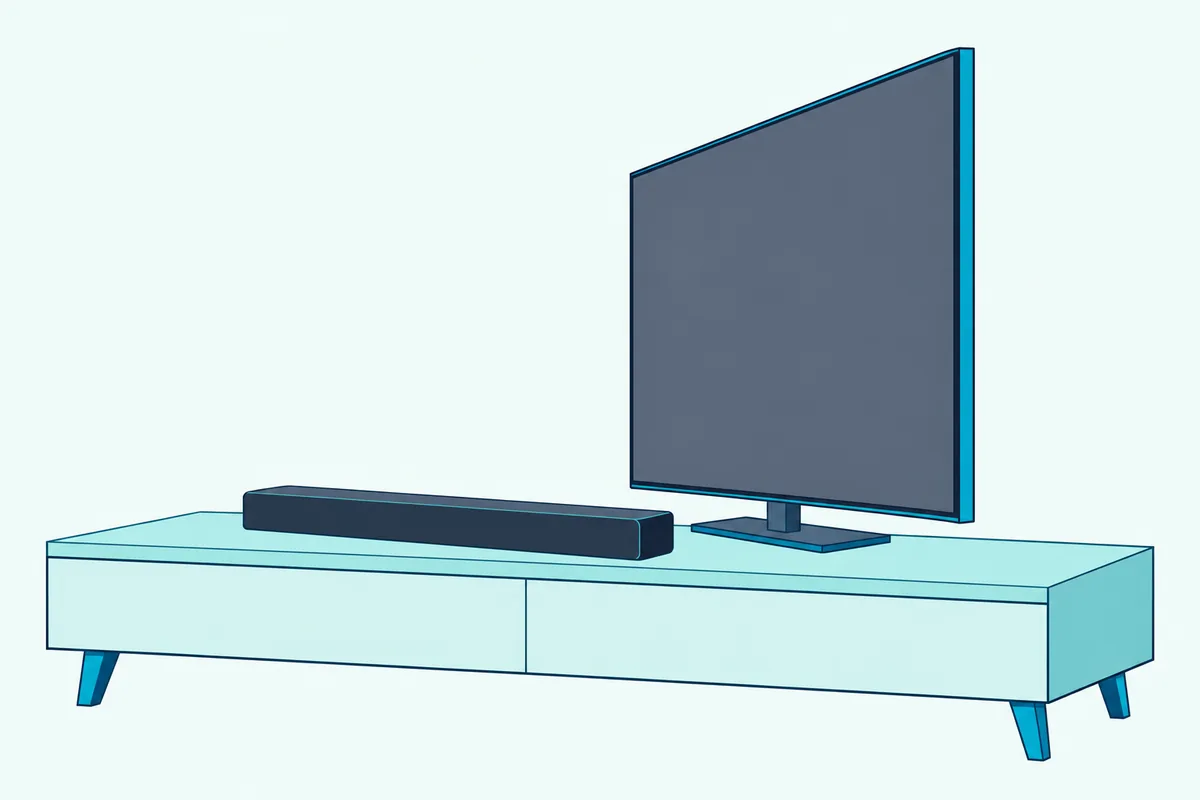
If SmartThings can’t see the bar either, start with these fixes for a bar the app can’t find. Failing that, Samsung’s manuals say the feature may not be offered for your model or country.
Frequently Asked Questions
Can Alexa turn on a Samsung soundbar?
Sometimes. The HW-Q70R manual lists “Alexa, turn on Living room” for turning the audio on, while the Q950A’s Echo commands stop at turning it off. Over Bluetooth, connecting a paired device turns the bar on, and Samsung US says a bar on HDMI ARC with Anynet+, or on optical with Auto Power Link, turns on and off with the TV.
Can you add a Samsung soundbar to an Alexa speaker group?
None of the Samsung manuals or pages read for this guide mentions Alexa speaker groups. Samsung documents its own Group Play in SmartThings instead, for Wi-Fi Samsung audio devices from 2024 on: up to 4 devices on one 5 GHz network, and not for TV sound.
Can you switch a Samsung TV from Bixby to Alexa?
Where your TV offers it, yes: the 2025 TV e-manual puts the choice under Settings, All Settings, Advanced Features, Voice, Voice Assistant. That’s the TV’s assistant, not the bar’s, and the bar spec tables from Australia, New Zealand and the Philippines list Bixby: No.