Can I Connect My Phone to an LG Soundbar? Yes, Three Ways
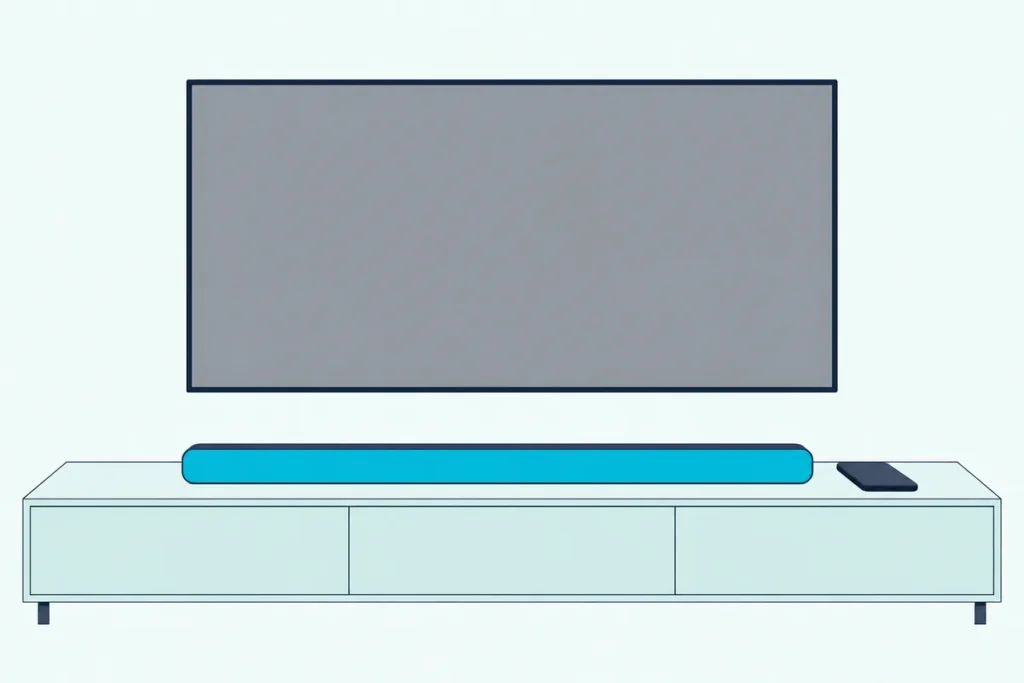
Can I connect my phone to an LG soundbar? Yes: every LG manual read here pairs a phone over Bluetooth, and Wi-Fi models such as the S95TR add an LG app, AirPlay 2 and casting.
The catch is that each route hands the phone different controls, and music that plays fine can drop out the moment the TV wakes the bar.
Match the route to your model, and you’ll know whether the phone just plays music or also reaches the bar’s sound settings.
Bluetooth comes first, since it needs no app, no account and no Wi-Fi.
Then come LG’s apps, AirPlay, casting and fixes for a bar that won’t show up, cuts out or jumps to the TV.
Does Every LG Soundbar Pair With a Phone Over Bluetooth?
Bluetooth is the route every model shares. Every LG manual read here supports it, from the older SK5Y to the 2024 S95TR, on iPhone and Android alike.
Put the bar in pairing mode first, using our steps for putting an LG soundbar in pairing mode, then tap its name under Settings > Bluetooth.
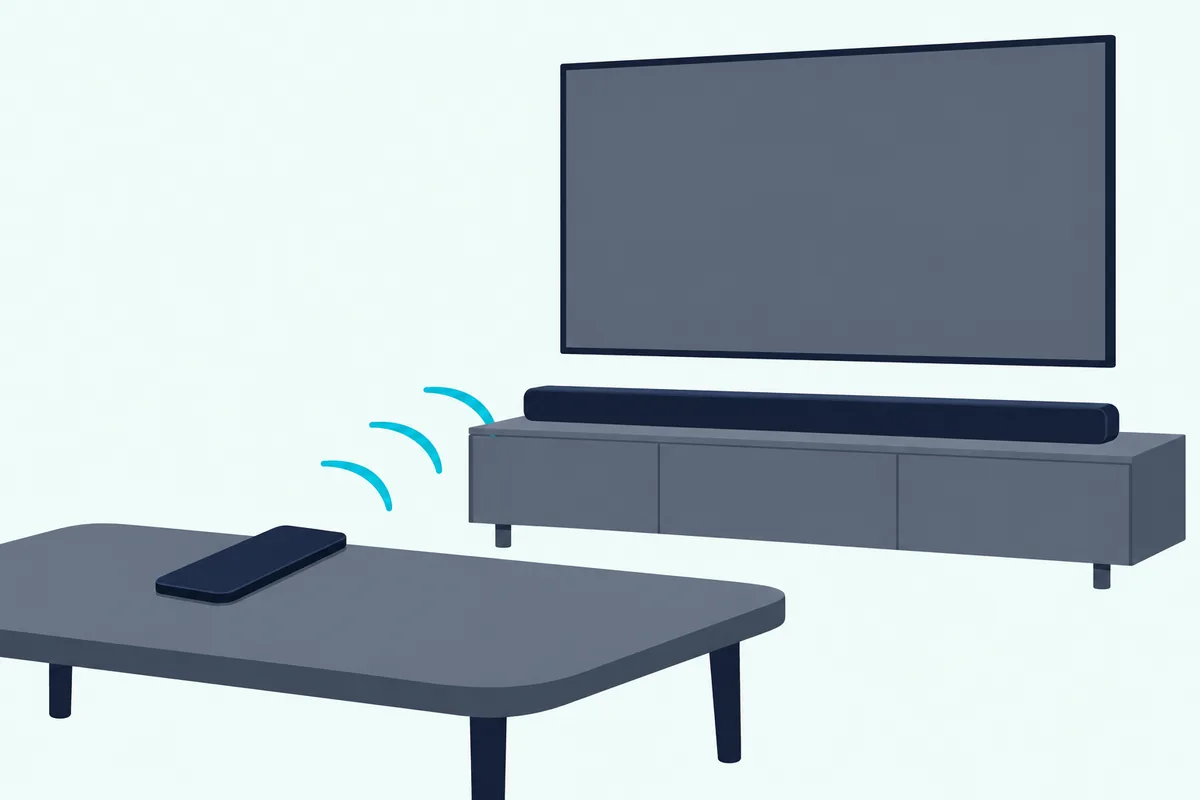
The S60T appears as “LG S60T(XX)” and the S95TR as “LG_Speaker_S95TR_XXXX” (LG), and display bars such as the S95QR read “PAIRED”. If the name doesn’t show, LG says to tap Refresh on Android or switch Bluetooth off and on again on an iPhone.
Can I Connect My Phone to an LG Soundbar Without Bluetooth?
That Bluetooth list is the quick way in, but Wi-Fi bars also use your router. Yes: an LG app puts the bar on the phone’s Wi-Fi network, though LG says to keep the phone’s Bluetooth on during setup or the bar may not register.
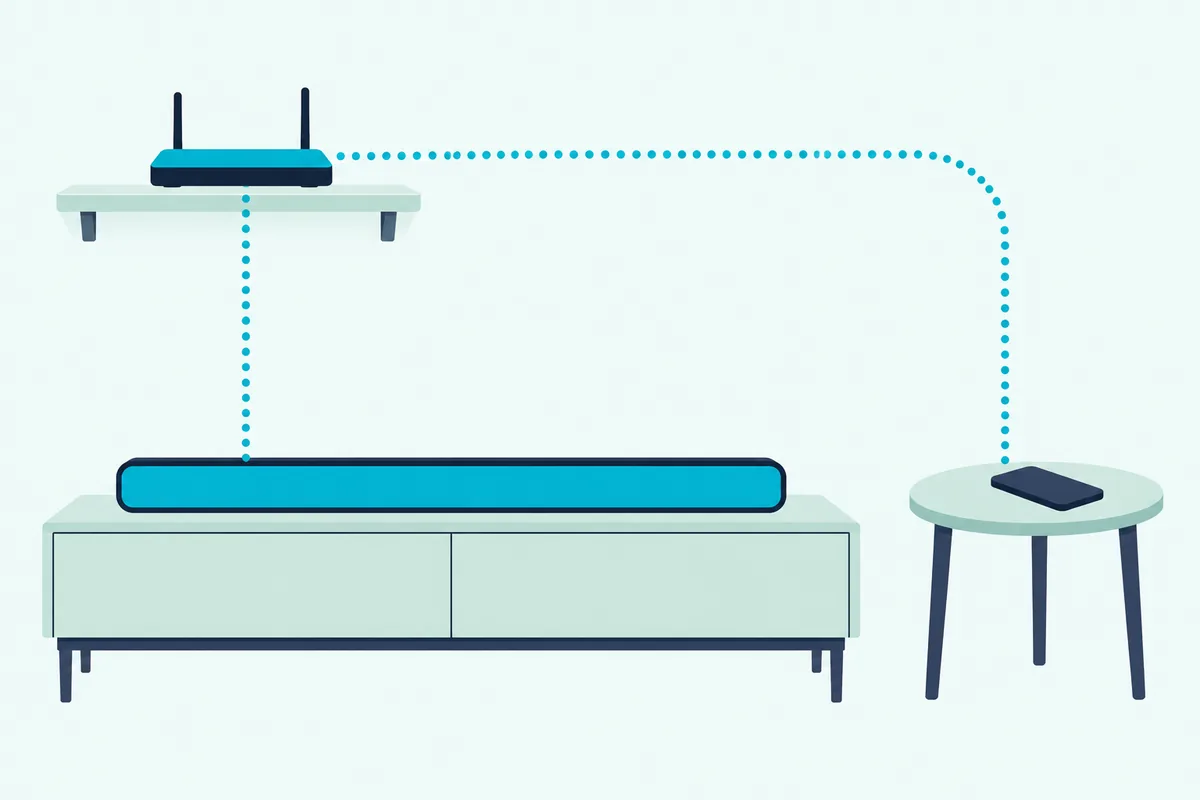
The S95QR, SC9S and S90QY use the LG Sound Bar app, while the S95TR uses LG ThinQ, which needs an account and Android 9.0 or iOS 15.0 (LG). Don’t swap them: the Sound Bar app manuals say ThinQ can’t control those bars.
Even LG’s two S80TR manual editions name different apps. Installing an LG sound bar and its app covers both setups.
Get Studio Tips Weekly
Join 5,000+ creators getting acoustic treatment advice every week.
No spam. Unsubscribe anytime.Does an LG Soundbar Work With AirPlay 2 or Chromecast?
Once the bar is on Wi-Fi, an iPhone or casting app can send it music directly. The S95QR, SC9S and S95TR manuals list AirPlay 2, which needs iOS 11.4 or later on the bar’s network (LG).
Add the bar under Settings > Wi-Fi as a new AirPlay speaker, then tap AirPlay in Control Center or a music app.
The S90QY lists Chromecast built-in for apps with a Cast button, and on the S95TR you turn Google Cast on in LG ThinQ under Settings > Google Cast Settings > Activate.
Spotify Connect, in the same three manuals, makes the Spotify app the remote.
What Can Your Phone Control on an LG Soundbar?
Those routes hand the phone different controls. Bluetooth carries the music and the LG apps reach the sound settings:
| Route | What the phone can do |
|---|---|
| Bluetooth | Play from music apps; volume can sync with iOS devices (SK5Y, SNH5) |
| LG app | Sound Effect, Night Time, speaker levels, AI Room Calibration (S95QR, SC9S, S95TR) |
| Chromecast built-in | Search, play, pause, volume (S90QY) |
| AirPlay 2 | Play on the bar alone or with other AirPlay 2 speakers (S95QR, SC9S, S95TR) |
Control can run the other way too: the SNH5 can play, pause, skip and change the volume on a connected Android phone or iPhone (LG).
Why Won’t My Phone Find or Stay on the LG Soundbar?
Even on the right route, LG’s manuals list three faults. The phone’s Bluetooth needs a restart, the phone sits too far away or near a router, or the TV pulls the bar onto its own input.
Not listed. Toggle the phone’s Bluetooth, refresh the list as above, clear obstacles between phone and bar and pair again (LG). The S95TR’s LEDs blink white for 3 minutes when a link fails.
Breaking up. Keep the phone near the bar and 1 m (3.3 ft) from routers, medical equipment and microwave ovens. The SK5Y manual adds that Bluetooth from another room, or other electronic waves, can interrupt the sound.
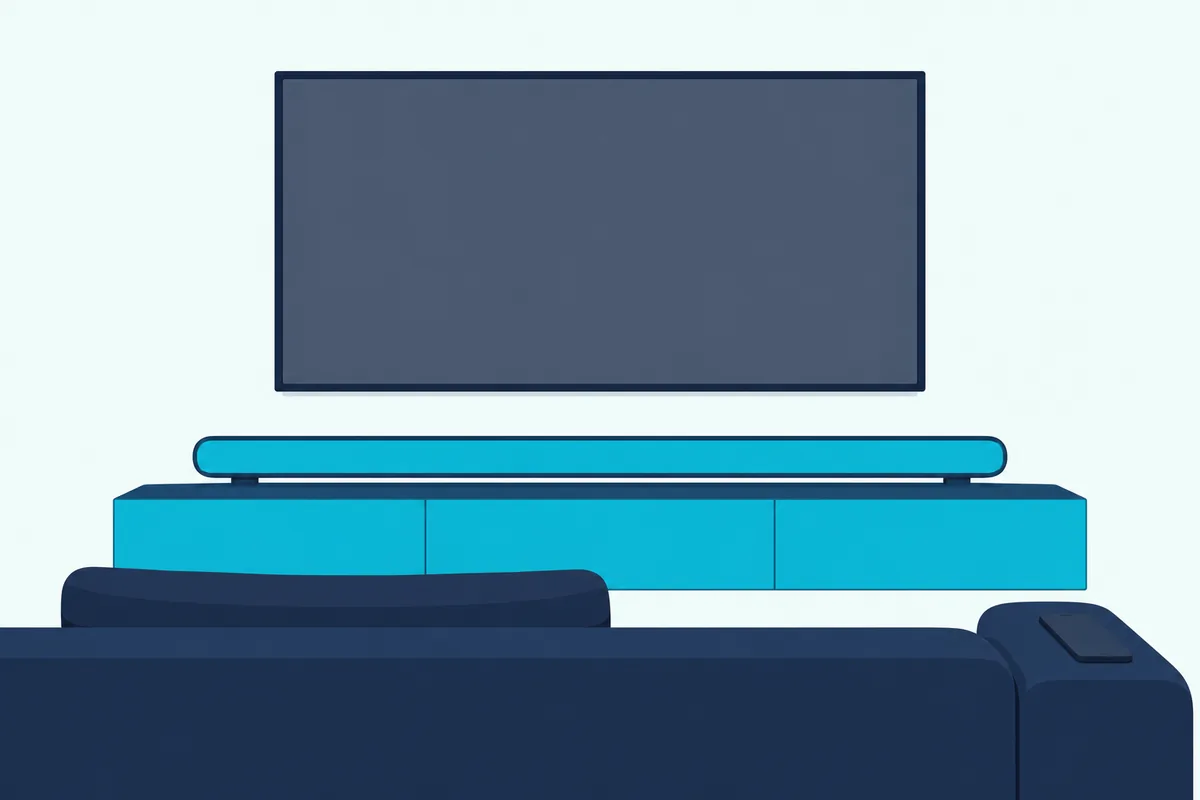
Jumping to the TV. When a connected TV switches on, the S95TR’s Auto Power selects its input, and the SK5Y and SNH5 switch function too, which drops Bluetooth. On those two, pressing F back to Bluetooth reconnects the phone automatically.
On the S95TR, switch Auto Power off under Settings if the TV keeps winning. For other faults, see Burton Acoustix’s LG troubleshooting guide.
Frequently Asked Questions
Will two phones connect to one LG soundbar at once?
Not on most of the older LG bars checked: the SK5Y, SNH5 and SL10YG manuals allow one Bluetooth device, while the LAS551H links up to three Android or iOS devices at once. The newer manuals read here give no number.
Can I use an LG soundbar as a Bluetooth speaker for my phone?
Yes. LG’s SK5Y manual lists smart phones among its Bluetooth sources over the A2DP audio profile, and the S95TR manual says stored files or music apps play through the bar.