How to Put an LG Soundbar in Pairing Mode, Model by Model
Here’s how to put an LG soundbar in pairing mode: press the Bluetooth pair button on the bar or its remote, or on older bars press Function until BT shows, then pick the bar from your phone’s Bluetooth list.
The trouble is that LG has used three different signals for the same state over the years, so a blinking light can look like a fault when it’s really the bar waiting for you.
Know which signal your bar uses and pairing needs no reset and no app, just the right button and the phone in reach.
Start with the button your model has, since that decides whether you’ll watch for BT READY on a display or two blinking LEDs.
Then come phones, TVs and computers, how to lock or quiet Bluetooth, and what to check when the bar won’t show up.
How to Put an LG Soundbar in Pairing Mode, Series by Series
Two buttons cover every LG manual we read. Newer bars use a dedicated Bluetooth pair button, while older ones such as the SK5Y and SNH5 use the Function (F) button pressed repeatedly until Bluetooth is selected.
LG’s S95QR manual says the Bluetooth pair button lets you pair a device such as a smartphone for three minutes. After you press it, “BT READY” appears on the status display (LG).
On the SK5Y, pressing F until BT is selected makes the BT (Bluetooth) LED blink. LG’s SNH5 manual shows “BT” and then “READY” in the display window for the same step (LG).
Think of pairing mode as the bar holding its door open. It stays visible to new phones only for that window, then falls back to waiting quietly.
This is Bluetooth pairing for a phone, TV or computer, not the link to the subwoofer. That link is a separate job, covered in our guide to pairing the LG subwoofer itself.
What Should the Display or Lights Show in Pairing Mode?
That door-open signal changes by series. Here’s what each manual describes, from pressing the button to a working connection.
| LG bars (manuals read) | Start pairing | While waiting | Once connected |
|---|---|---|---|
| S95QR, S75QR (status display) | Bluetooth pair button | “BT READY” | “PAIRED”, then the device name, then “BT” |
| S60T, S70TY, S95TR, S40TR (LEDs only) | Bluetooth pair button | LED1 and LED2 blink white | LED1 and LED2 light up white |
| Sound Suite AI H7 | Bluetooth pair button on the bar or remote | An icon blinks on the display window | The device’s name appears |
| SK5Y (LEDs) | F until BT is selected | BT LED blinks | BT LED stays on |
| SNH5 (display) | F until Bluetooth is selected | “BT”, then “READY” | “PAIRED”, the device’s name, then “BT” |
The LED-only bars give you a time limit too. LG’s S60T, S70TY and S95TR manuals say LED1 and LED2 blink white for 3 minutes if the bar couldn’t connect, and the H7 manual says its lighting indicator blinks blue for 1 minute.
On a display model, “BT READY” that won’t change means the same thing. LG’s S95QR manual says to check the status of the Bluetooth device when that happens.
Get Studio Tips Weekly
Join 5,000+ creators getting acoustic treatment advice every week.
No spam. Unsubscribe anytime.What’s the Fastest Way to Pair a Phone?
Once the bar shows that waiting signal, the rest happens on the phone. LG’s S60T manual gives the same eight steps as its other recent bars (LG).
- Turn on the soundbar.
- Press the Bluetooth pair button (or F until BT on older bars).
- On the phone, open Settings and select Bluetooth.
- Turn Bluetooth on.
- Tap the bar in the list of devices.
- Wait for the connected signal from the table above.
- If the bar isn’t listed, tap Refresh on Android, or turn Bluetooth off and on again on an iPhone.
- Play music from any app.
The name to look for depends on the model. LED bars show as “LG S60T(XX)”, where XX is the last two digits of the bar’s MAC address, while Wi-Fi bars such as the S95QR show “LG_Speaker_S95QR_XXXX” or the name you gave it in the Google Home app.
Older bars may ask for a code. LG’s SK5Y manual says to enter the PIN 0000 as needed, and that once a pairing is done it doesn’t need to be done again.
How Does an LG Soundbar Pair With a TV Over Bluetooth?
A TV pairs the same way as a phone, only from the TV’s sound menu. LG’s S95QR and S95TR manuals say to press the bar’s Bluetooth pair button, open the TV’s [Speaker] menu, set the output to [Bluetooth] and select the bar’s name.
On an LG TV, LG Sound Sync (Wireless) is the better choice, because the TV remote then runs the bar’s volume and mute. LG’s S75QR manual has you press Function until “LG TV” appears, or press the Bluetooth pair button, wait for “BT READY”, and set the TV’s speaker to [LG Sound Sync (Wireless)] (LG).
On a 2025 webOS TV, the generic Bluetooth route sits under Sound > Sound Out > Use Wireless Speaker > Bluetooth Device. LG’s guide recommends connecting an LG Sound Sync audio device in LG TV mode or LG Sound Sync mode, and says the TV reconnects automatically if that device was the last one used.
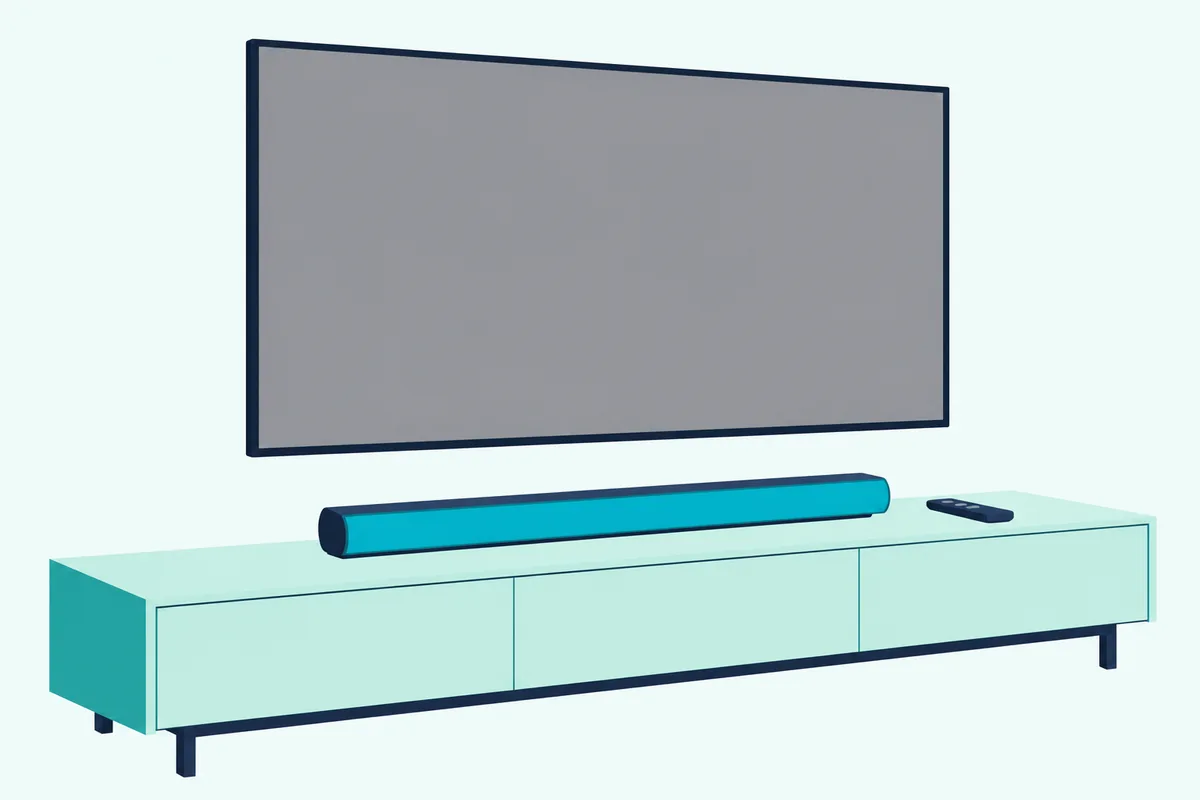
Bluetooth to a TV has limits. LG’s webOS guide warns of unsynchronized video and audio with some devices and recommends a wired connection if problems continue, which our HDMI ARC hookup for LG bars and TVs walks through.
Can a Windows PC or Mac Play Through the Bar?
Yes, the same open-door window works for computers. LG’s SK5Y and SNH5 manuals list notebooks among the devices that can use the bar’s Bluetooth.
On Windows 11, Microsoft says to make the device discoverable, then open the Bluetooth quick setting next to the clock and select it under New devices; Settings > Bluetooth & devices also switches Bluetooth on (Microsoft).
On a Mac, Apple’s steps are Apple menu > System Settings > Bluetooth, then hold the pointer over the bar and click Connect. If sound still comes from the Mac, pick the bar under System Settings > Sound > Output.
How Do You Turn Bluetooth Off or Lock It?
A computer or phone that keeps grabbing the bar is the usual reason to want this. On older LG bars the answer is BT LOCK, which limits Bluetooth connections to the BT and LG TV functions to prevent unintended connections.
| Bar | Turn BT LOCK on |
|---|---|
| SK5Y | In Bluetooth function, hold AUTO POWER ON on the remote for about 2 seconds (AUTO POWER OFF to undo) |
| SNH5 | In Bluetooth function, hold Play/Pause for about 3 seconds, then press it again while “OFF – BT LOCK” scrolls |
| SL4Y, SN6Y | Select Bluetooth with F, long-press Play/Pause, then press it again |
Auto Power can still wake the bar. LG’s SNH5 and SK5Y manuals say the bar turns on through Auto Power even with the lock on, so turn Auto Power off too.
LG’s SK5Y manual adds that some Bluetooth devices keep trying to reconnect, so disconnect from the device before switching the bar off. The S95QR’s settings list (Auto Power, Surround, Night Time, TV Remote, Display) has no BT LOCK, and LG’s own help article on the lock sits on lg.com, which we couldn’t read, so newer bars stay a gap here.
Why Won’t the LG Soundbar Show Up or Stay Paired?
Most failures come back to that three-minute window or to distance. LG’s S75QR and S60T troubleshooting tables say to check that Bluetooth is on in the device, turn it off and on, and remove obstacles between the two.
| Symptom | What LG’s manuals say to check |
|---|---|
| Bar missing from the device list | Press the pair button again and refresh the list within the window |
| “BT READY” or blinking LEDs never change | Bluetooth on in the device; turn it off and on, then retry |
| Noise or dropouts | Device near the bar; 1 m (3.3 ft) from routers and microwaves |
| Pairs, then drops when you switch input | Normal on SK5Y and SNH5: it reconnects when you return to BT |
| Second phone won’t connect | SK5Y and SNH5 pair one device at a time |
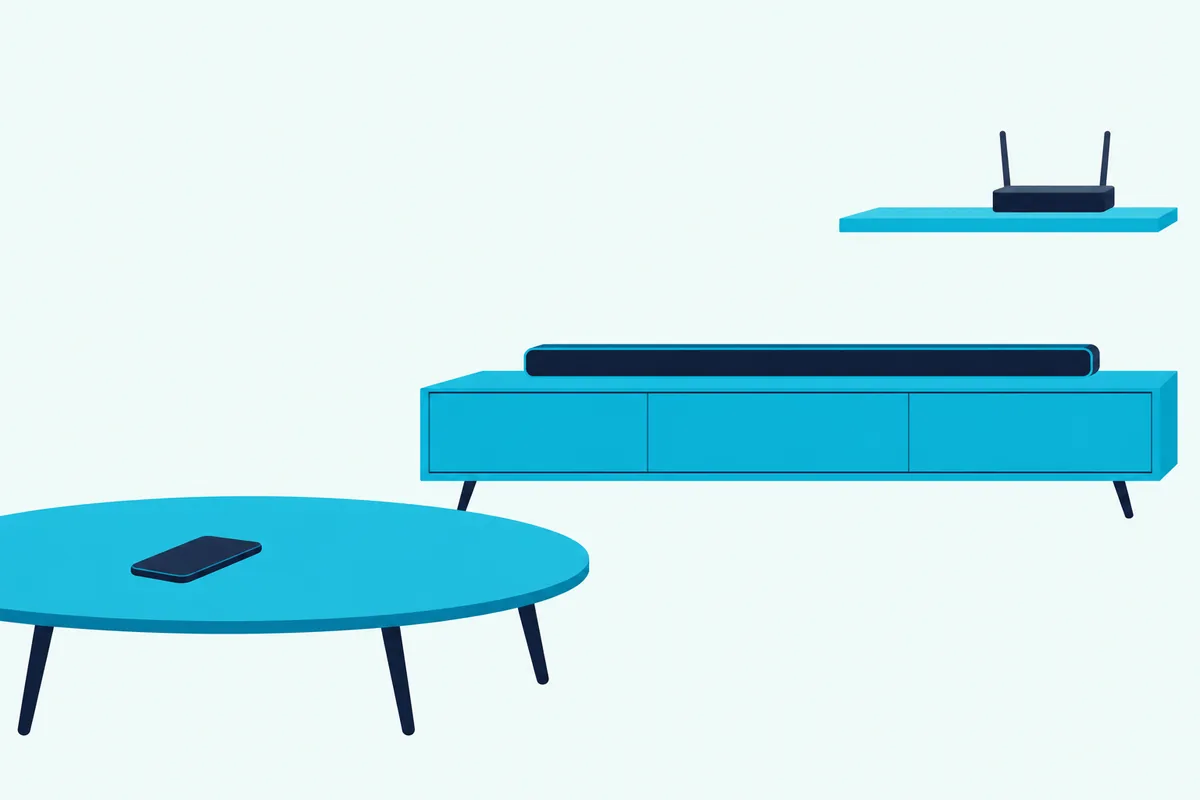
LG’s S60T manual says to keep the Bluetooth device 1 m (3.3 ft) from wireless routers, medical equipment and microwave ovens. It also warns that a device too far from the bar may disconnect.
Switching inputs is the other surprise. LG’s SK5Y and SNH5 manuals say changing to another function drops the Bluetooth link, and returning to Bluetooth reconnects it automatically.
If none of that helps, our LG sound bar reset steps by model cover the buttons for each series. For lights, volume and remote faults beyond Bluetooth, there’s a full LG soundbar fault-finder.
Frequently Asked Questions
Can you connect Bluetooth headphones to an LG sound bar?
None of the LG soundbar manuals we read describes sending sound out to headphones. They describe the bar as a Bluetooth receiver for music from a phone or TV (the A2DP profile). An LG TV can send its sound to a Bluetooth audio device under Sound Out > Use Wireless Speaker > Bluetooth Device instead.
Does an LG sound bar have Bluetooth?
Every LG soundbar manual we read does, from the SK5Y’s Bluetooth 4.0 to the S60T’s Bluetooth 5.3. The ones that give a Bluetooth spec list the SBC and AAC codecs.
Can you put an LG soundbar in pairing mode without the remote?
LG’s Sound Suite AI H7 manual says its Bluetooth pair button is on both the bar and the remote. The other manuals just say to press the Bluetooth pair button, so check your bar’s own buttons first.
How many phones can pair with an LG soundbar at once?
LG’s SK5Y and SNH5 manuals say pairing is limited to one Bluetooth device and multi-pairing isn’t supported. To switch phones, disconnect the first one, then pair the second.