Best Bluetooth MIDI Adapter for 5-Pin, USB and TRS Gear
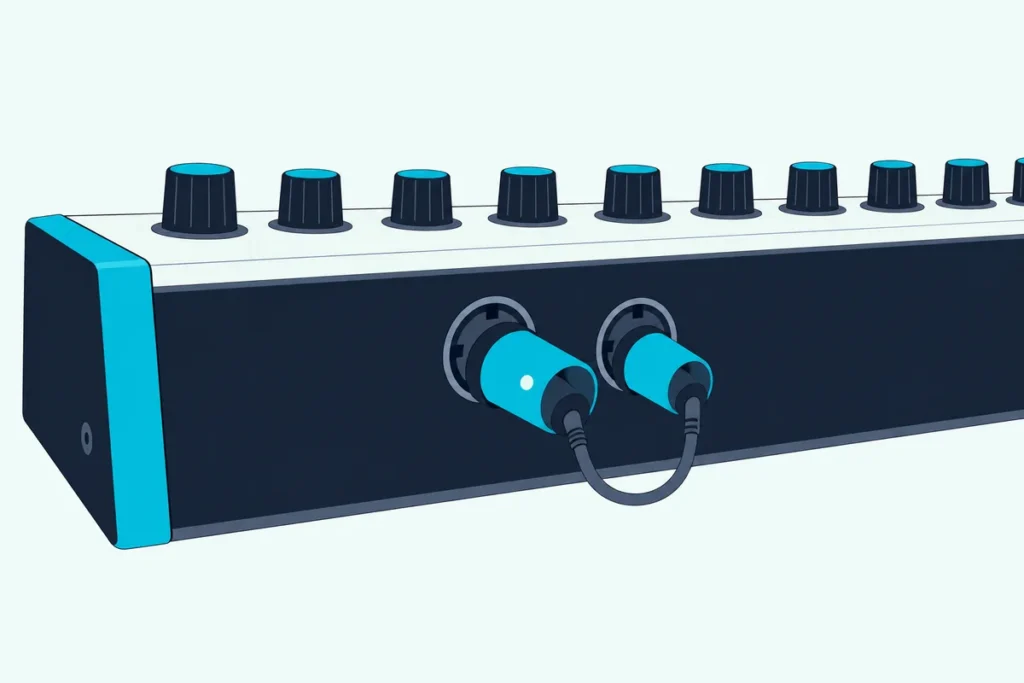
Choosing a Bluetooth MIDI adapter starts with the socket on your gear, because the plug that suits a 5-pin synth won’t go into a USB keyboard or a laptop.
Buy by brand alone and you might get an adapter that stays dark on a MIDI port with no power, or one that only pairs with Apple devices.
Match it to the socket and one small plug lets an iPad play a synth across the room, or a USB controller drive hardware with no computer in between.
This guide compares adapters from CME, Yamaha and LEKATO by what their makers document: the sockets each one fits, its power, the systems it pairs with and when you need two.
The picks come first, then a socket-by-socket guide, the setups that need a second unit and the pairing steps for Mac, iPad, Windows and Android.
What Is the Best Bluetooth MIDI Adapter?
That depends on the socket you’re adapting, so start there. For most 5-pin keyboards and synths, the CME WIDI Master is the best Bluetooth MIDI adapter: CME’s manual has it draw power from the MIDI OUT it plugs into and pair on its own with another WIDI or a standard Bluetooth MIDI controller (CME).
The others each fit a narrower case:
| Pick | Plugs into | Power | Pairs with, per the maker | Best for |
|---|---|---|---|---|
| CME WIDI Master | 5-pin MIDI OUT and IN | The MIDI OUT | Apple, Android, Windows via Korg’s driver, WIDIs and Bluetooth MIDI controllers | Most 5-pin gear |
| Yamaha MD-BT01 | 5-pin MIDI IN and OUT | The MIDI OUT | iPhone, iPad and Mac | 5-pin gear with Apple devices |
| CME WIDI Jack | 2.5 mm TRS sockets, cabled to 5-pin or TRS | MIDI OUT or USB-C | As the WIDI Master | Unpowered ports and TRS gear |
| CME WIDI Uhost | A USB MIDI controller, or a computer | USB | As the WIDI Master, or any system over USB | USB keyboards |
| CME WIDI Bud Pro | A computer’s USB-A port | USB | WIDIs and Bluetooth MIDI controllers | Computers without Bluetooth MIDI |
| Yamaha UD-BT01 | An instrument’s USB TO HOST port | A USB AC adaptor | iPhone, iPad and Mac | USB TO HOST instruments |
| LEKATO Wireless MIDI Adapter | 5-pin MIDI IN and OUT, plus a USB unit | A built-in battery | iPhone, iPad, Mac and Windows | Both ends in one box |
Every pick met Burton Acoustix’s rating, review and stock checks on 28 October 2026, and no prices appear because they change often. Nothing here was played or measured: the descriptions come from the makers’ manuals, product pages and listings.
Buying a new keyboard anyway? Bluetooth MIDI controller keyboards build the wireless link in.
| Product | Link |
|---|---|
Best Overall 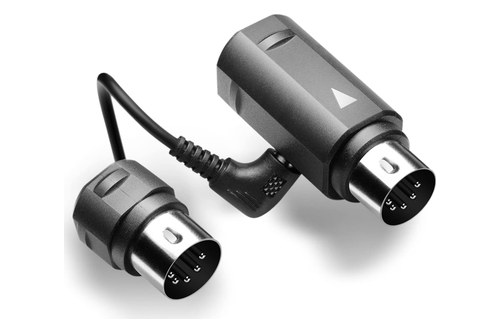 | See ratings |
Best for Apple Devices 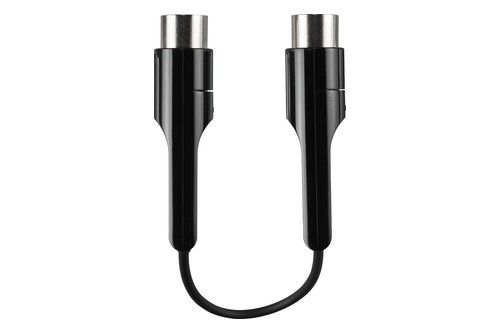 | See ratings |
Best for Unpowered or TRS Ports 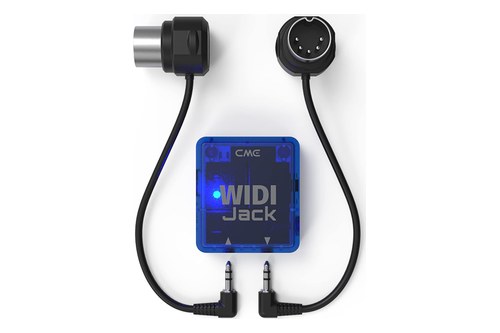 | See ratings |
Best for USB Keyboards 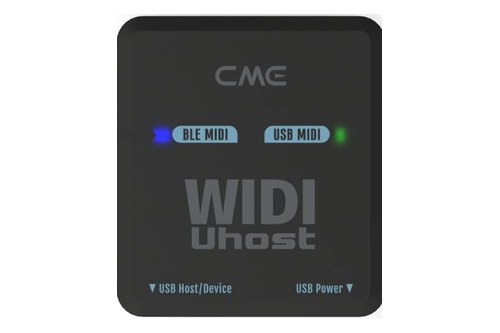 | See ratings |
Best for Computers 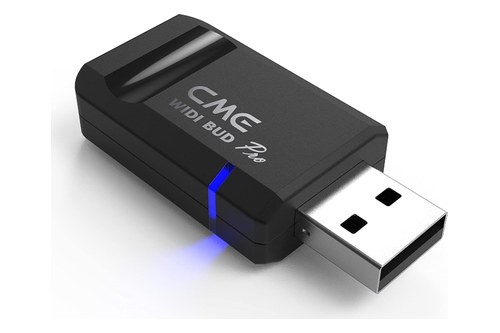 | See ratings |
Best for USB TO HOST Ports 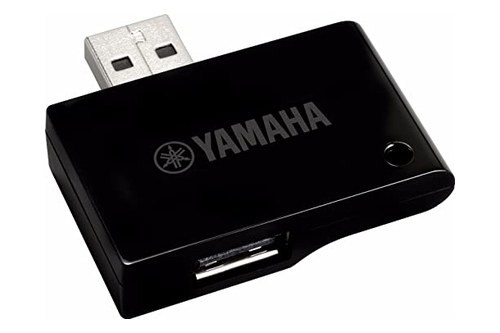 | See ratings |
Best Two-Piece Kit 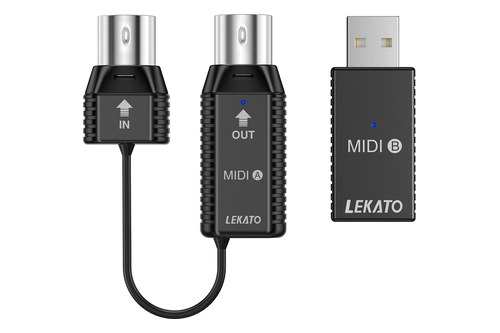 | See ratings |
Which Bluetooth MIDI Adapter Should You Buy?
That table splits by socket, and so do the cards below. Buy the WIDI Master or MD-BT01 for powered 5-pin gear, the WIDI Jack for an unpowered or TRS port, and the USB models for USB keyboards and computers.
CME WIDI Master
For most 5-pin keyboards and synths, the CME WIDI Master is the pick.
the CME WIDI Master
CME’s manual splits it in two: a main adapter on the MIDI OUT that takes the power and handles the wireless link, and a sub adapter for the MIDI IN. Gear with only a MIDI OUT needs just the main one, and the sub adapter can’t work alone.
It can start a Bluetooth link as well as answer one, so a Bluetooth MIDI keyboard can play a 5-pin synth through it.
Yamaha MD-BT01
For a 5-pin instrument that only has to reach an iPhone, iPad or Mac, the Yamaha MD-BT01 keeps things simple.
the Yamaha MD-BT01
Yamaha’s manual has you switch the instrument off, plug the adapter into its MIDI terminals with the arrows matched, switch it on, turn on Bluetooth on the iPhone or iPad and connect inside a compatible app (Yamaha). Its lamp flashes while it waits and stays lit once the link is made.
The manual frames it as a link between compatible Yamaha products and Apple devices, and Yamaha keeps a list of the instruments and apps it has confirmed.
CME WIDI Jack
For a MIDI port that supplies no power, or gear with TRS MIDI jacks, the CME WIDI Jack is the most flexible adapter here.
the CME WIDI Jack
CME’s manual says its USB-C socket carries power only, for when a MIDI OUT can’t supply 3.3 to 5 volts or the Jack connects to a MIDI IN alone. Two Jacks pair automatically, and CME’s guide links a WIDI Master on a keyboard to a Jack on a synth with no computer, tablet or router in between.
CME WIDI Uhost
For a USB MIDI keyboard, the CME WIDI Uhost supplies the host it needs.
the CME WIDI Uhost
CME’s guide explains why it exists: most USB MIDI controllers are USB devices that can’t send anything until a host is attached. Its left USB-C socket switches between host and device by itself, and the right one only takes power.
If the controller sits right beside the synth, a wired USB MIDI host does the same job on a cable.
CME WIDI Bud Pro
For a computer without working Bluetooth MIDI, the CME WIDI Bud Pro plugs in like a USB stick.
the CME WIDI Bud Pro
CME’s manual has you choose it as the MIDI input and output in your software, which skips the Windows driver step covered below. CME says it also gets around the wireless MIDI limits of Apple’s built-in Bluetooth.
Yamaha UD-BT01
For an instrument with a USB TO HOST port and an iPhone, iPad or Mac to reach, the Yamaha UD-BT01 is Yamaha’s answer.
the Yamaha UD-BT01
Yamaha’s manual sets it up in a fixed order: the adapter into the USB AC adaptor, the adaptor into the wall, then the included cable to the instrument’s USB TO HOST terminal. For an instrument with a USB-C port, Yamaha calls for a data-capable USB-A to USB-C cable shorter than 3 meters.
LEKATO Wireless MIDI Adapter
For both ends of the link in one box, the LEKATO Wireless MIDI Adapter pairs a 5-pin unit with a USB unit.
the LEKATO Wireless MIDI Adapter
LEKATO’s product page has you plug the adapter’s IN into the keyboard’s IN and its OUT into the OUT, then wait for the blue light to blink before connecting. Its USB unit links to the 5-pin unit automatically, so LEKATO says to unplug it when you want the 5-pin unit in an app’s Bluetooth list.
What Does Each Adapter Plug Into?
Those cards come down to one question about your gear: where does its MIDI come out? Each adapter is built around one kind of socket, so a powered 5-pin MIDI OUT takes the WIDI Master or MD-BT01, an unpowered port or TRS jack takes the WIDI Jack, a USB controller takes the Uhost and a computer takes the Bud Pro.
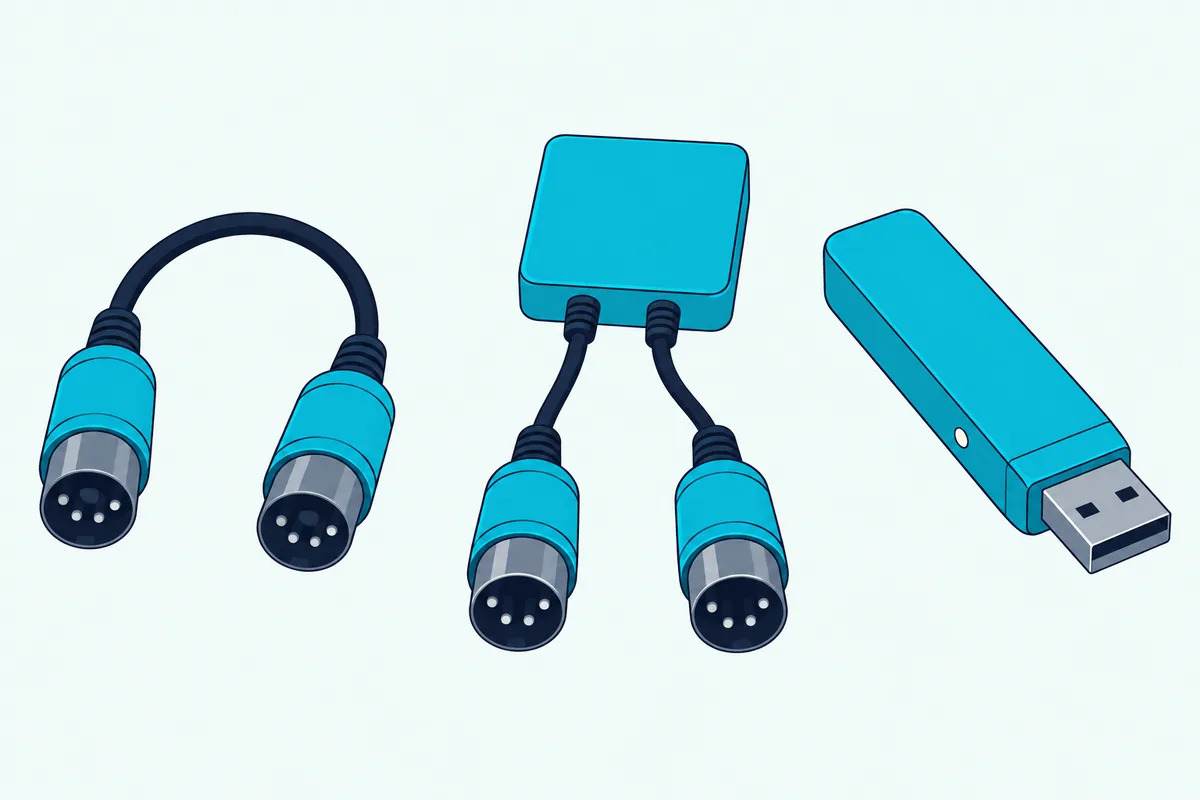
A 5-pin port that supplies no power, or a MIDI IN on its own, needs the WIDI Jack on USB-C power or LEKATO’s battery unit, since CME rules the WIDI Master out there; an instrument’s USB TO HOST port takes the UD-BT01 for Apple devices, or the Uhost if the instrument is class compliant.
For TRS gear, CME’s Jack manual says to look up whether your instrument uses Type A or Type B wiring before setting the Jack’s switch.
When Do You Need Two Adapters?
Each socket is one end of the link, and the other end decides whether one adapter is enough. You need two adapters when neither end has Bluetooth MIDI built in, and one when the other end is an iPhone, iPad, Mac, Android app or Bluetooth MIDI keyboard.
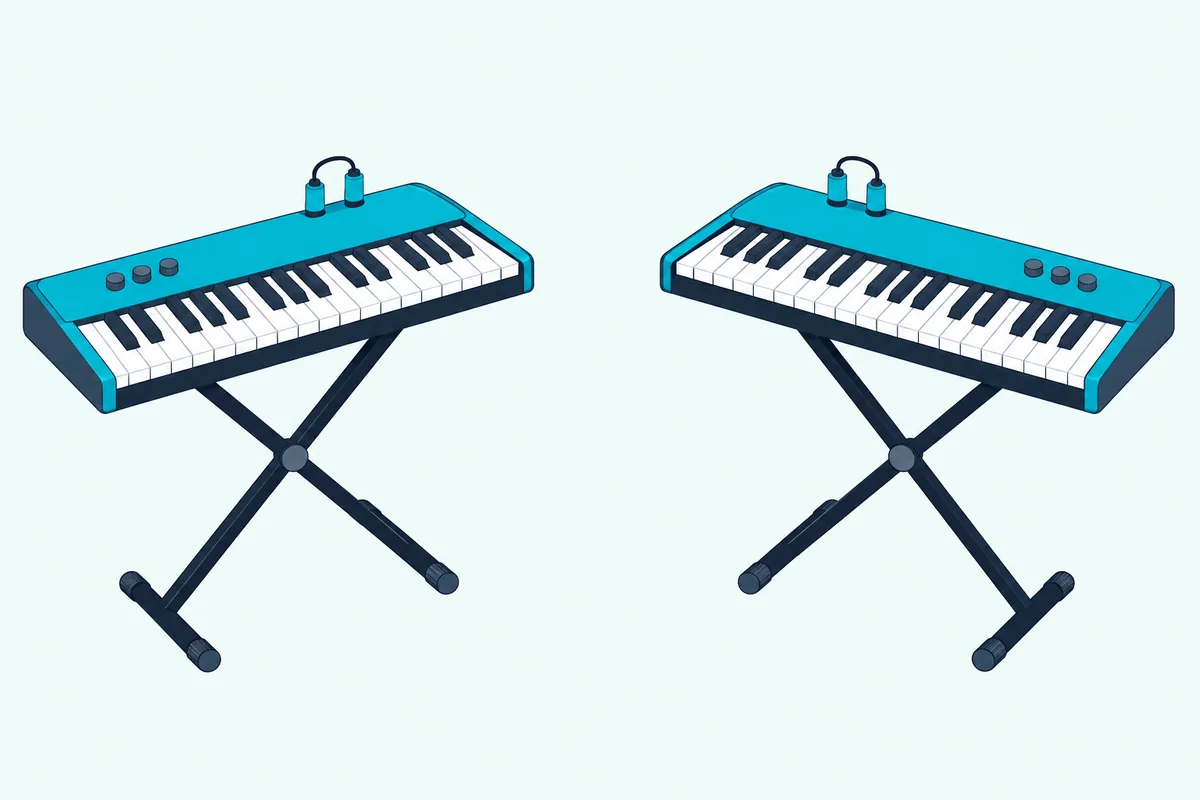
CME and LEKATO document these pairs:
- 5-pin keyboard to 5-pin synth: two WIDI Masters, which CME says pair automatically, or a WIDI Master and a WIDI Jack.
- USB keyboard to 5-pin synth: a Uhost at the keyboard and a WIDI Master at the synth.
- USB keyboard to a computer: one Uhost for an iPhone, iPad or Mac, or two Uhosts for any system.
- 5-pin keyboard to a Windows PC without Korg’s driver: a WIDI Master with a Bud Pro in the PC, or LEKATO’s kit.
Roland’s WM-1 works the same way inside its own system: Windows needs the WM-1D dongle at the computer end, while a Mac, iPhone or iPad reaches a WM-1 over Bluetooth MIDI in Standard mode (Roland).
CME’s groups link one central WIDI with up to four others for split, thru or merge setups, though its manual says iOS, Windows 10 and Android can’t join one. For a wired split, Burton Acoustix’s MIDI thru box guide compares the boxes.
How Do You Pair One With a Mac, iPhone or iPad?
With one adapter and an Apple device, pairing happens in a music menu, not your earbuds’ Bluetooth list. On a Mac, Apple’s steps run through Audio MIDI Setup: choose Window, Show MIDI Studio, click Configure Bluetooth, put the adapter in pairing mode, select it and click Connect (Apple).
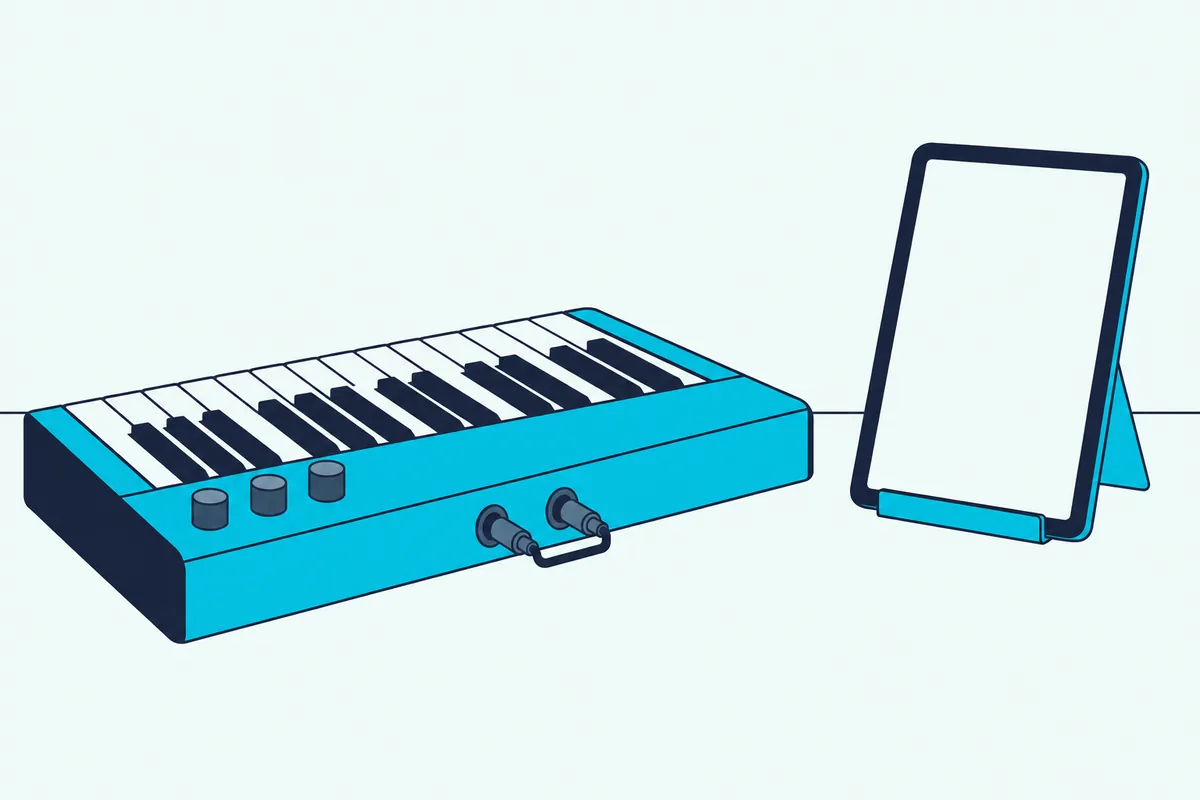
On an iPad, GarageBand pairs it under the Settings button in the control bar, then Advanced, Bluetooth MIDI Devices and the Connect switch. For apps without that menu, CME’s manuals point to the free midimittr app, and they note that iOS 16 and later reconnect a WIDI automatically after the first pairing.
Apple’s guide asks you to install any software the adapter’s maker provides first.
Does It Work With Windows and Android?
Those Apple menus are built in, while Windows and Android leave more to your software. On Windows 10, CME’s manuals say an app must use Microsoft’s own Bluetooth MIDI API, which CME knows only Cakewalk by BandLab to do, so CME’s route is Korg’s BLE-MIDI driver.
On Windows 11 version 24H2 or later, Korg’s driver page says to use its newest driver, not version 1.15 or earlier, since the January 2026 updates changed the MIDI system. Microsoft’s own in-box Bluetooth MIDI transport is still marked preview code (Microsoft).
A Bud Pro or Uhost in the PC’s USB port sidesteps all of that, since Windows sees an ordinary USB MIDI device.
Android works much like Windows, CME says: most music apps don’t use Android’s built-in Bluetooth MIDI support, so a bridge app such as MIDI BLE Connect makes the link. Android’s own MIDI documentation puts that job on the app, which has to scan for Bluetooth LE MIDI devices and let you connect, and once one app opens a device, others can use it too.
CME lists Android 8 or later for the Uhost and Bud Pro, while Yamaha’s adapters list Apple systems only.
If the phone itself is the instrument, MIDI controllers that work with Android covers the keyboards and apps on that side.
How Much Delay and Range Do the Makers Quote?
Once the link is up, the question is whether you’ll feel it. CME quotes as low as 3 milliseconds between two WIDI devices in its low-latency mode, under 1 millisecond of jitter in its low-jitter mode, and 20 meters (65 feet) of range without obstacles.
Roland lists 7.5 to 15 milliseconds for the WM-1 in Standard mode, 3 milliseconds in Fast mode between its own units, and 10 meters (32 feet) line of sight. LEKATO quotes under 3 milliseconds, and Yamaha’s manuals give no delay or range figure.
Roland’s Standard-mode figures match the Bluetooth MIDI rules Microsoft describes: a connection interval of 15 milliseconds or less, 7.5 recommended for live playing, and Windows never seen below 15 as the host. For scale, Microsoft notes that a classic 5-pin cable takes about a millisecond per message, so a five-note chord takes roughly 5 milliseconds to send.
If the lag survives a cable too, the usual causes of MIDI delay are the next stop.
Why Won’t the Adapter Connect?
Those figures assume a link that’s actually up. When it isn’t, three causes recur in CME’s and Microsoft’s notes: no power, a sleeping device and a partner that’s already paired.
CME’s checklist for an unlit WIDI Master asks whether the main adapter is in the MIDI OUT, whether the instrument is on and whether that MIDI OUT supplies power. Microsoft’s developers write that Bluetooth MIDI devices sleep aggressively and that a sleeping device is the most common connection failure, so switch the instrument and its adapter on just before you connect.
WIDIs pair with each other as soon as they’re powered, and a WIDI that’s already taken won’t show up for anything else. CME’s fix is Force Peripheral, set by holding the button for 3 seconds.
After a firmware or system update, CME says to forget the old pairing in the iPhone’s or Mac’s Bluetooth settings, restart Bluetooth and pair again.
Which Adapters Didn’t Make the List?
The same socket logic covers a few well-documented adapters that missed the cards. Roland’s WM-1 and WM-1D had too few Amazon reviews to judge on 28 October, though Roland documents a 5-pin adapter that runs about 60 hours on one AAA battery and a USB dongle that Windows needs.
Korg’s BM-1 pairs automatically with nearby BLE-MIDI devices up to 20 meters away and needs no batteries or power supply, but its listing had too few reviews to judge.
The Bottom Line
Buy the CME WIDI Master for powered 5-pin gear, the MD-BT01 when Apple devices are the only partner, and the WIDI Jack for unpowered or TRS ports.
Choose the Uhost for a USB keyboard, the Bud Pro or LEKATO’s kit when the computer is the weak link, and the UD-BT01 for a USB TO HOST instrument.
Frequently Asked Questions
Do I need an adapter if my keyboard already has Bluetooth?
Only if its Bluetooth is audio only. CME’s guide explains that Bluetooth audio carries the sound itself while Bluetooth MIDI carries instructions such as “play note 60 now”, so look for MIDI, BLE MIDI or GATT next to Bluetooth on the spec sheet. A keyboard with Bluetooth MIDI pairs directly with an iPad or Mac, and a WIDI Master or Jack still helps when the other end is a 5-pin synth.
Does a Bluetooth MIDI adapter need batteries?
Most don’t. CME’s WIDI Master and Yamaha’s MD-BT01 run on power from the instrument’s MIDI OUT, the WIDI Jack can use MIDI power or USB-C, and the USB models take power from USB. LEKATO’s 5-pin unit is the exception, on a built-in battery LEKATO rates at up to 12 hours, and so is Roland’s WM-1, on one AAA battery.
Is Bluetooth MIDI the same as other wireless MIDI?
Not always. CME’s guide notes that some wireless MIDI products use their own 2.4 GHz radio and need a matching transmitter and receiver from the same maker, while Bluetooth MIDI follows a standard that works across brands. Roland’s WM series uses both: its own format between WM units, and Bluetooth MIDI with Apple devices.