How to Control a Soundbar With an Apple TV Remote by HDMI or IR
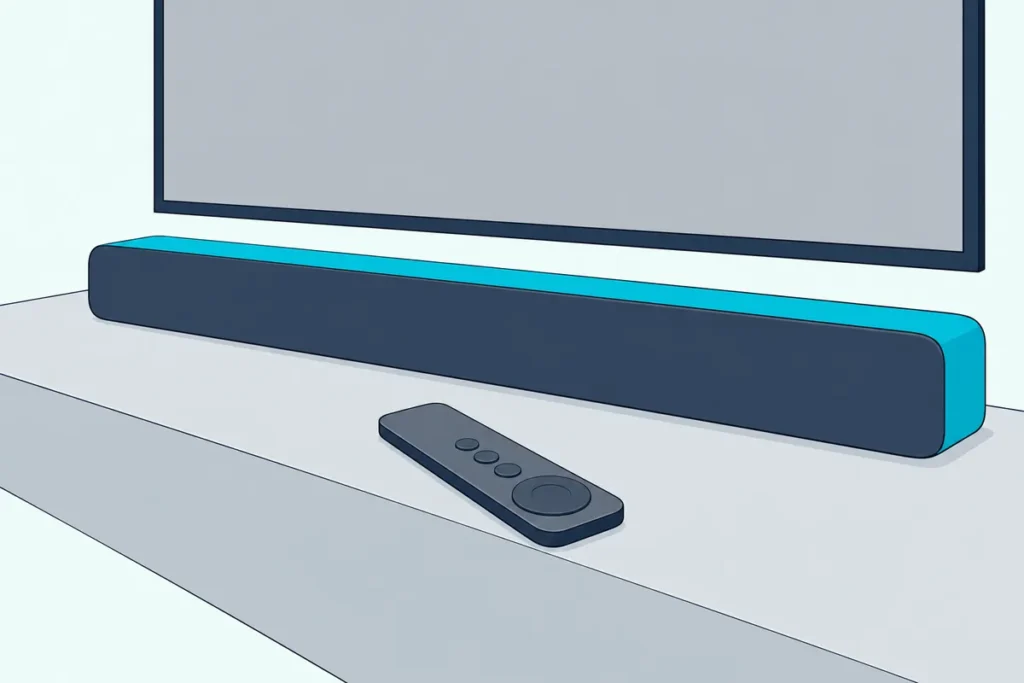
If you’re working out how to control a soundbar with an Apple TV remote, the answer sits in one tvOS menu, Settings > Remotes and Devices, where Apple keeps a power switch and a six-option Volume Control setting.
Pick the wrong option there and the Siri Remote wakes the bar but leaves its volume alone, or turns up a TV whose own speakers are already off.
Set it right and one remote runs the bar’s volume, mute and power over HDMI-CEC, or over infrared when the bar sits on an optical cable.
Start with how the bar is wired, because an Apple TV plugged into the soundbar and an Apple TV plugged into the TV take different settings.
Below are Apple’s two settings, the CEC switch on each soundbar brand, the infrared fallback, the Samsung case and the fixes in Apple’s order.
Can the Apple TV Remote Control a Soundbar?
That wiring question decides the route, so the yes comes with a condition. Yes, the Siri Remote can control a soundbar: Apple’s Apple TV 4K spec sheet lists control of a TV or receiver via IR or CEC, and the Volume Control setting in Apple’s guide to controlling a TV and receiver names a sound bar among the devices it can learn.
Apple’s guide keeps both halves of the job under Settings > Remotes and Devices, in the Home Cinema Control section. Power is one setting, Control TVs and Receivers or Turn On Your TV with Your Remote, and volume is Volume Control, with six options.
| Volume Control option | What Apple says it does | Where a soundbar fits |
|---|---|---|
| Auto | Picks the most compatible method; best in most cases | Start here |
| HDMI | The TV or receiver supports HDMI-CEC and volume control over CEC | A bar on the TV’s eARC or ARC port, or an Apple TV plugged into the bar |
| Receiver via IR | The receiver has an infrared remote and no HDMI-CEC | A bar with its own IR remote and no CEC link |
| TV via IR | The TV has an infrared remote and no HDMI-CEC | A bar on an optical cable, Apple’s own fix |
| Off | No volume control for other devices | The bar’s own remote does the job |
| Learn New Device | The options above aren’t working: teach the remote the volume of your TV, sound bar or receiver | Any bar with an infrared remote |
Which row applies depends on the cable. HDMI carries CEC commands, and Apple’s volume-button article says CEC volume control is an HDMI feature that isn’t supported with optical cable setups, so CEC comes first below and infrared after it.
How to Control a Soundbar With an Apple TV Remote Over HDMI-CEC
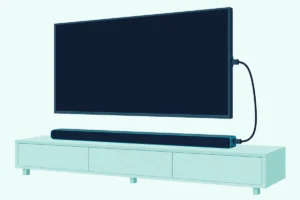
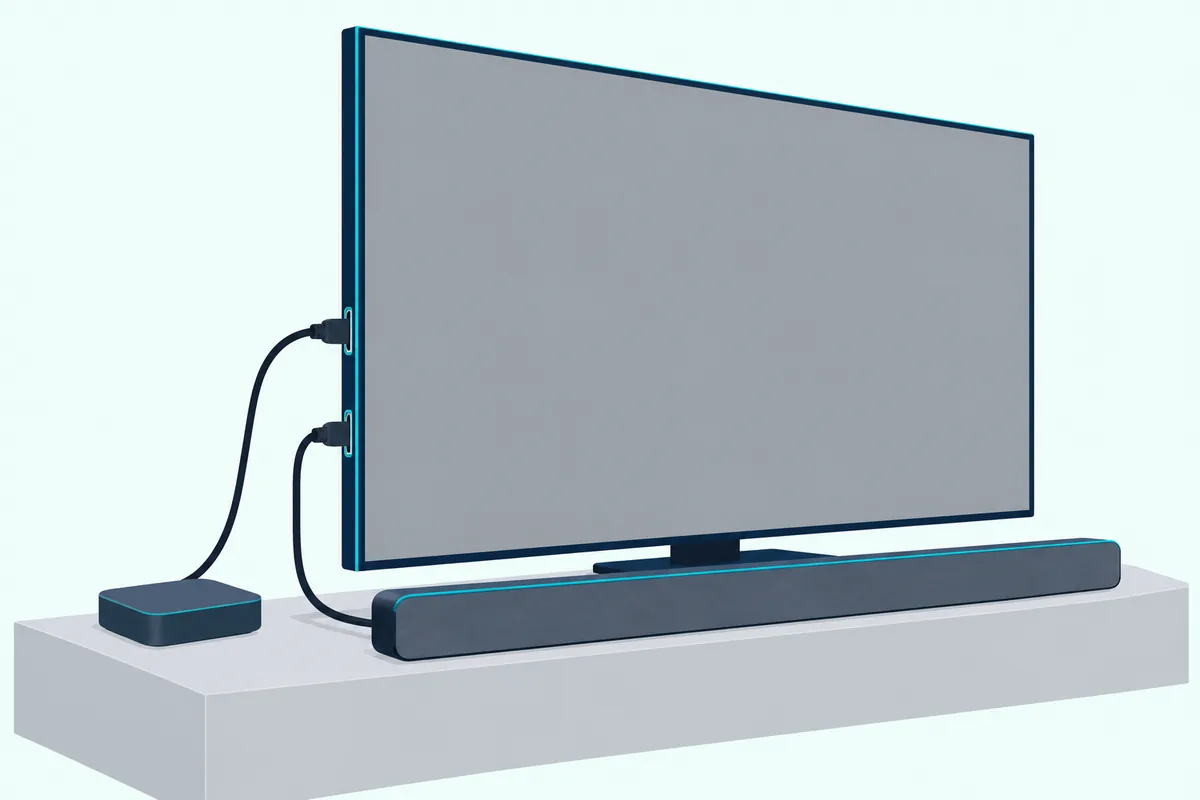
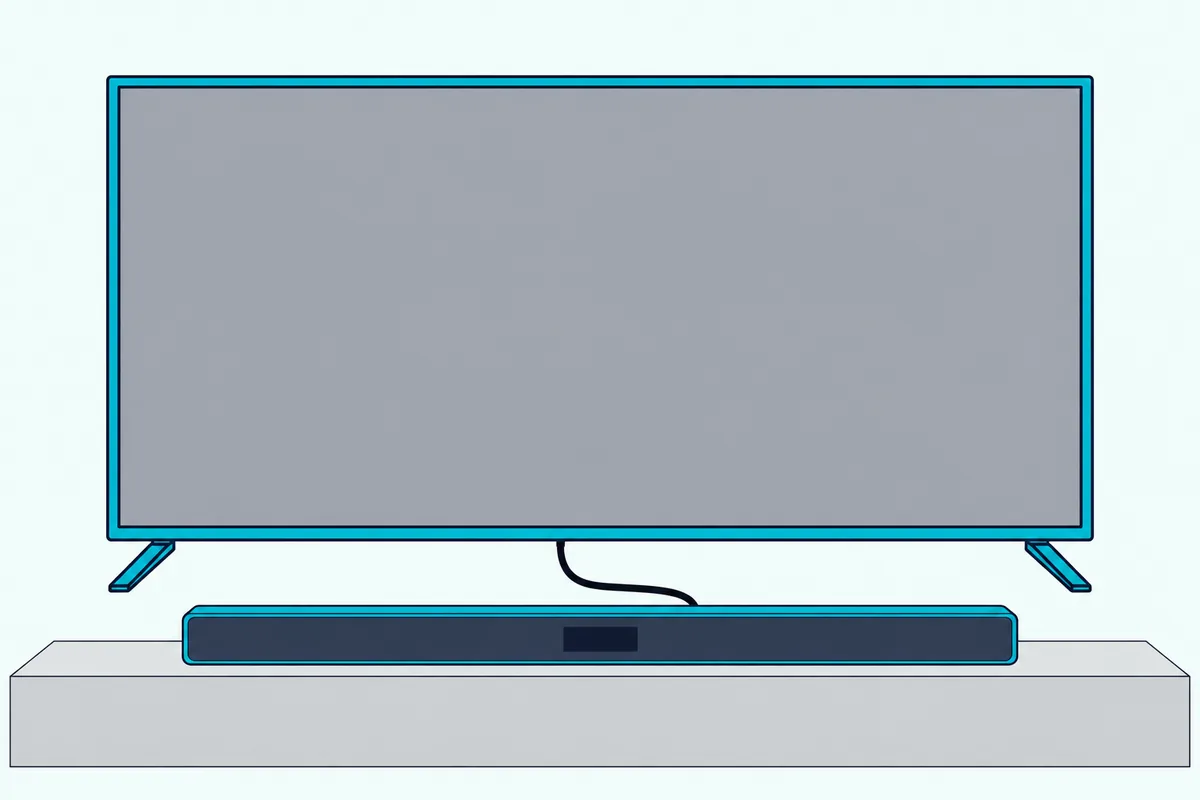
The HDMI route has two layouts, and yours decides which device the remote is really talking to. With the Apple TV plugged into the soundbar’s HDMI input, the bar is the receiver in Apple’s wording; with the Apple TV plugged into the TV and the bar on the TV’s eARC port, the TV passes the commands along, and the two Apple TV cable layouts are compared port by port in our hookup guide.
- Turn on the power link. Under Home Cinema Control, choose Control TVs and Receivers when the Apple TV plugs into the bar, or Turn On Your TV with Your Remote when it plugs into the TV; Apple says the TV or receiver, or both, then turn on and off with the Apple TV.
- Set Volume Control to Auto, or to HDMI if Auto keeps missing.
- Run Apple’s three CEC checks. Apple’s remote-help article asks whether the TV or receiver supports HDMI-CEC, whether the Apple TV sits in an HDMI port that supports CEC, and whether CEC is on in the TV’s or receiver’s menu, under a name ending in Link or Sync.
- Press volume up once and watch the bar’s lights or display rather than the TV screen.
Why Does the TV Need Its Own Setting When the Apple TV Plugs Into It?
Layout 2 adds a middleman, and the TV only forwards volume to a bar it has already chosen as its speaker. That choice is the TV’s sound output: Samsung’s Canada help page sets Sound Output to the soundbar, LG’s webOS 24 guide sets Sound Out to HDMI(ARC) Device beside its SIMPLINK switch, and Sony’s BRAVIA TV guide sets Speakers to Audio system.
The CEC switch sits beside it on each TV. Samsung’s is Anynet+ (HDMI-CEC), under Settings > All Settings > Connection > External Device Manager on 2022 and newer models; LG’s is SIMPLINK (HDMI-CEC), under Settings > All Settings > General > External Devices > HDMI Settings; Sony’s is BRAVIA Sync control, under Settings > Channels & Inputs > External inputs > BRAVIA Sync settings.
Our TV-by-TV soundbar remote settings add the VIZIO, Roku TV, Hisense, Google TV and Fire TV menus, with the setting that hands over the volume on each.
What Is HDMI-CEC Called on Each Soundbar Brand?
Those TV menus are half of the CEC link, and the bar makers name and switch their half differently. Apple’s remote-help article lists the TV-side names, Anynet+, SimpLink and BRAVIA Sync among them; here is each soundbar maker’s own name for its side and where it is switched:
| Soundbar maker | What its documents call it | Where it is switched on |
|---|---|---|
| Samsung | Anynet+ | On the bar, on by default; the HW-Q70R manual toggles it with a five-second hold of the remote’s Right button |
| LG | SIMPLINK | On the LG TV, in the HDMI Settings menu above; the S60T and S90TR manuals say a SIMPLINK-compatible LG TV remote then runs power, volume and mute |
| Sony | Control for HDMI, extended as BRAVIA Sync on Sony gear | On by default on the BRAVIA Theatre Bar 6, changed in its app under Settings > HDMI Settings > Control for HDMI; the TV’s side has to be on too |
| VIZIO | CEC | V51x-J6: enable CEC and ARC (SAC) in the TV’s System menu, then System Audio Control in the CEC menu so the TV remote reaches the volume |
| Bose | CEC, with an Advanced CEC setting | Smart Ultra: CEC on in the TV’s system menu, under whatever name the TV uses, and Advanced CEC adjusted in the Bose app |
| Sonos | HDMI-CEC | Nothing on the bar: Sonos says a bar on HDMI ARC follows the TV remote with no setup, while an optical bar needs Remote Control Setup in the Sonos app |
Two rows carry a warning worth a second read. Sony’s BRAVIA Theatre Bar 6 help guide says Control for HDMI may not work when devices other than Sony’s are connected, and Samsung’s HW-Q70R manual promises control from a Samsung TV remote rather than from any CEC remote.
How Do You Teach the Apple TV Remote a Soundbar’s Volume by Infrared?
When CEC isn’t on offer, the remote’s infrared side takes over, and Apple’s spec sheet lists an IR transmitter on the Apple TV 4K’s remote. Go to Settings > Remotes and Devices > Volume Control, choose Learn New Device, and follow Apple’s on-screen steps to teach the remote the volume of your sound bar.
Apple’s remote-help article adds the one physical rule. Clear the path between the remote and the front of the equipment, because volume control normally works through the IR sensor there, though some receivers take volume over HDMI-CEC instead and need no clear line.
An optical bar is the usual reason to be here. Apple’s volume-button article says to switch Volume Control to TV via IR when a sound bar is connected to the TV by optical, or to try another IR setting if one is offered, since CEC never crosses that cable.
The bar has to be listening for that kind of signal, and that is the bar’s own setting. Samsung’s HW-Q990D manual says its TV remote function answers IR remotes only, never Bluetooth remotes that need pairing, and VIZIO’s V51x-J6 manual learns a TV remote’s volume and mute from its SETUP > PrgRemote menu.
How each soundbar brand learns a remote walks through that bar side for Vizio, Polk, JBL, Bose and Sonos.
Why Does the Apple TV Remote Turn the Soundbar On but Not Change the Volume?
Power and volume are separate settings in Apple’s menu, which is why one can work while the other doesn’t. The power link rides on Control TVs and Receivers or Turn On Your TV with Your Remote, while the volume rides on whichever method Volume Control chose, and Auto picks the one Apple judges most compatible.
In layout 2 the usual gap is the TV. Samsung’s Canada help says the TV’s Sound Output has to point at the soundbar before the remote controls its volume and mute.
Then follow Apple’s order: restart the remote, then change the setting. Apple’s volume-button article has you hold the TV/Control Center button and Volume Down together for about 5 seconds until the Apple TV’s status light turns off and on, wait 10 to 15 seconds for a Remote Disconnected notification, then press any button.
If the buttons still do nothing, Apple’s next step is a different Volume Control setting, for example TV via IR instead of Auto.
The reverse fault, volume fine but no power, points at the power setting or the bar’s own standby link. Sony’s Bar 6 guide says a bar switched off before the TV may not come on with it next time, and its fix is to select the bar again as the TV’s sound output; Samsung’s 2025 TV e-Manual says that with Anynet+ off, a bar on the HDMI eARC port no longer turns off and on with the TV.
Why Can’t the Apple TV Remote Control a Samsung Soundbar?
Samsung bars need a section of their own, because Samsung gives them two listening modes and each answers a different Siri Remote setting. Over HDMI, Anynet+ carries the volume; over optical, the bar’s TV remote function has to be switched on and the Siri Remote set to an infrared option.
- Start with Apple’s two fixes: restart the remote, then try Volume Control on HDMI instead of Auto.
- Check Anynet+ on the Samsung TV. Samsung’s Canada help puts Anynet+ (HDMI-CEC) under Settings > All Settings > Connection > External Device Manager on 2022 and newer models, and under Settings > General > External Device Manager on 2021 and older ones.
- Set the TV’s Sound Output to the soundbar and keep the bar on the TV’s HDMI eARC or ARC port; Samsung’s HW-Q600B manual lists an inactive Anynet+ switch as a reason the bar won’t link.
- On optical, switch the bar’s TV remote mode on. Samsung’s HW-Q990D manual has you turn the bar off and hold the WOOFER button up for 5 seconds to cycle OFF-TV REMOTE, SAMSUNG-TV REMOTE and ALL-TV REMOTE, with the TV speaker set to External Speaker; then set Volume Control to TV via IR.
- Teach the remote as a last resort. Learn New Device, with the bar’s own remote in hand, gives the Siri Remote the bar’s volume codes without any CEC.
One Samsung note explains a common dead end. Samsung’s Canada page says Anynet+ can only be set up and operated with the Samsung TV remote, so use that remote for step 2, and Samsung soundbar TV remote modes by model year sorts the bar-side modes, from the HW-Q70R’s Right-button toggle to the WOOFER hold on the current bars.
What If the Apple TV Remote Still Won’t Control the Soundbar?
If every setting above is right and the bar still ignores the remote, Apple’s remote-not-working article treats the remote itself as the suspect. Pair it again by holding it about three inches from the Apple TV and pressing Back (or Menu) and Volume Up for five seconds, then restart it as in the volume section, then check its signal.
On tvOS 18 or later, Settings > Remotes and Devices > Remote shows the signal strength. Apple says to move within 20 feet of the Apple TV and to move anything that blocks the path between the remote and the front of the Apple TV, television, receiver and sound bar.
Then the cable. Bose’s Smart Ultra guide has you disconnect the HDMI cable from the TV’s eARC or ARC port and reconnect it, Samsung’s 2025 TV e-Manual asks for the TV to be turned off and on again after any HDMI cable change and warns that some HDMI cables may not support Anynet+, and LG’s SIMPLINK guide wants a high-speed HDMI cable with the CEC function.
Charge and update last. Apple says to charge the remote for 30 minutes and update tvOS, and if CEC still won’t hold after that, Learn New Device with the bar’s own remote is the route that doesn’t depend on it.
Frequently Asked Questions
Does the Apple TV remote have a mute button that works with a soundbar?
The Siri Remote (2nd generation and later) has a Mute button, and Apple’s button guide says to press it once to mute and again to unmute, adding that not all audio setups support it. Sonos says it may need to learn a mute command during setup that the Apple TV remote can’t send, so set a Sonos bar up with the TV’s own remote first.
Can the Apple TV remote control a soundbar connected by optical?
Yes, by infrared. Apple says CEC volume control isn’t supported with optical cable setups and has you switch Volume Control to TV via IR, or try another IR setting; Sonos says an optical bar needs the remote set up by hand in its app and works only with IR remotes.
Can the Apple TV remote control a Bose soundbar?
Over HDMI eARC or ARC, Bose’s Smart Ultra guide says CEC has to be on in the TV’s system menu and offers an Advanced CEC setting in the Bose app. For an infrared bar such as the TV Speaker, whose guide programs third-party IR remotes, Learn New Device on the Apple TV teaches the Siri Remote the Bose remote’s volume instead.
Can the Apple TV remote control a Sonos soundbar?
Yes: Sonos’s Apple TV remote article says that once the bar is set up with the TV’s primary remote, the Apple TV remote should control Sonos volume automatically, and on HDMI ARC the TV remote needs no setup at all. If the Apple TV remote fails while the TV remote works, Sonos sends you to Apple’s article to verify the remote is programmed and the TV’s HDMI-CEC is on.