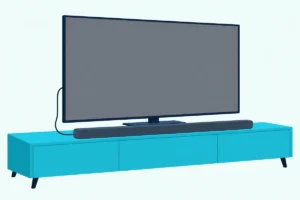
How to Control a Soundbar With a TV Remote, TV by TV
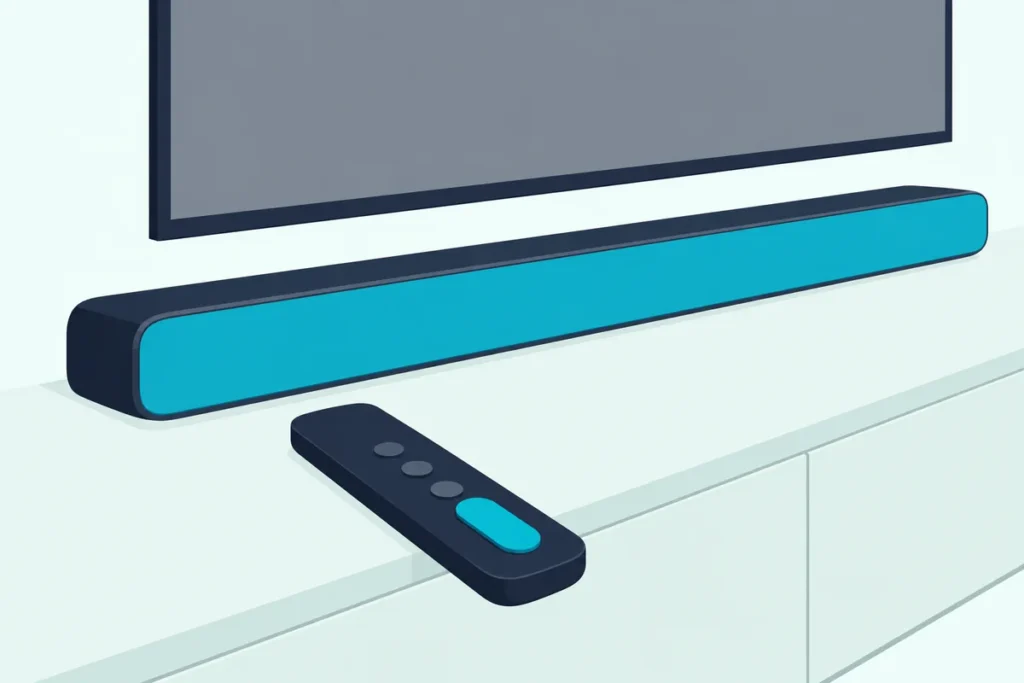
If you’re wondering how to control a soundbar with a TV remote, the answer is usually one HDMI cable in the TV’s ARC or eARC port, with HDMI-CEC switched on so the remote’s keys reach the bar.
Leave one setting off and the remote keeps nudging the TV’s silent speakers, or it wakes the bar without moving its volume.
Get it right and one remote handles volume and mute, and on many bars power too.
Start with the cable, because an optical hookup carries sound but no CEC commands, so the bar has to follow or learn the remote’s infrared codes instead.
Below are the four HDMI steps, the volume setting on each TV, what each soundbar brand’s link covers and the fixes for when only half of it works.
Can You Control a Soundbar With a TV Remote?
That cable decides which of three routes you’re on. Yes, a TV remote can run a soundbar on any of them, and Sonos puts the split plainly: a Sonos bar on HDMI ARC follows the TV remote with no setup, while one on optical needs the remote set up by hand.
- HDMI-CEC over ARC or eARC. The TV sends its remote’s commands down the HDMI cable, under names such as Samsung’s Anynet+, LG’s SIMPLINK, Sony’s BRAVIA Sync and Philips’s EasyLink.
- The bar’s own infrared settings. Polk’s Signa S4 manual lists both kinds, a preset that answers major TV makers’ volume buttons and a learning mode that copies your remote, and each maker’s TV remote mode and learning steps are in our programming guide.
- A third remote. Samsung’s 2025 TV e-Manual says its Universal Remote can be set up for home theaters that don’t support HDMI-CEC, and a universal remote can step in the same way.
HDMI-CEC is the route to try first, because it needs no teaching. Most of the bar manuals further down also list power alongside volume.
How to Control a Soundbar With a TV Remote Over HDMI
Route one takes four settings, and the order matters:
- Plug the bar into the TV’s HDMI ARC or eARC port. Bose’s TV Speaker guide warns that its speaker plays no sound from any other HDMI port.
- Turn on the TV’s CEC switch. Each TV maker names it differently, as the table in the next section shows.
- Send the TV’s sound to the bar. This is the setting that hands over the volume.
- Check the bar’s own CEC setting. Sony’s Control for HDMI, Yamaha’s HDMI Control and Samsung’s Anynet+ all come switched on.
Step 3 is the one people miss. Yamaha’s SR-B20A owner’s manual says the TV remote adjusts the bar’s volume when the TV’s audio output is set to the sound bar, so a TV still on its own speakers keeps the volume keys for itself.
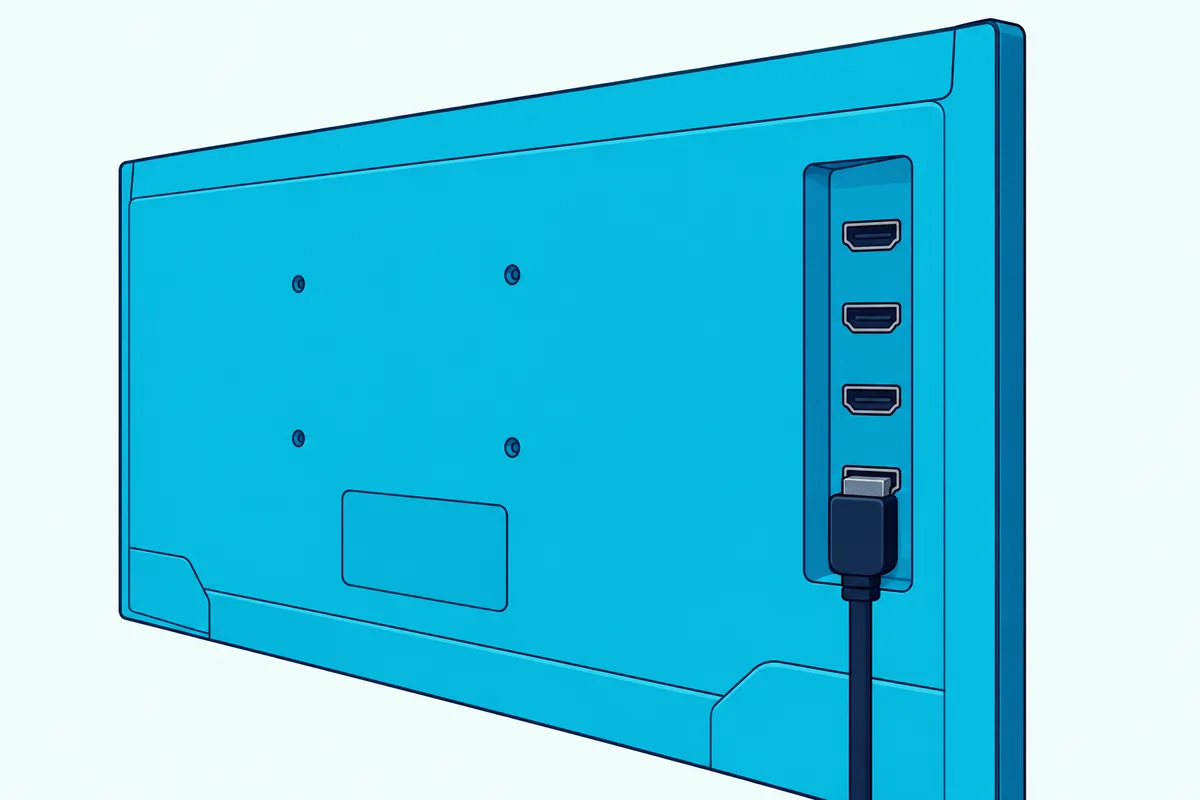
Then test it from the sofa. Turn the TV off and on with its own remote, press volume up once and watch the bar rather than the screen.
Which TV Setting Hands the Remote’s Volume to the Soundbar?
Steps 2 and 3 are where TV makers part ways, since each names its switches differently. The volume half sits in the sound output menu on most TVs, and on Roku TVs and VIZIO TVs it gets its own box, System audio control, inside the CEC menu.
Here’s where each TV’s guide puts both switches (the Fire TV and Android TV rows come from Roku’s CEC guide):
| TV and system | CEC switch and where it is | Setting that sends the sound to the bar |
|---|---|---|
| Samsung (2025 models) | Anynet+ (HDMI-CEC), under Settings > All Settings > General & Privacy > External Device Manager | Sound Output, where you pick the speakers the TV uses |
| LG webOS (2024 models) | SIMPLINK (HDMI-CEC), under Settings > All Settings > General > External Devices > HDMI Settings | Sound Out, set to HDMI(ARC) Device |
| Sony BRAVIA (Google TV) | BRAVIA Sync control, under Settings > Channels & Inputs > External inputs > BRAVIA Sync settings | Settings > Display & Sound > Audio output > Speakers > Audio system |
| VIZIO | CEC, in the System menu | System Audio Control in the CEC menu, with ARC (SAC) on in the System menu |
| Roku TV | Control other devices (CEC), under Settings > System | System audio control and ARC (or eARC), in that same menu |
| Hisense VIDAA | HDMI-CEC, under Settings > System > HDMI-CEC | Sound > Audio Output Settings > Audio Output, set to ARC |
| Android TV and Google TV (other brands) | Control Other Devices (CEC), under Settings > Inputs or External devices control | Settings > Sound/Audio > Audio Output, set to HDMI ARC or eARC |
| Fire TV (various brands) | HDMI-CEC Devices, under Settings > Display & Sound | Settings > Display & Sound > ARC, then Enable HDMI ARC |
Roku’s guide to connecting surround sound to a Roku TV shows what that volume box buys. With CEC on, the Roku TV remote adjusts the sound system’s volume and mute, and the TV shows the level and mute status on screen.
VIZIO’s V51x-J6 sound bar manual adds the step that makes a VIZIO TV find the bar: run Device Discovery from the CEC menu so the TV registers it. Brands that sell TVs on more than one system follow whichever one the set runs, and Hisense’s 2025 Google TV manual puts the switch at Settings > Channels & Inputs > External Inputs > HDMI control.
A Samsung TV and Samsung bar have more options than the table shows, and Burton Acoustix’s Samsung TV remote walkthrough sorts them by model year.
What Can the TV Remote Run on Each Soundbar Brand?
The TV is only half of that link, because the bar decides which commands it accepts. Volume is the one key every manual below lists, while power, mute and input switching vary by maker:
| Soundbar and its manual | What the TV remote runs over HDMI |
|---|---|
| JBL Bar 300 | Volume up and down, mute and unmute, power on and standby |
| Bose TV Speaker | Power, volume and mute |
| LG S60T | Power on and off, volume and mute, from a SIMPLINK-compatible LG TV remote |
| Sony BRAVIA Theatre Bar 6 | Power on and off with the TV, and volume |
| Yamaha SR-B20A | Power on and off with the TV, switching the sound between TV and bar, and volume |
| Polk Signa S4 | Input, power on and off, and volume |
| VIZIO V51x-J6 | Volume, once System Audio Control is on at the TV |
| Sonos Arc, Arc SL, Arc Ultra and Beam | Volume, with no setup, on HDMI ARC |
Several need nothing changed on the bar at all. Sony’s Bar 6 guide and Yamaha’s manual both have their HDMI control setting on by default, and Samsung’s HW-Q70R manual sets Anynet+ to on, with a five-second hold of the remote’s Right button to toggle it.
Samsung’s wording is the narrowest, since that manual promises control from a Samsung TV remote over HDMI. JBL is the frankest, as its Bar 300 manual says full compatibility with all HDMI-CEC devices is not guaranteed.
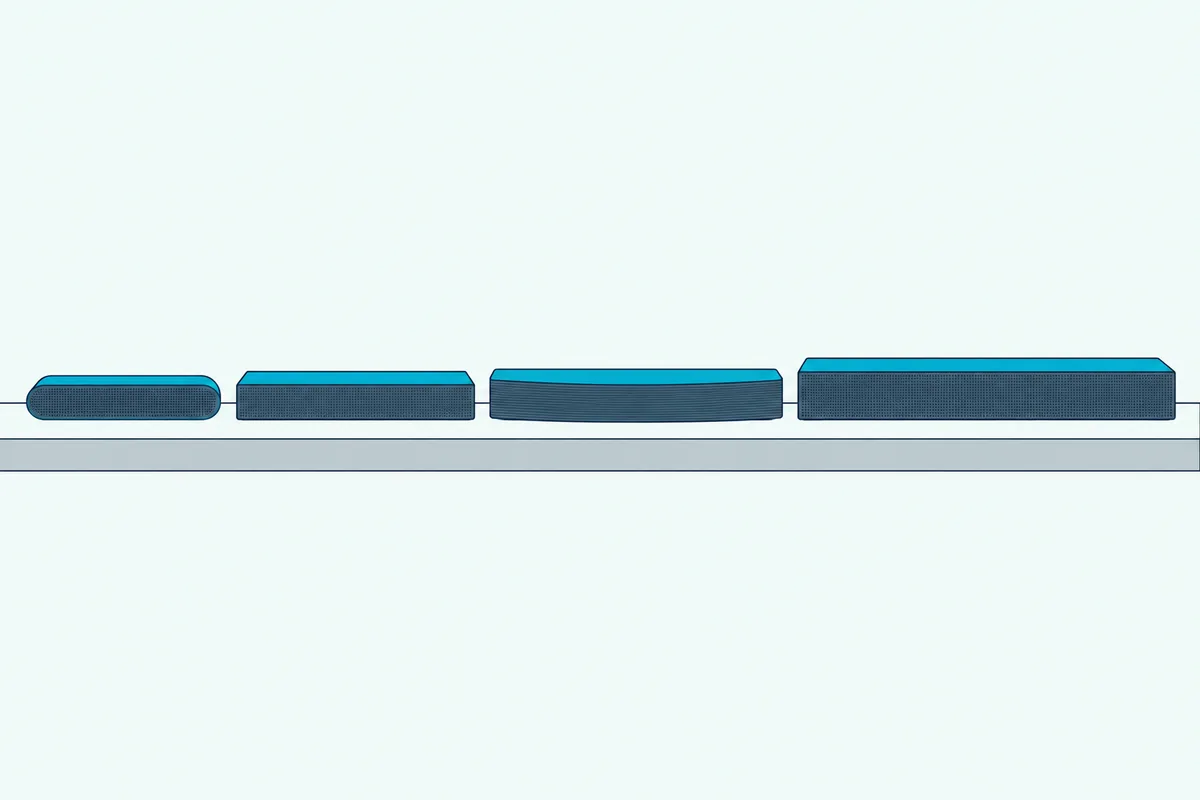
Yamaha and Polk both call these the bar’s basic functions, so keep the bar’s own remote or app within reach for sound modes and other settings. On an LG TV, SIMPLINK is what carries an LG remote’s keys to the bar over HDMI, and an LG Magic Remote controlling a sound bar on other cables is a separate setup.
Why Does the TV Remote Turn the Soundbar On but Not Change the Volume?
That split between power and volume is behind a frustrating half-working setup. The CEC link is up, since the bar wakes, but the TV still sends its sound and its volume to its own speakers.
Work through these in order:
- Set the TV’s sound output to the bar, using the last column of the TV table.
- Tick System audio control on a Roku TV, or System Audio Control on a VIZIO TV.
- Turn the TV’s own speakers off, the fix Bose gives when sound still comes from the TV.
- Put the bar on its TV input, as Hisense’s manual asks of any sound system with an input selector.
A Sony TV can make the first check automatic. Sony’s BRAVIA TV help guide lists Audio system prioritization, which switches the sound to a BRAVIA Sync audio system when the TV is turned on.
Why Does the Volume Work When the Soundbar Won’t Power On?
The reverse fault, where the volume works but the bar won’t wake, points at the power options under that same CEC switch. Several TVs list power as separate boxes there, so the volume can reach the bar while the bar never wakes or never sleeps with the TV.
Hisense’s VIDAA TV manual lists Device Auto Power Off and Device Auto Power On under HDMI-CEC, and Sony’s BRAVIA guide has Device auto power off and TV auto power on under BRAVIA Sync settings. Roku’s steps tick 1-touch play beside System audio control, and Roku’s account of Fire TV sets names Power Control beside 1-Touch Play.
Sony’s Bar 6 guide adds a habit that breaks the link. Switch the bar off before the TV and it may not come on with the TV next time, and the fix is to choose the bar again as the TV’s sound output.
Samsung’s 2025 e-Manual covers the opposite case: with Anynet+ off, a soundbar on the HDMI eARC port doesn’t turn off and on with the TV. Each TV system’s power options, and the bars’ own wake settings, are in our guide to getting a soundbar to turn on with your TV.
Can a TV Remote Control a Soundbar on Optical or Bluetooth?
Everything so far rides on the HDMI cable, which is why other connections change the answer. On an optical cable the answer is yes, but by infrared rather than CEC, because Sonos says an optical connection gives up CEC control and its bars then need the TV remote set up by hand.
That’s where the preset and learning modes from the first section come in. Polk’s manual points owners to them when the TV doesn’t support HDMI control or has no HDMI connector, and Samsung’s HW-Q70R follows a Samsung TV’s infrared remote by default once the TV’s audio is set to external speakers.
Bluetooth sits outside HDMI-CEC altogether, since Samsung’s 2025 TV e-Manual says Anynet+ devices must be connected with an HDMI cable. Whether the remote’s volume then reaches a Bluetooth bar depends on the TV, so check its manual, and if the bar has an HDMI ARC port, use that instead.
What If the TV and Soundbar Still Won’t Link?
If you’ve tried every switch above and the bar still ignores the TV remote on HDMI, reset the handshake between the two. Roku’s guide gives the order: unplug the TV and every HDMI device for about a minute, plug in and turn on the TV, then plug in the audio device, then everything else.
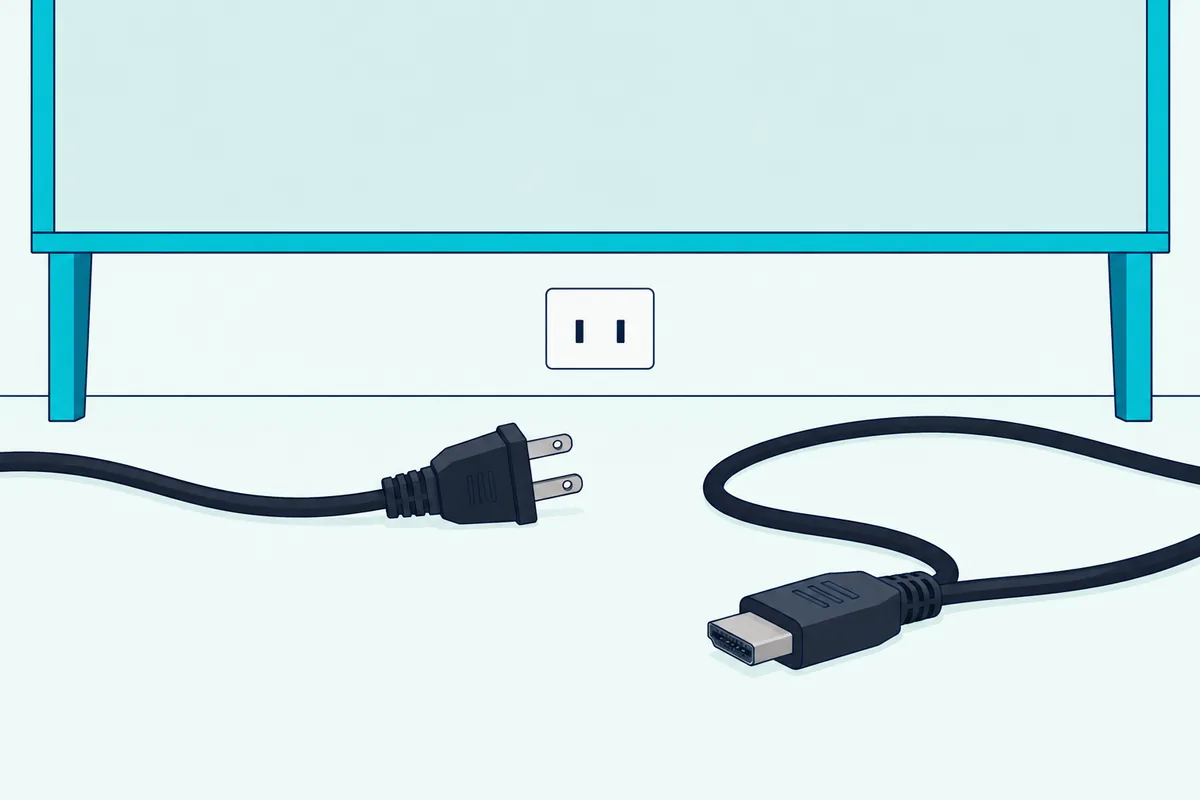
Samsung’s e-Manual asks for the TV to be turned off and on again whenever an HDMI cable is connected or disconnected. On a VIZIO TV, run the Device Discovery step from the table section again.
The cable matters too. LG’s SIMPLINK page asks for a high-speed HDMI cable with the CEC function, and Samsung warns that some HDMI cables may not support Anynet+.
Roku adds two last checks: look for a TV firmware update, and if a receiver sits between the TV and your other devices, try connecting them straight to the TV. If the link still won’t hold, fall back on the bar’s infrared modes or the TV’s universal remote setup from the first section.
Frequently Asked Questions
How do I get my TV remote to control my sound bar?
Connect the bar to the TV’s HDMI ARC or eARC port, turn on the TV’s CEC setting and set the TV’s sound output to the bar. Sony’s Bar 6, Yamaha’s SR-B20A and Samsung’s HW-Q70R ship with the matching setting already on.
On an optical cable, use the bar’s TV remote preset or learning mode instead, since optical carries no CEC commands.
Why is my Samsung soundbar not working with my TV remote?
On HDMI, check that Anynet+ (HDMI-CEC) is on in the TV’s External Device Manager and on the bar, where Samsung’s HW-Q70R manual has it on by default. After reseating the HDMI cable, turn the TV off and on again, as Samsung’s e-Manual asks.
On an optical cable Anynet+ can’t help, because it needs HDMI, and the bar’s TV remote mode does the job instead.
Does the soundbar automatically turn on with the TV?
Over HDMI with CEC on, it does on the bars whose manuals cover it: Sony calls it power interlocking, and Yamaha says the TV and bar turn on and off together. Polk’s HDMI control also puts its bar into standby with the TV by default.
Over an optical cable it depends on the bar, and Samsung’s HW-Q70R manual gives Auto Power Link, which turns the bar on when the TV comes on.
Do I still need the soundbar’s own remote?
For volume and power, often not, once HDMI-CEC is working. Yamaha and Polk both describe what a TV remote runs as the bar’s basic functions, so keep the bar’s remote or app for sound modes and settings.