How to Reset a JBL Soundbar, From the Bar 2.1 to the 1300X
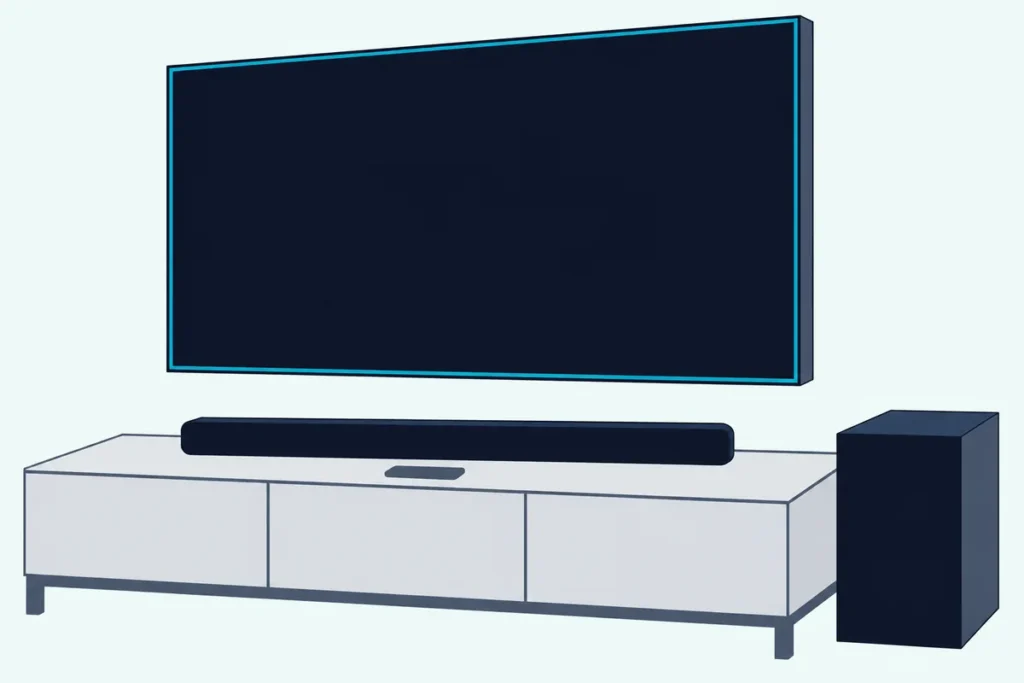
Knowing how to reset a JBL soundbar comes down to two holds on the bar itself: Power and Source for more than 10 seconds on the All-in-One, Deep Bass, MultiBeam, Surround and most Cinema bars, or Source with both volume buttons on the 2017 and JBL One bars.
Copy the steps for the wrong model, like the older Bar 5.1’s for a Bar 5.1 Surround, and you’re holding buttons that model’s manual never pairs for a reset.
Match the hold to your bar and it returns to JBL’s factory settings, showing RESET wherever there’s a display, and you’ll know which setups to redo.
Below are each line’s hold from its owner’s manual, the display signals, the narrower Wi-Fi and Bluetooth resets, and what to check on a frozen bar.
Start with the step-by-step order, then find your bar in the table.
How to Reset a JBL Soundbar, Step by Step
That order hardly changes from bar to bar, and the JBL Bar 5.0 MultiBeam owner’s manual shows the Power and Source version. Only the buttons and the hold time change with the model:
- Switch the bar on. JBL makes this step one for the Cinema SB510 and SB560, and the 2017 bars reset from any source.
- On the bar itself, press and hold your model’s buttons: Power and Source, or Source with both volume buttons.
- Keep holding for more than 10 seconds with Power and Source, more than 5 seconds on a JBL One bar, or until RESET appears on a 2017 model.
- Let go and wait for the bar to restart or drop to standby, then switch it on and set it up again, starting with Wi-Fi on bars that stream.
Which Buttons Reset Each JBL Soundbar?
Those two holds split JBL’s range by generation, though the exact timing comes from each model’s own instructions. Power and Source covers the All-in-One, Deep Bass, MultiBeam, Surround, 9.1 and most Cinema bars, while Source with both volume buttons covers the 2017 bars and the JBL One models below:
| JBL bar | Buttons held on the bar | How long | What JBL says happens |
|---|---|---|---|
| Bar 2.1, 3.1 and 5.1 (2017) | Volume down, Volume up and Source | Until the display shows RESET | It switches off and restarts |
| Bar 2.0 All-in-One and All-in-One MK2 | Power and Source | More than 10 seconds | No signal described |
| Bar 2.1 Deep Bass and Deep Bass MK2 | Power and Source | More than 10 seconds | RESET, then on and into standby |
| Bar 5.0 MultiBeam | Power and Source | More than 10 seconds | RESET, LOAD and STDBY, then standby |
| Bar 5.1 Surround and Bar 9.1 | Power and Source | More than 10 seconds | RESET, LOAD and READY, then standby |
| Bar 300, 500, 700, 800, 1000, 1300 and 1300X | Source, volume up and volume down | More than 5 seconds | RESET, then it restarts |
| Bar 300MK2, 500MK2, 800MK2, 1000MK2, 1300MK2 and 1300XMK2 | Source, volume up and volume down | More than 5 seconds | RESET, then it restarts |
| Cinema SB140, SB190 and SB270 | Power and Source | More than 10 seconds | No signal described |
| Cinema SB510 and SB560 | Power to switch on, then Power and Source | More than 10 seconds | Personalized settings removed |
| Cinema SB180 | Power, in USB mode, on the bar or remote | More than 5 seconds | No signal described |
| Cinema SB160 and SB400 | No factory reset in the owner’s manual | None | None |
The Bar 500MK2 owner’s manual is a fair sample of the JBL One rows, and the Cinema SB190 owner’s manual of the Cinema ones. The SB180 is the odd one out, since it resets from Power alone.
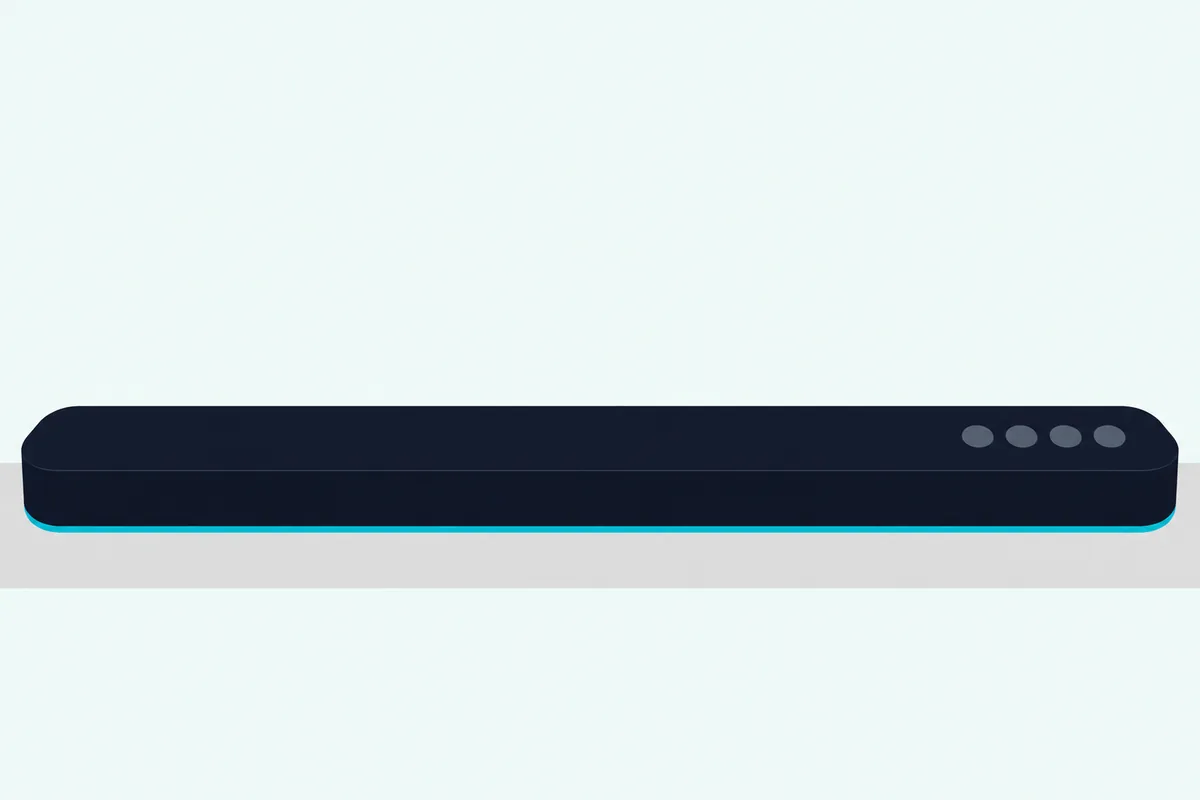
How Do You Reset a JBL Bar 5.0, 5.1, 2.1, 3.1 or 9.1?
Those rows hide a trap for the model numbers people search by: the same number can mean two bars with different resets. Here’s how to reset each one as JBL gives it.
Bar 5.0 MultiBeam. Hold Power and Source for more than 10 seconds, and the display shows RESET, then LOAD and STDBY before the bar goes to standby. JBL also gives it a separate Wi-Fi reset: hold Power on the bar until RESET WIFI appears.
Bar 5.1 and Bar 5.1 Surround. The 2017 Bar 5.1 owner’s manual resets with Volume down, Volume up and Source held until RESET, and the bar switches off and restarts. The Bar 5.1 Surround owner’s manual uses Power and Source for more than 10 seconds instead, showing RESET, LOAD and READY, and the two bars sold as the JBL 5.1 differ in ways you can see, starting with the 2017 model’s detachable surround speakers.
Bar 2.1. The 2017 Bar 2.1 uses the same three-button hold as the 2017 Bar 5.1. The Bar 2.1 Deep Bass and Deep Bass MK2 use Power and Source for more than 10 seconds, then show RESET, switch on and drop to standby.
Bar 3.1. JBL gives the Bar 3.1 the 2017 hold, Volume down, Volume up and Source until RESET, after which the bar switches off and restarts. Holding SOUND on the remote for 5 seconds resets just the audio setting, JBL’s fix when the sound turns strange after you’ve adjusted it.
Bar 9.1. JBL’s Bar 9.1 owner’s manual gives it the 5.1 Surround’s hold: Power and Source for more than 10 seconds, then RESET, LOAD and READY before standby.
Cinema SB400. The SB400’s owner’s manual gives no factory reset at all. What it does give is wireless pairing: press the Wireless Pairing switches on the bar and the subwoofer within 30 seconds of each other.
What Does the Display Show During a JBL Reset?
Those display words are your proof that the hold took. RESET comes first on every bar with a display, and what follows depends on the line.
The JBL One bars show RESET and restart, and their status light glows solid amber, which JBL’s status chart lists as restoring factory settings. The Bar 5.0 MultiBeam adds LOAD and STDBY before standby, the 5.1 Surround and 9.1 show LOAD and READY, and the Deep Bass bars switch on and drop to standby.
On the next power-on, JBL says a Bar 1000 shows HELLO, then SETUP WIFI if it isn’t connected to a network. That’s your cue to open the JBL One app.
The All-in-One and Cinema SB instructions describe no signal for the reset. So keep holding past the full time before you let go.
What Does a Factory Reset Erase on a JBL Soundbar?
That restart wipes more than the display lets on. Most of JBL’s manuals say restoring the defaults defined at the factory removes all your personalized settings, and none of them lists those settings one by one.
What they do list is some of the defaults you get back. The TV source is selected in the factory settings, and the MK2 models default to bass level 3.
That leaves a gap on the bars with the most to set up. Their manuals don’t say whether a reset also drops your Wi-Fi network, the room calibration or the link to the detachable speakers on the Bar 700, 800, 1000, 1300 and 1300X lines, so the safe assumption is that all three are gone.
One setting comes back no matter what: the Bar 5.0 MultiBeam returns to smart mode at every power-on, and the Bar 5.0’s smart sound settings show how to switch it off.
What Do You Set Up Again After a JBL Reset?
Those three come first, then the pairings and the TV remote. Plan on Wi-Fi, sound calibration, the subwoofer and surround speakers, Bluetooth and the TV remote, in that order.
Wi-Fi. On a JBL One bar, add it to your network in the JBL One app. The Bar 5.0 MultiBeam and 5.1 Surround use the Google Home app or AirPlay speaker setup instead.
Sound calibration. The JBL One bars calibrate with a microphone built into the bar, and the models with detachable speakers run two passes, one for the listening zone and one for the speaker position. The Bar 5.0’s Automatic MultiBeam Calibration starts from the remote, and JBL tells 2017 Bar 5.1 owners to re-measure whenever the wireless speakers move.
Subwoofer. JBL pairs the bar and subwoofer at the factory, and says they connect on their own after power-on. For the special cases where they don’t, it gives a re-pair sequence that ends with SUB PAIRED, and pairing mode times out after three minutes.
Detachable speakers. On the Bar 1000, dock them on the bar or use their fast-reconnect button. The status light turns solid white once they’re connected.
Bluetooth. Pair your phone again. If the phone has paired with the bar before, JBL says to delete the bar from the phone’s list first.
TV remote. JBL starts with HDMI-CEC, so the TV remote can run the bar, and gives an infrared learning routine for TVs without it.
Can You Reset Only the Wi-Fi, Bluetooth or Sound?
That Wi-Fi step has its own reset on several bars, and it’s the better first move when only the network misbehaves. Yes, JBL gives narrower holds for the network, Bluetooth and sound settings:
| The narrower job | Bars | The hold, as JBL gives it |
|---|---|---|
| Reset Wi-Fi | Bar 5.0 MultiBeam and 5.1 Surround | Power on the bar until RESET WIFI appears |
| Re-enter Wi-Fi setup | Bar 300, 500, 700, 800, 1000, 1300 and 1300X | Volume up and volume down until SETUP WIFI appears |
| Re-enter Wi-Fi setup | The MK2 bars | Both volume buttons together for more than 10 seconds |
| Reset the sound setting | 2017 Bar 2.1, 3.1 and 5.1 | SOUND on the remote for 5 seconds |
A Bluetooth reset in JBL’s terms means putting the bar back into pairing mode, where the display shows BT PAIRING. Then unpair the bar on your phone and pair it again.
Can You Reset a JBL Soundbar Without the Remote?
Those Wi-Fi holds use the bar’s buttons too, and so does every factory reset in the first table. Yes, both the Power and Source hold and the Source and volume hold happen on the bar, and the Cinema SB180 takes its Power hold from the bar or the remote.
The remote matters for the narrower jobs instead: the 2017 bars’ SOUND reset, the subwoofer re-pair on the JBL One and Surround bars, and calibration on the Bar 5.0. If the remote seems dead, JBL’s checks are fresh batteries and a shorter distance and angle to the bar.
What If Your JBL Soundbar Is Frozen or Won’t Reset?
Even the bar’s own buttons can stop answering, and JBL’s troubleshooting lists cover that. For a bar that won’t turn on, they say to check that the power cord is plugged into the outlet and the soundbar, and for a bar with no response to button presses, they give the factory reset.
The only troubleshooting step that unplugs the bar is the way out of low-power standby on the models with detachable speakers: the Bar 700, 800, 1000, 1300 and 1300X and the MK2 versions of the 800, 1000, 1300 and 1300X. Pulling the plug is still a free first try, and the unplug-first order for any brand shows where it fits before a wipe.
If the reset hold does nothing either, check the four things JBL spells out: your exact model’s buttons, the full hold time, switching an SB510 or SB560 on first, and the SB180’s USB mode. Past that, JBL’s troubleshooting chapters say to check their lists before you request service.
When Is a Factory Reset the Wrong Fix?
That service list also shows where the reset belongs: near the end, after narrower fixes. It’s the wrong first move whenever JBL names one of those fixes for the problem:
| Problem | What JBL says to try first |
|---|---|
| No sound | Check that the bar isn’t muted, select the right source and check the connection |
| Echo or distorted TV sound | Mute the TV or switch off its built-in speakers |
| A phone won’t connect over Bluetooth | Reset Bluetooth on the bar, unpair the bar on the phone, then pair again |
| Wi-Fi setup fails | Check that Wi-Fi is on, the network and password, the router’s range and WPA2 or auto security, and that the phone is on the same network |
| No sound from the subwoofer | Re-pair it with the subwoofer pairing sequence |
| No Dolby Atmos height effects | On a TV with HDMI ARC only, connect the source device to the bar’s HDMI IN |
The no-sound row matters most, because JBL lists the factory reset there only after the mute, source and connection checks.
The Bottom Line
Find your model, hold its buttons on the bar for the full time and watch for RESET, then rebuild Wi-Fi, calibration and the pairings. For one misbehaving feature, try its narrower hold first.
The descriptions come from JBL’s owner’s manuals.
Frequently Asked Questions
Does a JBL soundbar have a reset button?
Not a dedicated one on the bars in the table above. Each factory reset is a hold of the bar’s ordinary buttons, two or three at once on most models and Power alone, in USB mode, on the Cinema SB180.
How do you factory reset a JBL Bar 1000?
Hold Source, volume up and volume down on the bar for more than 5 seconds. The display shows RESET and the bar restarts, and the Bar 1000MK2 uses the same three buttons and timing.
How do I reboot my JBL soundbar?
Unplug the power cord and plug it back in. JBL gives that as the way out of low-power standby on the bars with detachable speakers, and it’s a different thing from the factory reset, which JBL says removes your personalized settings.
Will a factory reset unpair my JBL subwoofer?
The owner’s manuals don’t say. JBL pairs the bar and subwoofer at the factory, says they connect automatically after power-on, and gives a re-pair sequence for the cases where that fails, ending with SUB PAIRED on the display.
Can you factory reset a JBL soundbar from the JBL One app?
Not in JBL’s owner’s manuals. Their factory reset is the button hold on the bar, and the JBL One app comes in afterward, when you add the bar back to your Wi-Fi network.