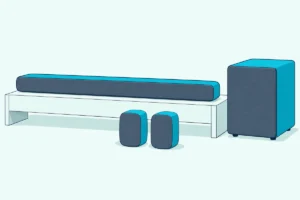
How to Turn On a Vizio Sound Bar, and Where the Power Button Is
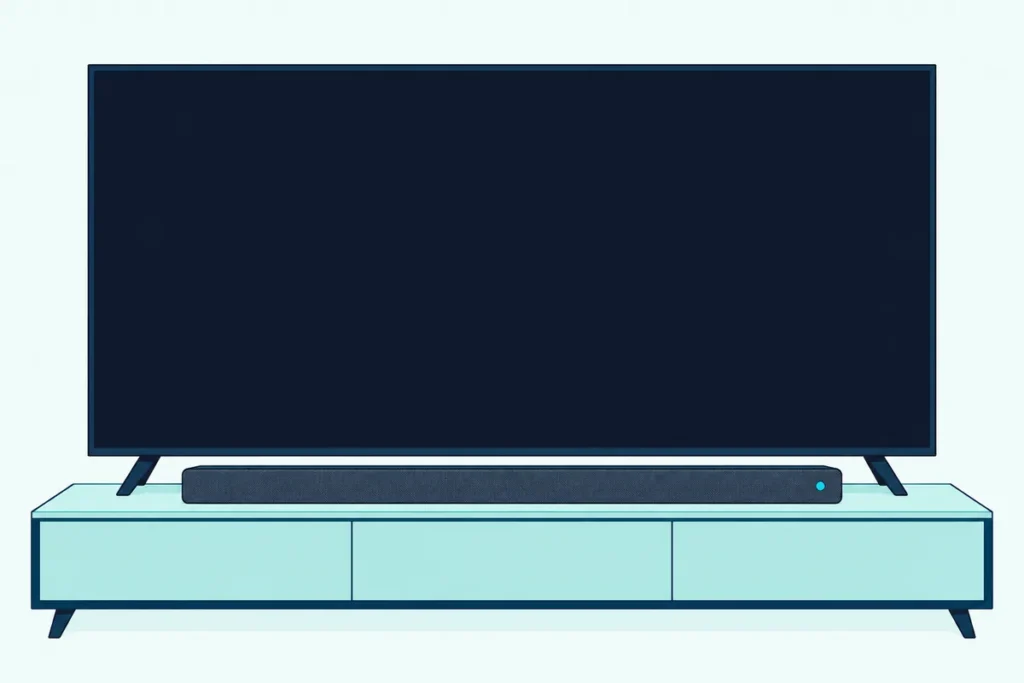
Here’s how to turn on a Vizio sound bar: press the Power button on the bar itself, on the side of most current models and on top of most older ones, or switch on the TV if it’s a current set wired over HDMI.
The catch is the light, because Vizio’s Elevate 5.1.4 and 7.1.4 bars go dark after one bright flash, and many of its other sets stay dim white whether they’re awake or in standby.
Match your bar to its button and its light, and you won’t send an awake bar to sleep by pressing Power.
The tables below list each line from the 2.0 Soundbar to the Elevate 7.1.4 Pro, then the older V-Series, M-Series and SB bars.
After them come the remote, waking with the TV, turning the bar off, Eco Power and what to check when nothing happens.
How to Turn On a Vizio Sound Bar in Four Steps
That button comes first, and the rest follows from it. You turn on a Vizio sound bar by giving it power and pressing Power once, and these four steps cover the whole set:
- Plug it in. Connect the power cable to the bar’s AC IN port, then into a wall outlet.
- Press Power once, quickly. Use the button on the bar, or the Power key on the remote if your older bar came with one.
- Power the rest of the set. A subwoofer or wireless surround has its own power cable, and each should power on and link to the bar when it’s plugged in.
- Turn on the TV. On a current bar connected to the TV’s HDMI ARC or eARC port with CEC on, this step alone wakes the bar from then on.
Vizio’s SV210M-0808 user manual describes that first plug-in: the LED goes bright white, a welcome tone plays, and the LED returns to a dim white that means the bar’s powered on. The V51x-J6’s manual adds a first-time routine, with the front LED cycling through colors until the bar finds an audio source.
Where Is the Power Button on a Vizio Sound Bar?
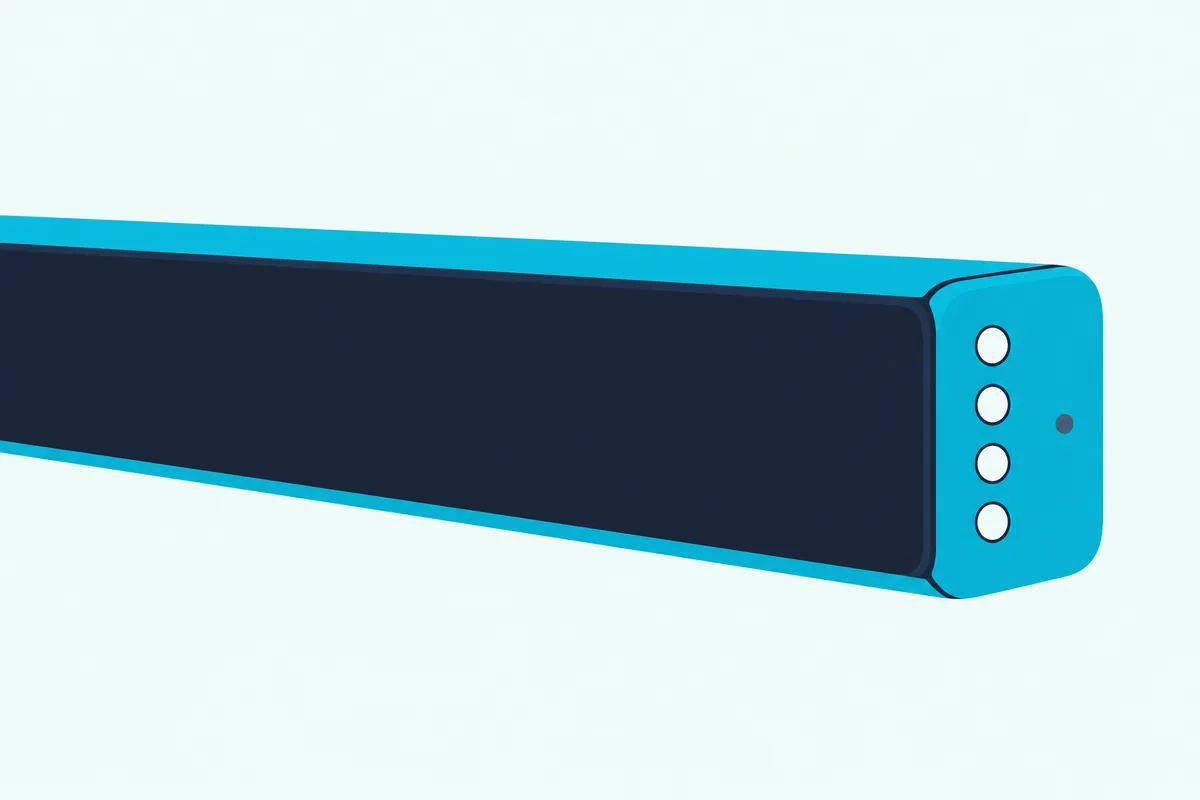
Step 2 is the one that changes by model. The Power button on a Vizio sound bar is on the side of 12 of the 15 sets Vizio lists today and on top, in the center, of the other 3, and Vizio’s drawings mark it with the round power symbol.
| Vizio set (user manual) | Power button | What the power light does |
|---|---|---|
| 2.0 Soundbar (SV200M-0808), 2.1 Soundbar (SV210M-0808), 4.1 Soundbar (SV410XW-0905), 5.1 Soundbar (SV510MW-0906, SV510XW-0908) | Side of the bar | Bright white with a welcome tone on first plug-in, then dim white; dims in standby |
| All-in-One (SV210D-0806), All-in-One SE (SV210Y-0808), 4.1 Pro (SV410YW-1008) | Top of the bar, center | Same as the row above |
| Elevate 5.1.4 (SL514MW-1006), Elevate 5.1.4 Pro (SL514PW-1006), Elevate 7.1.4 Pro (SL714PW-1006) | Side of the bar | Bright white with a welcome tone on first plug-in, then off; the VIZIO mobile app can switch it on |
| 2.1 SE (SV210X-0805), 5.1 Soundbar (SV510M-0806), 5.1 SE (SV510X-0806), Elevate SE (SL512X-0806) | Side of the bar | No guide to the power light in these manuals |
The steps come from Vizio’s user manuals and quick start guides. One slip: the SV210D-0806 and SV210Y-0808 controls pages draw Power in the center of the top, while their troubleshooting pages still say “on the side,” so go by the drawing.
Older bars keep the button on top, with a few exceptions, and each of these adds a Power key on its remote.
| Older Vizio bar (user manual) | Power button | What the light does |
|---|---|---|
| V20x-J8, V21t-J8, V51-H6, V51x-J6, M215a-J6, M51a-H6, M51ax-J6, M512a-H6, SB2021n-J6 | Top of the bar | Cycles through colors at first setup until it finds a source; a long press of the remote’s Mute turns the power LED on or off |
| P514a-H6 | Side of the bar on its controls page, “top” in its troubleshooting | Same as the row above |
| V21d-J8, M213ad-K8 | Front of the bar, right side | Single LED shows a color for each input; a long press of Mute turns the power LED on or off |
| SB3621n-G8, SB36512-F6, SB3651-E6, SB3830-D0, SB4551-D5 | Top of the bar | LEDs cycle in pairs through the inputs at first setup until they find a source |
If your model isn’t in either table, the Controls & Connections page of its manual has a drawing of the buttons.
Is a Dark Vizio Sound Bar Actually Off?
That light column is why a bar can look off when it isn’t. A dark Vizio sound bar may still be on, because the SL714PW-1006’s manual says its power LED turns off after the first bright flash, unless you toggle it on in the VIZIO mobile app.
The lit sets aren’t much clearer, since the SV210M-0808’s LED is dim white when powered on and dims in standby. The SV200M-0808, SV210M-0808 and SV410XW-0905 also have a Power LED toggle in the app, and the V51x-J6’s LED can be switched off from its remote or from SETUP > PwrLED.
Here’s a safer test on those newer sets: tap Volume (+) on the bar once. Vizio says that wakes a bar in standby, where a press of Power on an awake bar would put it into standby instead.
A slow white blink isn’t a fault either. On those sets it means the bar’s muted.
Does a Vizio Sound Bar Come With a Remote?
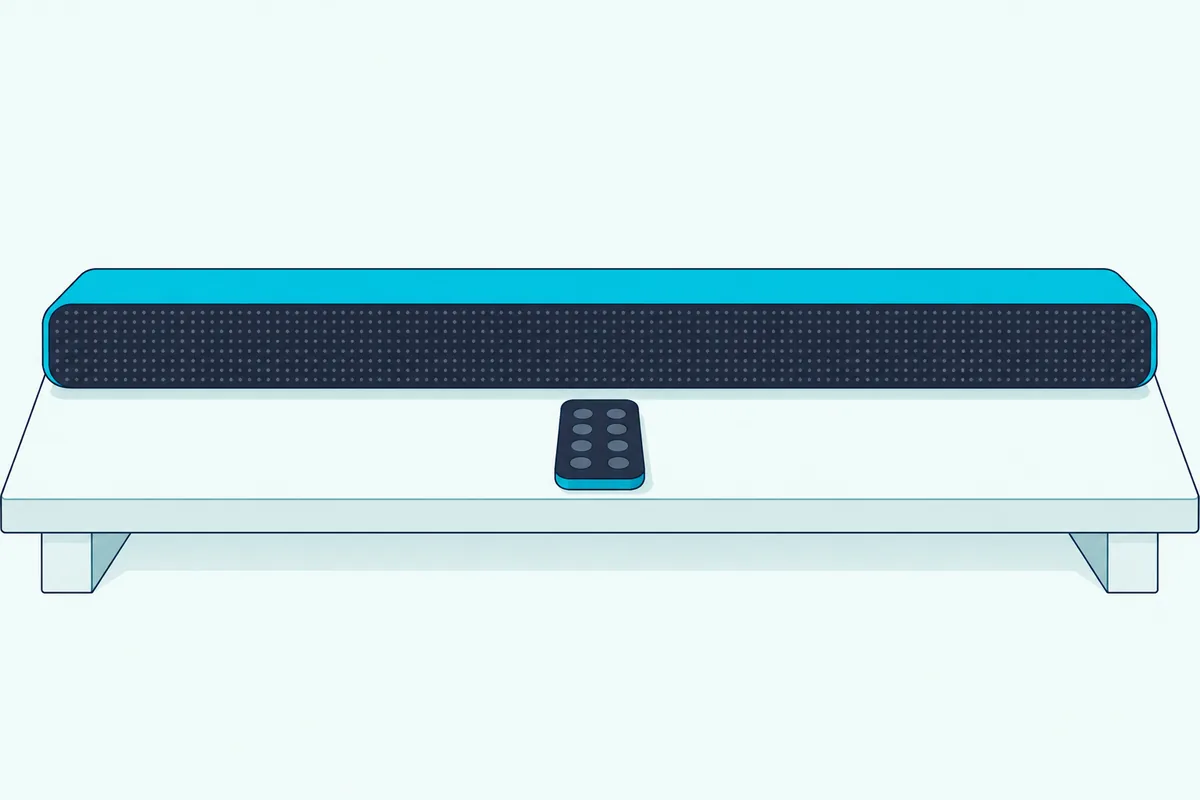
That Volume (+) button matters more now, because a new bar has no remote of its own to reach for. A current Vizio sound bar doesn’t come with a remote: none of the 15 current manuals lists one under Package Contents, and several say “Soundbar remote control not included.”
Vizio’s SV210X-0805 page calls the remote “sold separately.” If a remote in the box matters to you, Burton Acoustix’s guide to Vizio’s bars weighs that against other makers.
Your TV’s remote stands in once the two are connected. The current manuals’ first fix for no power is “the POWER button on the TV remote control,” and most add that the TV has to be on for its remote to control the bar.
Older bars did ship with one, and it has its own Power key, labeled “Turn on or off” on the V51x-J6’s remote page.
How Do You Get a Vizio Sound Bar to Turn On With the TV?
That stand-in works through one setting. You get a Vizio sound bar to turn on with the TV by connecting it to the HDMI ARC or eARC port with an HDMI cable and enabling CEC in the TV’s settings; after that, Vizio’s current manuals say to power on the TV with its own remote and the bar will automatically wake up.
On a Vizio TV, Vizio’s 2022 V-Series TV user manual puts the switch at Menu > System > CEC. Select Enable, then run Device Discovery, and connecting a Vizio soundbar over HDMI ARC walks through the cable side.
Other makers use other names, as Vizio’s bar manuals warn. On Samsung, for one, it’s Anynet+, as using a Vizio soundbar on a Samsung TV explains.
Older bars are less clear-cut. The V51x-J6’s manual uses CEC for volume and doesn’t say the bar wakes with the TV, while the V-Series TV manual lists Power On/Off among what CEC can control, depending on the device.
Those older bars have a second route with a Vizio TV’s remote. Holding Power and Volume Up on the bar for 5 seconds switches VIZIO TV Remote Control on or off, and with it on, the TV remote’s Volume Up button turns on the bar.
How Do You Turn Off a Vizio Sound Bar?
That link runs the other way too. You turn off a Vizio sound bar with a quick press of the same Power button, and on most current sets, switching off the TV sends the bar into standby as well.
Keep the press short, since the same button does other jobs. Holding Power for 5 seconds is part of re-pairing a subwoofer, and holding it with Volume Up or Volume Down changes a setting on the older bars.
Standby isn’t all the way off. Vizio’s manuals say power keeps flowing while the bar’s plugged in, so unplugging the power cord is the way to disconnect it completely.
Does a Vizio Sound Bar Turn Off Automatically?
Pressing Power isn’t the only way a bar shuts down. A Vizio sound bar can turn off automatically in three ways, depending on its age:
- With the TV: most current sets enter standby when the TV powers off.
- On Eco Power: older sets with this mode on go into standby after a period of inactivity, and turn off when no audio signal is detected. The manuals named here give no number of minutes for that period.
- After a failed Bluetooth search: bars such as the SB2021n-J6 and M213ad-K8 stay discoverable for 15 minutes and power down if no device is found.
The default depends on the bar. Eco Power is off out of the box on the V51x-J6, M51ax-J6, M213ad-K8 and P514a-H6, while the SB3621n-G8’s manual, like the SB36512-F6’s and SB3830-D0’s, calls it Energy Star and has it enabled by default.
The TV can start it too. Vizio’s 2022 V-Series manual has that TV turn itself off by default after 10 minutes without a video or audio signal, and those current bars follow it into standby.
Can You Keep a Vizio Sound Bar Always On?
On the bar itself, Eco Power is the one with a switch. You can keep an older Vizio sound bar on by holding Power and Volume Down on the bar for 5 seconds to turn off Eco Power, after which it “will remain powered on until you turn it off.”
It’s a toggle, so the same hold turns it back on, and bars with a setup menu also have SETUP > EcoPwr. The SB2021n-J6 confirms the hold with tones: a high double beep for on, a low double beep for off.
Current sets don’t work that way. The manuals for all 15 list no Eco Power setting, and the ones that describe standby tie it to the TV and the Power button, so the setting to look for is on the TV.
On a Vizio TV, that’s Menu > System > Timers > Auto Power Off > Off.
Why Does a Vizio Sound Bar Turn On by Itself?
Staying on is half the complaint, and waking uninvited is the other half. None of the manuals named here describes a fault that turns a sound bar on by itself, but they do list four things that wake one on purpose, so rule these out first:
- The TV coming on: a current set wakes with it. Quick Start Mode on the V-Series TV lets that TV turn on when powered from another device, such as when you’re casting to it.
- A Vizio TV’s remote: with VIZIO TV Remote Control on, its Volume Up turns on an older bar. The same 5-second Power and Volume Up hold switches that off.
- Casting: the SB36512-F6, SB3651-E6 and P514a-H6 manuals say to set Eco Power to Off if you want to cast without manually turning on the bar.
- The VIZIO mobile app: on current sets such as the SV210M-0808, tapping Volume + or starting Bluetooth in the app wakes the bar.
If none of those fits, Vizio’s customer support is the next stop.
What Should You Check If a Vizio Sound Bar Won’t Turn On?
A bar that won’t wake at all gets a short list. Check three things, in the order Vizio’s manuals give them: press POWER on the bar or remote, make sure the power cord is securely connected, and plug a different device into the outlet to prove it works.
Those three are the whole list under “There is no power” in the V51x-J6 and SV210M-0808 manuals, and a factory reset isn’t on it.
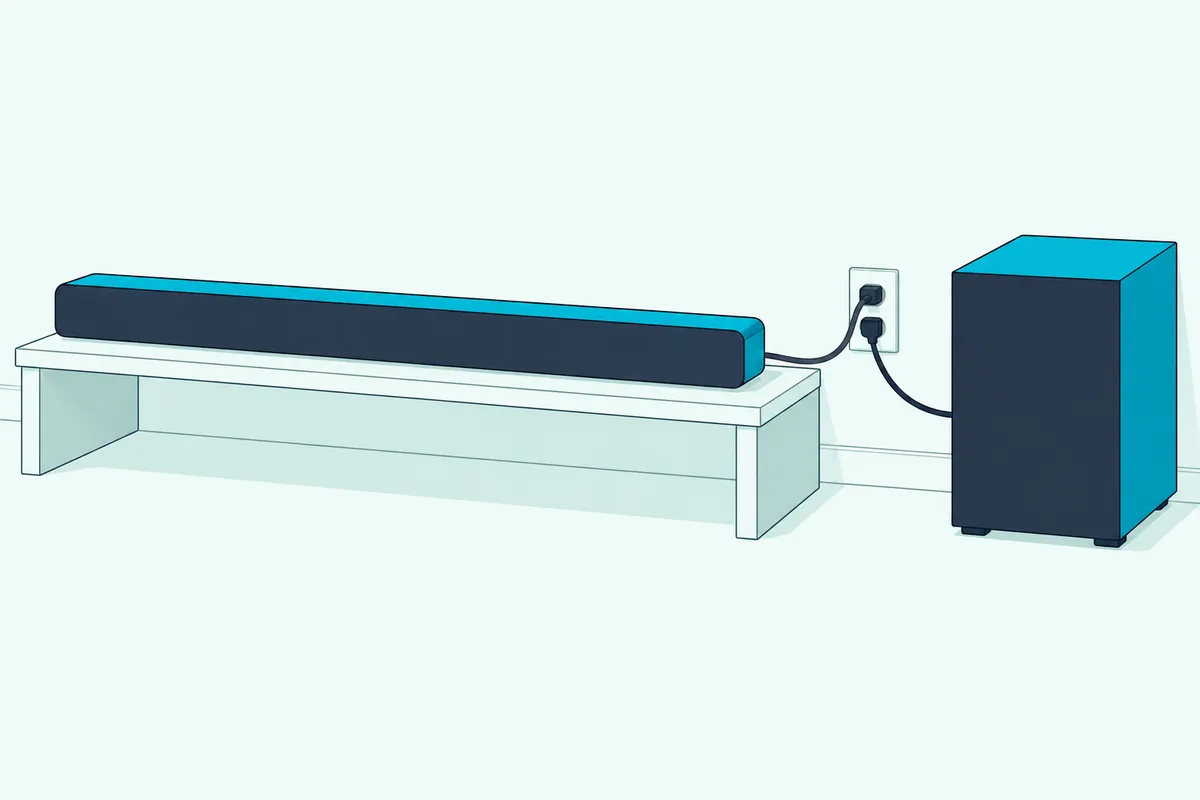
The rest of the set has its own power. A wireless subwoofer or surround speaker needs its own outlet, and its white LED is solid when connected and blinks when it’s disconnected or pairing.
Wired surrounds are different. On the V51x-J6 and SV510M-0806 they plug into the subwoofer, and the box holds only two power cables, one for the bar and one for the subwoofer.
The newer manuals also give a wireless subwoofer a hard reset: unplug it, wait 5 seconds and plug it back in. A bar with no subwoofer or surrounds skips all of this, and whether a Vizio bar can take a subwoofer depends on its back panel.
How to Operate a Vizio Sound Bar Once It’s On
Once the power’s sorted, the panel you just used runs everything else. Most bars carry Power, Input, Bluetooth and Volume buttons, where Input changes the audio source, Bluetooth pairs a device and Volume sets the level.
The current All-in-Ones, the 4.1 Pro and the Elevate sets skip the Input button. On current bars the deeper settings live in the VIZIO mobile app, which the SV210M-0808’s manual says needs a Walmart account, and Vizio’s sound modes and settings lays out the menus.
Older bars such as the V51x-J6 put those settings on the remote’s Setup, Effect, EQ and Level keys.
Frequently Asked Questions
Is it okay to leave a Vizio sound bar on all the time?
The manuals named here don’t warn against it. They say power is always flowing while the bar’s plugged in, and that you should unplug it during lightning storms or when it won’t be used for long periods.
Does a Vizio sound bar turn on automatically?
A current set does when the TV it’s connected to over HDMI comes on, once CEC is enabled. The SB3830-D0 and SB4551-D5 guides also say the bar automatically turns on when you turn on the TV, but mark that as happening only during first-time setup.
Can a non-Vizio TV remote turn on a Vizio sound bar?
On a current set it can, indirectly: over HDMI with CEC on, turning on the TV wakes the bar. On older bars, the V51x-J6’s Program Remote setting learns the TV’s Volume Down, Volume Up and Mute buttons, and Power isn’t among them.
Does a Vizio subwoofer have its own power button?
Yes, on the sets that show one. The Back of Subwoofer drawing for the SV210M-0808 and V51x-J6 has a power button, an LED indicator and a power port, and the subwoofer powers on by itself when plugged in.