DJ Controller No Sound? Fixes for Speakers, Headphones and Crackling
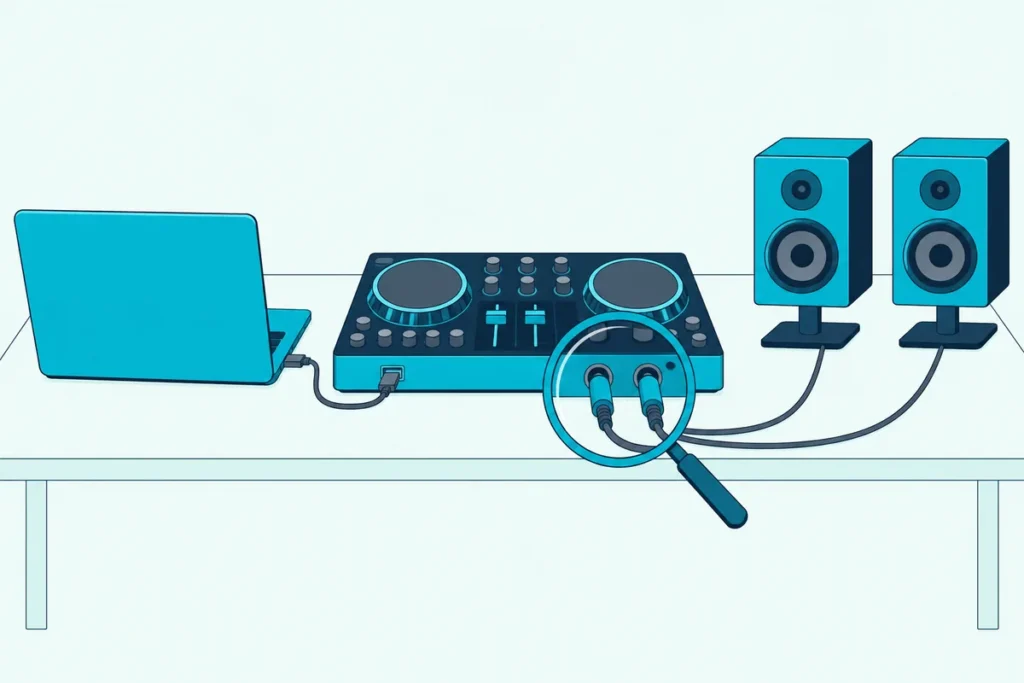
When a DJ controller has no sound, start with settings, not repairs: the makers’ checklists look first at where the software sends its audio, which knobs and faders are open, and whether the computer has taken the controller as its own speaker.
The waveforms scroll, the meters may even bounce, and still the speakers and headphones stay silent, so a working controller looks dead.
AlphaTheta, Serato, inMusic, VirtualDJ, Native Instruments and Algoriddim each publish those checks on their support pages, and nearly all of them are changes you can make yourself.
This guide puts their checks in order, from the software out to the speakers, then covers silent headphones, a deck that won’t play, crackling and hum.
Run the six quick checks below first, since each one points to the section with the maker’s full steps.
DJ Controller No Sound? Start With These Six Checks
Those six checks run from the software out to the speakers, and each one comes from a maker’s own support page, linked in the sections that follow.
| Check | What to look for | From |
|---|---|---|
| 1. Output in the DJ software | The controller is the audio device, not the laptop’s speakers | rekordbox, Serato, VirtualDJ, Traktor, djay |
| 2. The computer’s default output | The built-in speakers stay the system default, leaving the controller to the DJ app | Akai, inMusic, rekordbox, VirtualDJ |
| 3. Microphone access on Windows | Allowed for apps and desktop apps, for Serato DJ Lite and Pro | Serato |
| 4. Knobs and faders | TRIM, channel fader, crossfader, filter and MASTER LEVEL open | AlphaTheta, inMusic |
| 5. Cables and speakers | Firm, clean plugs in the master output and a speaker that’s switched on | AlphaTheta, inMusic |
| 6. Driver, firmware and USB | The maker’s driver if your model has one, current firmware, a direct USB port | AlphaTheta, VirtualDJ |
If the sound comes back but crackles, drops out or hums, jump to those sections further down, since the six checks are for silence.
Is the DJ Software Sending Sound to the Controller?
The first check leads because a controller is a second sound card, and every DJ program has its own menu for choosing it. If the laptop’s output stays selected there, the music plays through the laptop instead of the controller’s jacks.
| Software | Where to look | What the maker says to set |
|---|---|---|
| rekordbox | Preferences > Audio | The controller as the audio device, and in PERFORMANCE mode the Mixer Mode and Output channels too |
| Serato DJ Lite or Pro | Setup > Audio | Use Laptop Speakers switched off when your speakers plug into the controller |
| VirtualDJ | Settings > Audio | The button named after your controller under HARDWARE, then APPLY |
| Traktor | Preferences > Audio Setup, then Output Routing | The controller as Audio Device, Mixing Mode on Internal, Output Master on channels 1 and 2 and Output Monitor on 3 and 4 (Hercules’ settings for its controllers) |
| djay | Settings > Devices (Audio Devices on other platforms) | Nothing for a supported controller, which sets itself up; Reset to Defaults if the routing goes wrong |
Each row links to the maker’s own page, and the Serato row is inMusic’s advice.
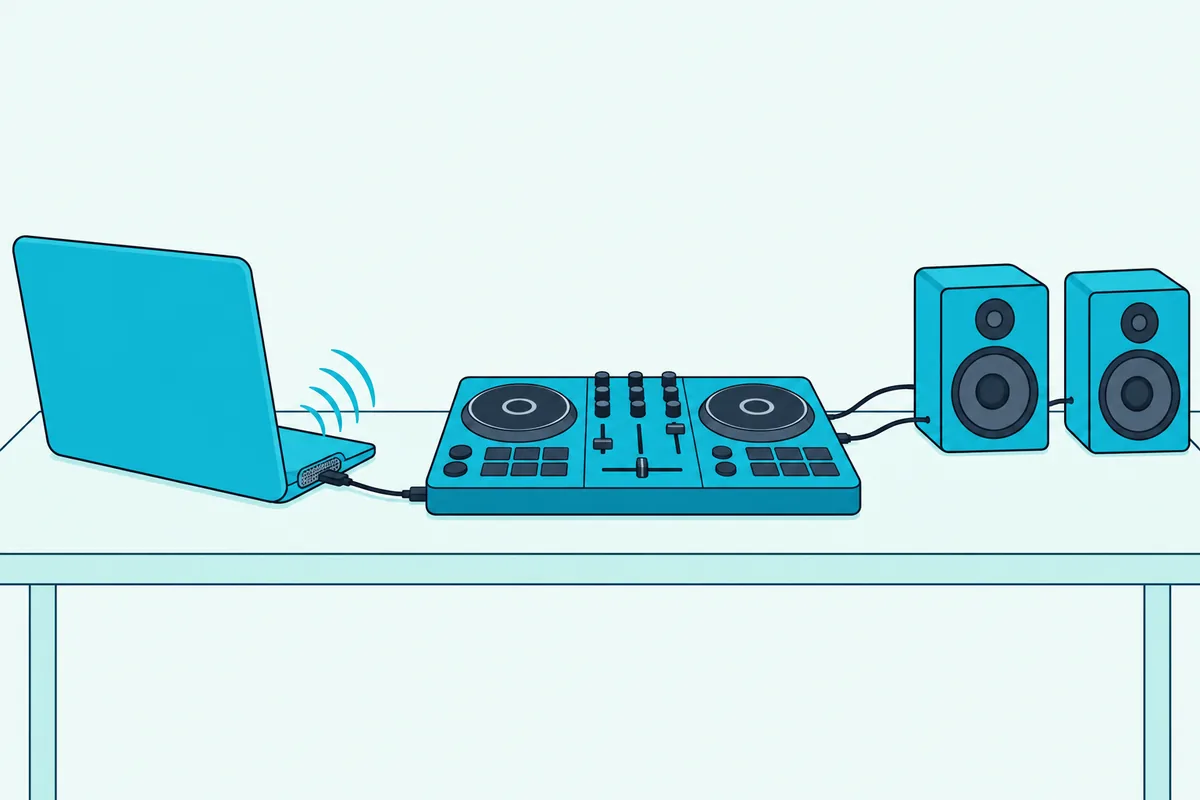
For the DDJ-FLX4, AlphaTheta’s DDJ-FLX4 manual lists the rekordbox audio device as DDJ-FLX4 on a Mac and DDJ-FLX4 WASAPI on Windows. It also says PC MASTER OUT is on by default and plays the master through the computer’s speakers as well, and a click on its icon at the top right of the rekordbox screen switches it off.
In VirtualDJ, the button with the controller’s name appears once the computer has found the unit and any driver it needs is installed. For the DDJ-FLX4, VirtualDJ’s setup page says to click that button when the speakers are connected to the controller’s master output.
The rest of that setup, from licenses to the detection window, is in the VirtualDJ connection guide.
If the controller doesn’t appear in any of those lists, the computer hasn’t found it, which is a detection problem rather than a sound one. Work through the steps to connect a DJ controller to a laptop first, then come back here.
Has the Computer Made the Controller Its Default Output?
Even with the right device picked in the DJ app, the operating system can get in the way, because inMusic says Windows switches its sound to the controller as soon as you connect it. Akai’s fix for Serato is to close the software, leave the controller connected and set the computer’s input and output back to the built-in devices, since a controller selected there conflicts with Serato’s own audio settings.
Akai names those defaults as Microphone Array and Speakers (Realtek Audio) on Windows and the built-in microphone and speakers on a Mac.
rekordbox’s FAQ gives the Windows steps for when the DJ equipment has become the Default Device: close rekordbox, open Control Panel, Hardware and Sound, Sound, and on the Playback tab set a built-in device as the default before you relaunch. On a Mac the matching menu is System Settings, Sound, Output, per Apple.
If a MacBook doesn’t list the controller at all, the problem sits before the sound settings, so start with the Mac cable, Allow prompt and Audio MIDI Setup checks.
VirtualDJ adds two Windows details in its wiki: a controller set as the default playback device can be forced into WDM mode, which stops it working as an ASIO sound card. It also says to connect the controller before you start VirtualDJ.
Why Does Serato Play but Make No Sound on Windows?
That default-device conflict has a second Windows twist in Serato, where a privacy setting can silence the program. Serato says that on Windows 10 and 11, Serato DJ Pro 2.6.0 and Serato DJ Lite 1.6.0 or newer need access to the built-in microphone.
Without it, the master meter can light and the decks spin with no audio when no hardware is connected, or the hardware can fail to connect when it is.
Its workaround is to type Microphone privacy settings into the Start menu, turn on access for apps and then for desktop apps, and restart Serato. On Windows 11, Microsoft puts the same switches under Settings, Privacy & security, Microphone.
If you mean to play through the laptop, Serato’s own guide says Use Laptop Speakers needs Serato DJ Lite 1.4 or later, compatible hardware connected and the built-in sound card set as the system default. It also says Serato won’t notice a change to that default until you switch Use Laptop Speakers off and on again.
When Serato DJ Lite shows Practice mode instead of the virtual decks, the DDJ-FLX4 manual’s fixes are the supplied USB cable and the latest Serato DJ Lite. That’s a connection issue, and Burton Acoustix’s Serato setup guide covers it.
Are the Knobs and Faders Blocking the Signal?
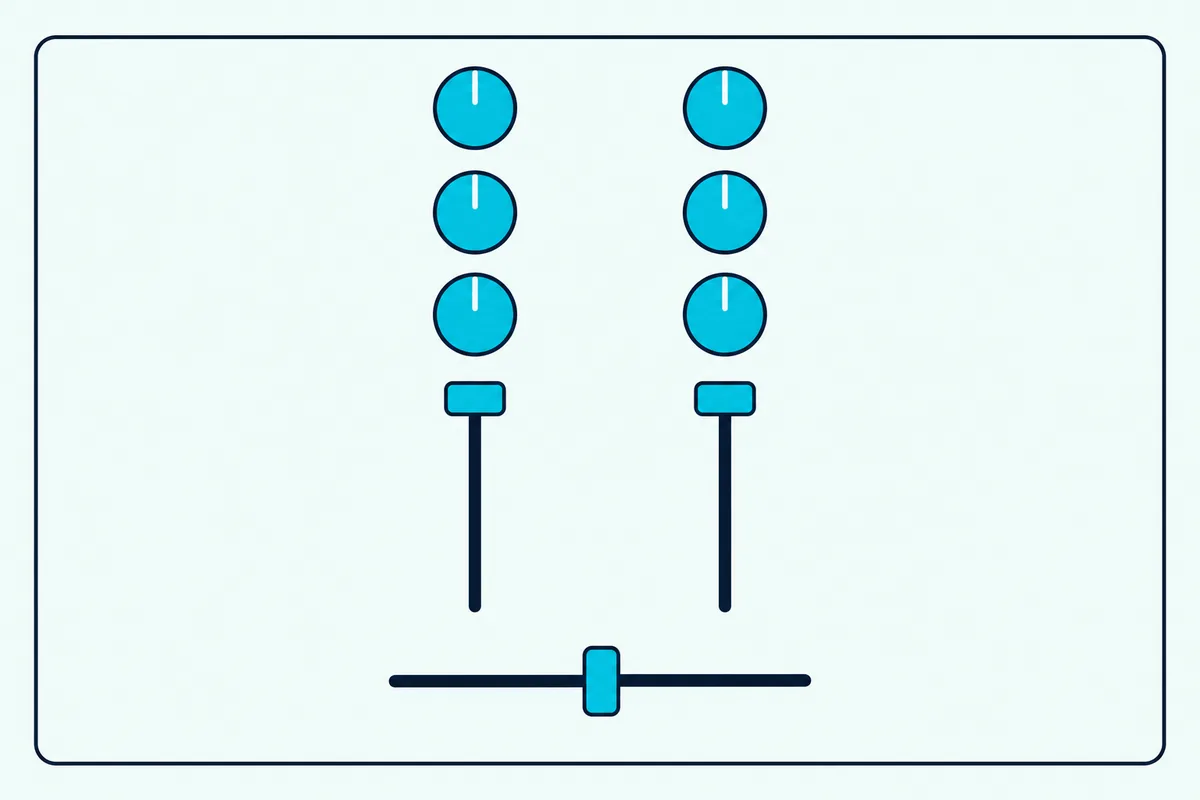
Once the software and the computer agree on the output, the next suspect sits on the controller itself, and inMusic calls it the most common issue. Its test is to set every knob and fader to the middle, because a filter knob turned fully to Low or Hi stops audio on that channel.
AlphaTheta’s play procedure for the DDJ-FLX4 is a clean way to rule the knobs out:
- Turn TRIM and MASTER LEVEL fully counterclockwise, center the EQ and CFX knobs and the crossfader, and pull the channel fader down.
- Press play on the deck.
- Turn TRIM up until the channel level indicator lights orange at the loudest part of the track.
- Push the channel fader up, then raise MASTER LEVEL to a comfortable speaker volume.
That third step is the trim routine itself, and what trim does on a DJ controller covers why the orange light, not the knob’s angle, decides where the knob ends up.
Controllers with their own inputs add a selector to check. AlphaTheta says a DDJ-1000 set to LINE or PHONO/LINE stays silent from rekordbox until it’s switched to USB A or USB B, and that rekordbox’s Track Gain Adjust and Master Output Level Adjust shouldn’t sit at their minimum.
AlphaTheta’s DDJ-RX article sets each channel’s source to PC for rekordbox and puts the crossfader assign switch on THRU while testing.
Are the Cables, Jacks or Speakers the Problem?
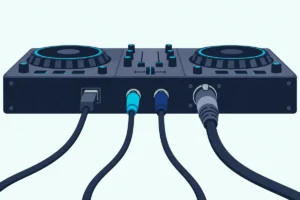
If every knob is open and the channel meters move but the speakers stay silent, the fault lies between the controller’s output and the speakers. inMusic’s answer is to connect the speakers directly to the controller’s main or master output, which can be XLR, 1/4-inch, RCA or 3.5 mm depending on the model, with an adapter where the speaker’s inputs differ.
Its other tests are a different cable, different speakers and different headphones, and AlphaTheta’s lists add wiping dirt off the terminals and plugs. Our guide to clean a DJ controller’s jacks and plugs covers what the makers allow.
AlphaTheta’s own monitor speaker FAQ covers the speaker end of the chain: a main power switch left off, an Auto Standby that sleeps the speaker when no signal arrives, and a volume turned to minimum.
With a subwoofer wired between the controller and the speakers, check the sub’s input level and signal light too, and Burton Acoustix’s subwoofer setup guide lists the makers’ other checks.
Drivers and USB come last. AlphaTheta says the DDJ-1000 supports only Hi-Speed USB and needs its dedicated driver installed before you use it with a computer, while VirtualDJ says the DDJ-FLX4 is class compliant and uses the operating system’s standard audio driver.
VirtualDJ also warns that hardware designed for USB 2.0 may not work properly on a USB 3.0 port, and suggests a USB 2.0 port or a powered USB 2.0 hub. AlphaTheta’s DDJ-SZ article adds an order of operations: connect and power the controller, wait for its startup lights to finish, then open the DJ software.
For the outputs themselves, see how to connect a DJ controller to speakers with the right cables.
Why Are the Headphones Silent When the Speakers Work?
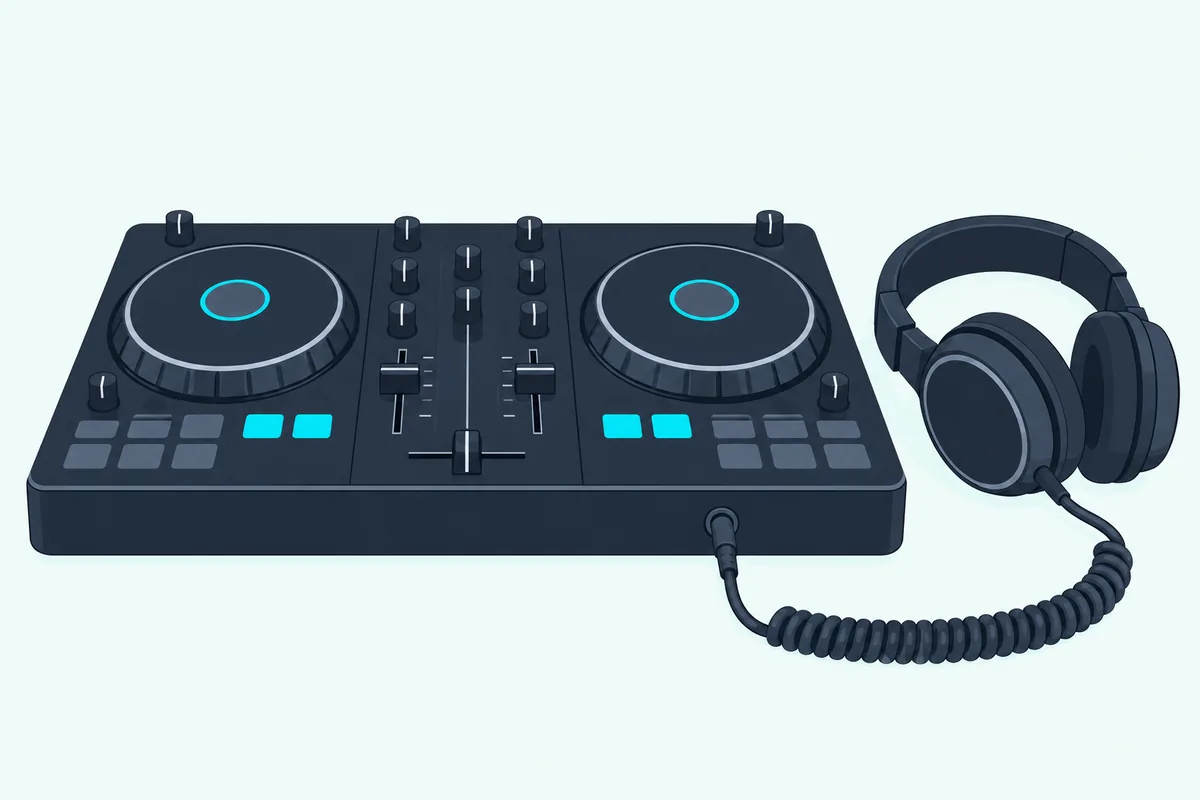
Speakers working with silent headphones is a different fault, because the headphone output only plays what you send to it. Press the CUE button for the deck you want to hear, turn up the headphone level and check the cue mix knob (HEADPHONES MIX on AlphaTheta units). inMusic says that turned fully to CUE it plays only channels whose cue button is on, and turned fully to the master side it plays the master whatever the buttons say.
The software has its own headphone settings too. In Traktor, Native Instruments checks that the headphone channels are chosen under Output Monitor in Output Routing, that the deck’s headphones button is on, and that the software’s VOL knob is up even when the controller has its own.
In djay, Algoriddim says pre-cueing needs a PRO subscription and isn’t in the free version. It also says changing the mixer mode by hand can stop pre-cueing until you use Reset to Defaults.
Native Instruments’ last test is the headphones themselves: try another pair, try yours on another system and try a different 3.5 mm to 1/4-inch adapter. If your headphones work everywhere else, it says the headphone output may be faulty.
Why Aren’t Headphones Working on a DDJ-FLX4?
The DDJ-FLX4 gets its own section because it’s the controller most of these searches name, and its headphone volume depends on USB power. AlphaTheta’s manual says that when the USB port can’t supply enough power, the unit limits the headphone volume, and the fix is to disconnect devices you aren’t using for DJing.
The same manual says the FLX4 only works with headphones of 32 Ω or more. It also can’t run on USB bus power with headphones under 32 Ω, a mono plug in the headphone jack, a computer port with too little power or other devices connected to the computer.
In rekordbox, the headphones output should read DDJ-FLX4 : PHONES, or DDJ-FLX4 WASAPI : PHONES on Windows. With an Android phone, AlphaTheta says to slide the rear MONO/STEREO switch to MONO if the headphones stay silent or the master sounds distorted.
Why Does Only One Deck or One Side Play?
When one deck plays and the other doesn’t, the makers point at routing and that channel’s own controls. Algoriddim says that if djay’s mixer mode is changed by hand, audio can come out of the wrong outputs or one deck can play on only the left or right channel, and Reset to Defaults restores the routing for that controller.
In rekordbox, check the two settings its FAQ names, Mixer Mode and Output channels under Preferences, Audio; AlphaTheta’s answer for sound from only one deck on its CDJ players is the Output channel setting. On the hardware, the filter, TRIM, channel fader and crossfader from the knob check are the first places to look on the silent side.
Why Does the Sound Crackle, Stutter or Drop Out?
Silence is one failure and sound that breaks up is another, and VirtualDJ says skipping, stuttering and crackling are normally caused by the computer’s performance or wrong settings in the software. Start with the buffer size: AlphaTheta’s DDJ-FLX4 manual says to change it when sound is distorted, and to set it under Preferences, Audio when rekordbox’s sound is interrupted.
For djay on Windows, Algoriddim’s latency guide suggests 256 samples, then 512 if audio crackles and 1024 if needed, because a lower buffer means lower latency and a higher one more stability. By our arithmetic at a 44.1 kHz sample rate, 512 samples is about 11.6 ms of audio and 1,024 about 23.2 ms (samples ÷ 44,100).
USB comes next, since Algoriddim’s dropout guide calls an unstable USB connection one of the most common causes. Try a different cable, preferably shielded, keep it away from power adapters and speakers, and connect directly or through a powered hub.
VirtualDJ’s PC checklist adds overheating, poorly designed wireless network drivers, out-of-date drivers or firmware, background software and power-saving settings. On Windows 11 it says to set Power Mode to Balanced or Best Performance both on battery and plugged in.
AlphaTheta’s advice for an unstable rekordbox is similar: update it, quit other apps, and try switching off wireless networking, antivirus software, screen savers and low-power mode.
A delay on Bluetooth headphones isn’t a fault, because Algoriddim says Bluetooth speakers and headphones always add noticeable latency. Our page on where the sound goes on a Bluetooth controller explains the wired alternatives.
Why Is There a Hum or Buzz From the Speakers?
A steady hum or buzz has a different cause again, and VirtualDJ traces nine cases in ten to a ground loop. The tell is a hum while the laptop’s charger is plugged in and silence on battery, and its fix is a ground loop isolator between the outputs and the inputs they feed, one for each stereo channel.
It warns never to remove the earth pin from a plug or use a three-pin to two-pin adapter, because the earth is there to prevent electric shock. Battery power is a test, not a cure, since AlphaTheta asks for a laptop on battery to be connected to AC power when rekordbox runs unstably.
When Is It Really a Hardware Fault?
Once every setting, cable and power check has passed, the hardware is the last suspect, and the makers give ways to prove it before a repair. Algoriddim suggests trying a different controller, audio interface or the computer’s built-in speakers to see whether the problem follows the hardware.
AlphaTheta’s manual adds that static electricity can upset the unit, which turning it off and on again cures, and it sends problems that persist to an authorized service company or your dealer.
The Bottom Line
Start every silent controller with the settings: the controller chosen in the DJ software, the computer’s own speakers left as its default and every knob and fader open.
Then check the cables, jacks, power and drivers, raise the buffer if the sound crackles, and reach for a ground loop isolator only when the hum stops on battery.
Frequently Asked Questions
Why do the decks play but no sound comes out?
Check the audio device in the DJ app, then the computer’s default output, which Akai says conflicts with Serato when it’s set to the controller. With Serato on Windows 10 or 11, also allow microphone access for desktop apps.
Why aren’t my headphones working on my DDJ-FLX4?
Press the channel’s headphone CUE button, raise HEADPHONES LEVEL and set HEADPHONES MIX to the center. AlphaTheta also says the FLX4 needs headphones of 32 Ω or more and limits their volume when USB power runs short.
How do I get my headphones to work in Serato DJ?
Press the cue button above the deck’s channel fader and turn up the knob labeled CUE or HEADPHONE, as inMusic describes. With the cue mix turned fully to CUE, only cued channels play.
Why does VirtualDJ have no sound on my laptop?
Click the button named after your controller in VirtualDJ’s audio settings, then APPLY. On Windows, keep the laptop’s own sound card as the default playback device and connect the controller before starting VirtualDJ.
Do DJ controllers need a driver?
Some do: AlphaTheta says the DDJ-1000 needs its dedicated driver installed first, while VirtualDJ says the DDJ-FLX4 is class compliant and uses the operating system’s own driver.