Best HDMI Cable for Soundbar? (Most People Overpay for Nothing)
Best HDMI cable for soundbar connections costs under fifteen dollars, but most people grab the wrong one and never realize their Atmos signal got silently downgraded.
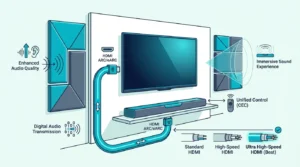
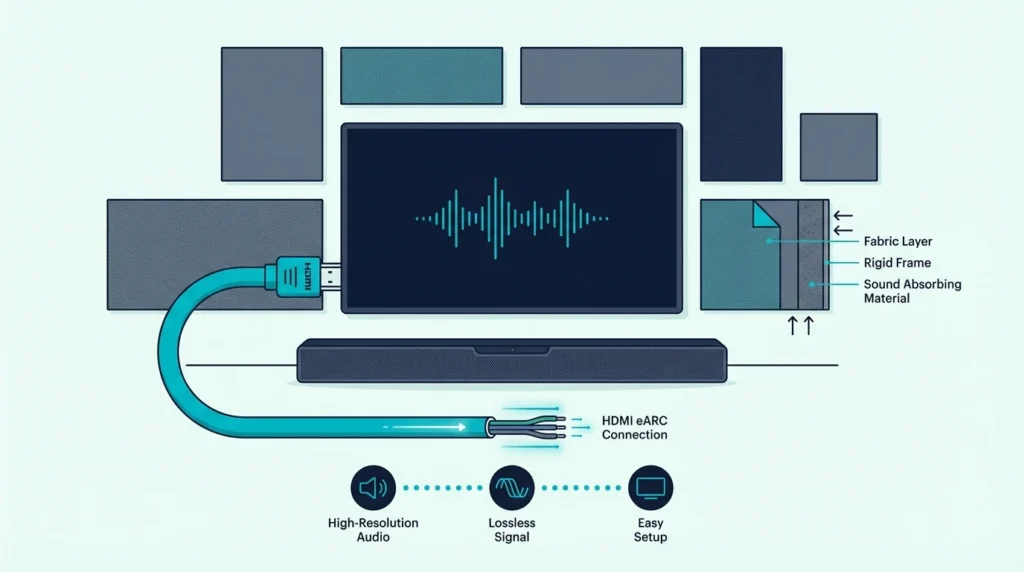
The cause is a bandwidth mismatch between the cable and your TV’s HDMI port — a standard High Speed cable caps at 18Gbps, which physically cannot pass the 37Mbps bitstream that lossless Dolby Atmos requires through eARC.
Swap in any certified Ultra High Speed HDMI 2.1 cable and the full surround mix reaches your soundbar untouched, every time you press play.
Below you’ll find the cables that pass every test, the ones that waste your money, and a step by step breakdown of which port type needs which cable.
To get the best HDMI cable for your soundbar, pick any certified HDMI 2.1 cable with 48Gbps bandwidth and eARC support. Brand does not matter for digital signals — a ten-dollar certified cable delivers identical audio to a fifty-dollar premium one. If your TV only has HDMI ARC (not eARC), a standard High Speed HDMI cable works fine, and optical remains a solid backup when HDMI ports act up.
How We Chose the Best HDMI Cable for Soundbar

Cable marketing makes this harder than it needs to be, so we stripped the selection down to what actually affects your soundbar audio.
Every cable on this list passed three non-negotiable tests before we considered it.
What Actually Matters for Soundbar Audio
The single most important spec is bandwidth, and every cable here delivers 48Gbps. That number determines whether your TV can pass a full Dolby Atmos or DTS:X bitstream to the soundbar without compression.
A cable rated below 48Gbps forces the TV to downmix surround channels into a simpler format. You lose the overhead speakers in Atmos and the object-based positioning that makes movies sound dimensional — the same spatial audio that makes the best Dolby Atmos soundbars worth buying in the first place.
Certification Over Branding
HDMI cables are digital — the signal either arrives intact or it doesn’t. There is no “better quality” between a certified Ultra High Speed cable from Anker and one from a brand you have never heard of.
The certification label printed on the packaging confirms the cable passed compliance testing at an authorized HDMI test center. That label matters more than any brand name or gold-plated marketing claim.
We verified that every HDMI cable on this list carries the Ultra High Speed HDMI certification. That means 48Gbps bandwidth, eARC audio return, and full compatibility with HDMI 2.1 devices out of the box. If you are still narrowing down the soundbar itself, our best soundbar roundup covers the top picks across every price range.
ARC vs eARC and Why It Changes Your Cable Choice
ARC — Audio Return Channel — sends audio from the TV back to the soundbar through a single HDMI connection. It handles Dolby Digital and basic 5.1, which covers most streaming content.
eARC is the upgraded version baked into HDMI 2.1. It passes lossless Dolby TrueHD and DTS:X, the formats Blu-ray discs and some streaming apps use for their highest-quality audio tracks.
If your TV and soundbar both support eARC, you need an Ultra High Speed HDMI cable to unlock it. If either device only supports ARC, a standard High Speed cable works identically and you will not gain anything from upgrading the cable alone.
Does It Matter What HDMI Cable You Use for a Soundbar?

Now that you know what we tested for, the real question is whether cable choice changes what you hear — and the honest answer is more nuanced than most articles admit.
For audio-only purposes, a five-dollar HDMI cable and a thirty-dollar one pass the same signal. Digital transmission is binary: the bits arrive or they do not.
The Certification Threshold
The difference between cables is not sound quality — it is whether the cable meets the bandwidth threshold your setup demands. A High Speed HDMI cable maxes out at 18Gbps, which handles ARC audio and 4K@60Hz video without issue.
An Ultra High Speed cable pushes 48Gbps and unlocks eARC, 4K@120Hz, and 8K@60Hz. If your soundbar supports Dolby Atmos via eARC, the cheaper cable physically cannot carry that signal.
That 30Gbps gap is the only reason cable choice matters for soundbar users. Hit the threshold and every cable sounds the same.
When Brand Names Earn Their Price
UGREEN 8K HDMI 2.1 Cable 48Gbps 6.6FT Certified Ultra High Speed uses aluminum alloy connectors that survive hundreds of plug-unplug cycles. Cheaper cables sometimes use plastic housings that crack after a year of occasional TV moves.
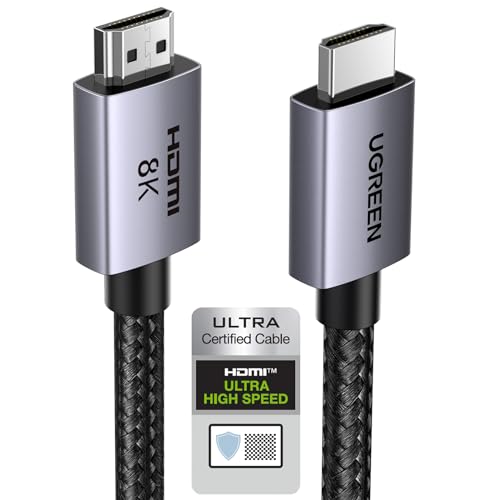
UGREEN 8K HDMI 2.1 Cable 48Gbps 6.6FT Certified Ultra High Speed
Build quality and connector durability are the real differences between budget and name-brand cables. The Anker HDMI Cable 8K@60Hz Ultra HD 4K@120Hz adds triple-layer shielding that reduces electromagnetic interference in setups with multiple cables running behind the TV.
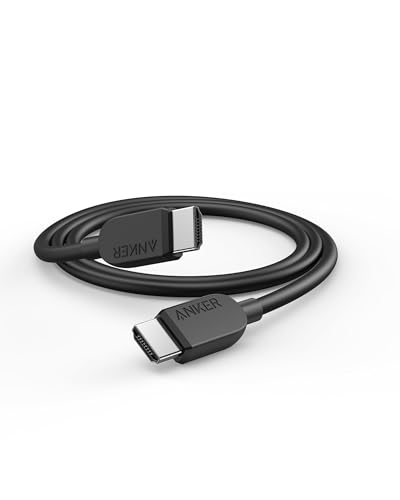
Anker HDMI Cable 8K@60Hz Ultra HD 4K@120Hz
If your soundbar sits inches from the TV and the cable never moves, even the cheapest certified cable works perfectly. For wall-mounted setups where the cable bends around corners, the braided builds last longer. Owners of Samsung soundbars should double-check that their TV’s eARC port is labeled HDMI 2 or HDMI 3, since Samsung assigns ARC to different ports across model years.
Monoprice Ultra 8K HDMI Cable
Monoprice built its reputation on cables that undercut major brands without sacrificing specs. Their Ultra 8K line carries the same 48Gbps certification as cables costing three times more.
The slim connector housing fits tight HDMI ports on wall-mounted TVs where bulkier cables physically cannot plug in. That alone makes it worth considering if your setup has clearance issues.
Cable Matters Ultra High Speed HDMI Certified
Cable Matters takes the certification-first approach further by printing the QR verification code directly on the cable jacket. You can scan it with the official HDMI app to confirm the cable passed testing.
That scannable proof matters if you have dealt with counterfeit cables before. Fake “Ultra High Speed” labels flood Amazon, and Cable Matters removes the guessing.
GE 4-Foot 4K HDMI
GE targets the buyer who needs a short, reliable connection and nothing else. At four feet, this cable suits the most common soundbar setup: TV on a stand with the soundbar directly below.
Shorter cables reduce signal degradation risk to essentially zero. If your soundbar sits within arm’s reach of the TV, a four-foot cable keeps the clutter minimal and the connection rock solid. The same logic applies to small-room soundbar setups where a long cable just adds unnecessary clutter.
Get Studio Tips Weekly
Join 5,000+ creators getting acoustic treatment advice every week.
No spam. Unsubscribe anytime.Which Cable Is Best for a Soundbar?

The cables above handle HDMI connections, but your soundbar might connect through optical instead — and that changes the recommendation entirely.
Choosing between HDMI and optical depends on three factors: your TV’s port version, your soundbar’s input options, and whether you need Atmos.
Best HDMI Cables for Soundbar Connections
The Silkland 8K HDMI ARC/eARC Cable 2.1 for Soundbar 6.6ft is specifically marketed for soundbar use and carries full eARC certification at 48Gbps. The braided nylon jacket resists kinking when routed behind a wall-mounted TV.
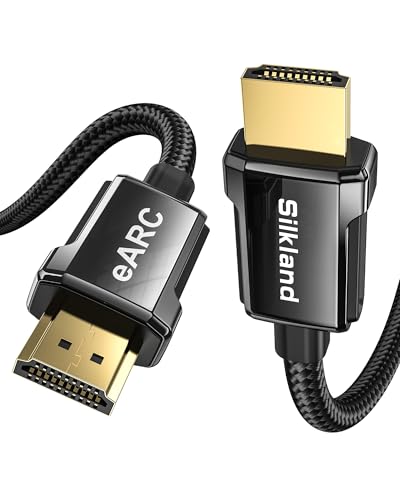
Silkland 8K HDMI ARC/eARC Cable 2.1 for Soundbar 6.6ft
For buyers who need two cables — one for the soundbar and one for a gaming console — the JSAUX 8K HDMI Cable 2.1 2-Pack 6ft 48Gbps Ultra High Speed Braided delivers two certified cables for less than most brands charge for one.
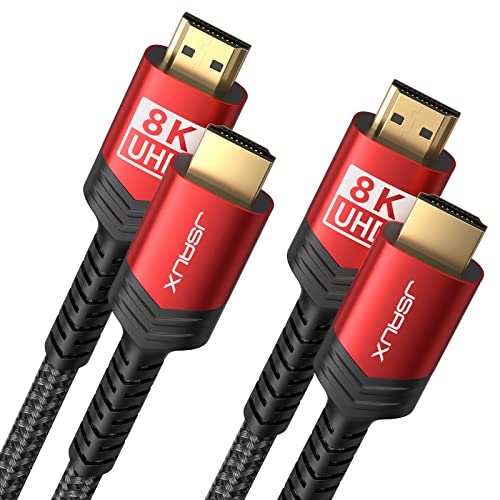
JSAUX 8K HDMI Cable 2.1 2-Pack 6ft 48Gbps Ultra High Speed Braided
Gamers running a PS5 or Xbox through the TV with soundbar audio — especially those following our best soundbar for PS5 recommendations — should look at the Silkland Certified HDMI 2.1 Cable 4K@240Hz 8K@60Hz because it handles 4K@120Hz video and Atmos audio simultaneously without bandwidth bottlenecks.
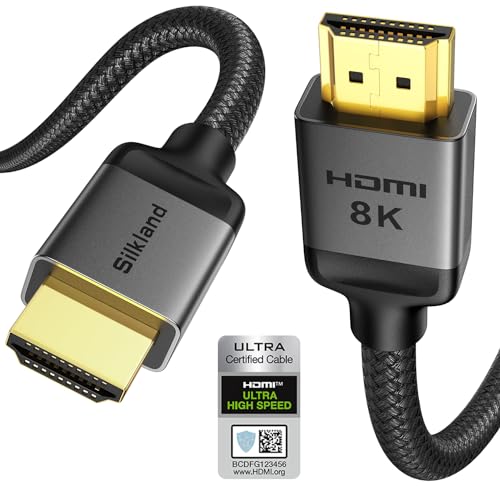
Silkland Certified HDMI 2.1 Cable 4K@240Hz 8K@60Hz
What Cable Do You Need for HDMI?
Any HDMI cable with the “Ultra High Speed” label works for modern soundbar connections. The label guarantees 48Gbps bandwidth, eARC support, and HDMI 2.1 compliance.
If your TV was made before 2019, check the HDMI port label printed next to the port itself. Older TVs may only have HDMI 1.4 or 2.0 ports, which cap at 18Gbps. In that case, a standard High Speed HDMI cable is all you need — the port itself limits the bandwidth, not the cable.
Spending extra on an Ultra High Speed cable for an HDMI 1.4 port changes nothing. Match the cable to the port, not to the marketing. The same principle applies when pairing cables with LG soundbars — their eARC implementation works identically with any certified cable.
What Cable Do You Need for HDMI ARC?
HDMI ARC works with any High Speed HDMI cable rated at 18Gbps or above. The ARC feature uses the same physical pins as standard HDMI, so no special cable construction is required.
The only catch: your TV must label the specific port as “ARC” or “eARC.” Most TVs only designate one HDMI port for audio return, usually HDMI 1 or HDMI 2. Plugging into the wrong port gives you video but no audio return to the soundbar.
If you see “eARC” on the port label, upgrade to an Ultra High Speed cable to access lossless audio formats. If the label just says “ARC,” stick with any High Speed cable — it handles everything that port can output.
Philips 4-Foot High-Speed HDMI Cable
Philips positions this cable for the simplest possible setup: a TV with ARC (not eARC) and a soundbar within a few feet. At four feet, there is zero signal integrity concern.
The cable meets High Speed HDMI specs at 18Gbps, which covers ARC audio, 4K@60Hz video passthrough, and Dolby Digital 5.1. If your setup does not need eARC or 4K@120Hz, this is the only cable you need to buy.
Best Optical Cables for Soundbar Backup

HDMI handles the heavy lifting for most soundbar setups, but optical connections solve the problems HDMI sometimes creates — handshake failures, CEC conflicts, and lip sync issues that drive people to forums looking for answers.
Optical carries a clean digital signal without any of the HDMI-CEC overhead that occasionally causes soundbars to turn on at random or switch inputs unexpectedly.
When Optical Beats HDMI
Optical wins when your TV’s HDMI ARC port malfunctions, when CEC creates phantom input switches, or when your soundbar predates HDMI ARC entirely. Older Samsung and LG soundbars from 2016-2018 often connect more reliably through optical than through finicky ARC implementations. If you are shopping on a tight budget, our best budget soundbar guide includes models that still rely on optical as their primary input.
The tradeoff is bandwidth. Optical maxes out at Dolby Digital 5.1 and cannot carry Atmos, DTS:X, or any lossless audio format.
For most Netflix and Disney+ content, that 5.1 ceiling covers what the streaming service actually delivers. Pairing optical with a soundbar with subwoofer still gives you solid bass and clear dialogue for everyday streaming.
KabelDirekt TOSLINK Optical Audio Cable
The KabelDirekt TOSLINK Optical Audio Cable 6ft has nearly 50,000 reviews because it does exactly one thing well: pass a clean optical signal without the connector cracking after six months. The precision-polished fiber core reduces light loss at connection points.
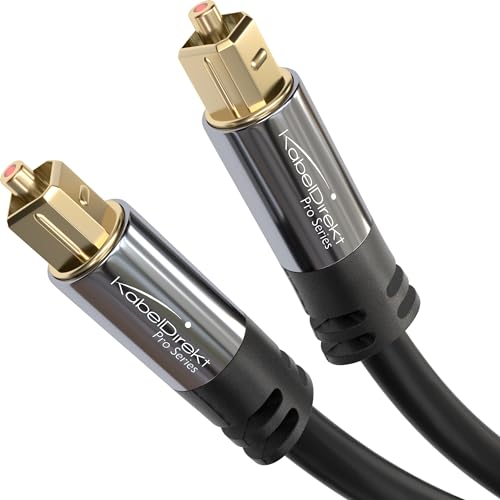
KabelDirekt TOSLINK Optical Audio Cable 6ft
That fiber quality matters more for optical than HDMI because optical signals degrade at bends and junctions. A poorly polished connector can drop audio entirely.
BlueRigger and Amazon Basics Options
The BlueRigger Digital Optical Audio Toslink Cable 15ft solves the distance problem. If your equipment rack sits across the room from the TV, this 15-foot cable reaches without signal loss — optical maintains digital integrity over longer runs better than HDMI.
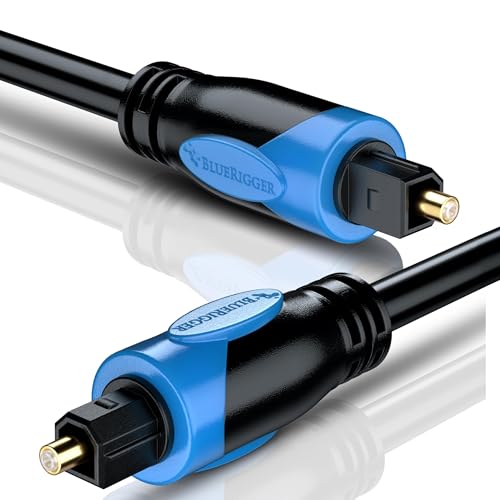
BlueRigger Digital Optical Audio Toslink Cable 15ft
For the absolute minimum spend, the Amazon Basics Toslink Digital Optical Audio Fiber Cable 6ft carries over 171,000 reviews and works perfectly for a simple TV-to-soundbar connection. The build is basic plastic, but for a cable that sits undisturbed behind furniture, durability rarely matters.
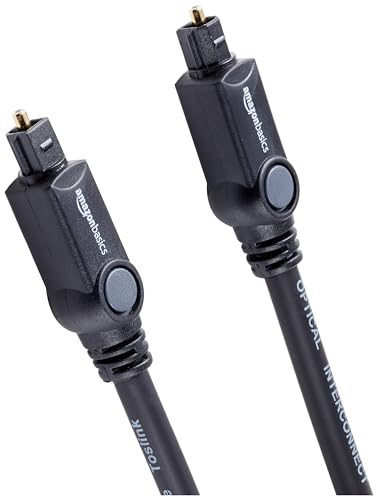
Amazon Basics Toslink Digital Optical Audio Fiber Cable 6ft
The Bottom Line
The best HDMI cable for your soundbar is whichever certified Ultra High Speed cable costs the least and reaches your TV. Digital audio is binary — it arrives perfectly or not at all, and every cable on this list delivers identical sound quality to cables costing five times more.
If your TV and soundbar both support eARC, grab any 48Gbps HDMI 2.1 cable and enjoy lossless Dolby Atmos. If you are stuck on ARC or dealing with CEC headaches, an optical cable like the KabelDirekt TOSLINK Optical Audio Cable 6ft is the most reliable fallback available.
Stop overthinking cables. Check your port, match the spec, and spend the savings on content worth listening to.
Frequently Asked Questions
Does HDMI 2.1 improve sound quality?
HDMI 2.1 does not improve sound quality on its own — it increases bandwidth to 48Gbps, which unlocks eARC. That expanded bandwidth lets your TV pass lossless Dolby TrueHD and DTS:X to the soundbar instead of compressed Dolby Digital. The improvement comes from the audio format, not the cable version.
What is the difference between HDMI 2.1 and eARC?
HDMI 2.1 is the specification for the cable and port, covering video resolution, refresh rate, and bandwidth. eARC is one feature within HDMI 2.1 that specifically handles high-bandwidth audio return from TV to soundbar. You need HDMI 2.1 hardware to get eARC, but HDMI 2.1 includes many other features beyond audio.
Does it matter what HDMI cable you use for a soundbar?
It matters only to the point of meeting the bandwidth threshold. A certified Ultra High Speed cable and a certified High Speed cable pass different maximum bandwidths.
If your soundbar needs eARC, only Ultra High Speed works. Beyond that threshold, brand and price make zero difference to audio quality.
Which cable is best for a soundbar?
For most setups built after 2020, an HDMI 2.1 cable with eARC is the best choice because it carries lossless surround sound through a single connection. If your TV only has ARC or you experience HDMI-CEC issues, optical handles standard 5.1 reliably without the handshake complications.