Bluetooth vs Optical for Soundbar: Which Connection Sounds Better? [2026]
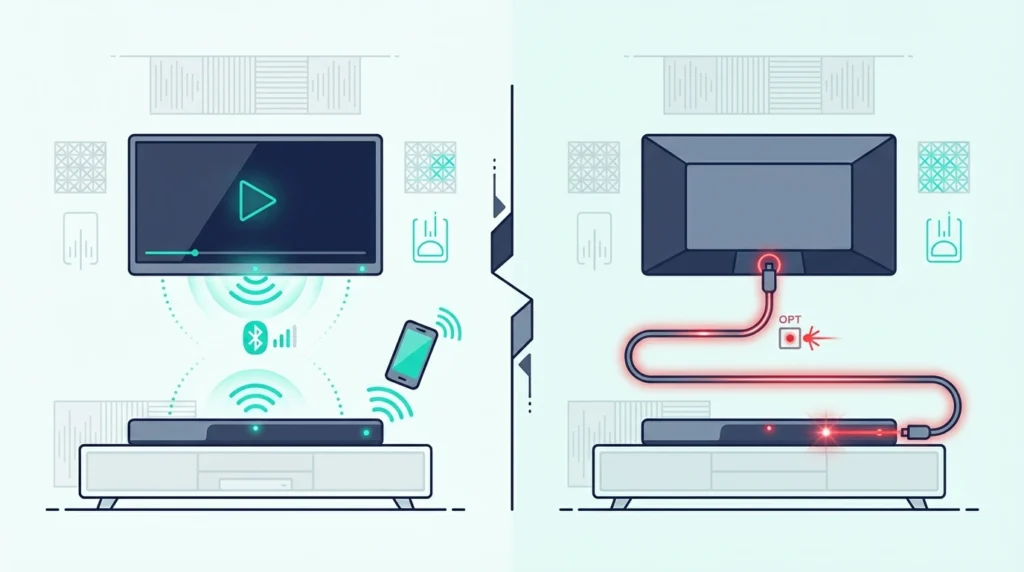
Bluetooth vs optical soundbar seems like a simple spec comparison, but picking the wrong connection for the wrong source quietly ruins your listening experience. If the sound is coming from your TV, optical usually wins — more stable lip sync and better surround preservation.
That does not make optical the universal winner. If you stream casual audio from your phone, Bluetooth is often easier and the quality gap matters less.
The confusion comes from treating every source the same. TV, gaming, and phone audio ask the connection to do different things — so one path can feel clearly better in one setup and fine in another.
The other missing piece is HDMI ARC or eARC. In many living rooms, ARC or eARC is the better primary TV path, and the Bluetooth-versus-optical debate only matters when choosing a fallback.
Below, we sort out which one usually sounds better, what each connection actually sends, and when neither should be your main TV path.
For TV, movies, and gaming, optical is usually the better fallback. It avoids most lip-sync problems and can still pass Dolby Digital 5.1 when the TV and soundbar support it.
For phone music, Bluetooth is usually fine and more convenient. If your gear supports HDMI ARC or eARC, use that as your main TV connection and treat both Bluetooth and optical as secondary paths.
How Do Optical and Bluetooth Actually Sound Different?
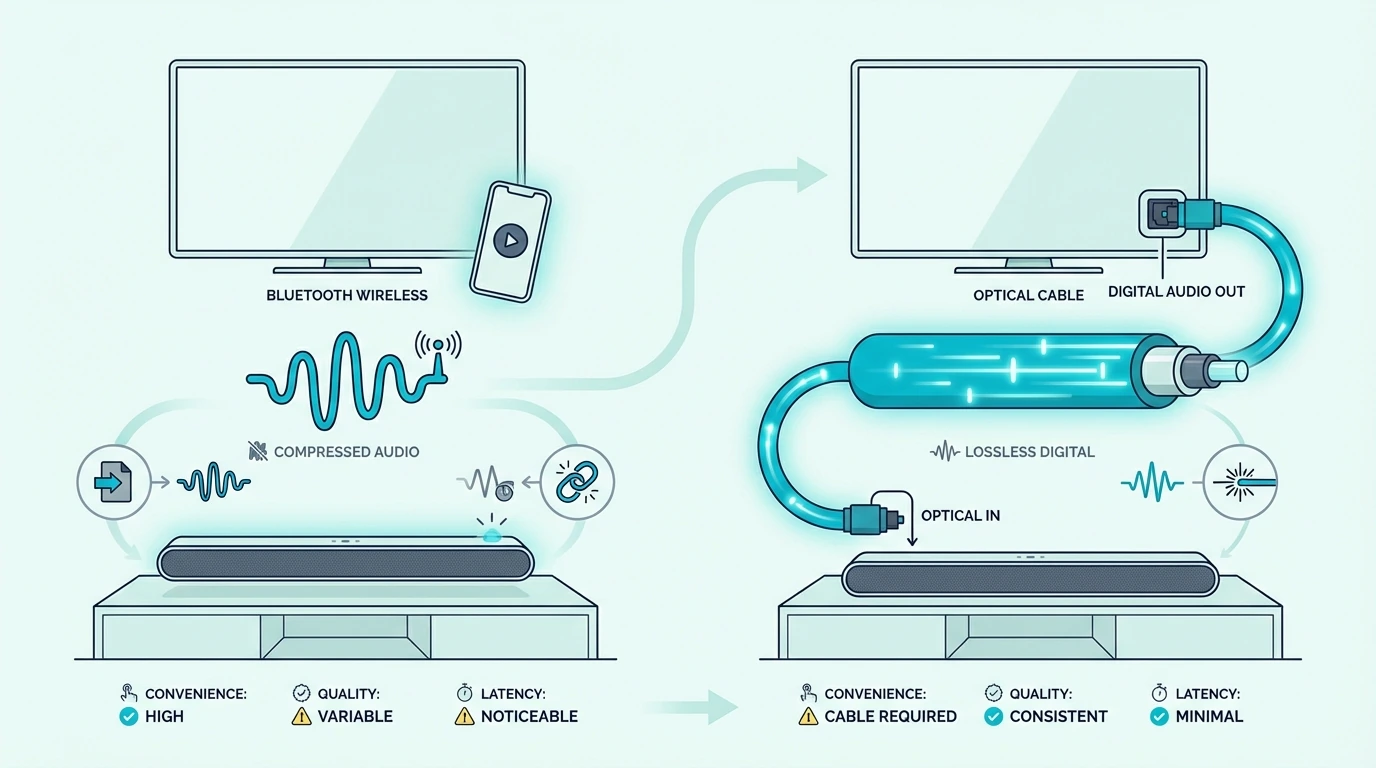
The quality gap between these two connections depends more on the source than the cable. A TV, a phone, and a game console each expose the difference in a different way — so the winner changes with the job.
TV audio exposes Bluetooth’s real weakness
Optical usually sounds better for TV before you even argue about pure fidelity. It gives a cleaner lip-sync path and can carry Dolby Digital 5.1, while TV Bluetooth is more likely to add delay or flatten the feed to stereo.
That difference matters more than small codec debates. A movie that stays in sync and keeps its surround separation feels better than one that arrives late and flatter.
People who use TV Bluetooth for movies often notice voices arriving a fraction of a second after lips move. That mismatch is hard to ignore once you spot it, and it gets worse with fast-paced dialogue.
Phone music hides the same gap
The delay and surround issues that make Bluetooth a poor TV path barely matter when there is no picture to sync. Most listeners care more about skipping the cable than about the quality tradeoff.
Modern Bluetooth codecs like AAC and SBC are good enough for casual music at normal volume. The compression artifacts that matter in a studio mix are usually inaudible on a soundbar in a living room.
That is why the short answer is split: optical usually wins for TV audio, while Bluetooth is usually good enough for casual phone audio. Once you separate those two jobs, the comparison gets clearer.
If you only want the phone-listening setup, our soundbar Bluetooth pairing guide walks through the simple pairing flow.
What Do Optical and Bluetooth Actually Send to a Soundbar?
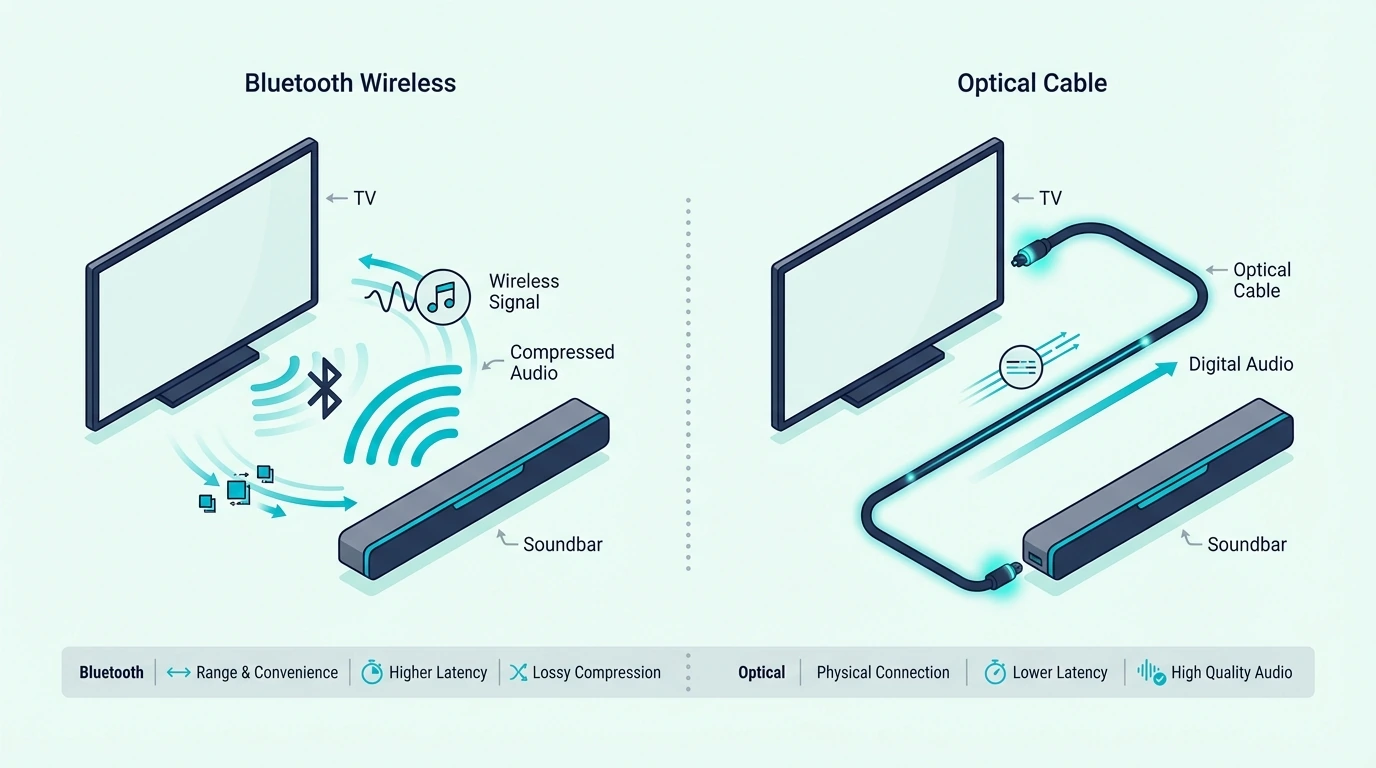
The feel difference between Bluetooth and optical traces back to two fundamentally different signal paths. One compresses and beams audio wirelessly; the other pipes a stable digital stream through a cable.
For the bigger picture of what “wireless” means on a soundbar, see wired vs wireless soundbars compared.
Bluetooth: wireless convenience with a delay tax
Bluetooth sends audio wirelessly after compressing it into a codec the soundbar can receive. That makes it convenient, but the result depends on codec support, wireless stability, and how the source device handles output.
Most TVs only support the basic SBC Bluetooth codec, which caps quality lower than AAC or aptX. Phones usually offer better codec options, which is another reason Bluetooth works better for phone audio than for TV audio.
For TV use, the bigger problem is usually delay rather than raw sound quality. Many soundbars make stereo Bluetooth acceptable, but they cannot fix late-arriving audio or the two-channel limitation.
Some soundbars advertise lip-sync correction for Bluetooth, but the adjustment range is often too narrow to fix the full delay chain from TV to bar.
If you still need to pair a TV this way, our TV-to-soundbar Bluetooth guide shows the setup steps. The harder part is that no menu path removes the latency tradeoff completely.
Optical: stable transport with a format ceiling
The limitations that make Bluetooth risky for TV are exactly what optical avoids. It is a wired digital connection with near-zero latency and no compression step between the TV and the soundbar.
Optical can pass Dolby Digital 5.1 when the TV and content support it. That 5.1 capability preserves dedicated center, surround, and subwoofer channels, which is why our channel guide matters more than generic cable advice.
A soundbar decoding 5.1 over optical separates dialogue from effects more clearly than a stereo Bluetooth feed. The tradeoff is that optical is not the modern everything-connection.
Even an Atmos-capable bar like the Sonos Beam Gen 2 still hits the same ceiling over optical. The bar may sound excellent, but the connection itself cannot carry the Atmos version of the soundtrack.
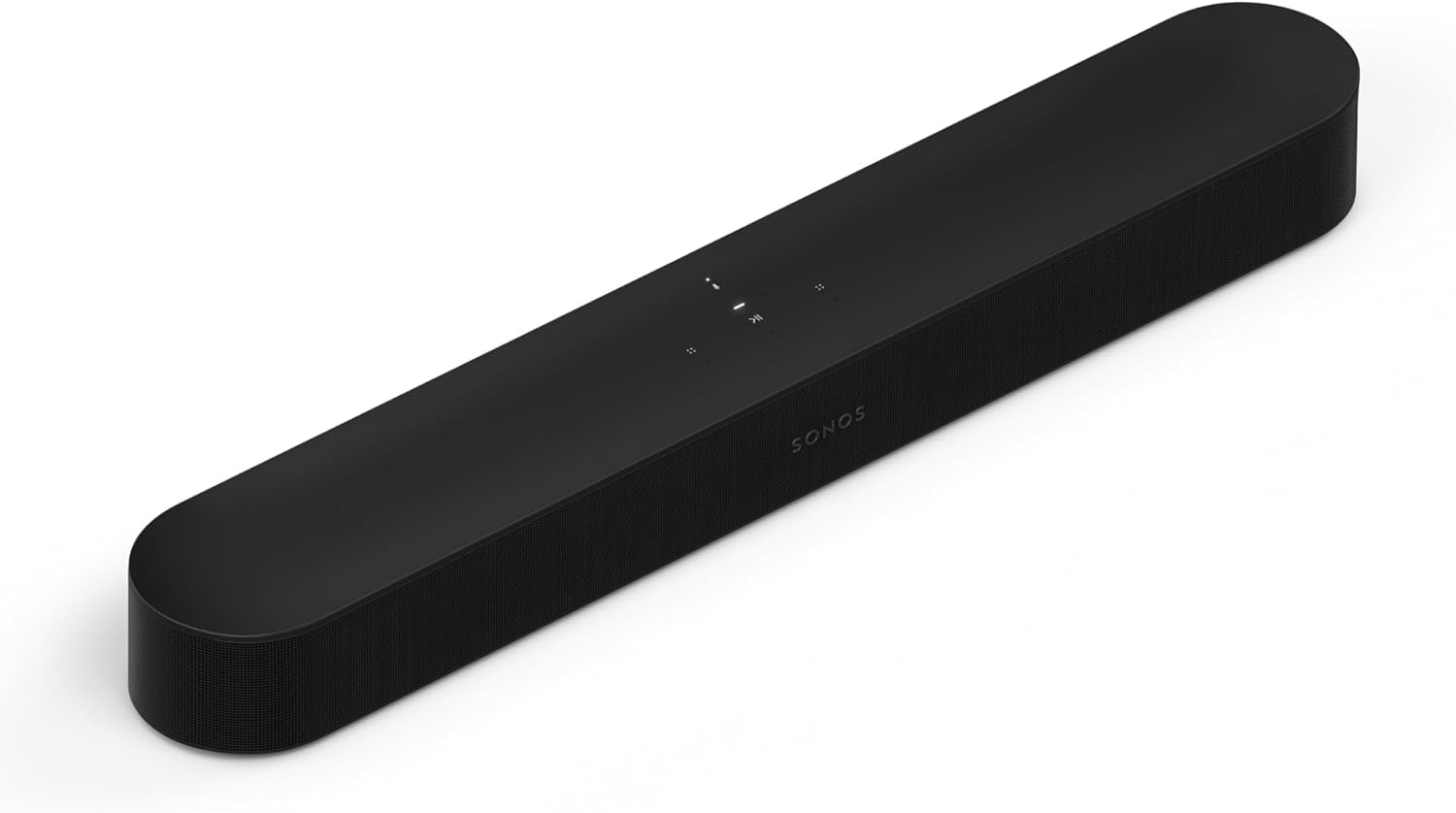
Sonos Beam Gen 2
Which Connection Works Best for Your Device?
TV and movies: optical wins the sync and surround battle
For everyday TV use, optical is usually the better fallback if ARC or eARC is not in play. It is more predictable for dialogue sync and more likely to preserve the surround format your soundbar can decode.
If your TV is set incorrectly to PCM or stereo, even optical can underperform. Our bitstream vs PCM guide and soundbar to TV connection guide matter more than swapping inputs blindly.
Gaming punishes Bluetooth’s delay even harder
The lip-sync problems that annoy movie viewers become gameplay problems for gamers. Delayed gunshots, menu sounds, or voice lines make the whole system feel disconnected from what is on screen.
The delay is especially noticeable in competitive or rhythm-based games where audio timing directly affects gameplay. Even casual gamers tend to notice the mismatch faster than movie viewers do.
That is why Bluetooth is a poor primary TV-audio path for most gaming setups. Optical is not the most advanced connection, but it is the better choice when the alternative is TV Bluetooth audio.
Phone audio is where Bluetooth earns its place
Unlike TV and gaming, phone audio has no picture to sync and no expectation of surround playback. For phone music, podcasts, or background listening, the wireless convenience usually matters more than the technical losses.
That is also where a living-room bar like the Polk Audio Signa S2 Sound Bar for Smart TV with Subwoofer makes the hierarchy easier to live with. Keep TV audio on HDMI ARC or optical, then use Bluetooth for casual phone listening when convenience matters more than perfect fidelity.
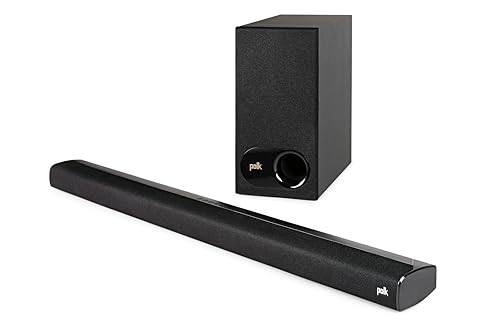
Polk Audio Signa S2 Sound Bar for Smart TV with Subwoofer
When Do HDMI ARC or eARC Change the Hierarchy?
The Bluetooth-versus-optical debate assumes one of them is your primary TV connection. But if your TV and soundbar both support ARC or eARC, neither one needs to be — and that changes the entire hierarchy.
ARC and eARC as the primary TV path
HDMI ARC usually matches or beats optical for everyday TV use — same surround formats plus easier TV-remote control. eARC goes further by supporting higher-bandwidth formats that optical cannot carry at all.
Our ranking of every way to connect a soundbar to a TV shows which one to pick for each kind of TV, including Furrion’s RV soundbars.
A TV-first model like the Samsung HW-Q800F makes that hierarchy easier to see. HDMI ARC or eARC should handle the daily TV signal, while optical stays the backup and Bluetooth stays the convenience input.
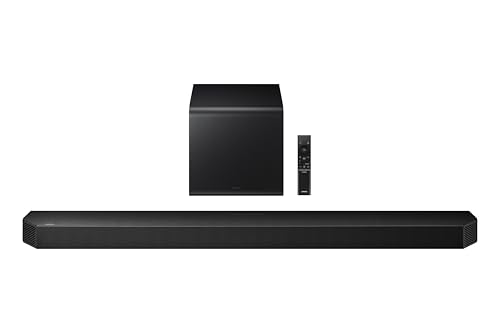
Samsung HW-Q800F
If you are unsure why one HDMI port works for a soundbar and others do not, our HDMI vs HDMI ARC guide breaks that down. Our HDMI ARC setup guide covers the menu flow, and our HDMI vs optical guide covers the wired-TV-path comparison.
Optical as the fallback when ARC misbehaves
Once ARC or eARC is handling the primary TV path, optical shifts to a fallback role. It still makes sense when the TV has no ARC port or when ARC creates problems you do not want to debug.
Older TVs, budget models, and some projectors only have optical out and no ARC-capable HDMI port. For those setups, optical is the best wired connection available — not a downgrade, just a different starting point.
Some budget bars sit on the other side of that gap, since iLive’s manuals list optical, RCA and 3.5 mm inputs but no HDMI, and our iLive optical and RCA hookup steps show which light means which input.
Bluetooth as the wireless side input
With ARC handling TV duties and optical covering the fallback, Bluetooth fills the only role left — wireless phone audio. It belongs in the setup, just not as anything connected to the TV signal chain where sync and surround matter.
Get Studio Tips Weekly
Join 5,000+ creators getting acoustic treatment advice every week.
No spam. Unsubscribe anytime.The Bottom Line
Bluetooth vs optical soundbar is not a one-line winner unless you separate TV audio from phone audio first. For TV, movies, and gaming, optical usually sounds better — more stable sync and better surround preservation. For specialty sources like turntables, optical only works after the vinyl signal is converted analog-to-digital via a powered converter, while Bluetooth needs a transmitter and adds compression and pairing windows — the comparison shifts when the source is not already digital.
For phone music, Bluetooth is usually fine and more convenient. If your gear supports ARC or eARC, use that as the main TV connection, keep optical as the fallback, and treat Bluetooth as the wireless side input.
If you need the broader connection basics before you keep tweaking inputs, start with our what is a soundbar guide. From there, you can decide whether you are solving a TV-path problem, a Bluetooth-pairing problem, or a soundbar-limit problem.
Frequently Asked Questions
Is optical better than Bluetooth for a soundbar?
For TV audio, usually yes. Optical avoids most lip-sync problems and can carry Dolby Digital 5.1 instead of a stereo wireless feed.
For phone music, the gap is smaller. Bluetooth is often good enough because convenience matters more and there is no picture to sync.
Does Bluetooth reduce sound quality on a soundbar?
Bluetooth can reduce quality because it compresses the audio. The bigger issue for TV use is usually delay and the stereo limitation rather than pure fidelity loss.
Many people tolerate Bluetooth fine for casual music but dislike it immediately for shows and movies where the delay becomes visible.
Can optical carry Dolby Atmos to a soundbar?
No. Optical handles older compressed formats like Dolby Digital 5.1 but cannot carry Atmos or the higher-bandwidth formats that eARC supports.
What is the best connection type for a soundbar?
For most modern TV setups, HDMI ARC or eARC is the best primary connection. If ARC is unavailable, optical is the next-best TV path — Bluetooth is best kept for phone music and casual wireless audio.