HDMI vs HDMI ARC for Soundbar: Which Port Do You Actually Need? [2026]

HDMI vs HDMI ARC for soundbar looks like a small port-label question, but plug into the wrong port and your TV apps stay silent while the soundbar never gets audio back from the screen.
The frustrating part is that standard HDMI and HDMI ARC use the same connector, so it is easy to plug into the wrong port and assume the soundbar or TV settings are broken.
Once you separate the one-way HDMI inputs from the ARC or eARC return port, the setup becomes much easier to diagnose, wire, and control with a single remote.
Below, we break down what standard HDMI does, what HDMI ARC changes, and when you actually need eARC instead of a normal ARC connection.
For soundbar TV audio, you need the HDMI port labeled ARC or eARC, not just any standard HDMI input. Standard HDMI sends audio and video into the TV, while ARC sends TV audio back out to the soundbar.
Any working HDMI cable handles ARC, but eARC is the connection to use when both devices support higher-bandwidth formats like Dolby Atmos and uncompressed surround. Turn on CEC as well if you want TV-remote volume control through the same cable.
How Are Standard HDMI and HDMI ARC Different?
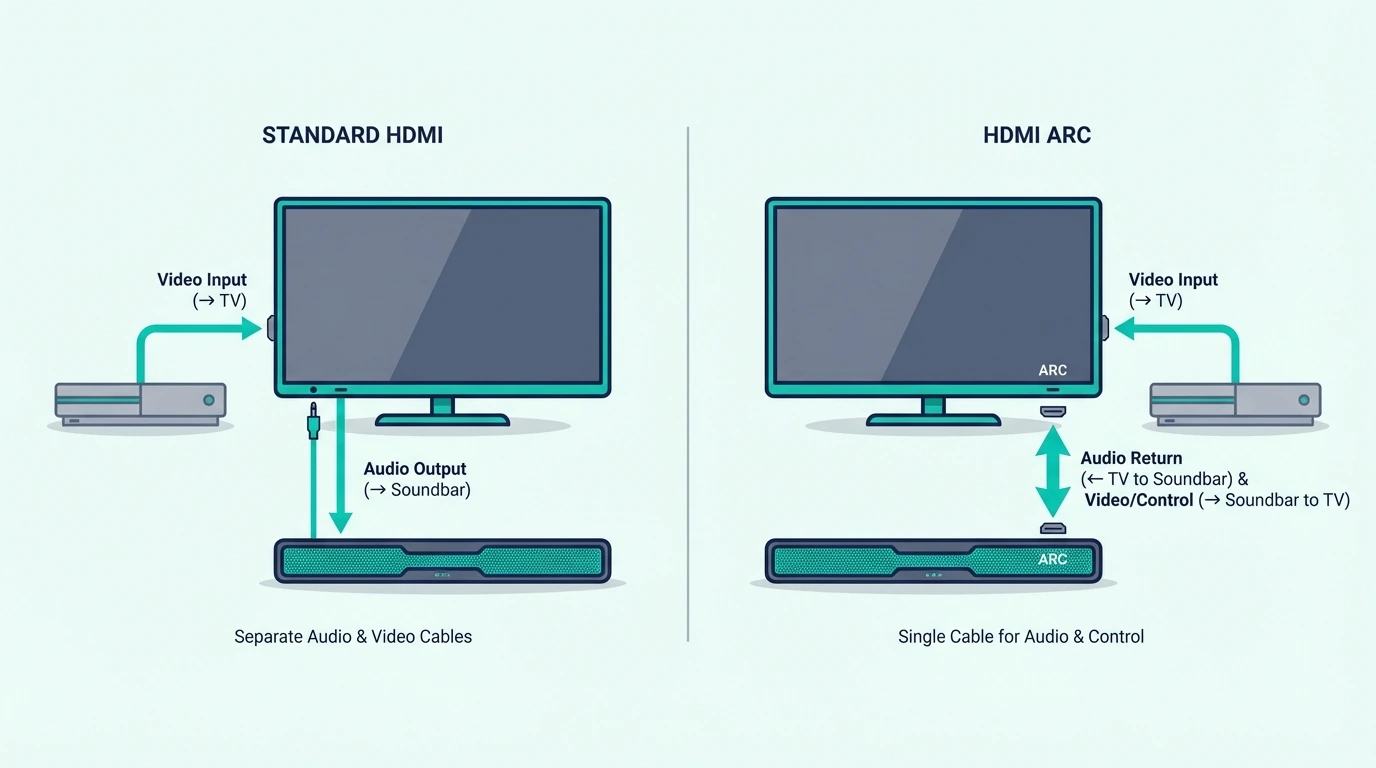
The confusion exists because the ports look identical. The real difference is what the port firmware lets audio do after it reaches the TV.
Standard HDMI: Audio Goes TO the TV Only
A standard HDMI connection is a one-way street for audio. It carries audio and video from a source device (PlayStation, Blu-ray player, Fire Stick) to the TV.
The TV receives that signal and plays it. But the audio has no path back out to a soundbar connected to that same port.
This is why people get confused: you plug a soundbar into HDMI 1, the TV recognizes something is connected, but Netflix audio still comes from the TV’s built-in speakers. The port physically can’t send audio in the return direction.
It’s the single most common soundbar setup mistake — and the fix is simply moving the cable to the correct port.
Some soundbars have HDMI input ports for passthrough — connect a game console to the soundbar, and it passes video to the TV while playing the audio itself. Useful, but it only handles devices plugged directly into the soundbar.
For consoles, streamers and cable boxes all at once, connecting multiple HDMI devices to a soundbar compares the three setups.
It won’t carry audio from your TV’s built-in apps or cable box. For that, you need the ARC port.
HDMI ARC: Audio Goes FROM the TV to the Soundbar
HDMI ARC (Audio Return Channel) adds a reverse audio path. The “return” means audio travels back from the TV to the soundbar — the opposite direction from standard HDMI.
Connect your soundbar to the ARC port and suddenly everything plays through the soundbar: Netflix, YouTube, cable, game consoles on other HDMI ports, antenna TV — all of it.
ARC supports compressed Dolby Digital 5.1 and stereo PCM, which is enough for most TV apps, streaming services, and cable broadcasts. It also enables CEC, so your TV remote automatically controls the soundbar’s volume and power through the same connection.
If you are replacing a suspect TV-to-soundbar lead, a practical option like Silkland 4K HDMI ARC Cable 6.6FT fits standard ARC setups where you just want stable return audio without paying for full eARC bandwidth.
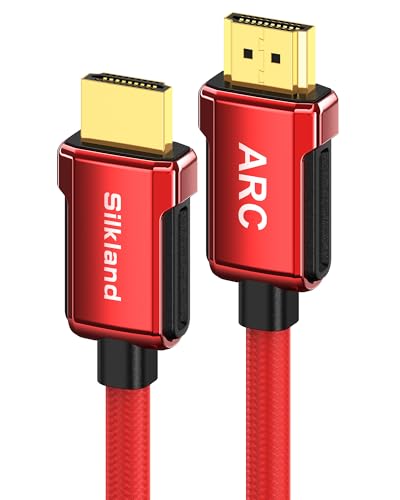
Silkland 4K HDMI ARC Cable 6.6FT
One remote for everything. Our HDMI vs optical guide covers how ARC compares to the older optical connection, and our how to use HDMI ARC with a soundbar guide walks through the setup menus step by step.
HDMI eARC: The Enhanced Version for Atmos
HDMI eARC (enhanced Audio Return Channel) is the upgraded version found on TVs and soundbars from roughly 2019 onward. It adds support for Dolby Atmos, DTS:X, Dolby TrueHD, and uncompressed multi-channel PCM that standard ARC cannot carry reliably.
That extra headroom matters most with newer Atmos soundbars, game consoles, and TVs that are passing higher-bandwidth audio formats. Our bitstream vs PCM guide explains the audio-output settings that determine what ARC and eARC actually deliver in real use.
Which HDMI Port and Cable Do You Need?
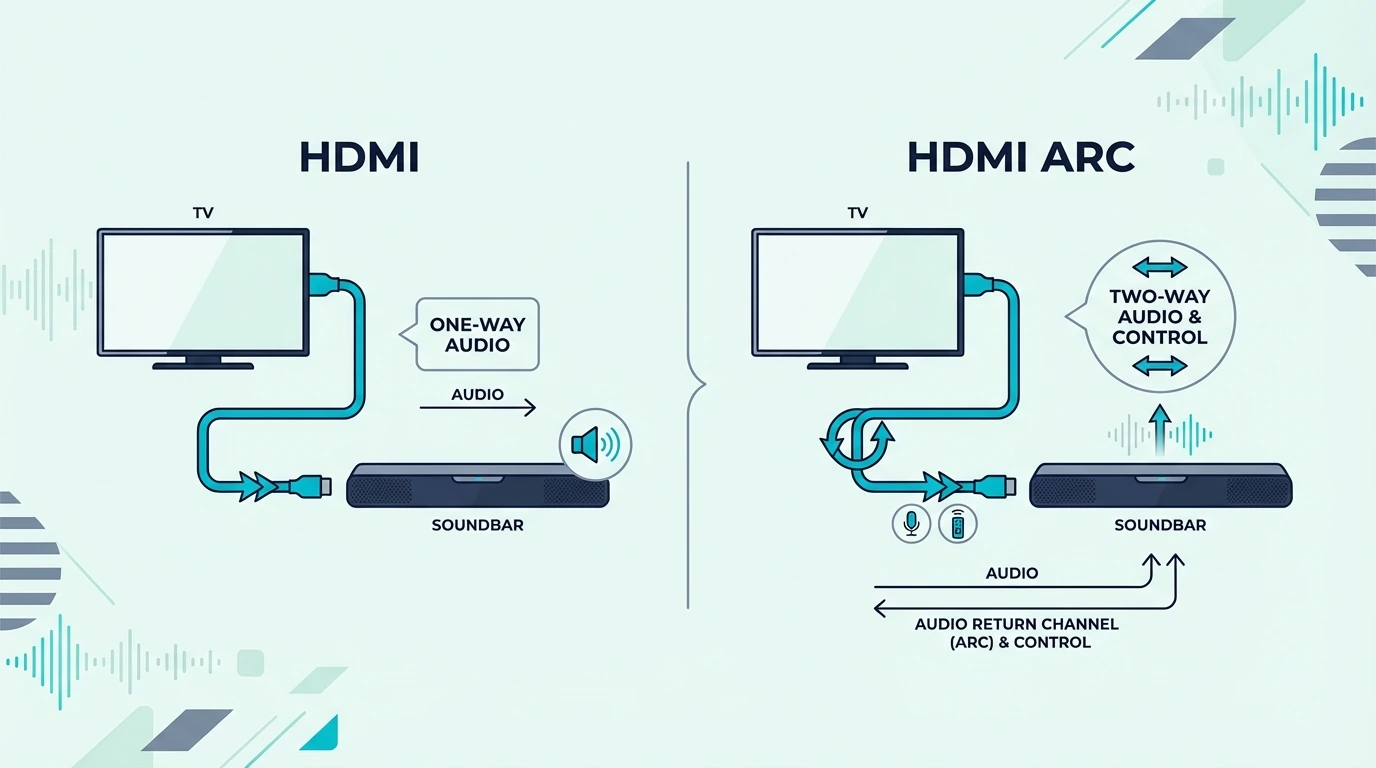
The right setup depends on what your TV and soundbar both support. ARC and eARC require support on both ends to function.
Finding the ARC Port on Your TV
Look at the HDMI ports on the back or side of your TV. One will be labeled “HDMI (ARC)” or “HDMI (eARC/ARC)” — the label is physically printed next to the port.
Only this port supports audio return. Plug your soundbar into any other HDMI port and you get a standard connection with no audio return — silence from the soundbar.
Quick reference by brand: Samsung TVs typically put ARC on HDMI 3, LG uses HDMI 2, and Sony usually designates HDMI 3 as eARC. But always verify by reading the tiny print next to each port — manufacturers occasionally change port assignments between model years.
If the labels are too small to read, check your TV’s user manual or search your model number online. The ARC port assignment is always listed in the specifications.
Which HDMI Cable to Use
For standard HDMI ARC, any working HDMI cable is fine, even an older cable that already passes a stable signal from the TV to the soundbar. ARC uses far less bandwidth than the newer eARC spec.
Do not let anyone sell you a special ARC cable, because there is no separate ARC-only connector standard. The real reason to upgrade is reliability or certification, not the word ARC on the box.
For eARC with Dolby Atmos or uncompressed multi-channel audio, use a certified Ultra High Speed HDMI cable labeled HDMI 2.1 or 48 Gbps. Use an older cable with an eARC setup and the connection can fall back to regular ARC or become harder to troubleshoot.
A cable like Silkland HDMI eARC/ARC Cable 3.3FT makes sense when both devices support eARC and you want a short certified lead for that higher-bandwidth path.
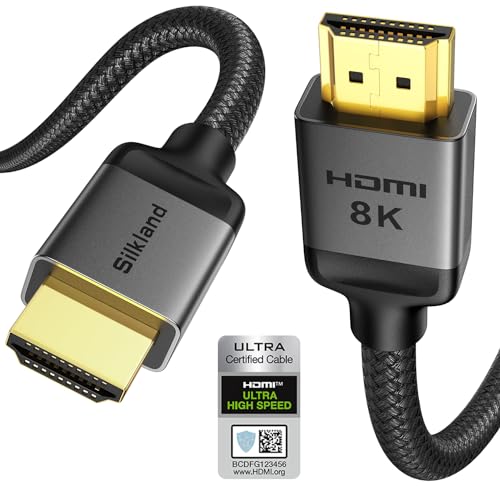
Silkland HDMI eARC/ARC Cable 3.3FT
Do You Need HDMI ARC for a Soundbar?
You don’t strictly need HDMI ARC — optical and Bluetooth also work. But ARC is the best option for most setups because it combines surround sound, TV remote volume control via CEC, and a single cable into one connection.
If your TV lacks an ARC port (rare on TVs made after 2015, but possible), optical is the next best alternative — it carries Dolby Digital 5.1 with near-zero latency but doesn’t support CEC remote control or Dolby Atmos. A fallback cable like KabelDirekt TOSLINK Optical Audio Cable 6ft is handy when the goal is to confirm whether the ARC path is the problem or the soundbar itself is failing.
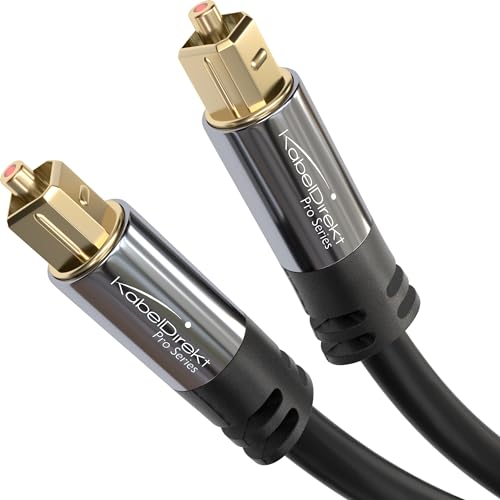
KabelDirekt TOSLINK Optical Audio Cable 6ft
Our soundbar to TV connection guide walks through all connection options, and our Bluetooth vs optical guide covers the non-HDMI alternatives.
For understanding how soundbars work with different connection types, start with our fundamentals guide. Our soundbar setup guide covers the complete initial configuration process including HDMI ARC activation in your TV’s settings menu.
Get Studio Tips Weekly
Join 5,000+ creators getting acoustic treatment advice every week.
No spam. Unsubscribe anytime.The Bottom Line
HDMI ARC is the connection you need for soundbar TV audio. It sends audio from the TV to the soundbar through the HDMI cable, while standard HDMI only sends audio the other way.
Use your TV’s port labeled “ARC” or “eARC.” Any standard HDMI cable works for ARC; use Ultra High Speed for eARC with Dolby Atmos.
Enable CEC in both devices for automatic remote control. If you are evaluating whether a soundbar is still the right fit for your room, our soundbar vs home theater guide covers the bigger system tradeoffs.
If you plan to expand beyond a basic TV-and-bar setup, our guide to adding speakers to a soundbar explains when it makes more sense to move past a simple ARC connection.
Frequently Asked Questions
What is the downside of HDMI ARC?
Standard ARC tops out at compressed Dolby Digital 5.1 — no Dolby Atmos, DTS:X, or lossless formats (you need eARC for those).
The other minor annoyance: ARC requires CEC enabled in your TV settings, and CEC can occasionally cause devices to turn on or off unexpectedly when you power other HDMI devices. If that happens, you can usually fix it by disabling CEC on the problem device while keeping it enabled on the TV and soundbar.
Are HDMI ARC and HDMI the same?
Same physical cable and connector, but they work differently. Standard HDMI sends audio one direction — from a source device to the TV.
HDMI ARC adds a reverse channel that sends TV audio back to a soundbar — only the port labeled “ARC” or “eARC” supports this return path. If your soundbar is connected but you hear no TV audio, you’re probably plugged into a standard HDMI port.
Does it matter which HDMI port I use for a soundbar?
Absolutely. You must use the port labeled “ARC” or “eARC.”
Any other HDMI port creates a standard connection with no audio return path.
The frustrating part: the TV may show the soundbar as connected, and HDMI passthrough sources might even work, but TV apps like Netflix and YouTube will play through the TV’s built-in speakers instead. Always check the tiny label printed next to each HDMI port.